
Your PDF Powerhouse. Secure, fast, and connected PDFs across web, desktop, and mobile. Anytime, anywhere.
Joined May 2014
- Tweets 507
- Following 97
- Followers 509
- Likes 54
293 Photos and videos
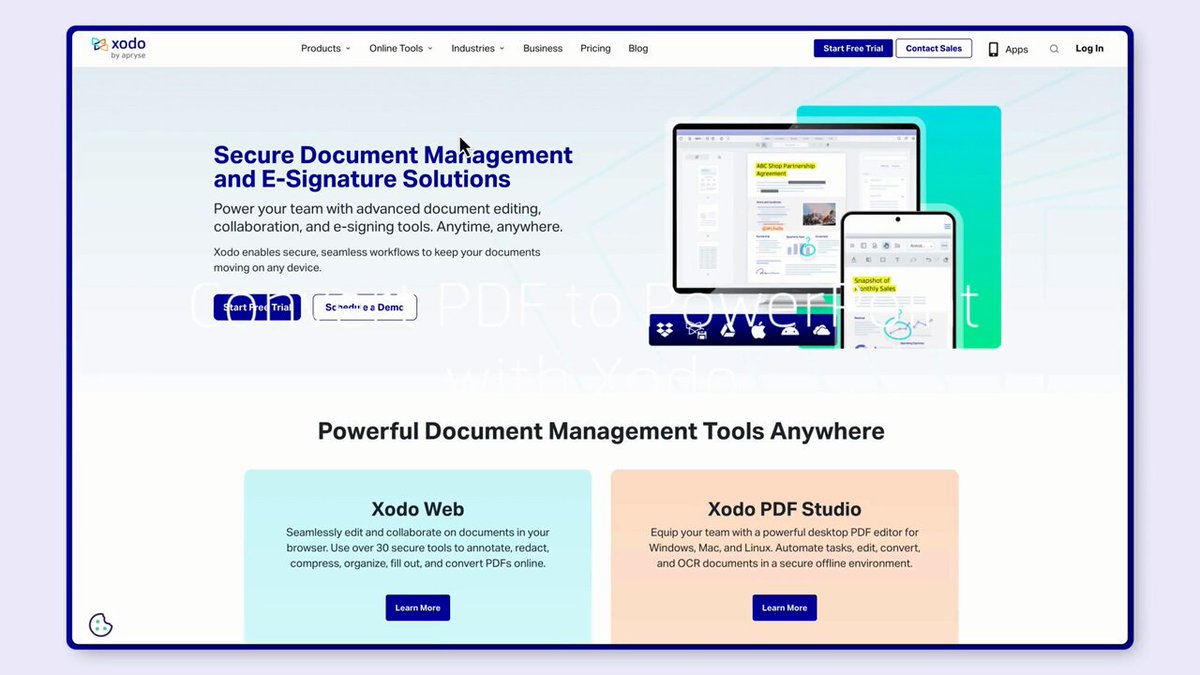
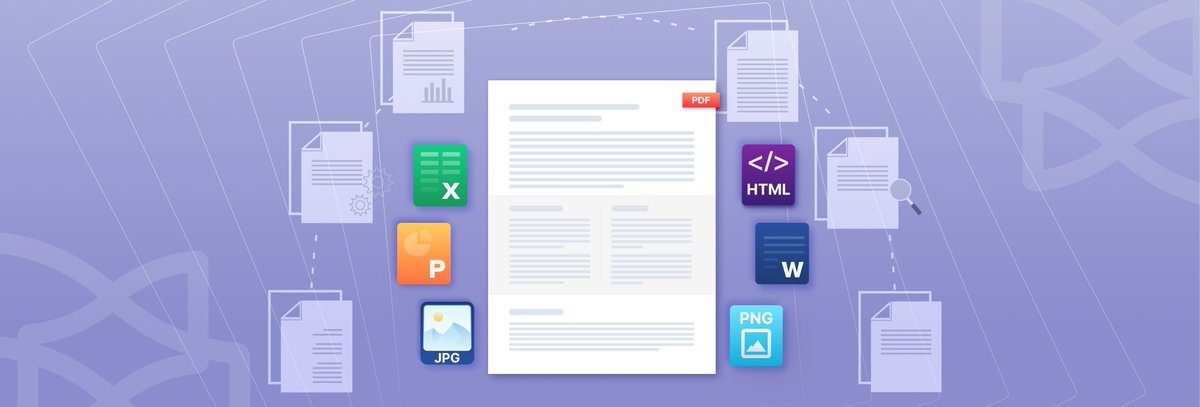


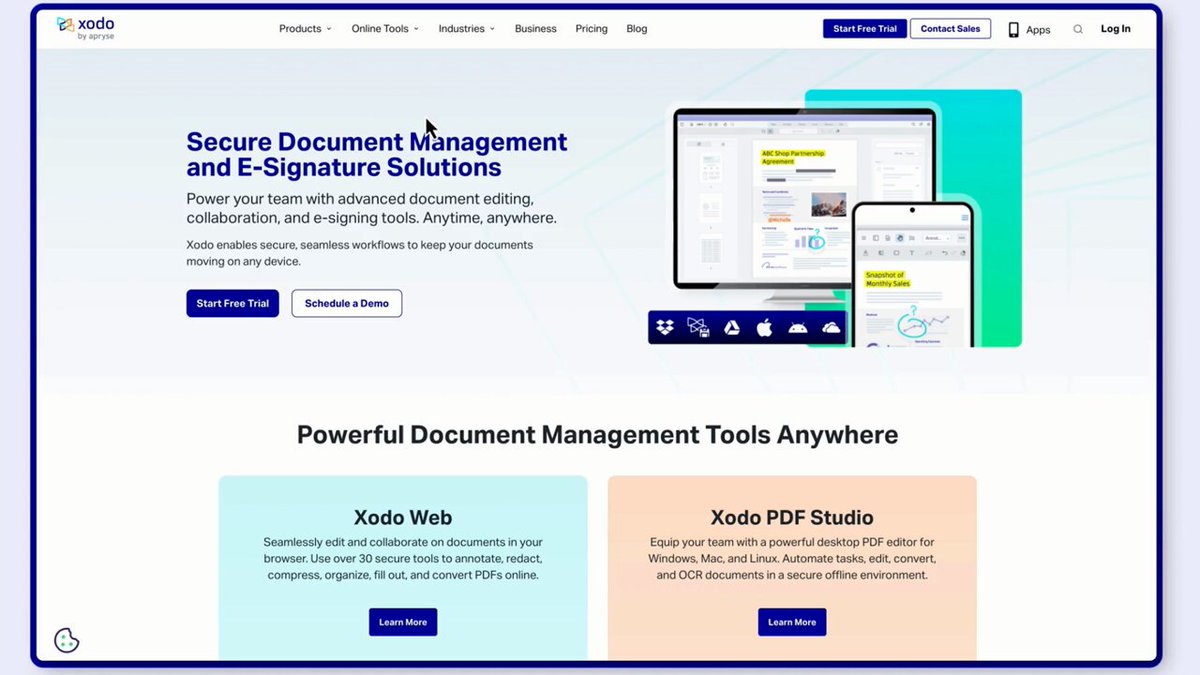

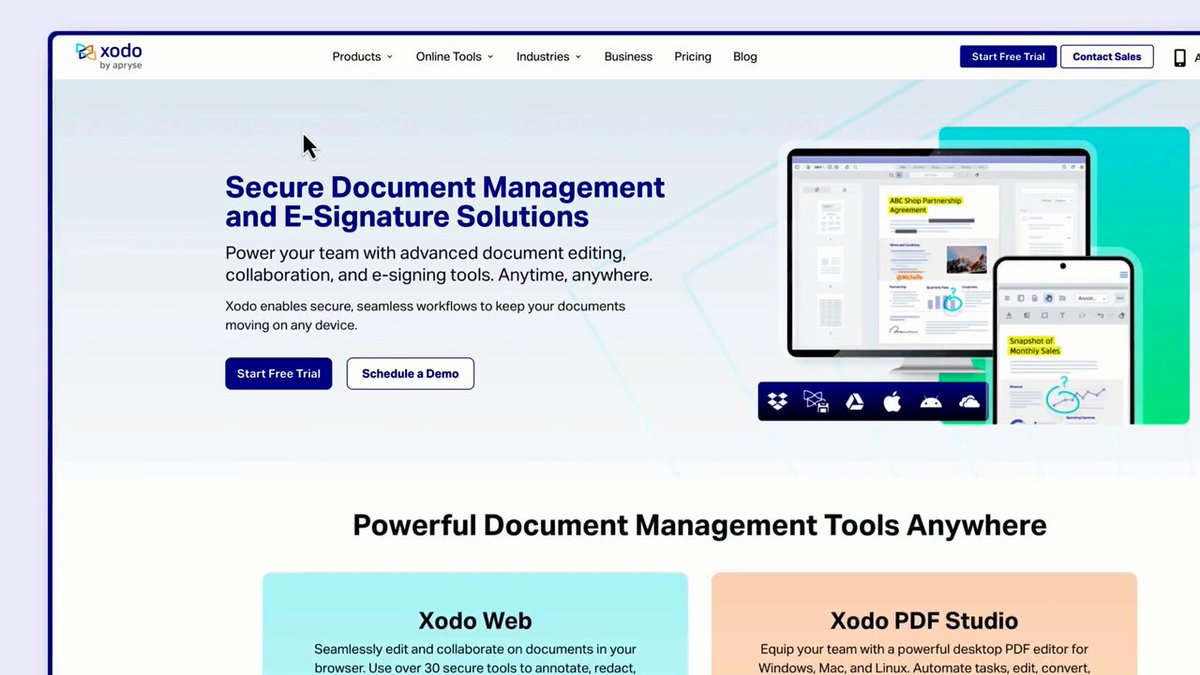

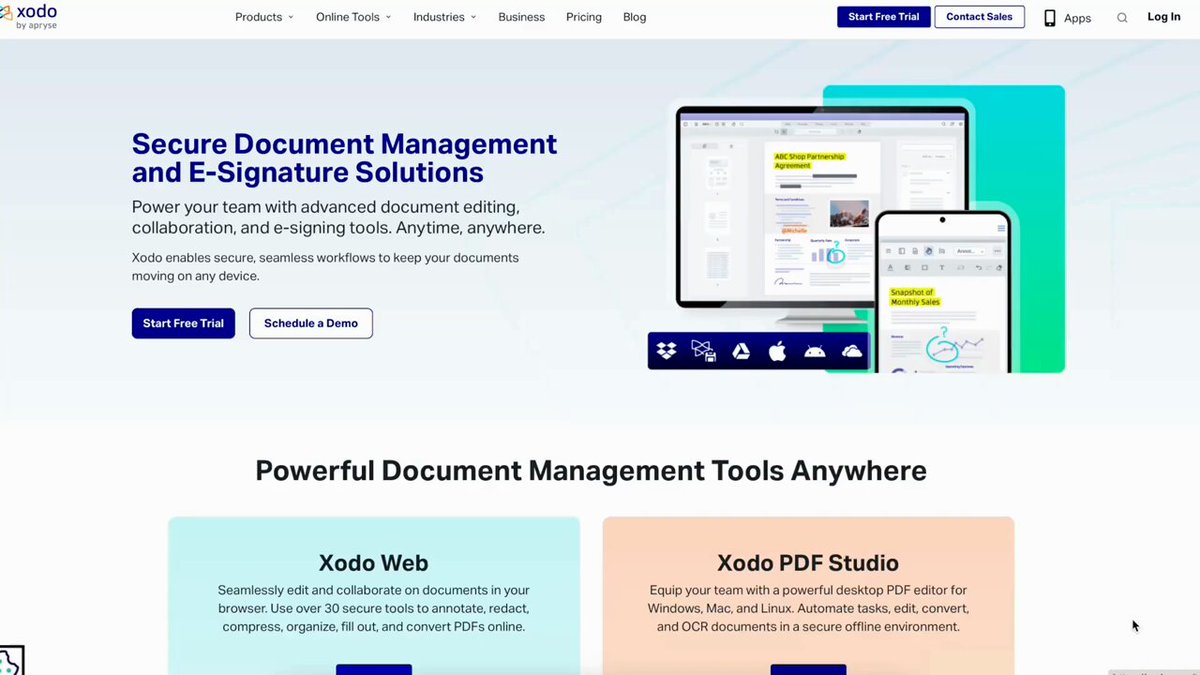



Got a presentation in an hour and your content is still in a PDF? Use Xodo to convert your PDF into editable slides in seconds. It's free and in your browser: xodo.com/tools Here's how easy it is:
#XodoPDF #AdobeAlternative #PDFtool
37
Ever sent a PDF to print and spotted errors after? Before you print or export a PDF for publishing, run a preflight check. Catch missing fonts, color issues, and low‑res images early. Here's how: xodo.com/blog/how-to-preflig…
#XodoPDF #AdobeAlternative #PDFtools
40
That 20-page PDF where you only need 15 of them? Delete the rest in Xodo and send what actually matters. xodo.com/delete-pages-from-p…
#XodoPDF #AdobeAlternative #PDFtool
75
Meet Ivan Guduric, our Digital Marketing Manager!
Give Ivan a messy funnel, shifting search algorithms, and a new AI surface—and he’ll quietly turn it into a clear path to our product. Nearly 10 years in, he’s still solving problems for users first.
#TeamXodo #XodoPDF #PDFeditor
62
Spot the difference, but make it workflow. Xodo’s PDF Compare on the web shows what changed between two PDFs in seconds. Here is how to.
Try Xodo today: xodo.com/tools#app
#XodoPDF #PDFtools #AdobeAlternative
40
Convert your PDFs to Word with Xodo in your browser. No extra installations needed. See it in action 👇🏻
#XodoPDF #Productivity #PDFconversion
1
45
Meet Kieran Lee, Xodo's Global Sales Manager, connecting organizations worldwide to the PDF solutions they need. When you're looking to solve your workflow chaos and a sales conversation happens, he's exactly who you want in the room!
#TeamXodo #XodoPDF #PDFeditor
145
Blacking out text in a PDF doesn't redact it. The data is still there, it's just hidden.
Permanent redaction strips it from the file entirely. Here's how 👇🏻
#XodoPDF #Productivity #PDFediting
1
45
Adobe Acrobat isn't your only option for editing PDFs. See why customers choose Xodo, a more intuitive and cost effective option.
Here are three ways to edit your PDFs with Xodo: xodo.com/blog/how-to-edit-a-…
#XodoPDF #AdobeAlternative #PDFtools
54
Started a PDF at your desk, need to finish it at home?
Xodo works on desktop, web, and mobile. No switching tools or emailing files to yourself like it's 2009: xodo.com/
#XodoPDF #PDFeditor #Digitaltransformation
41
End of the week PDF mess? Here's what helps:
-Compress files you're keeping
-Merge related docs
-Lock down final versions
-Flag what needs follow-up
Xodo PDF Studio does all of it: xodo.com/pdf-studio
#XodoPDF #AdobeAlternative #PDFtools
1
86
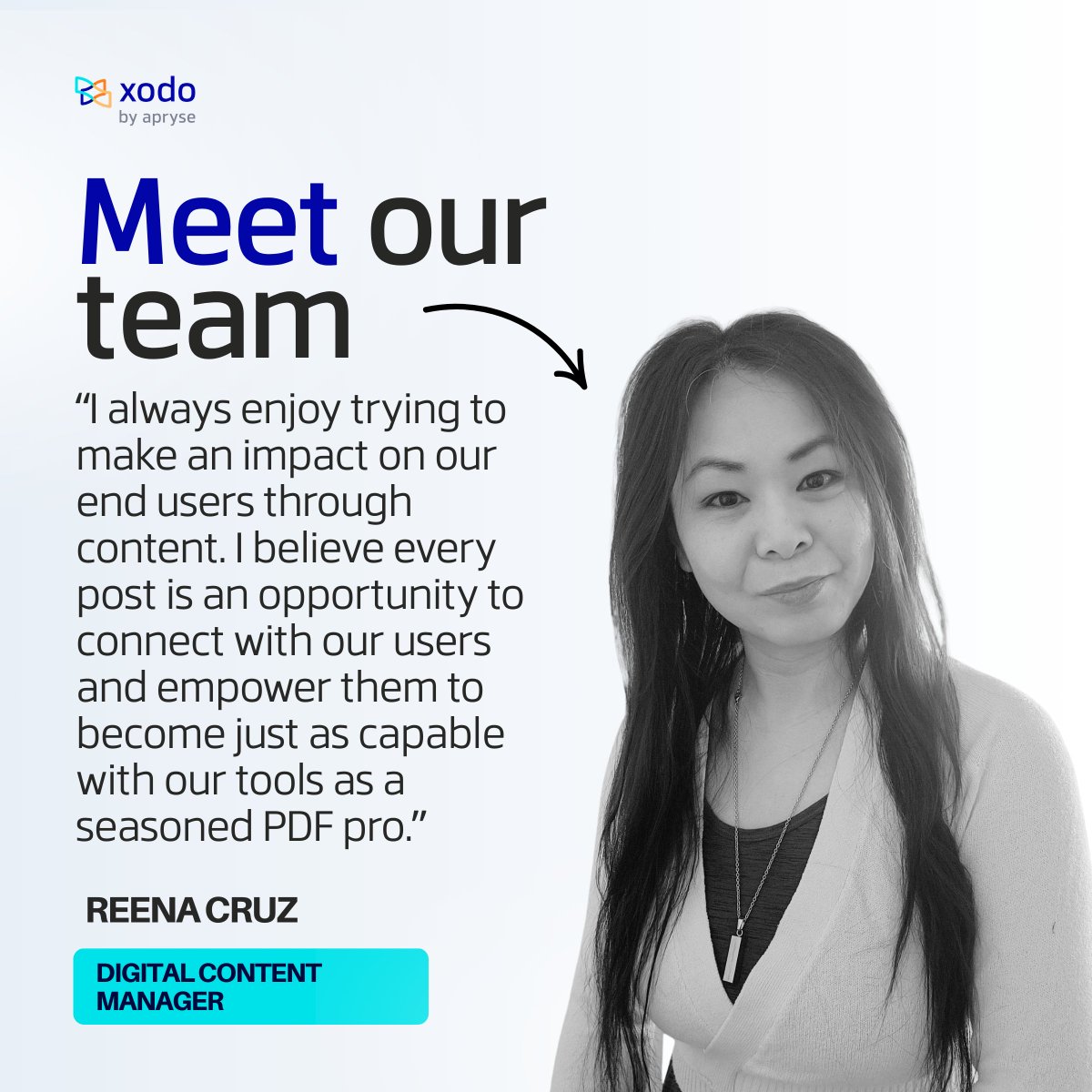
Meet Reena Cruz, the digital content creator behind the Xodo and Xodo Sign blogs. ✍️
She turns technical PDF tools into practical tips, helping Xodo users master their PDF workflows one post at a time.
#TeamXodo #XodoPDF #PDFeditor
1
2
179
Three ways to edit a PDF without Foxit:
-Desktop (Windows, macOS, Linux)
-Browser (no install)
-Mobile (Android, iOS)
Learn more here: xodo.com/blog/how-to-edit-a-…
59
PDF shows up while you're out? Mark it up, sign it, send it back—all from your phone. No need to wait. Xodo Mobile keeps your files moving: xodo.com/mobile-apps
#XodoMobile #PDFTools #WorkOnTheGo #XodoPDF
28
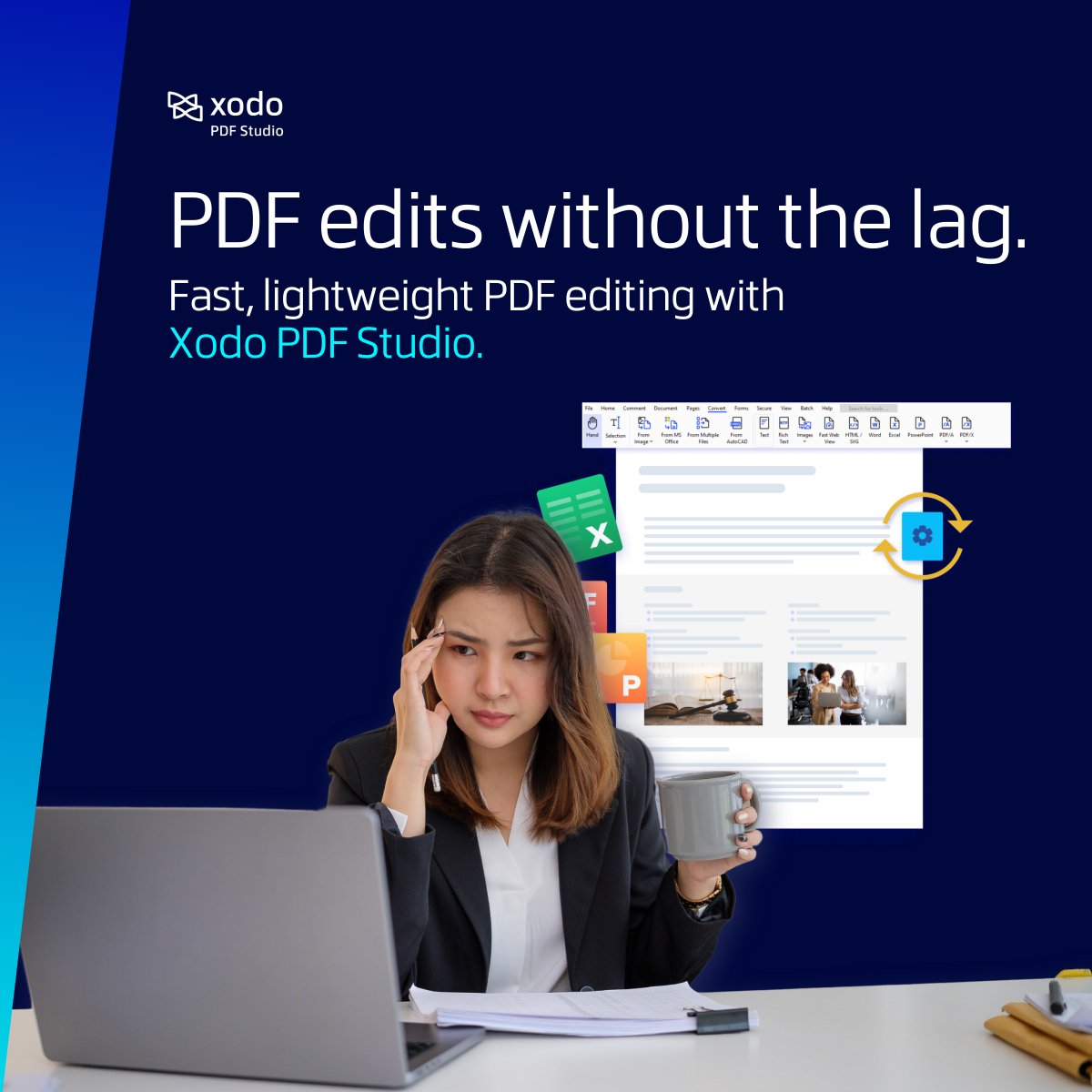
Ready to sign off but your PDF is still saving?
Xodo PDF Studio runs lighter, faster and doesn't make you wait around for basic tasks.
You can edit, convert, and sign without wondering if it's going to hang up on you: xodo.com/pdf-studio
#XodoPDF #AdobeAlternative #PDFtools
30
PDFs in 2026 still act like scanned paper. Good for storage, useless for workflows.
Xodo extracts data from PDFs, routes approvals automatically, and connects to the tools you already use.
Learn more: xodo.com/blog/future-of-pdfs…
#XodoPDF #Adobealternative #PDFtools
18
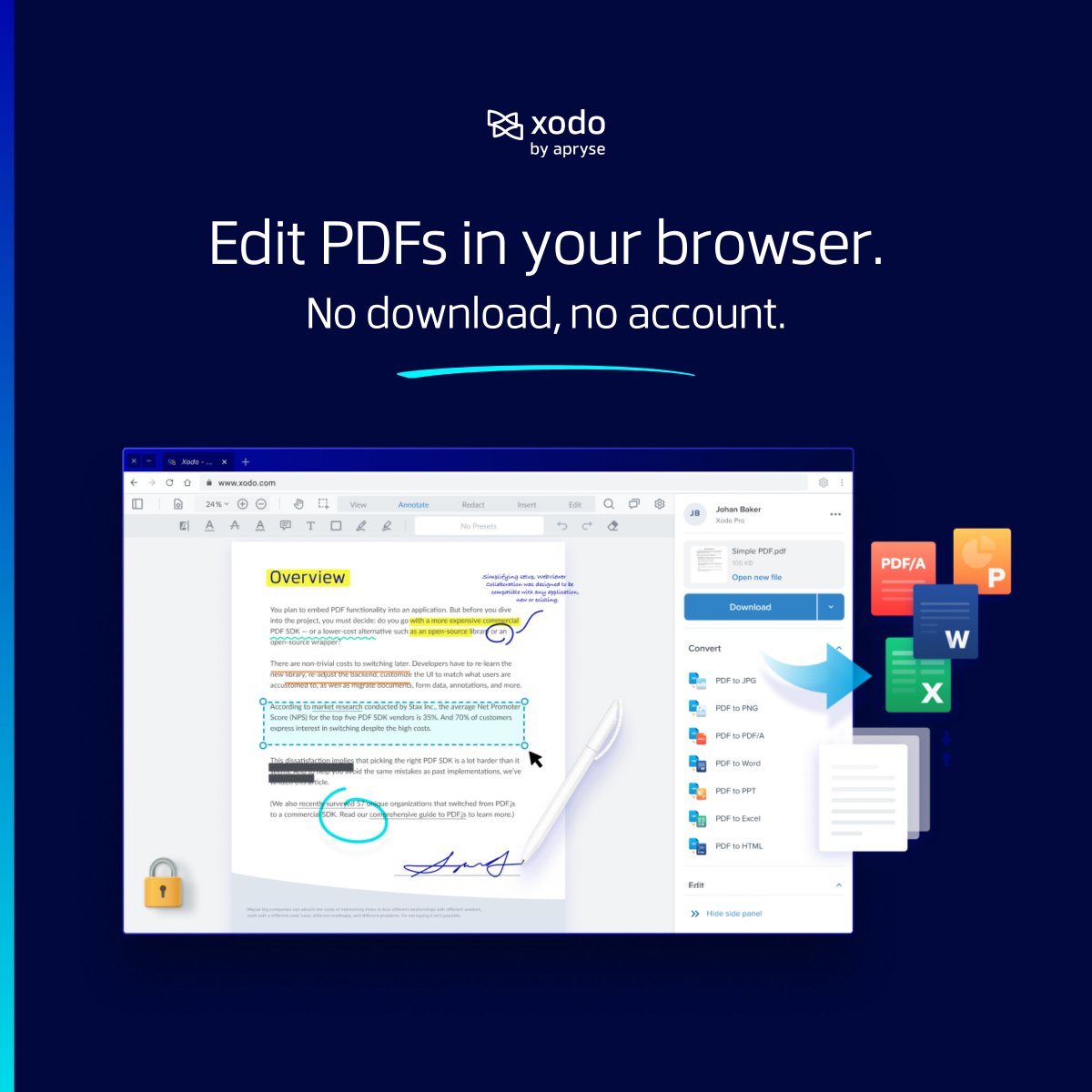
Need a quick PDF edit? Skip the download.
You can use Xodo Web's PDF tools to extract pages, sign docs, or add comments.
No installation or account needed for the basics: xodo.com/tools
#XodoPDF #Productivity #PDFediting
38
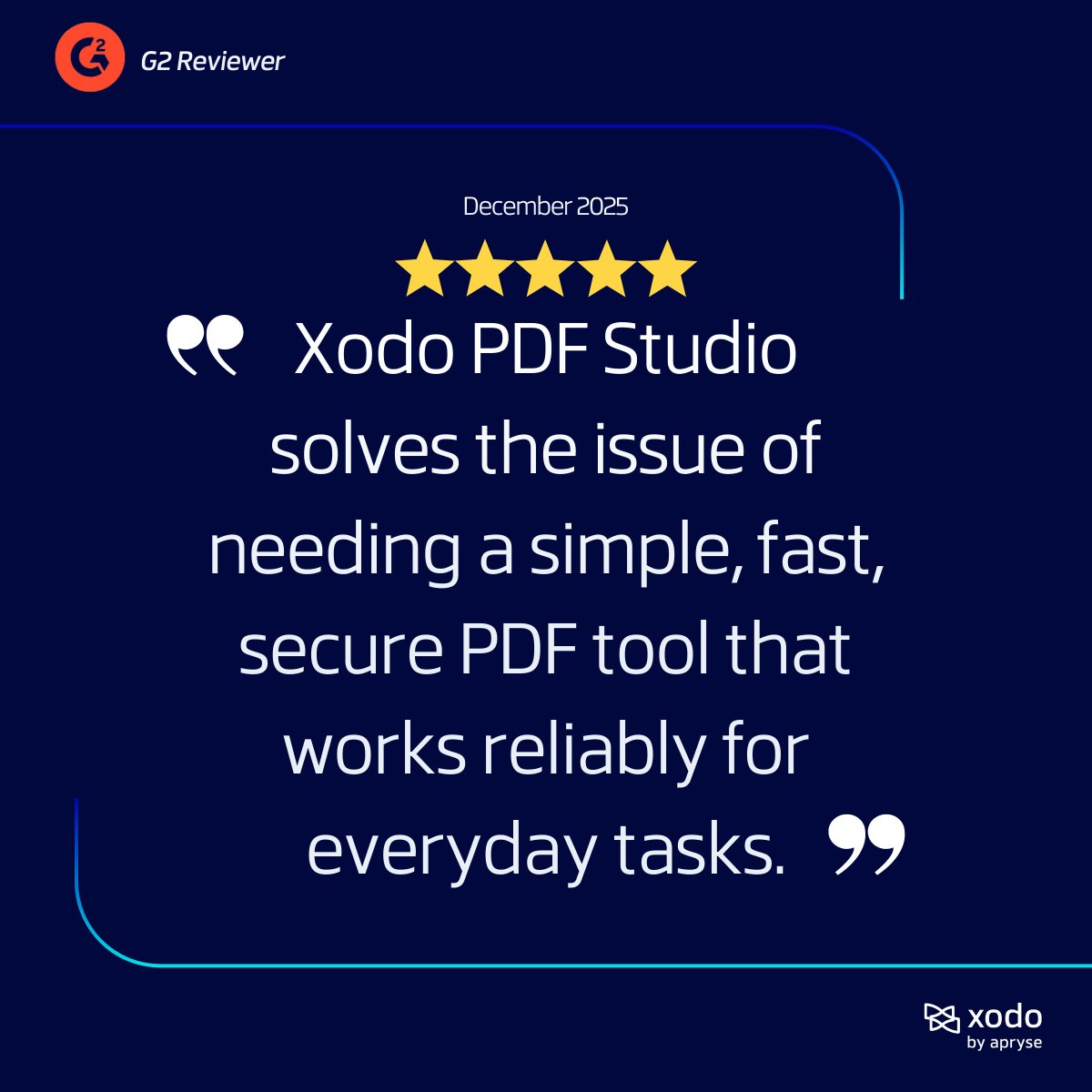
Valentine's Day, a reminder to appreciate the people who use what we build.
Thanks for being part of Xodo. 💙
#PDFeditor #AdobeAlternative #XodoPDF
24
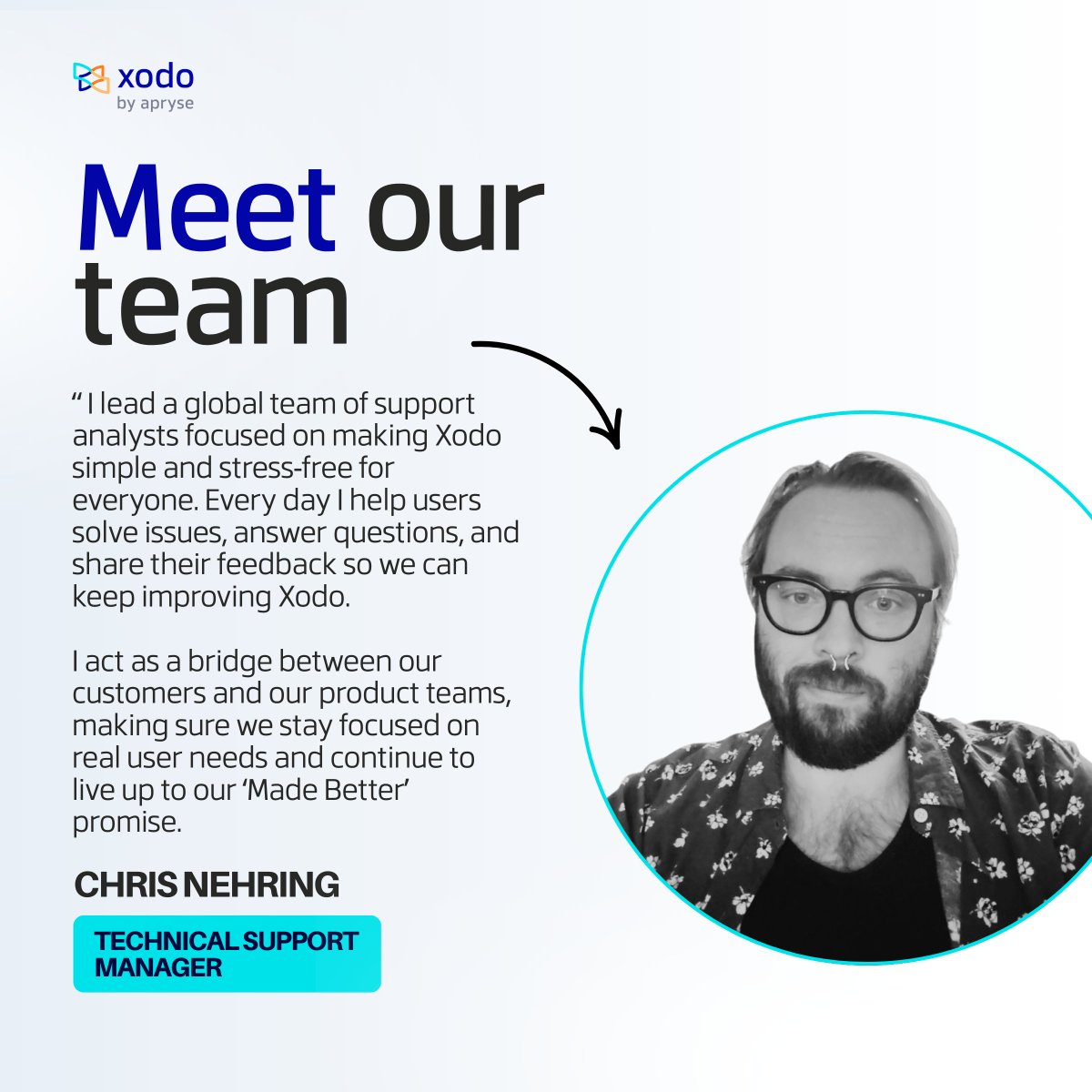
Meet our Technical Support Manager, Chris Nehring, leading a global team dedicated to making every Xodo experience smooth, friendly, and frustration‑free for users around the world.
#TeamXodo #XodoPDF #PDFeditor
45