
A fren in search of more fam — Esquire, Gamer, Web3 enthusiast.
Joined November 2022
- Tweets 3,282
- Following 2,742
- Followers 809
- Likes 18,628
1,890 Photos and videos













Hip Ξ retweeted

Apr 15
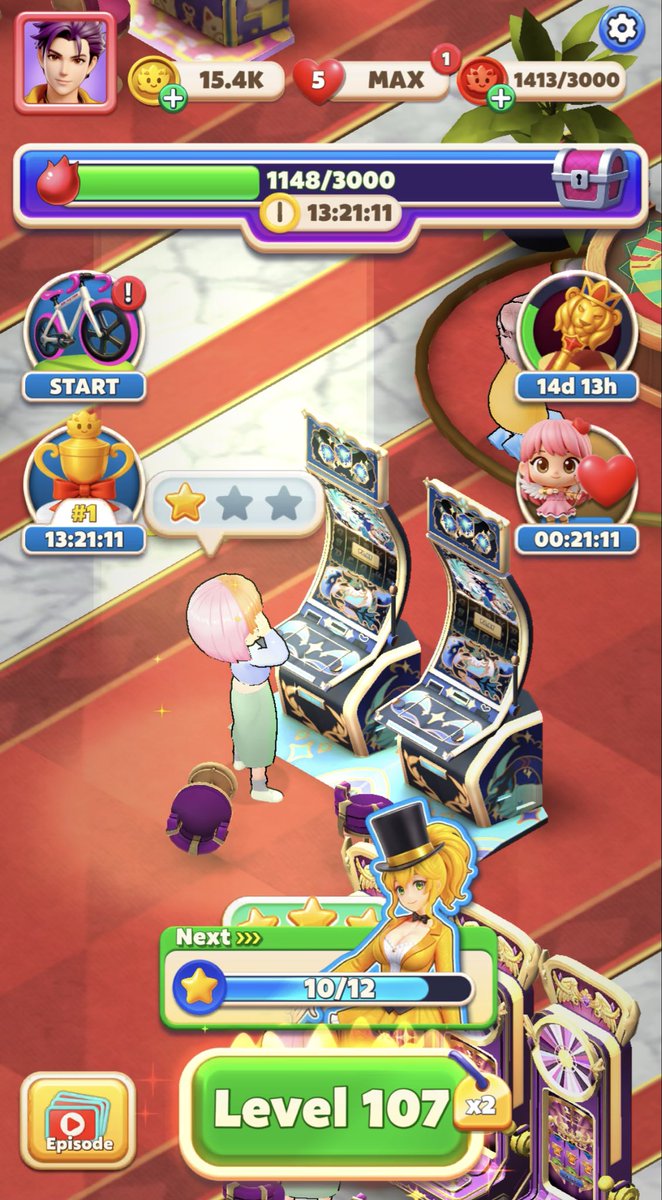
We’ve officially launched a limited test of @limitbreak first mobile game: Puzzle Panic!
Now live on iOS in New Zealand, Australia, and Singapore.
98
123
308
147,727

Vorians WL mint is live on @bleverxyz!
👉blever.xyz/drops/vorians
31
17
96
15,663
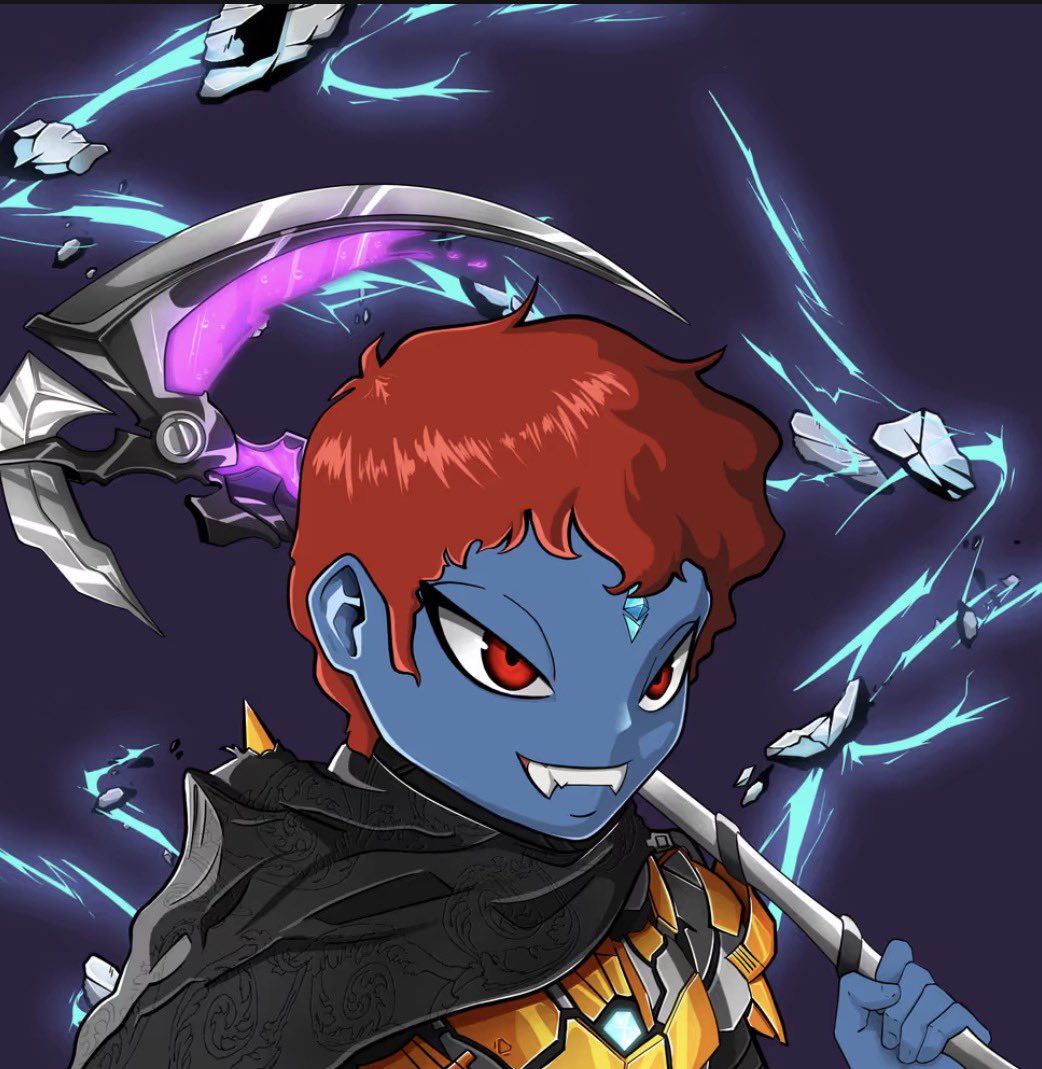
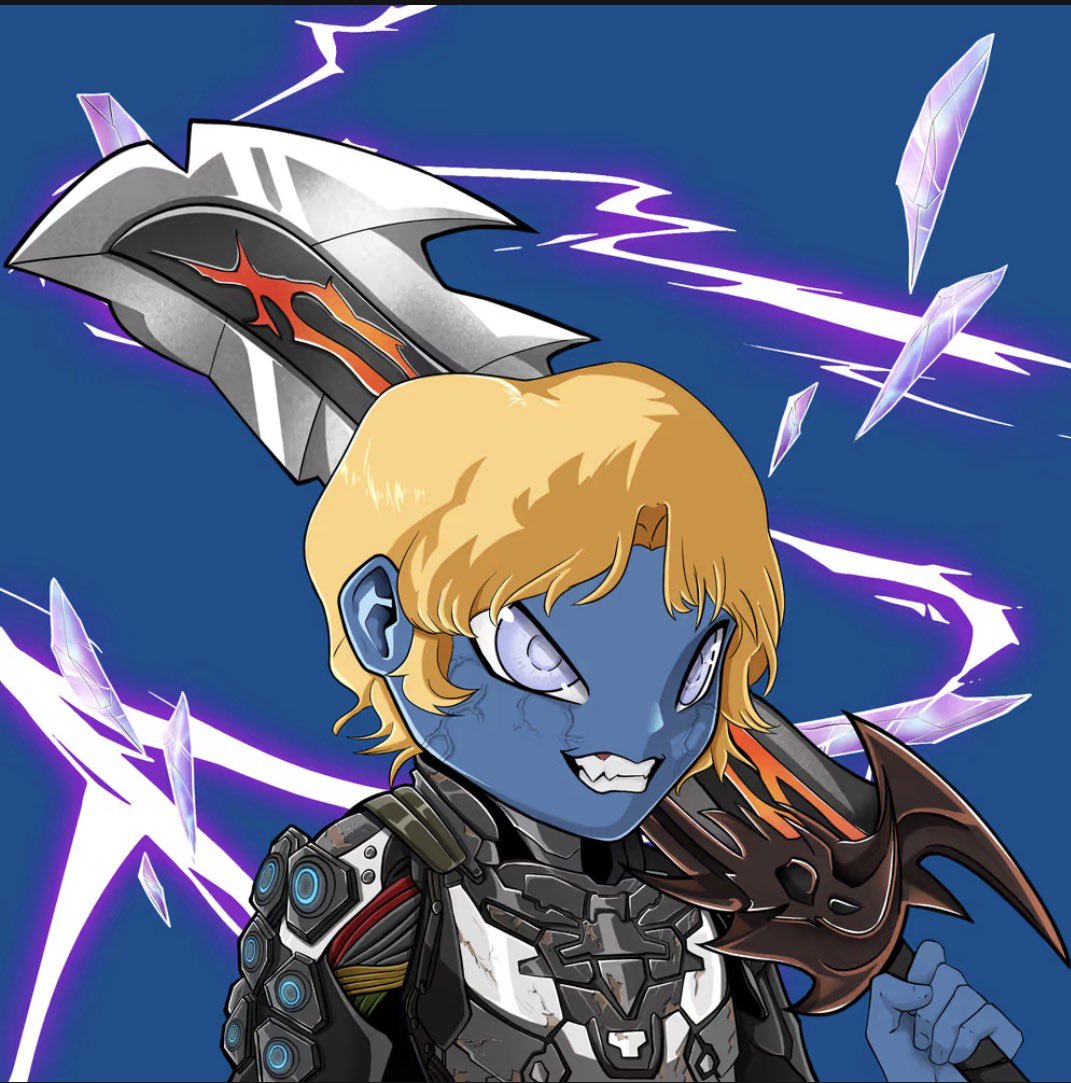
Awesome work, @prollynuthin and @VoraXYZ team! Here are some of my favorites. Team blue for sure.
@VoraXYZ keeps building in the background. 👊😎
1
1
1
157
Signed up. @limitbreak Testnet inbound.
Mar 4

Limit Break is building a next-generation blockchain experience.
Be the first to know when testnet opens. 👇
1
1
5
178
Hip Ξ retweeted

Jan 7
We let the Vora community decide and @ApeChainHUB was chosen as the chain we'll be deploying on
We're in the trait curation phase and will be kicking off wallet collection next week
Goal is to keep this collection small & highly curated
Can't wait for ppl to collect these
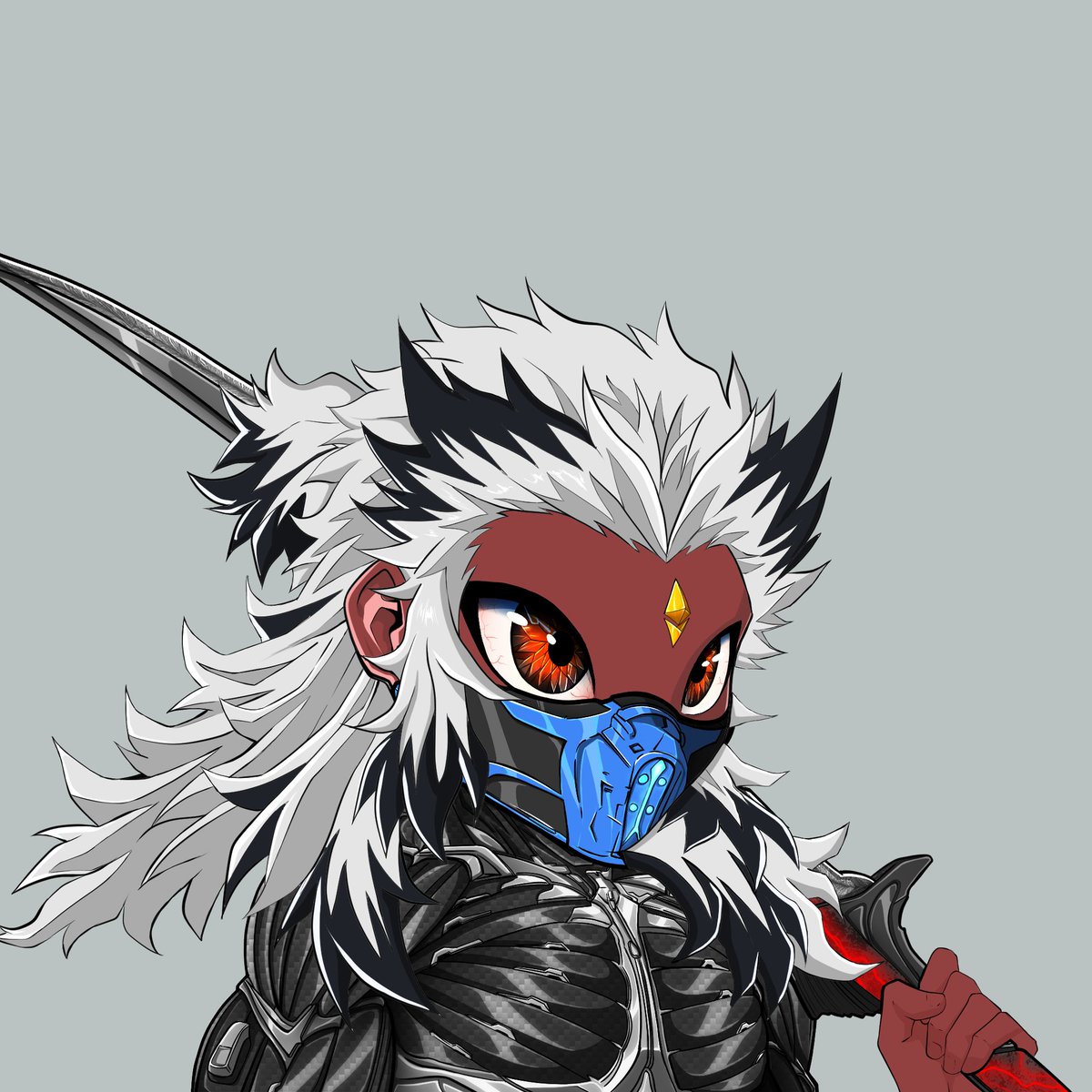

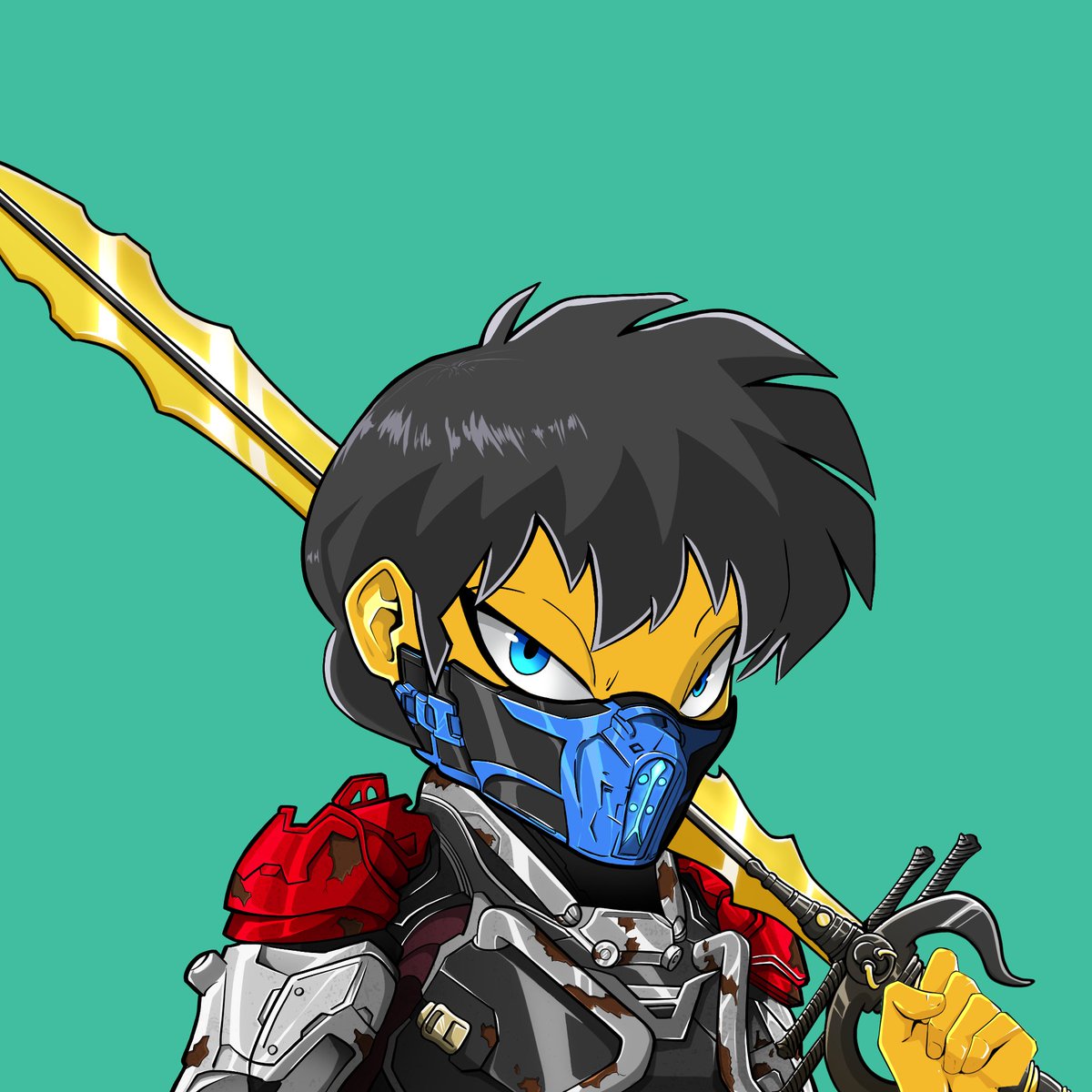
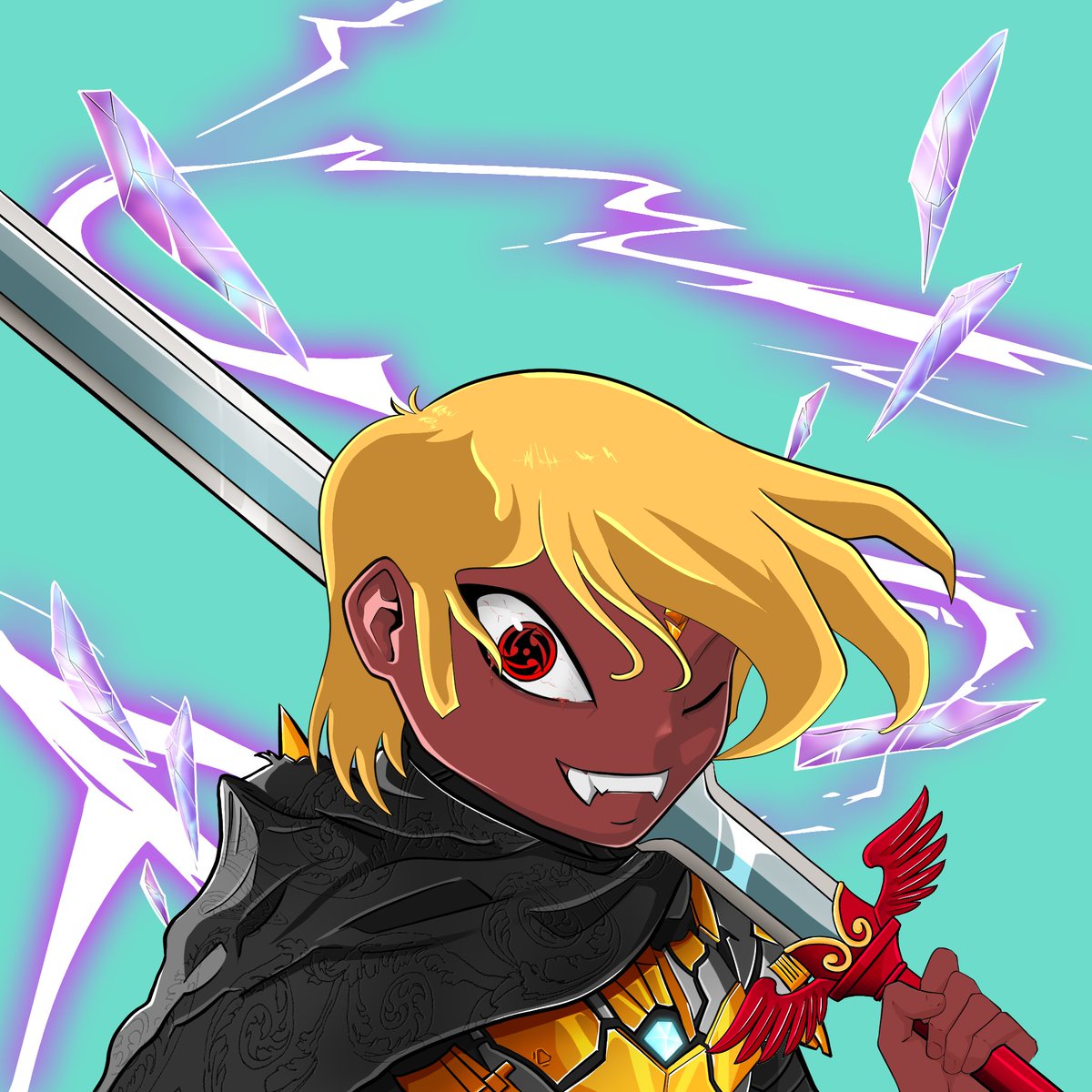
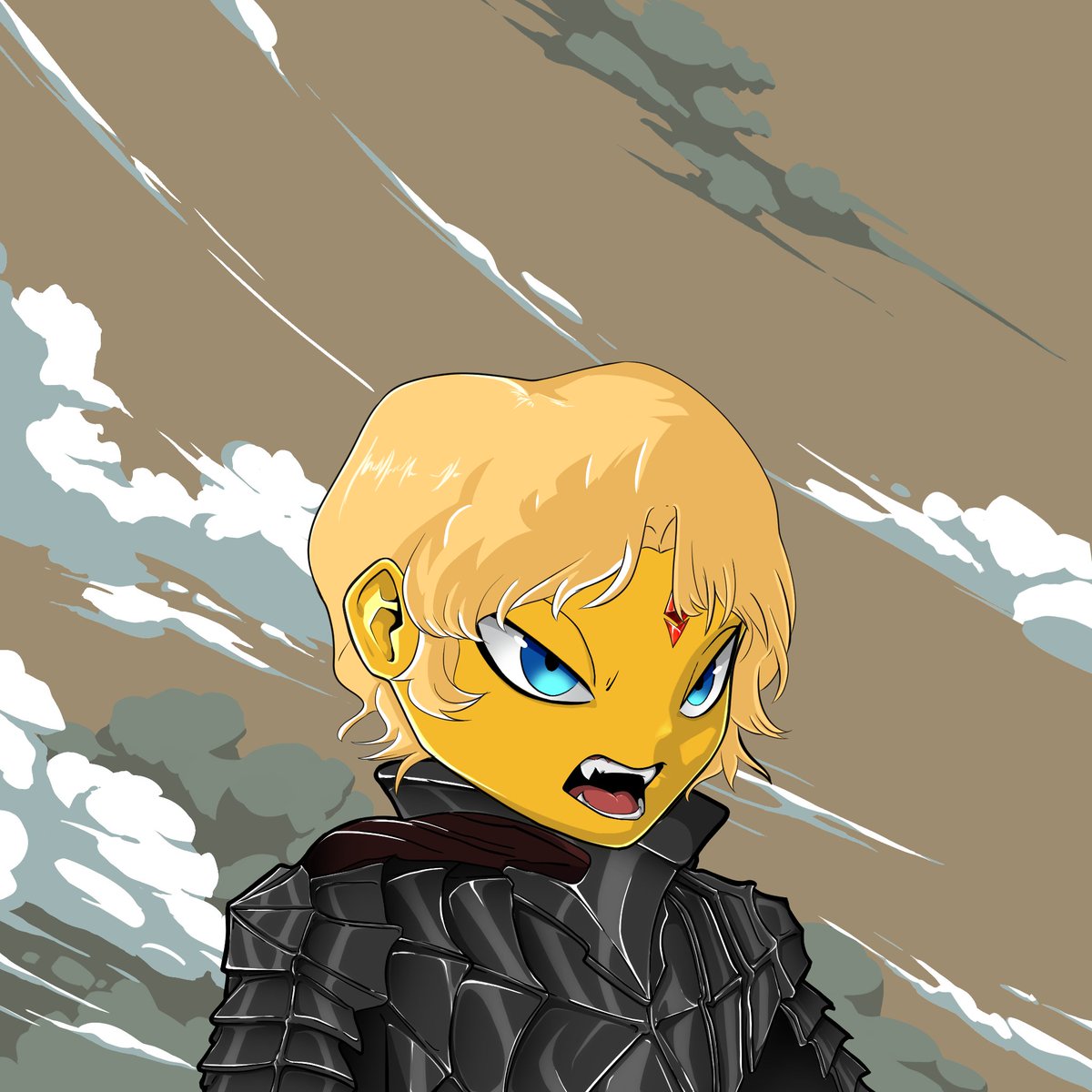
The Vora community voted and selected ApeChain!
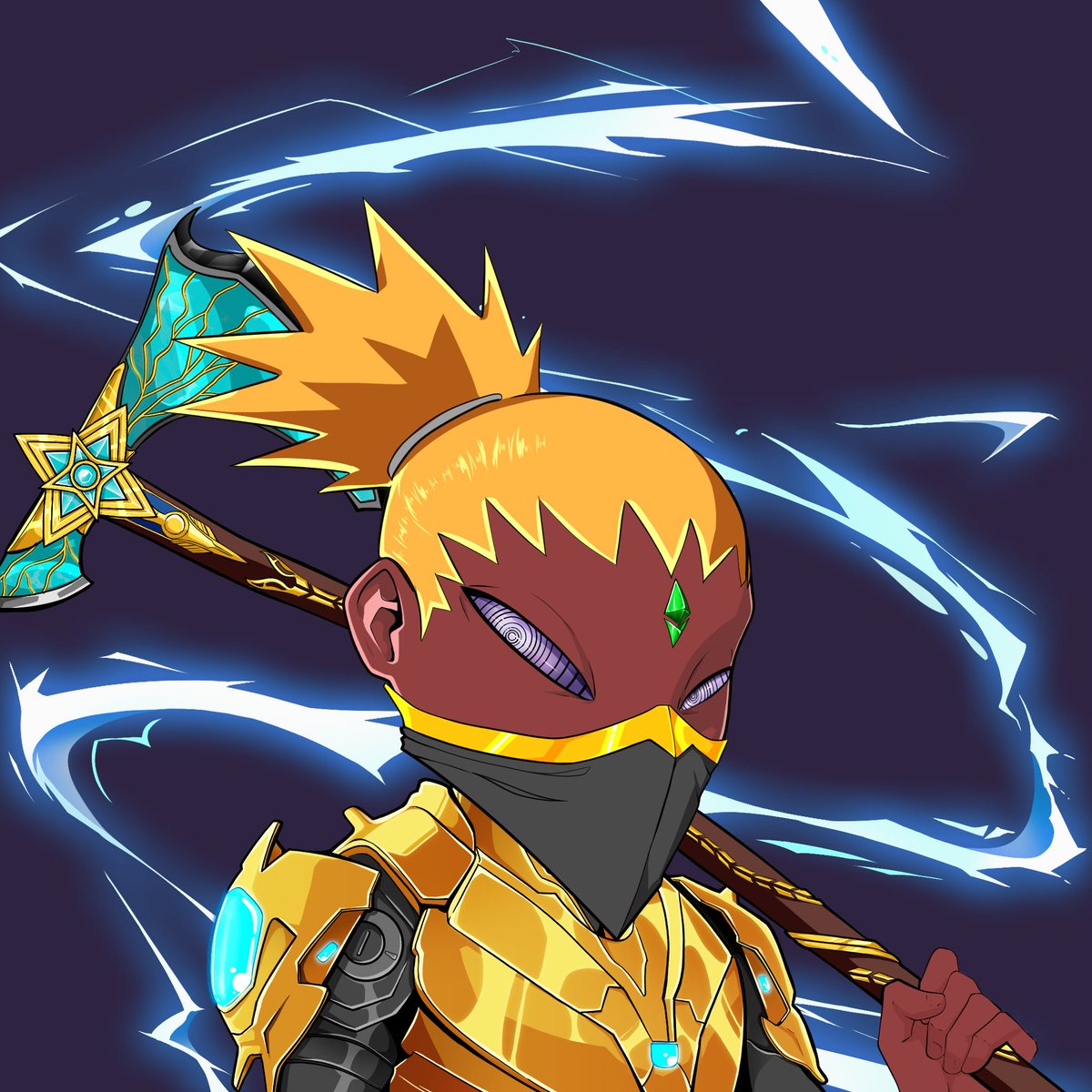
The Vora Avatar drop will take place on @ApeChainHUB
We’ll begin wallet collection in the coming week
In the meantime, here’s some eye candy 🍭
12
8
33
1,119
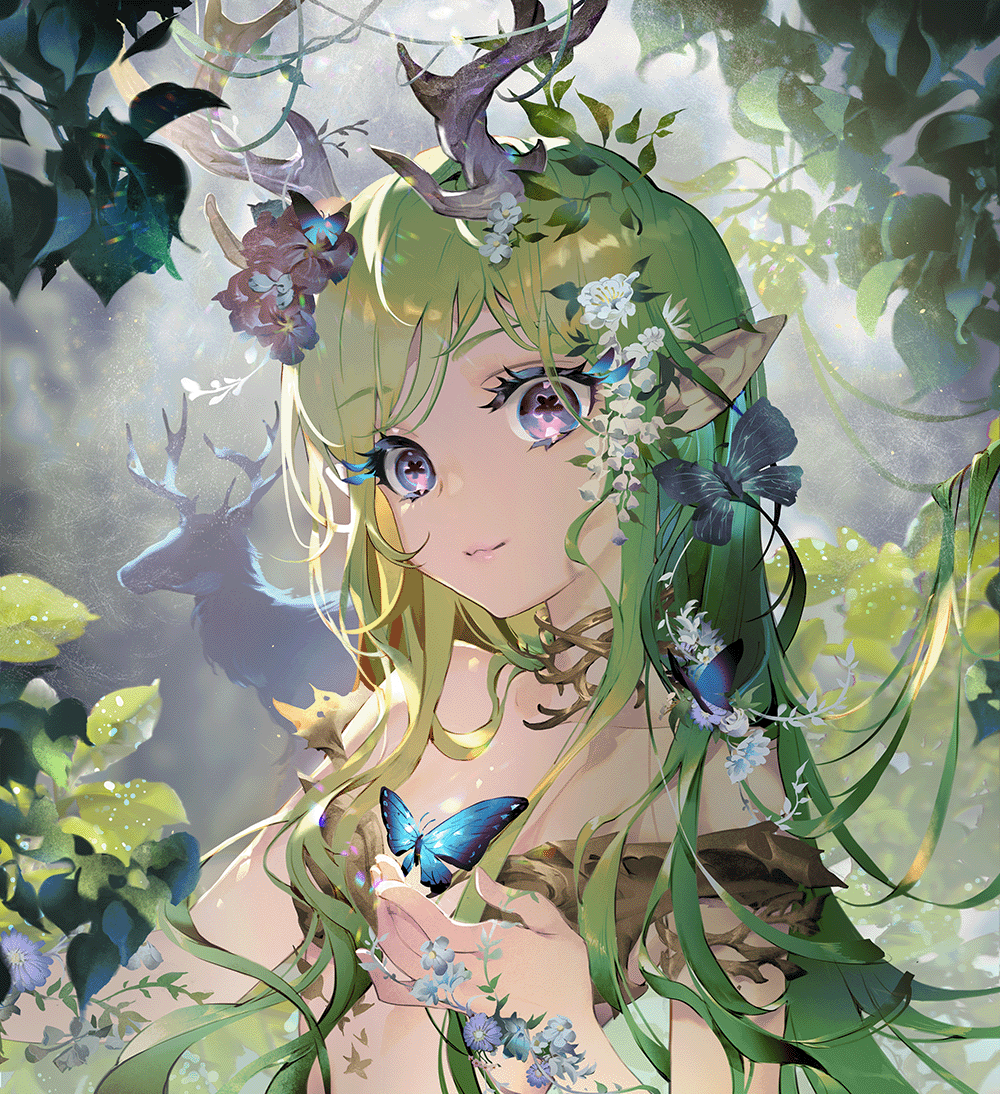
The future is bright for @CultofDigi! Tatania is a digi of the people for the people.
17 Dec 2025

1/ 🚨NFT ANNOUNCEMENT
Today together with DigiCult we've officially acquired one of the five unique @DigiDaigaku Mythic sets for a total of 15 ETH in a private deal with @varrock.
Holdings:
1 Mythic Genesis - Titania
1 Mythic Hero - Bahamut
1 Mythic Super Villain - Whisperer Of Duality
1 Mythic Giant Dragon - Mater Natura
Now @CultofDigi.
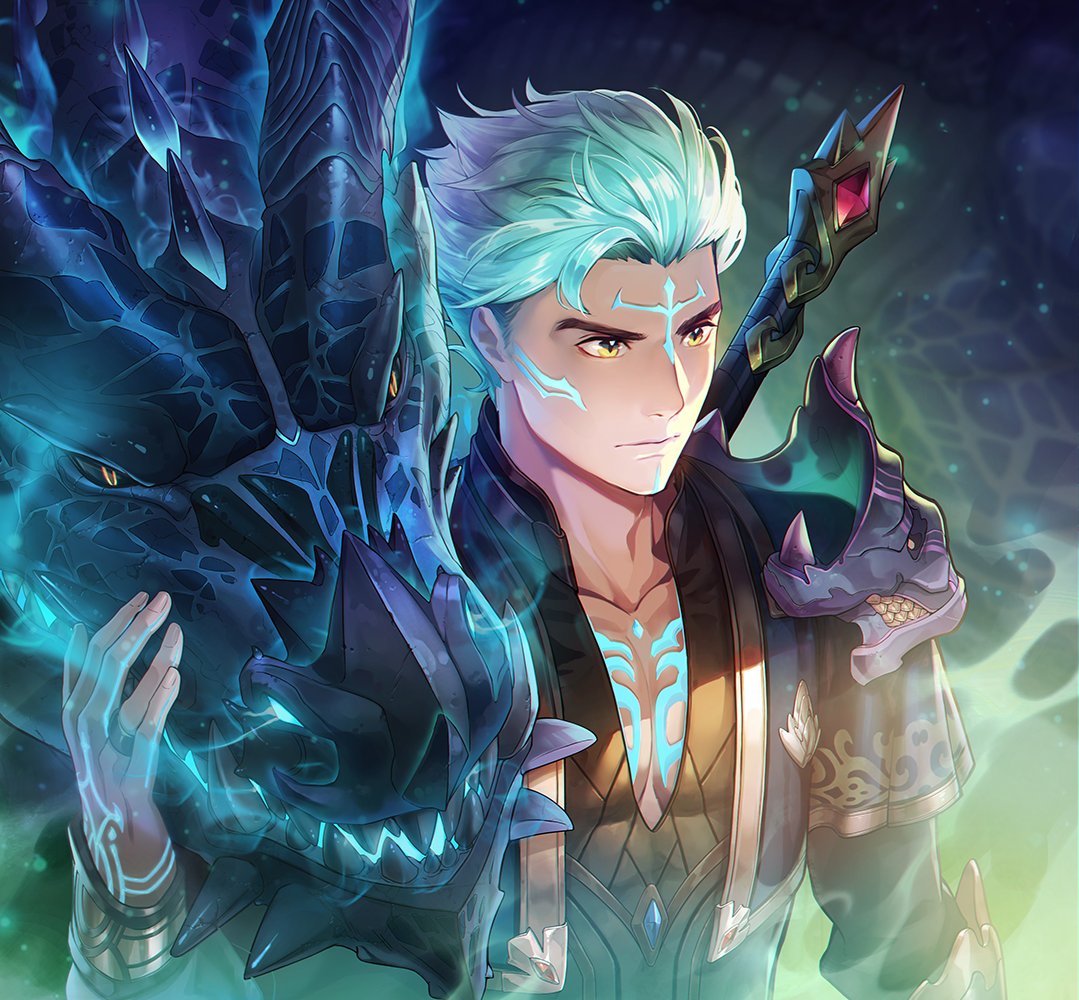
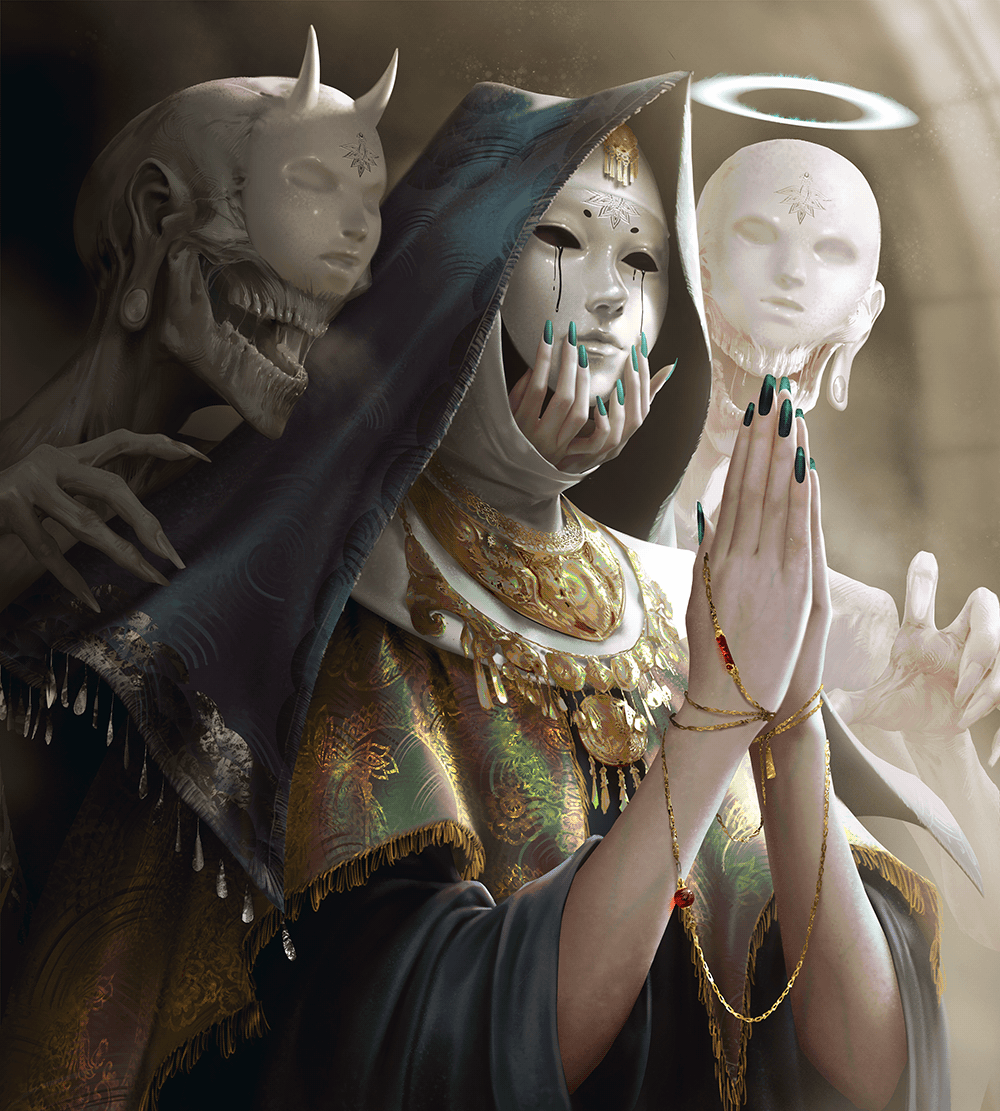
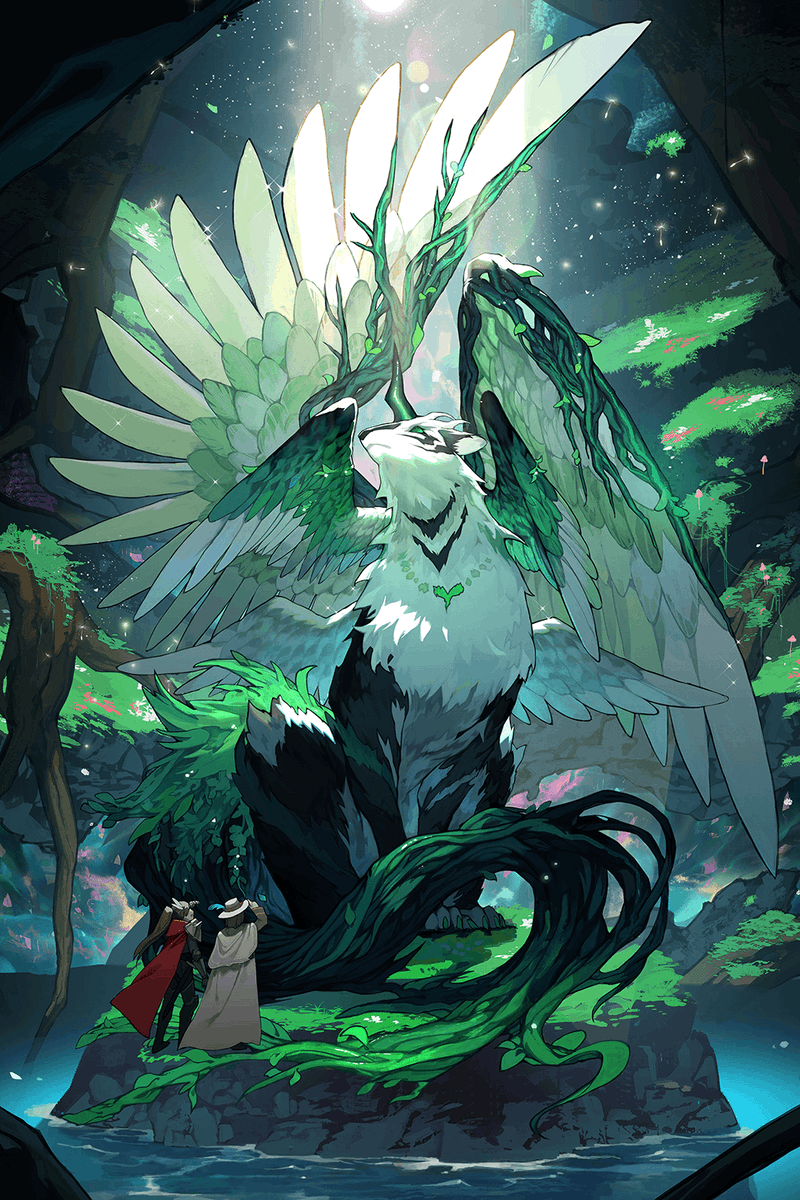
2
8
221
Hip Ξ retweeted

28 Nov 2025
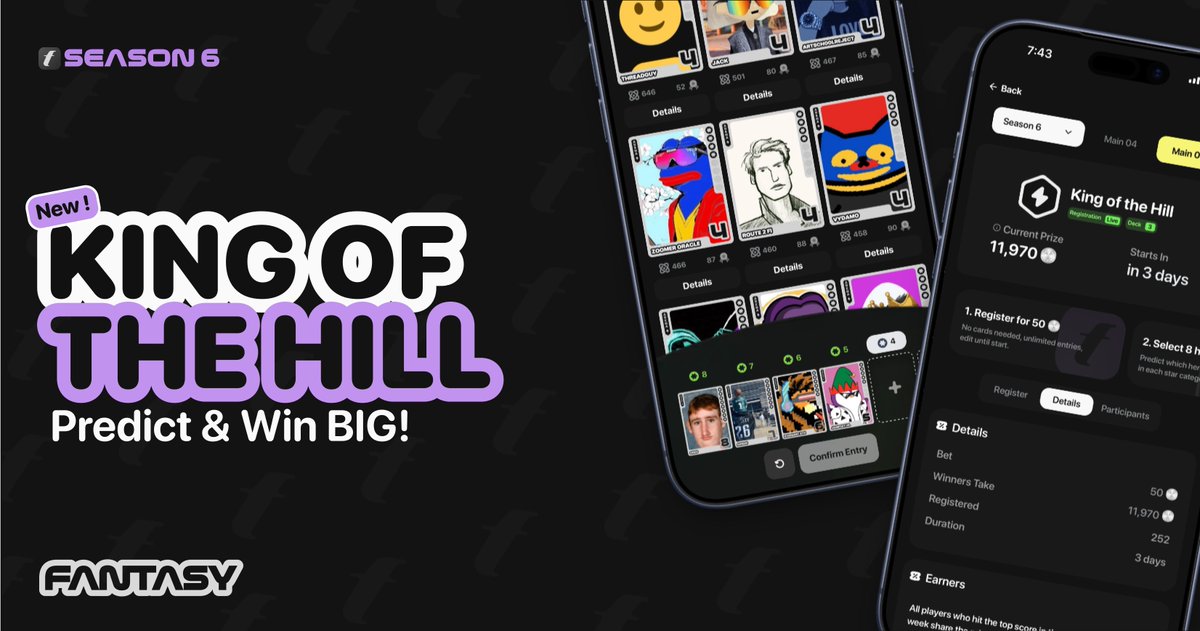
King of the Hill is LIVE 👑🏔️
Fantasy’s newest game mode is now LIVE TO PLAY in the app!
This simple prediction game lets anyone jump into the competition, no cards needed, with the chance to go for uncapped gains each week.
Learn how to play below ⏬
40
333
324
18,640
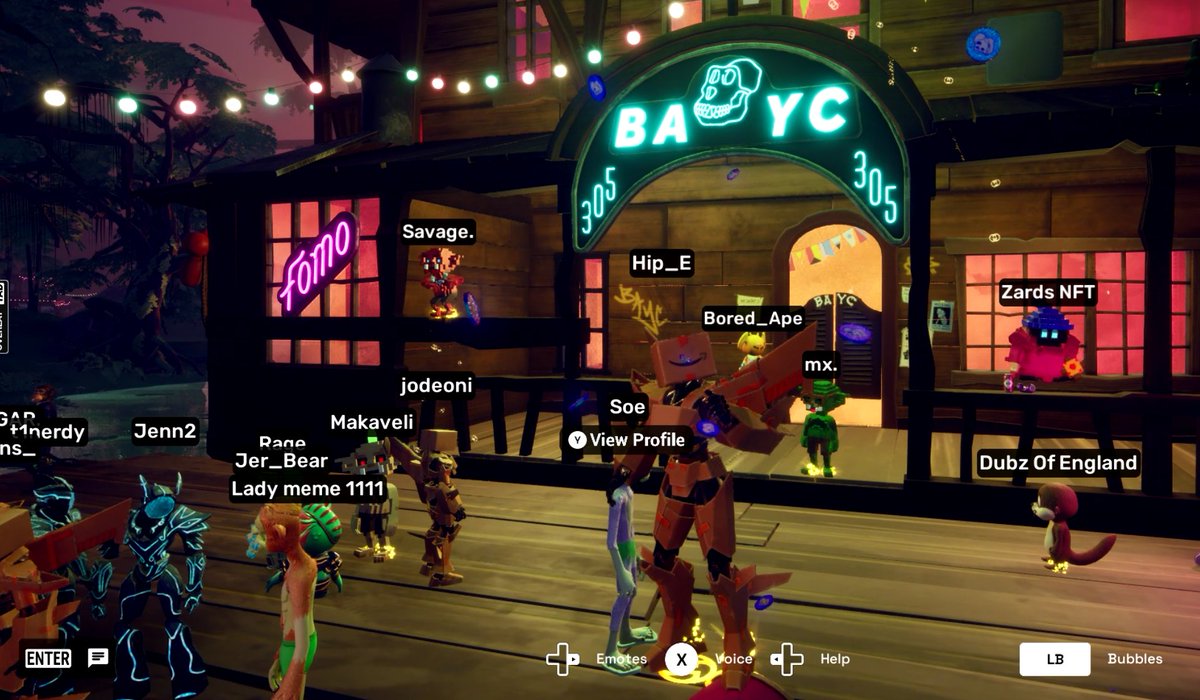
Just throwing some @apecoin around in front of the @BoredApeYC Club House in my new @AMZNVideoGames Boximus avatar. @OthersideMeta has so much potential, how can anyone not be bullish!
3
91
If anyone needs a MetaMask referral (doubles your onboarding points) … feel free to use mine.
S8PC2G
Past history helps level up.
28 Oct 2025

MetaMask Rewards Season 1 is now LIVE! 🦊
Over $30M in rewards are up for grabs - here’s how you can secure yours. 🧵👇
1
131
I got my @opdotxyz OP Pass... have you? Thanks, @prollynuthin... can't wait to see where this team takes us!
25 Sep 2025

🔑 The OP Pass Presale has begun.
The OP Pass is your key to the ecosystem, unlocking collectibles, priority access, recognition, and evolving perks as the platform grows.
This round is reserved for our early believers:
• OP Creators
• OP Ambassadors
• OP Partners
• OG Badge holders
• Claimed 3 OSFM badges
• Icy ApeChain holders
• Claimed 10 badges in the past 90 days
The gates will open wider soon.
You can check if you have access on our OP Pass presale page (link below) 👇
1
4
156
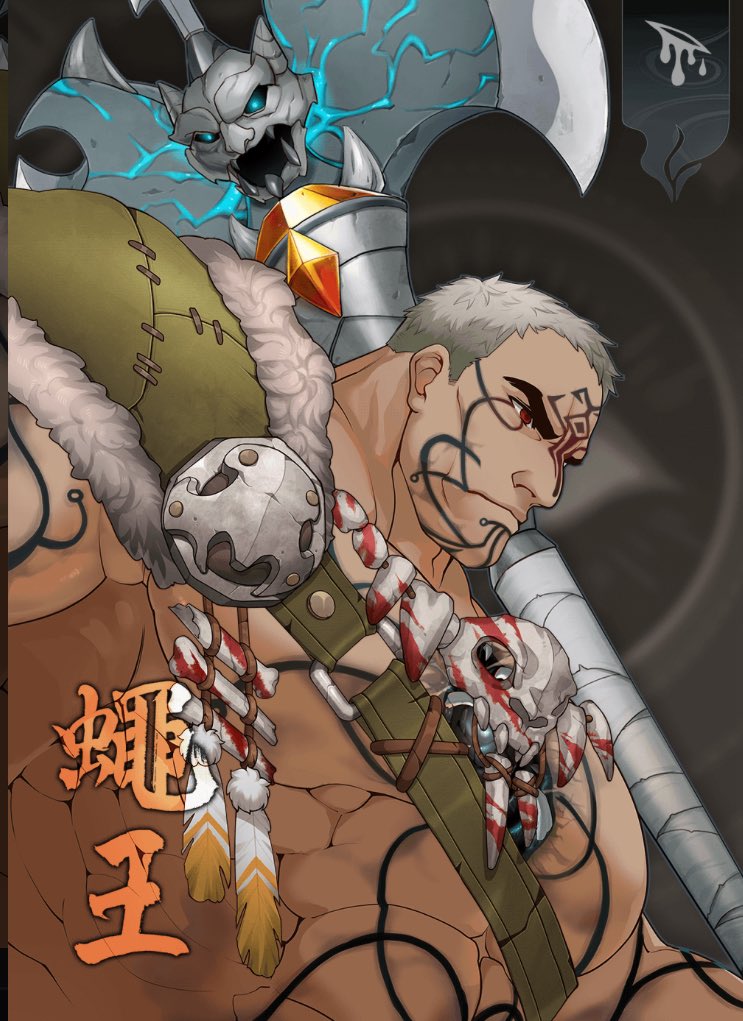
Welcome Kyodai! Some of the best art in the @DigiDaigaku universe!
Don’t sleep on @gabrielleydon and the @limitbreak team are cooking 👨🏻🍳…
2
212
The best projects are the ones that build over years in silence. Keep an eye on @Vora_xyz @prollynuthin and team have been grinding since the bear.
4 Sep 2025

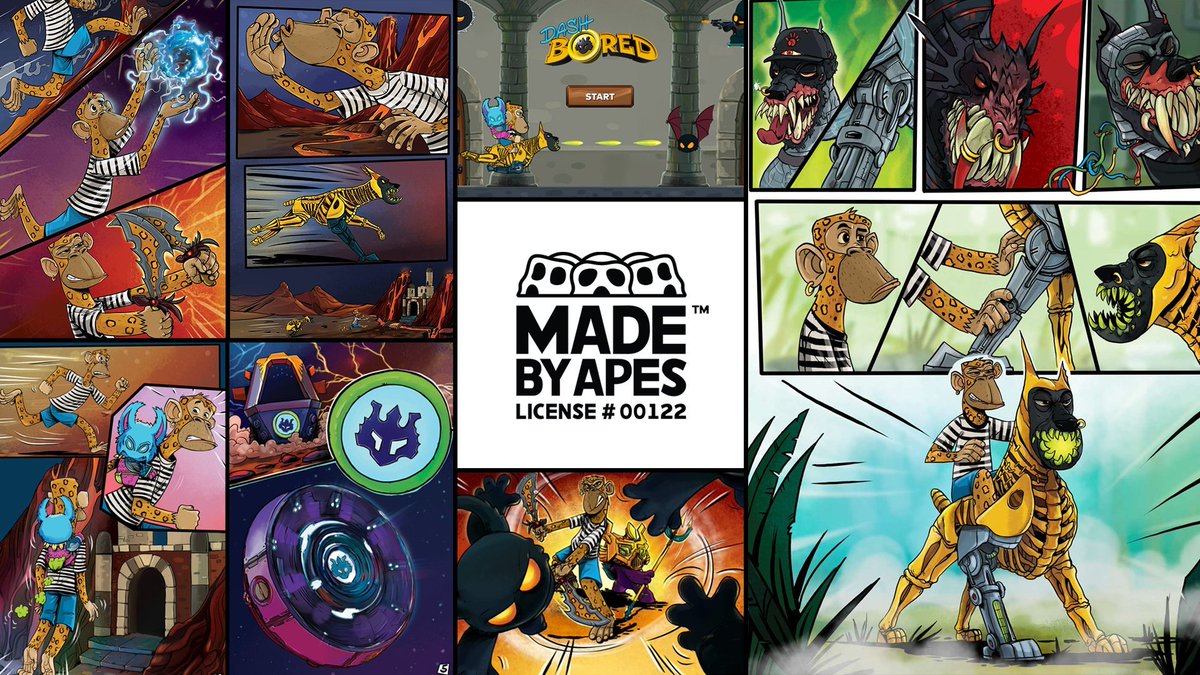
Chances are you’re not too familiar with @Vora_xyz from our studio @voralabs_xyz
We launched during the peak of the NFT bear market & never left
With our avatar drop right around the corner, here's a look at all the dope sh*t we’ve shipped these past few years 👇
🧵
1
2
155
9 Aug 2025
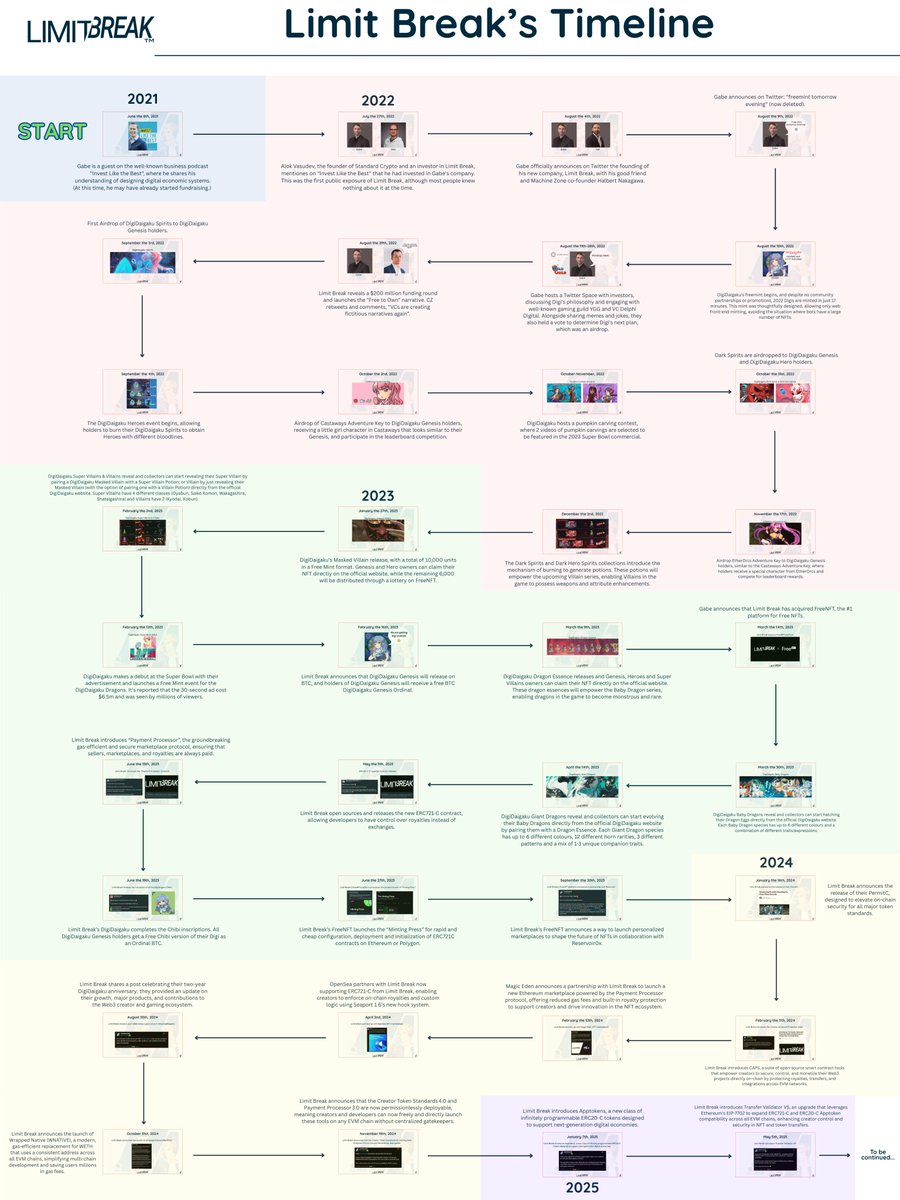
3 years ago on August 9th 2022 a project called @DigiDaigaku from @limitbreak stealth minted, and since then they have contributed a lot of good to the web3 space. Today marks their 3 year anniversary. To celebrate, here’s a recap of what Limit Break has achieved so far! 🥳🎉
1
1
7
279

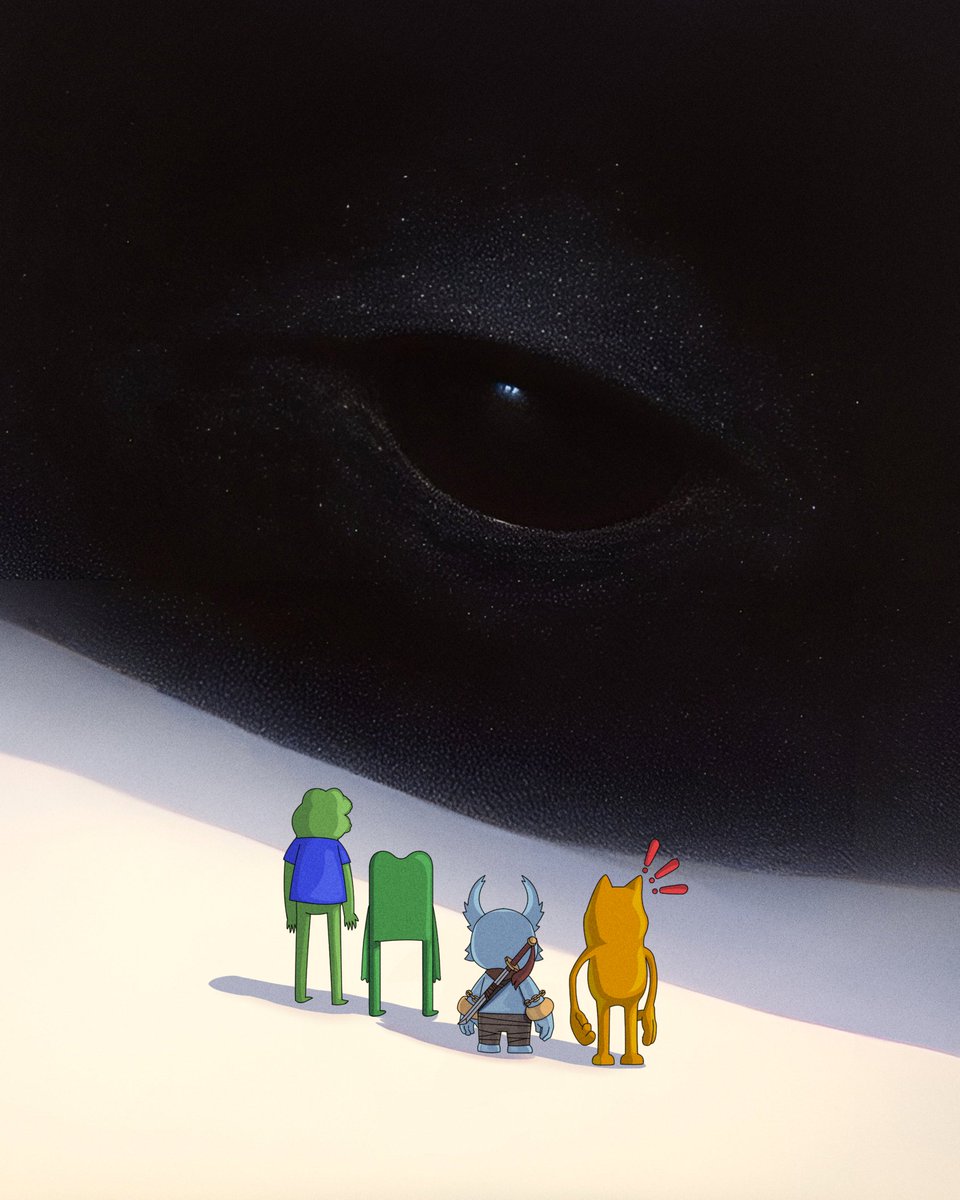
👀 Koda Pendants “The most potent and popular of these forms is called Spark—a vibrant and energizing blue substance, akin to their version of Gummi Berry juice. Spark, and other Soma-derived liquids, are integral to Koda life, fueling both their innovations and their daily activities.”
@OthersideMeta alpha lore from @CryptoGarga today…
2
1
7
200
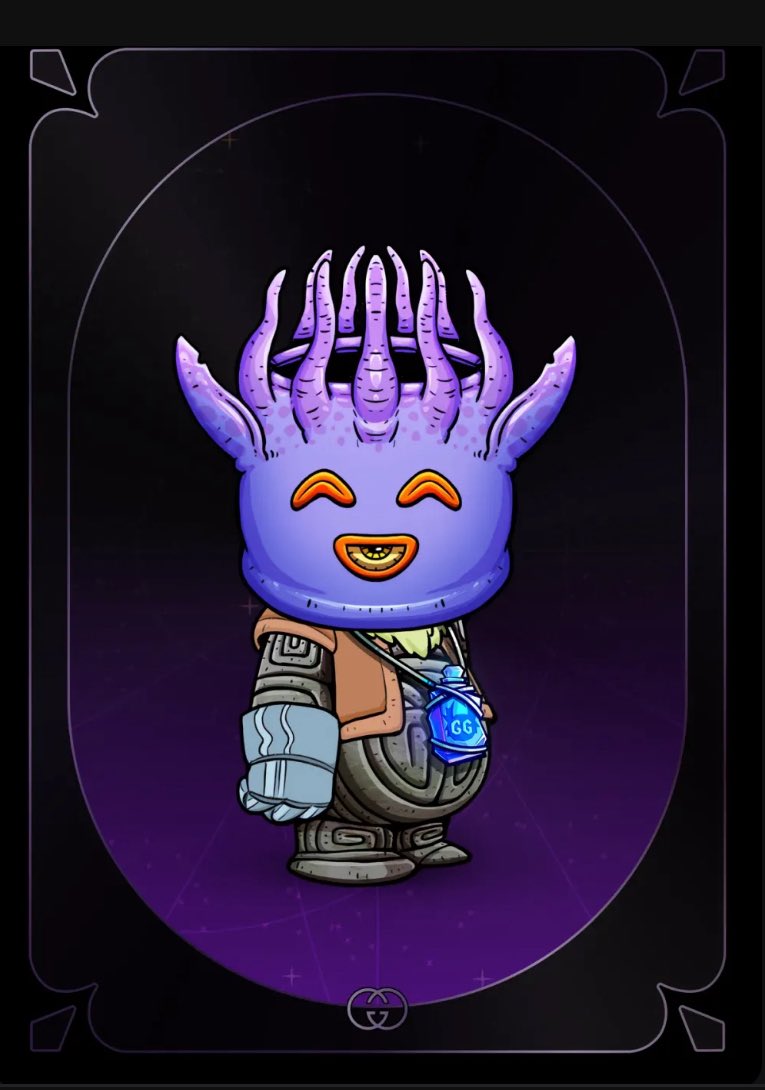
The story continues… better get your @OtherEggGenesis eggs and shards before the Conjurer notices….
Awesome work @Moonlyght_eth and team!
1 Jul 2025

"The Conjurer's Intro"
The story continues soon. Original soundtrack by AKXMO.
1
2
10
380
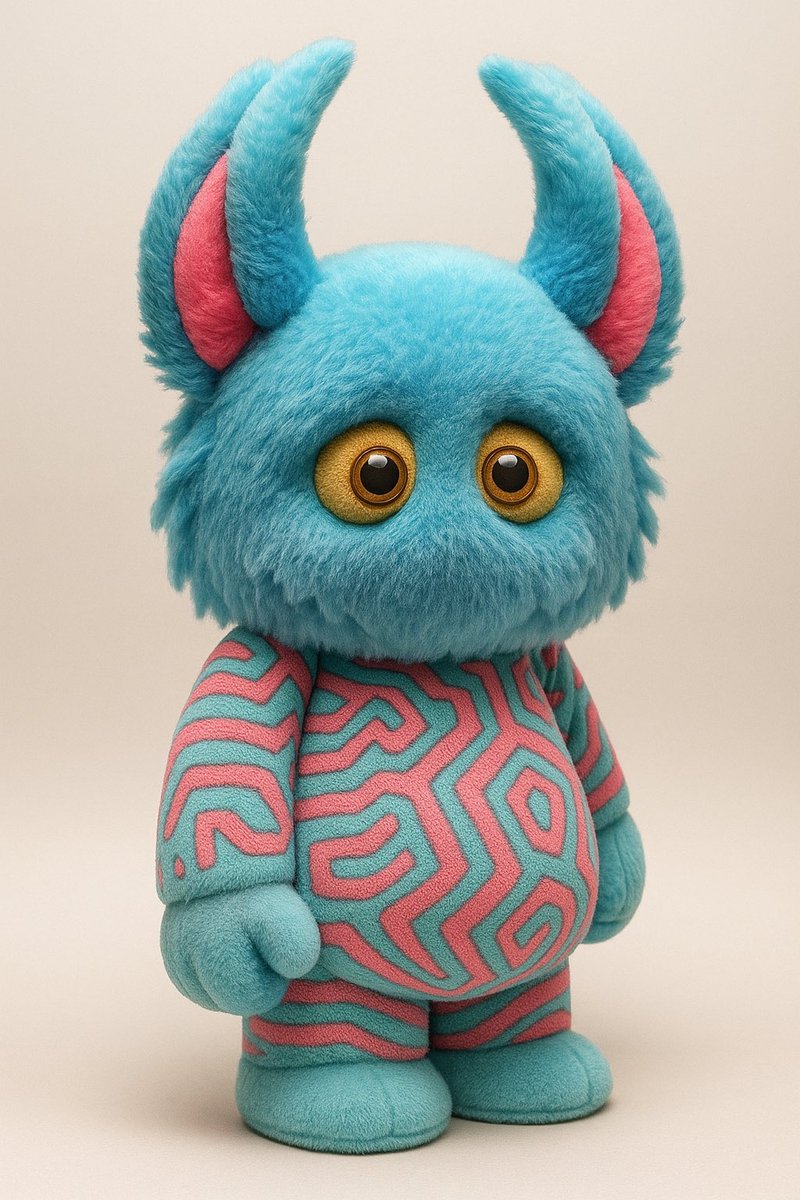
Command prompt:
Transform the attached image into a hyper-realistic rendering of a plush toy. Use your skills in image processing and artistic rendering to accurately depict the details such as texture, color, and lighting present in the original photo while ensuring the final image reflects the characteristics of a plush toy. Pay close attention to features that define toy aesthetics, such as surfaces and playful proportions. Consider the following steps: - Analyze the original photo for key features and details. - Create a draft version focusing on basic shapes and outlines of the toy. - Refine the draft by enhancing textures, colors, and lighting effects to achieve realism. - Finalize the image with adjustments to saturation, contrast, and sharpness to enhance the hyper-realistic appearance.
53