
We are the Customer Success Team for @YouSmartThing - providing information, updates and advice on how to guide people to your venue or event the smart way!
Joined April 2021
- Tweets 25
- Following 15
- Followers 10
- Likes 1
21 Photos and videos
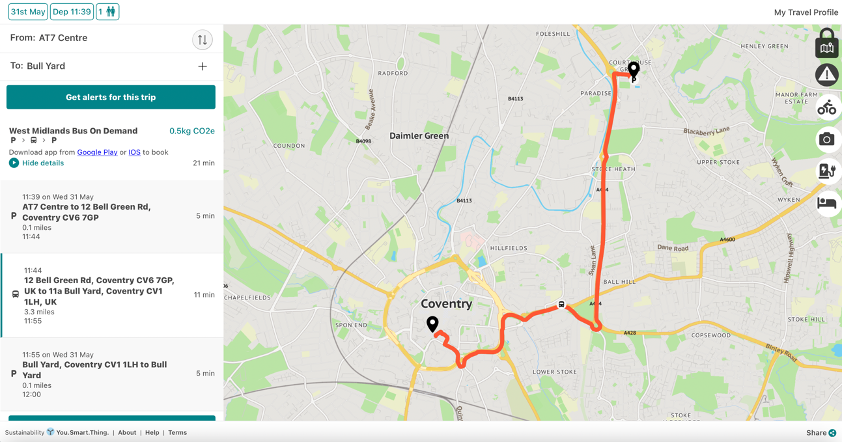
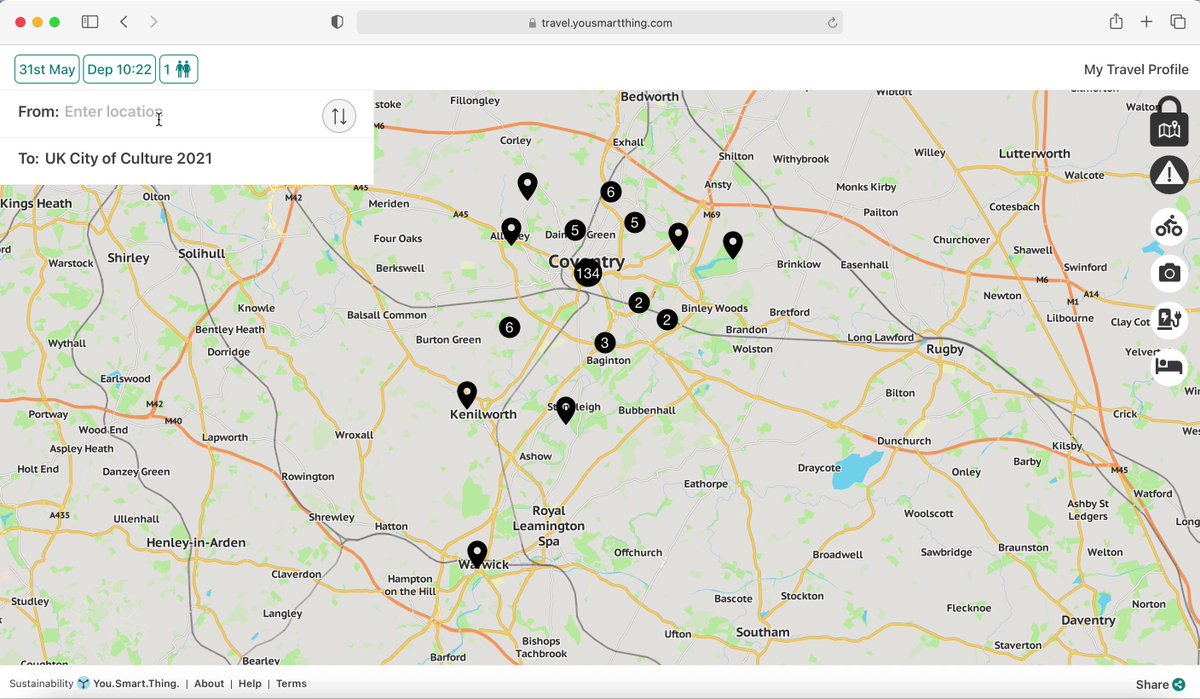
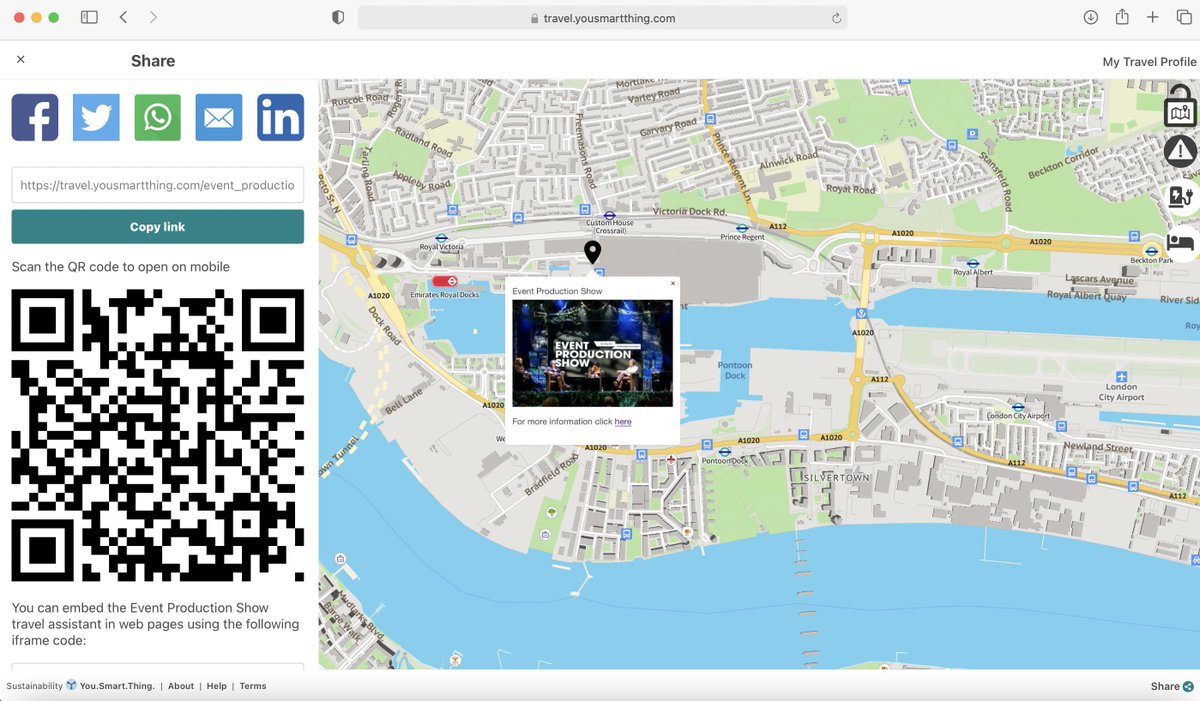
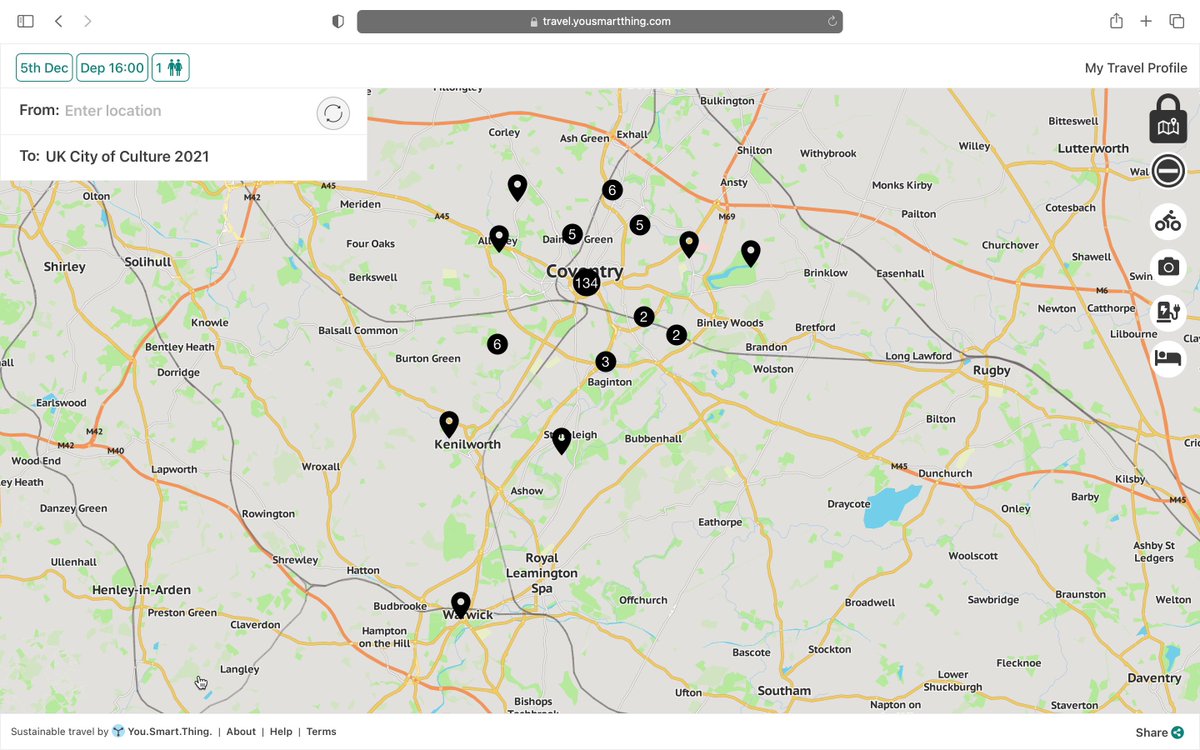
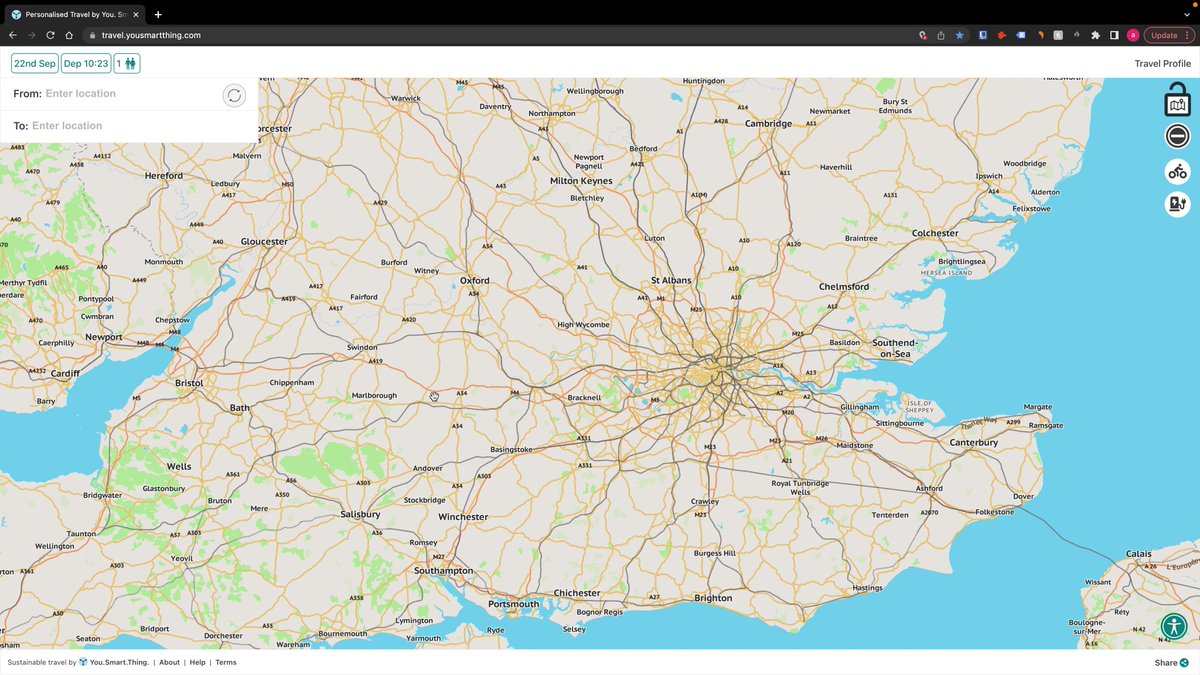
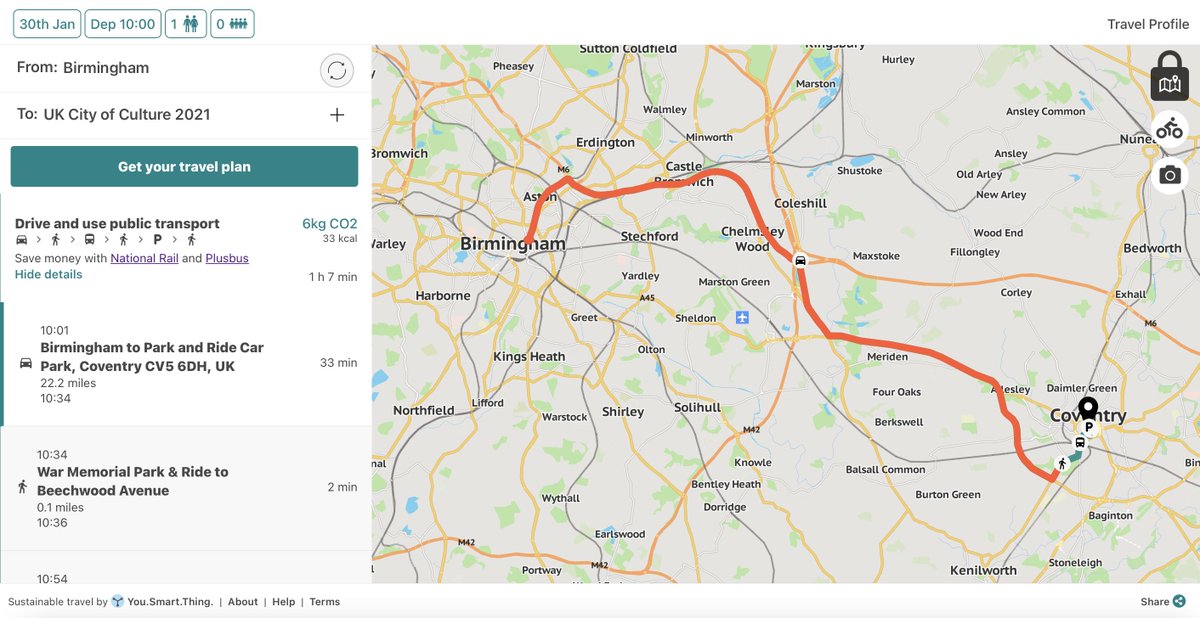
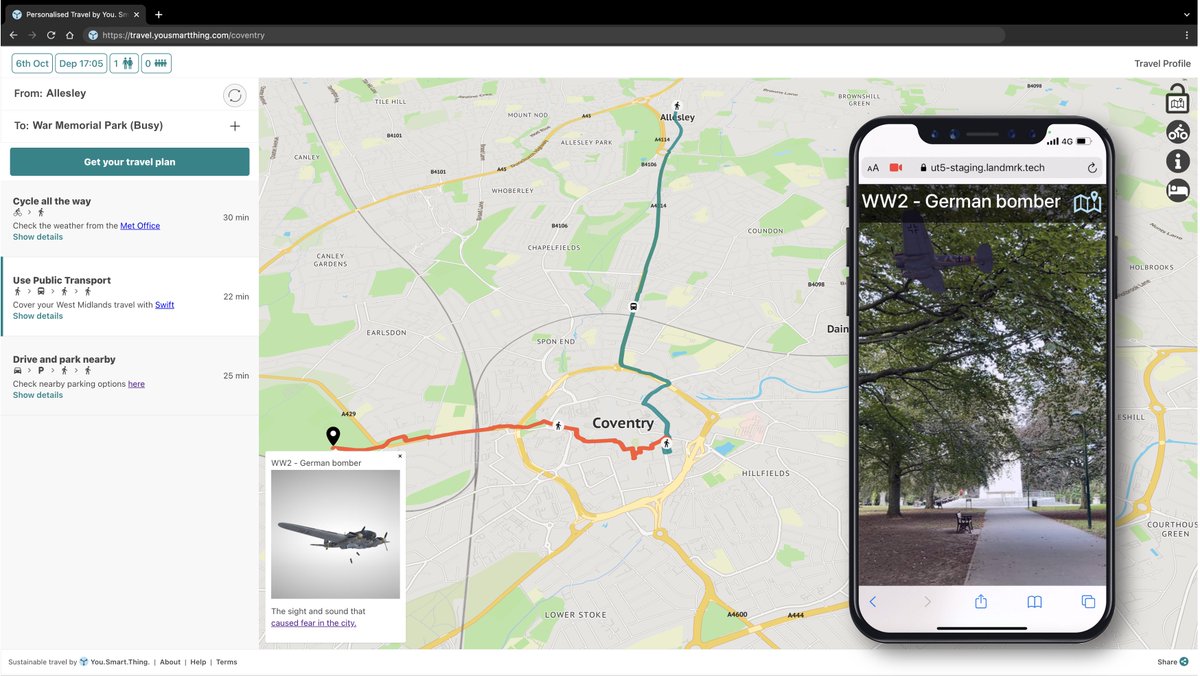
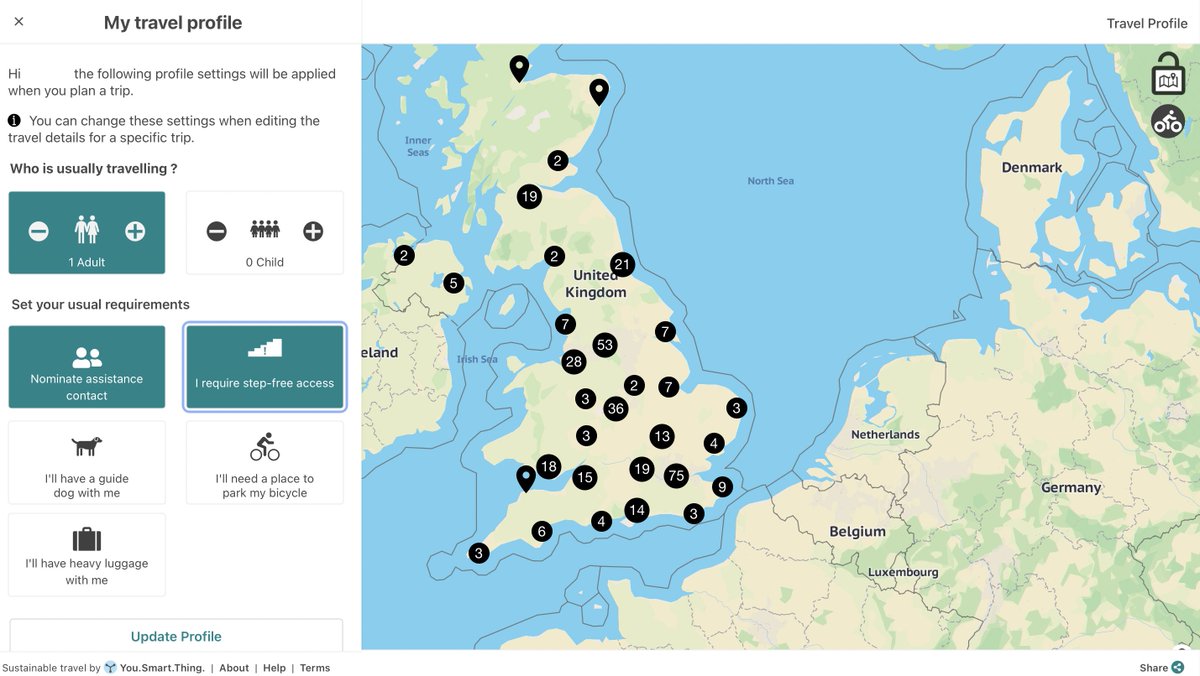
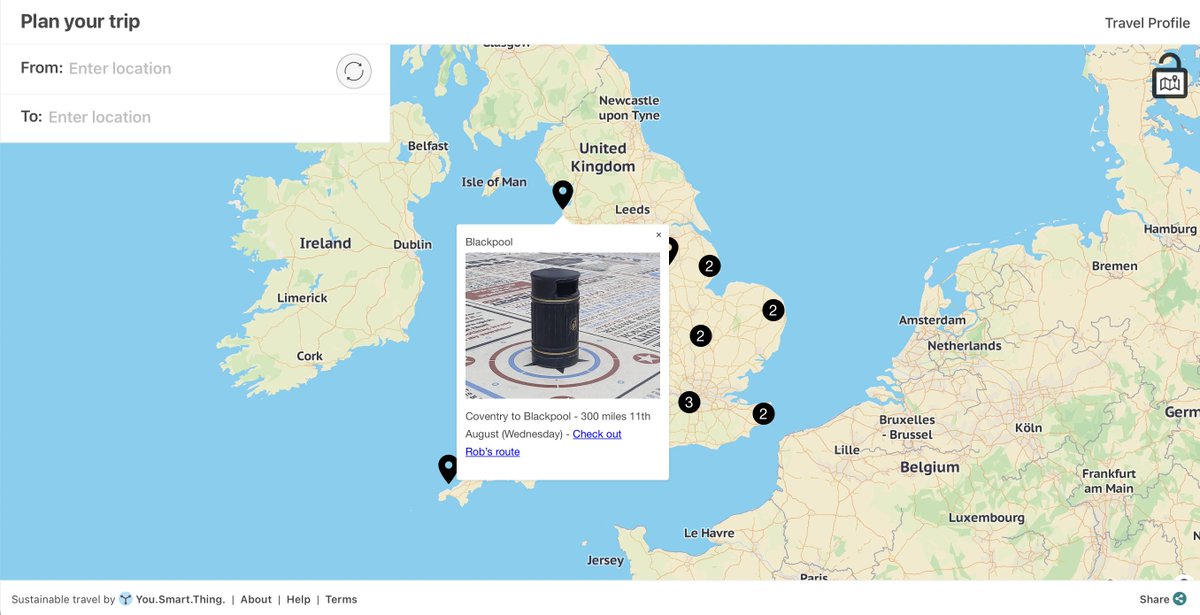

We have implemented operational days & times for on-demand services. This means organisations can now display on-demand journeys during the specified operational hours.
#TravelAssistant
1
34
Play / Pause button.
The "show details" section of every journey option contains a play/pause button allowing people to step through each leg of the trip visually. #TravelAssistant
1
41
We’ve added a new feature to automatically generate QR codes. This makes it easier for people to access and share travel assistants between devices. #TravelAssistant
1
31
We’ve partnered with @TXGreatBritain to enable hotels and accommodation as a new map marker layer. The new map marker will allow users to see near-by hotels and book directly from the Travel Assistant. #TravelAssistant
40
We’re pleased to have partnered with @redspottedhanky to enable people to buy rail tickets without booking fees! Create a journey plan that includes rail and complete the ticket booking flow directly with RedSpottedHanky #TravelAssistant
1
1
We’ve partnered with @ecolibriumearth, allowing people to offset their travel carbon footprint! Our travel plans calculate & return C02e/kg based on the route and modes selected, and link users directly to Ecolibrium to offset. #TravelAssistant #NetZero
1
2
‘Zoom To Journey Step’ is a #newfeature that makes understanding your journey even easier! Simply create a travel plan and within ‘Show details’, select one of the journey steps to automatically zoom in to it on the map. #TravelAssistant
‘You. Smart. Thing.’ map pins can be used in different ways: A) to create a multi-destination group, with multiple pins on the map; B) on a single destination group to highlight and direct people to a featured destination. #features #TravelAssistant
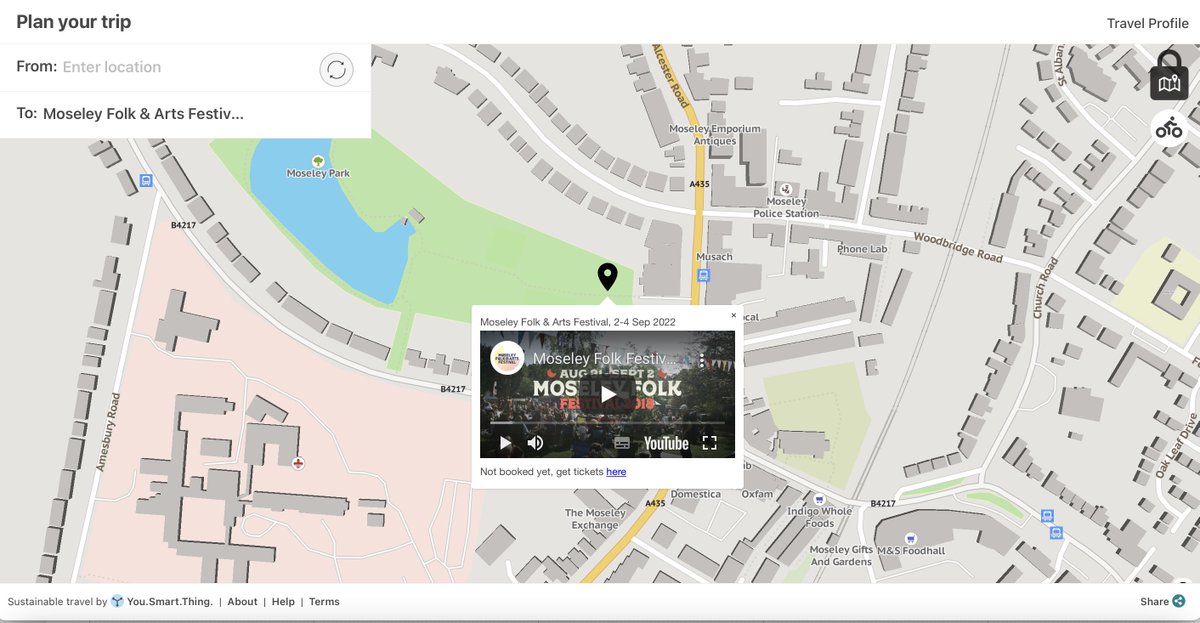
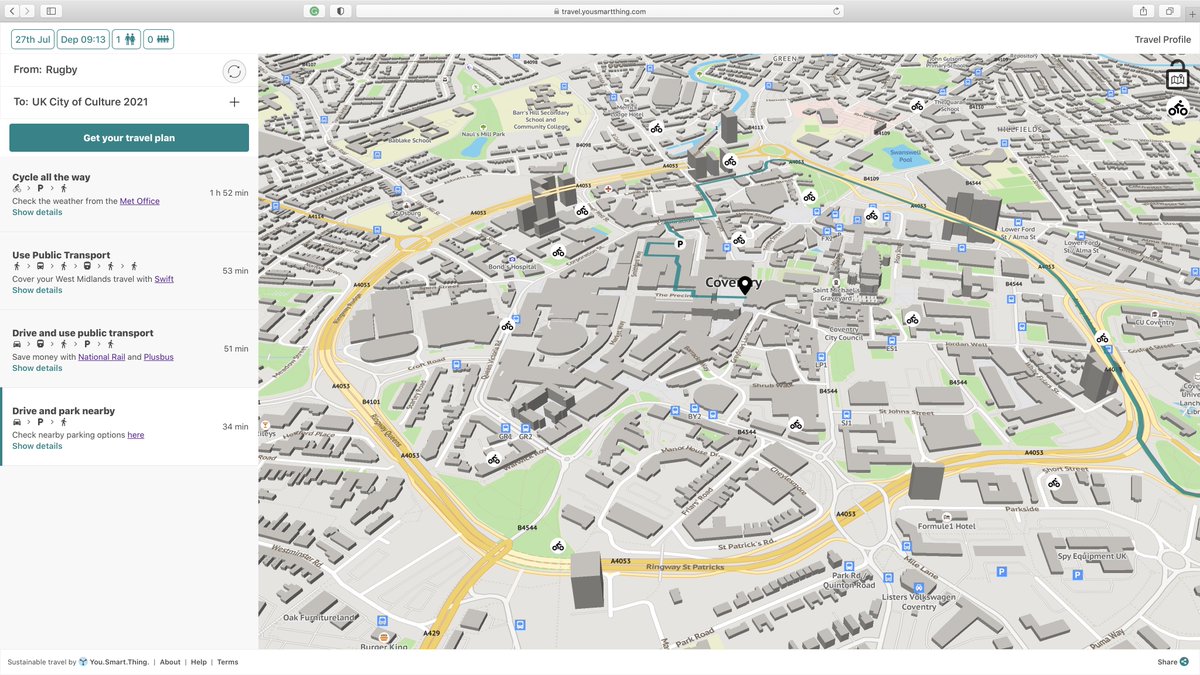
To reduce the number of cars driving to venues, our hybrid multi-modal travel options are designed to encourage people to park outside the city centre and use public transport to get to their end destination, reducing inner-city pollution. #TravelAssistant #NetZero
1
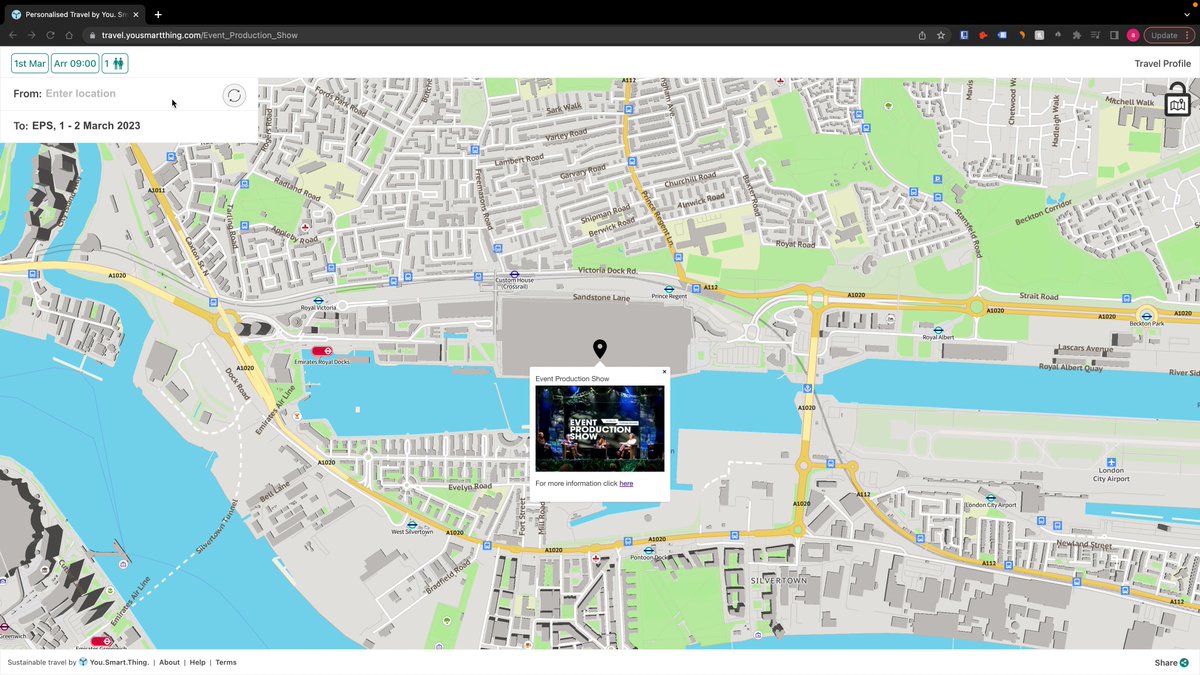
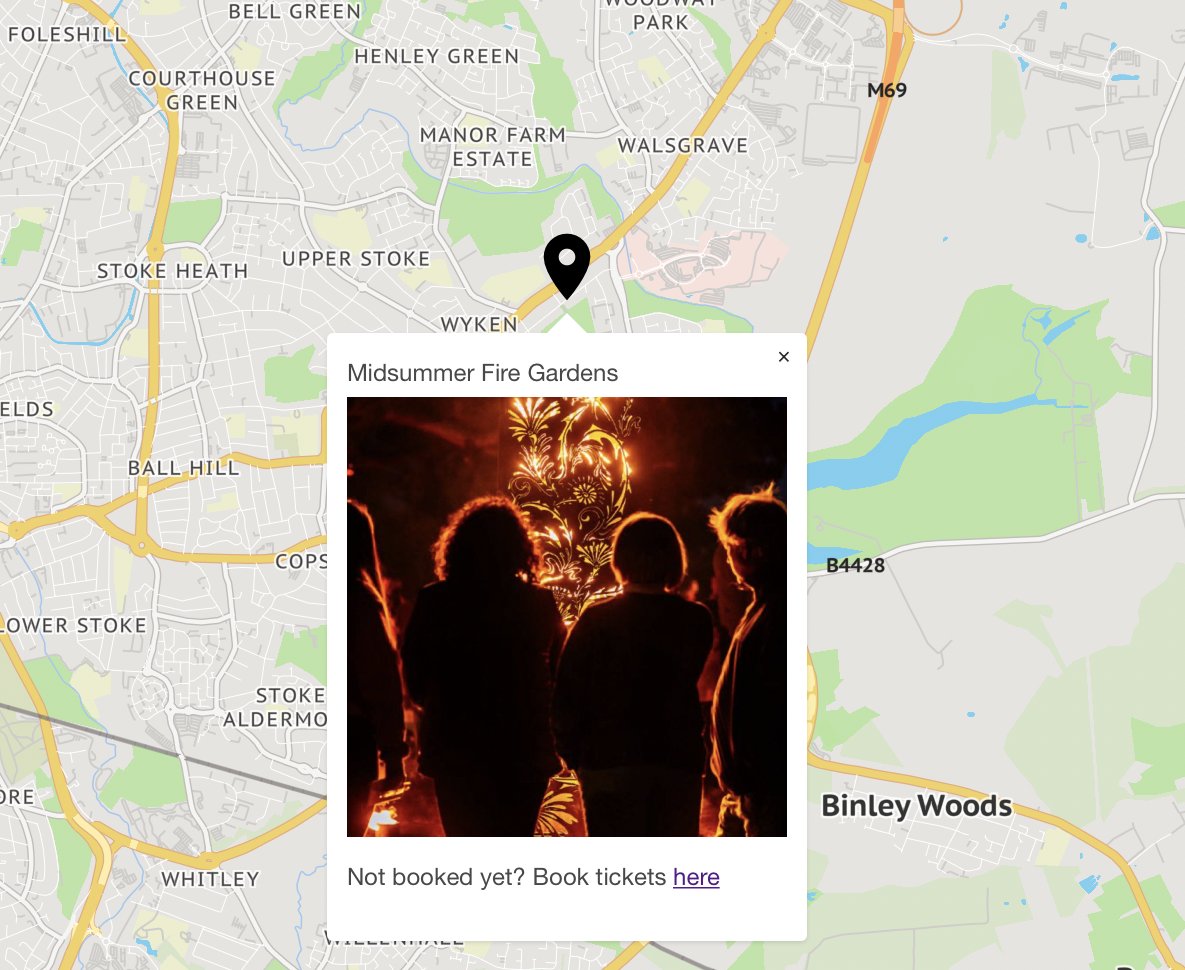
We have an exciting #newfeature to share! Points of interest can now be turned on when the information icon is activated. Clicking on the icon will bring up an image with a clickable link through to curated content of your choice. #TravelAssistant
1
1
Enabling your visitors to set their travel profile couldn’t be easier, with our personal travel requirements and accessibility features. #TravelAssistant #AccessibleTravel
1
1
We're offering venues along the @WMmetro line the opportunity to embed ‘You. Smart. Thing.’ onto their websites FOR FREE! It enables visitors to plan their trip on any digital device & get low-carbon routes & personalised travel updates.
yousmartthing.com/west-midla… #TravelAssistant
You can tailor destination groups to link together. An example of this is travel.yousmartthing.com/art…, who created one main destination group for all locations and individual destination groups with itineraries that link back to the main group! #TravelAssistant #newfeature
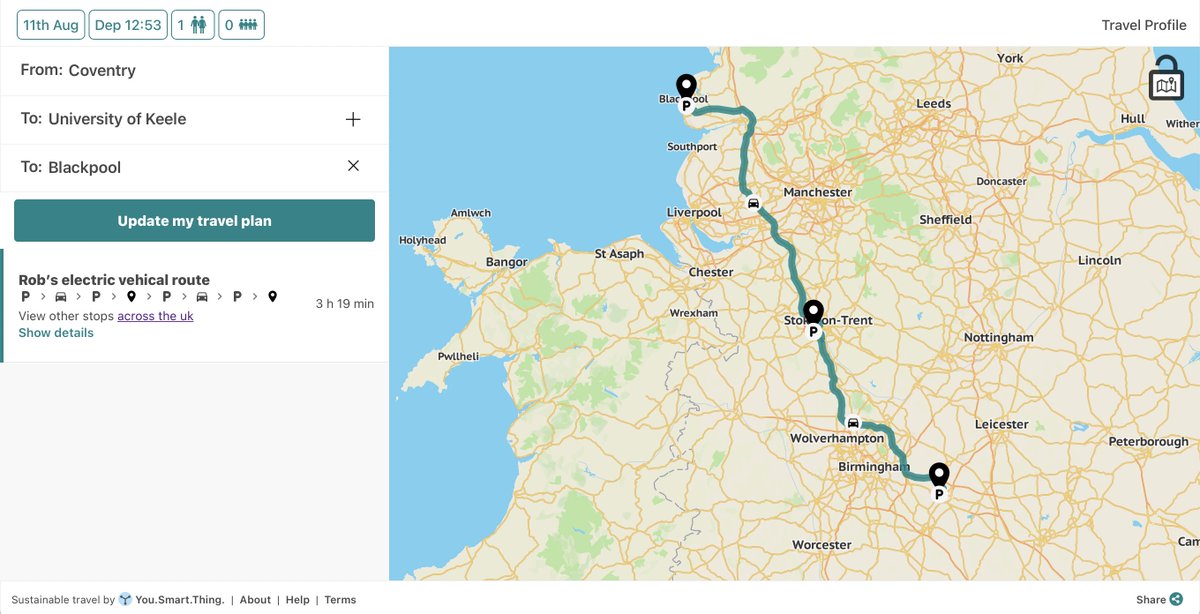
1
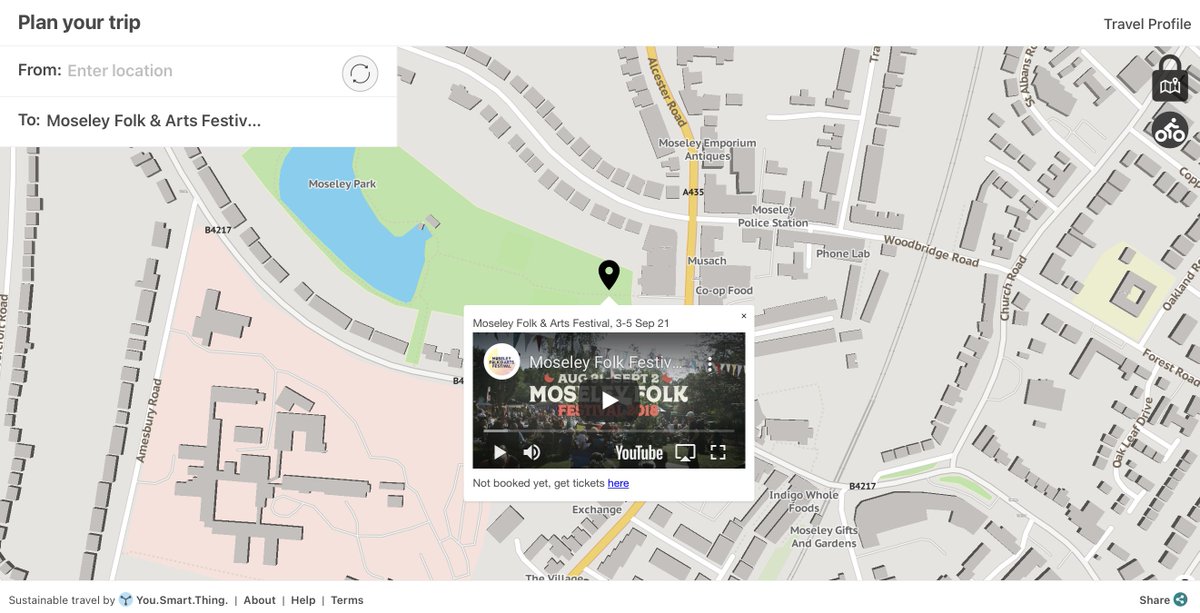
Add promotional content to your Travel Assistant. Include HTML, videos, and social media links to location pins to make them more interactive.
#TravelAssistant #Conversion
2
Did you know travel assistant message tags (the text and links under each recommended travel option) are all configurable? You can change them to whatever suits organisations’ travel objectives or partnerships.
#TravelAssistant #Feature
2
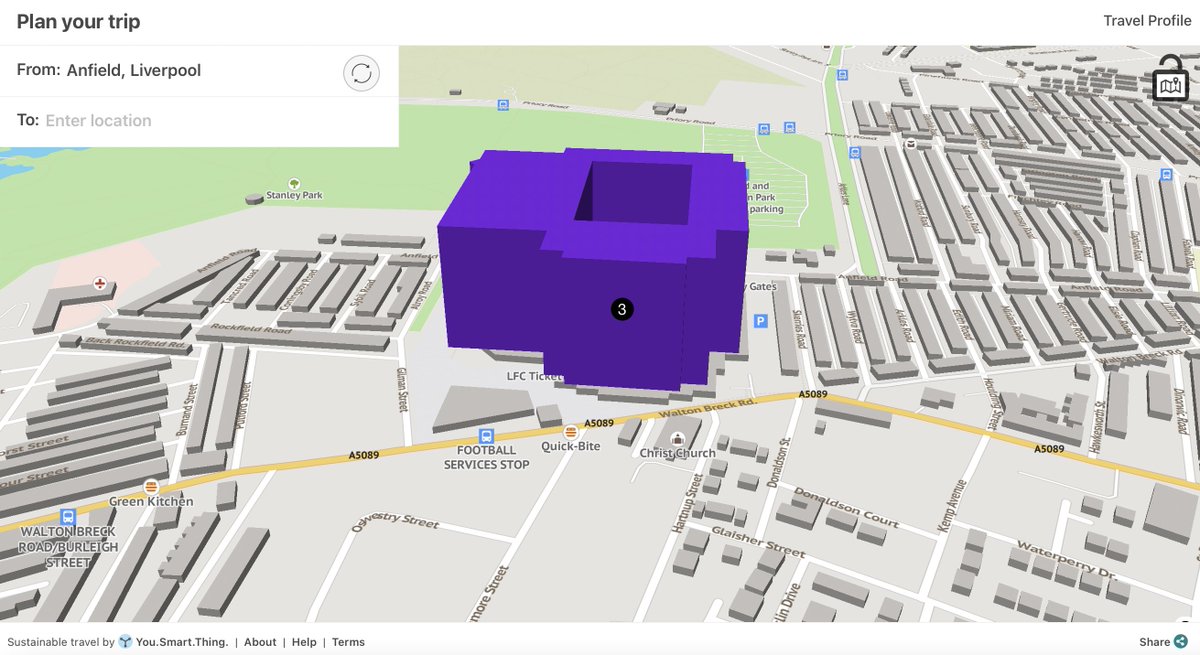
What makes a venue stand out? Block colouring venues or destinations, allows for a clear and visible beginning or end point for the user. Colours can be changeable for each venue to match any branding.
#NewFeature #TravelAssistant
1
To drive additional ticket sales you can now add a call to action and clickable link to the location pin content on your organisation or events' travel assistant.
#NewFeature #TravelAssistant
1
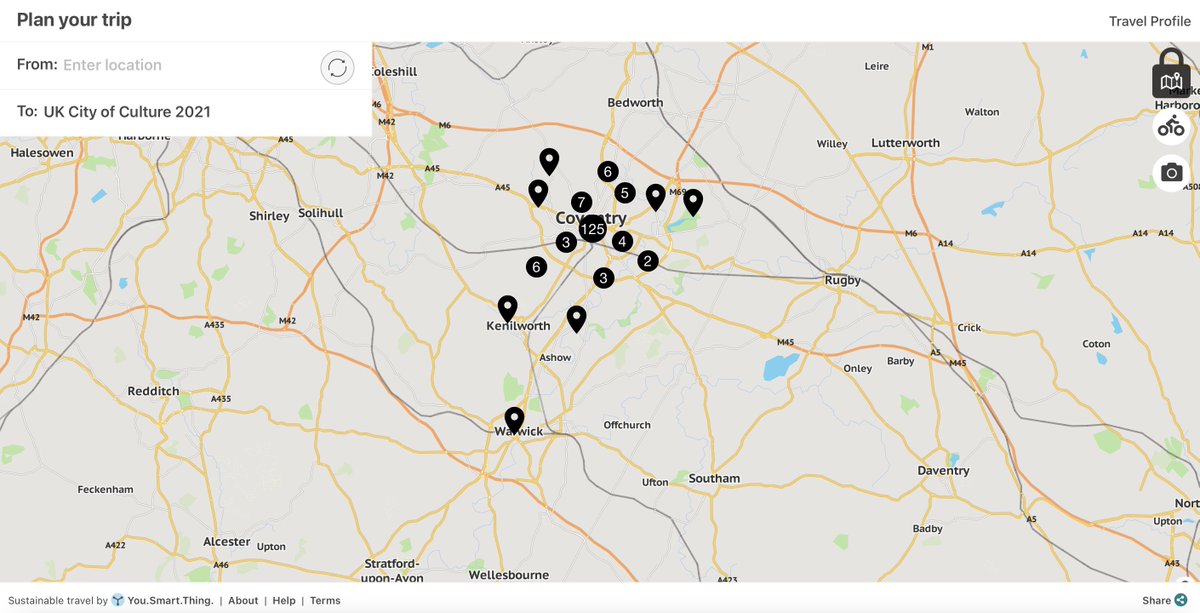
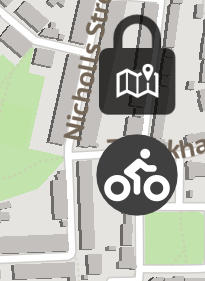
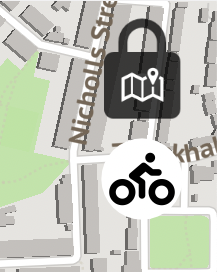
Check out our newest menu icon for bicycle docks in cities. This feature can be turned on and off by simply clicking the icon, the icon will become white when the bicycle docks are visible on the map. Try it out here: travel.yousmartthing.com/cov…
#TravelAssistant #NewFeature
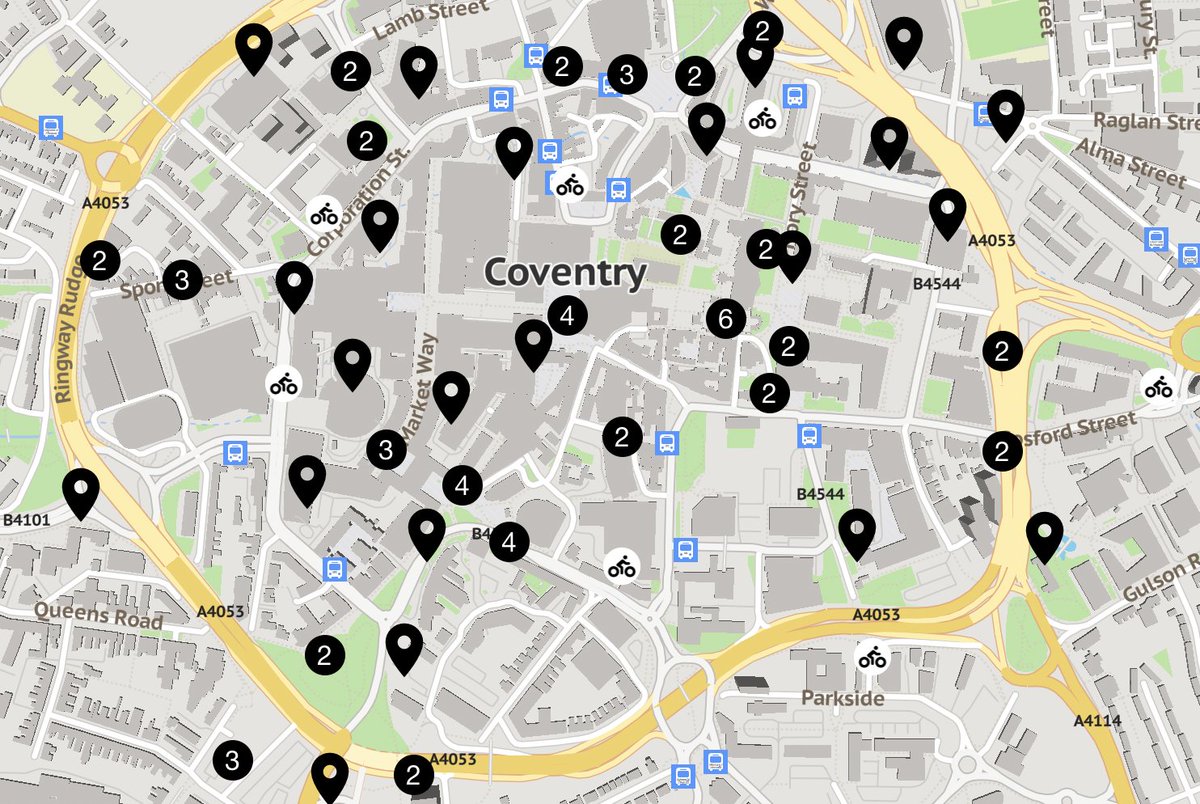
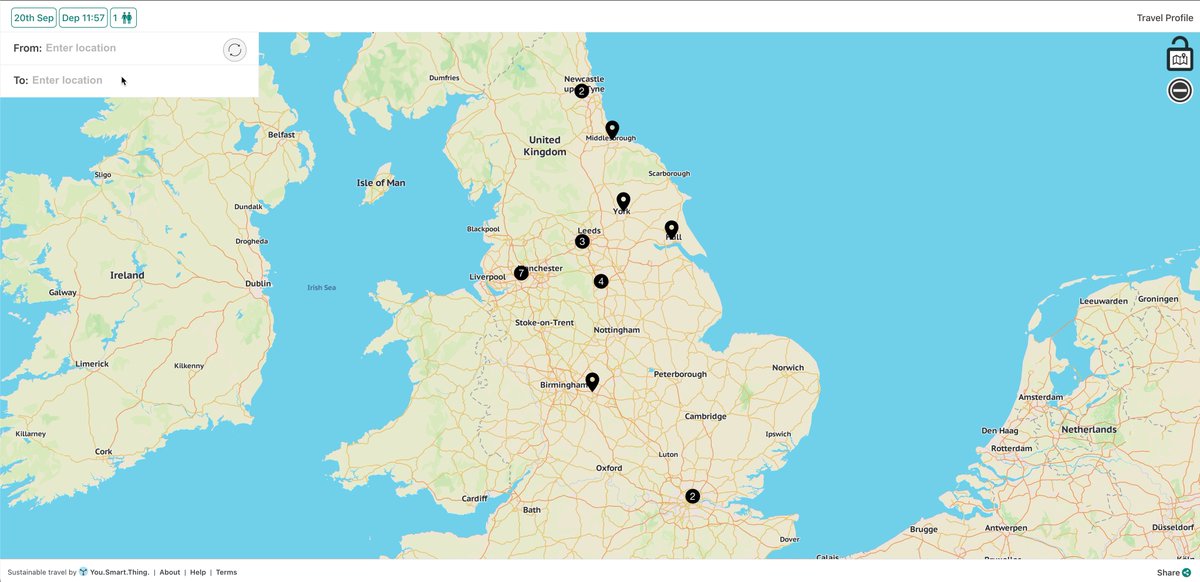
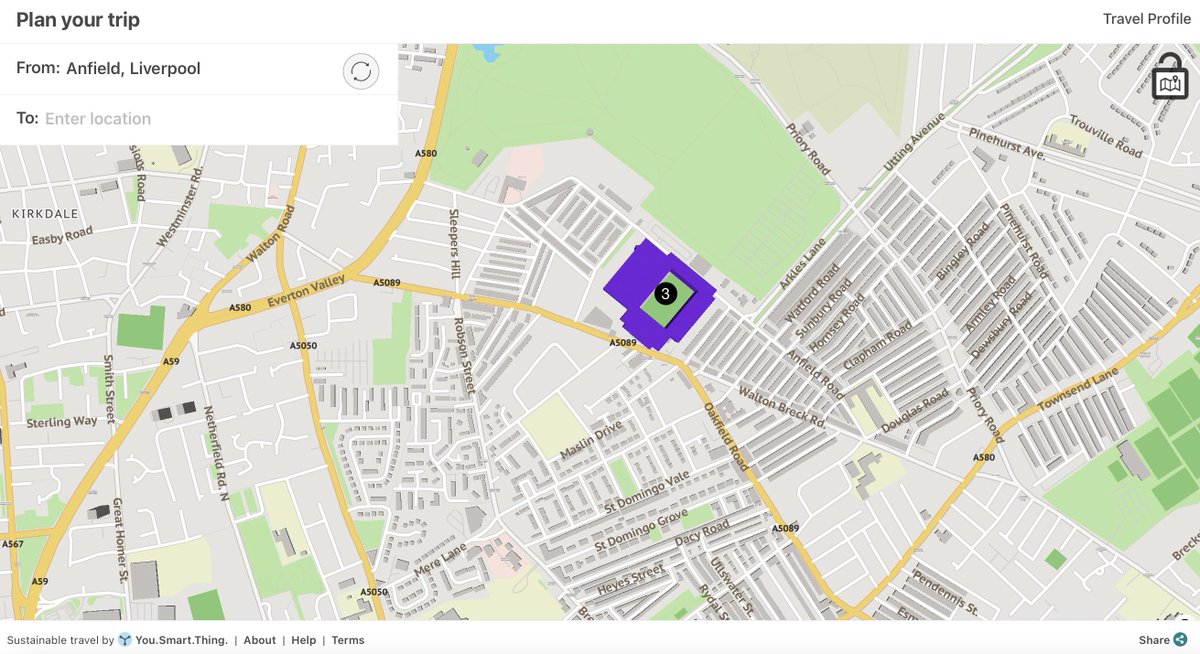
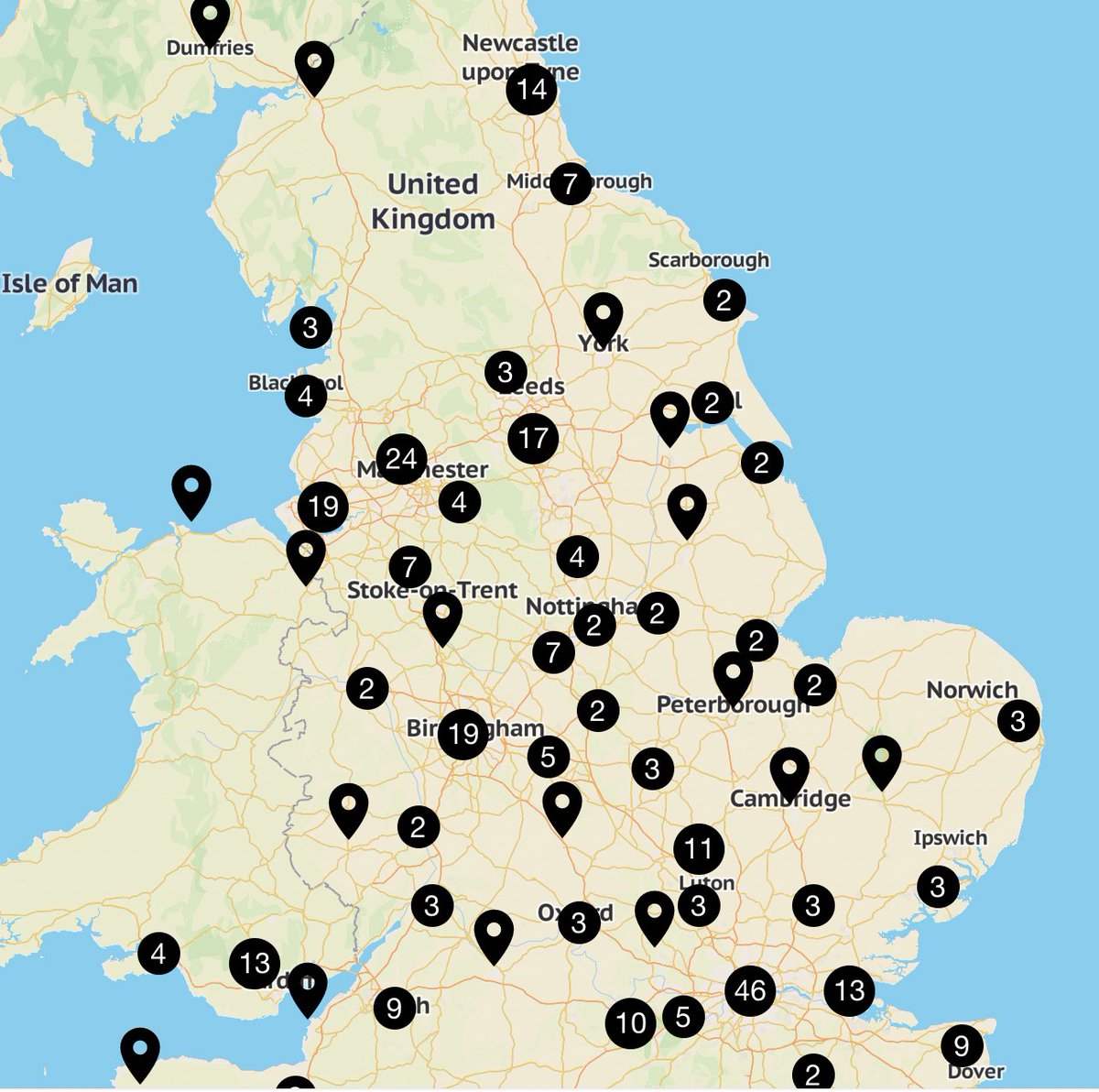
What is clustering? Clustering groups more than one location icon on the travel assistant. Click and zoom to view individual locations. Try it out for yourself: travel.yousmartthing.com/uk
#TravelAssistant #NewFeature
1
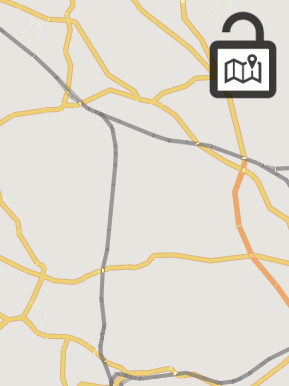
Does the changing zoom level when scrolling passed a map drive you mad? Our lock map feature enables you to scroll when the map icon in our travel plan view is unlocked. This can also be locked to stop scrolling or zoom.
#TravelAssistant #NewFeature
1