Joined April 2022
- Tweets 280
- Following 93
- Followers 150
- Likes 1,315
78 Photos and videos












Terry @ Meld Studio retweeted

Mar 26
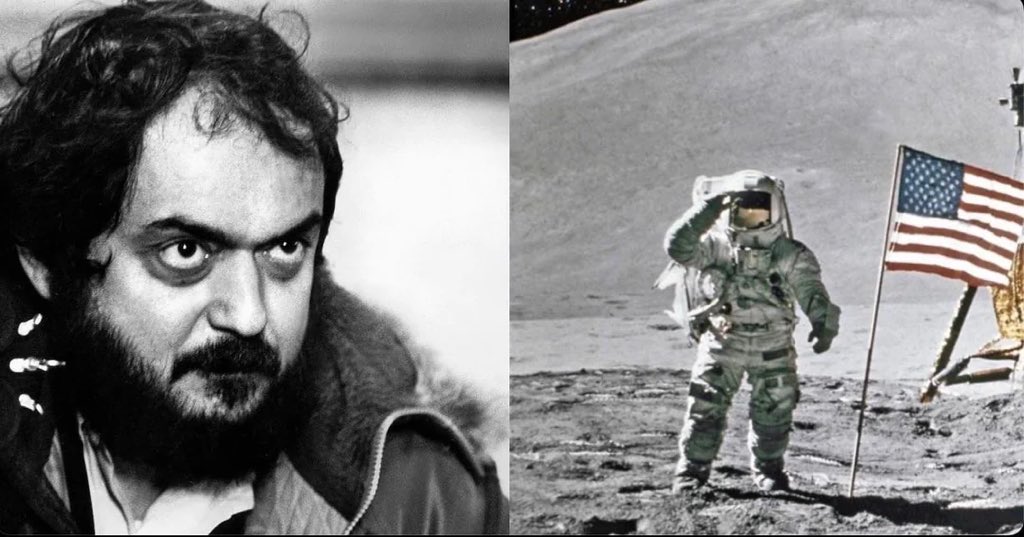
Remembering Leonard on what would have been his 95th Birthday 🎂

1,102
4,679
60,141
582,538
Terry @ Meld Studio retweeted

Jan 13
Making $30k/mo as a streamer in 2026 is no longer enough:
Monthly costs:
- Rent: $2,000
- DoorDash: $1,500
- Gym: $300
- Energy Drinks: $80
- Netflix: $20
- Adobe: $15,868
684
218
21,269
2,464,572
Terry @ Meld Studio retweeted
5 Dec 2025
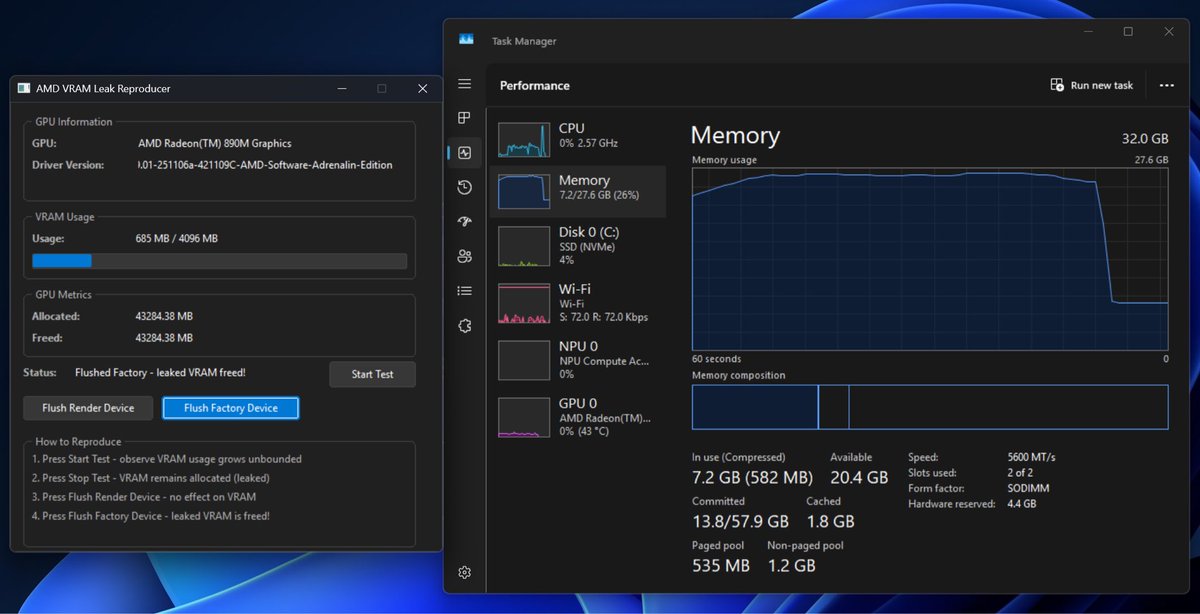
calling all AMD GPU users.
we created a simple tool to see if your GPU is leaking memory in common applications.
4 Dec 2025

a few months ago we reported a severe memory leak to a major GPU vendor and never received a reply.
we tracked down the issue and have produced a small, valid D3D11 test app that will cause an OOM and display server crash within minutes on all GPUs made by this vendor.
the list of applications impacted is extensive. we can confirm all Chromium and Electron based apps such as Edge, Steam, Discord, Slack, etc are impacted.
we plan to upstream a workaround to Chromium and open source the reproduction code. hopefully the vendor will release a driver update that fixes the issue for all users.
7
4
27
6,347

18 Nov 2025
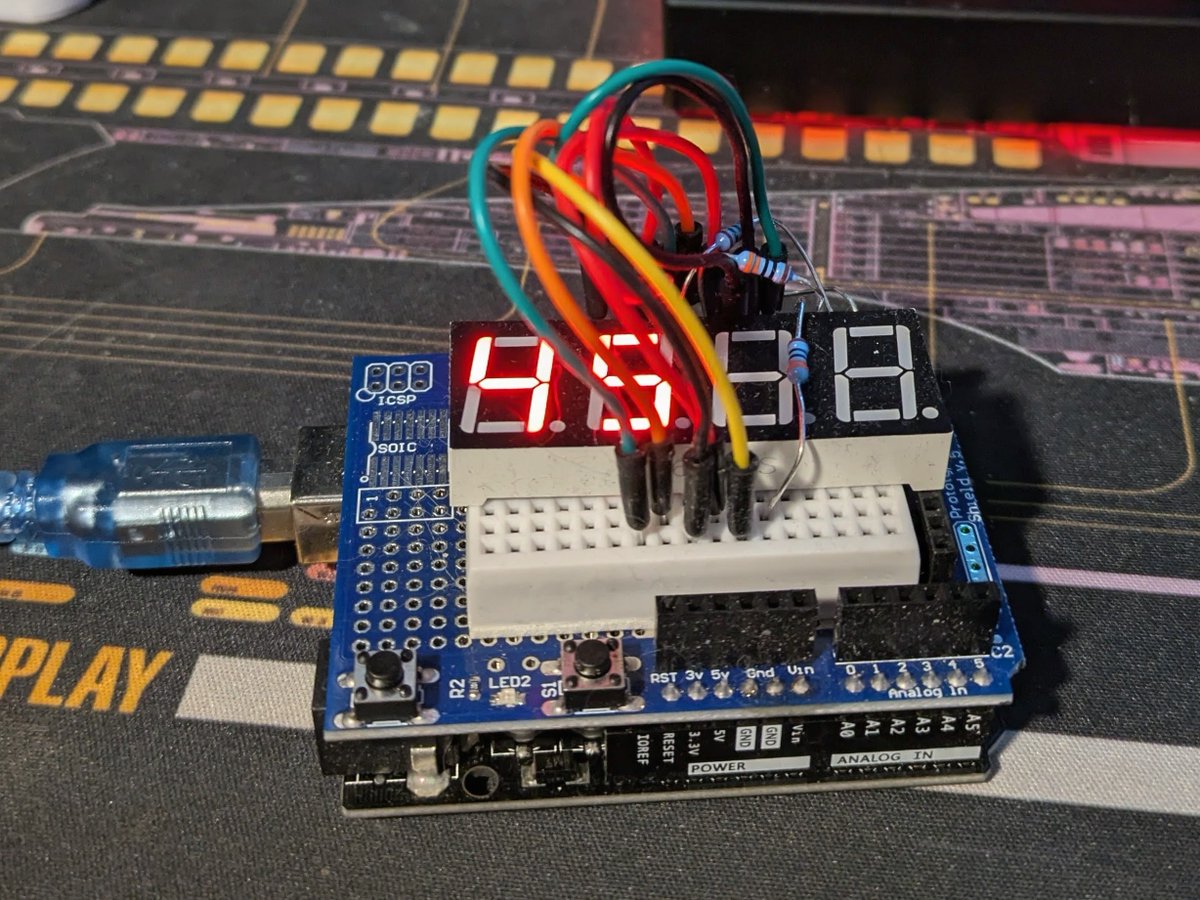
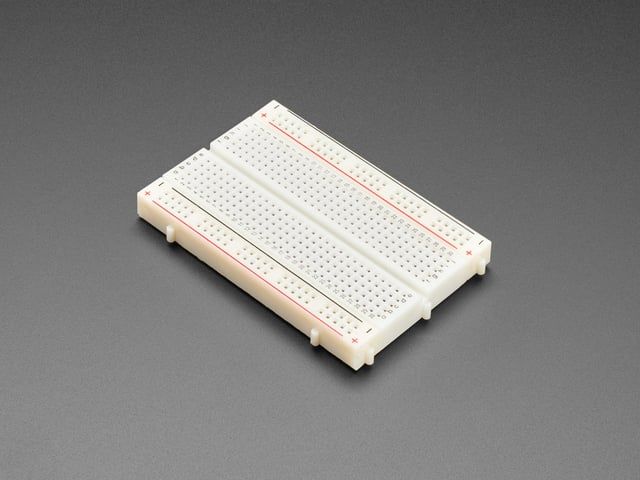
Always enjoy some breadboard fun with the kiddos.
I had to tweak the numeric sequence several times to satisfy the youngest (about a year ago, now).
There is no stack.

3
140
9 Aug 2025
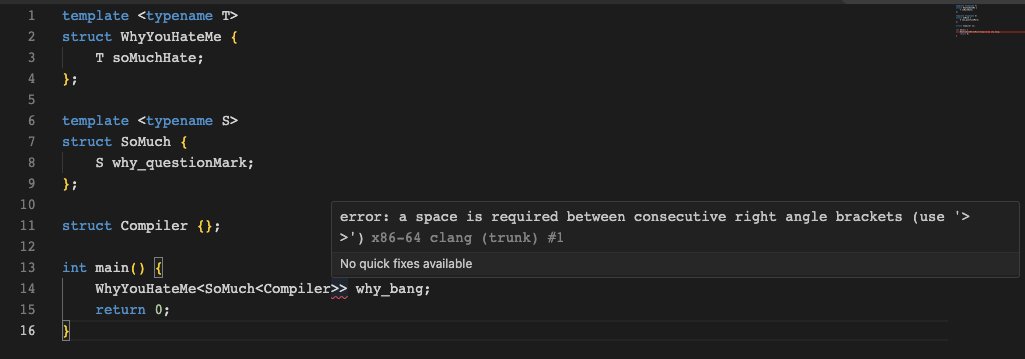
I quote this at least once a week.

Hokay, so. Here's the Earth, chilling. Damn that is a sweet Earth, you might say.
1
5
258
Terry @ Meld Studio retweeted

1 Jul 2025
Ever needed to control Meld Studio from the command line? Or control a distant instance? Check out meld-cli.
github.com/onyx-and-iris/mel…
@StreamWithMeld
4
10
1,174
Terry @ Meld Studio retweeted
30 Jun 2025
and if you have any issues just hit anyone on the team up, we won’t just send you a link to a help portal
1
1
6
334
27 Jun 2025
👀

To add game capture in Meld Studio, go to the Layers panel, click the " " button, and select "Display Capture" (often used for game capture). In the Source dropdown, choose your game's application window. Optionally, enable audio capture in the inspector. For precise steps, check Meld Studio's official documentation (meldstudio.co/docs) or the r/streamwithmeld subreddit, as software updates may affect the process. AI tools can provide general guidance, but they may lack the latest specifics, so verify with official sources. grok.com
1
2
279
Terry @ Meld Studio retweeted
25 Jun 2025
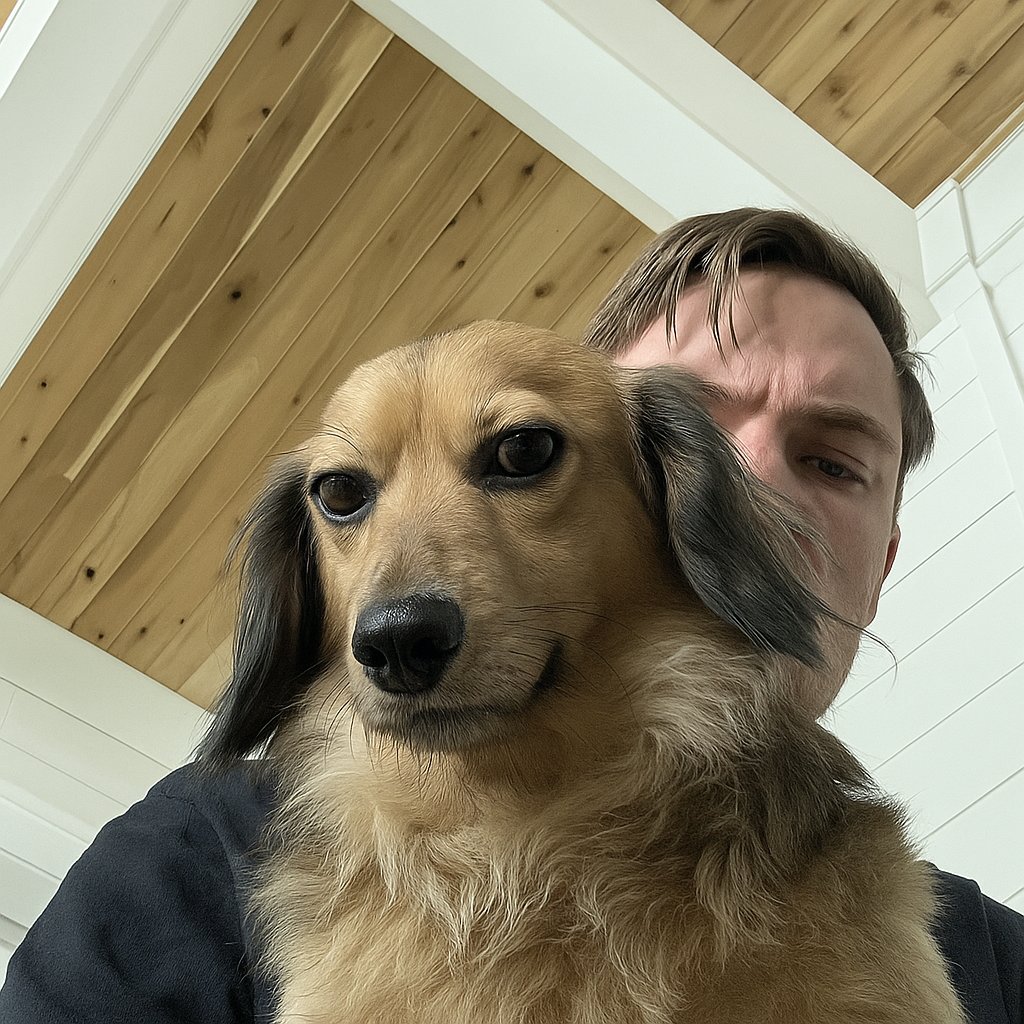
The AI overlords know how to make a dog look "more intense".
We're cooked.
1
6
155
18 Jun 2025
👀
18 Jun 2025

If you’re a creator or work in social media, pay attention:
CapCut’s new terms allow them to use, modify, and profit from your content, including your face and voice, without compensation.
Yes, even for client work.
Yes, even forever.
Always read the fine print. Your privacy is worth it.
1
118
Terry @ Meld Studio retweeted

13 Jun 2025
this is what my entire tl has been today
114
585
12,230
359,694
Terry @ Meld Studio retweeted
11 Jun 2025
What are your biggest frustrations with Meld Studio right now?
56
3
36
8,891
Terry @ Meld Studio retweeted

10 Jun 2025
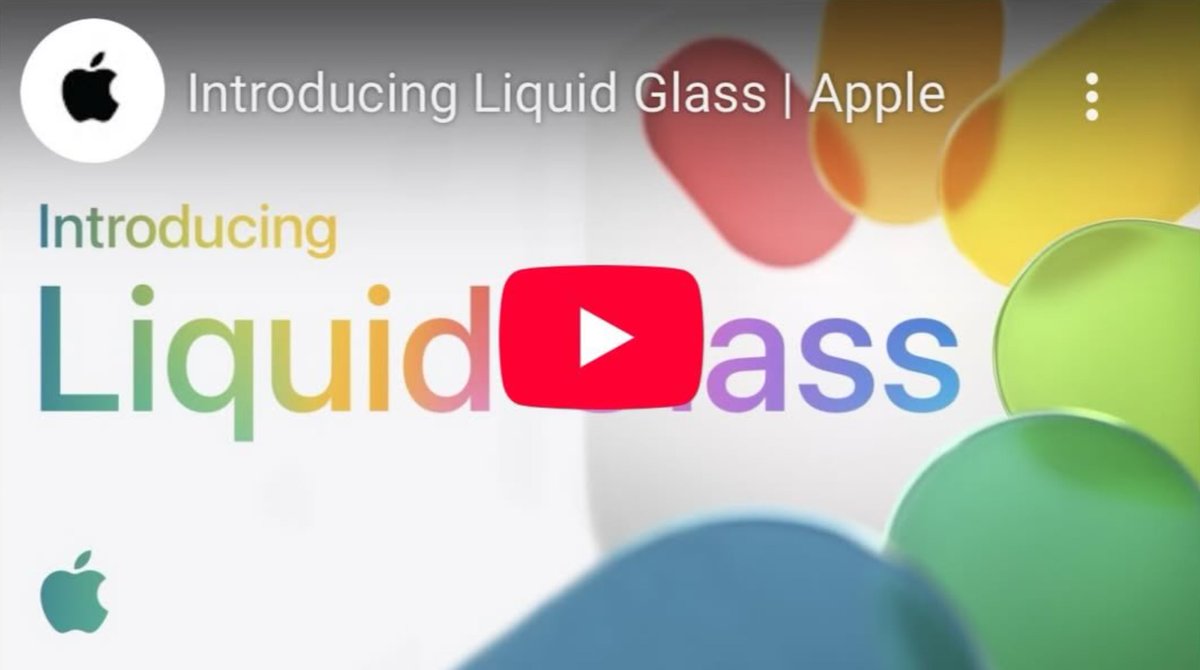
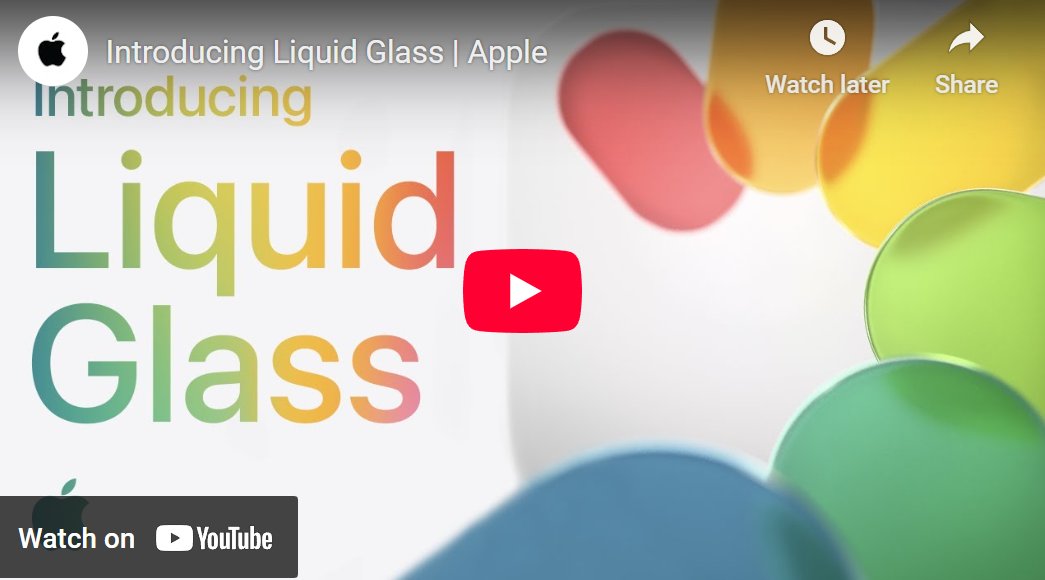
Apple changed the Liquid Ass YouTube thumbnail 😅
157
1,162
22,324
913,893
Terry @ Meld Studio retweeted

4 Jun 2025
meld friends, how's the per scene audio experience going so far?

1
1
7
748
3 Jun 2025
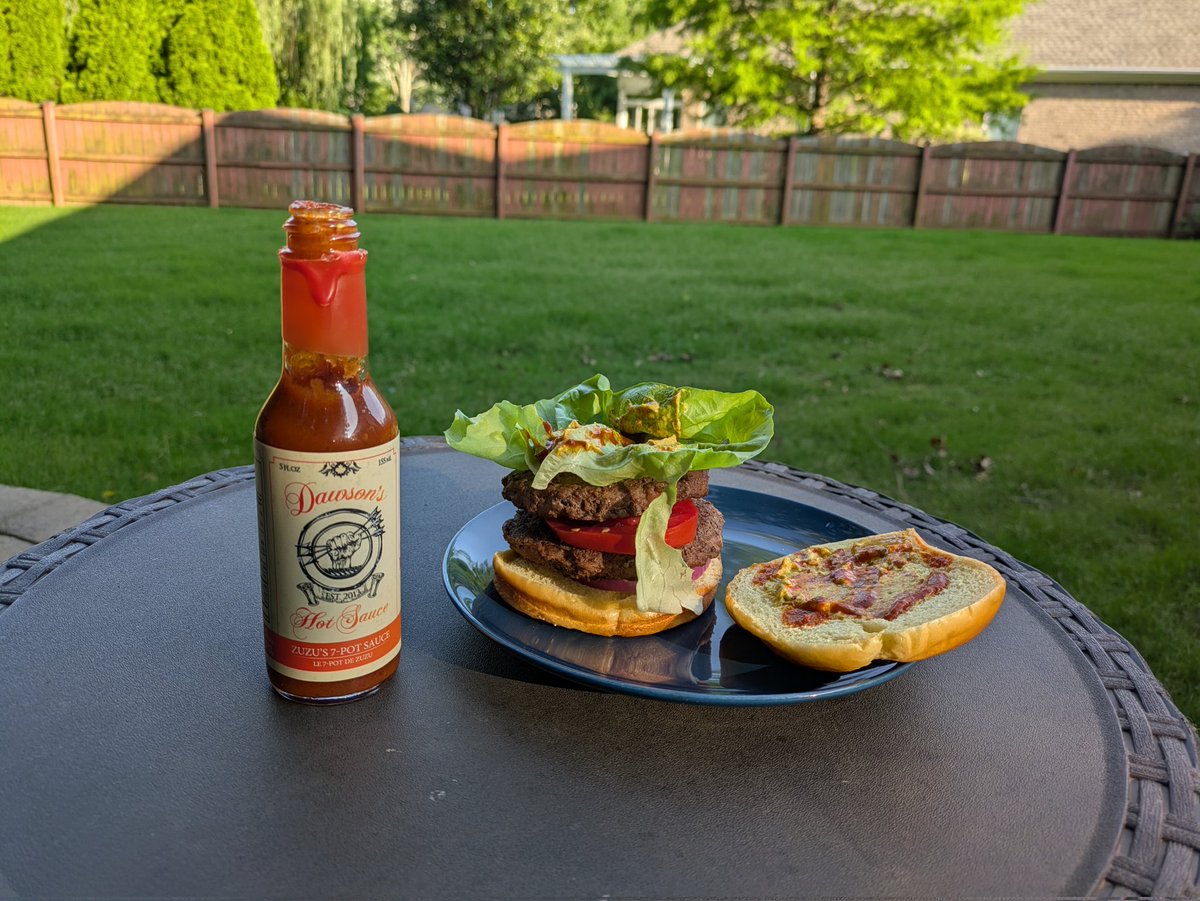
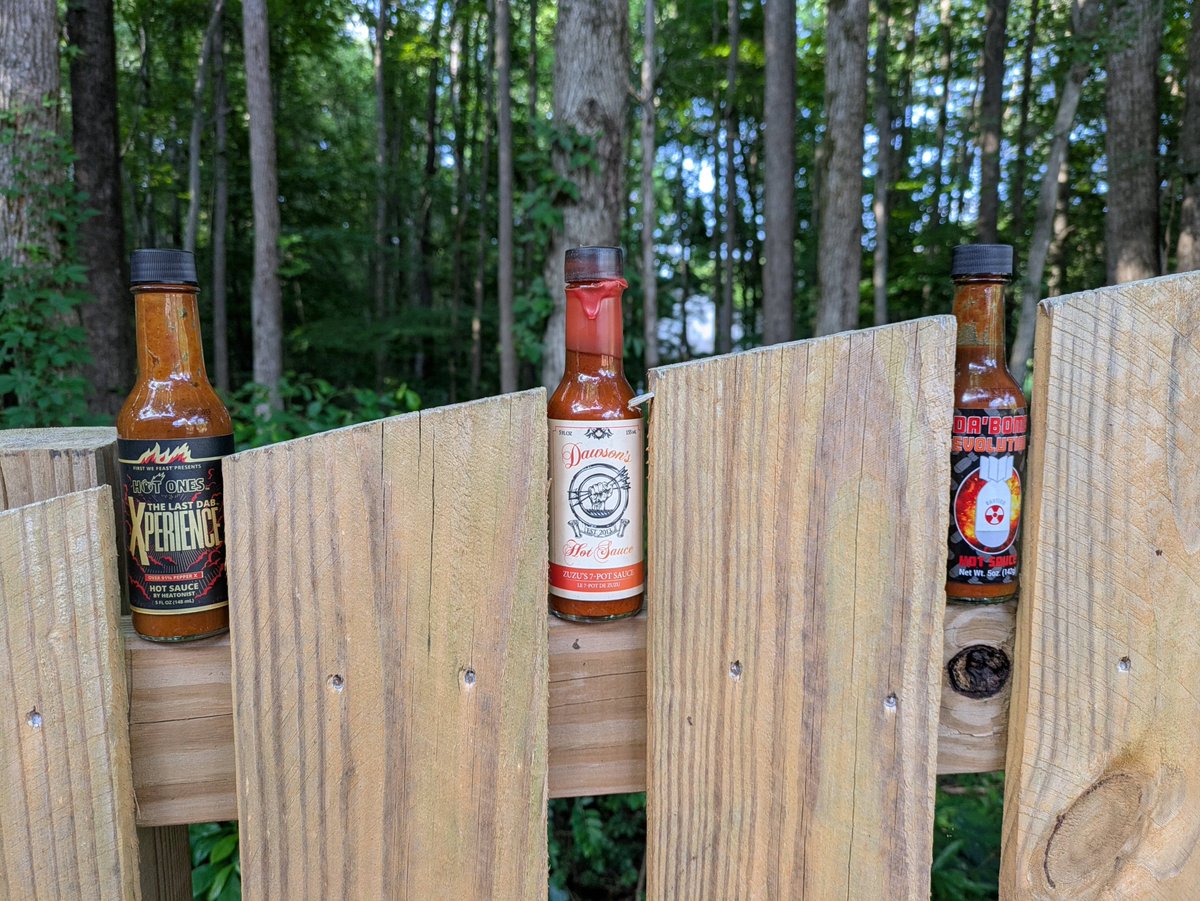
Da Bomb is pretty solid on grilled chicken.
Dab it in some avocado ranch...
2
76
31 May 2025
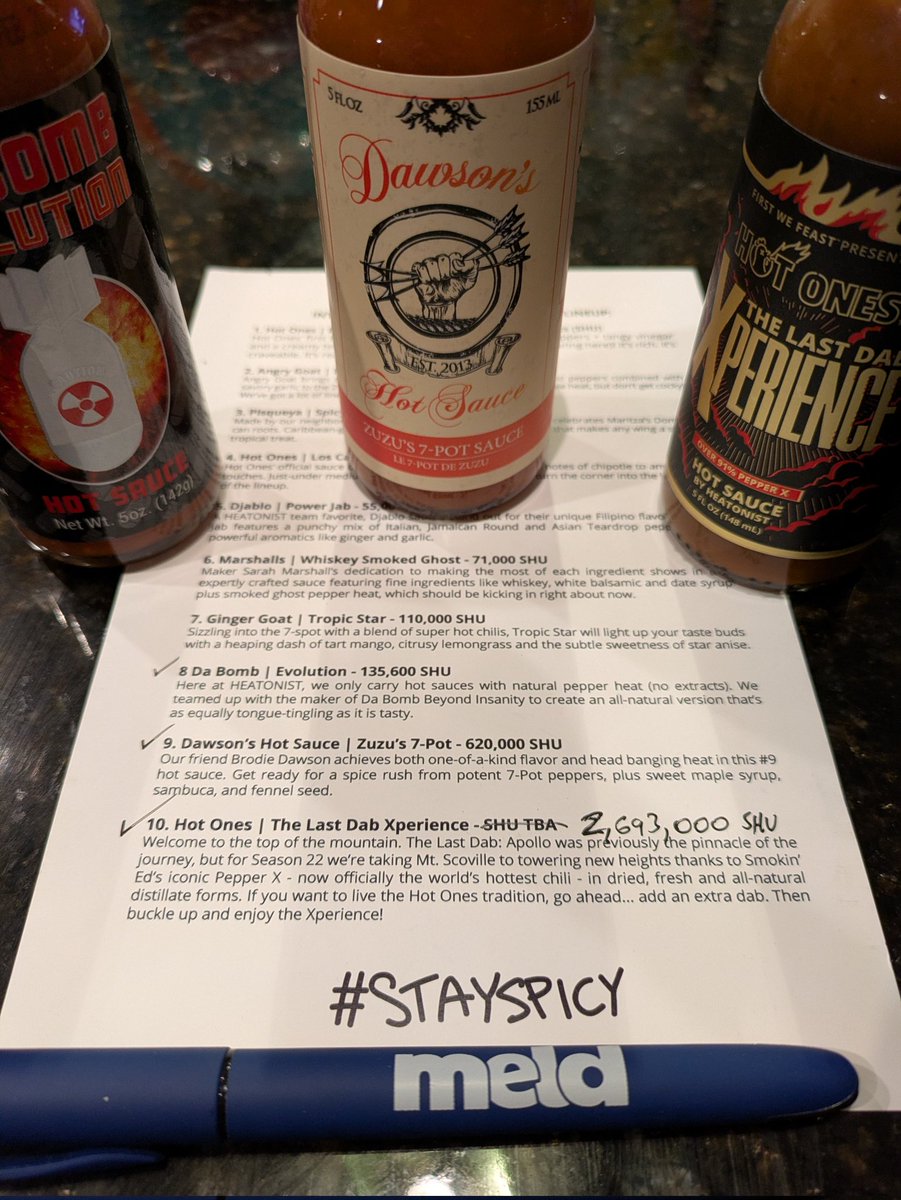
Flavor order: 9, .....8, 10
Subjective heat order: 8, 9, 10
31 May 2025

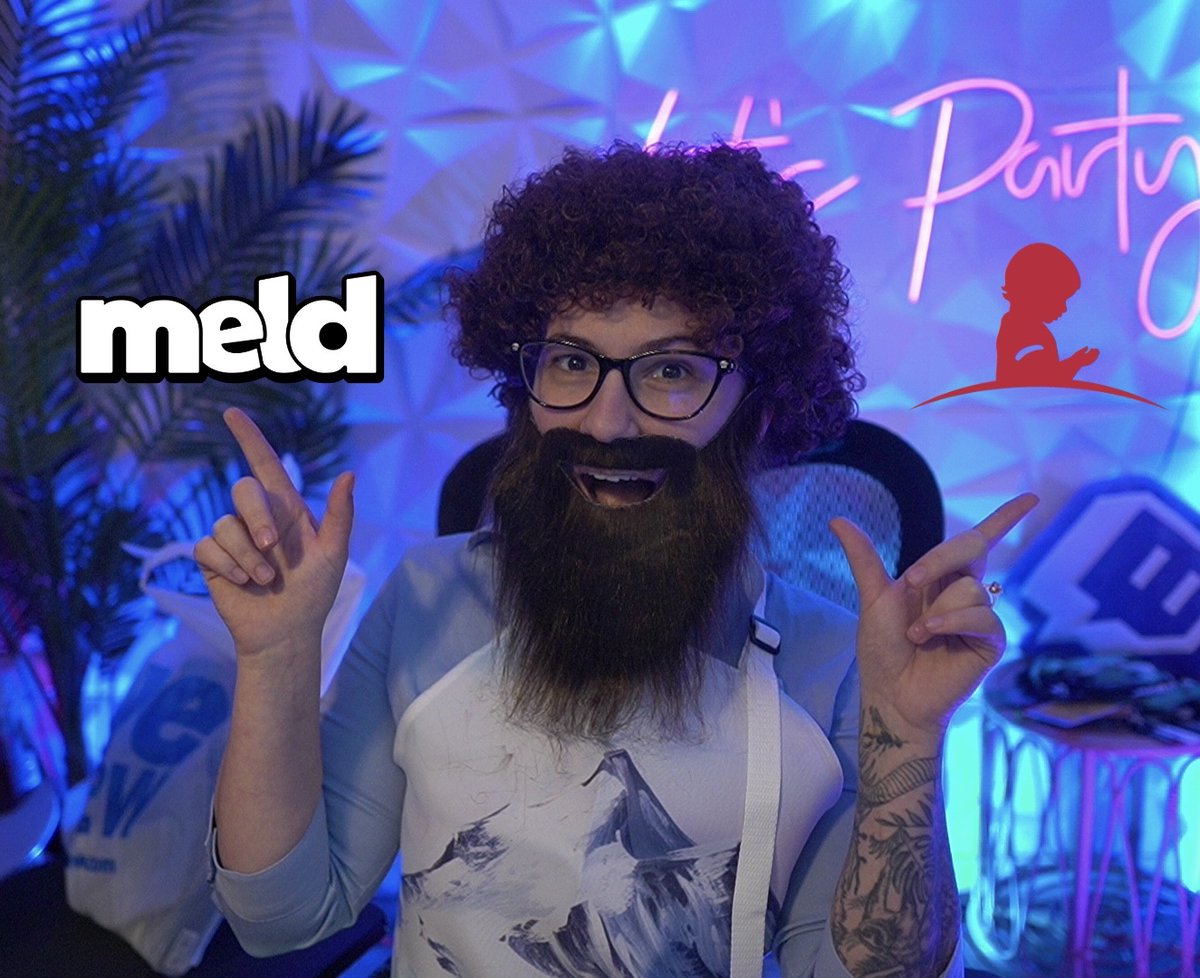
We're LIVE on Twitch right now doing our @StJudePLAYLIVE stream! The team shows off the incentives we've done for hitting our milestones!
2
9
385
31 May 2025
Not looking to one-up Ollie, but:
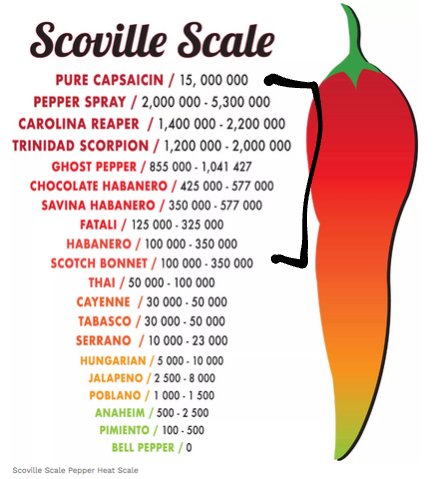
2.6M -> 620k -> 130k SHU
30 May 2025
Don't forget!!
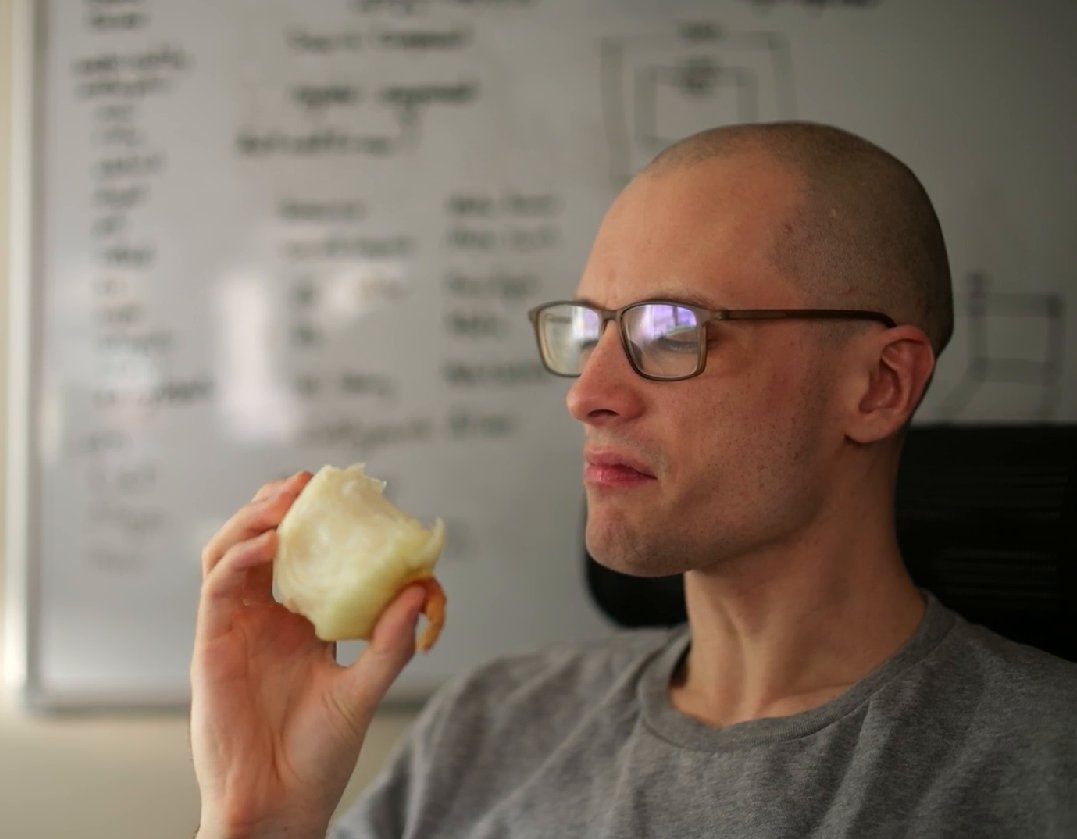
The Meld team will be live tonight at 6pm CST completing our incentives for our charity fundraiser.
Don't miss out on Ollie eating a whole onion 🤢

1
2
10
561

We are raising money for @StJudePLAYLIVE and hit some milestones already! 🙌🏻
Rocking the romper for the rest of stream live on @twitch 🍍
twitch.tv/iambpala
3
8
54
2,134
31 May 2025
We're just a few hundred away from... 👀

If anyone wants to donate, this link will send the funds directly to St Jude: donate.tiltify.com/1c7f5879-…
1
2
214