Most Complete Ai PowerPoint Generator, Most Smart Mind Map Generator
Joined August 2023
- Tweets 524
- Following 21
- Followers 792
- Likes 26
495 Photos and videos



Jun 12
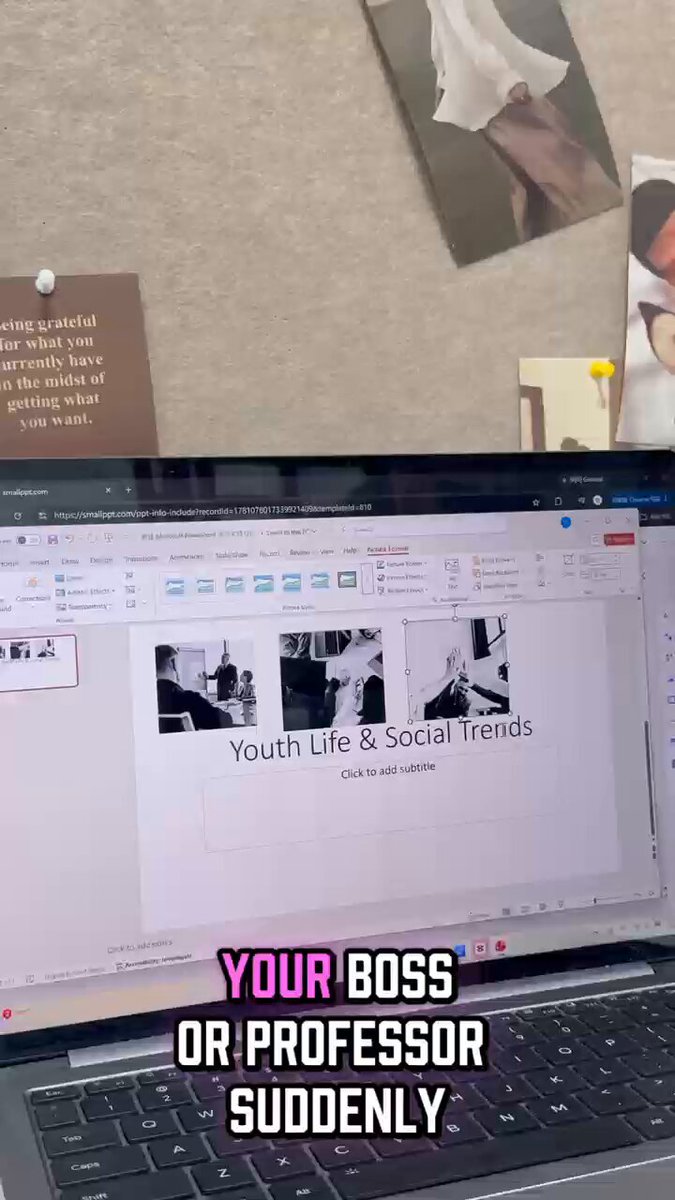
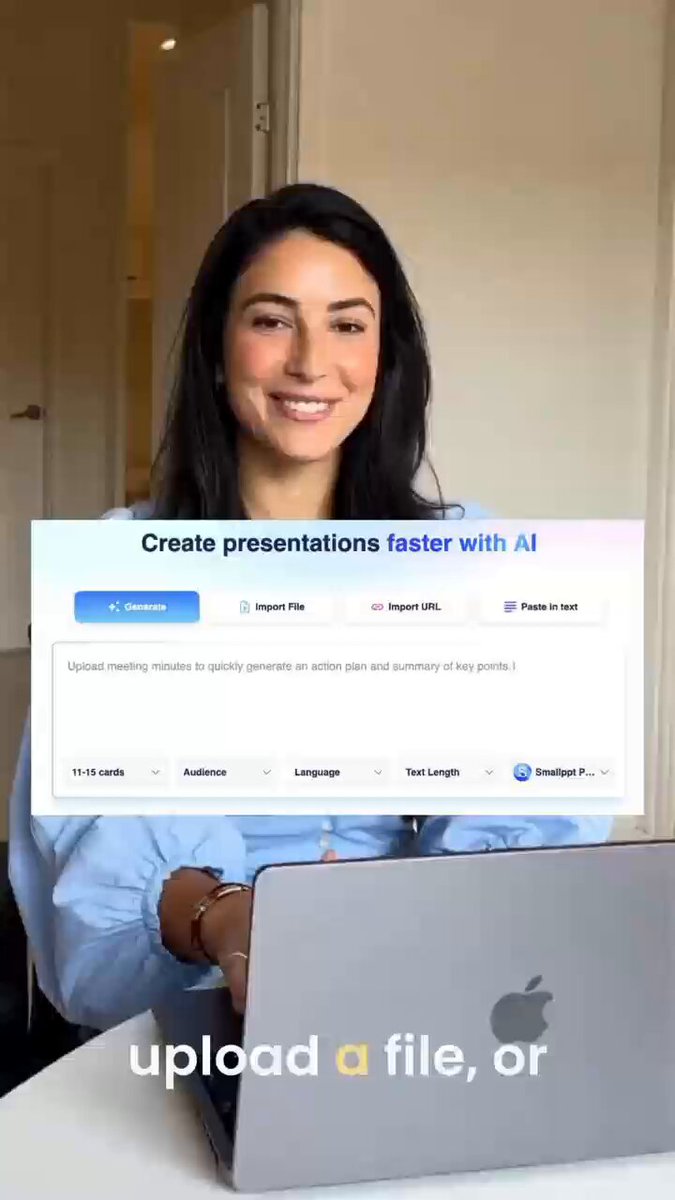
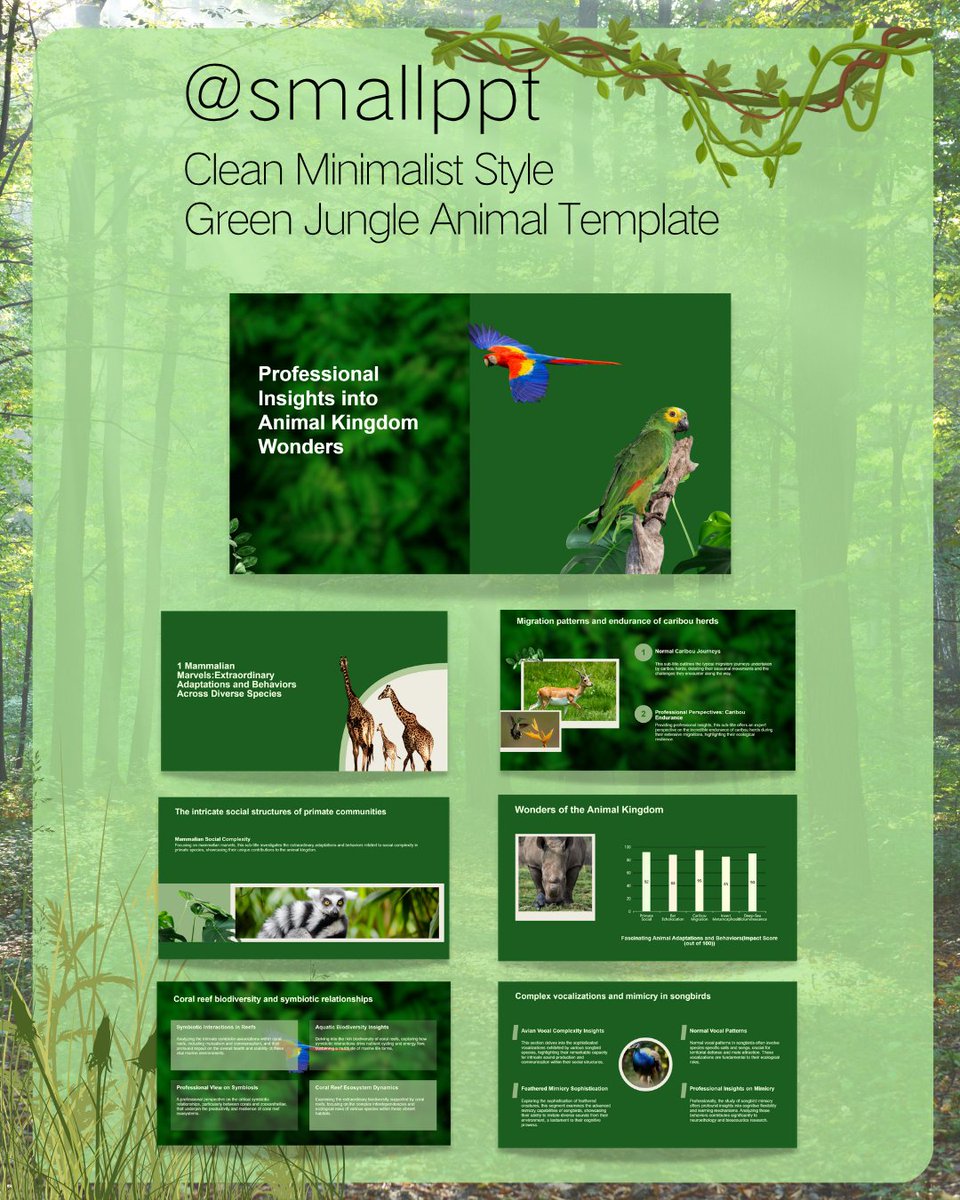
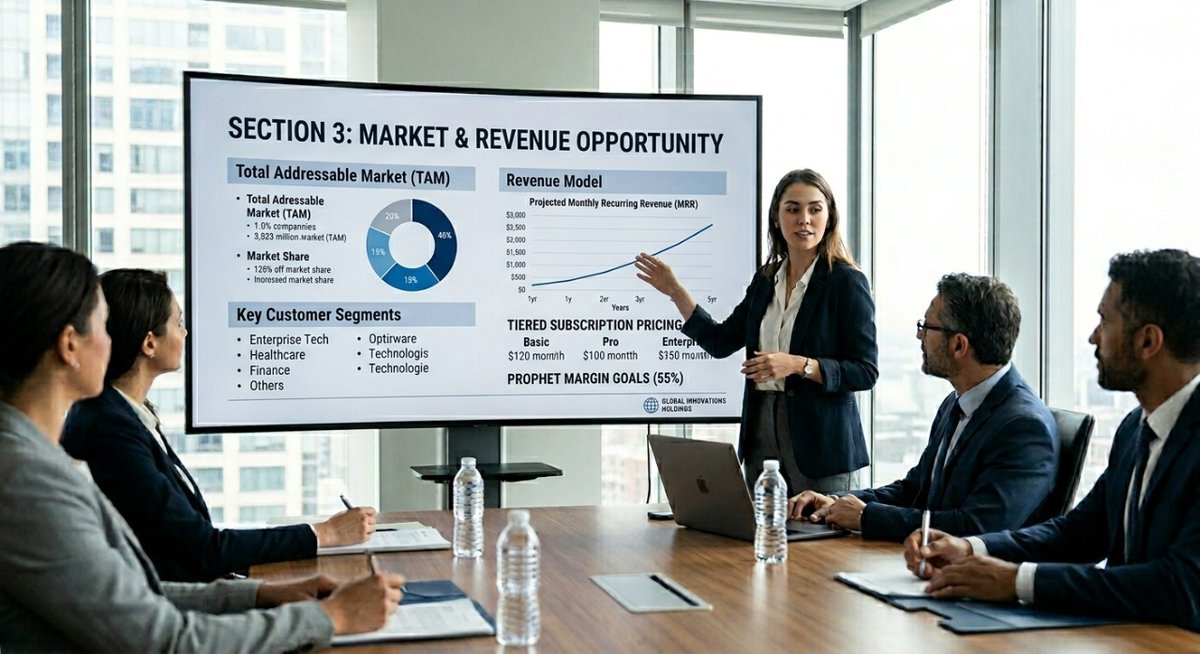
If you’re still staying up all night pulling charts together, you need to watch this.👇 #Smallppt #aitools #studenthacks #collegehacks #presentationtips #productivityhacks #schoolwithme #collegelife #worksmart #lifehacks
8
Jun 11
Your boss or professor asks for a last-minute presentation and your mind goes blank? #ai #lifehacks #officehacks #studenthacks #productivity #worksmarternotharder #aitools #presentationtips #corporate #foryoupage #fyp
5
Jun 8
This AI tool feels like an actual cheat code for school and work.🤫🚀 #Smallppt #aitools #productivityhacks #timesaver #worksmart #studentlife #presentationtips #lifehack #studytok #presentation
12
Jun 5
Generate flawless slide decks from just a single prompt with Smallppt. 🌟🚀#Smallppt #aitools #productivityhacks #timesaver #worksmart #studenthacks #presentationtips #lifehack #studytok #techtrends
5
Jun 3
These 4 AI tools will change the game. Especially Smallppt. #Smallppt #aitools #productivityhacks #sidehustle #presentationtips #studentlife #worksmart #aitoolsforbusiness #timesaver #lifehack
6
Jun 1
Creating presentations takes way more time than it should #Productivity #AI #studyhacks #AItools #aistudytool #studytips #students #DigitalCreators #aitoolsforstudents
18
May 29
22
May 27
Most presentations are lost in the first 30 seconds.
Not because the content is bad —because the opening is weak.
Here are 8 ways to open a presentation that actually hooks your audience👇
smallppt.com/blog/basics/pre…
15
May 27
Don't forget our group presentation quiz this week #college #presentation #aipowerpoint #productivity
97
May 25
Academics give hundreds of talks. Here's how they think about slides:
1. One idea per slide
Your audience is listening — not reading. Keep it simple.
2. Structure before slides
Know your narrative first. Then open PowerPoint.
3. One clear chart > a page of numbers
If your data needs explaining, simplify the visual first.
4. Use templates for consistency, not creativity
The structure is borrowed. The thinking is yours.
5. Your slides follow your script — not the other way around
What you say out loud shapes what belongs on the slide.
The best academic presentations don't look complicated.
They just make complex things easy to follow. #university #presentation
14
May 25
The Sites Professors Really Don’t Want You to Find #Productivity #AI #studyhacks #AItools #aistudytool #studytips #students #DigitalCreators #aitoolsforstudents
13
May 22
What's your biggest presentation struggle?
0%
Starting from a blank
0%
Having too much content
0%
Making it look good
0 votes • Final results
9
May 22
Still stressing over that presentation due tomorrow? 🥲 #AItools #ProductivityHacks #StudentLife #CorporateLife #PPTdesign #LifeHack #PresentationTips #WorkSmart #TechTok #Smallppt
1
14
May 20
The hardest part of any presentation isn't the design.
It's deciding what stays and what gets cut.
Too much content = cluttered slides
Too little = you lose the story
A clean presentation outline fixes this before you touch a single slide.
14
May 20
😮

Introducing Gemini Spark ✨
It’s your 24/7 personal AI agent that helps you navigate your digital life, taking action on your behalf, and under your direction.
🧠 It runs on Gemini 3.5 and is built on @Antigravity, so it can perform long-running tasks easily in the background.
⏱️ And because it runs on dedicated virtual machines on Google Cloud, you don’t even need to keep your laptop open.
🧰 Spark will integrate seamlessly with Google tools, and soon with third parties through MCP.
#GoogleIO
17
May 19
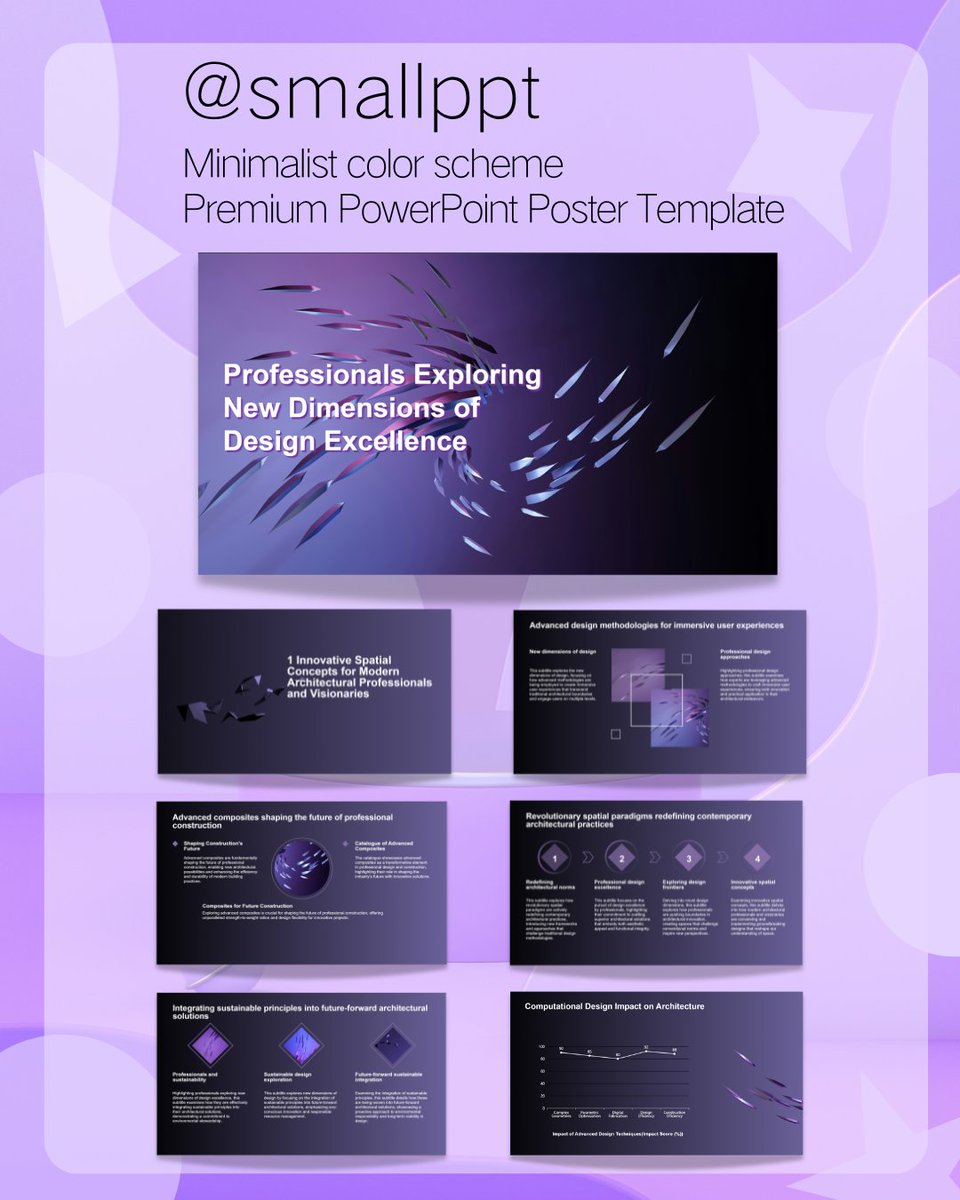
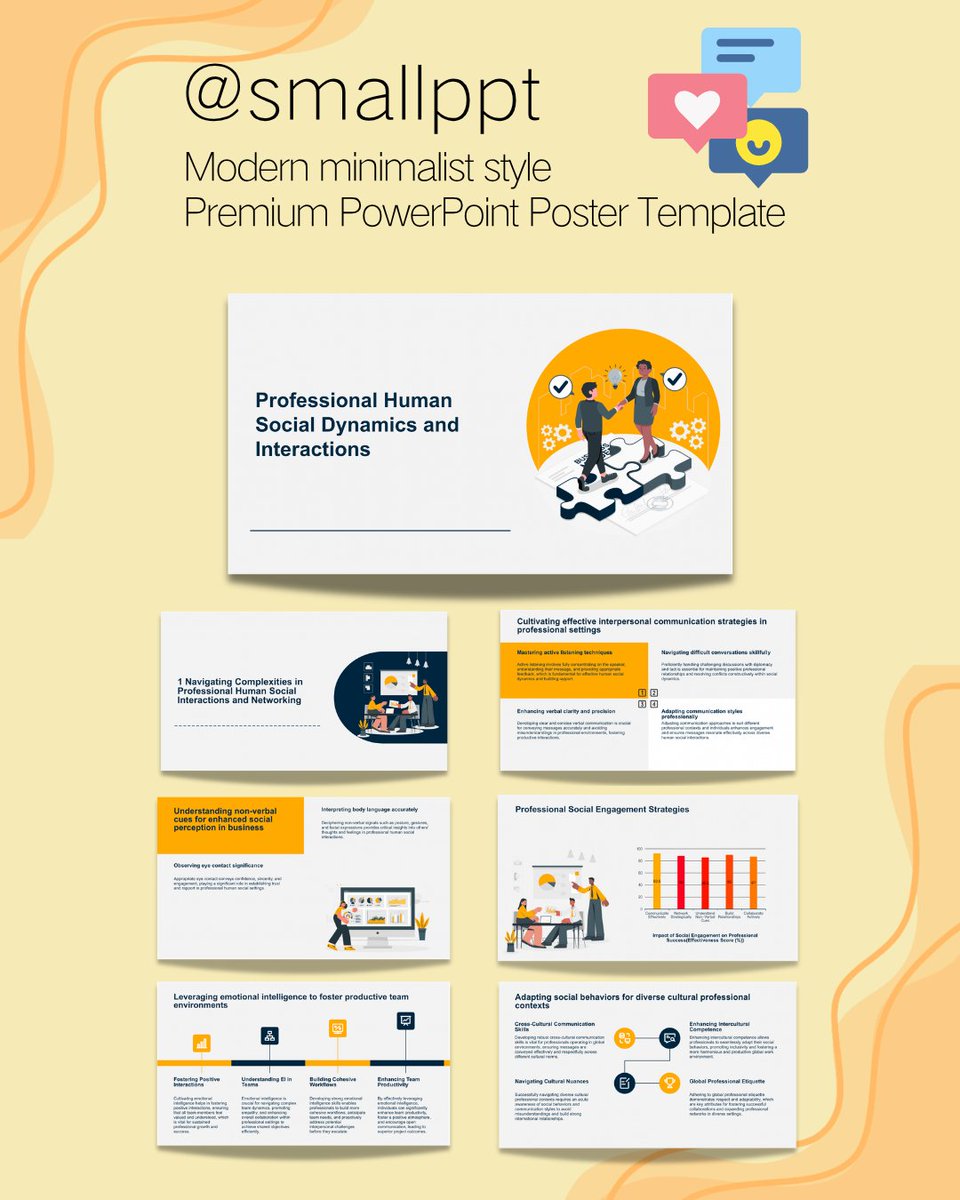
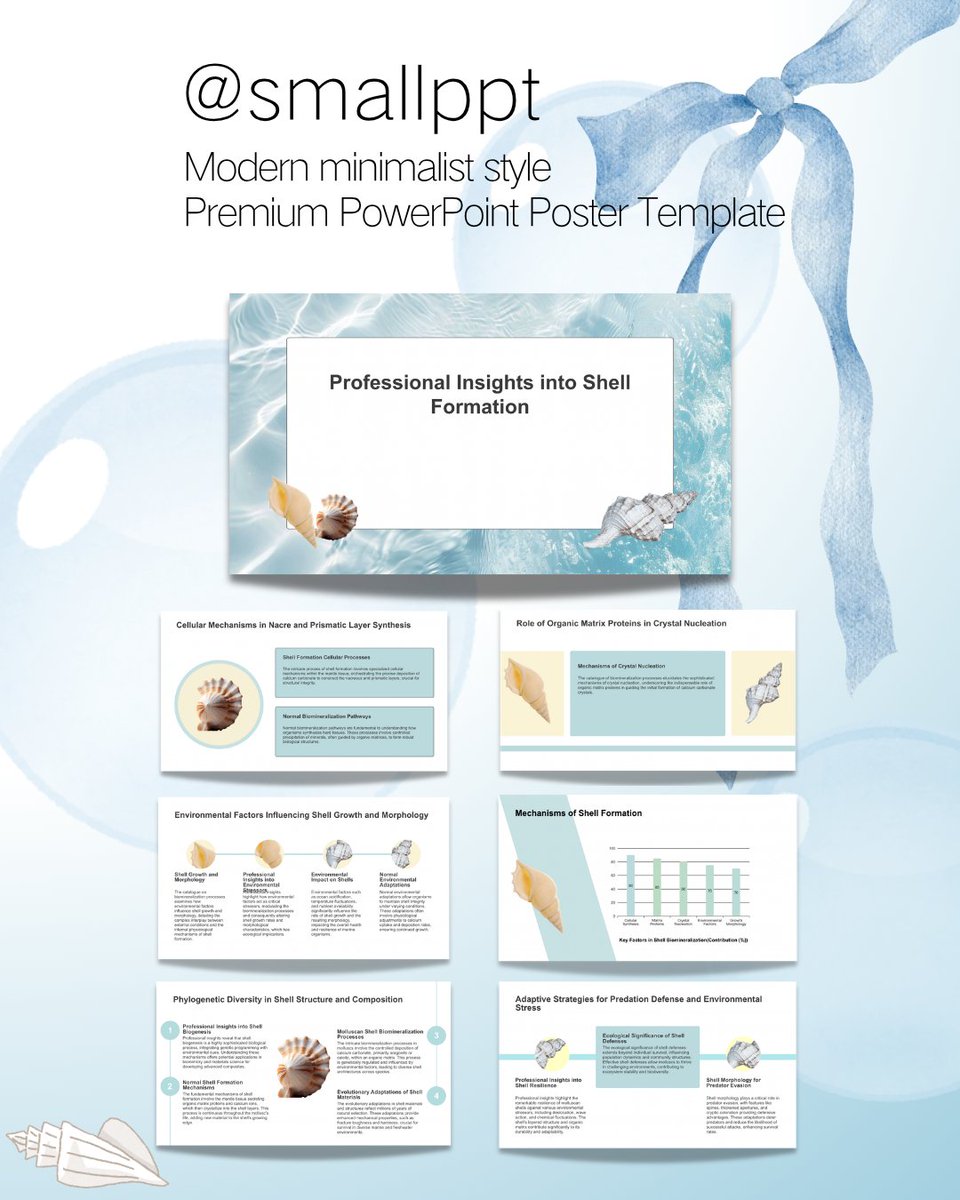
Stop starting from a blank slide.
Here are 4 templates that fix that. 👇
#presentationdesign
14
May 18
How to make a pitch deck clients actually remember:
1. Clarity over design
One idea per slide. If they have to guess what you mean, you've already lost them.
2. Make them see themselves, not you
pain → impact → why now → how you fix it
The best decks make clients think "this is exactly me" — not "wow, impressive company."
3. Data over adjectives
"We help clients work more efficiently" means nothing.
"clients save an average of 3 hours per week." closes deals.
4. End with one clear next step
Most decks just... stop. always finish with a specific action: Book a demo. Start a trial. Schedule a follow-up.
no CTA = no momentum.
18
May 15
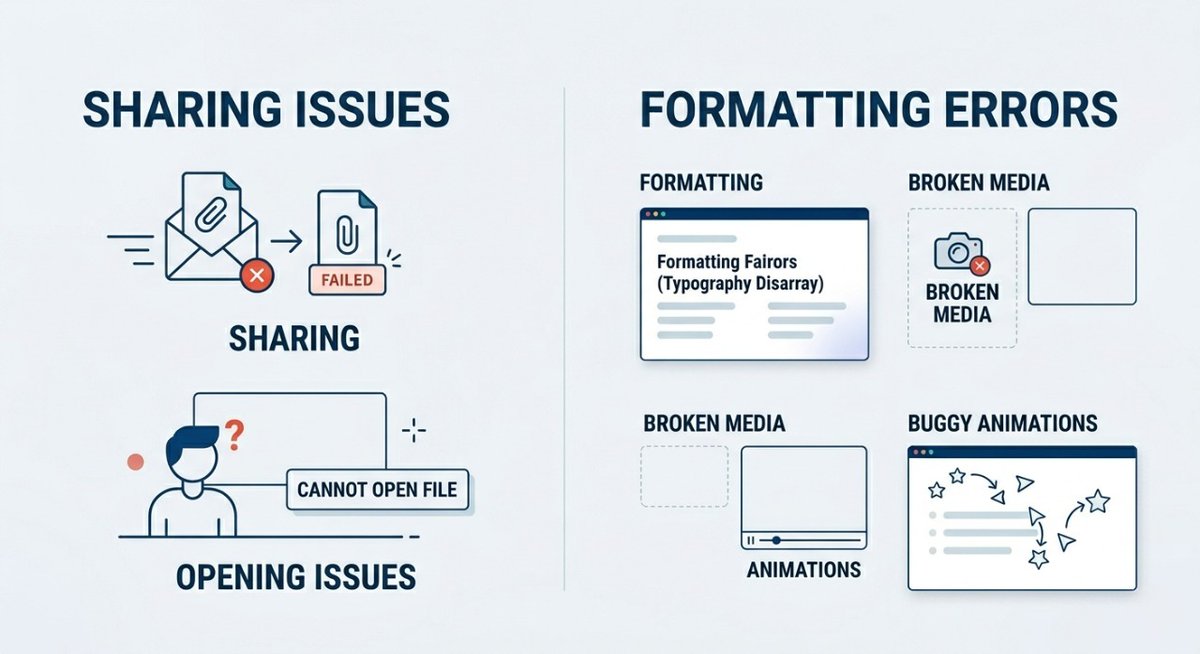
Most AI-generated HTML slides look great until you share them.
Wrong fonts. Broken layouts. Formatting chaos.
Smallppt exports clean — share or drop into PowerPoint, exactly as designed.
👉smallppt.com
15
May 14
Me staring at a blank PowerPoint for 20 minutes having done absolutely nothing.

14