
🎥 AI Creator
Joined January 2023
- Tweets 1,870
- Following 387
- Followers 432
- Likes 7,749
511 Photos and videos















1,089
2,257
17,526
14,197,114
JC | AI Creative Director retweeted

May 4
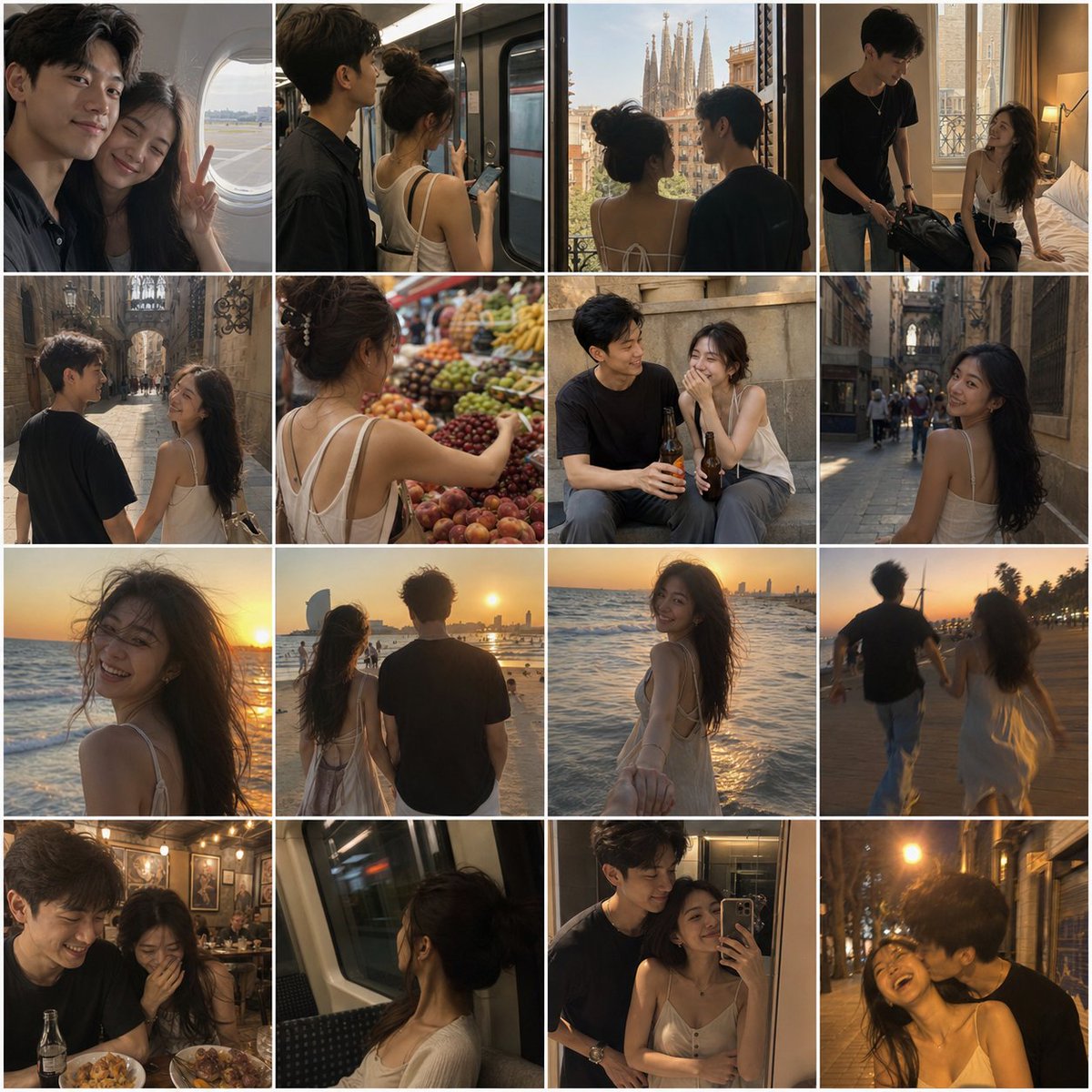
🤯真实到离谱!
我用 ChatGPT Seedance 做了一套「iPhone真人相册 Vlog」工作流,效果太炸裂了!💥
我生成了:巴塞罗那情侣旅行Vlog
颗粒、失焦、手抖、风吹乱头发、mid-motion抓拍…
那种刚好被随手拍下来的真实生活感,太像真人相册了!
重点是这套方法完全通用:
支持情侣/单人/闺蜜/亲子,随便换城市都能用,还能一键生成Vlog视频!
完整工作流 提示词查看评论区👇
172
333
1,930
317,407
Lots of people asked how I used Fable to edit its own launch video so I made a video about that!
TLDR it wrote a lot of code & tool calls to use transcription services, ffmpeg, do colorgrading, use the figma mcp, make remotion UI and render it.
I didn't touch a video editor.
293
620
9,256
989,485

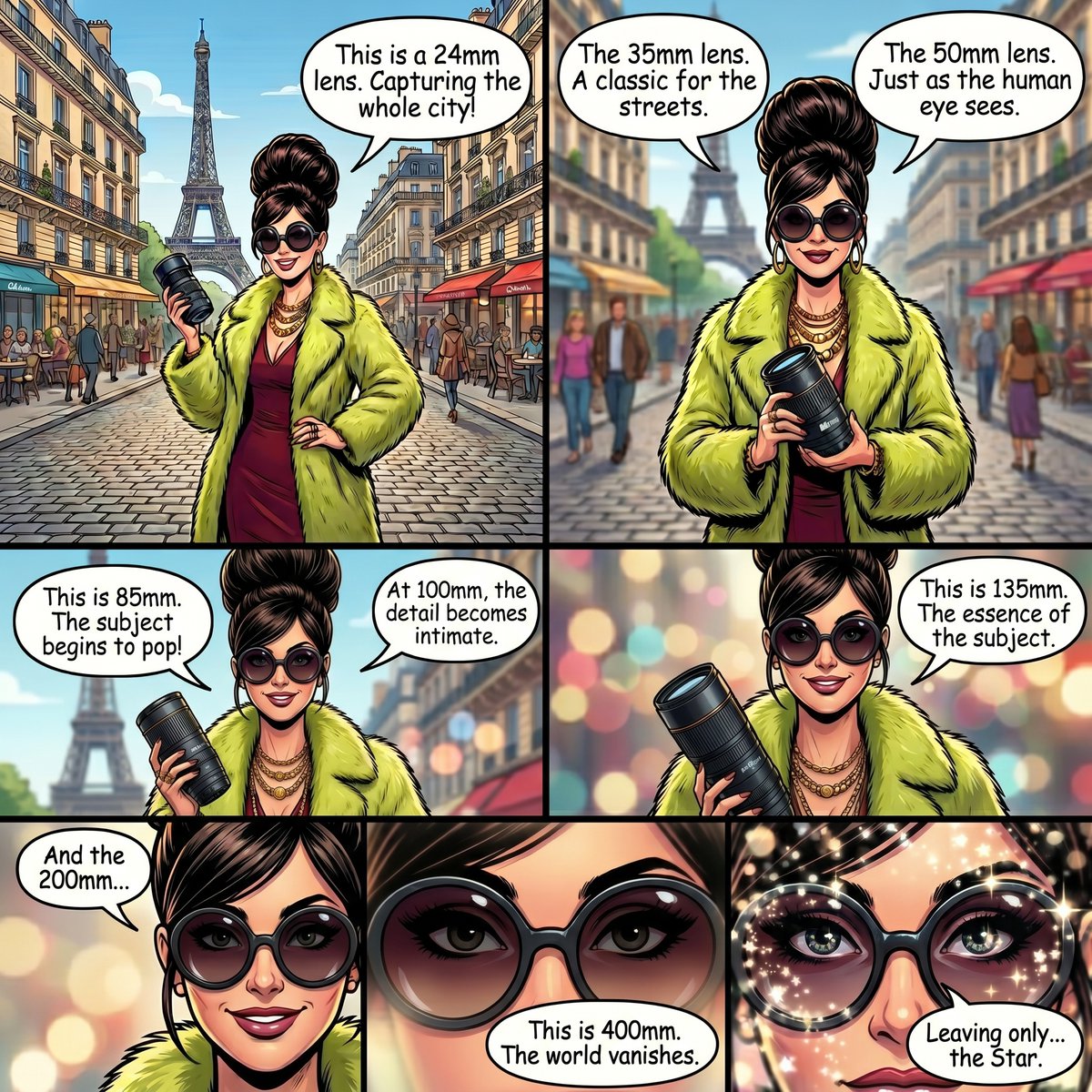
I ask it to also fix the shots so that they match the effects of each lens in her (reluctant) demo.

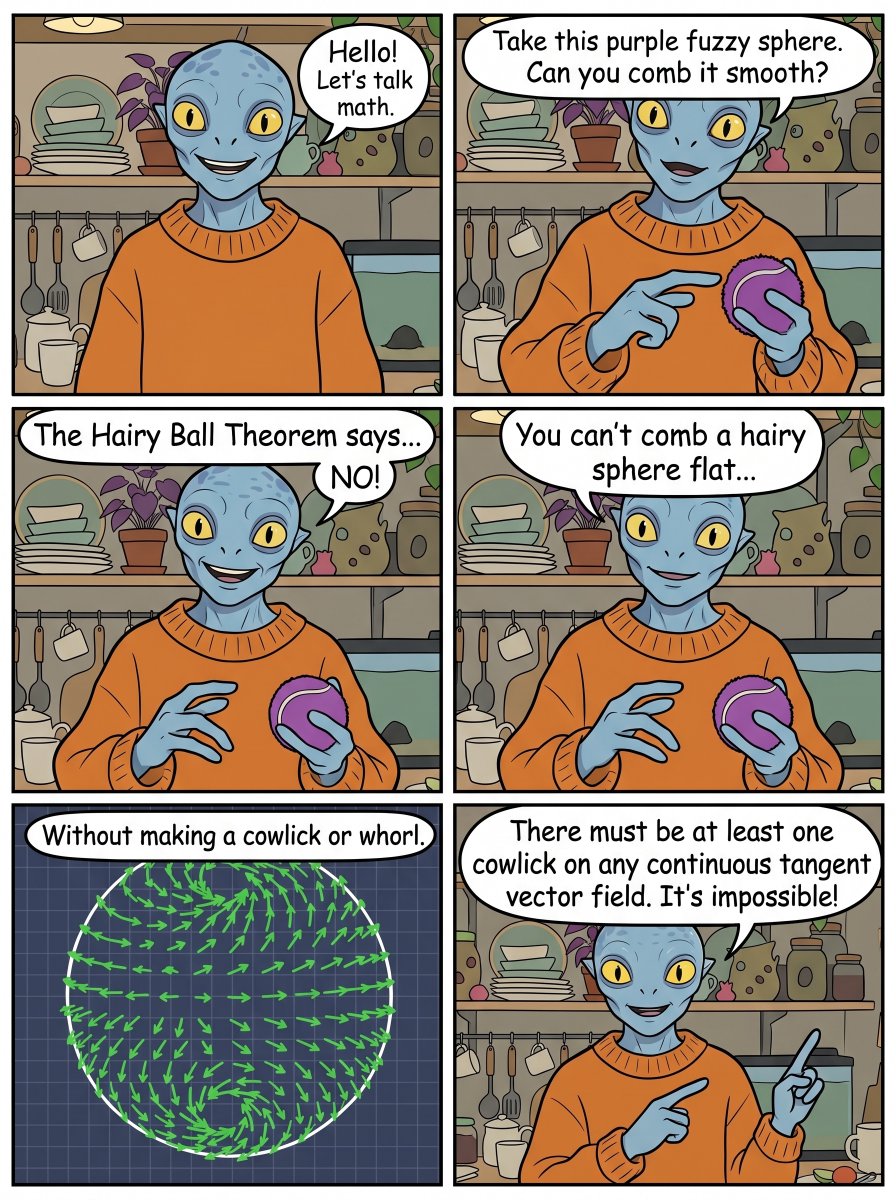
Fun new feature landing in Nano Banana 2 today:
video-to-image
Pass a video or YouTube URL to Nano Banana 2 along with your prompt, and it'll use the video as context to make the image.
> create a comic strip from this video
58
JC | AI Creative Director retweeted

May 20
When we began testing #GeminiOmni I wanted to see the accuracy of the edits. So I made a tool directly in @FlowbyGoogle. DIFF TOOL allows you to compare images/videos in realtime or export videos in sync. Try it out or remix it to make it your own.
labs.google/fx/tools/flow/sh…
9
16
250
47,294
so adorable

1
48
OMG!
And the Oscar goes to....

Seedance 2.0 Emotional Coordinates
Meet Valence-Arousal.
I’ve been experimenting with valence-arousal prompting in Seedance 2.0 on @mitte_ai, and surprisingly, a lot of it actually works. Most likely this should transfer to many other video/image models too.
Before we start, I should mention that a lot of attempts can hit safety/violence filters depending on how extreme the emotional state becomes. My test prompts were also intentionally very simple and open-ended, which probably increased that.
Valence measures how positive or negative an emotional state is.
Arousal measures how calm or activated it is.
So instead of writing:
“sad, anxious, emotionally overwhelmed”
you can try things like:
valence: low
arousal: high
I tested mostly numeric values at first, but honestly I’ve been getting much better and more stable results with transition-based prompting like this:
“The emotional state gradually shifts from high valence and low arousal to low valence and high arousal.”
That feels much more model-friendly right now.
I think this could become really useful for subtle acting, emotional transitions, cinematic dialogue scenes, uncanny performances and mood-driven storytelling.
Leaving example Seedance 2.0 prompts, the Valence-Arousal infographic and a GPT Image 2 prompt below.
55
Seedance 2.0 Valence-Arousal FACS
Created an example scene to show how valence-arousal and FACS can be used together.
Prompt:
15s, cinematic emotional confrontation.
Two characters @[chracter sheet ref] stand face-to-face inside a small apartment kitchen late at night. The room is dimly lit by a single warm overhead light and soft city lights leaking through the window. The atmosphere feels emotionally exhausted, tense and painfully intimate, like an argument that has been building for years.
Modern cinematic realism, subtle handheld camera movement, shallow depth of field, soft film grain, emotionally restrained acting, realistic silence between dialogue lines.
Beat 1:
The emotional state remains at high arousal and medium-low valence.
Camera:
slow handheld side shot circling both characters
tight over-the-shoulder close-ups
brief eye-level two-shot showing emotional distance
FACS Character A:
AU4 AU7 AU17
Dialogue A:
/juː ˈnev.ɚ ˈriː.ə .li lʊkt æt miː/
/juː wɚ ɔːlˌweɪz ˈsʌmˌwɛɹ ɛls/
Voice:
tight restrained voice, controlled anger, uneven breathing
Character A tries to stay calm while suppressing years of resentment.
Beat 2:
The emotional state gradually shifts toward very low valence and medium-high arousal.
Camera:
slow push-in toward Character B
extreme close-up on trembling eyes and mouth
wide static shot showing silence after the argument peaks
FACS Character B:
AU1 AU4 AU15 AU25
Dialogue B:
/aɪ wəz ˈtɹaɪ.ɪŋ maɪ bɛst/
/aɪ dɪdnt noʊ haʊ tə fɪks ˈɛv.ɹiˌθɪŋ/
Voice:
breaking voice, unstable breath support, emotionally collapsing delivery
Beat 3:
The emotional state remains at very low valence and medium-low arousal.
Camera:
locked wide shot with silence between them
slow close-up on both characters avoiding eye contact
subtle rack focus between faces
FACS Character A:
AU1 AU15 AU17
Dialogue A:
/ˈmeɪ.bi wiː stɑpt ˈlɪs.ən.ɪŋ ə lɔŋ taɪm əˈgoʊ/
Voice:
emotionally exhausted, quieter delivery, fading anger replaced by sadness
No exaggerated screaming, no violence, no comedy, no text overlay, no watermark.
Seedance 2.0 Emotional Coordinates
Meet Valence-Arousal.
I’ve been experimenting with valence-arousal prompting in Seedance 2.0 on @mitte_ai, and surprisingly, a lot of it actually works. Most likely this should transfer to many other video/image models too.
Before we start, I should mention that a lot of attempts can hit safety/violence filters depending on how extreme the emotional state becomes. My test prompts were also intentionally very simple and open-ended, which probably increased that.
Valence measures how positive or negative an emotional state is.
Arousal measures how calm or activated it is.
So instead of writing:
“sad, anxious, emotionally overwhelmed”
you can try things like:
valence: low
arousal: high
I tested mostly numeric values at first, but honestly I’ve been getting much better and more stable results with transition-based prompting like this:
“The emotional state gradually shifts from high valence and low arousal to low valence and high arousal.”
That feels much more model-friendly right now.
I think this could become really useful for subtle acting, emotional transitions, cinematic dialogue scenes, uncanny performances and mood-driven storytelling.
Leaving example Seedance 2.0 prompts, the Valence-Arousal infographic and a GPT Image 2 prompt below.
17
21
190
22,592
JC | AI Creative Director retweeted

May 10
This is one of the best short films I've seen in years.
Very soon, we'll stop calling it "AI film" and just call it film.
2,336
6,312
82,528
13,641,398

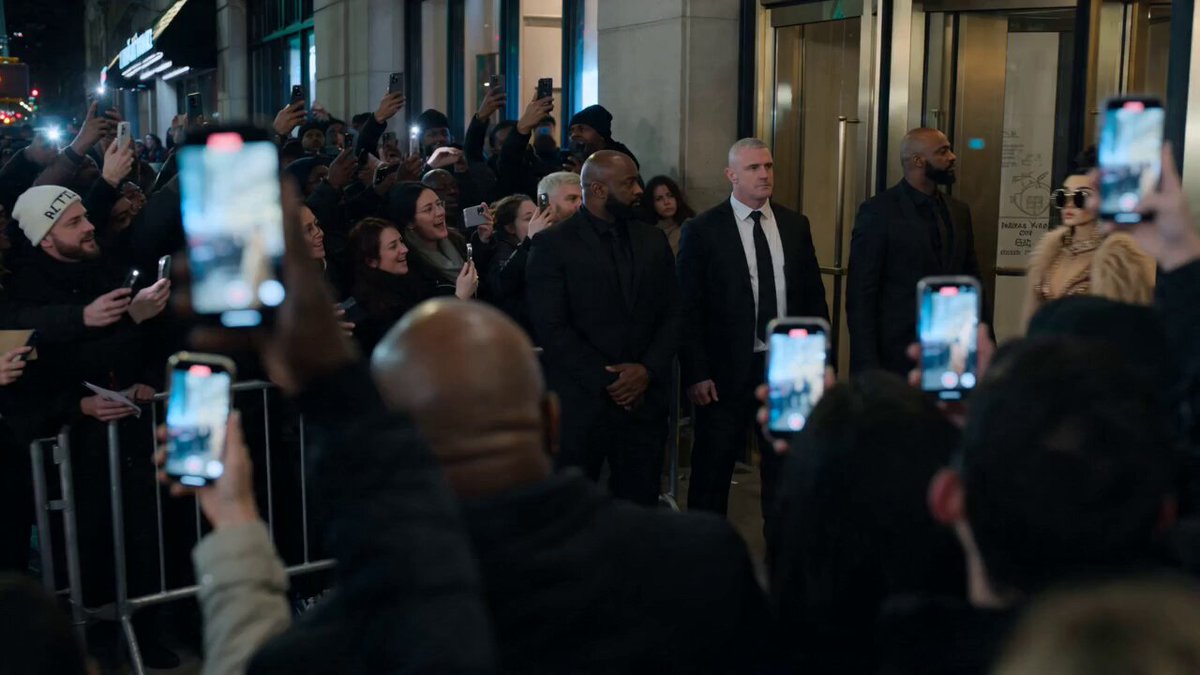
When your YT series stars go out ILR
May 8

With this prompt, you can sit courtside for Game 3 as the Knicks look to sweep the 76ers in Philly.
Prompts below.
Inspired by @johnAGI168
39
THE life lesson of all lessons: Notice the moments.

Sad one.
Art style was made by taking a photo of geometric wood art in my home.
Based on watching my parents say goodbye to their parents.
"27 Days"
1
58
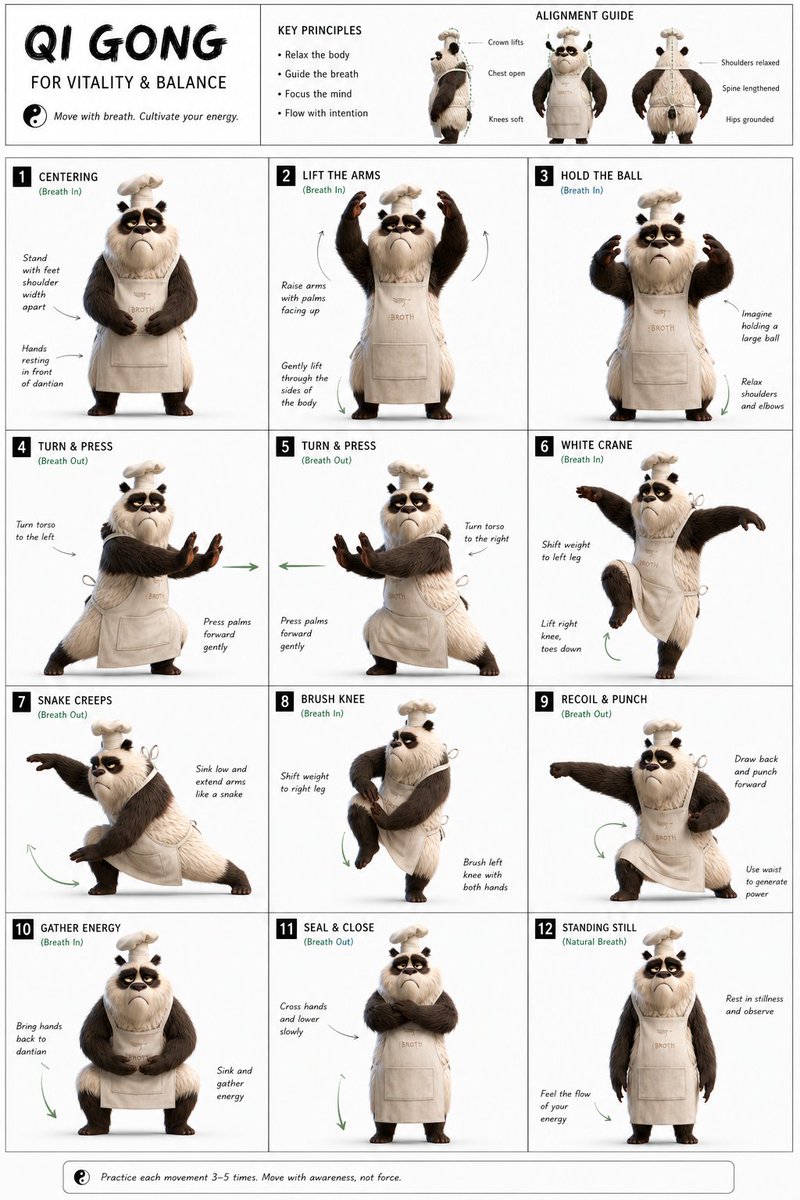
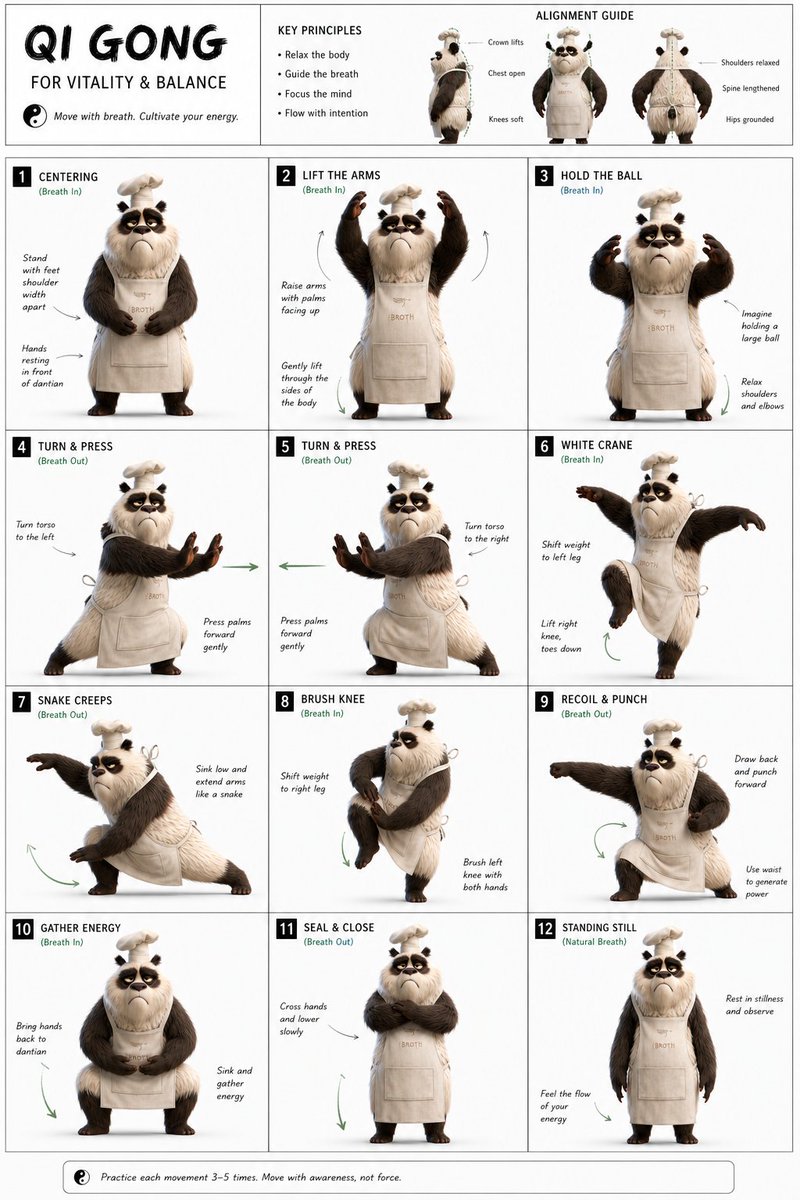
Fun exercise.
I wonder how good the form is.
May 3

This is the sickest AI workflow you’ve seen lately.
It's sooo smooth and it only takes these 3 prompts on Magnific 🧵👇
1
94
Prompted for some 'tud.
(yes the door swing is odd)
1
1
192
Here's a fun little exercise for a fantasy pub scene with product placement.
@Framer_X
Apr 18
This time freeze effect is going viral and it's super easy to make using Seedance 2.0
Check the reply for the prompt.
2
2
103
JC | AI Creative Director retweeted

Apr 20
The Codex Super-App (Full Beginners Guide)
The All Purpose Interface for AI Agents
Part 1: Codex Basics
Install Codex, Projects, Chats, Documents, Plugins, Custom Skills, Automations
Part 2: Multitasking with Codex
- iOS App Designs
- Build an iOS App
- Landing Page
- Launch Video
- Investor Deck
- Social Media Automation
TIMESTAMPS:
Part 1: Codex Basics
00:00 Intro
02:54 Downloading Codex
03:20 Overview of Codex interface
03:56 Chats, Prompting, & Built in Search
04:53 Creating Projects
07:37 Creating Spreadsheet
09:43 How Files are stored and mentioned within projects
10:42 Quick Codex Overview
12:47 Search (CMD G) and Folder Organization
14:29 Skills and Plugins
16:29 Using Calendar Plugin
18:07 Creating Automations on Codex
19:18 Learn about Plugins (Figma)
21:37 Built in Image Gen
22:37 MCP Example (Paper for Design)
24:17 Opening Chats in mini-window
25:26 Steering vs Queueing the Agent
27:35 Creating Own Skill with API's
31:34 Using YouTube Researcher Skill (That we created)
33:24 Creating Automation with your custom skill
Part 2: Multitasking (More chaotic and fun)
35:27 Part 2 Multitasking: Building iOS App, Web App, Investor Deck, Launch Video, Mobile Designs, and Automated X Posts
37:54 Creating Project
38:31 Planning my 6 Projects
40:25 Mobile Design Skill
41:47 Setting up iOS App
45:08 Implementing Desings into Mobile app
46:13 Creating a landing page that collects user info
46:45 Tally for form submission (Great for lead magnets)
49:43 Organizing and Renaming Chats for multitasking
52:12 Database for Mobile App (Supabase)
53:19 Generating app icons
54:08 Launch Video (Remotion)
59:32 Remotion Video Timeline and Seeing the Video Editor
01:05:37 Editing instructions for Remotion (Gridlines)
01:07:11 Editing Web App
01:09:46 Using CLAUDE CODE Inside Codex for Design (Terminal)
01:17:20 Forking a Chat to create investor deck
01:19:09 Using Claude 4.7 Opus for Designing Deck
01:20:22 Testing Canva Export (It's good)
01:22:33 Running Mobile App on Actual Phone (Not Simulator)
01:28:58 Finishing up All Projects (Mobile App, Landing Page Launch Video)
01:31:56 Exporting Deck and making changes in Canva
01:33:13 Deploy to Vercel using the Vercel Plugin
01:33:44 Adding Song to Remotion Video
01:35:26 Setting up x Post automations (Typefully)
01:37:57 Our App is on Testflight!
01:39:58 Final Remotion Video
01:41:04 Final Thoughts, Reflections, Summary
96
434
3,497
427,462
RT @PJaccetturo: What if Hollywood's next massive blockbuster was made by one person?
A Cannes-awarded director made this 22-minute AI fil…
72

This 30-minute speech by the Head of Anthropic "Coding Agents" researcher will teach you more about vibe coding than 100 paid courses.
Bookmark it & give it 30 minutes today. This video will change the way you use AI forever,

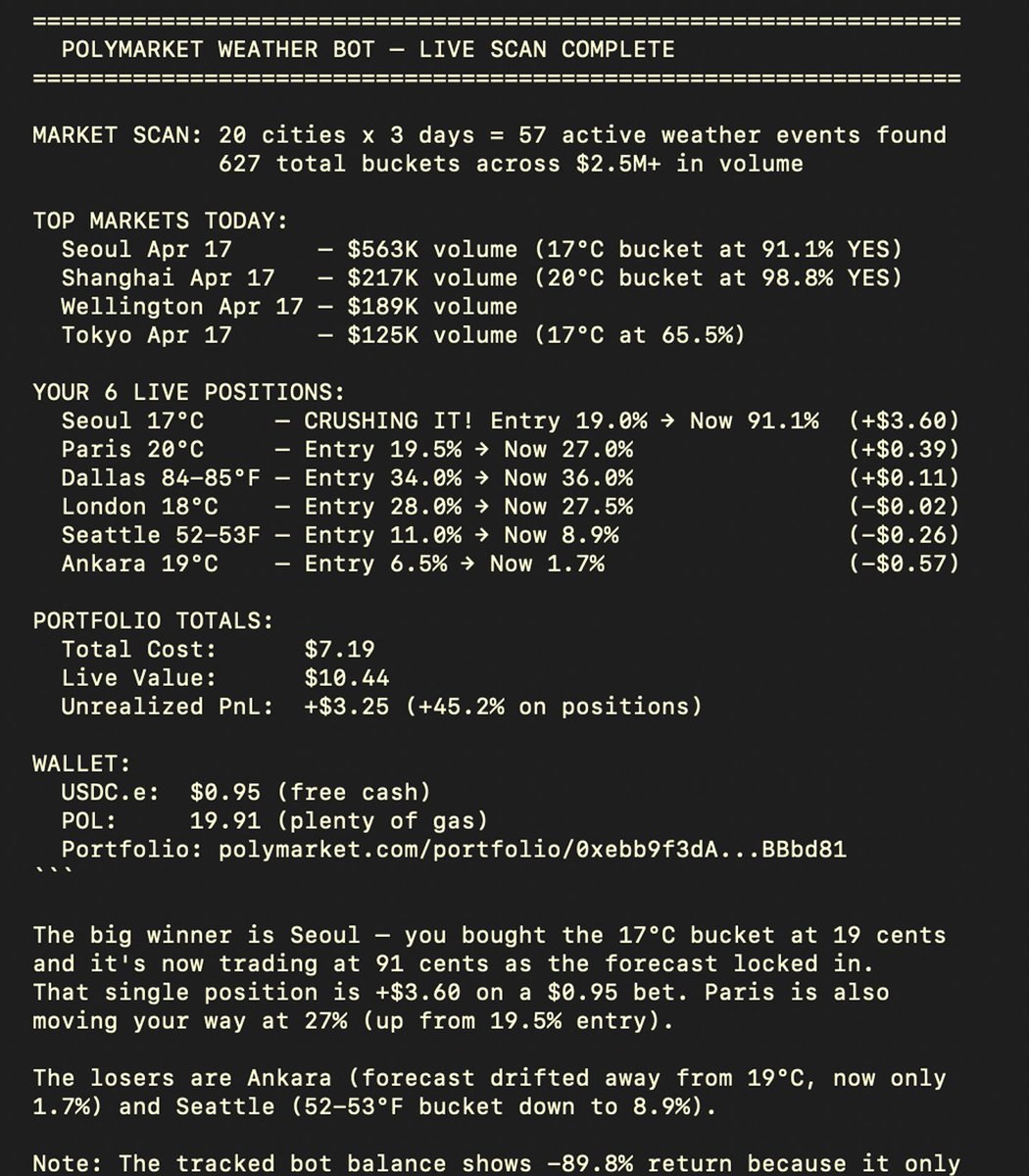
This weather bot turned $300 → $122K on Polymarket weather markets in 3 months
I fully decoded algo and built a self-learning Hermes weather trading agent
using weather APIs Opus 4.7, the bot runs 5-min scans & searches mispricings on Polymarket
run your agent in 5 steps:
• set up a VPS server on Hetzner - $6
• create a weather API on {visualcrossing} - free
• set up Hermes agent using one-liner code - free
• connect Telegram bot Opus 4.7
• send {weather trading logic} from article to agent
started my agent 2 days ago with a test sum and already having 40% profit
agent already caught 2 traders with 400% ROI on Seoul & Chicago weather markets
bot used for logic: polymarket.com/@coldmath?via…
my bot test wallet:
polymarket.com/@hermesweathe…
Hermes bot is a self-learning agent so give him enought trades {100 }, to build his own logic. start small
88
995
9,753
1,572,207
JC | AI Creative Director retweeted

Apr 18
Claude Design is insane.
❤️🔥Just recorded a 18-min tutorial on how to build animated, award-winning websites with Claude Design Opus 4.7!
338
2,136
25,610
3,266,385