
Lewisville ISD Elementary Instructional Technology Facilitator
Joined August 2016
- Tweets 1,283
- Following 412
- Followers 507
- Likes 3,290
498 Photos and videos


31 Jan 2025
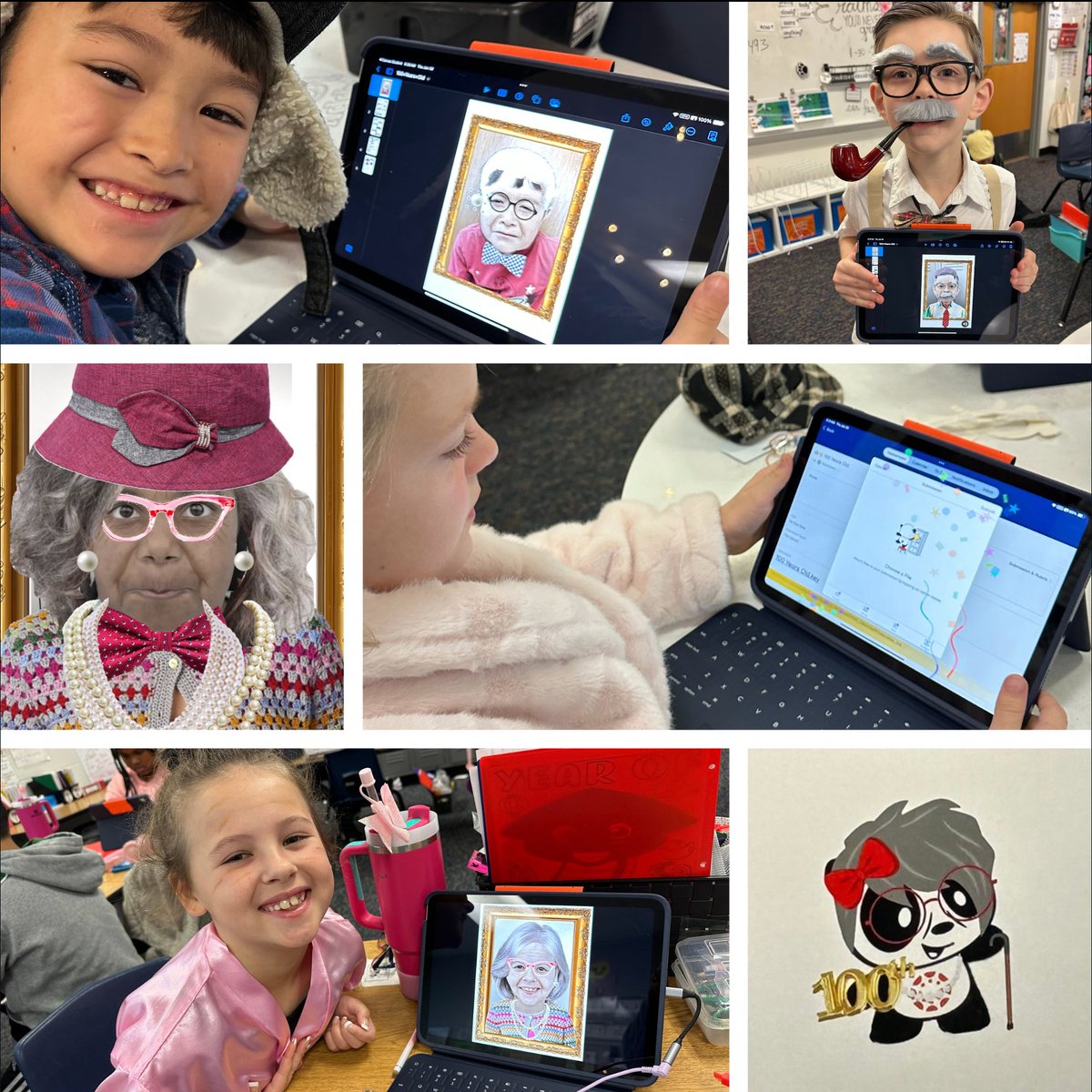
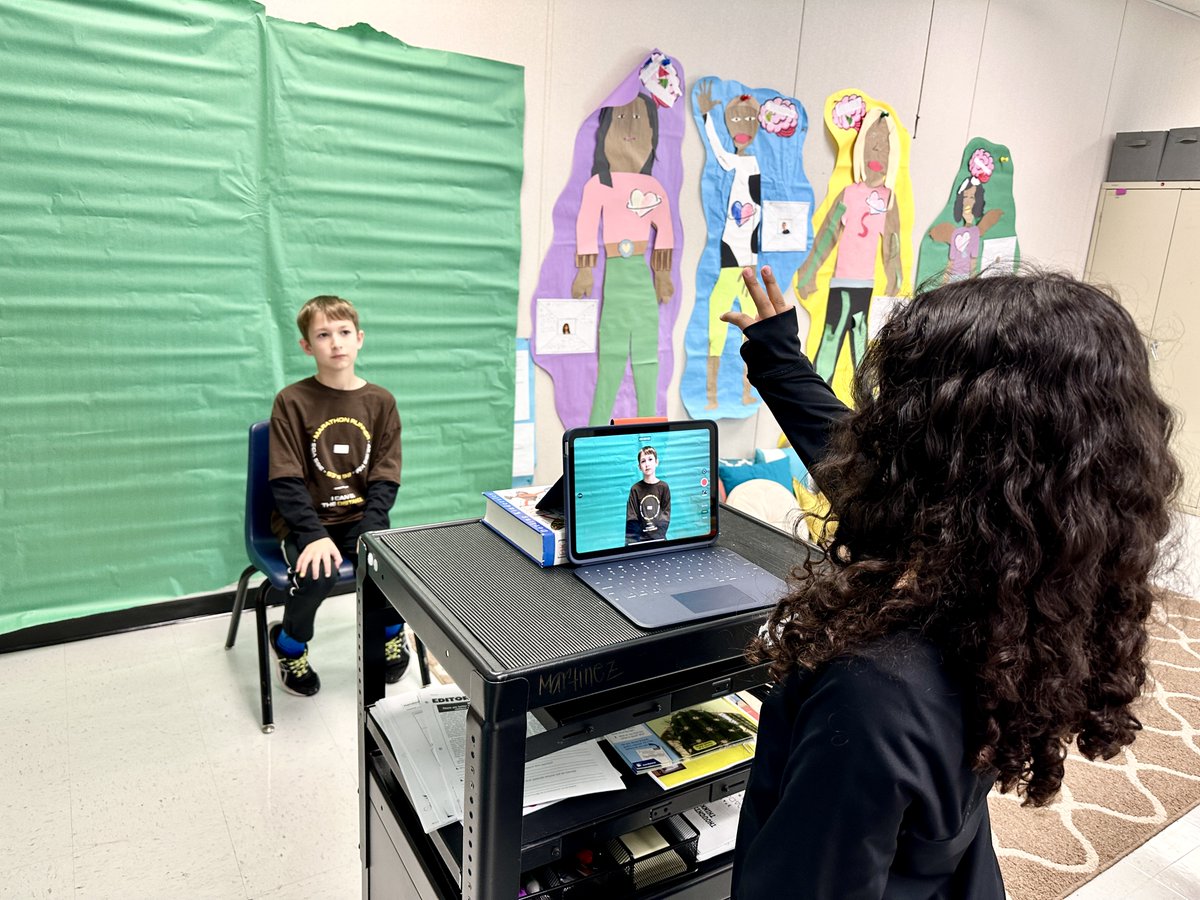
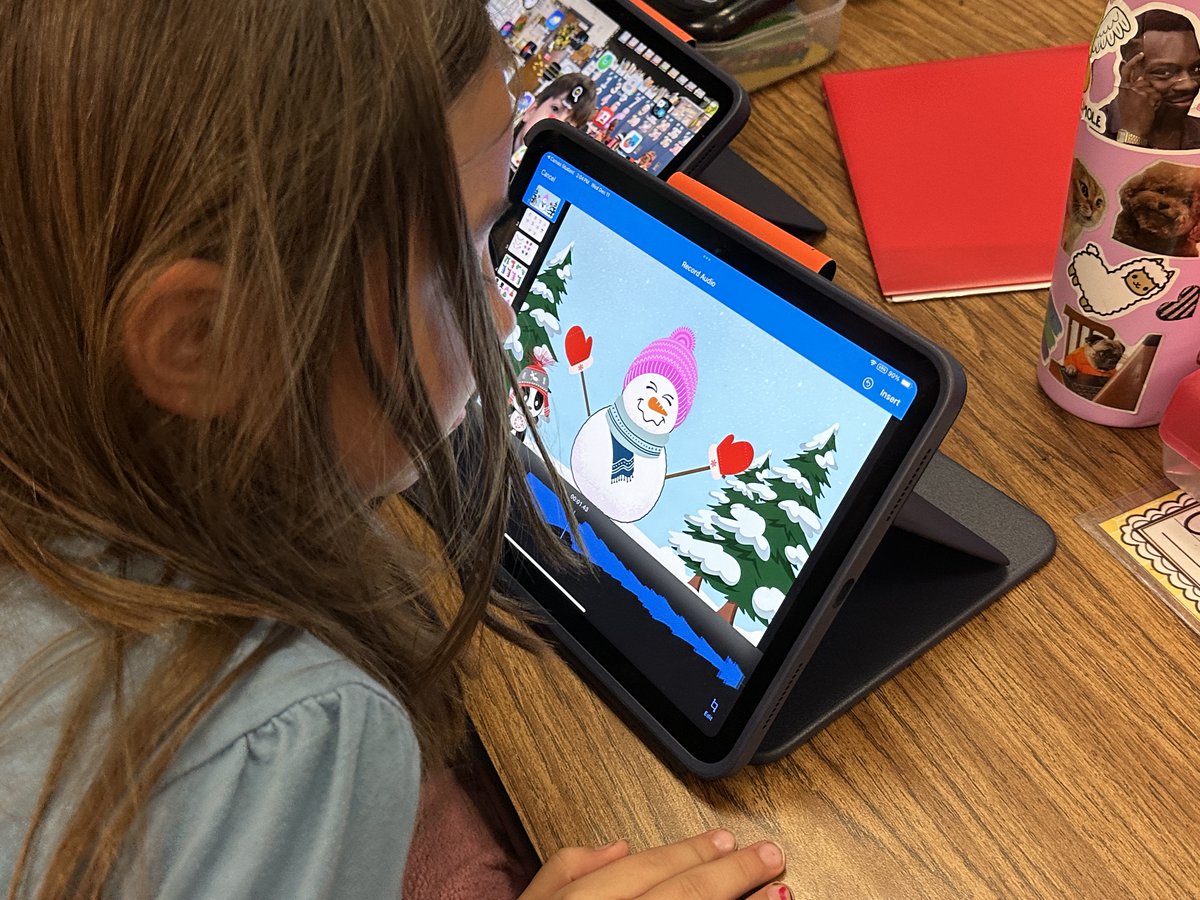
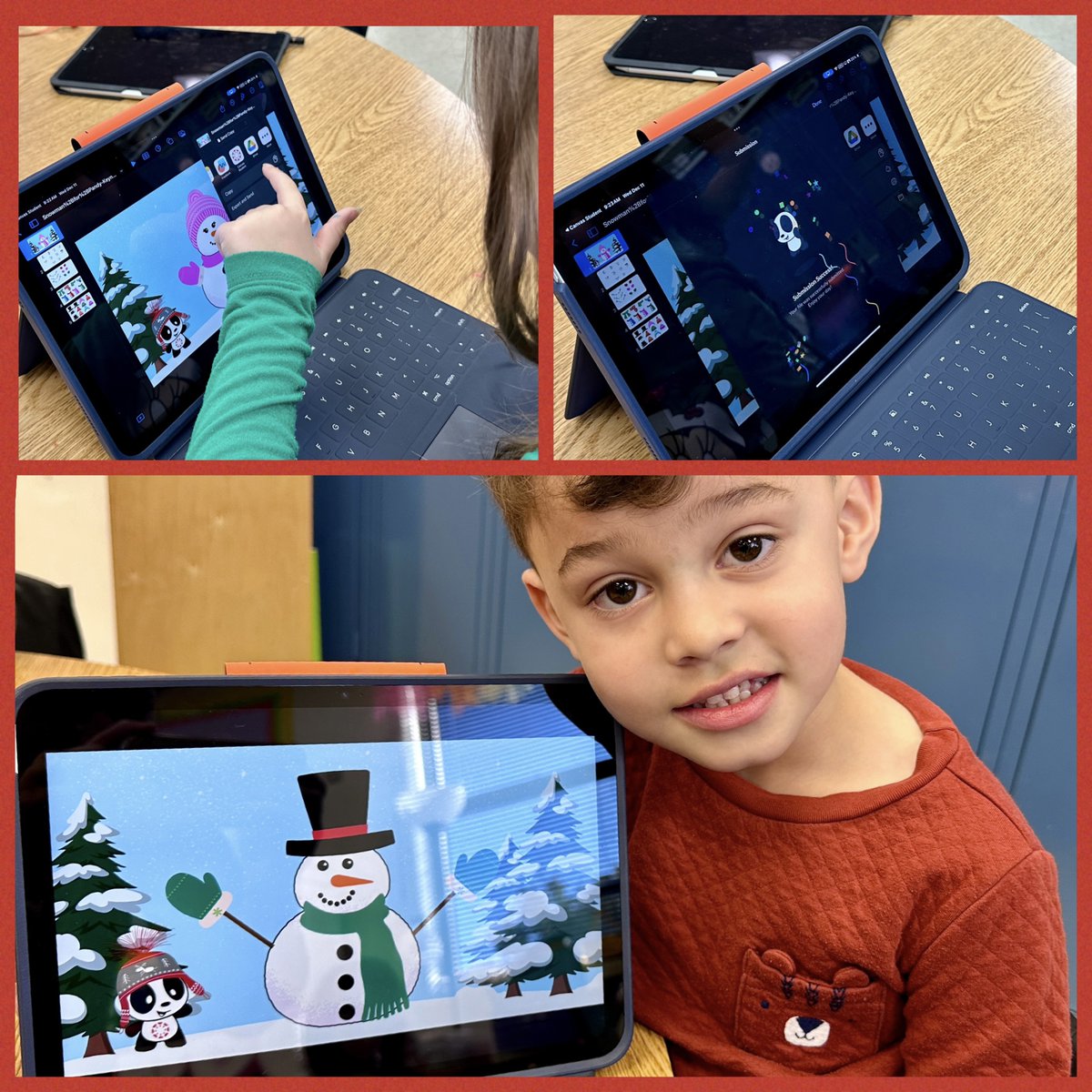
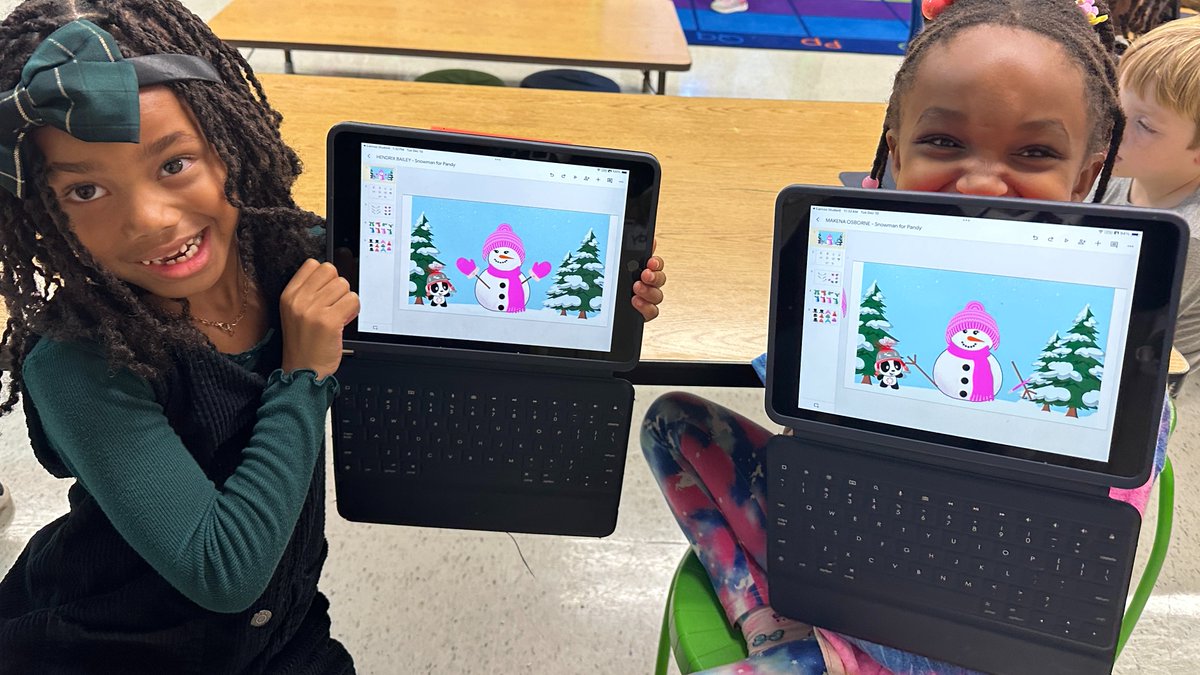
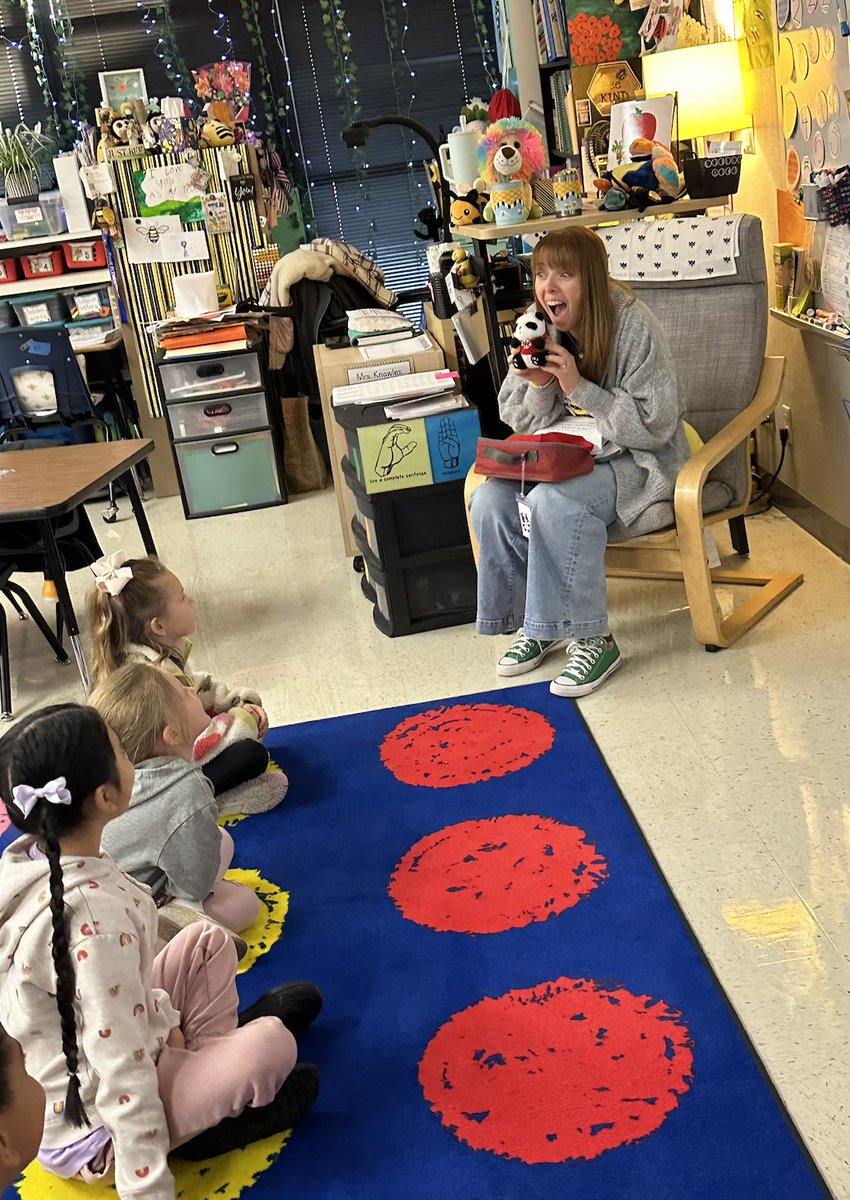
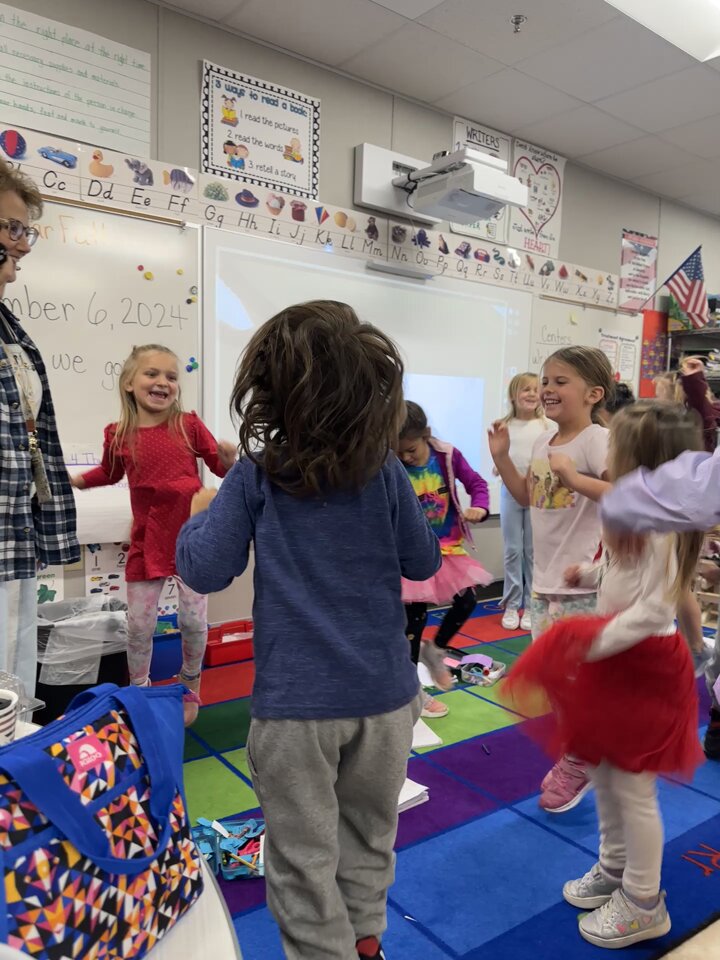
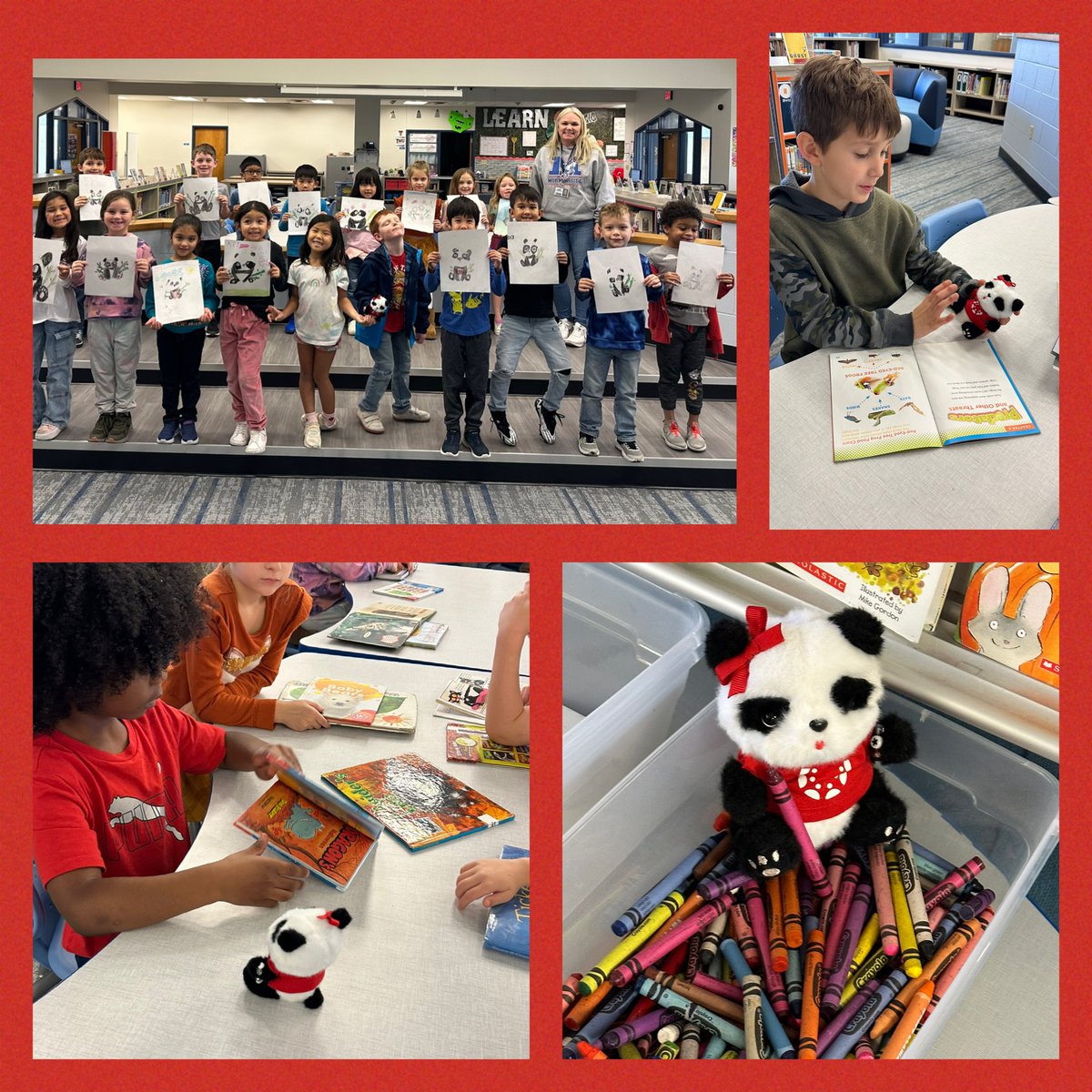
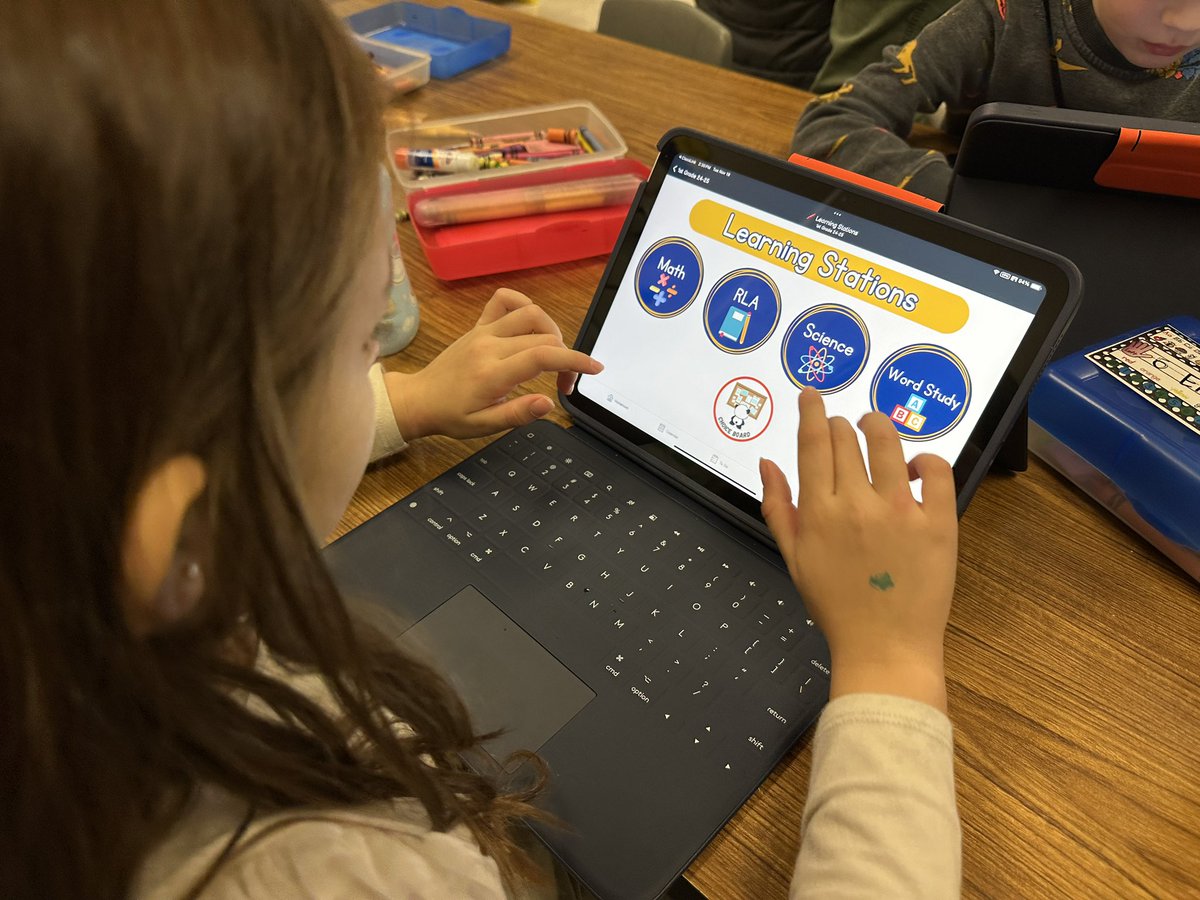
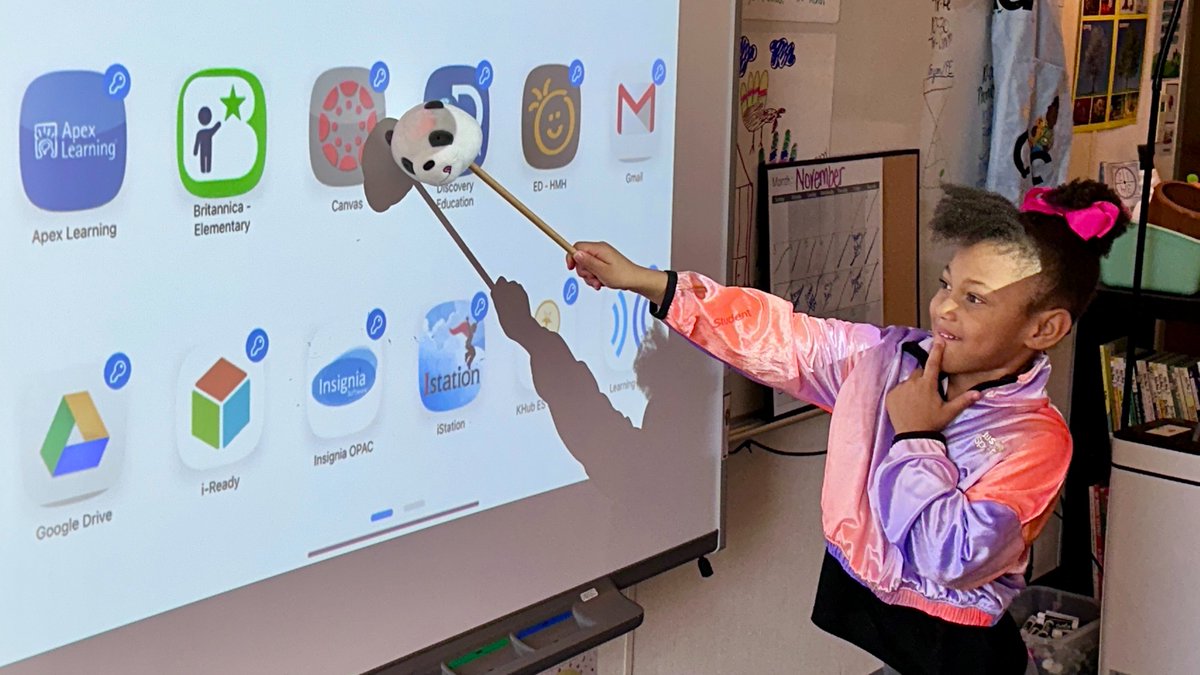
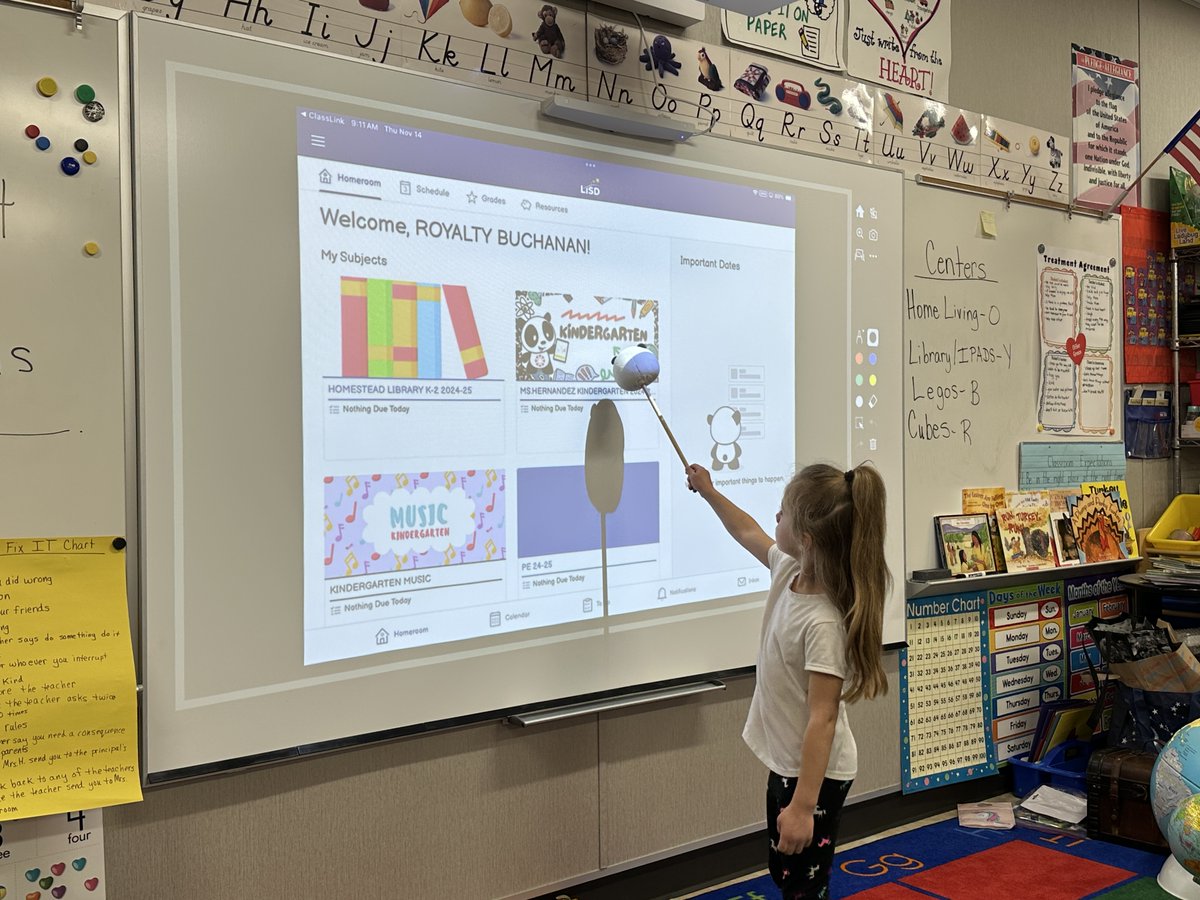
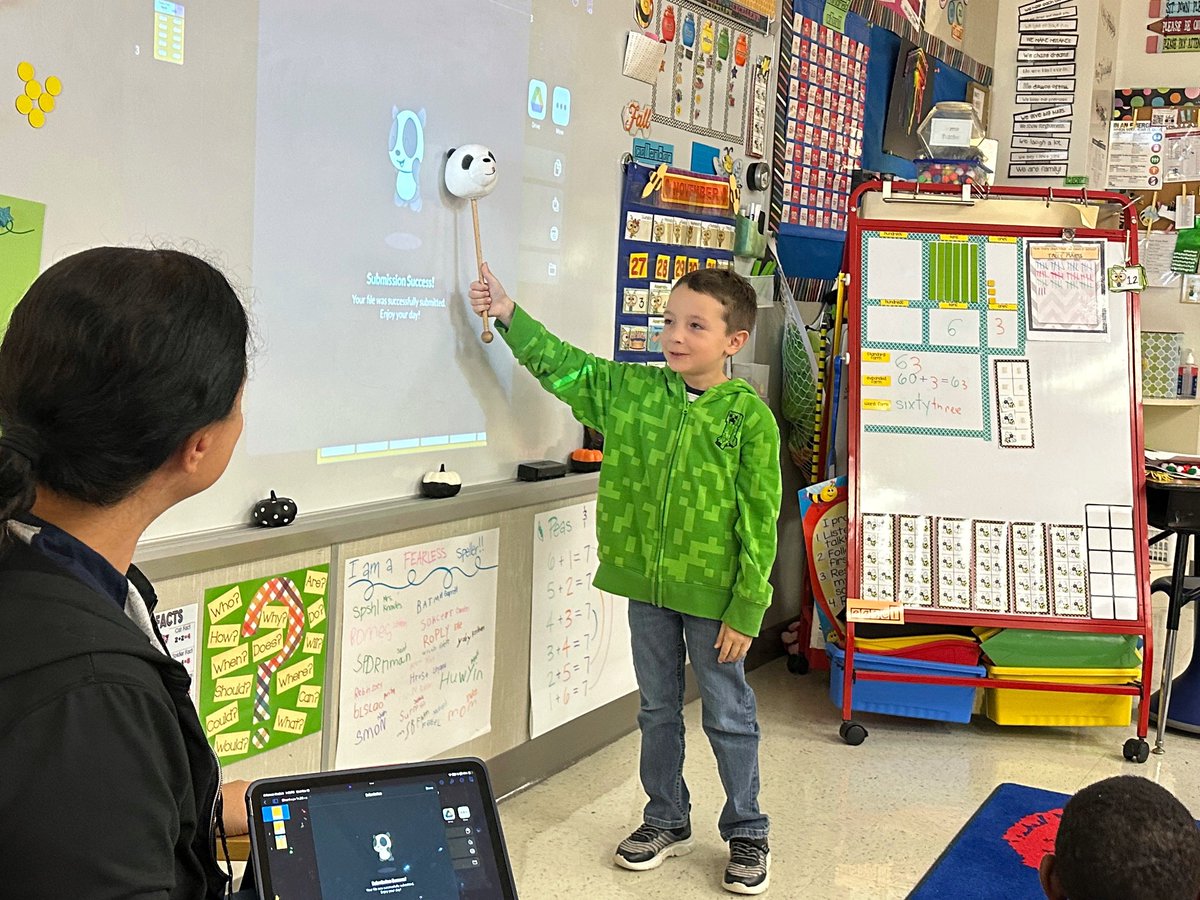
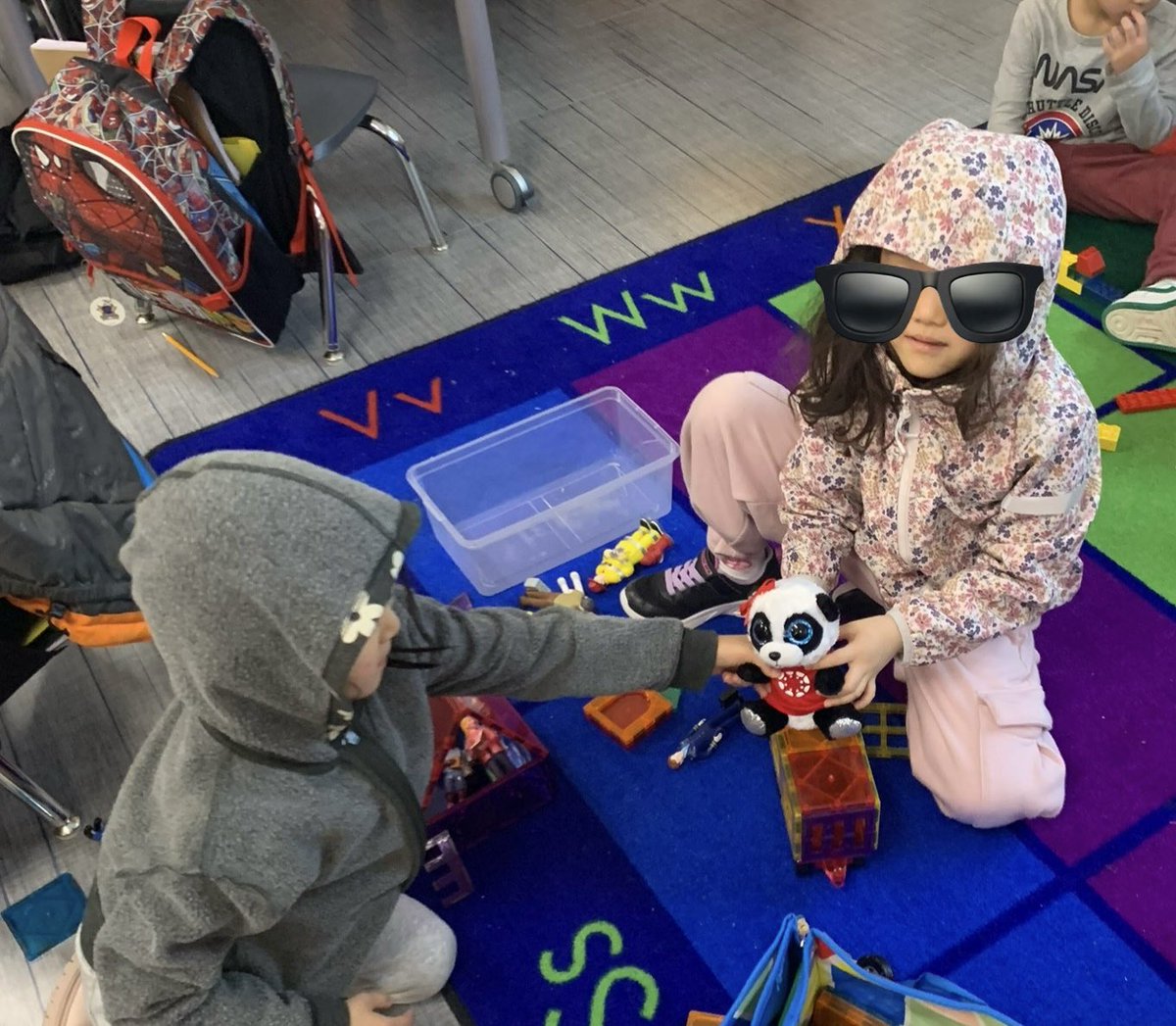
Pandy is a crowd favorite! and loves learning alongside out littles ❤️
31 Jan 2025

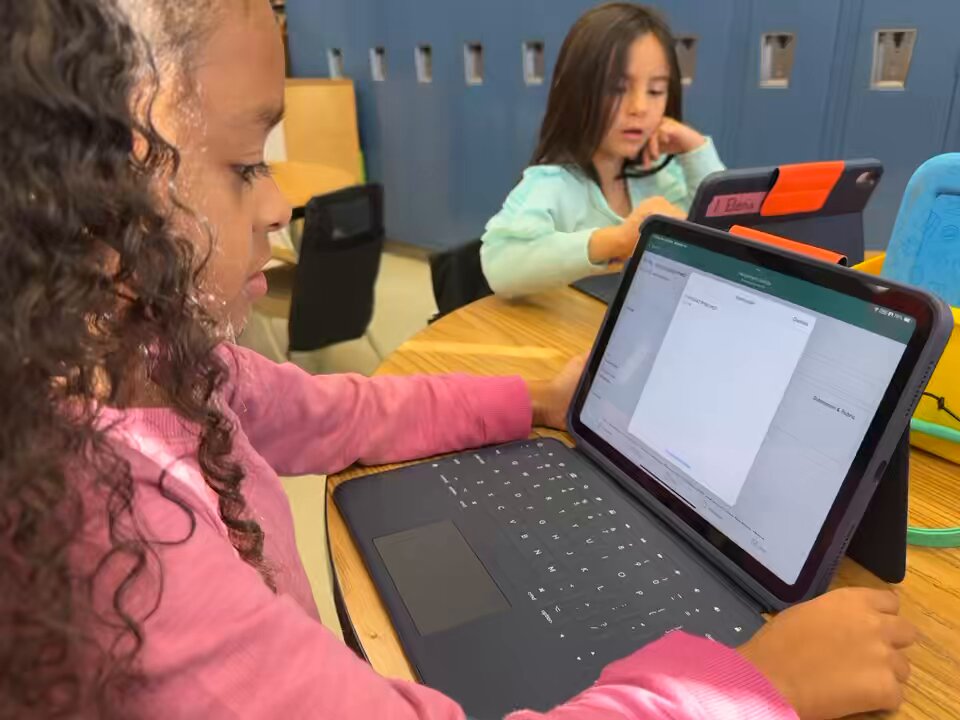
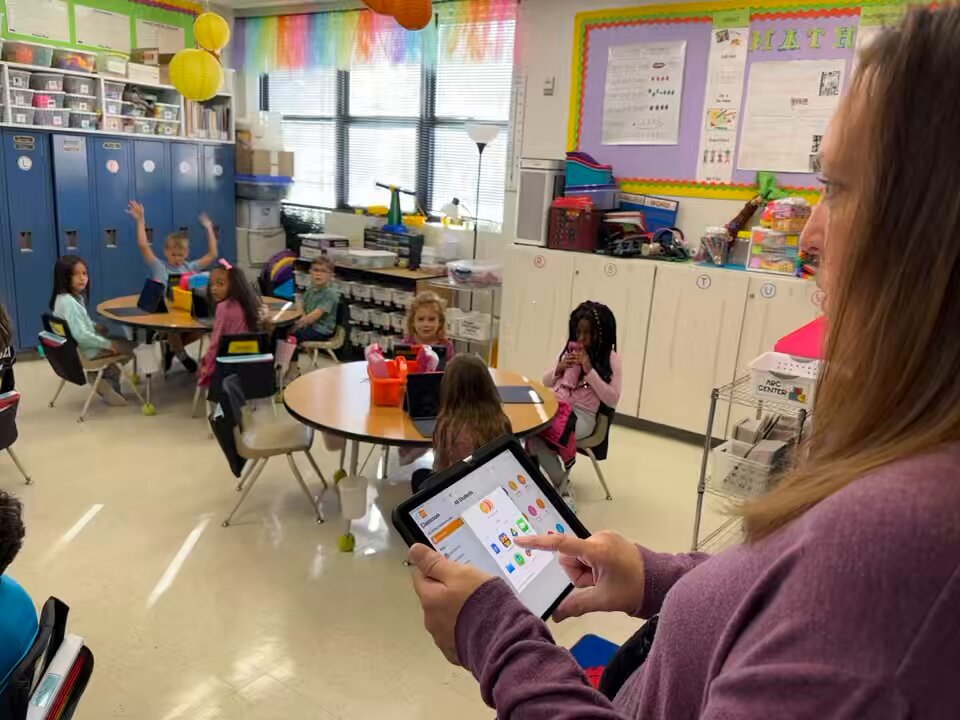
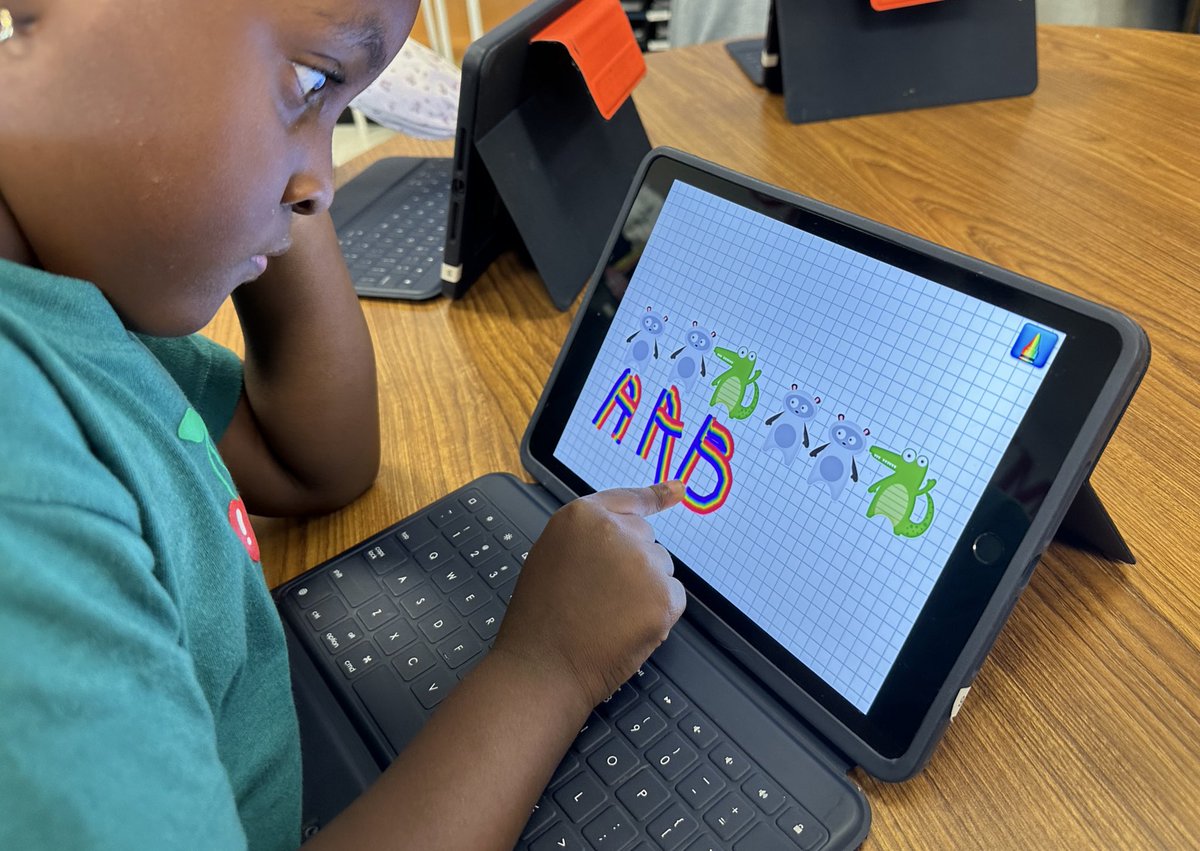
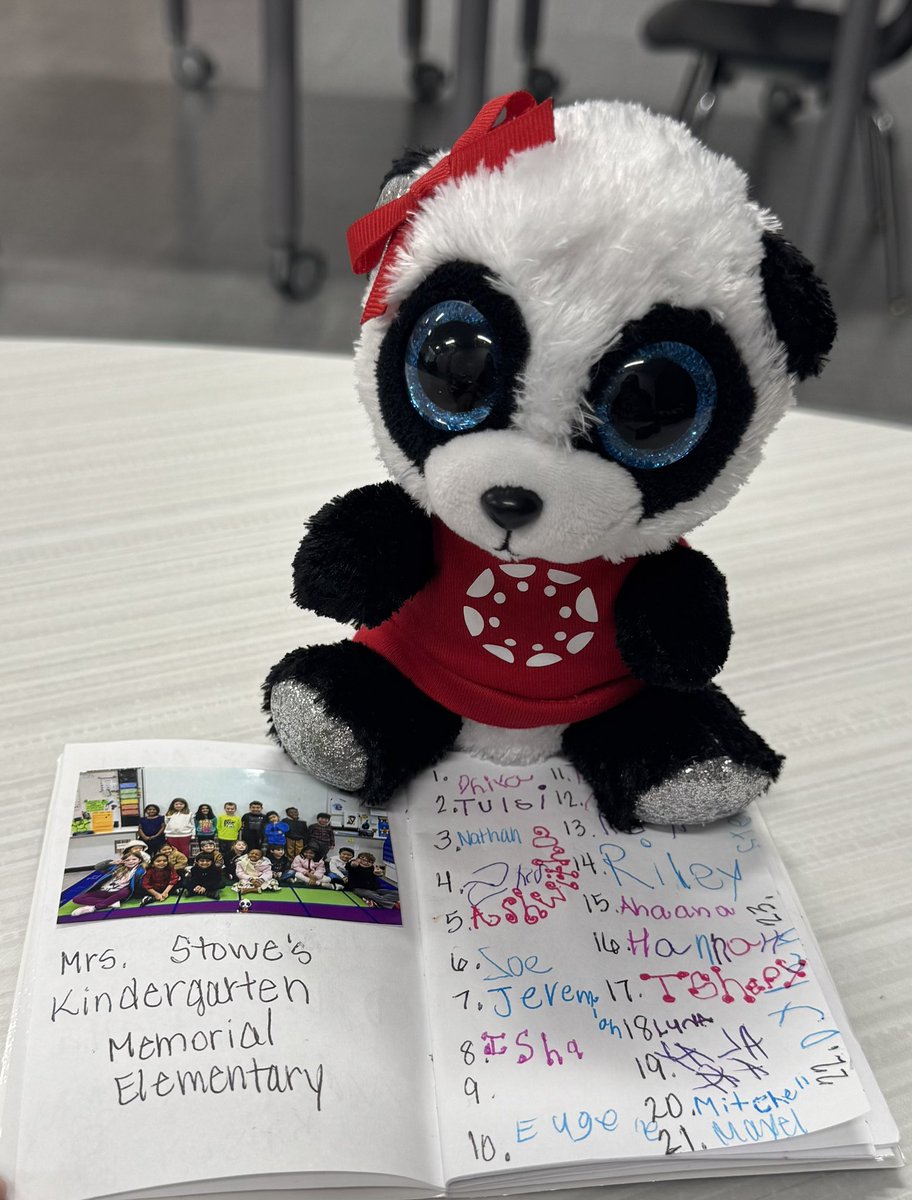
Pandy 🐼 enjoyed her week learning with Kinder students @MemorialSTEM! ♥️ They are independently turning their work into @Canvas_by_Inst. 🎉#DigitalLisd
2
2
5
243
31 Jan 2025
Keynote via Canvas for a 100th day of school activity. Keynote templates are super easy to access through Canvas and Canvas is so convenient to turn in the final product! Plus, the students all love to "show Pandy" their work. 🐼👵🏻🔴 @DigitalLISD @Canvas_by_Inst @AppleEDU
3
8
267
Liana Alvarez retweeted

29 Jan 2025
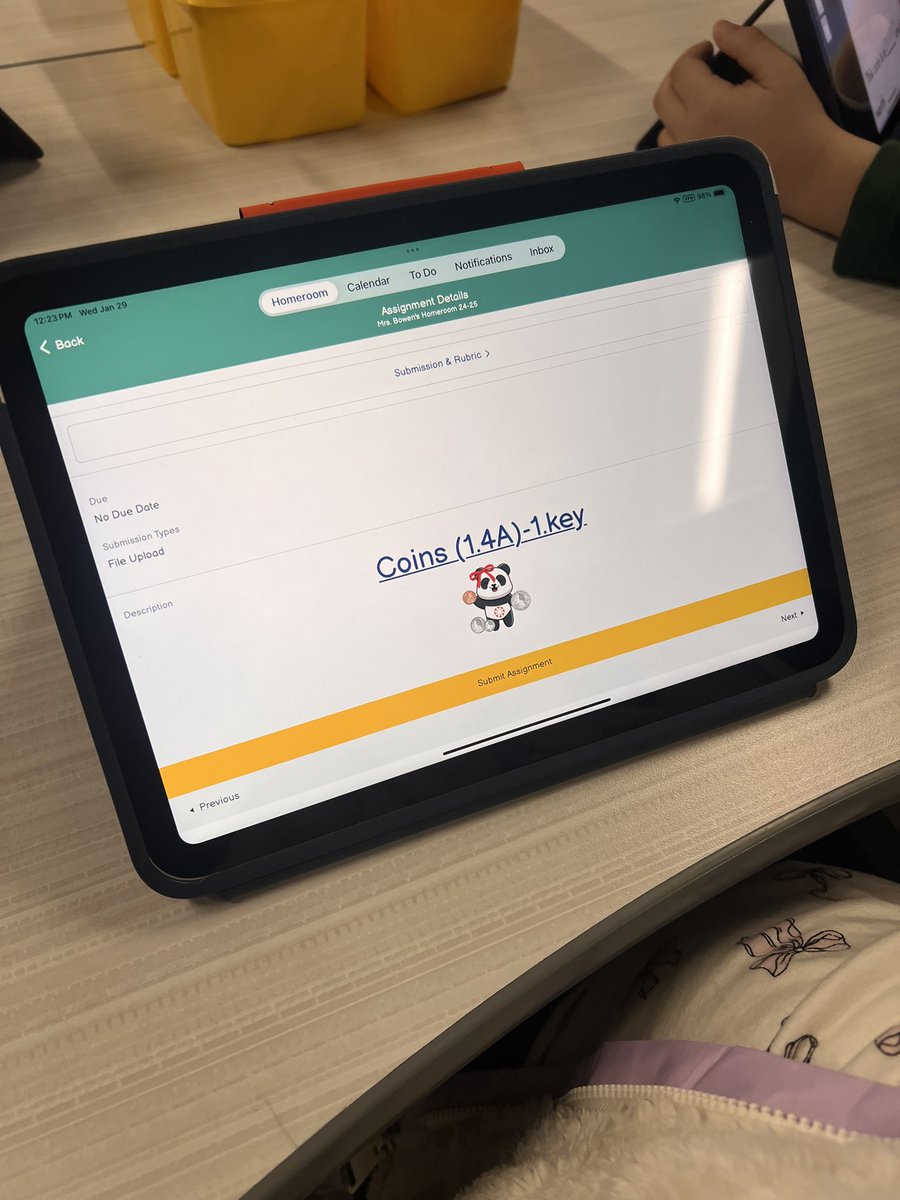
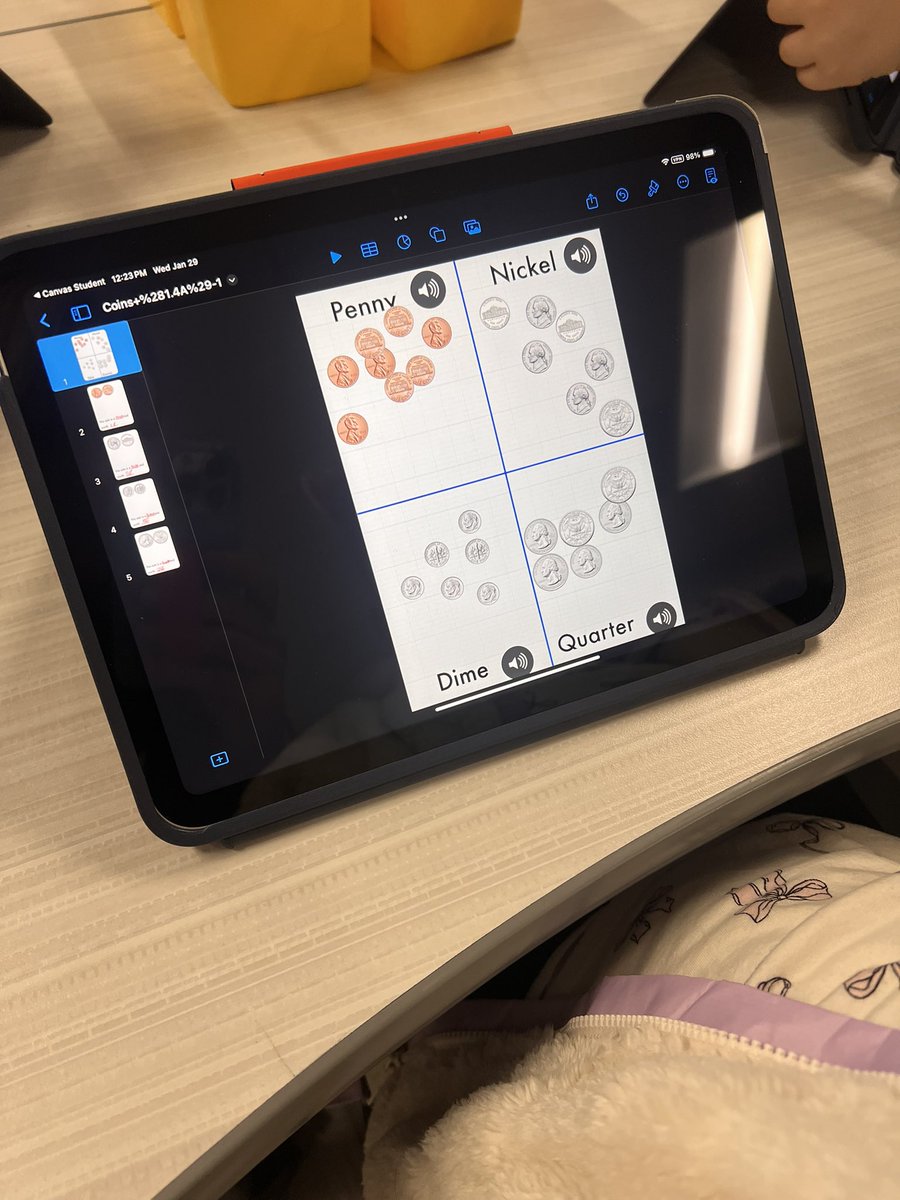
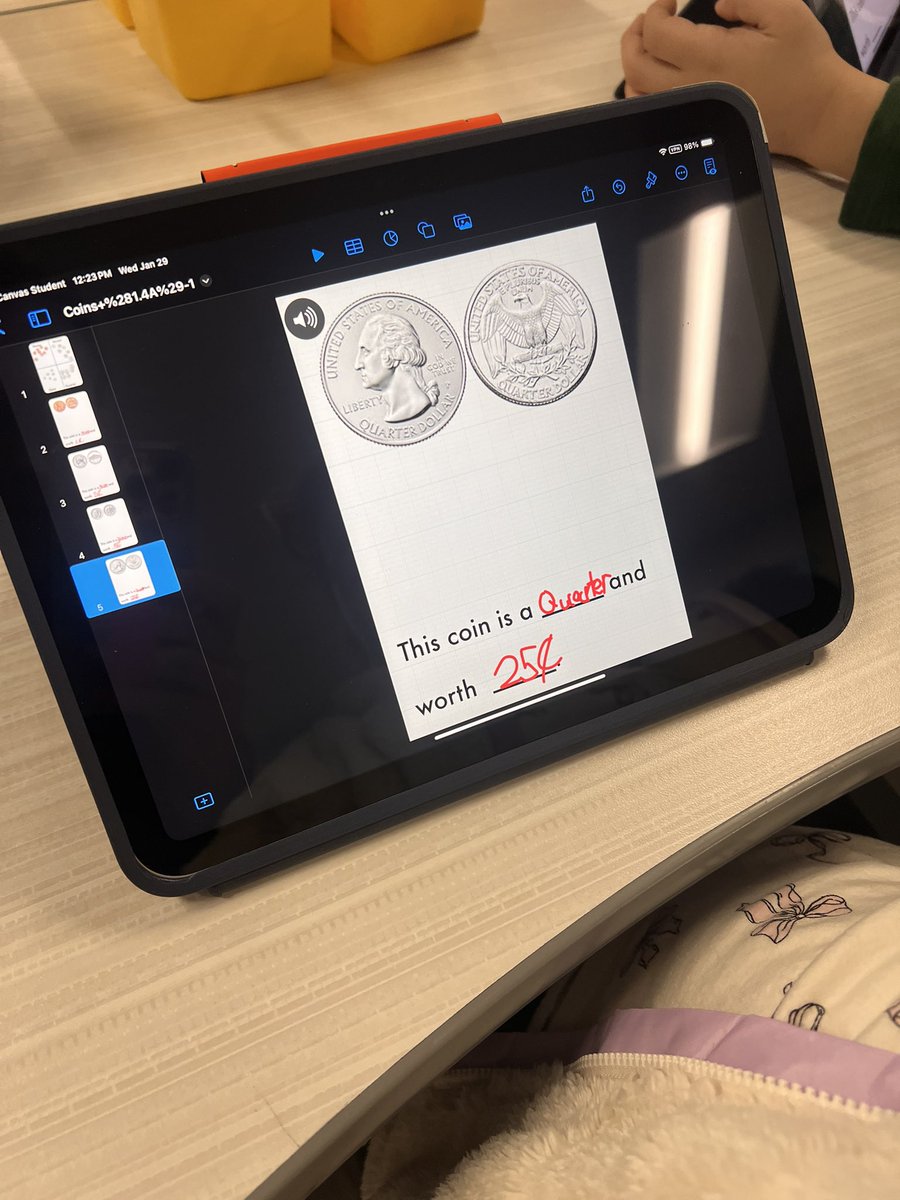
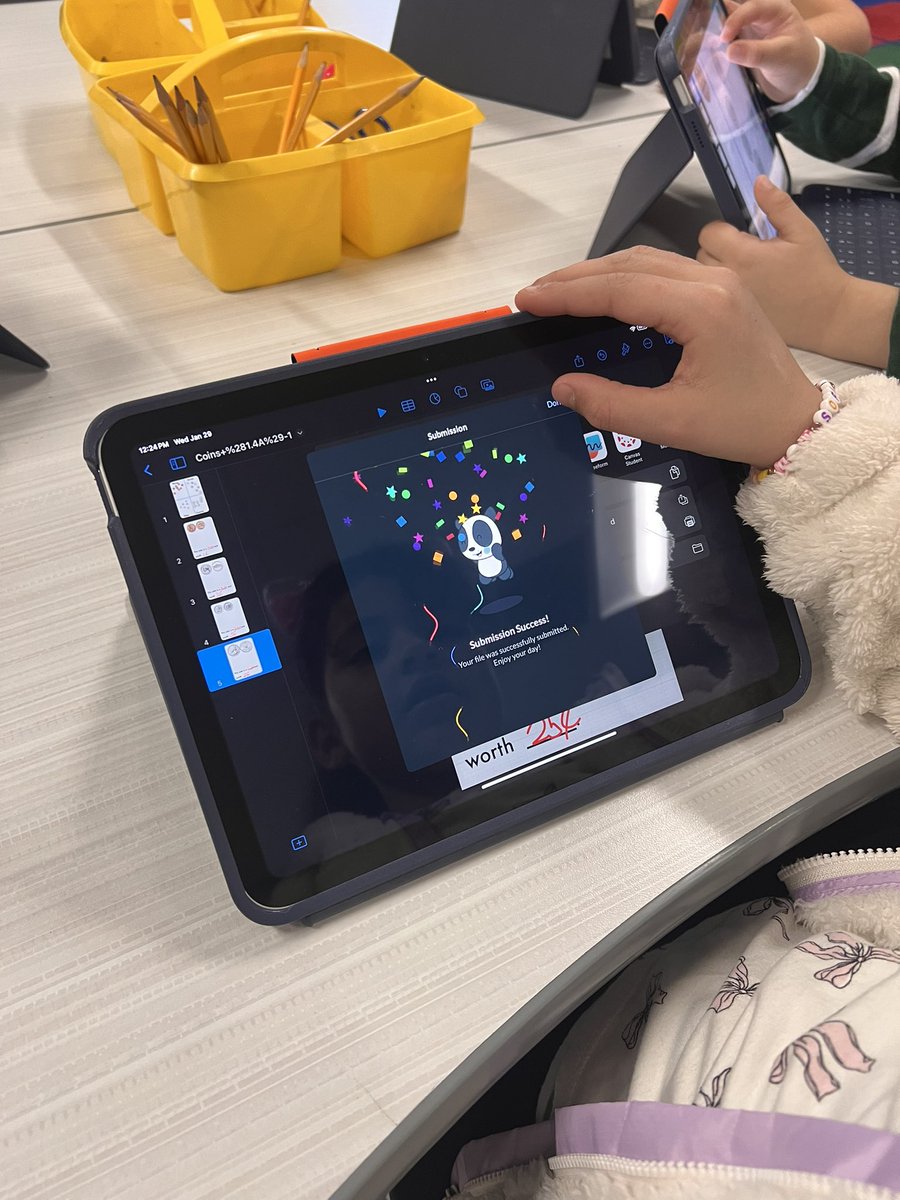
First graders @SouthridgeES are leveling up their money skills! 💰 Using a Keynote template, they practiced sorting & identifying coins—then showcased their learning by submitting their work in Canvas. #digitalLISD #lisdLandT
4
13
552
Liana Alvarez retweeted

28 Jan 2025
⚾️🧢🏟️ Let #DigitalLISD help you get a Grand Slam with today's Tuesday Tech Byte! 🗓 Change your iPad's default photo format to "most compatible" to easy view and share on Google. 🌟 #LISDtbt #lisdLandT #oneLISD
4
5
142
Liana Alvarez retweeted
28 Jan 2025
#LISDtechnology, along with @DigitalLISD, celebrates #DataPrivacyDay! 🔐 Let's raise awareness about the importance of protecting our digital privacy by following the steps below ⬇️: #digitalLISD
9
12
305
18 Dec 2024
Successful Canvas based Grinch themed Breakout @EthridgeES. The Grinch locked up their classroom elf in a box and the Ss had to solve clues to get the combinations and save their elves 🟩🔒 @DigitalLISD #LISDlandt
3
4
253
16 Dec 2024
This is the SWEETEST thing!!!! Go Pandy making Canvas fun! 🐼🎉 @Canvas_by_Inst #LISDPandy
16 Dec 2024

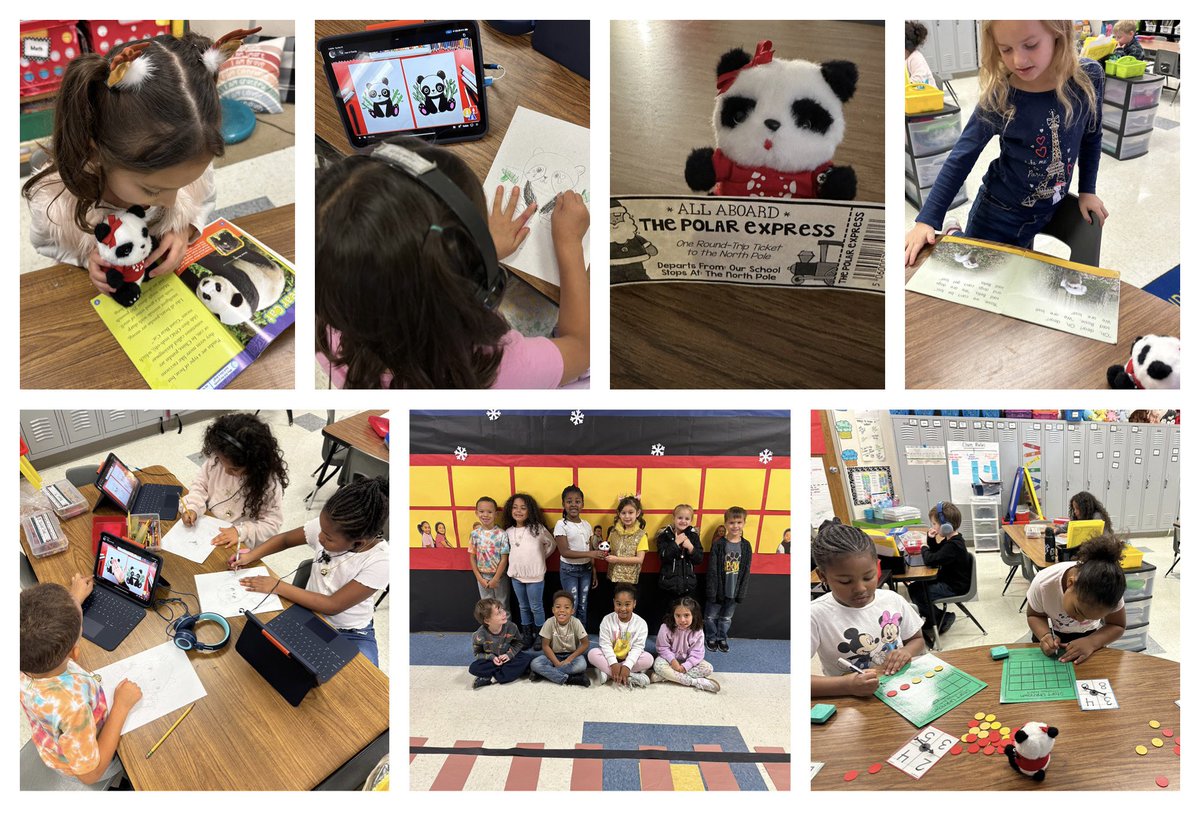
We LOVED having Pandy visit our classroom and getting to keep her for a whole week! Thanks @alvarezltech @BBOwenES #BBOPride @DigitalLISD
2
150
11 Dec 2024
Our 1st graders @EthridgeES are learning how to communicate using technology! ✨ They’re creating, editing, and publishing their work using Keynote via Canvas. #LISDPandy #LISDlandt @DigitalLISD
3
6
192
11 Dec 2024
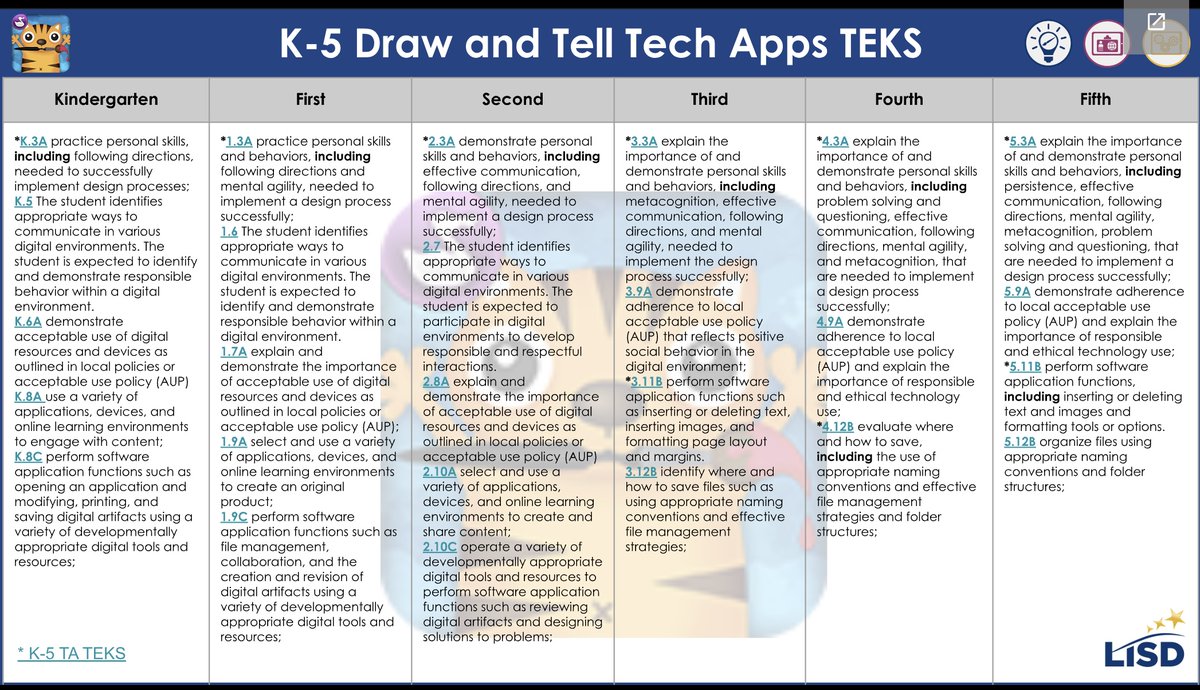
Kinders CAN(vas) 🐼🔴 Helping Pandy decorate a snowman was not only fun, but also hits TA TEKS K.8 A & B. They were able to use a Canvas & Keynote to create, manipulate, create, modify, and share digital content. @EthridgeES @Canvas_by_Inst @AppleEDU @DigitalLISD #LISDlandt
2
6
184
10 Dec 2024
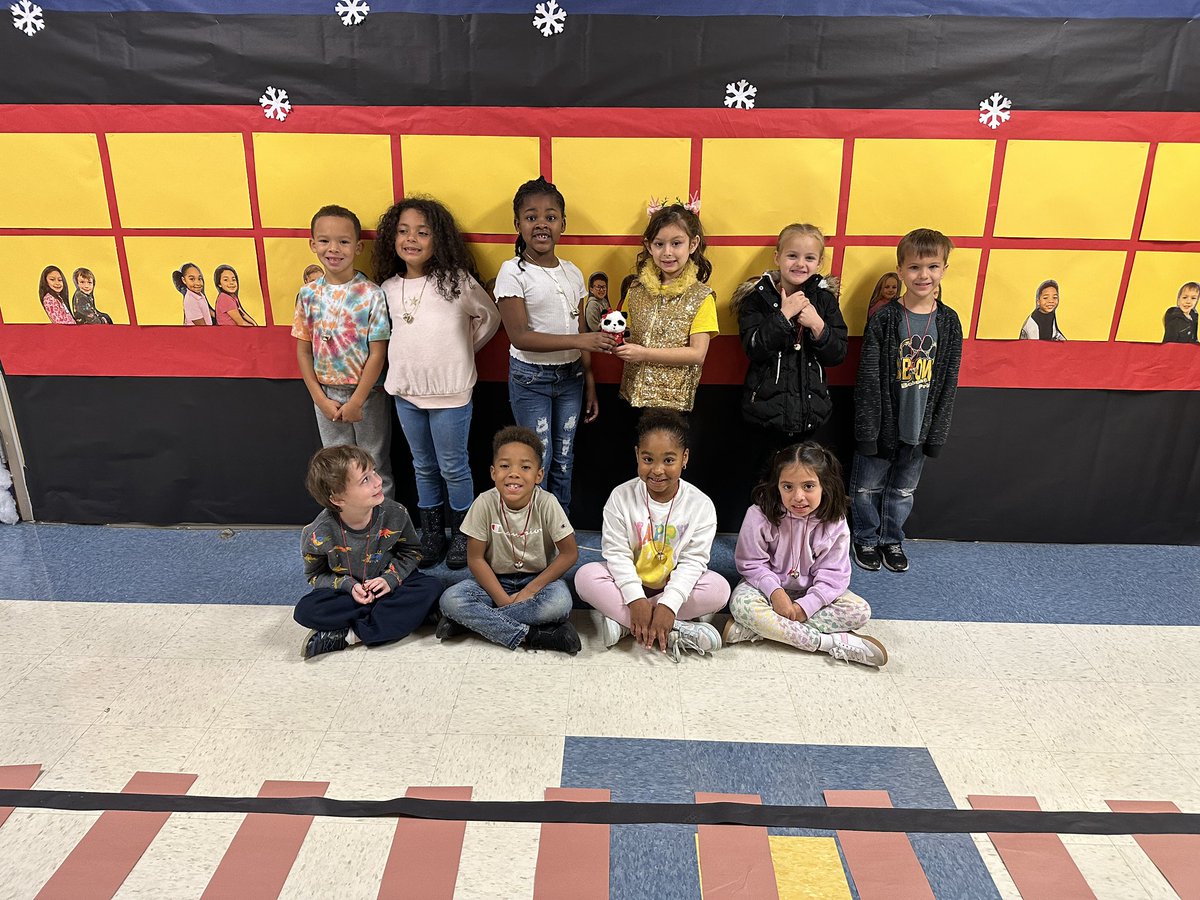
Kindergarten using the Google Assignment LTI in @Canvas_by_Inst to help 🐼 Pandy decorate a snowman. Getting the foundations down with copy/paste and submitting 🎉✅. @IndianCreekES @reinartzj @DigitalLISD #LISDPandy
2
11
305
6 Dec 2024
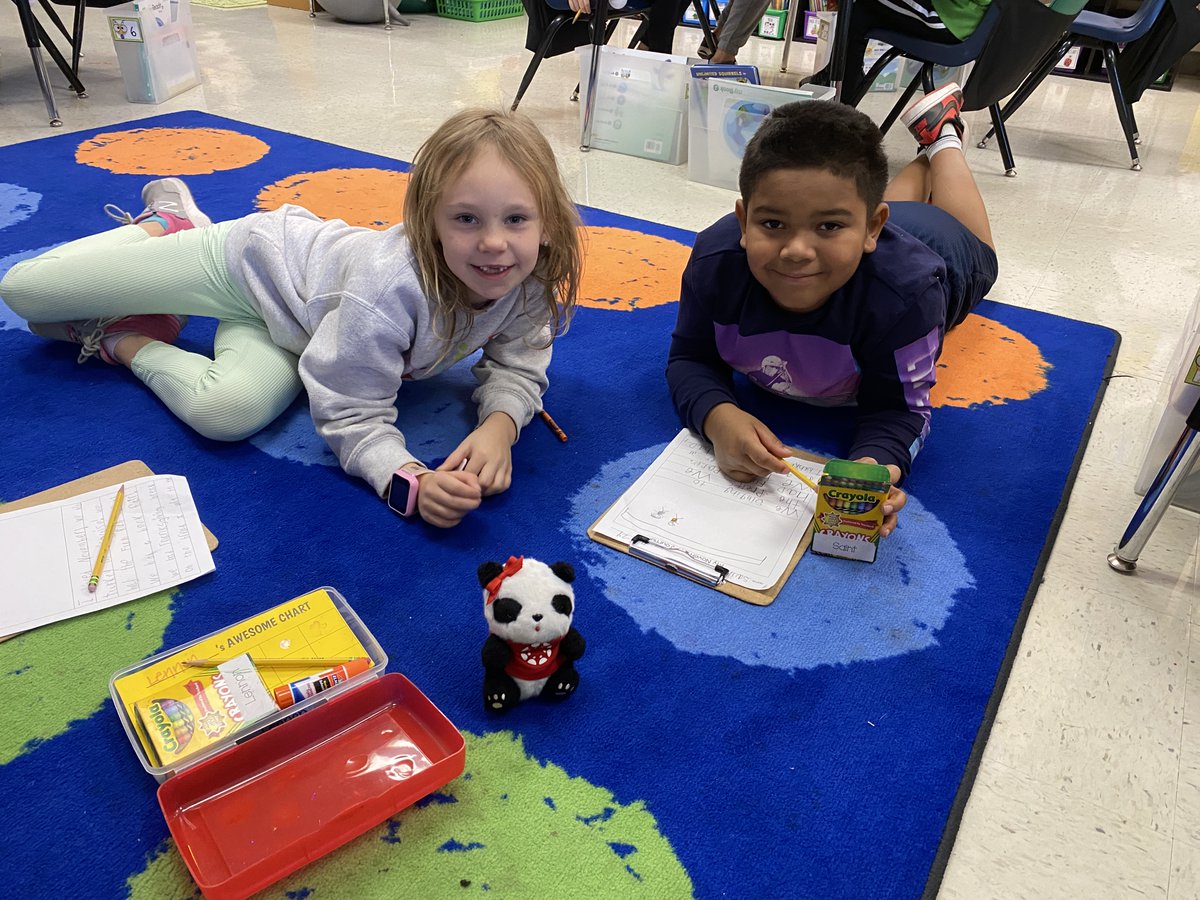
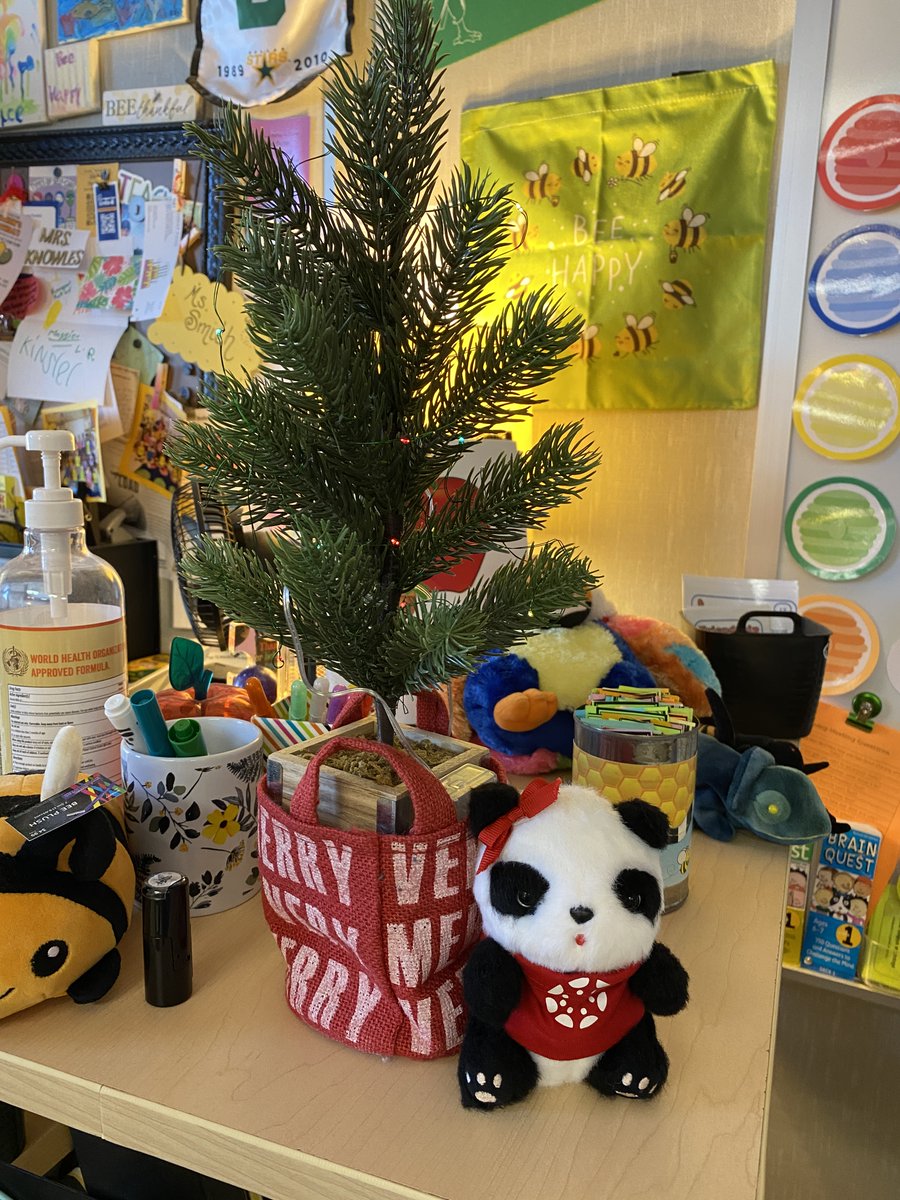
🔴🐼 Pandy's visit at @EthridgeES 1st grade was fantastic. They didn't want her to leave! Littles Can(vas)!
@Canvas_by_Inst @DigitalLISD #LISDlandt #LISDPandy
1
3
5
623
6 Dec 2024
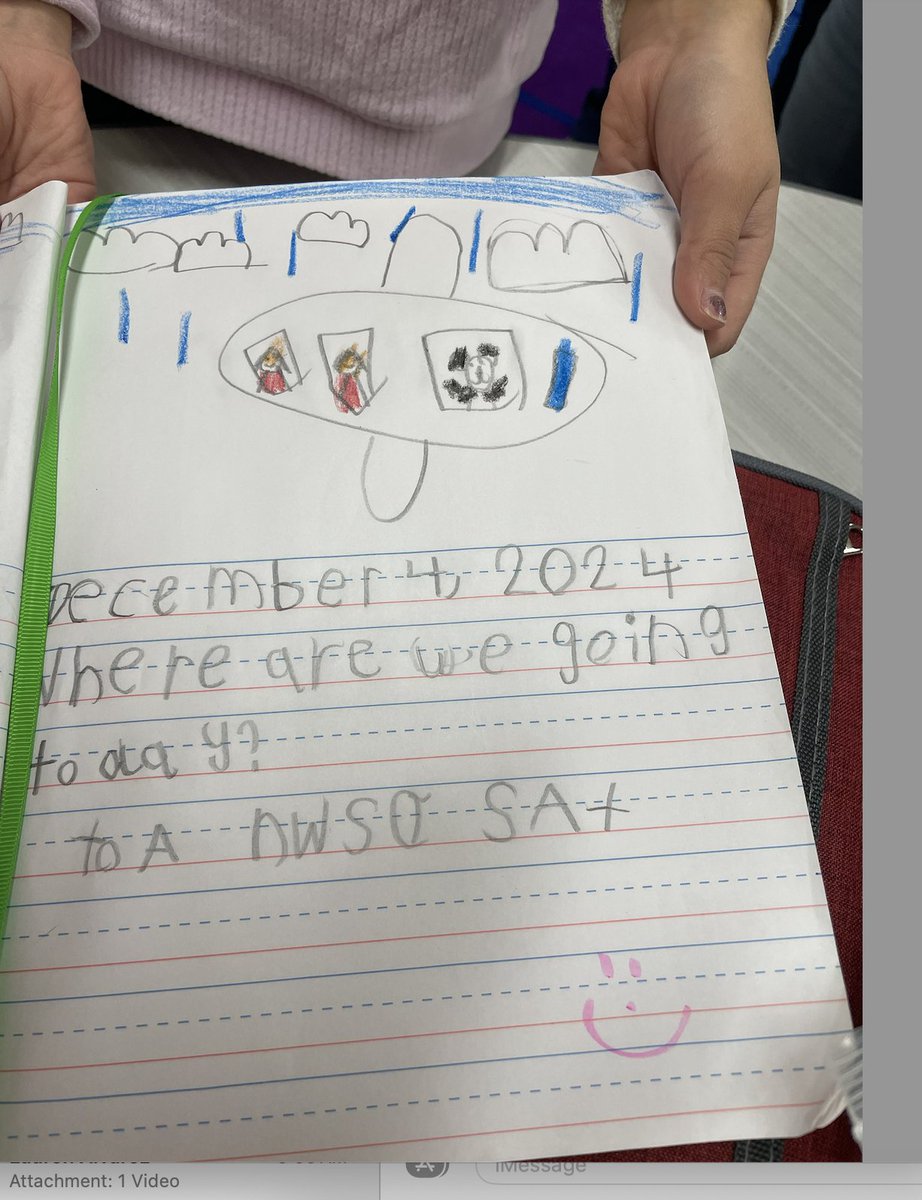
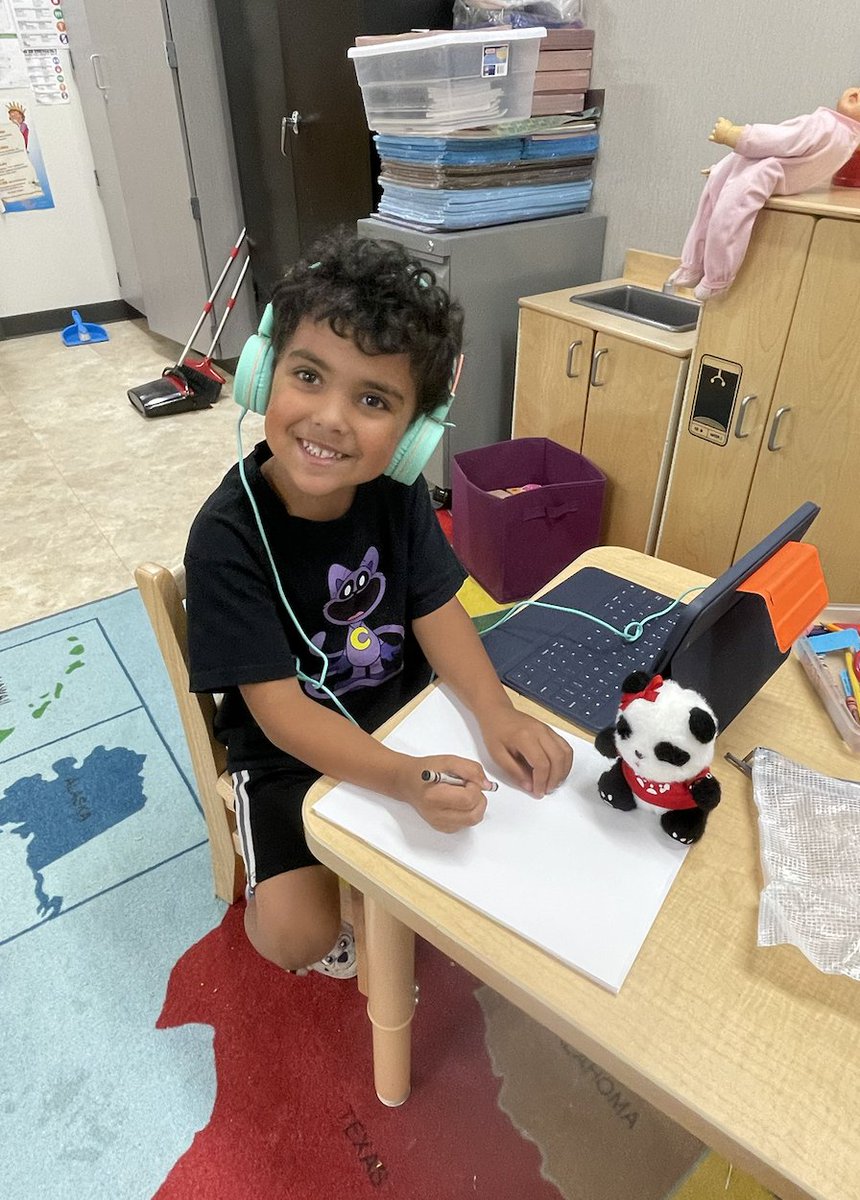
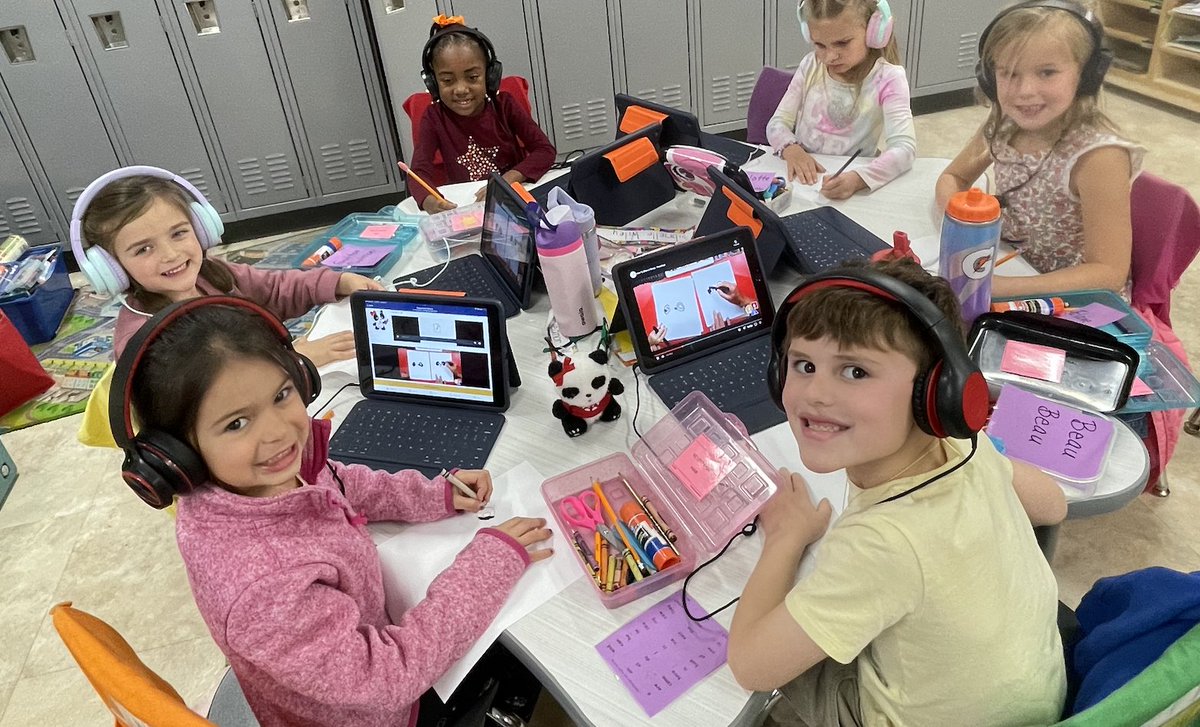
🔴🐼 Pandy had a great visit at @HomesteadES kindergarten! They were so excited! They wrote stories with her, read to her, and did a file upload assignment in @Canvas_by_Inst. Littles Can(vas)! @DigitalLISD #LISDlandt
1
2
7
193
22 Nov 2024
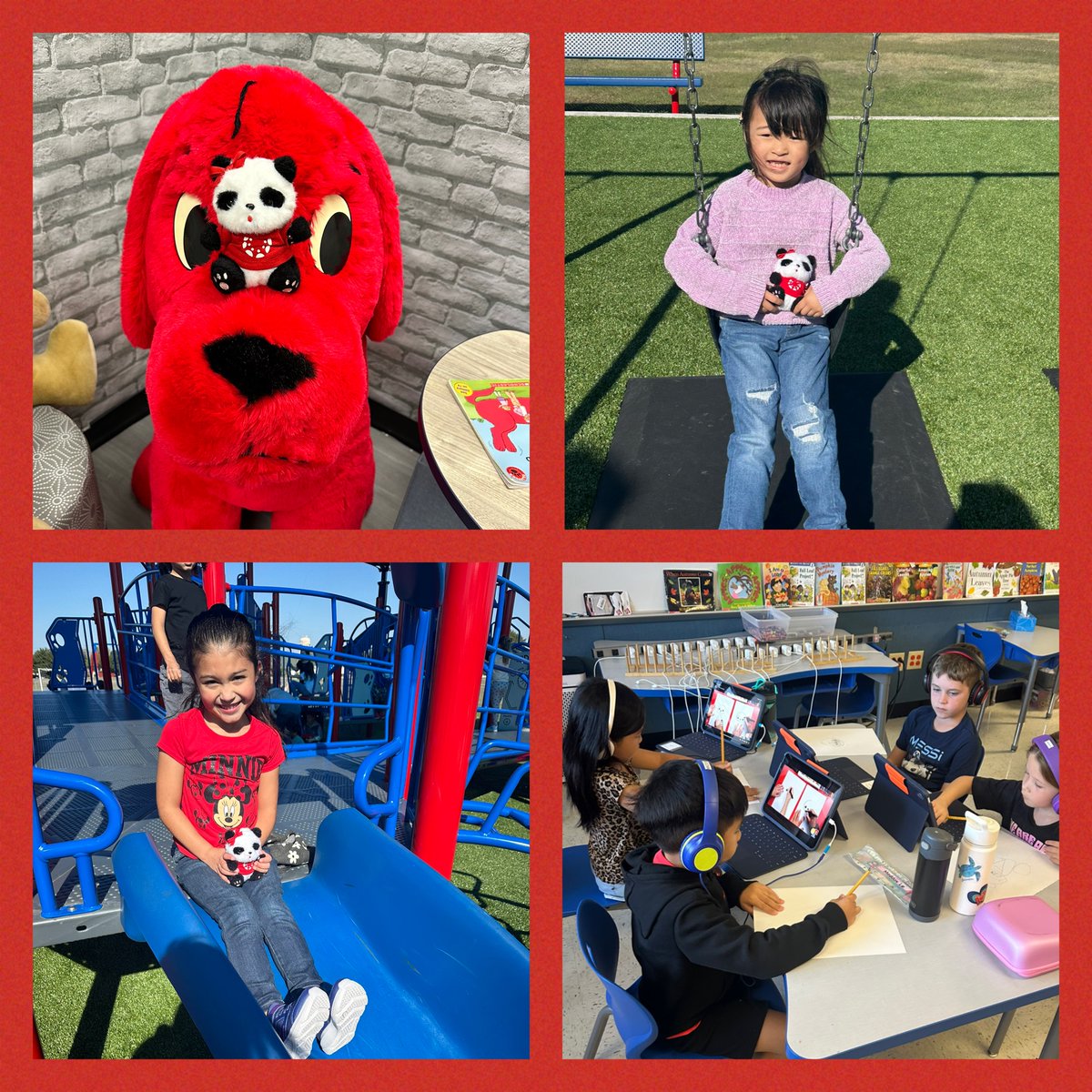
Pandy spent some time with one of @MorningsideES 1st grade classes. Ss completed a file upload assignment in @Canvas_by_Inst that Pandy sent them. Then she spent the rest of the week enjoying all things 1st grade 🐼🎉 #LISDPandy @DigitalLISD @HeatherLogsdon2
2
4
205
20 Nov 2024
Kindergarten @IndianCreekES is amazing! The way they seamlessly use technology in the classroom is impressive. Pandy needed to go visit them 🐼🎉 Yes they CANvas! @DigitalLISD #LISDPandy @Canvas_by_Inst
20 Nov 2024

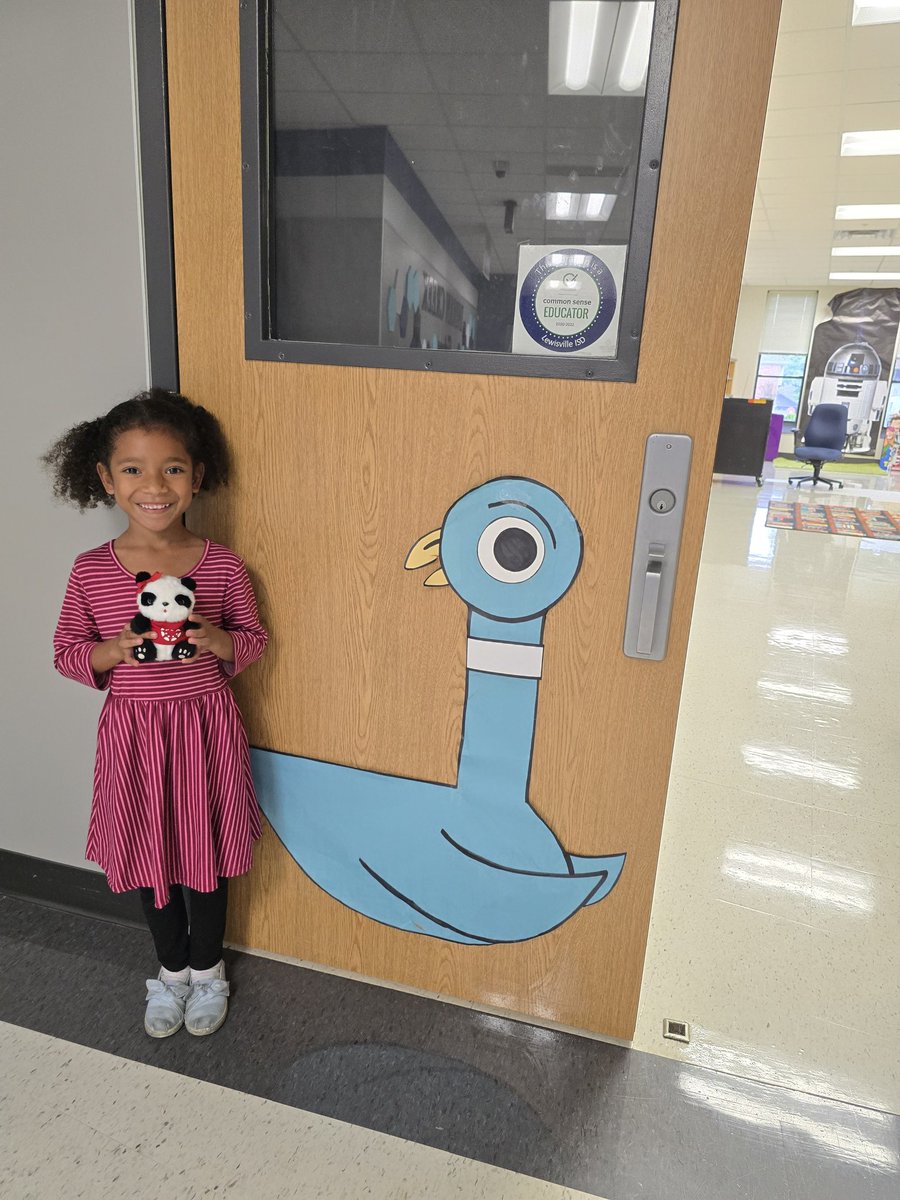
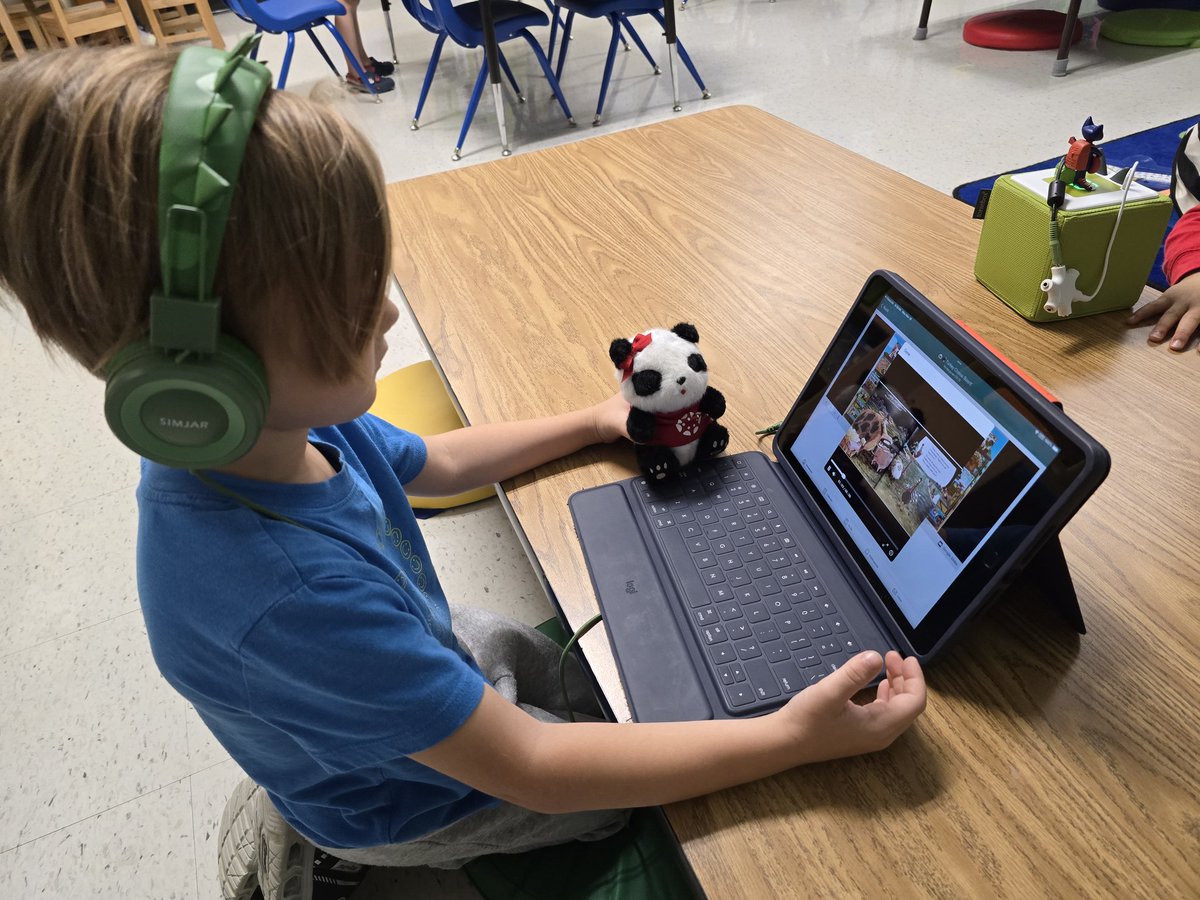
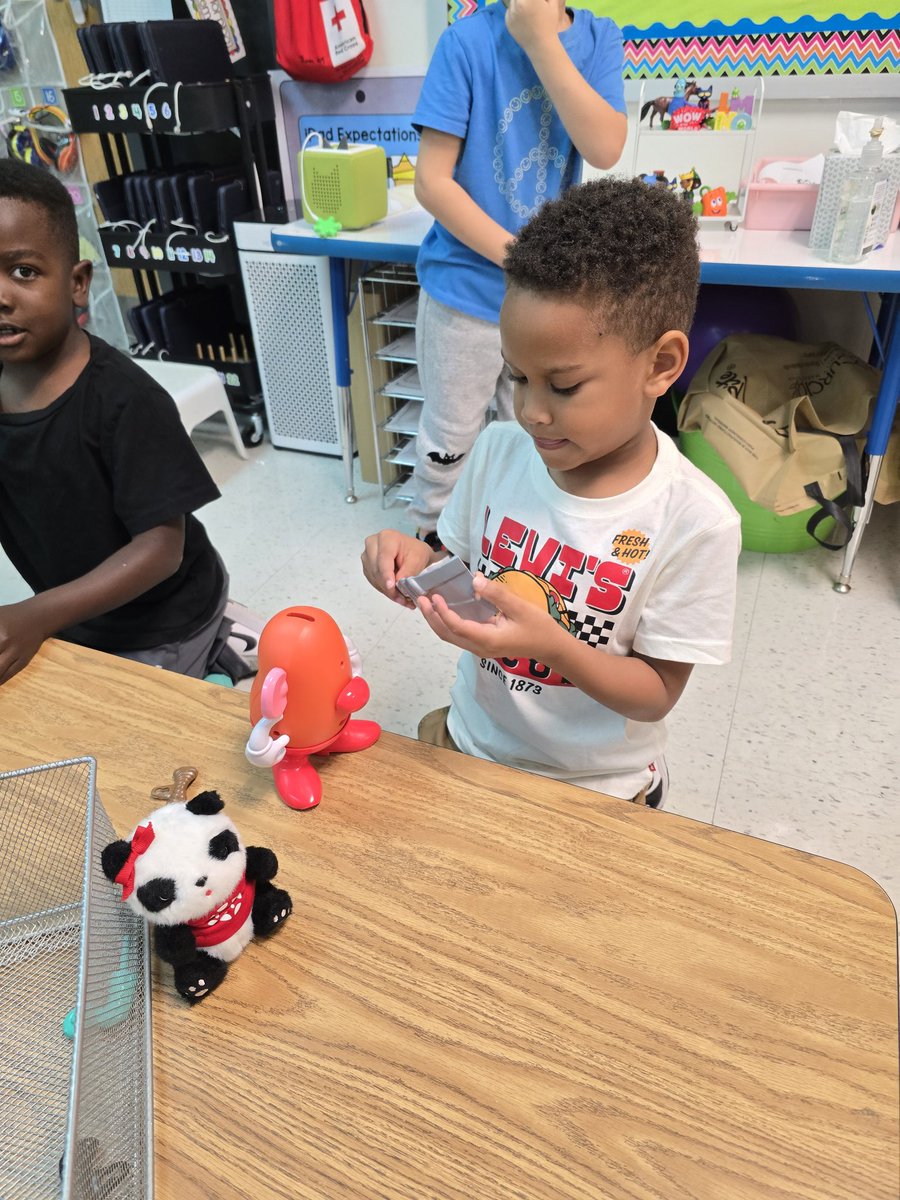
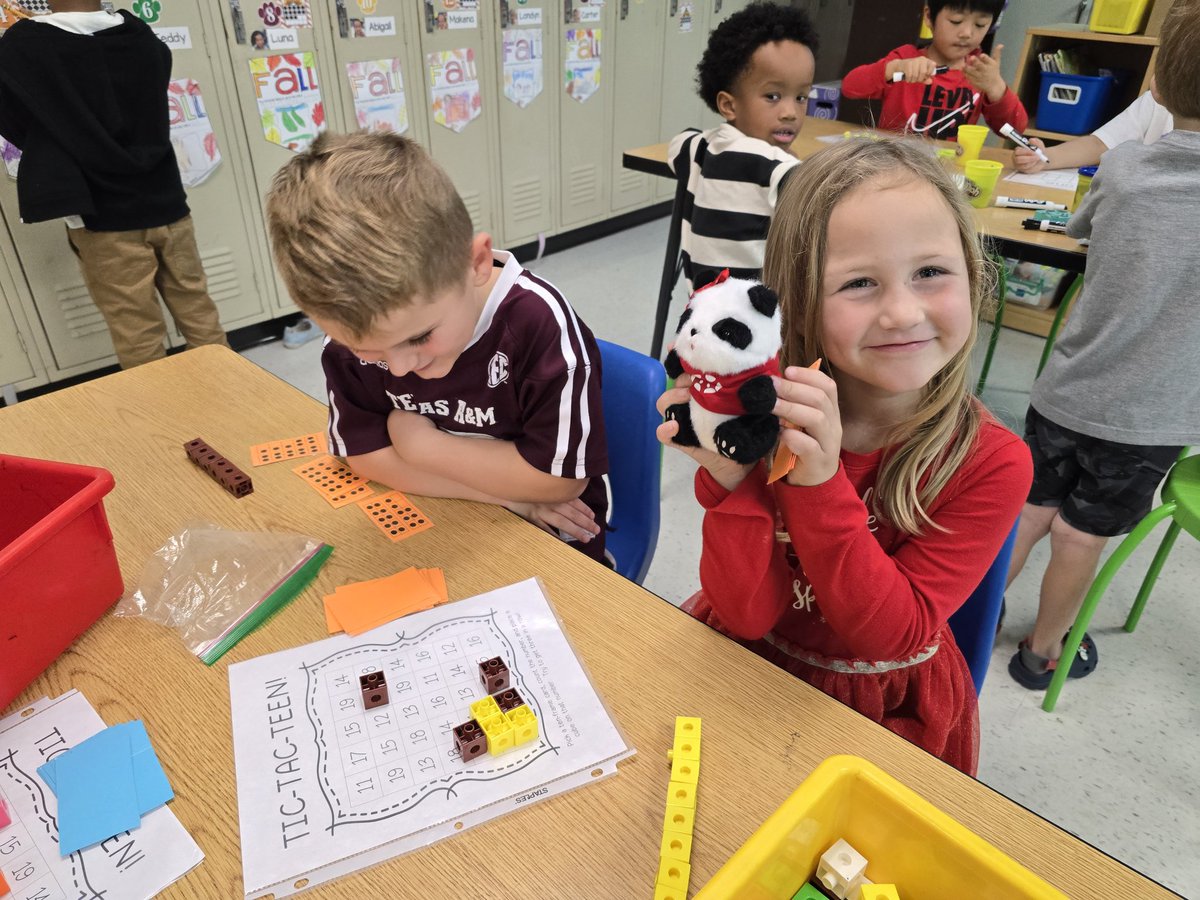
Our class LOVED having Pandy visit and getting to show her around our school! #LISDPandy @DigitalLISD
1
2
7
295
Liana Alvarez retweeted

20 Nov 2024
Our class LOVED having Pandy visit and getting to show her around our school! #LISDPandy @DigitalLISD
4
7
1,172
20 Nov 2024
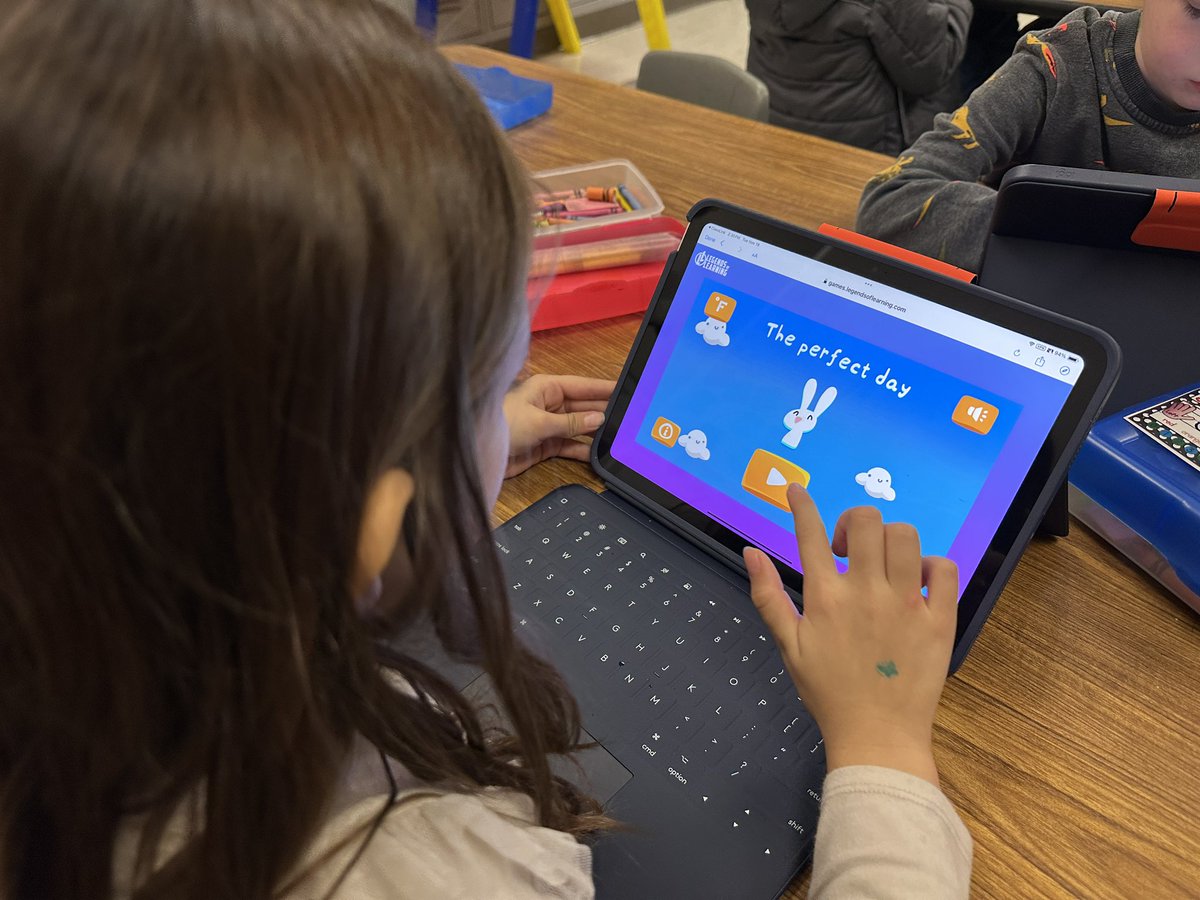
Linking LTI assignments and activities directly to Canvas buttons helps our littles navigate easily and effectively 🤝🐼🎉. @Canvas_by_Inst @SavvasLearning @DigitalLISD @MrsPrince1st @BBOwenES
3
6
857
19 Nov 2024
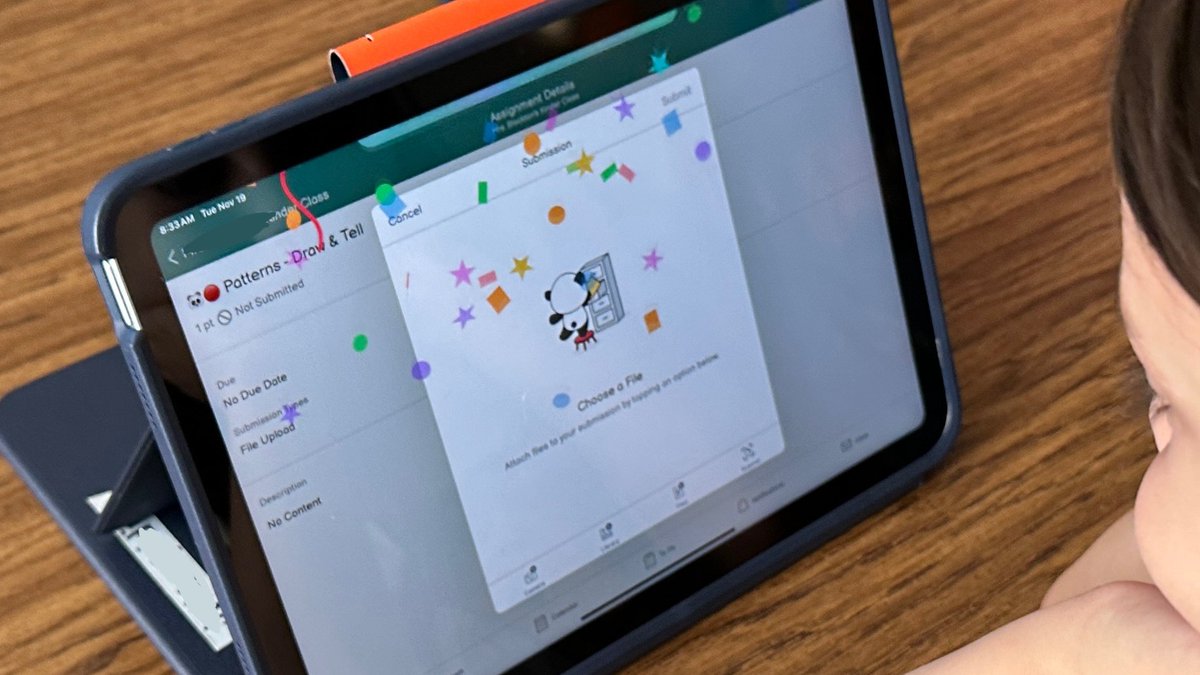
Kindergarten continues to show what they know and turning it in on @Canvas_by_Inst! @DigitalLISD @BBOwenES 🐼🎉
3
7
578
Liana Alvarez retweeted

14 Nov 2024
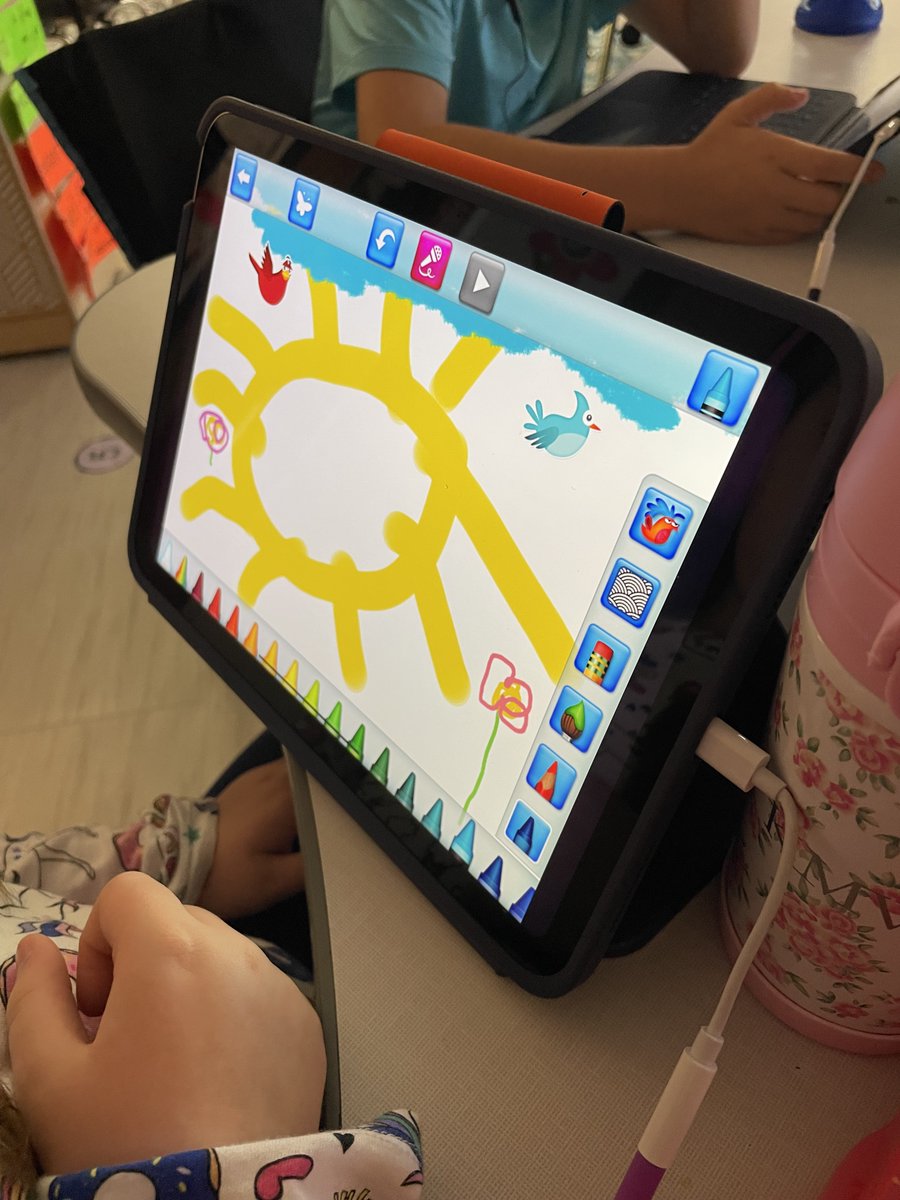
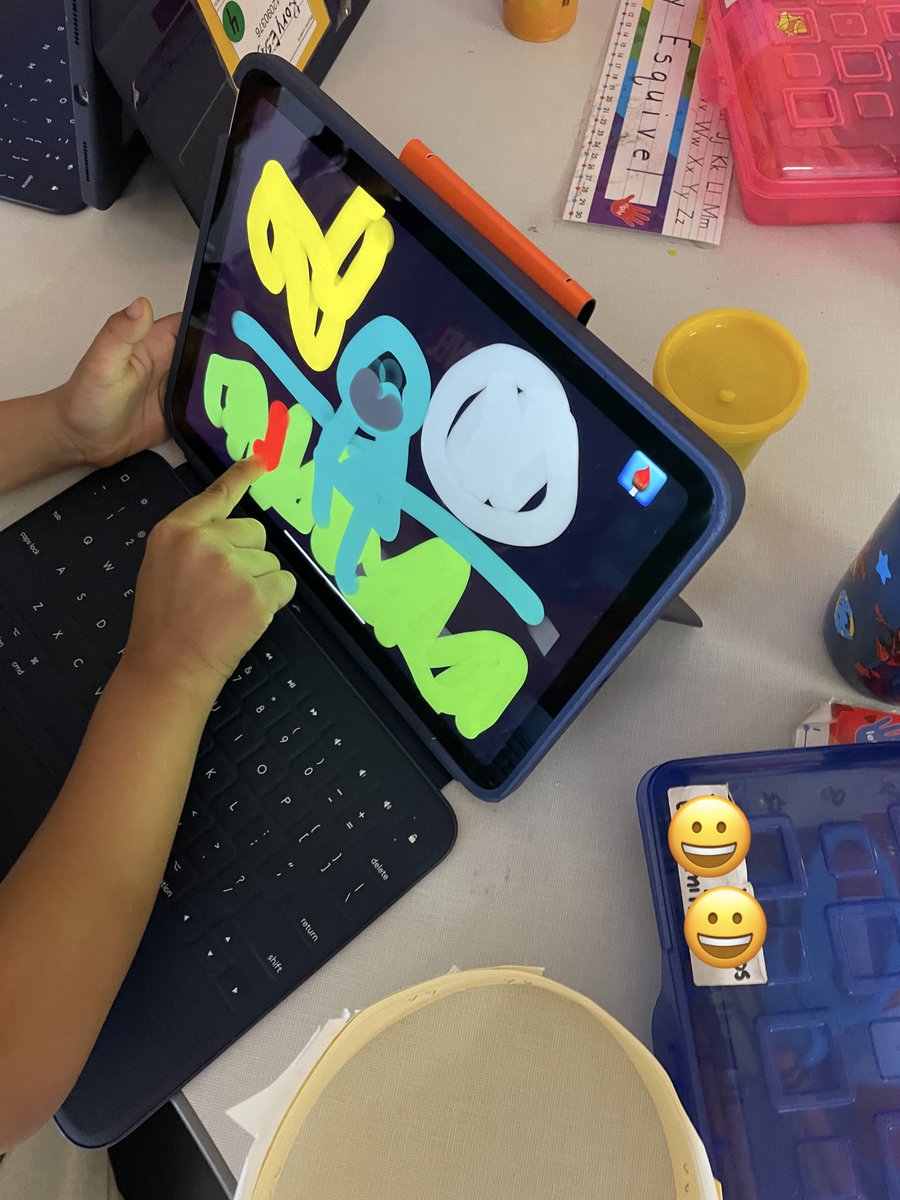
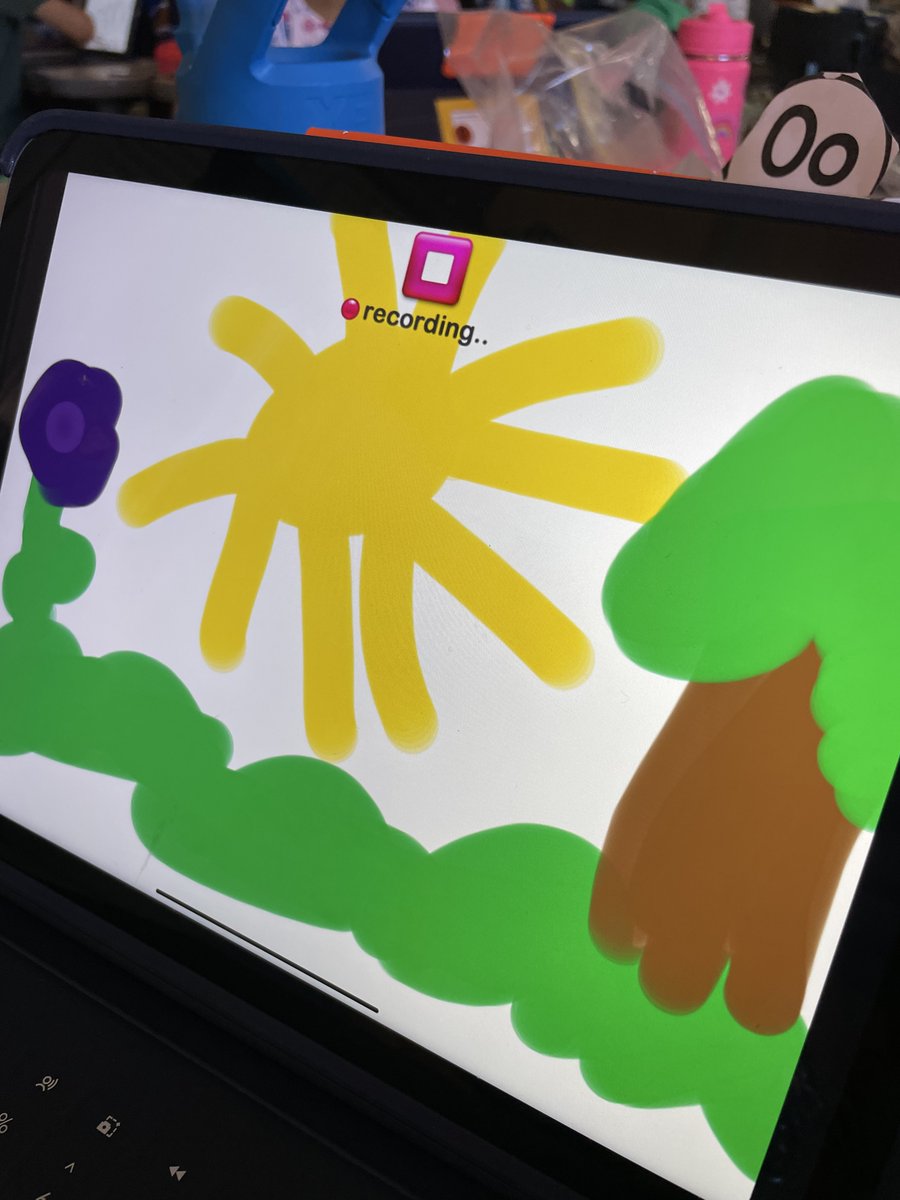
Kinder @BridlewoodES used the Draw and Tell app to illustrate and record a science lesson on Patterns of Objects in the Sky. 🌙☀️⭐️
4
8
444