Joined March 2019
- Tweets 1,958
- Following 644
- Followers 5,604
- Likes 8,781
617 Photos and videos
Pinned Tweet

Mar 26
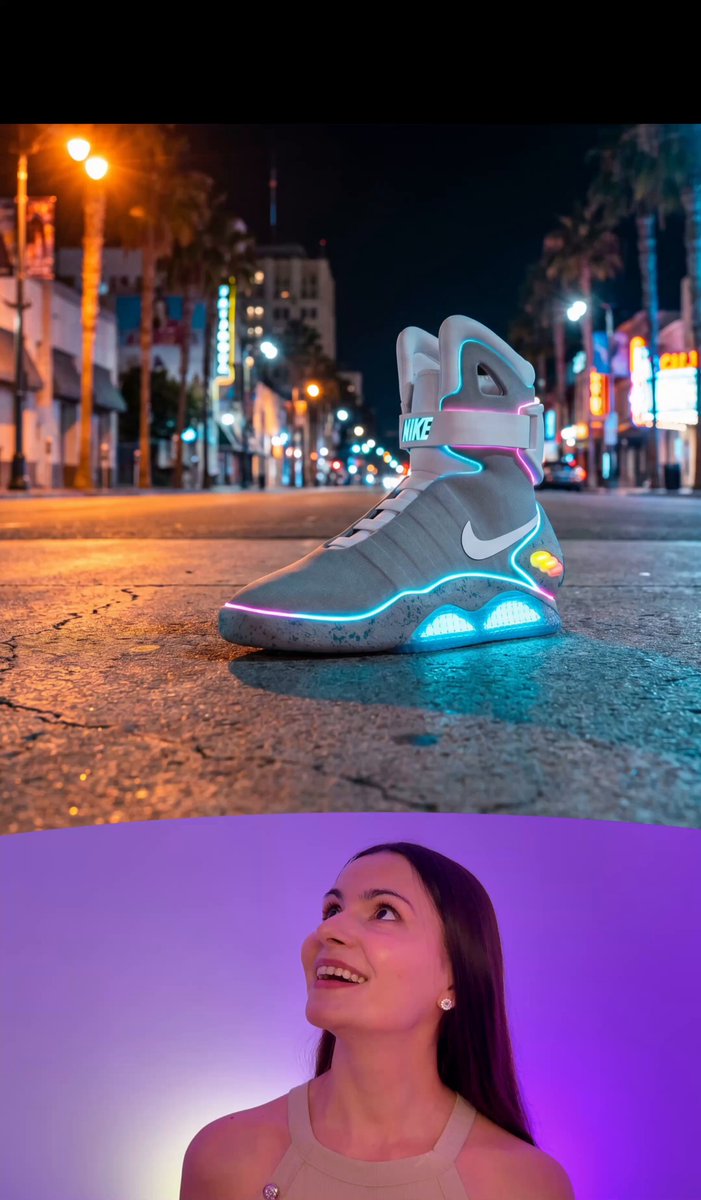
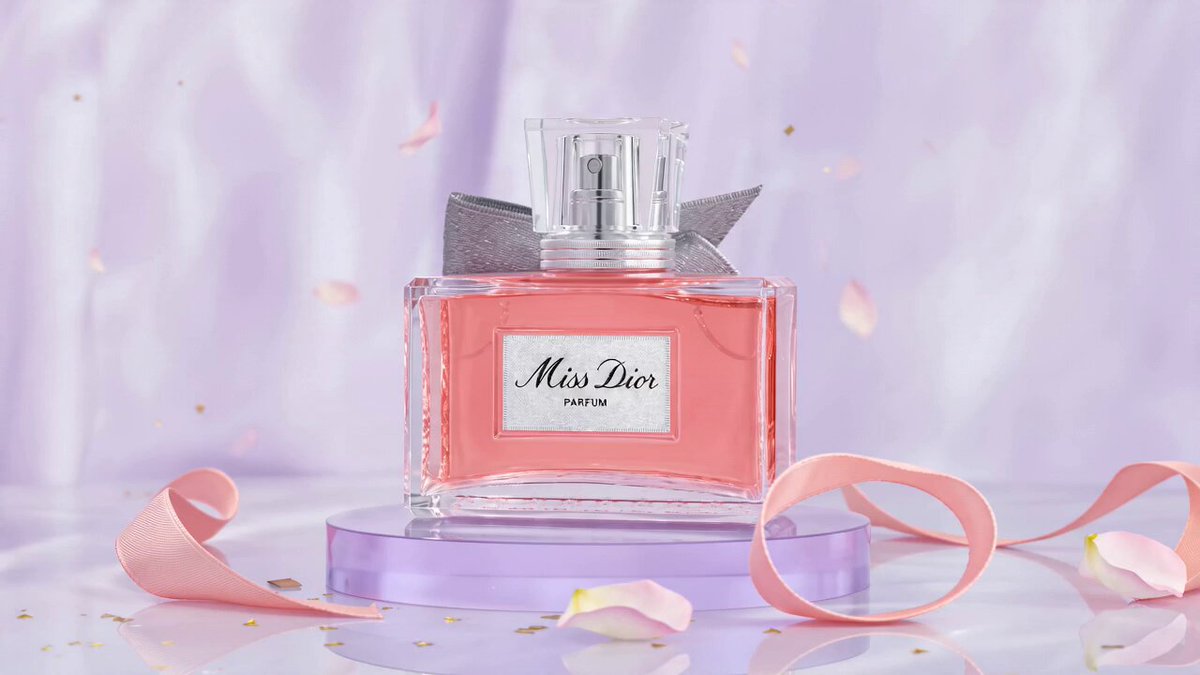
There's no way Hollywood won't be affected by this.
I tested a super useful Nano Banana Pro Seedance 2.0 workflow and the results blew my mind 🤯
Full tutorial 🧵👇
23
14
176
68,453

May 12
👟 3D photo studio 100% AI 🧵
You can now turn any flat image into a full 3D model and run a professional photoshoot. No physical studio required!
Here is the full tutorial using Magnific 3D scenes and Nano Banana Pro 👇🧵
4
13
36
21,003
May 12
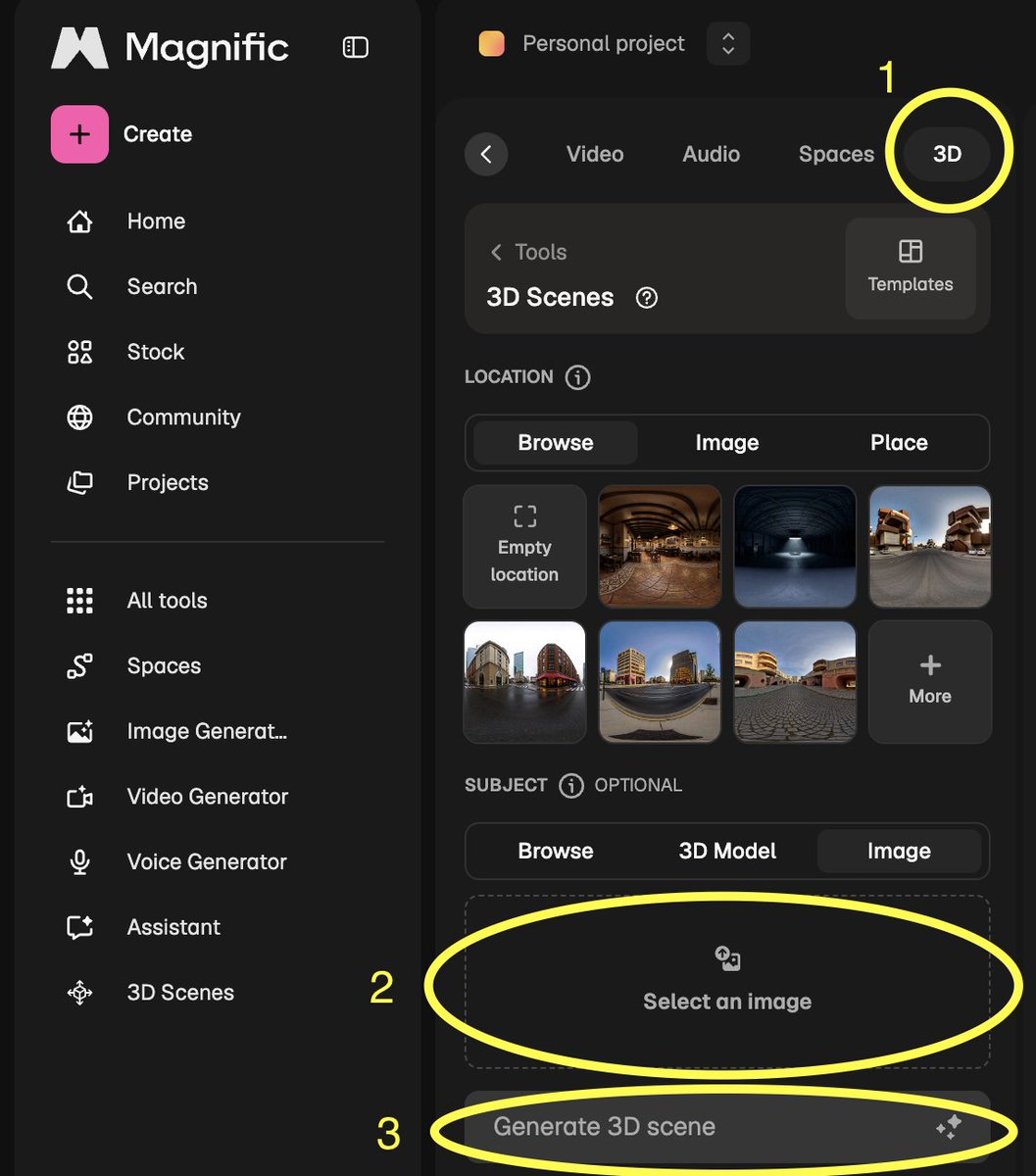
3️⃣ Step 3: Enter the Virtual Studio 📸
Now the fun begins! Move the camera like a videogame to find your "hero shot".
🎮 Controls:
- W/S: Forward/Back
- A/D: Left/Right
- Q/E: Up/Down
You can also rotate the item on its axis!
Before you hit "Shoot" tweak your settings to get that gallery grade look:
- Lens Selection: Use 14 or 24 for dramatic wide-angles, or 50 to 85 for crisp, distortion-free details.
- Depth of Field: Use a low aperture (1.4 or 2) for a creamy bokeh blur, or 11 to 22 for total sharpness.
- Framing: Choose Vertical for Reels/TikTok or Wide for cinematic shots.
PROMPTS:
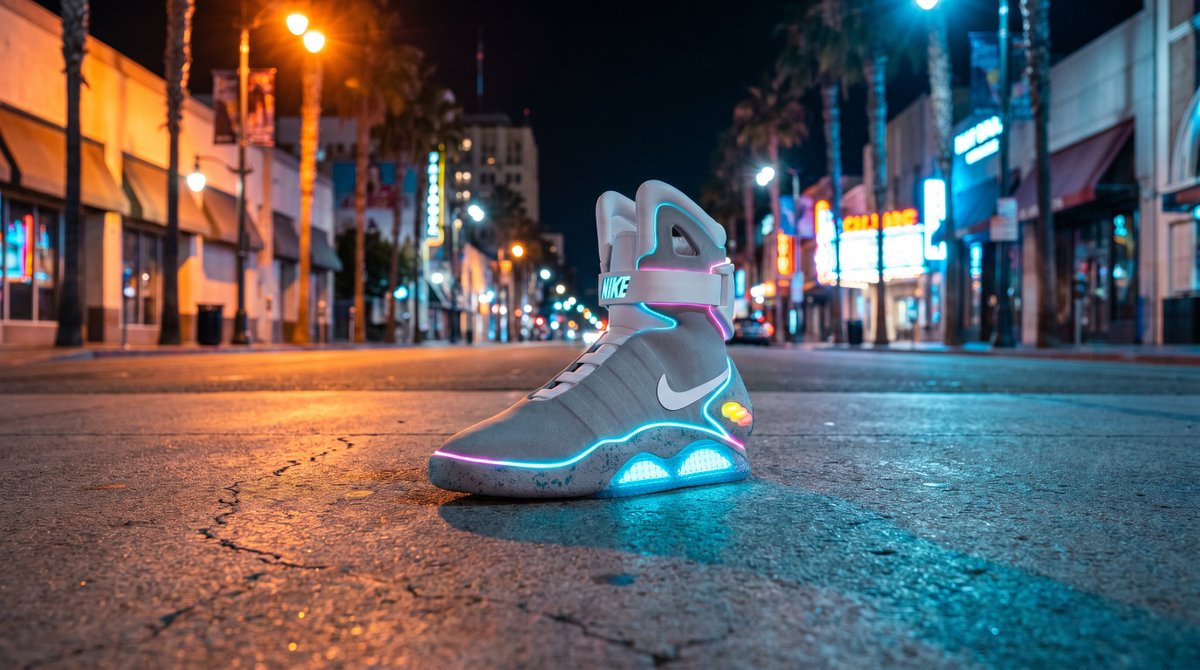
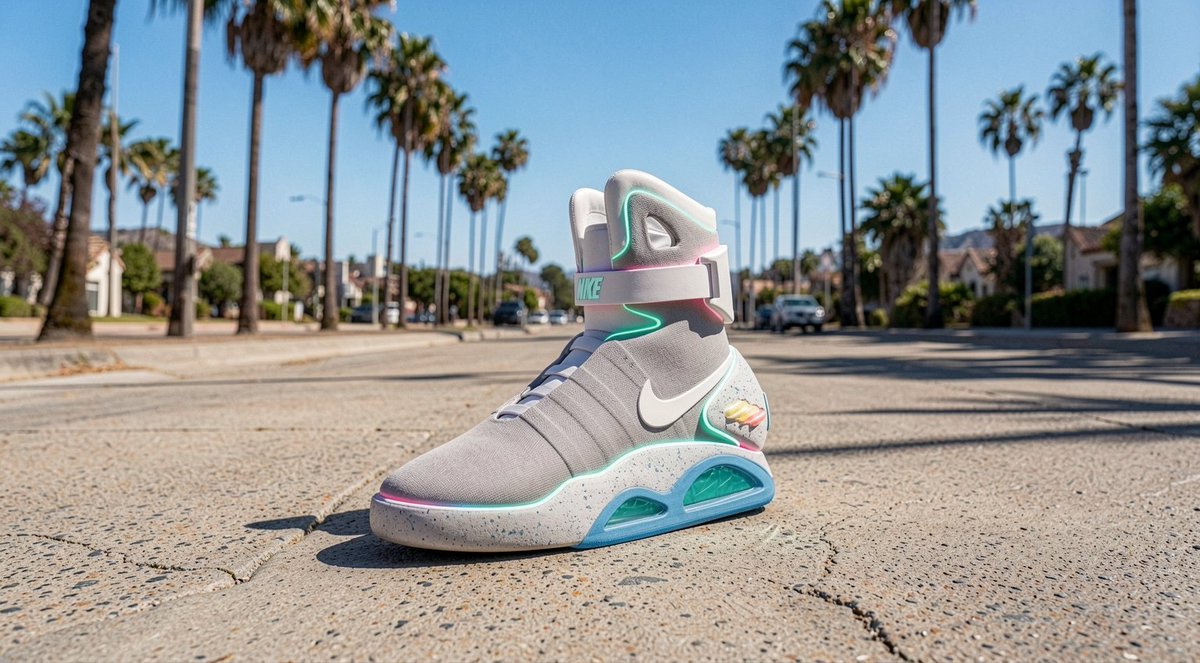
1. One Nike back to the future sneakers, "NIKE" letters, sunny day in California with palms, impressive photograph.
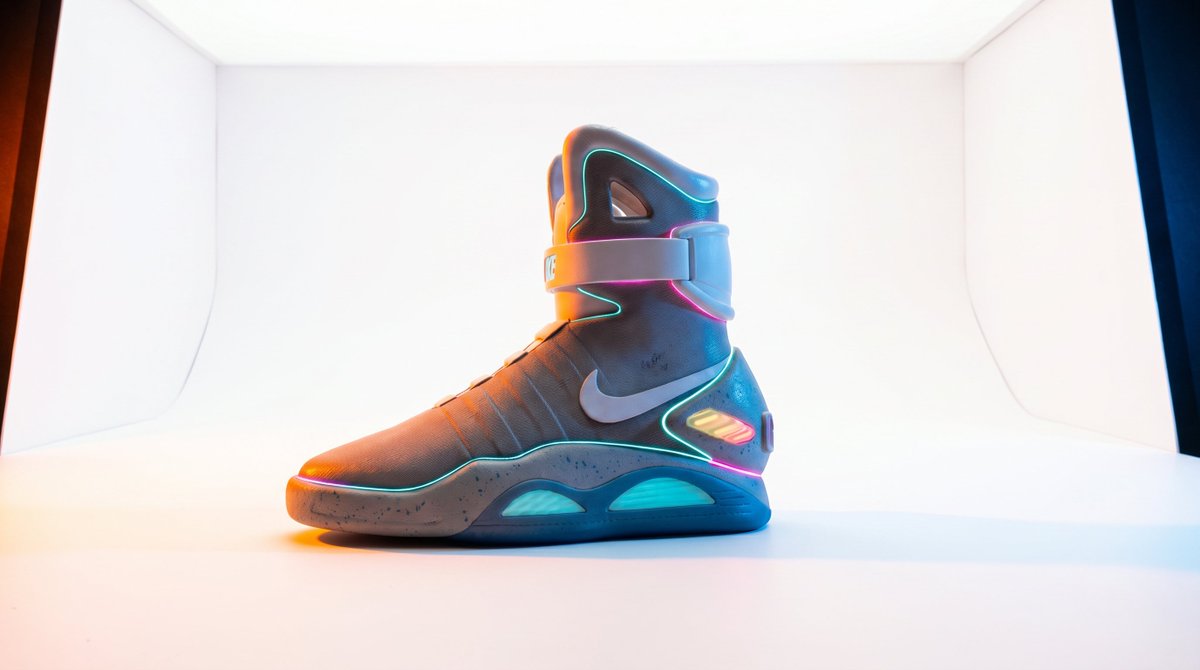
2. One Nike back to the future sneakers, "NIKE" letters, night day in California orange and blue lights, impressive photography, epic.
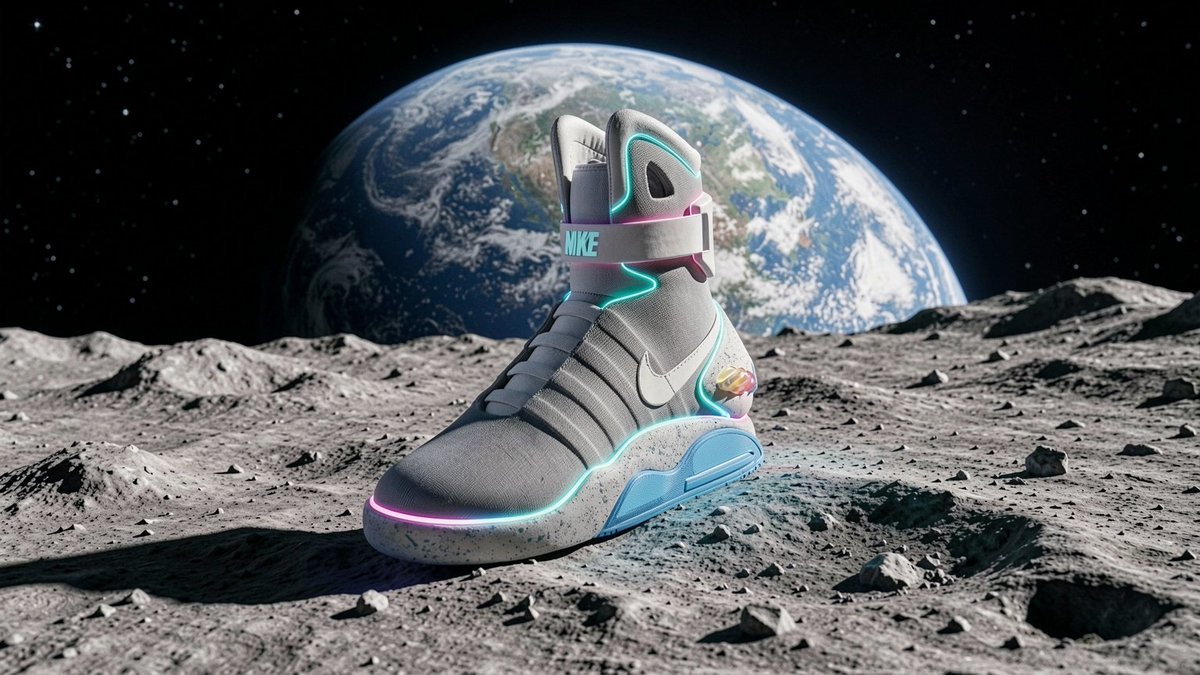
3. One Back to the future Nikes, on the moon, with the earth in the back, photorealistic photos, epic.
1
1
433
May 12
Follow @anacoding for more Generative AI tutorials! And a repost is appreciated too! 😍
x.com/anacoding/status/20542…
May 12

👟 3D photo studio 100% AI 🧵
You can now turn any flat image into a full 3D model and run a professional photoshoot. No physical studio required!
Here is the full tutorial using Magnific 3D scenes and Nano Banana Pro 👇🧵
131
May 12
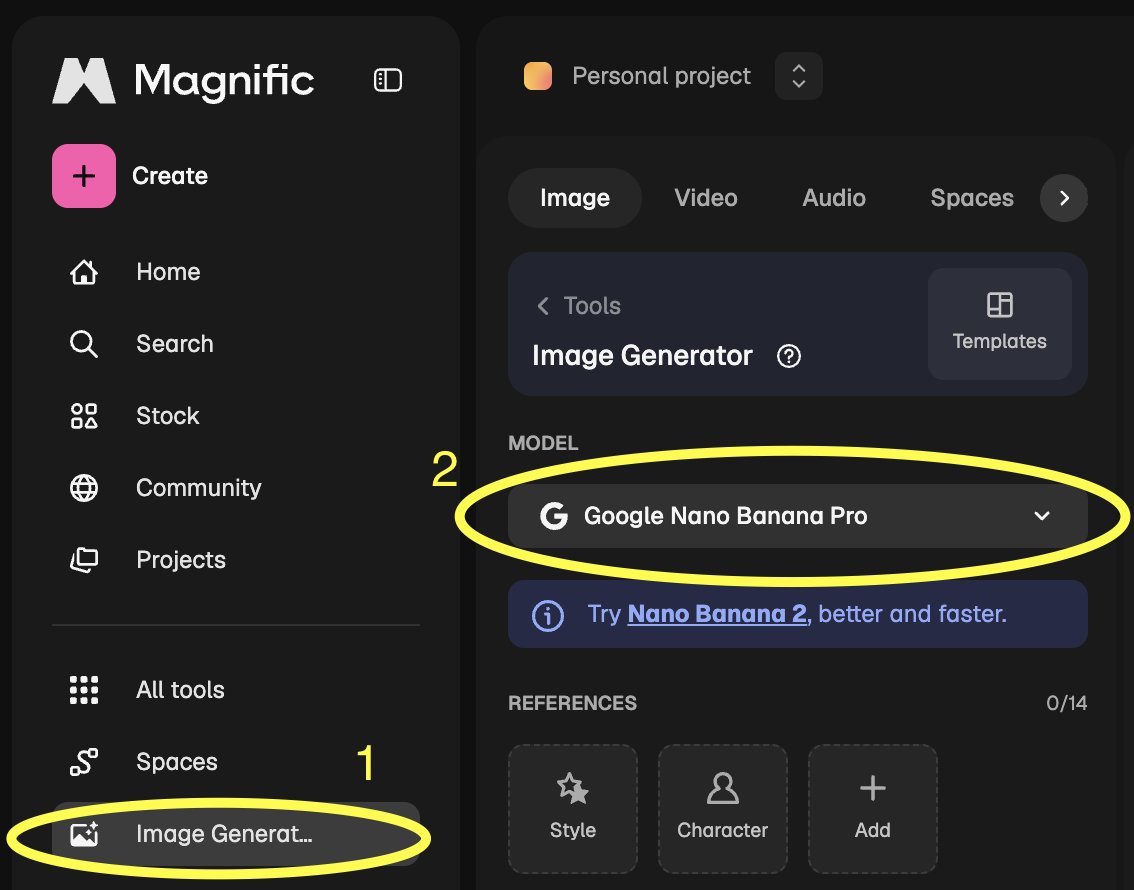
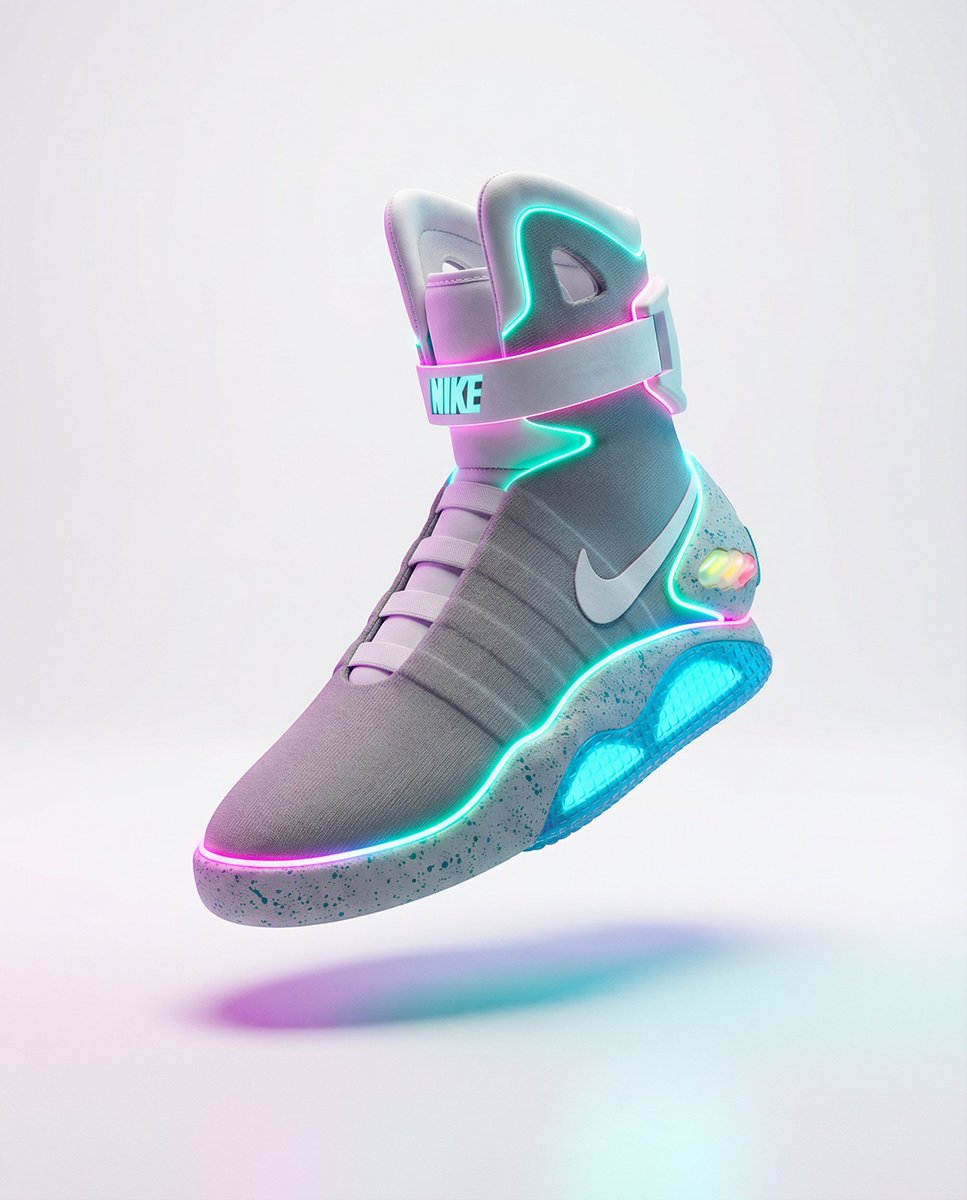
1️⃣ Step 1: Create Your Product 🪄
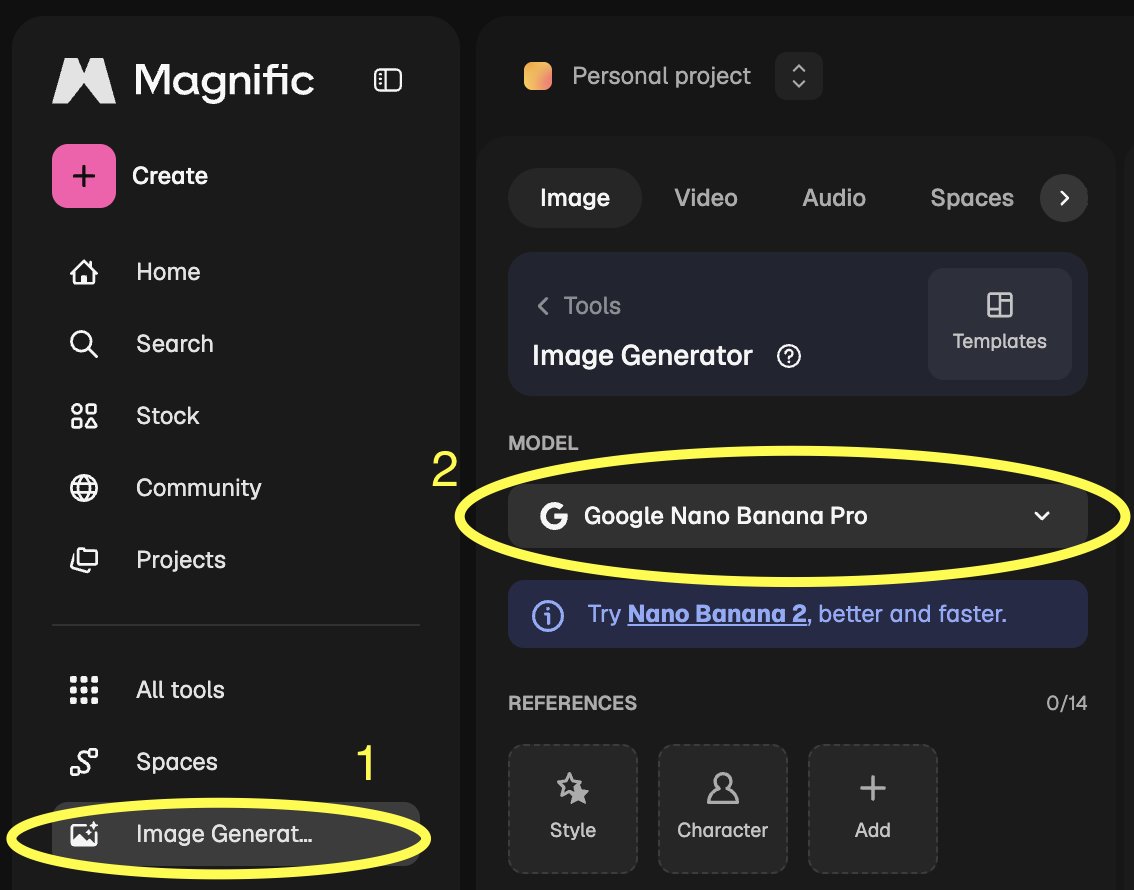
First, we need a hero item. Head to Magnific.com, select the Image Generator, and choose Nano Banana Pro.
Prompt:
"One Back to the future Nikes, photo studio, white box, perfect light, nice shadows, professional photo studio photography, hard shadows, left orange light, right blue light, saturated colors"
1
325

Anna Kondratenko 👩🏻💻 retweeted
Apr 23
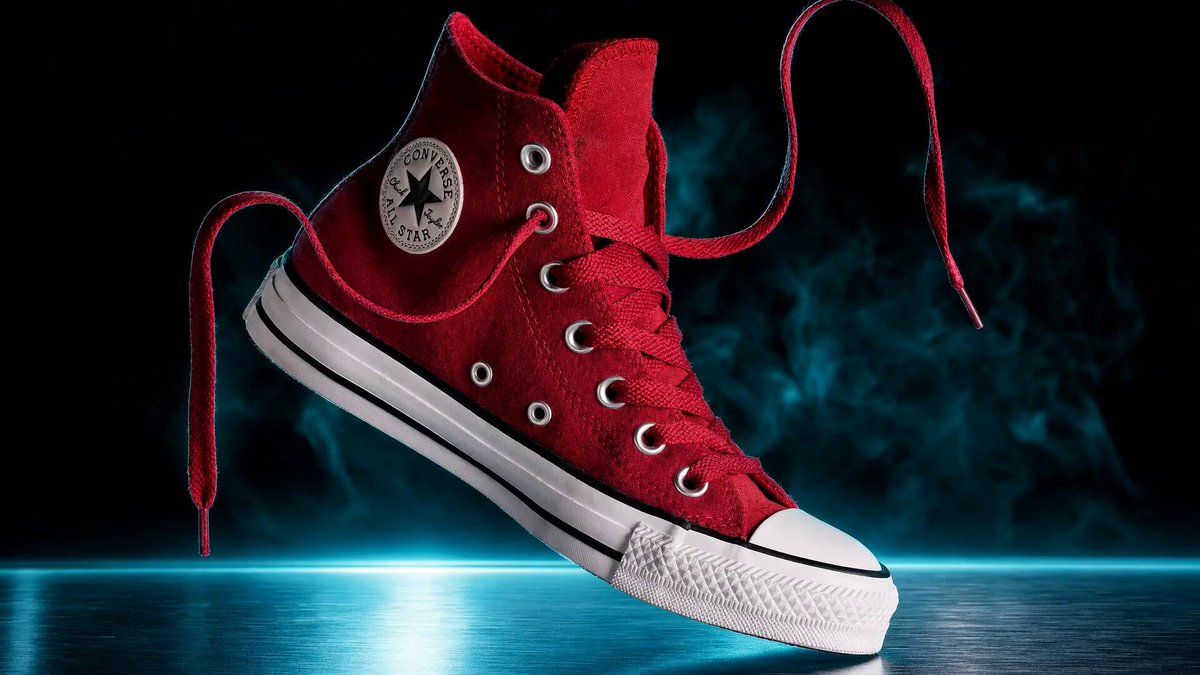
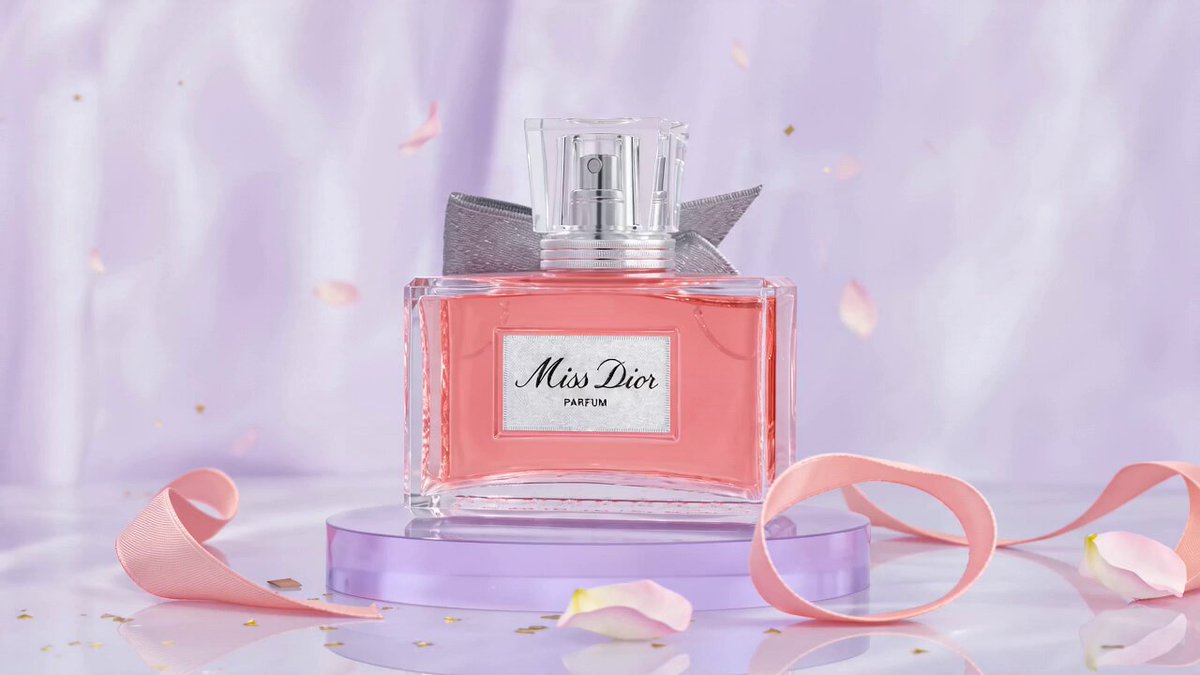
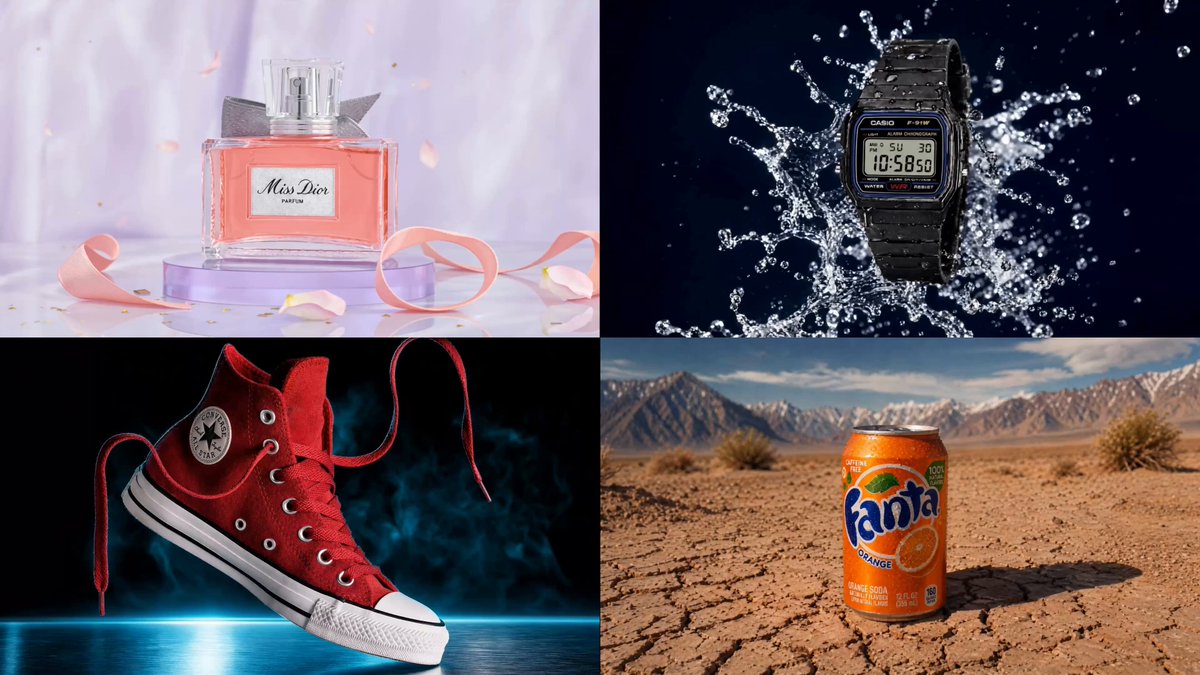
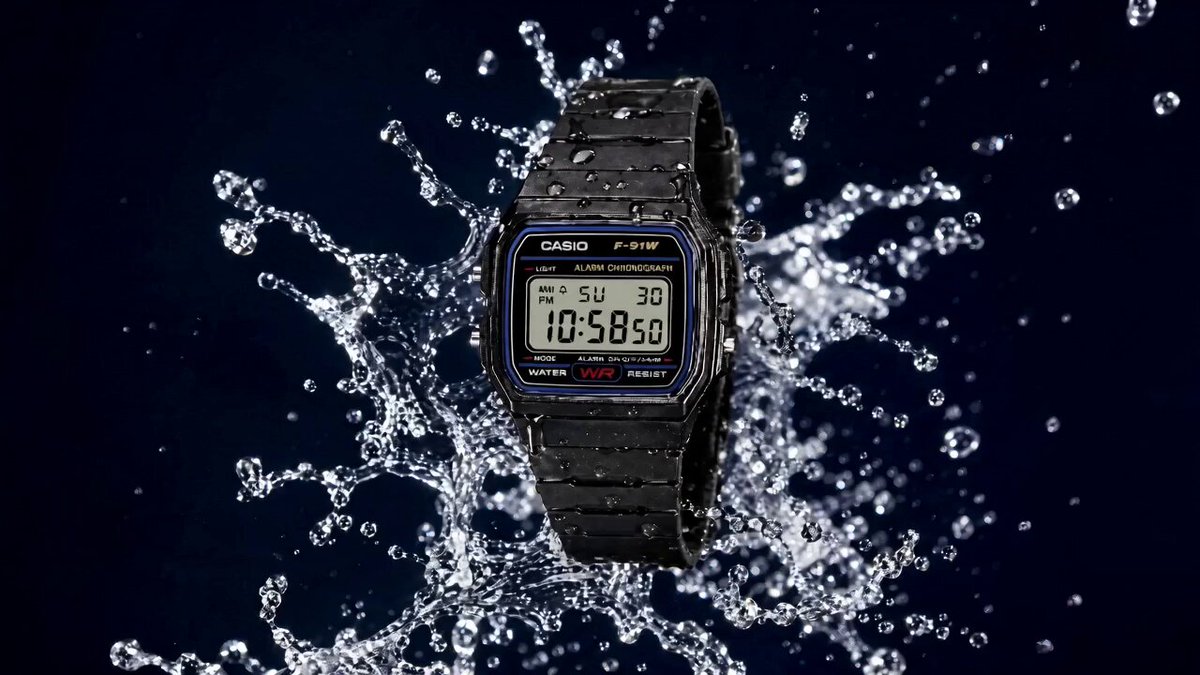
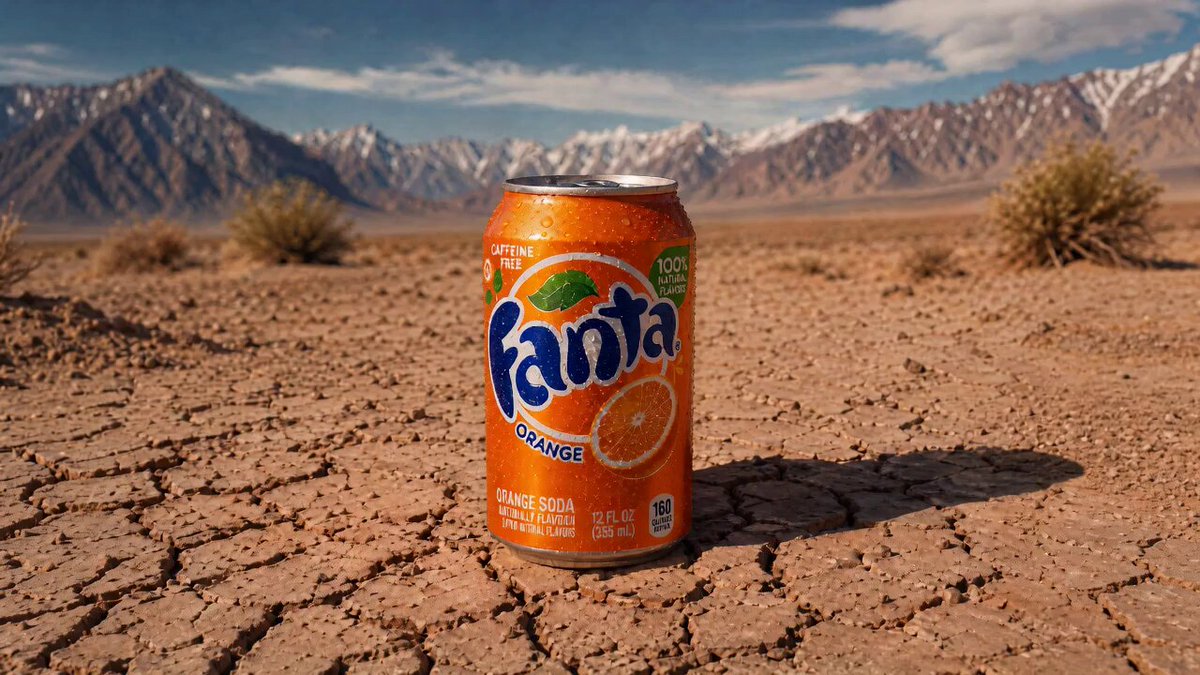
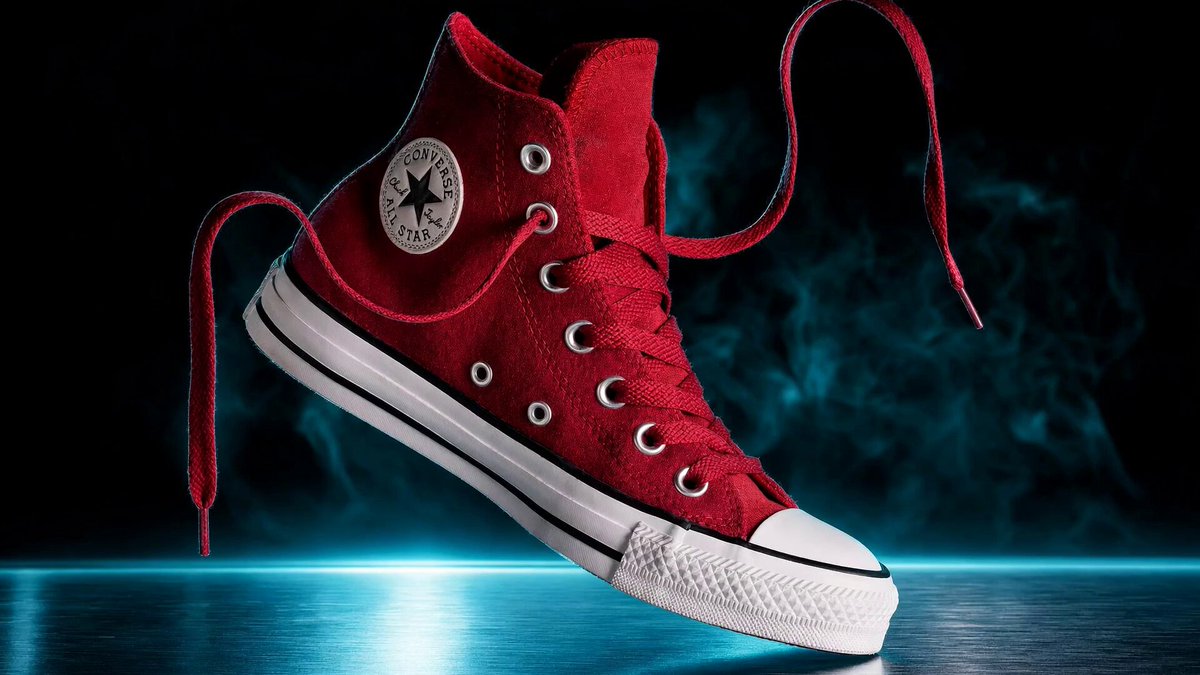
⚡ Full product shot tutorial
Using new tricks with GPT Image 2 Seedance 2.0 on Lovart!
Full tutorial 🧵👇 including all PROMPTS!
4
2
25
7,119
Apr 23
⚡ Full product shot tutorial
Using new tricks with GPT Image 2 Seedance 2.0 on Lovart!
Full tutorial 🧵👇 including all PROMPTS!
4
2
25
7,119
Apr 23
Final Pro-Tips 🚀
1⃣ The 3/4 Rule: Always upload a clean reference photo at a 3/4 angle. It provides the AI with the most depth and detail to work with.
2⃣ The 6-Block Anchor: Never skip a block. Combining [Product Surface Light Lens Mood Detail] is what separates a "filter" from a professional campaign.
3⃣ Lighting = Luxury: Avoid flat lighting. Use "rim light," "soft north-window," or "dramatic spotlights" to instantly increase the perceived price of the product.
4⃣ Texture Matters: Mention specific gear like "Hasselblad" or "100mm macro" to eliminate the smooth AI look and get that tactile, high-end magazine texture.
5⃣ The 3-Shot Strategy: Build a full campaign from one reference image. Keep the lighting consistent but swap the surface and props to create Hero, Lifestyle, and Macro shots.
6⃣ Agent Automation: Use orchestration agents to generate your high-res image and 4K video in a single step: saving hours of post-production.
1
2
371
Apr 23
Follow @anacoding for more Generative AI tutorials!
And a repost is appreciated too! 😍
x.com/anacoding/status/20473…
Apr 23
⚡ Full product shot tutorial
Using new tricks with GPT Image 2 Seedance 2.0 on Lovart!
Full tutorial 🧵👇 including all PROMPTS!
1
174
Apr 23
Final Pro-Tips 🚀
1⃣ The 3/4 Rule: Always upload a clean reference photo at a 3/4 angle. It provides the AI with the most depth and detail to work with.
2⃣ The 6-Block Anchor: Never skip a block. Combining [Product Surface Light Lens Mood Detail] is what separates a "filter" from a professional campaign.
3⃣ Lighting = Luxury: Avoid flat lighting. Use "rim light," "soft north-window," or "dramatic spotlights" to instantly increase the perceived price of the product.
4⃣ Texture Matters: Mention specific gear like "Hasselblad" or "100mm macro" to eliminate the smooth AI look and get that tactile, high-end magazine texture.
5⃣ The 3 Shot Strategy: Build a full campaign from one reference image. Keep the lighting consistent but swap the surface and props to create Hero, Lifestyle, and Macro shots.
6⃣ Agent Automation: Use orchestration agents to generate your high-res image and 4K video in a single step: saving hours of post-production.
1
1
208