
Apple EDU | Professional Learning | TX
Joined January 2014
- Tweets 23
- Following 42
- Followers 29
- Likes 65
Photos and videos
Alex Rosansky retweeted

2 May 2024
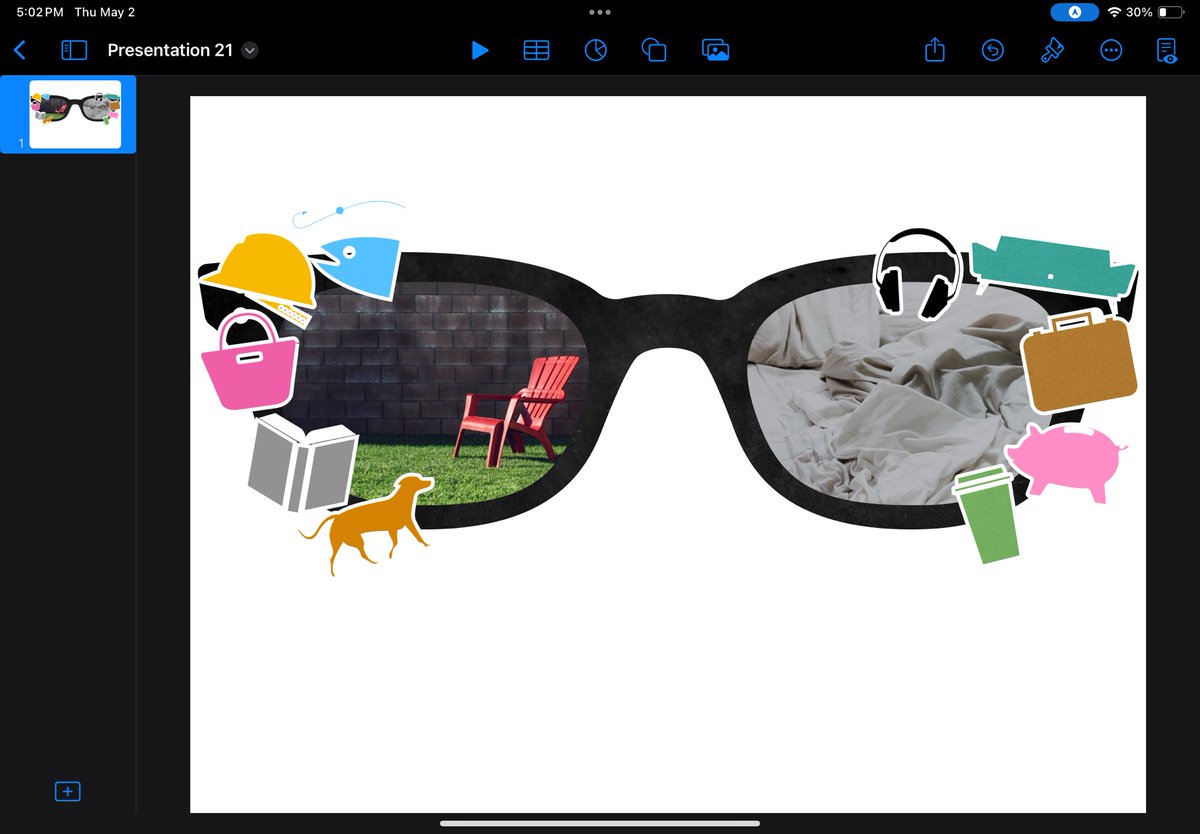
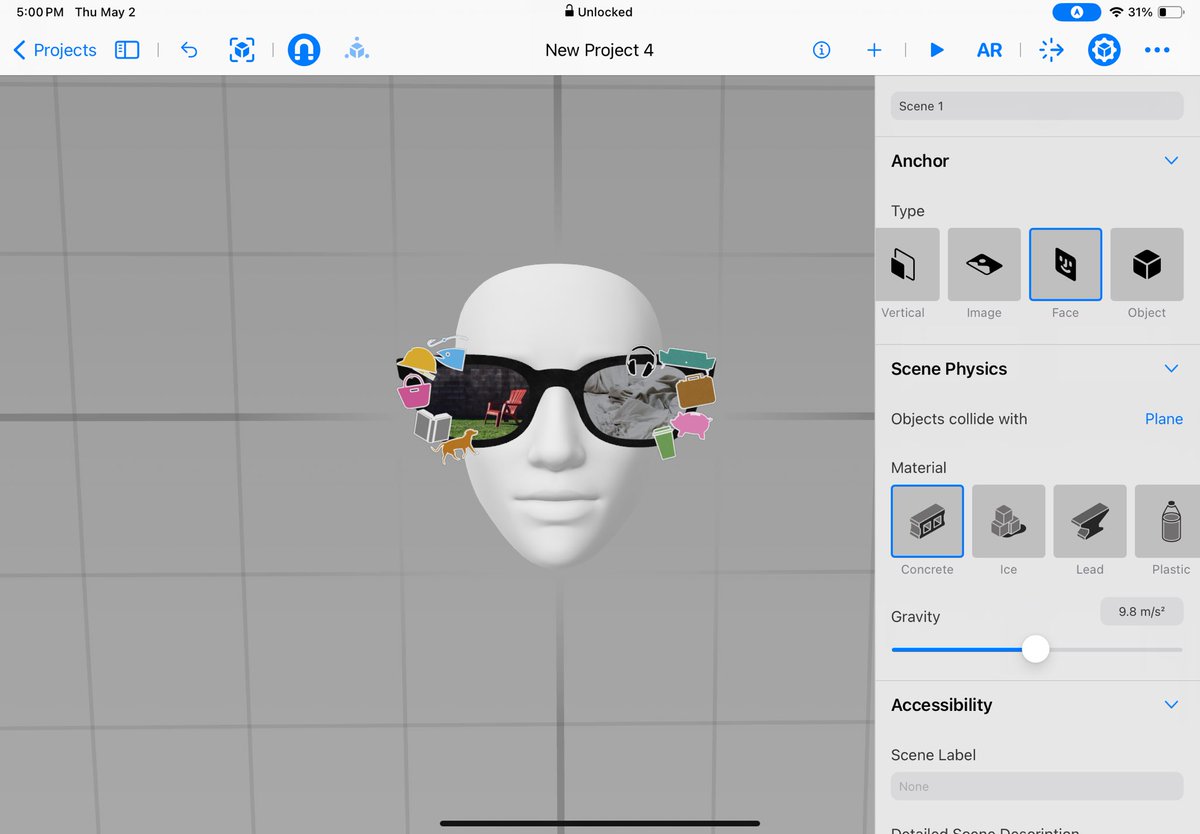
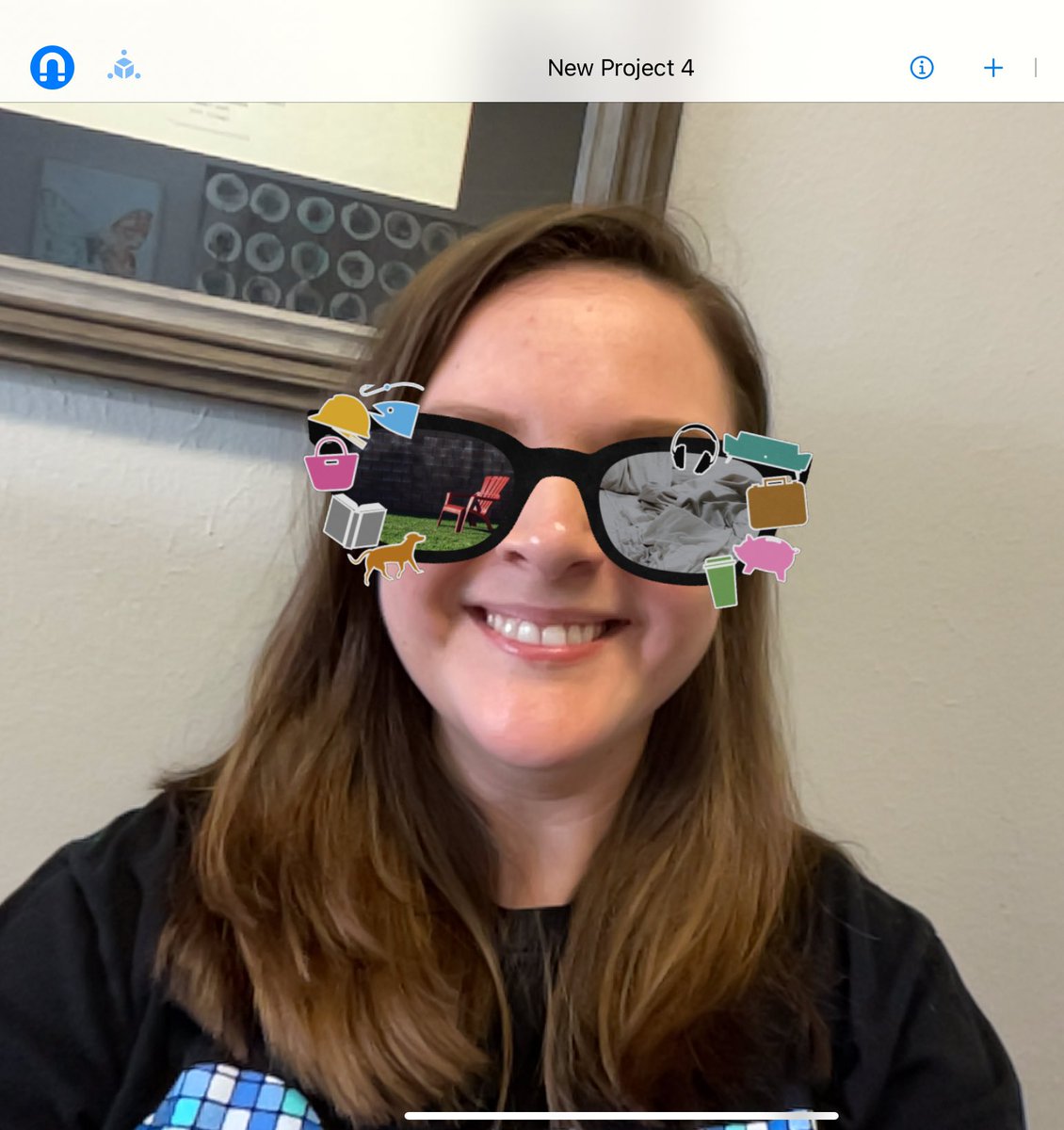
We had another great day of learning with @arosansky! Try this take away from our session! 1️⃣Create “summer” glasses in keynote 2️⃣Open the face anchor in Reality Composer 3️⃣Drag your glasses from keynote, and watch the AR magic! Interested? Let’s get together!
1
6
371
Alex Rosansky retweeted
5 Apr 2024
Looking for a fun way to get started with @AppleEDU GarageBand Keynote? Give this a try! Create 3 very simple melodies and paired them with each stage of a chicken's life cycle (or character change!), then used Keynote to create a simple animated video to the music. So fun!
3
8
770
Alex Rosansky retweeted

4 Apr 2024
1
4
478
Alex Rosansky retweeted

18 Oct 2023
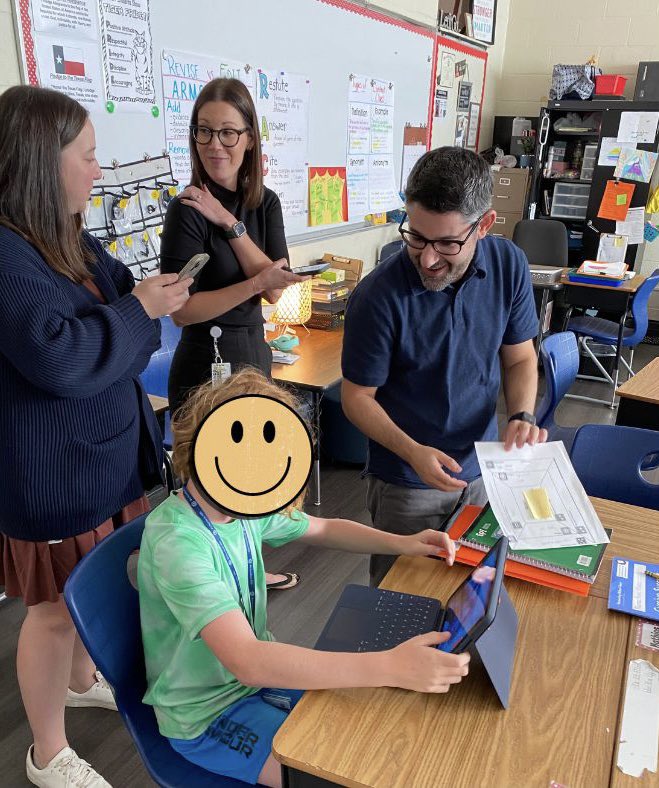
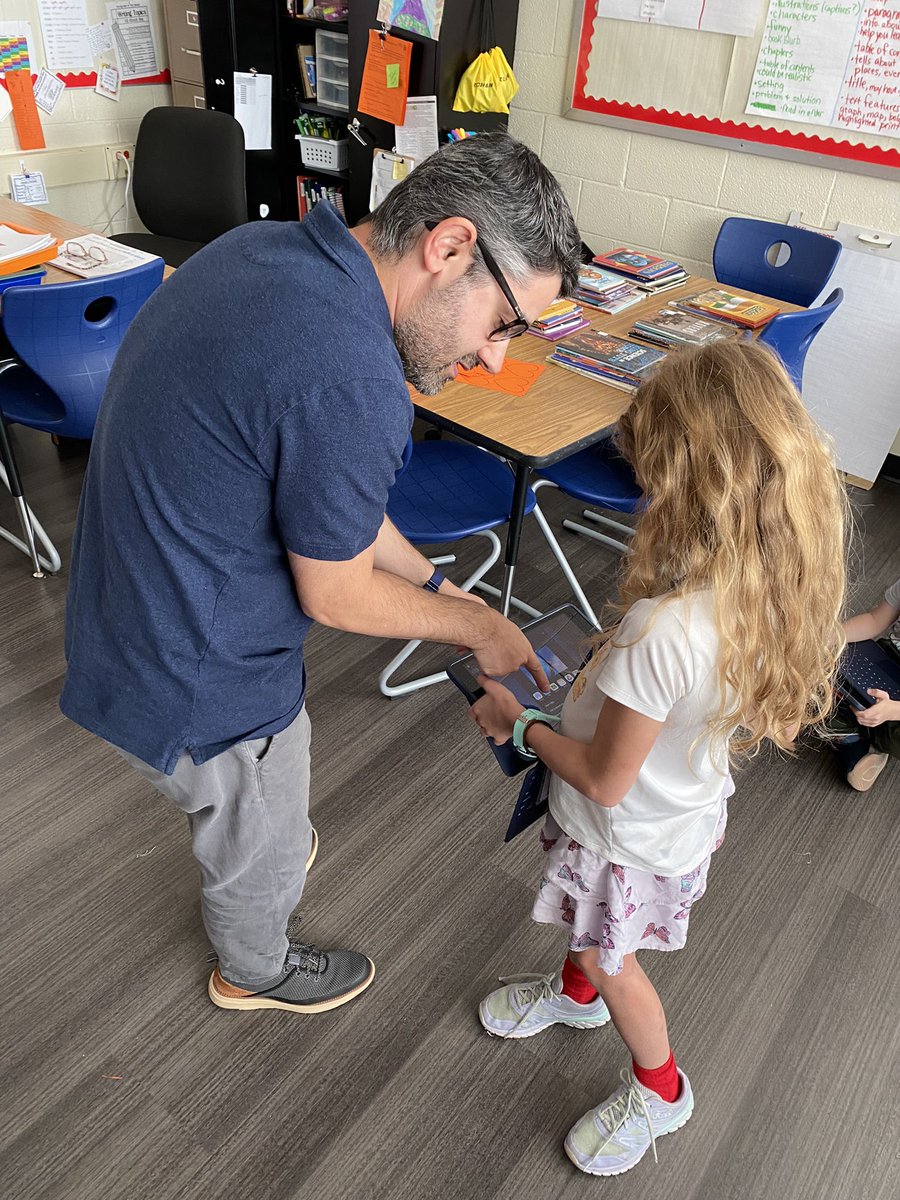
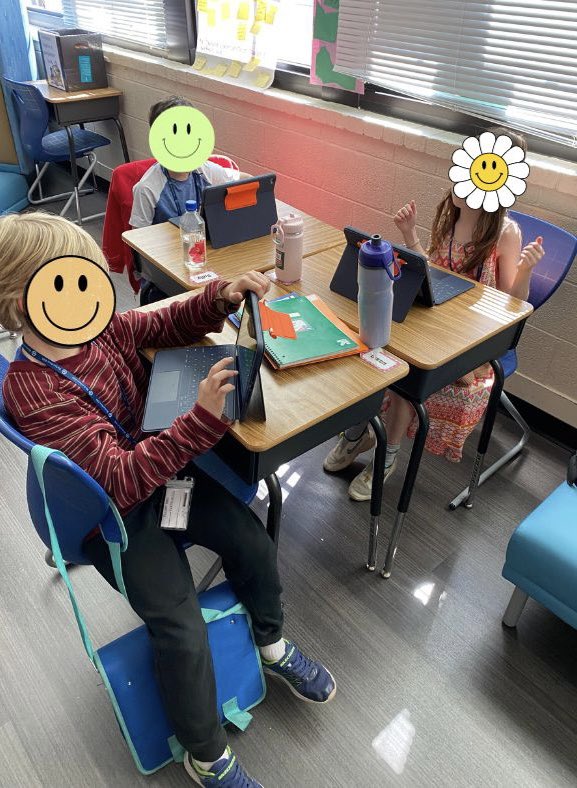
We were honored to host @arosansky, @its_morgancave, and @lindsaybcross for Apple Learning support is our 4th/5th RAP class @MSTMAGNET today. We’re excited to have Clips in our tool belt! Thank you for your help!
#RISDBelieves
#RISDWeAreOne
@RLAinRISD
3
14
632
Alex Rosansky retweeted

2 Oct 2023
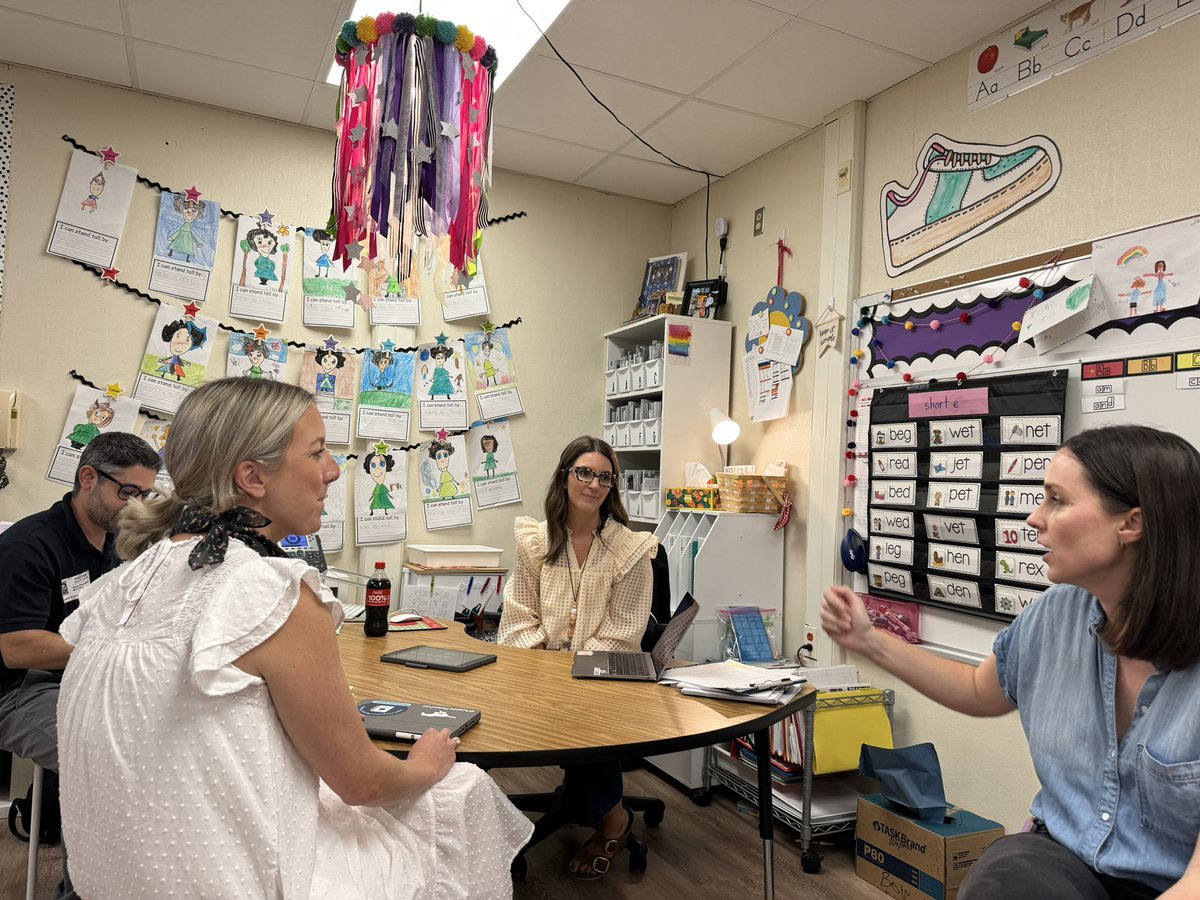
“We have been using A LOT of Keynote… it’s a hidden gem! Why haven’t I used this before? It’s just so easy for them to navigate and correct mistakes.” - 1st Grade Teacher @trammellinfirst Coaching in action with @RISDiTeam and #AppleProfessionalLearning #RISDWeAreOne
1
7
41
3,590
Alex Rosansky retweeted
2 Oct 2023
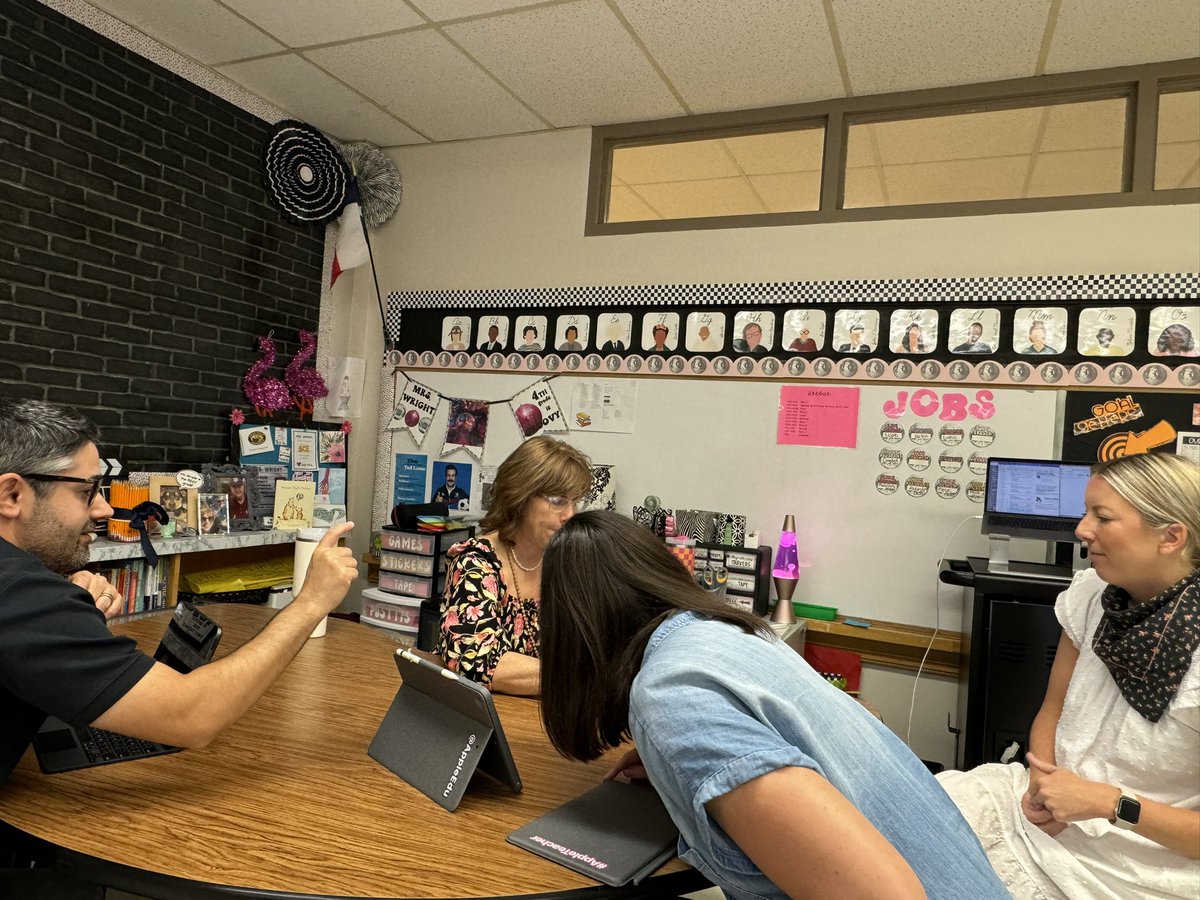
Flexing @RISDiTeam coaching skills while also building teacher instructional technology capacity! Excited to see what comes out of our work with #AppleProfessionalLearning this week! Thanks @courtneyjwright for letting us visit this morning! #RISDWeAreOne
1
3
26
2,082
Alex Rosansky retweeted

25 Aug 2023
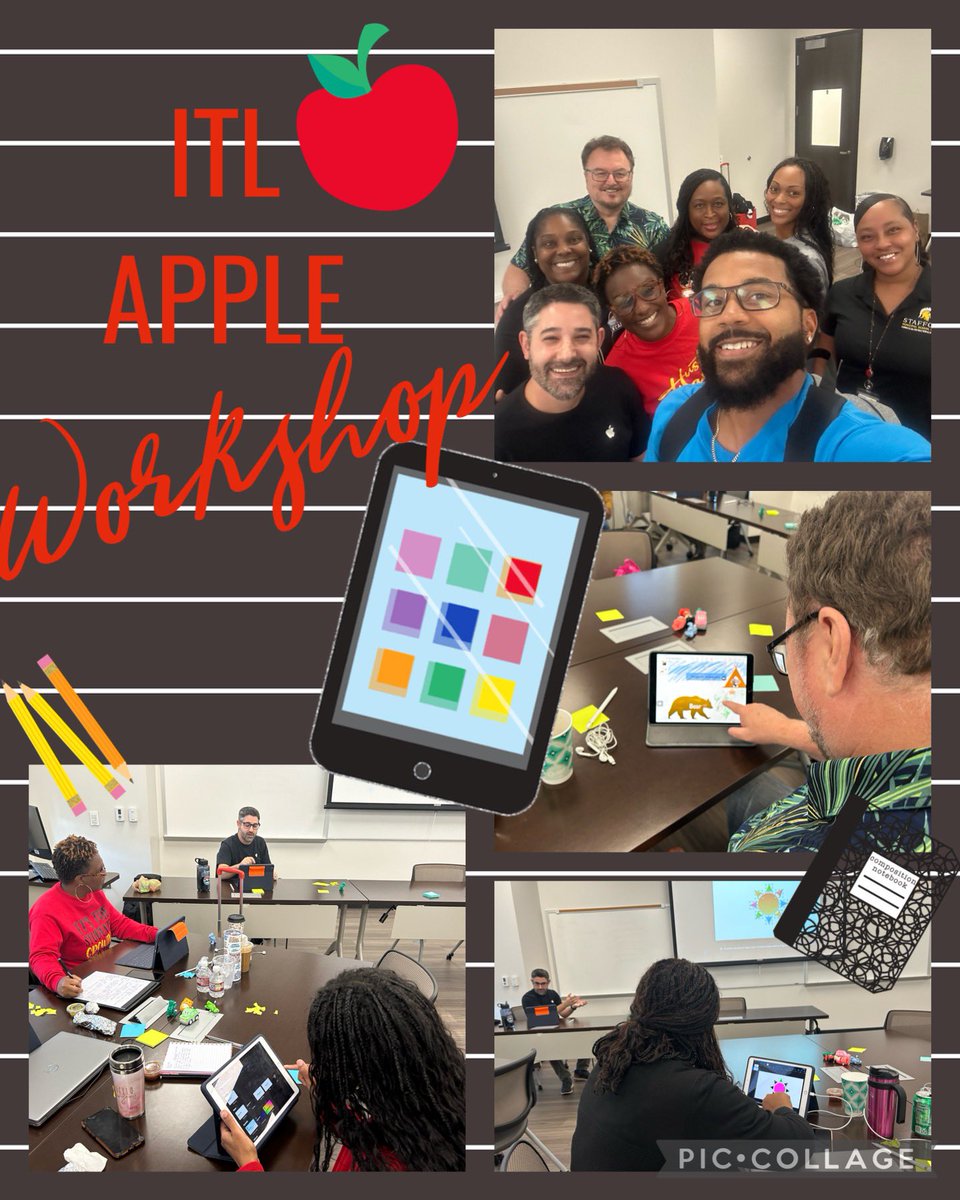
Two great days of learning with my ITL (Instructional Technology Leaders) team! Thank you Alex from @Apple for providing an informative, fun, engaging workshop! @StaffordMSD
1
2
12
1,178
Alex Rosansky retweeted

10 Aug 2023
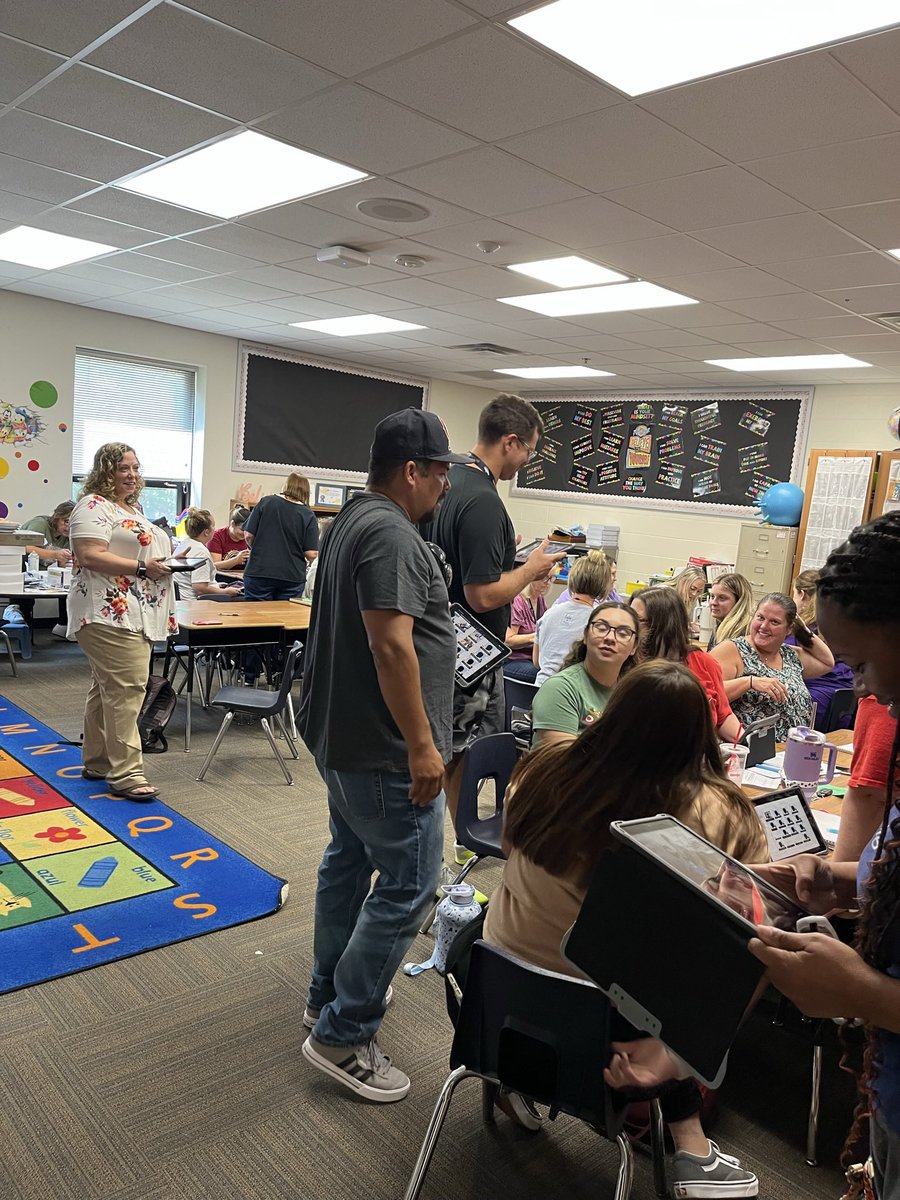
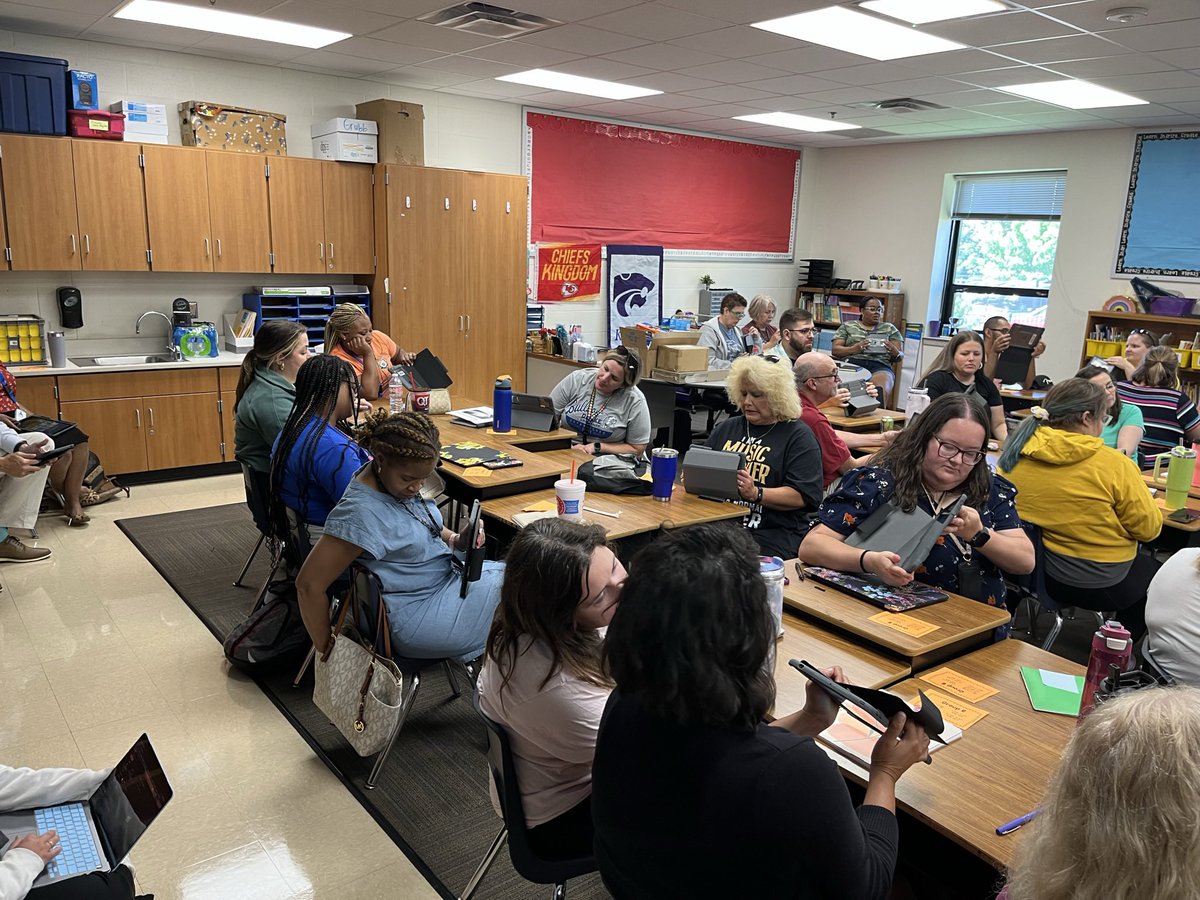
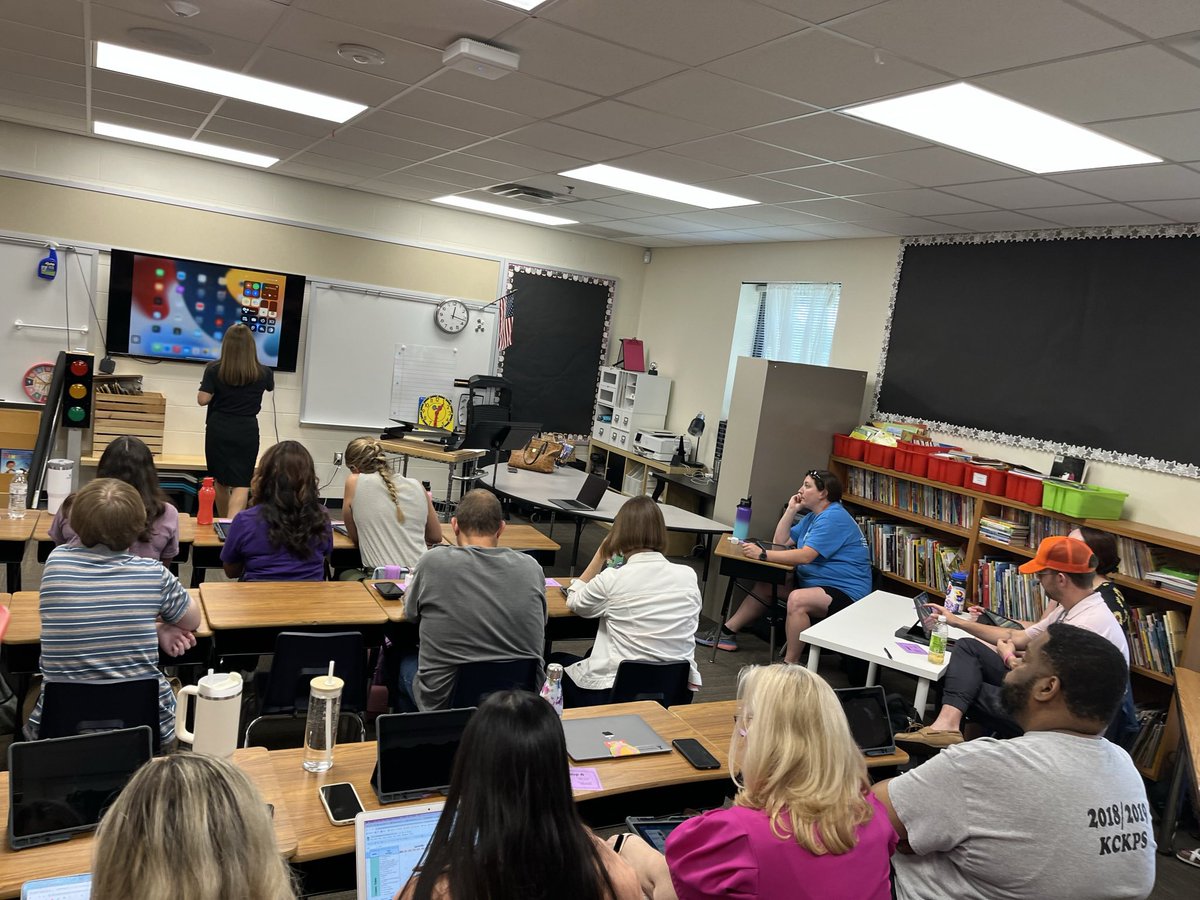
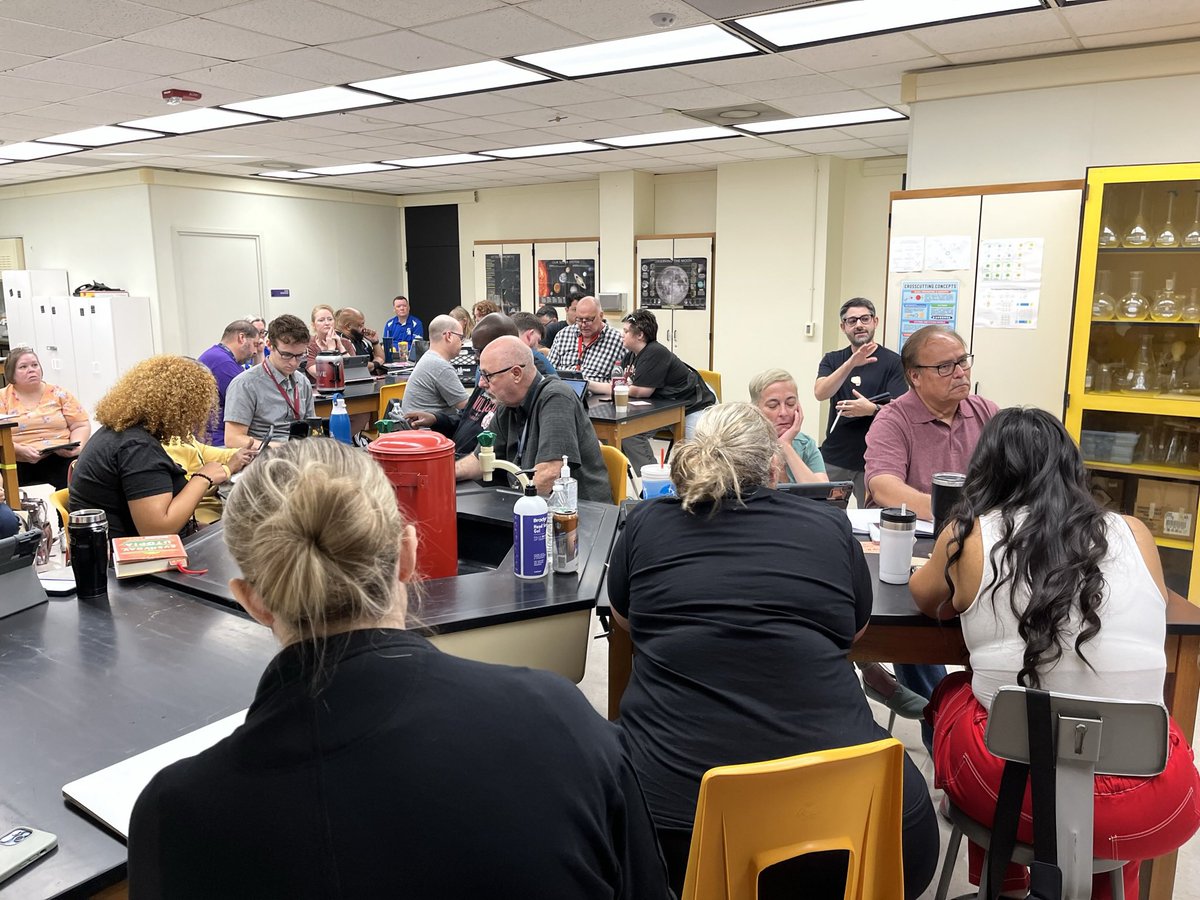
@juleach represents the best of @kckschools iPad training was amazing!
2
9
1,679
Alex Rosansky retweeted

26 Jul 2023
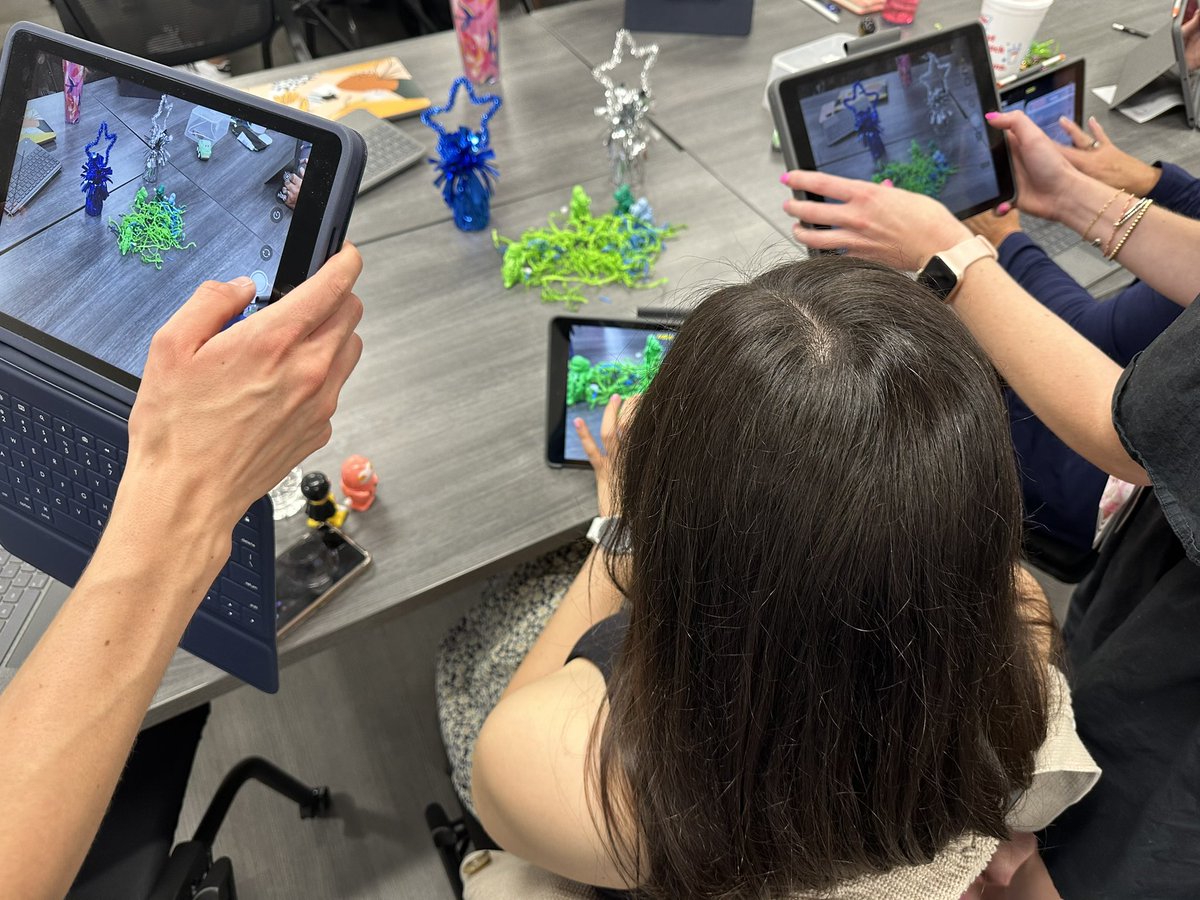
We loved seeing @MSTMAGNET teachers become movie stars and producers today when they engaged in #AppleProfessionalLearning! What will this spark for your students? We can’t wait to find out! #RISDWeAreOne #MSTShinesBright
6
22
3,142
Alex Rosansky retweeted

26 Jul 2023
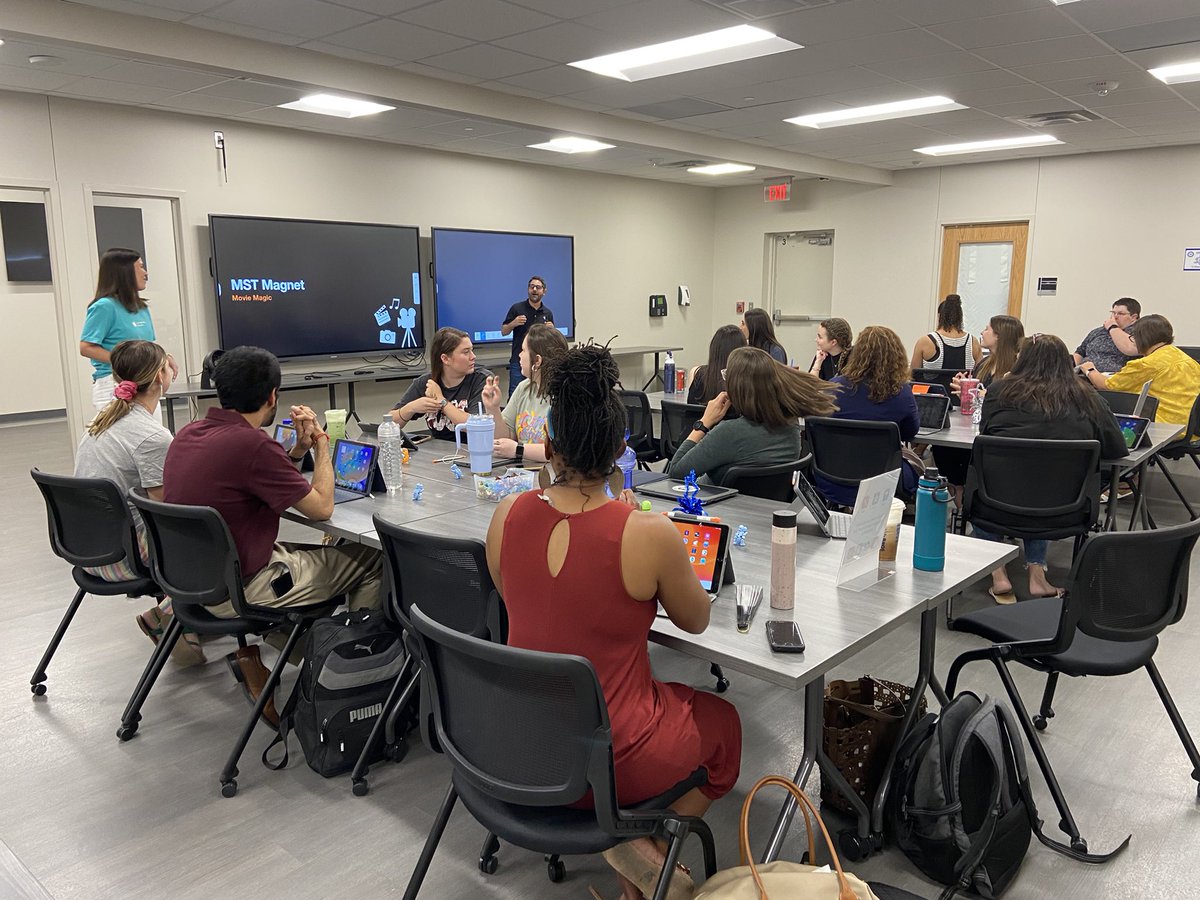
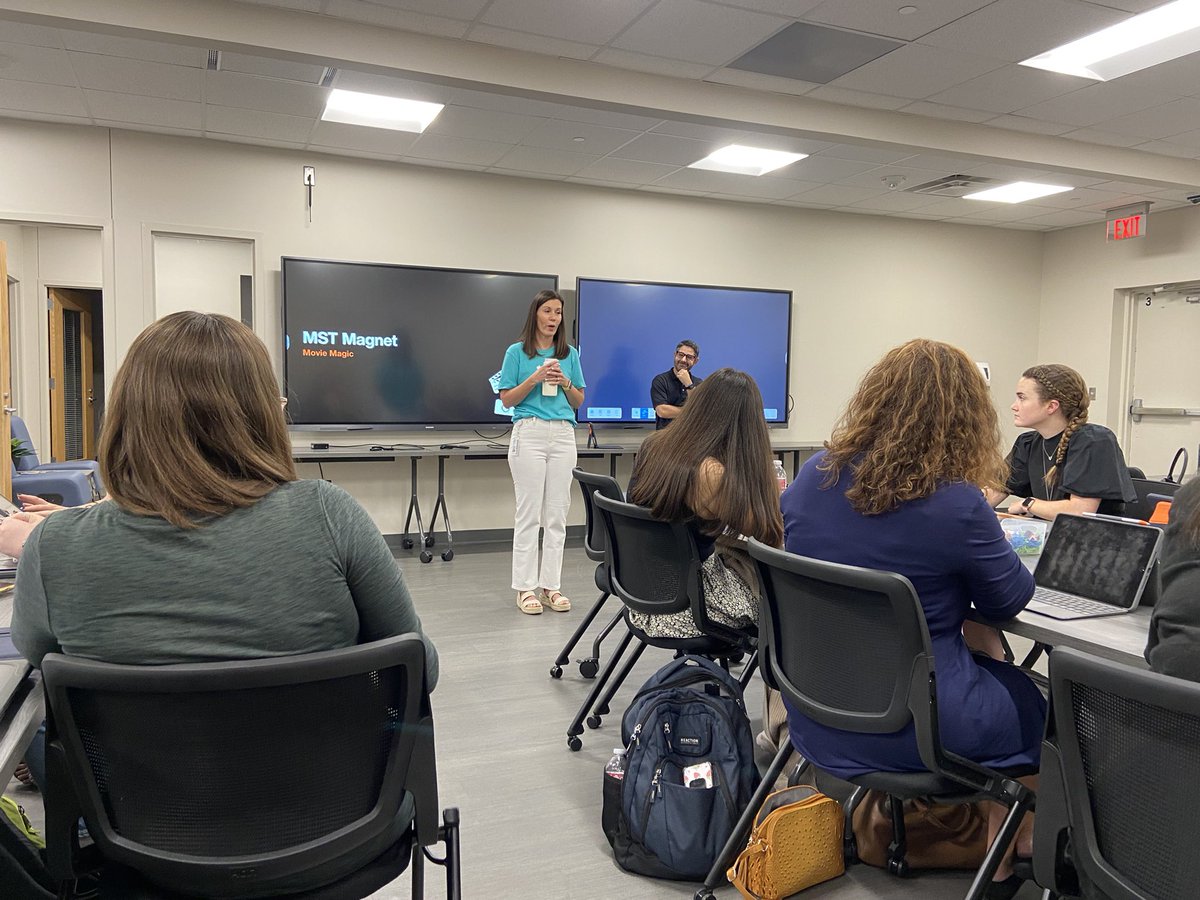
@MSTMAGNET is ready for some great learning with @AlexRosansky . We are excited to see how we can maximize the use of our Apple resources. #MSTShinesBright #appledistinguishedschools @its_morgancave @tayloryourteach
4
12
649
Alex Rosansky retweeted
13 Jun 2023
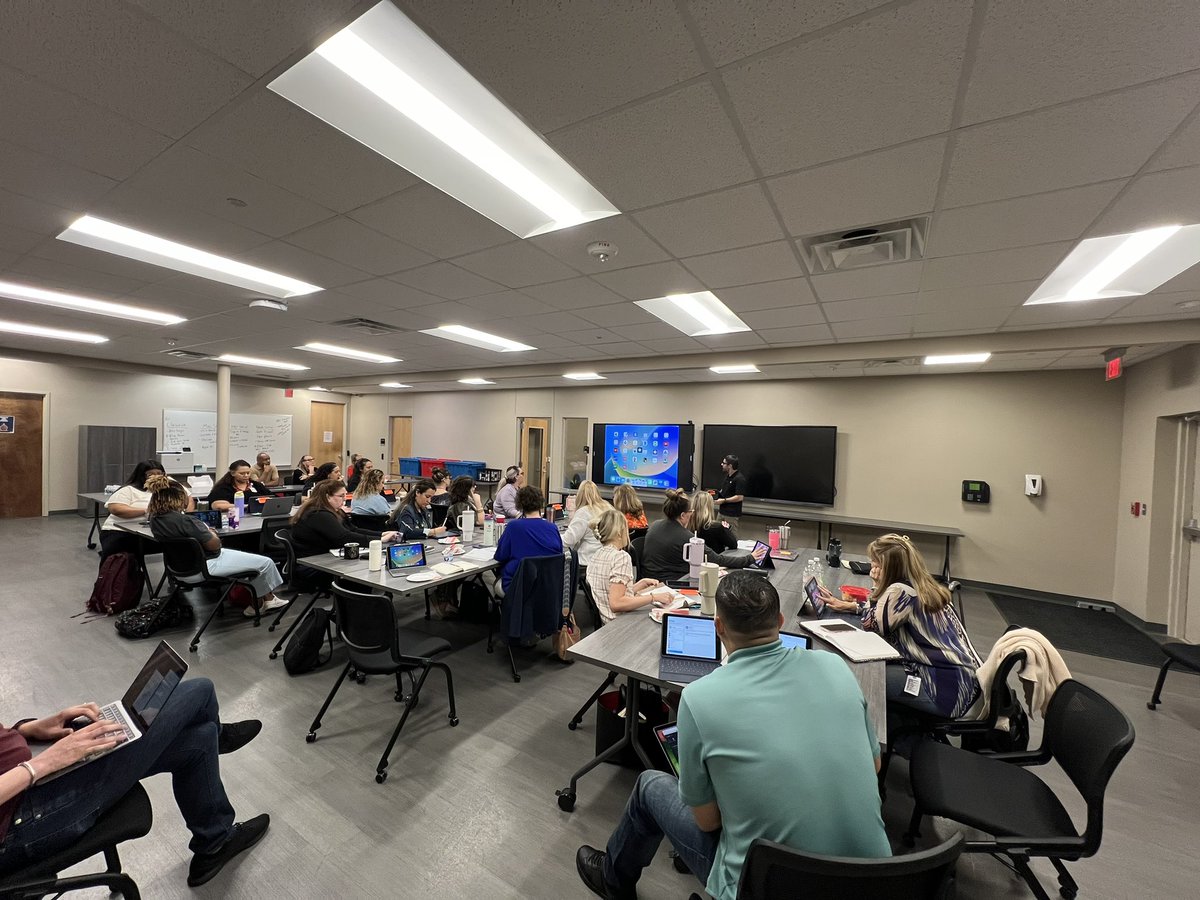
Exploring what’s possible for teaching and learning on iPad - elementary students have incredible tools at their fingertips! Excited for 2 days partnering with Teaching & Learning to learn from @AppleEDU! Thankful for the support of @henryhalltx @byno_kristin 🙌🏻#RISDBelieves
5
25
1,319
Alex Rosansky retweeted
13 Jun 2023
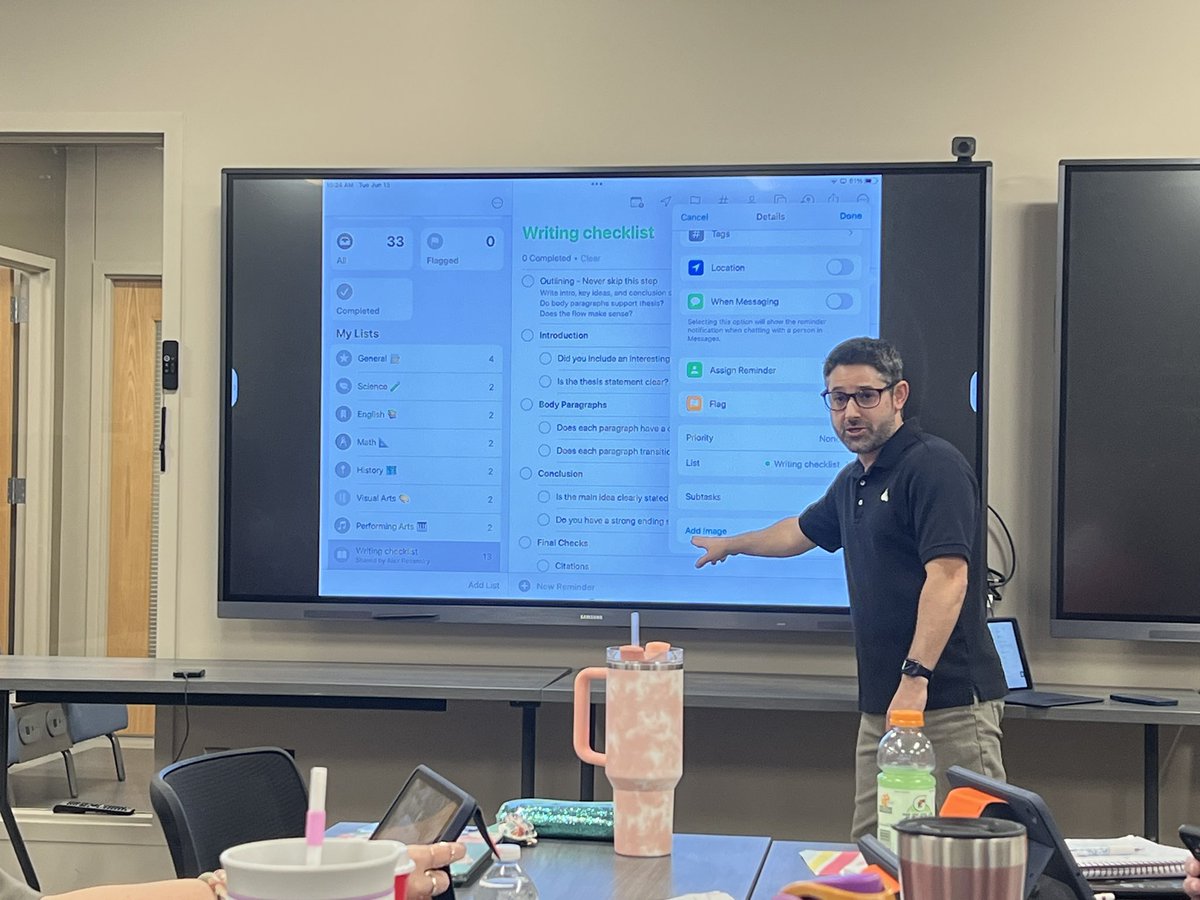
I can never know all the things - possibilities are endless with @AppleEDU - really excited about some new ways to use #Reminders collaboratively with @RISDiTeam and with teachers and students! 🤯 WRITING CHECKLIST! #RISDBelieves #AppleTeacher
4
4
41
3,424
Alex Rosansky retweeted

1 Jun 2023
Playing with @AppleEDU Keynote and making a self-portrait GIF 🙌 This would be great for an art/library collab!
@arosansky @LeanderISD_Lib
1
2
227
Alex Rosansky retweeted

16 May 2023
The @LeanderISD Librarians learned at our @AppleEDU Training with @arosansky - Green screen reveal a photo with iMovie!! Now students at @Reed_Elem are making it happen!
@LeanderISD_Lib @TxASL
2
6
299
Alex Rosansky retweeted

20 Apr 2023
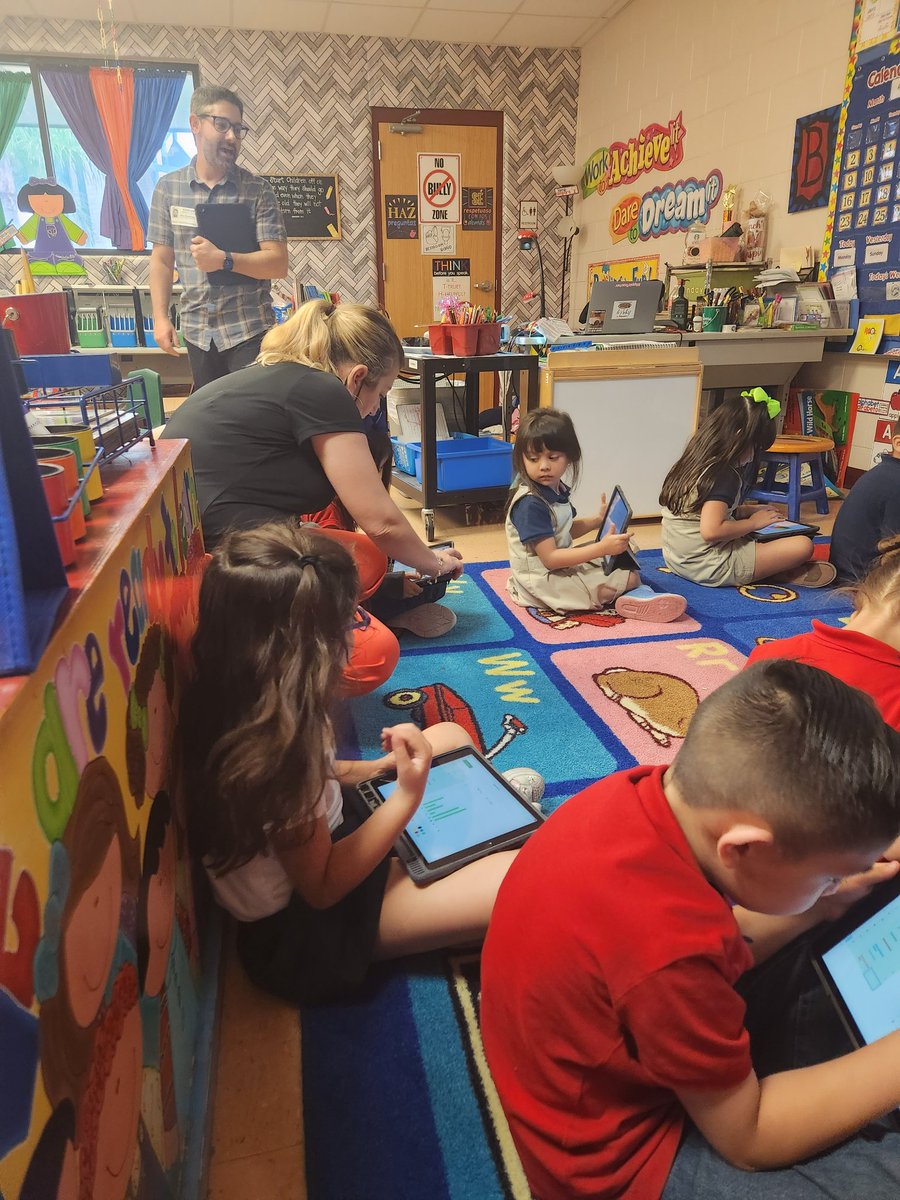
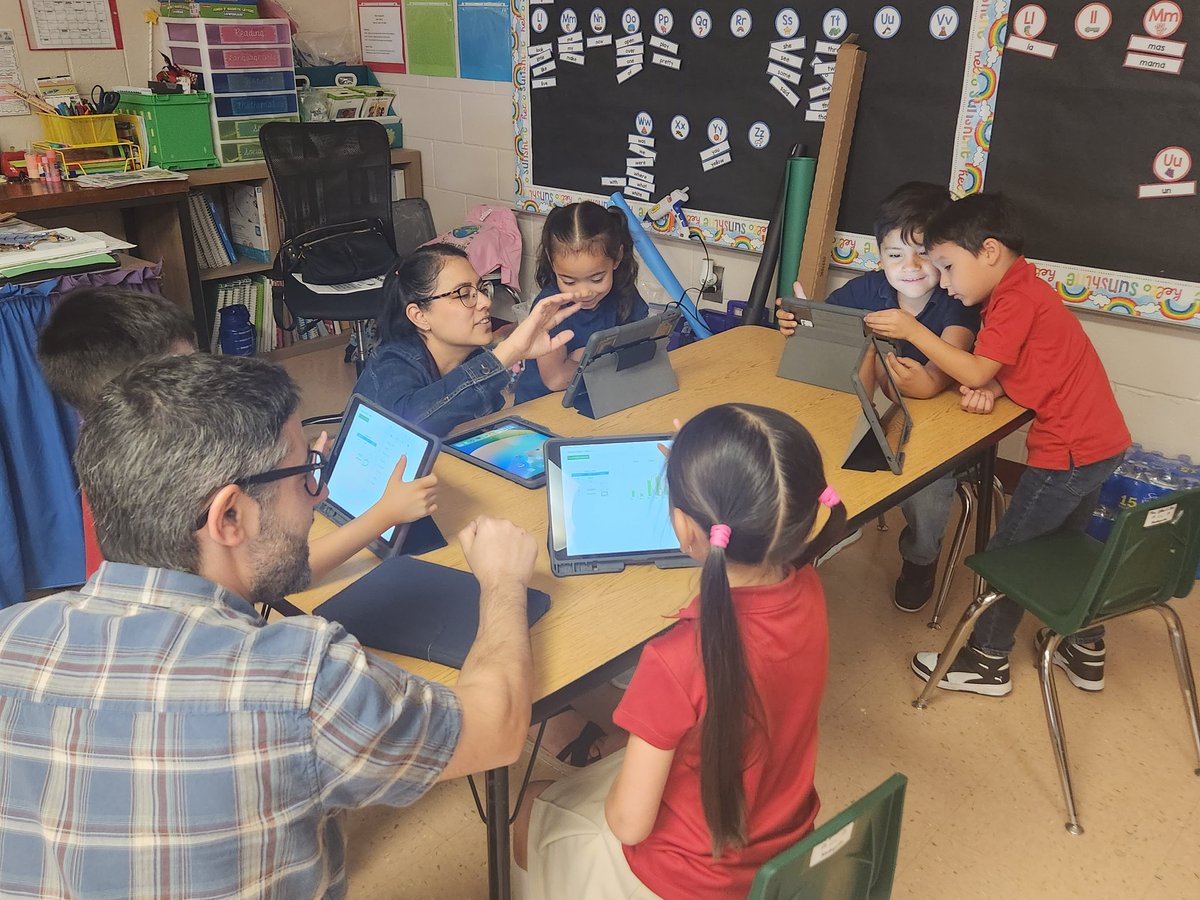
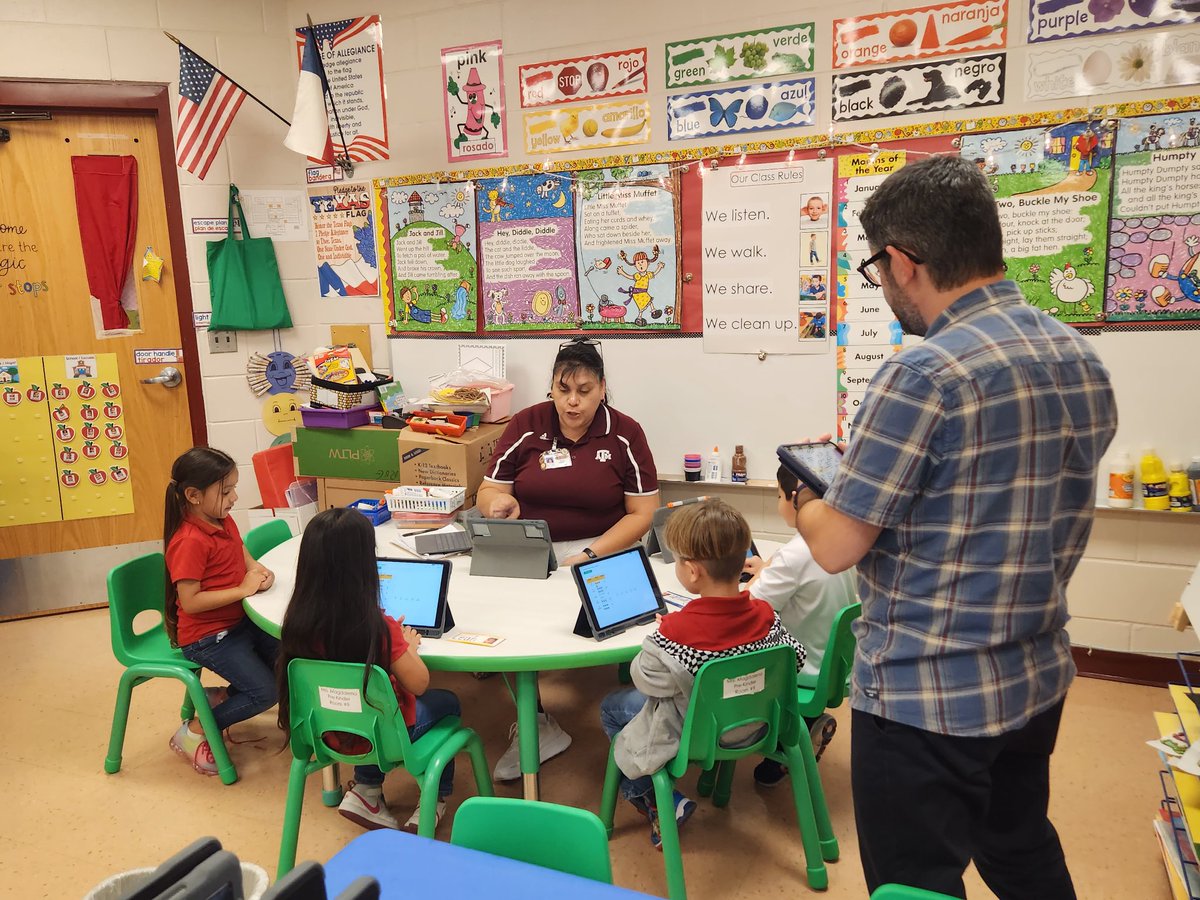
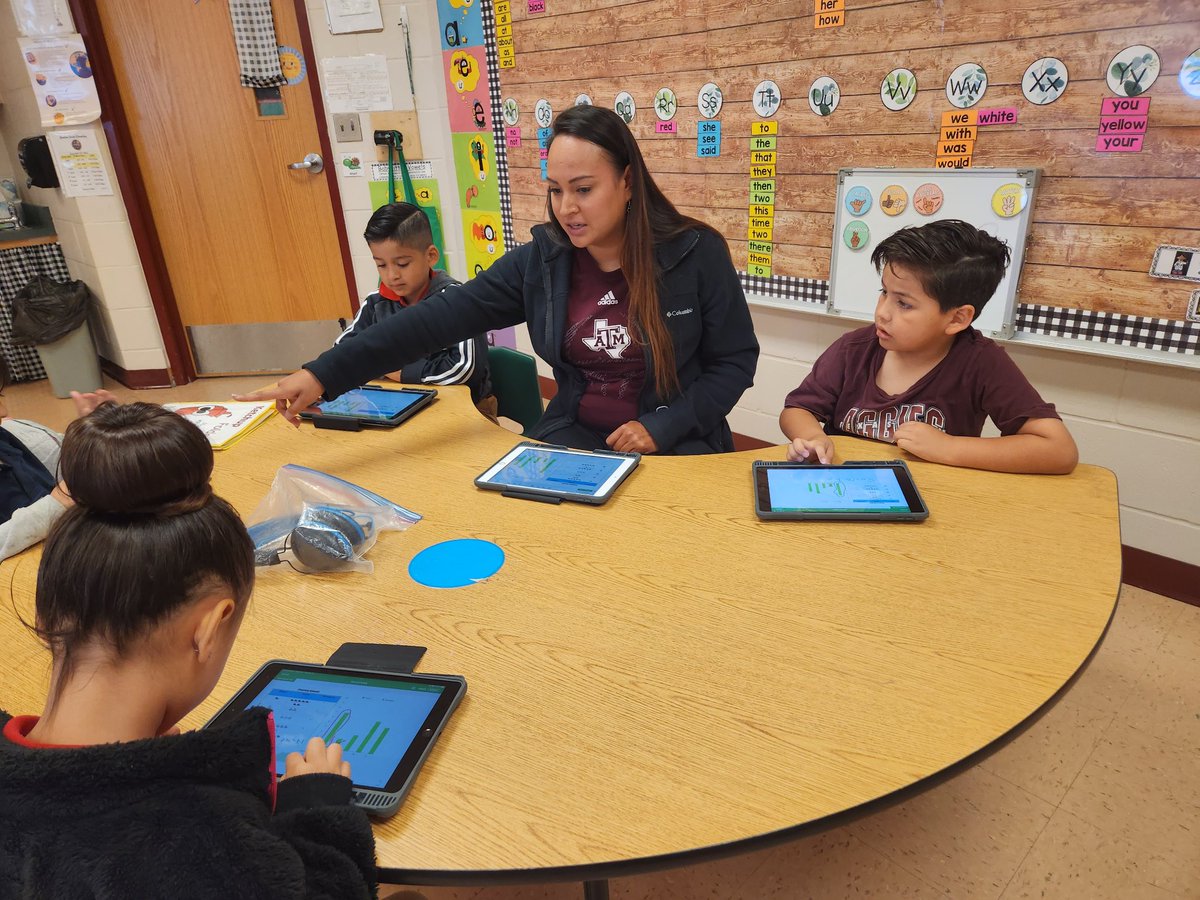
Our Pre-k and Kinder students had a great time learning on their iPads today.
Thank you, Alex for all your support and guidance!@RanchoVerdeElem
1
11
366
Alex Rosansky retweeted
20 Apr 2023
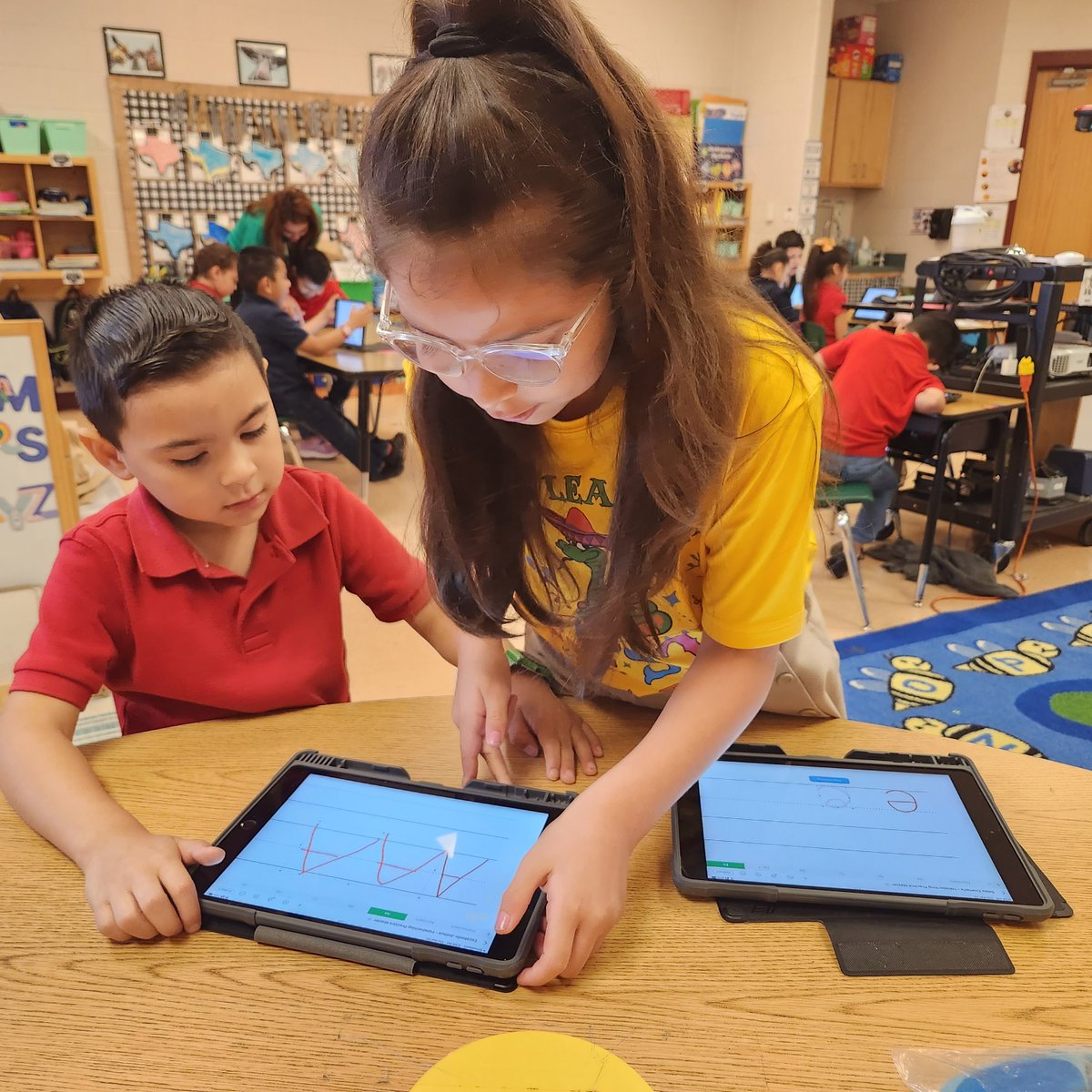
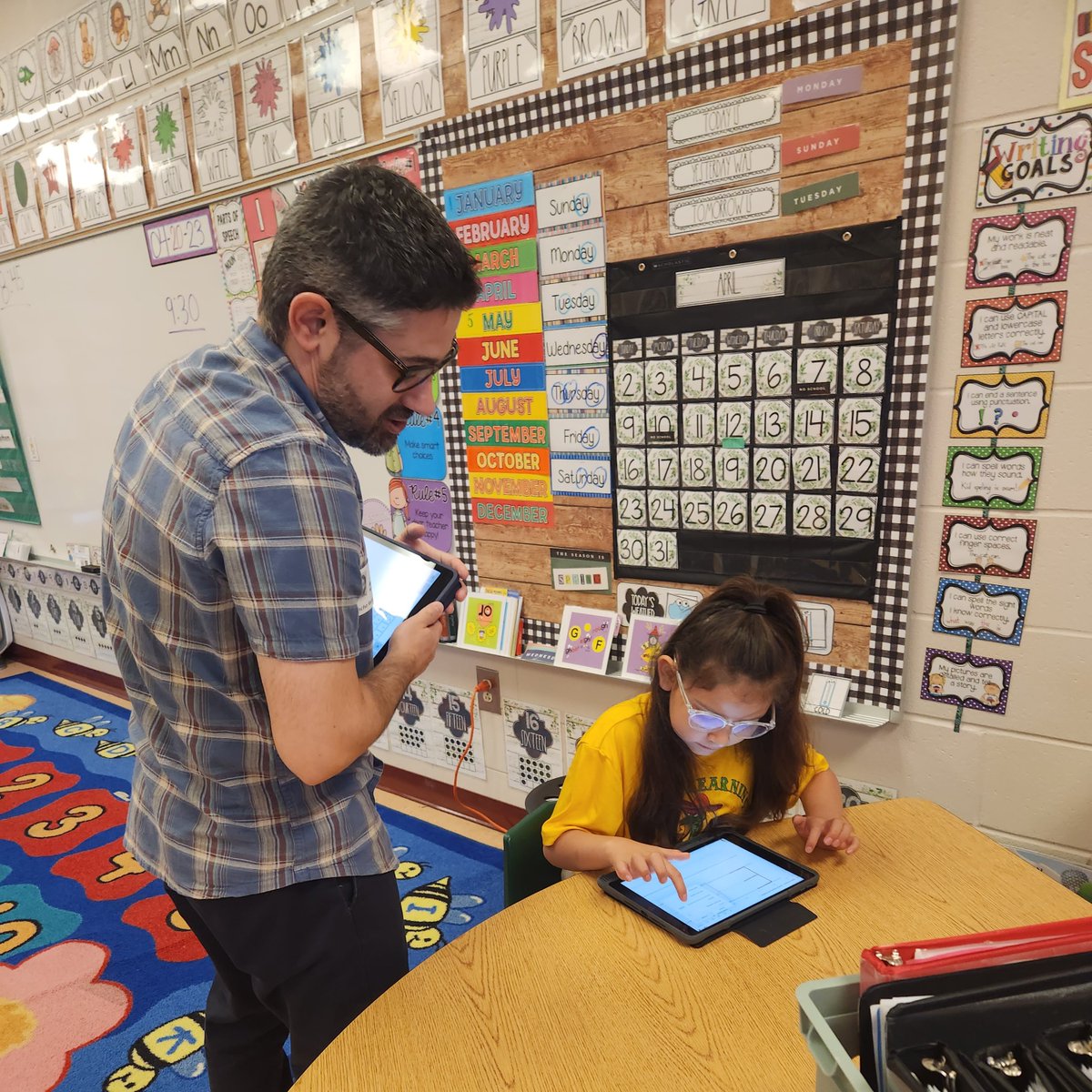
My favorite moment today! Mr. Alex, had just taught her sometilhing new on her iPad, and she went right ahead and taught her classmate, like a pro!!
#priceless#makinganimpact
@RanchoVerdeElem @mryenca
1
2
10
412
Alex Rosansky retweeted
29 Mar 2023
We’re playing & learning with #iMovie today as @LeanderISD_Lib Librarians! Finding great ways to promote creativity and innovation with our students using video! 😍
Thanks @arosansky! @AppleEDU
1
1
4
545
Alex Rosansky retweeted

23 Feb 2023
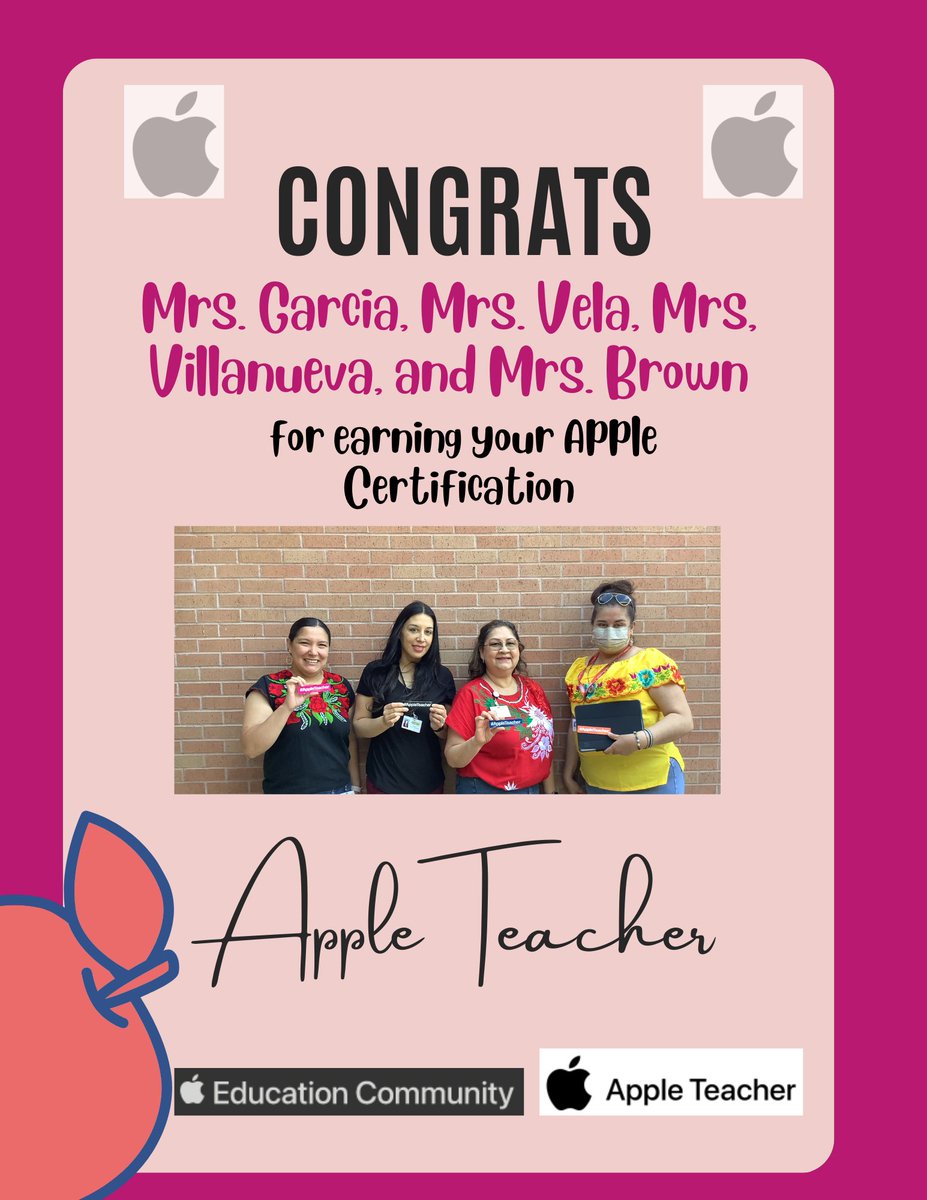
Congratulations Mrs. Garcia, Mrs. Vela, Mrs. Villanueva, and Mrs. Brown for earning your Apple Teacher certification. We are very proud of you.
1
14
1,080
Alex Rosansky retweeted

26 Oct 2022
These Bradford 1st graders know a thing or two about iPads! 😁@b_carrasco21 @michele_beers @arosansky @AppleEDU #EveryoneCanCreate @techwithfeck
1
1
8
Alex Rosansky retweeted
21 Oct 2022
These kinder cuties explored different letters and shapes around their classroom and snapped pics of them with their iPads. But it didn’t stop there. So many possibilities. And it started with a simple photo! @KimSpurgers @arosansky @AppleEDU @techwithfeck #EveryoneCanCreate
1
5