
Join the conversation bit.ly/ArloCommunity | System Status bit.ly/ArloStatus | Support bit.ly/2JwLRqy | News & More @arlosmarthome
Joined September 2018
- Tweets 6,165
- Following 6
- Followers 341
- Likes 30
10 Photos and videos



8 Sep 2021
Arlo DevOps team is investigating an issue where some customers are experiencing issues logging in via the web client. We are working on resolving this issue. We apologize for the inconvenience.
2
8 Sep 2021
As of 1:38 PST, this issue has been resolved. Please let us know if you are still experiencing issues accessing your Arlo account via the web client.
2
20 Aug 2021
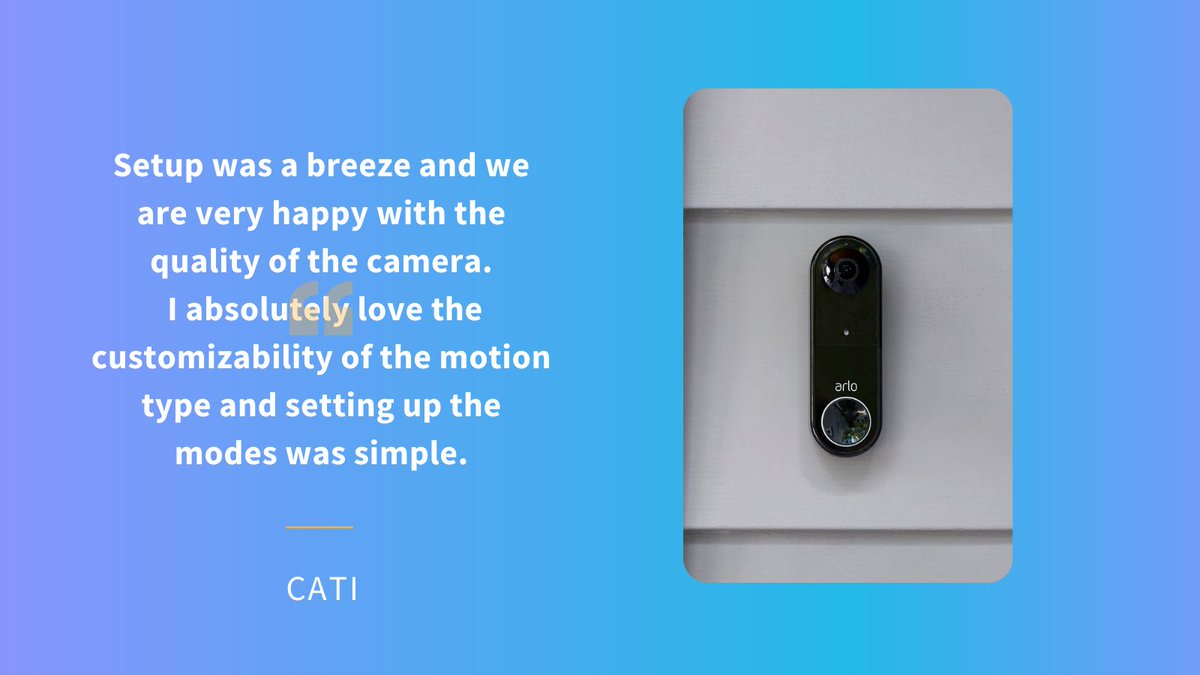
Easy setup ✅
High quality ✅
Customizable ✅
Shop our Wire-Free #VideoDoorbell for always-on security at your front door. #ArloSmartHome
18 Aug 2021
Are you looking for added security and peace of mind while you're away at school?
We’ve partnered with ID.me to give students discounted prices on Arlo products! ✏️
11 Aug 2021
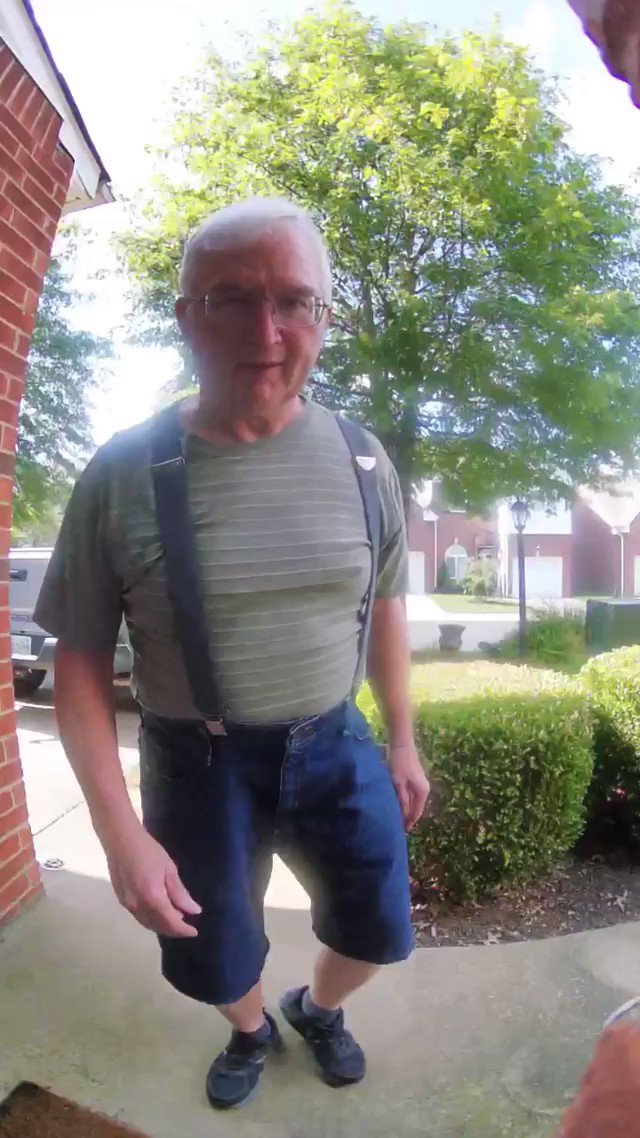
Thanks to the Wireless Video Doorbell, you'll never have to miss these sweet moments. ❤️
📷: @caseyhensley_
10 Aug 2021
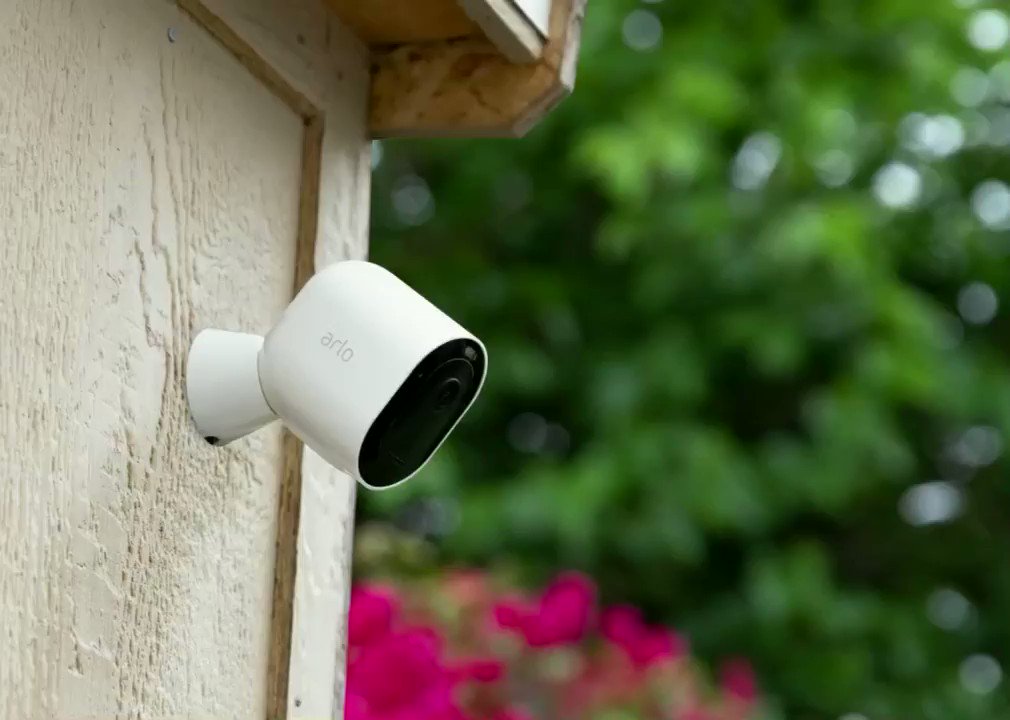
Enjoy peace of mind with the must-have protection for every home and family. 🏠
1
2
20 Jun 2021
The gift of security can't be beat. #HappyFathersDay from our Arlo family to yours! #ArloSmartHome
1
1
30 Dec 2020
Your feedback is much appreciated. As for the trouble that you are experiencing with streaming the video doorbell, it should work regardless of the network band or carrier service you are connected to as long as there is no restriction and the internet speed is good.
3
30 Dec 2020
We can have someone from Customer Care Team contact you to help check your setup and troubleshoot this with you. Please DM us your contact info and the email address linked with your Arlo account. Thanks! ^RM
7 Jun 2020
Arlo Pro 2 camera system will continue to have all the benefits that were included with the purchase of your camera. This includes free rolling 7-day cloud recording, live streaming, 2-way audio, local storage, and activity zones on up to 5 cameras.
3
7 Jun 2020
If you are seeing this as an error, please contact Arlo support at 1 (408) 638 3750 or visit bit.ly/2Hx22a1 for more ways to contact Support. Thank you! ^RM
15 Apr 2020
We are aware of the desire for HTML 5 support to improve the Arlo experience for desktop web app users. Our team has a few other releases ahead of this initiative and appreciates your patience as we work on a transition to HTML 5.
1
15 Apr 2020
As for the trouble that you are experiencing with the Arlo app in your phone. May we know what mobile phone are you experiencing this on? Also, for security, only one user can access your account at a time. Do you have someone else that logs in to your account? ^RM
31 Dec 2019
Is your Arlo camera battery running low?
Learn how to maximize your battery life: bit.ly/2p4WquW #AskArlo
1
1
24 Dec 2019
Want to enable or disable local storage of Arlo Go video recordings on an SD card?
Read this bit.ly/2N1DMfr #AskArlo
1
17 Dec 2019
Want to learn how to extend the range of your Arlo system? This article can help: bit.ly/2Jb5CEY #AskArlo
1
2
10 Dec 2019
Setting up and syncing your wire-free Arlo cameras is as easy as pushing the sync button on your base station.
Visit bit.ly/2MxTOPm to learn how to setup and sync your Arlo cameras #AskArlo
3 Dec 2019
We sent a follow up email with the appropriate team to assist you with your request. They will be in touch! ^RM
2
4 Dec 2019
I believe someone from the team has contacted you already. Please keep your communication with the team for further assistance. Thanks! ^RM
3 Dec 2019
Did you know Arlo cameras detect motion better when you mount your camera at least 7 feet above the floor?
Check out bit.ly/2yVh5DE for more tips on optimizing motion detection #AskArlo
19 Nov 2019
Not sure which Arlo subscription plan to get?
Click bit.ly/2qxjUpP to see which plan is best for you #AskArlo
12 Nov 2019
#ArloGo camera offline? Press and release the Sync button on the Arlo SmartHub or Arlo base station to reconnect! For more troubleshooting tips when your Arlo Go camera is offline visit bit.ly/2VZVDaV #AskArlo
1
7 Nov 2019
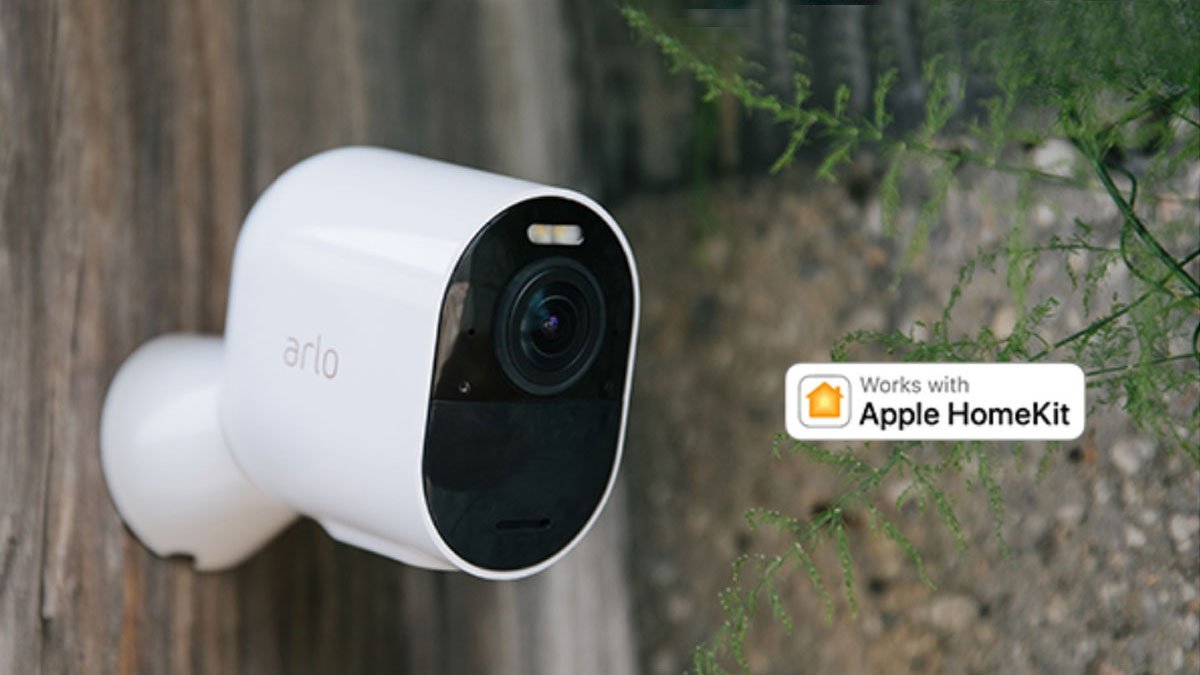
Ready to setup Apple HomeKit for your Arlo Pro, Pro 2, or Ultra cameras?
Check out bit.ly/2GNctn2 and connect your cameras now! #ArloPro2 #AppleHomeKit #AskArlo
1
5 Nov 2019
Want to revert your system settings back to default? Just press the reset button with a pen or paperclip for 10 seconds.
Go to bit.ly/32GmCuM to learn how to reset your system #AskArlo
1
29 Oct 2019
Base station offline?
Click here 👉 bit.ly/2vZep5W for more troubleshooting tips. #AskArlo
1