
200 Photos and videos





designing in layers
the best software doesn’t overwhelm you on day one or abandon you when you get sophisticated. it grows with you through carefully designed “layers” that reveal themselves exactly when you need them.
think of it like learning to drive. you start with acceleration, brake, steering. you don’t need to know how the engine works or aerodynamics. but as you get more curious about cars, those deeper systems are always accessible, within the same car.
at Notion, we built this philosophy into everything. you could start typing and immediately have a working doc. then add a table. then views. then automations. Cursor does this beautifully too — starts as a code editor that just works, then you discover Tab, then Agents, multiple models, then advanced rules & team workflows. each layer reveals itself naturally as you code more.
most software gets this wrong — they either dump everything on you at once, or kill the advanced stuff so you can’t do things your way. the real challenge isn’t designing each layer, it’s designing the transitions between them. that moment when someone outgrows the defaults shouldn’t feel like hitting a wall. it should feel like discovering a secret door that was always there.
alan kay once said users should be able to “open up the hood” of their word processor and tinker with it. when you design in layers, you’re building that kind of learning environment where users can discover their own potential. the goal isn’t to hide complexity — it’s to sequence its reveal. give people exactly what they need when they need it, and trust them to grow into the full power, pushing the boundaries your concepts in ways you’ve never imagined before.
33
67
765
64,201

18 Jul 2025
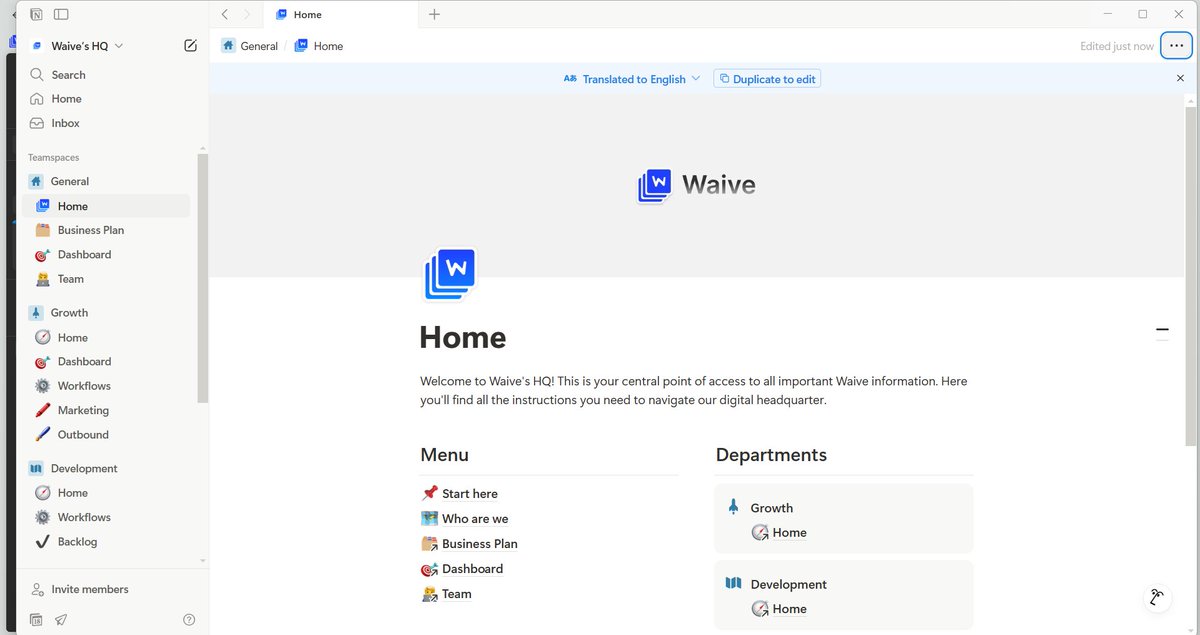
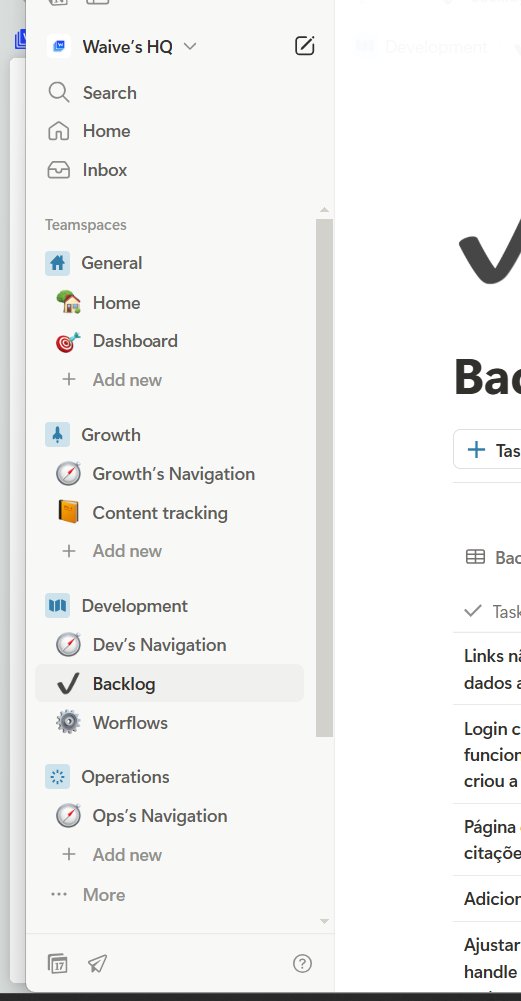
I've been spending some time to work on @waivedotso's Notion and it's almost ready
It's time for use to improve the operation, so that's why I'm doing this
2
91
17 Jul 2025
Started to create a HQ on Notion for @waivedotso
It's time to improve the operation and optimize everything.
Since the start of Waive, we just did things, with the less planning possible, but it's time to improve the managing and the operation.
A lot of things to do for few people, so gotta optimize!
I can show here when I'm finished :)
1
2
109
16 Jul 2025
absolutely right. learn to design, people
16 Jul 2025

I’m a better developer because I’m a designer.
And I’m a better designer because I’m a developer.
4
99
16 Jul 2025
i'm tired of seeing cursor for writing.
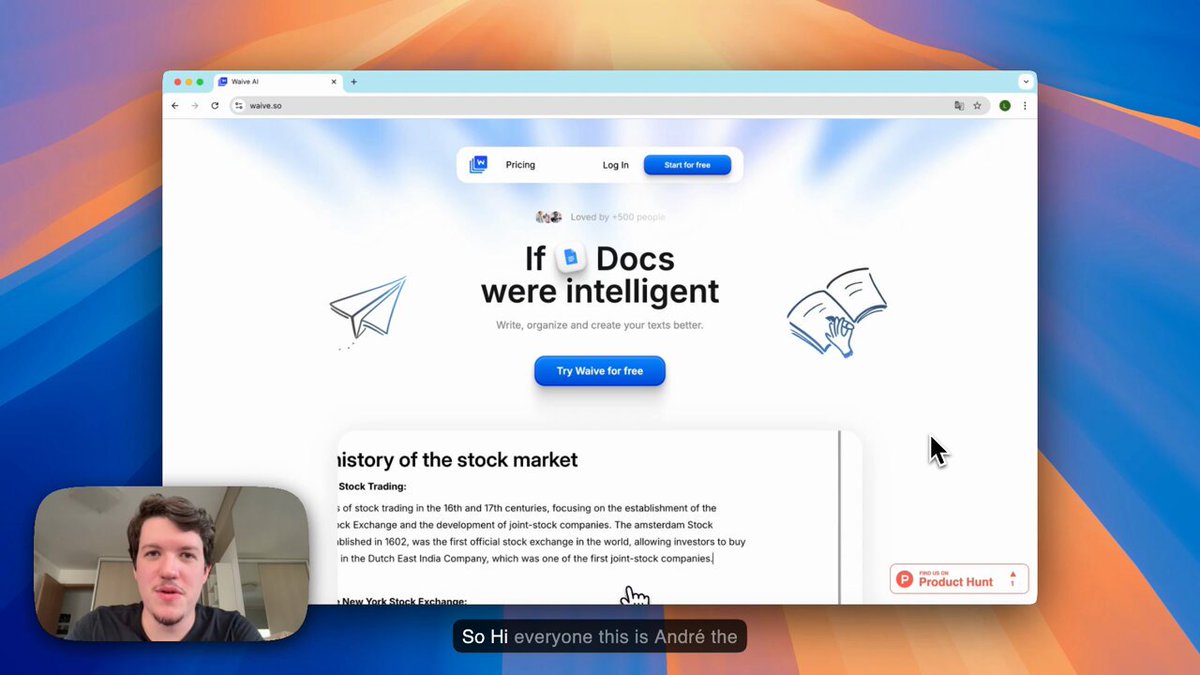
we built if Docs were intelligent, don't just write better, but:
- format
- see
- understand
- organize
your documents better
1
94
16 Jul 2025
just got a 15k investment offer for a % of @waivedotso
we're not going to accept it, but it's a nice validation
37
15 Jul 2025
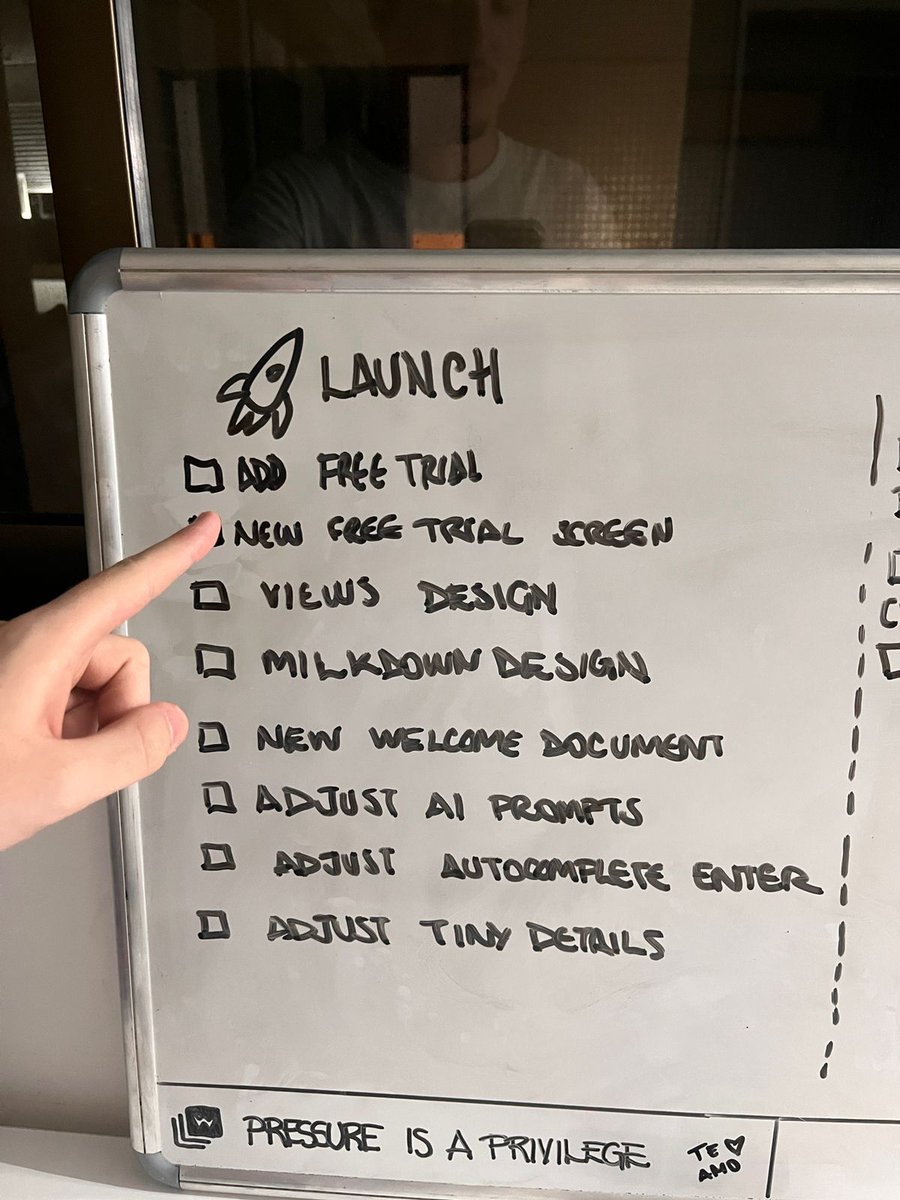
Every launch feels like a really big tiring journey
but the outcome is always pretty awesome
@waivedotso is getting better everyday
Now it’s time to focus 100% on marketing and adjust some details of the product
4
78
15 Jul 2025
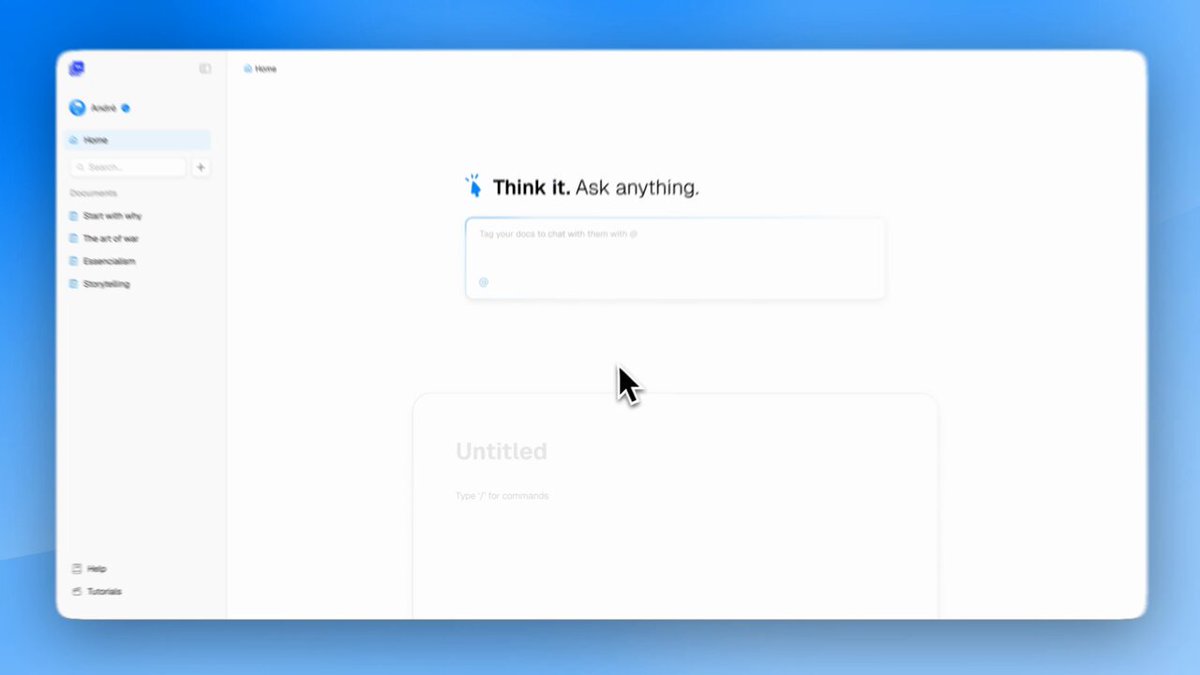
Waive 2.0 is out now!
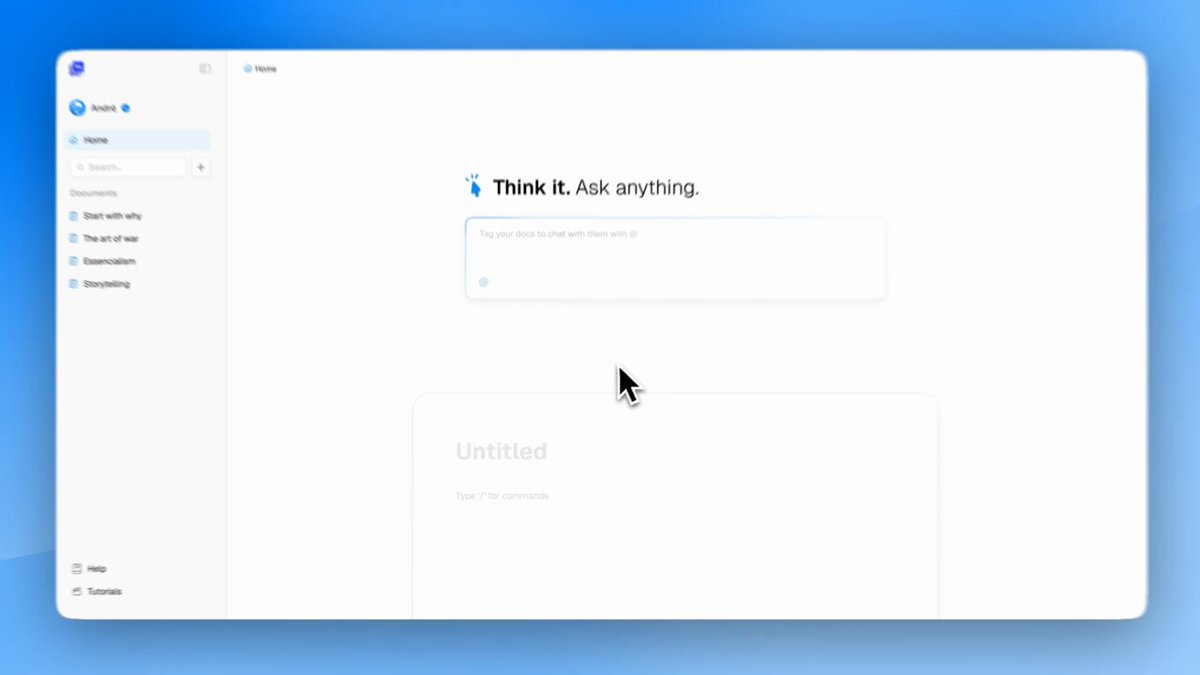
Introducing Waive 2.0, if Docs were intelligent.
Check it out on waive.so
1
4
175
11 Jul 2025
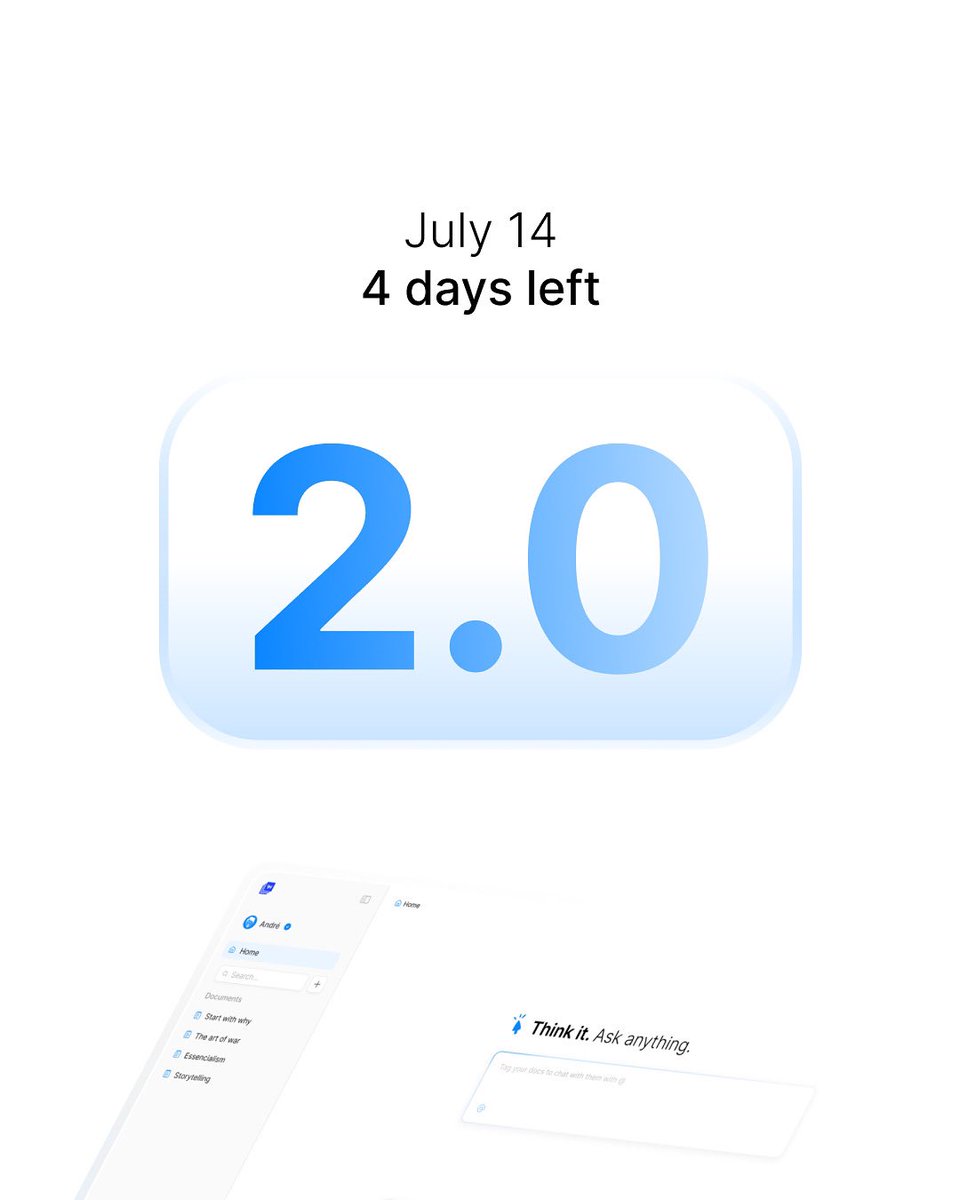
We’re launching our biggest update yet on july 14th
A lot of good features are coming to @waivedotso and we’re every day closer to being the best writing experience possible
We are THE intelligent alternative to Docs
Stay tuned
2
68
11 Jul 2025
Hot take:
getting addicted to stripe notifications is worse than to tiktok.
mute that shit
1
2
69
10 Jul 2025
a few months with @waivedotso on freemium, 650 users. switching to free trial for a month to test how it goes.
let's see
1
66
10 Jul 2025
Find what makes you love mondays.
Mine happens to be launching july 14
Waive 2.0
@waivedotso
1
2
73
8 Jul 2025
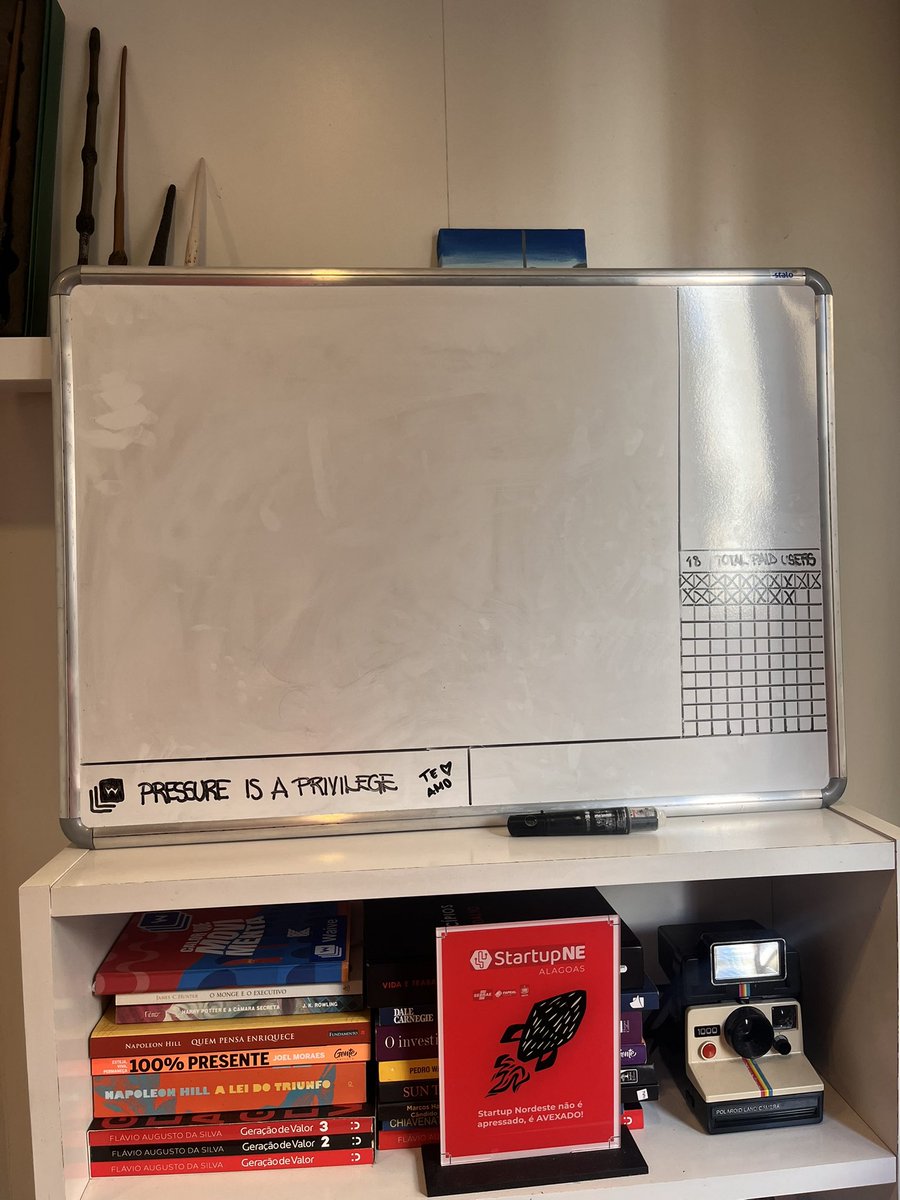
Clean board. New goals. New strategies.
@waivedotso 2.0 on july 14th
If Docs were intelligent
lfg
1
5
64
8 Jul 2025
yeah we f***ed up…
this is how we started @waivedotso and did everything wrong until we got things right
Waive 2.0 on July 14th
Stay tuned
2
92