
A creative suite for voice and chat design. We're on a mission to democratize #conversationdesign. Designed in California. Made in Italy.
Joined July 2016
- Tweets 520
- Following 26
- Followers 1,097
- Likes 285
213 Photos and videos



25 Nov 2021
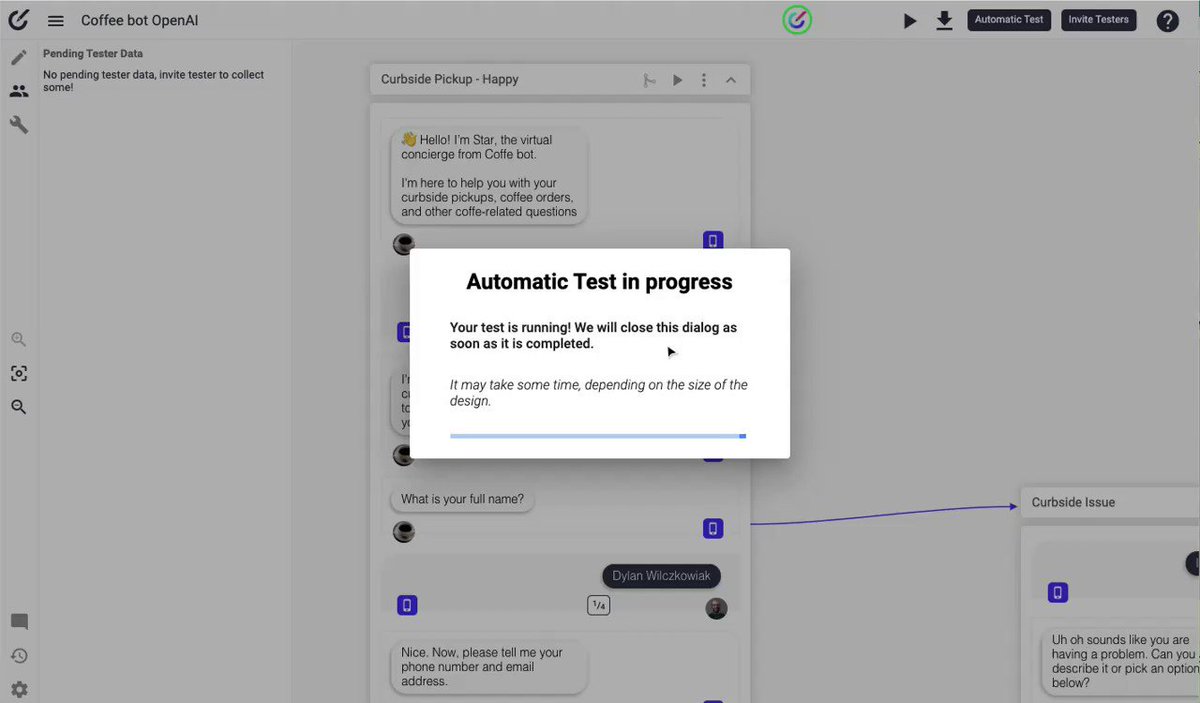
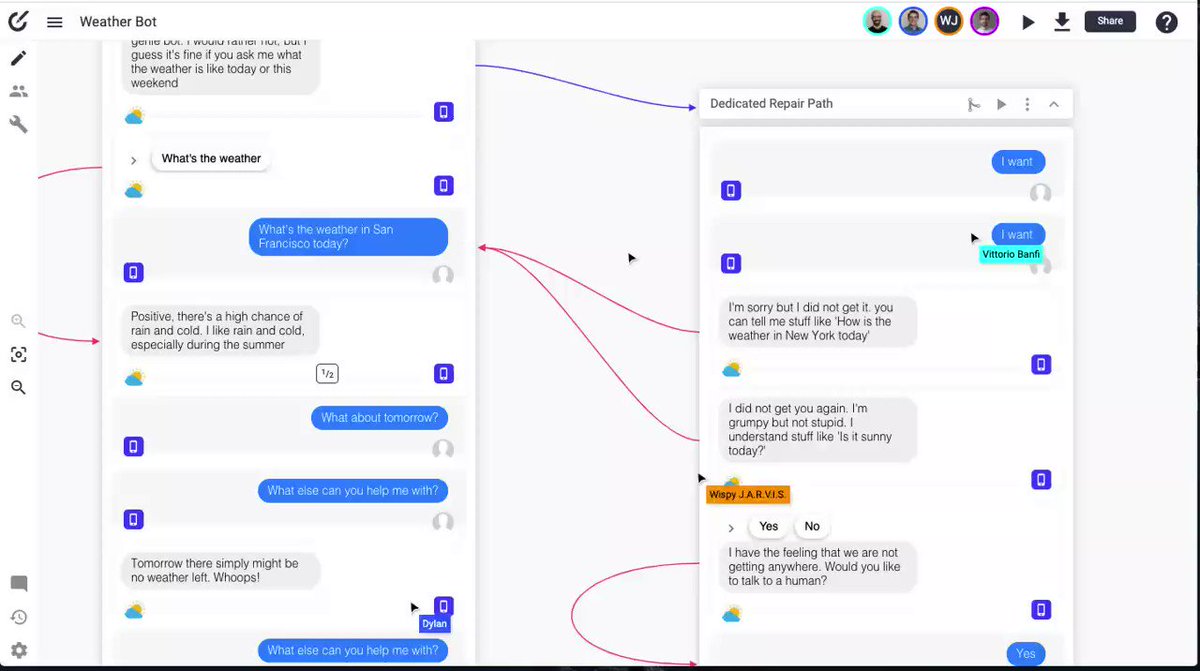
There are many ways to share your designs and collaborate with your teammates on Botsociety. Learn a few tricks on this video.
See how you can share and invite other people to your design files on this #BotsocietyTip youtu.be/YqYwaS1HgT0

1
18 Nov 2021
Learn how you can map variables and entities directly in your design file directly on Botsociety.
See this in action on this #BotsocietyTip youtu.be/EK_YEDFa7FM
11 Nov 2021
Import many utterances to your design at once. You can import many paths at once or import many utterances to a single message in a path. 👇
Learn how to do this in this #BotsocietyTip youtu.be/BvOLgHZWMO0
1 Nov 2021
Are you looking for ways to speed up your #rasa development? In this #BotsocietyTips, learn how to quickly design and export conversational AI projects as Rasa Stories. btsc.io/uk5 #conversationalai #conversationdesign
1
28 Oct 2021
Do you need to add some dynamic data to your designs? We are introducing a new way to make this happen (which already existed, but now it's a bit easier).
👀 Check out the latest blog post to learn more about how to map variables on Botsociety: botsociety.io/blog/2021/10/m…
27 Oct 2021
Are you looking for ways to conduct usability tests on your conversation designs? If so, join our workshop tomorrow to learn more about this and watch this event live on Oct 28, 12 pm PST
botsociety.io/events/ws-usab…
25 Oct 2021
More than translations, on this #BotsocietyTips, see how you can localize the content of your conversational AI project in one single design file. btsc.io/xzg
1
18 Oct 2021
Turn the text of your conversations bold, italic, links and more. On this #BotsocietyTips, learn how you can change the looks of your text. btsc.io/a9k
13 Oct 2021
To help you learn more about Conversational UX, we created this guide to share with you some important concepts. Check out our latest blog post: botsociety.io/blog/2021/10/c… 📚
1
2
11 Oct 2021
Learn how to conduct usability testing using Botsociety and improve your design and AI model from user data on this #BotsocietyTips. btsc.io/2p6 #conversationdesign #conversationalai
7 Oct 2021
Need to create a scalable way of creating new designs? Start using reusable components. Learn how you can use them on this #BotsocietyTips btsc.io/bsa #conversationdesign
30 Sep 2021
Stages are like kanban that you can set it up in your design files. It creates a visual representation of how things are. You can mark a path as "to do", "to review" or just "done". Learn how to set this up on this #BotsocietyTips btsc.io/giw
1
23 Sep 2021
Create some level of visual communication by change the colors of your designs. It can be a path, a connector, or notes, you just need to align with your team the meaning of each color. Learn how you can do this on this #BotsocietyTips btsc.io/ho1
1
1
16 Sep 2021
See how you can create, edit, change and delete connectors on your design. You just need to click on the nodes and connect to a path or message. Learn more on this #BotsocietyTips btsc.io/h3d
13 Sep 2021
Now you can design multi-language conversations in the same design file. Forget creating different design files for different languages, this new feature will help you to understand, translate, and localize the conversations of your entire design. youtube.com/watch?v=IG8lwoSv…
9 Sep 2021
Need to export your design for a presentation? PDF, Videos or just the design file, you name it! Learn different ways to present and export your design on this #BotsocietyTips btsc.io/99z
8 Sep 2021
We are excited to introduce a new way to translate and localize conversations! Check it out his new feature in our blog botsociety.io/blog/2021/09/i…
#conversationdesign #conversationalai
7 Sep 2021
Learn more about conversational AI: what it is, how it works, why many companies are adopting it, and how #conversationdesigners can design ai assistants.
Read more here: botsociety.io/blog/2021/09/c…
1 Sep 2021
Add some logic or conditions to your conversations with conditional blocks. It can be API requests, a previous condition, or anything that you can think of. Learn how to use conditional blocks on this #BotsocietyTips btsc.io/1yy
30 Aug 2021
Are you looking for tools to prototype your next conversational AI project? Join our workshop tomorrow and learn how you can design conversations and export them using Rasa. We are going like on 12 pm PDT: botsociety.io/events/ws-rasa…