
Brightwave is the AI research platform built to help professionals understand the world's most complex problems.
Joined June 2023
- Tweets 415
- Following 75
- Followers 334
- Likes 39
244 Photos and videos
Pinned Tweet

28 Jun 2025
That’s a wrap on the 2025 Litquidity Classic 🏆
Hosted alongside @avenuez_network and @litcapital with support from @FLYJETSFLYING, @getbezel and PrivateIQ, this was a tournament for the books! The 2025 Litquidity Classic brought together sharp minds from across the industry to compete, connect and enjoy. It was an afternoon of courtside conversations, shared momentum and standout moments that remind us how incredible this community really is.
Thanks to everyone who joined us. Until next time!




3
664
Jun 9
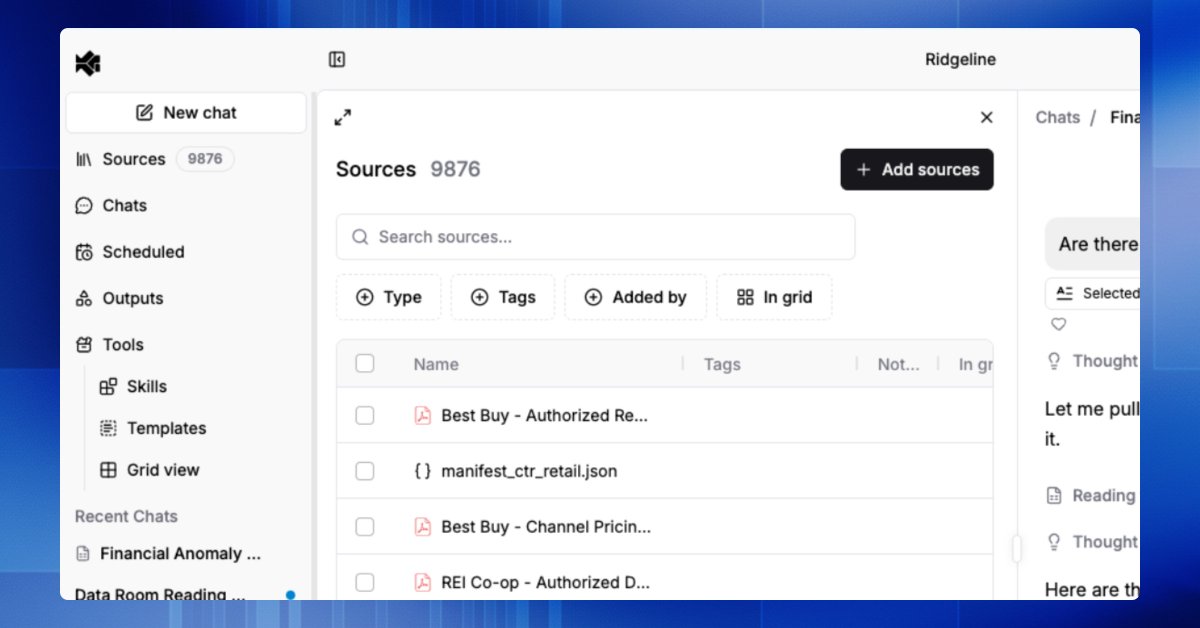
Work product almost never sits in one tidy folder. It is scattered across inboxes, calendars, deal files on SharePoint, CRM records, and shared drives.
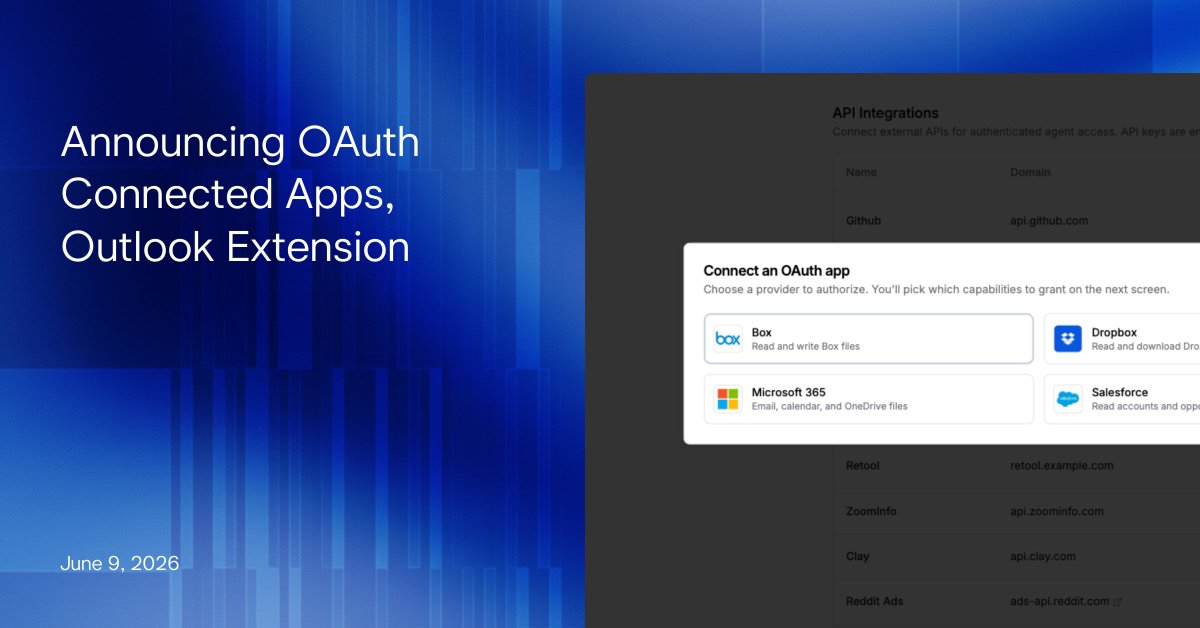
That's why today we're announcing OAuth Connected Apps for Brightwave.
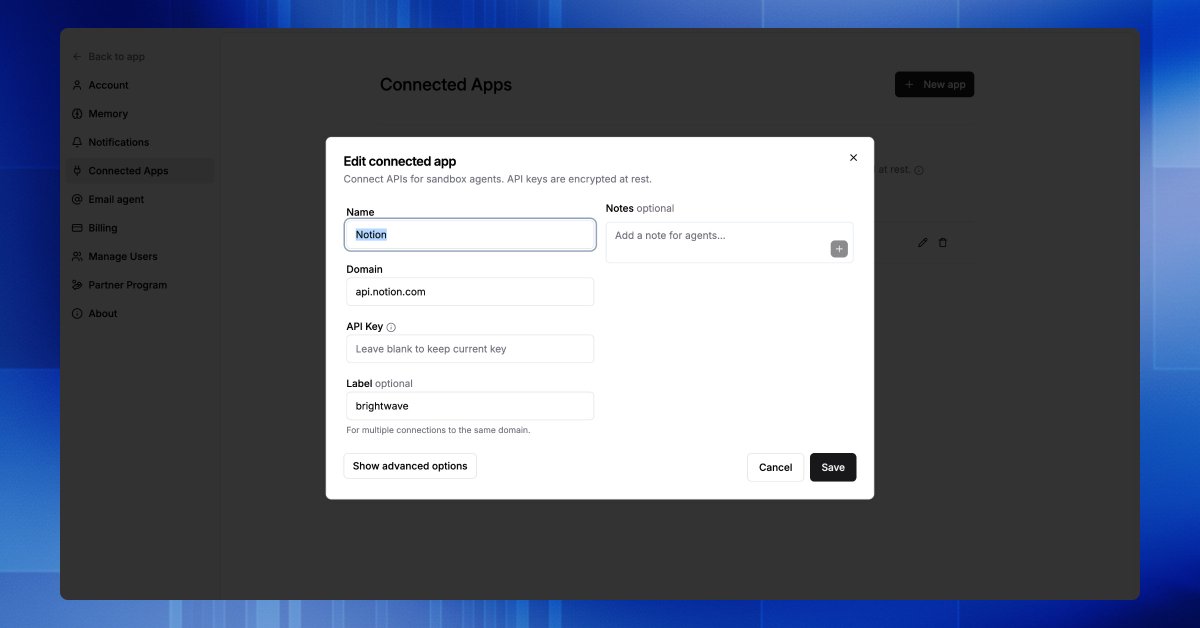
Simply connect your Microsoft 365, Salesforce, Dropbox, and/or Box account through a secure consent flow.
Now an agent can pull the email thread where a counterparty flagged a covenant, cross-reference the deal files on SharePoint, read the CRM context behind a portfolio company, and cite all of it in the same memo.
We also shipped Brightwave for Outlook.
Read emails straight into your research, draft replies and new messages with agent help, or reference research—the full agent toolset in your Outlook sidebar.
Lastly, one more update for the people who live in rest of the Office suite. The Excel, Word, and PowerPoint add-ins now insert Brightwave outputs directly into a live document.
Generate slides into a deck, add a Brightwave document into your active memo draft, or apply a workbook output to the spreadsheet in front of you. The add-ins also handle Excel conditional formatting and charts, Word tables, lists, and comments, and PowerPoint charts and speaker notes.
Want to see it on your own stack? Open the Connected Apps menu and authorize your first provider, or book a demo.
Read the full announcement here: brightwave.io/blog/oauth-con…
78
May 27
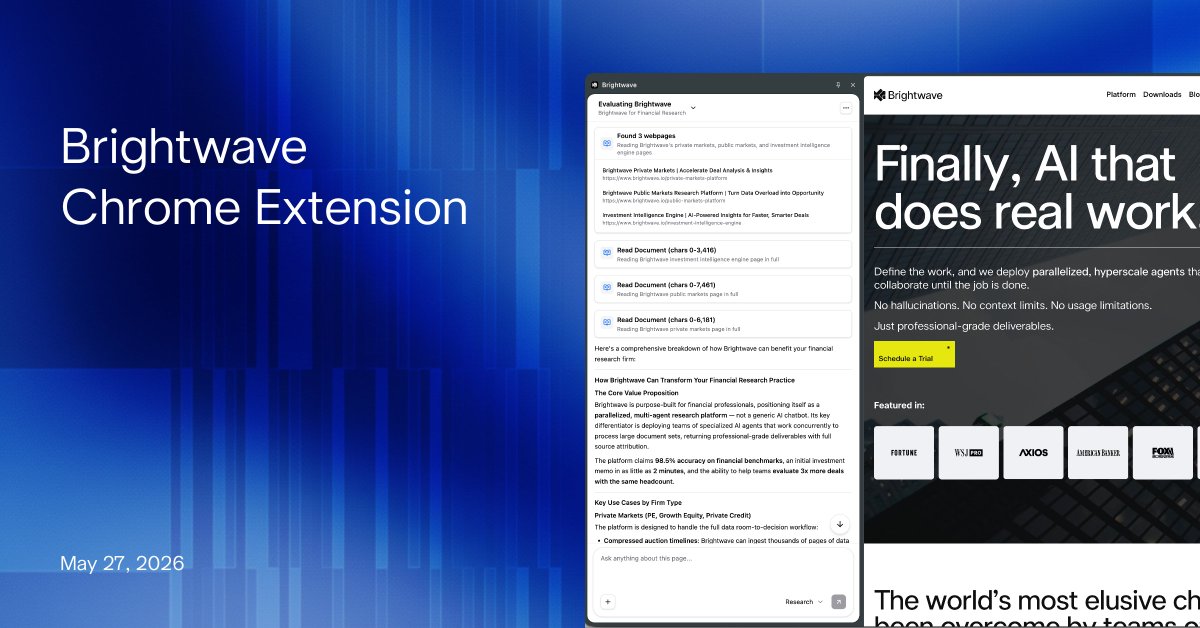
Today we announce the Brightwave Chrome Extension. The full context of your research projects are just a click away from whatever you're browsing. Highlight a paragraph in a filing, and push it into a project or contextualize it within the greater context of a data room.
1
1
64
May 27
Everything you capture in the browser lands in your Brightwave account, so the work compounds instead of evaporating into a tab graveyard at 11pm.
1
54
May 27
Brightwave already runs on desktop, mobile, and inside Word and Teams. The browser is the latest surface.
Brightwave, wherever work gets done.
Get it today: chromewebstore.google.com/de…
17
May 19
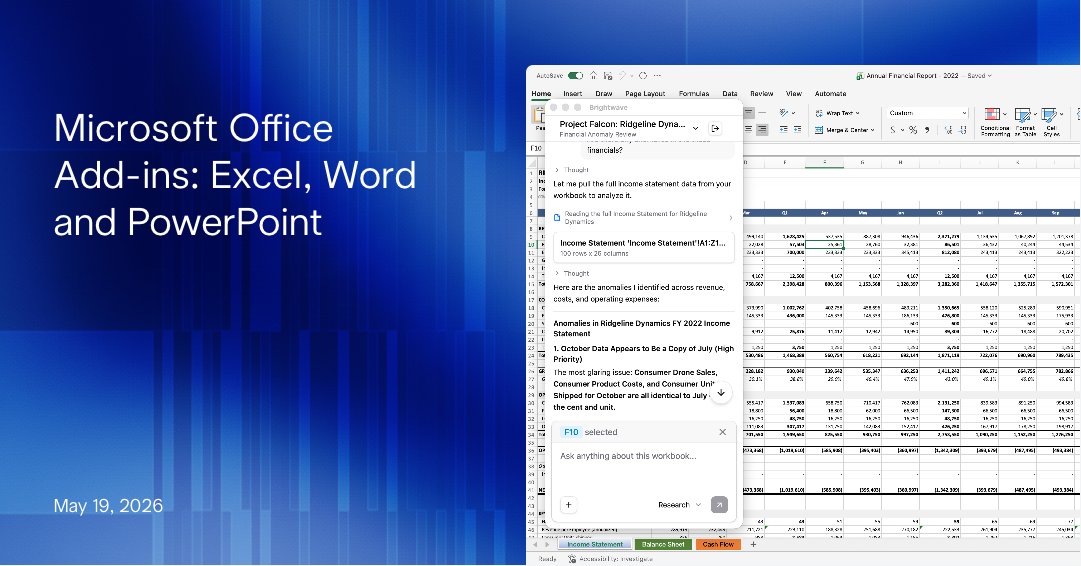
Today we're announcing Microsoft Word, Excel, and PowerPoint add-ins.
Draft the narrative in Word. Conduct analysis in Excel. Refine presentations in PowerPoint—all backed by the power and context of Brightwave.
Learn more and download: brightwave.io/release-notes/…
41
Apr 27
If you live in deal docs, six things just got easier in Brightwave 🧵
1
1
1
245
Apr 27
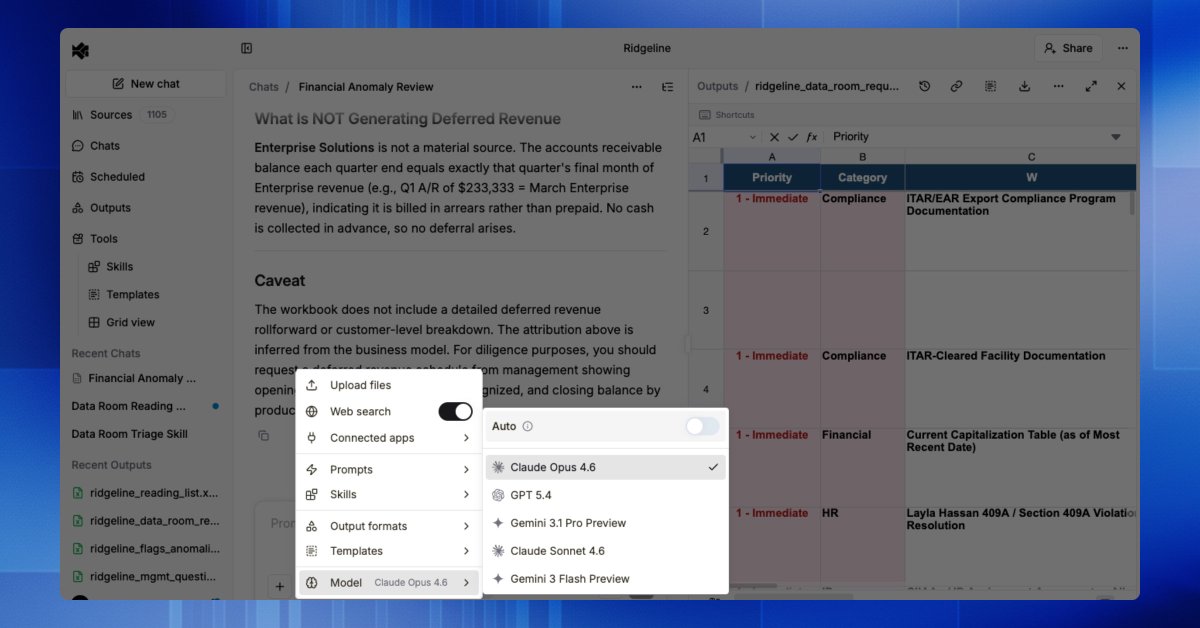
→ Pick the model behind your work. Brightwave auto-selects the best engine for each task. Want a different one? Override it from a dropdown.
1
68
Apr 27
All six are live today. Comment "demo" if you want a walkthrough on your own workflows.
Read the full release: brightwave.io/release-notes/…
21
Apr 23
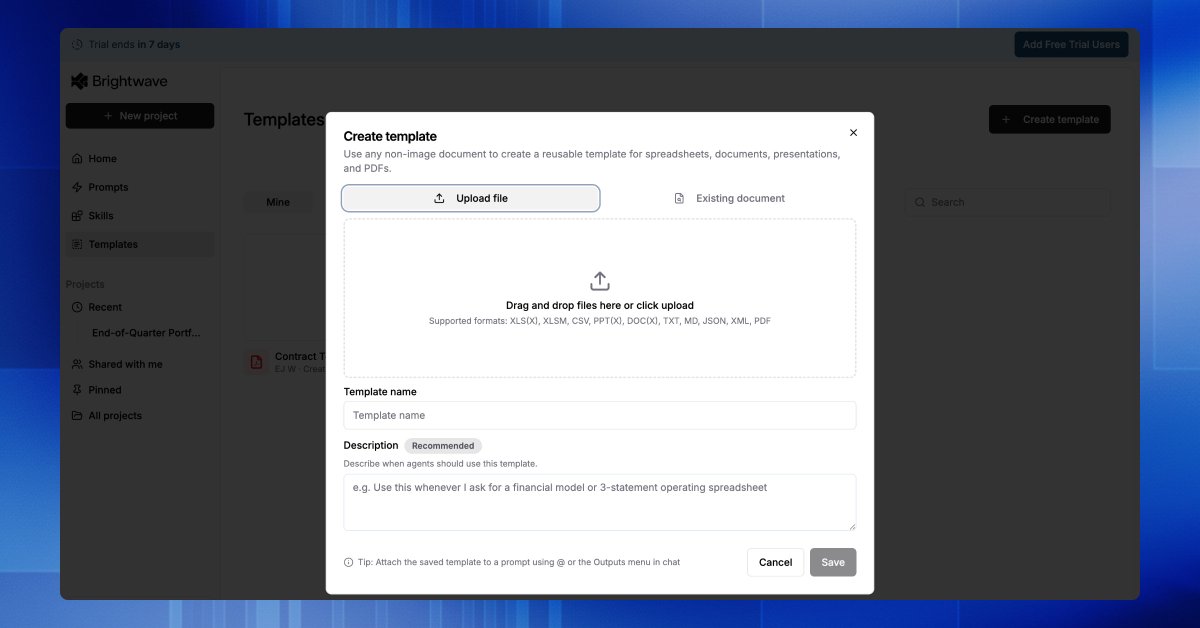
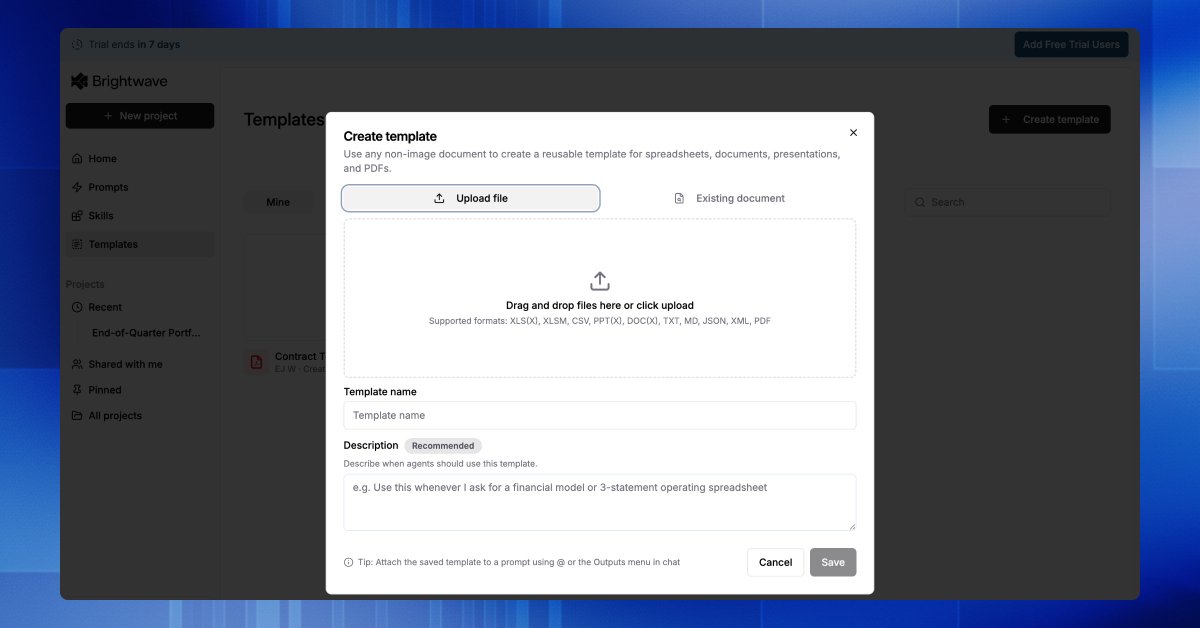
You onboard a new analyst by showing them the format your firm delivers in. They learn it once. Every deliverable after lands share-ready.
Templates in Brightwave work the same way. Upload your IC memo, deal deck, or model once, agents build every future output directly into it.
Paired with Skills, Brightwave replicates almost all of your current workflows.
Tutorial: youtu.be/z2APjiYDitg
31
Apr 22
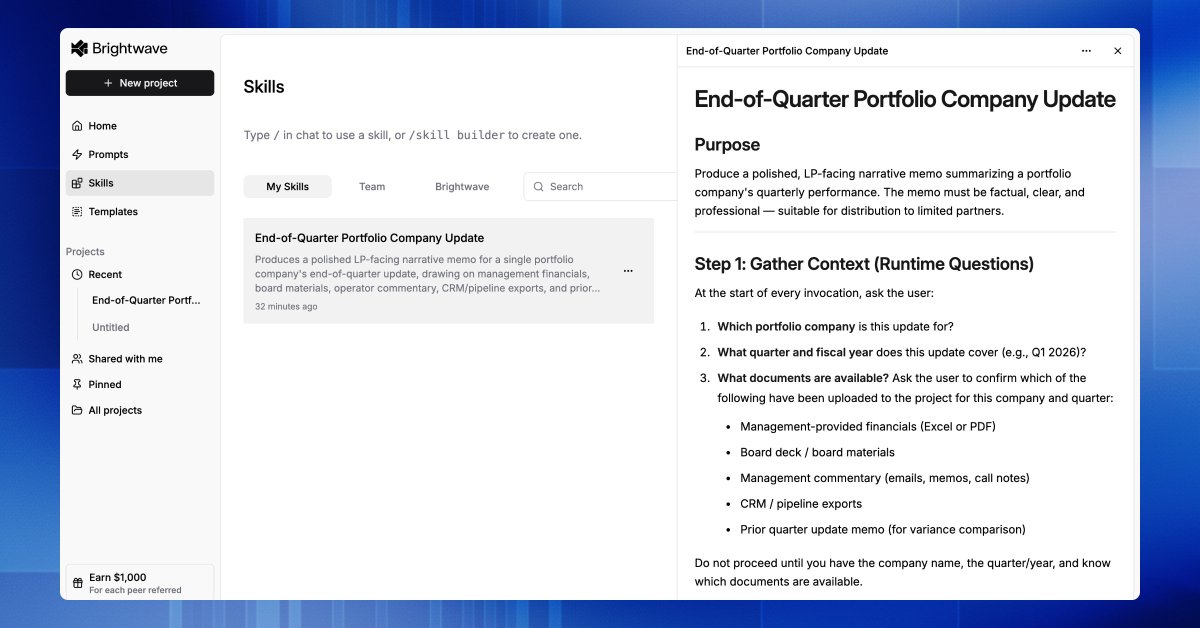
Every firm has a playbook: the way your senior analysts read a 10-K, the questions they ask on every management call, the cross-checks they run before anything hits the IC.
Most of it lives in their heads.
Skills let you pull that playbook out — turning your best prompts, checklists, and review workflows into reusable agent skills your whole team can run. One click, same depth, same rigor, every time.
We put together a short tutorial walking through how to build your first one: youtu.be/hMRUhbayn60
49
Apr 21
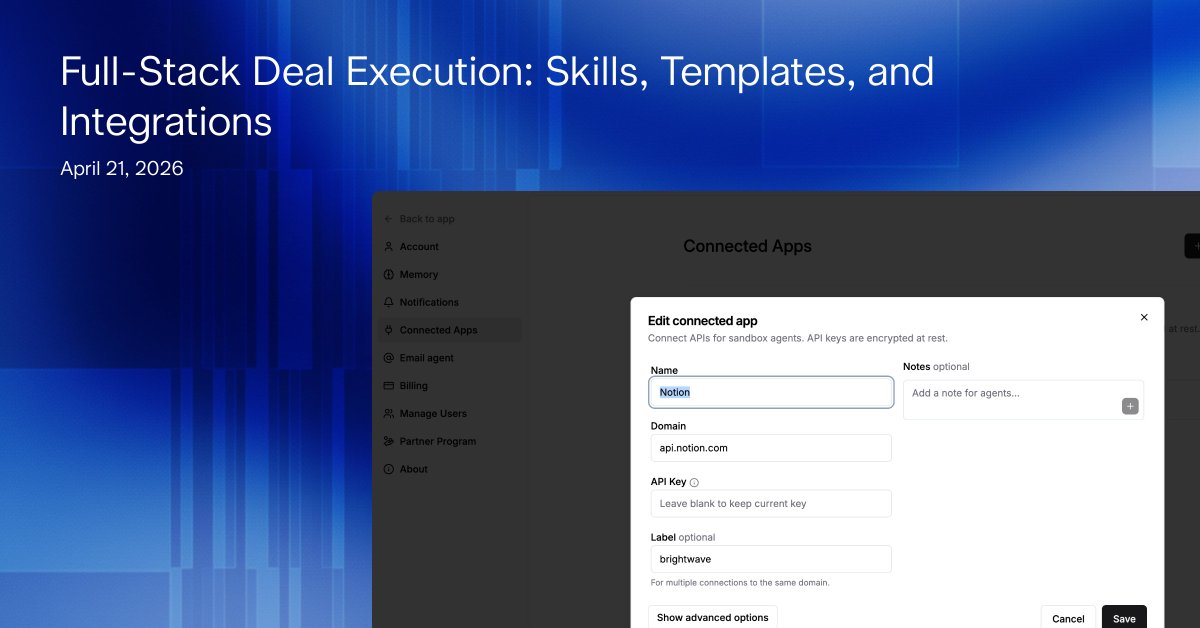
Today we're announcing features that complete our evolution from research tool to full-stack execution engine.
Executing any and all of the end-to-end workflows that may comes across the desk of our users is crucial. That's why we built 🧵👇️
1
1
2
219
Apr 21
3. Skills - Upload, import, or prompt your firms specific methodology once, and the system learns the exact manner of how it should approach the work. Just like how you might instruct a high potential new analyst one, and then they know how to do the job.
1
22
Apr 21
These three features used in combination form the basis of true end-to-end workflows - a claim unique to Brightwave.
Check out the full announcement here: brightwave.io/release-notes/…
Login or sign up for a free trial to get started.
23