
Information Services & Technology provides support to the Boston University community. Have a question or need assistance? 617-353-HELP or ithelp@bu.edu.
- Tweets 2,907
- Following 247
- Followers 838
- Likes 939


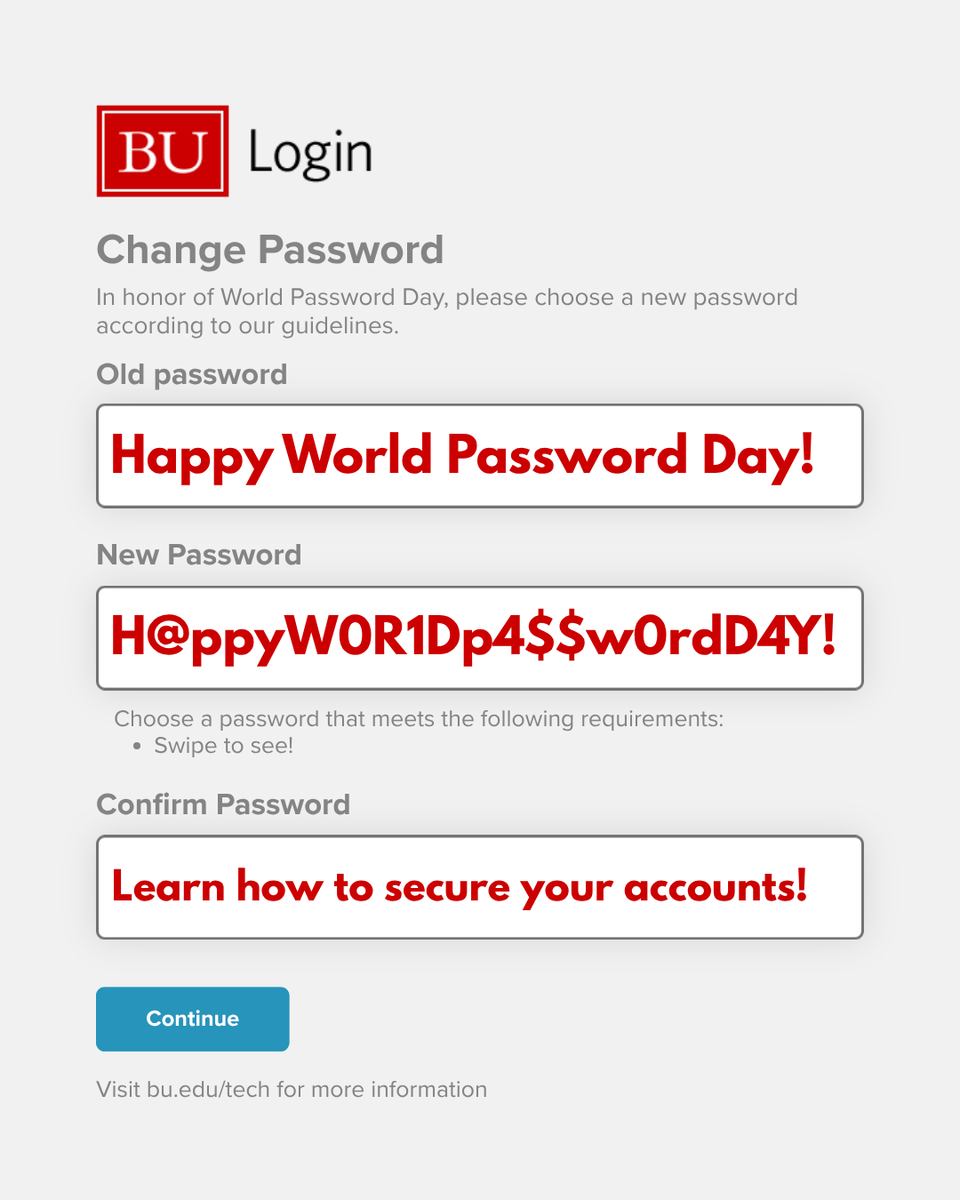

ALT The image shows a \"Change Password\" screen with the BU logo. \"Old password\" field contains \"Happy World Password Day!\". The \"New Password\" field shows \"H@ppyWOR1Dp4$$w0rdD4Y!\" and \"Confirm Password\" says \"Learn how to secure your accounts!\".
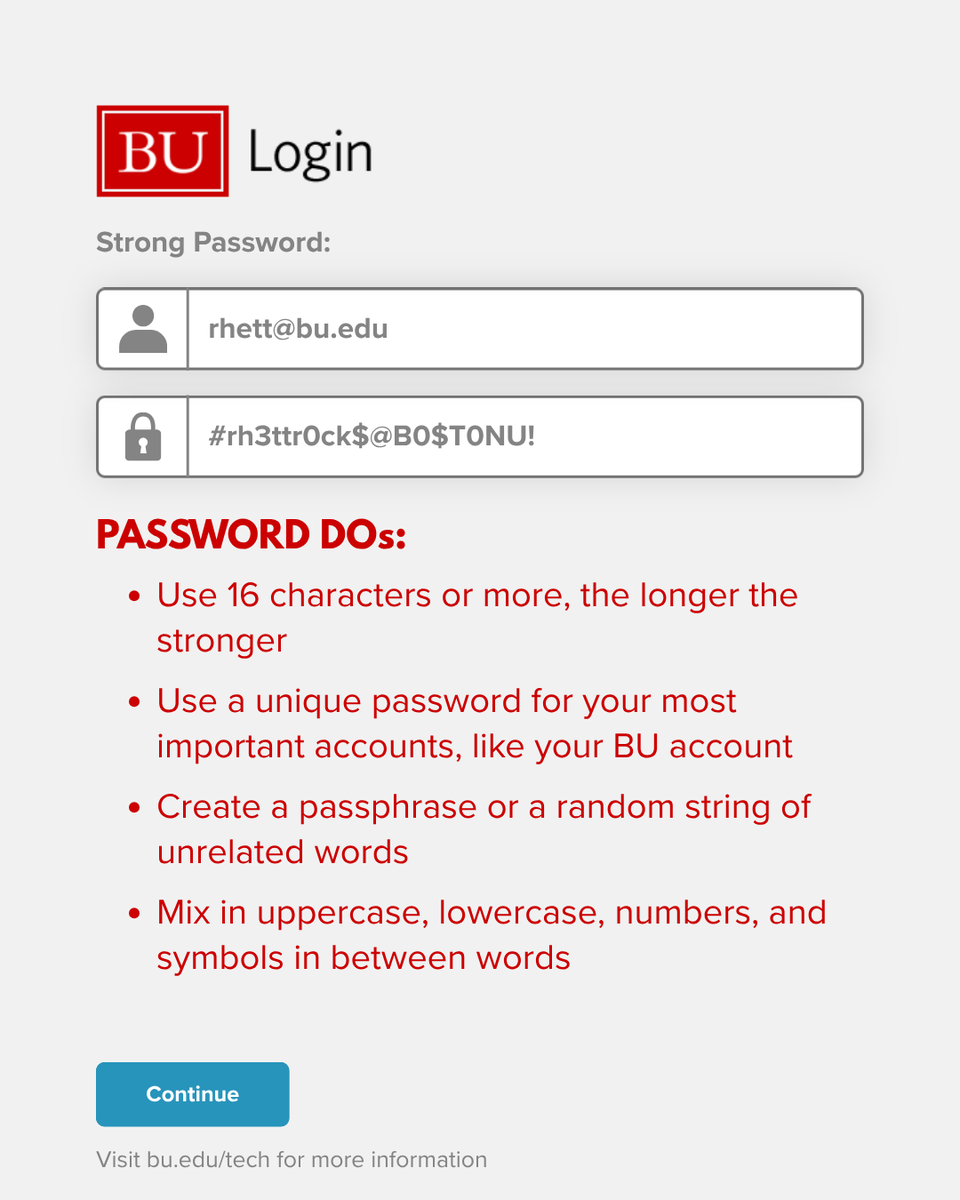
ALT Login screen with BU logo. Email is rhett@bu.edu, password is text@0. Password advice: 16 chars, unique, passphrase, mix case/symbols. 'Continue' button.
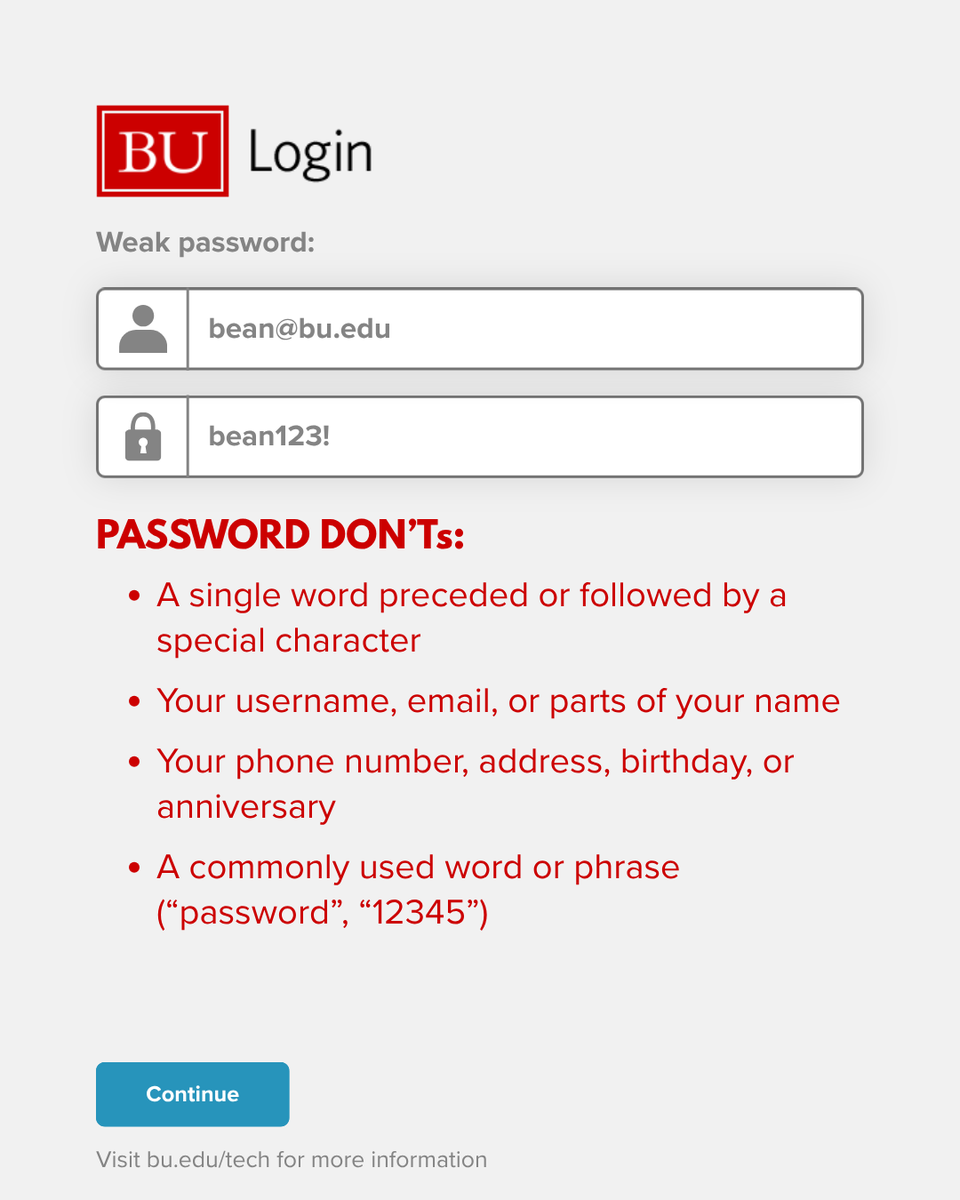
ALT BU Login page with a 'Weak password' warning. The username field contains 'bean@bu.edu', and the password field shows 'bean123!'. Below are password guidelines.
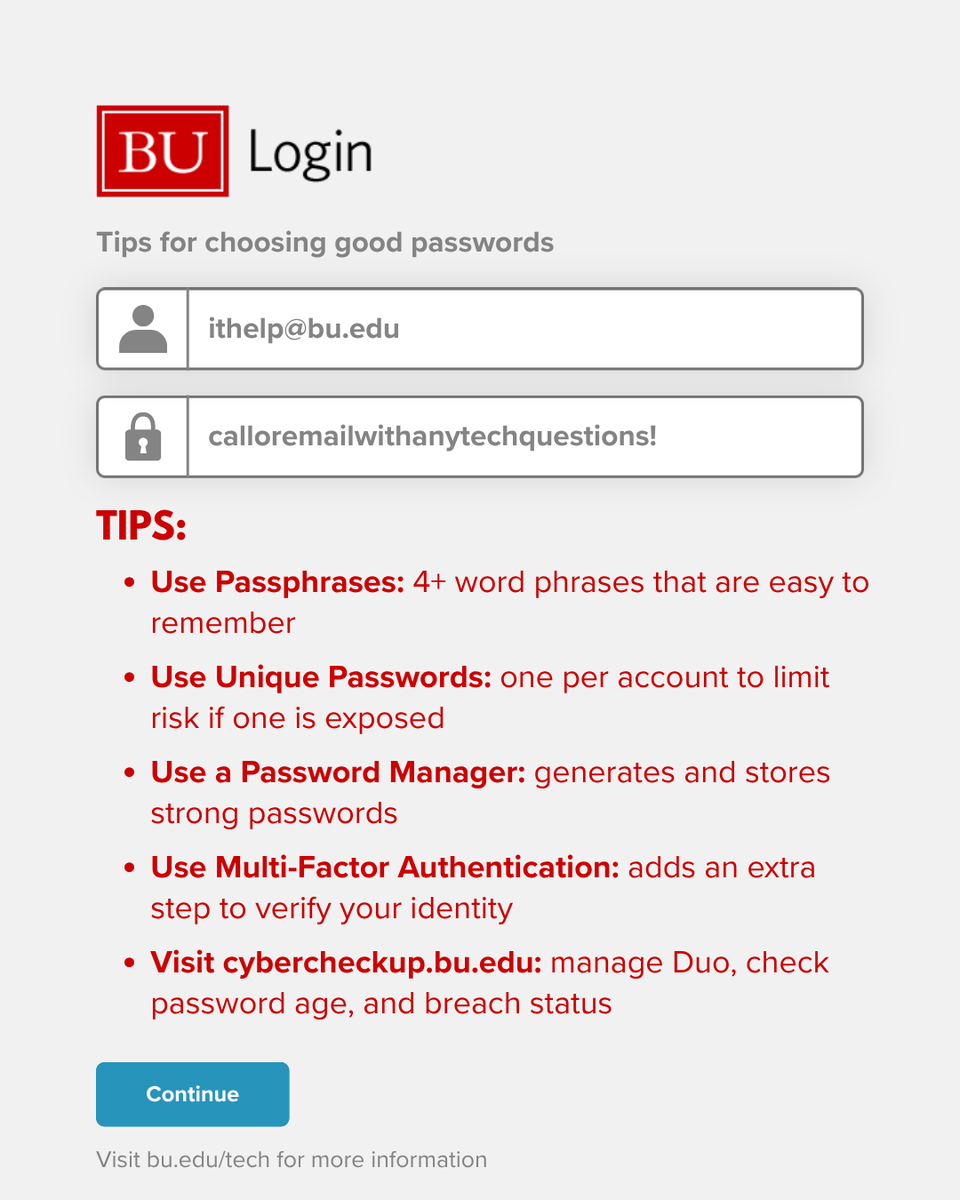
ALT BU Login page with tips for choosing good passwords. Fields for ithelp@bu.edu and calloremailwithanytechquestions! Passphrase, unique passwords, password manager and multi-factor authentication are recommended.

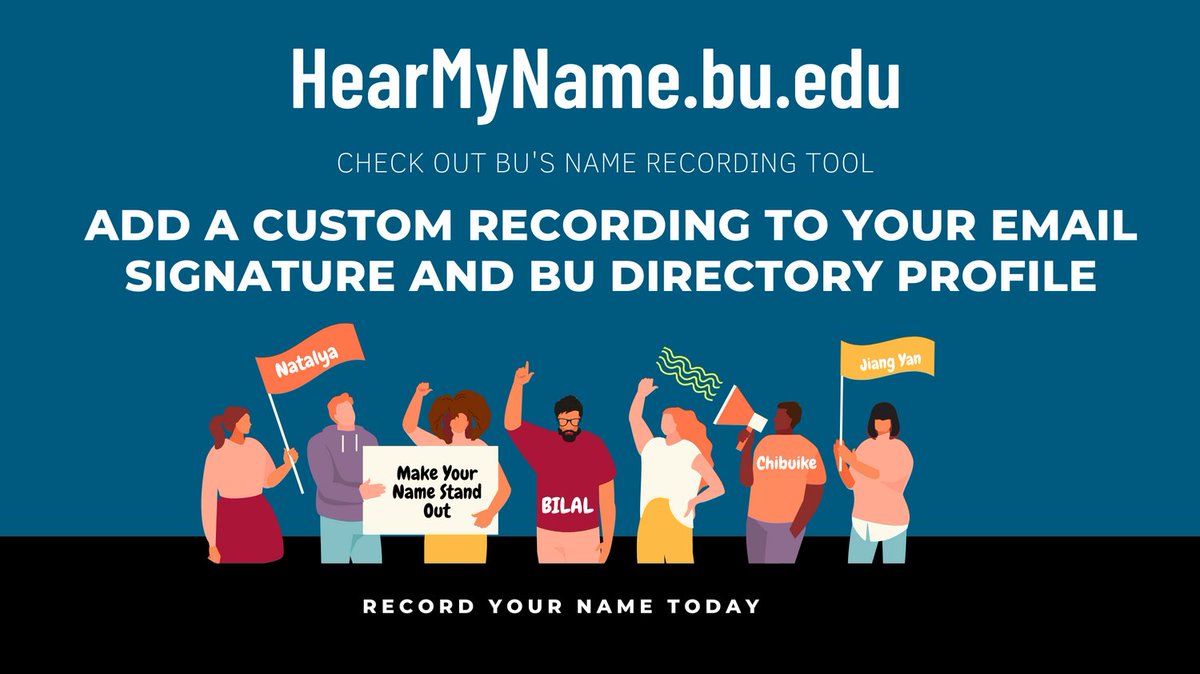
ALT HearMyName.bu.edu promo: diverse group with signs & flags showing names like Natalya, Bilal, Chibuike, Jiang Yan. Text: 'Add a custom recording to your email signature' and 'Record your name today.'

ALT Image shows a partial view of a laptop keyboard, phone, and notepad with a peach-colored circle overlay. The text says, "HAPPY TO BE BACK. After a short break, here we are! WE'RE HERE TO HELP!"
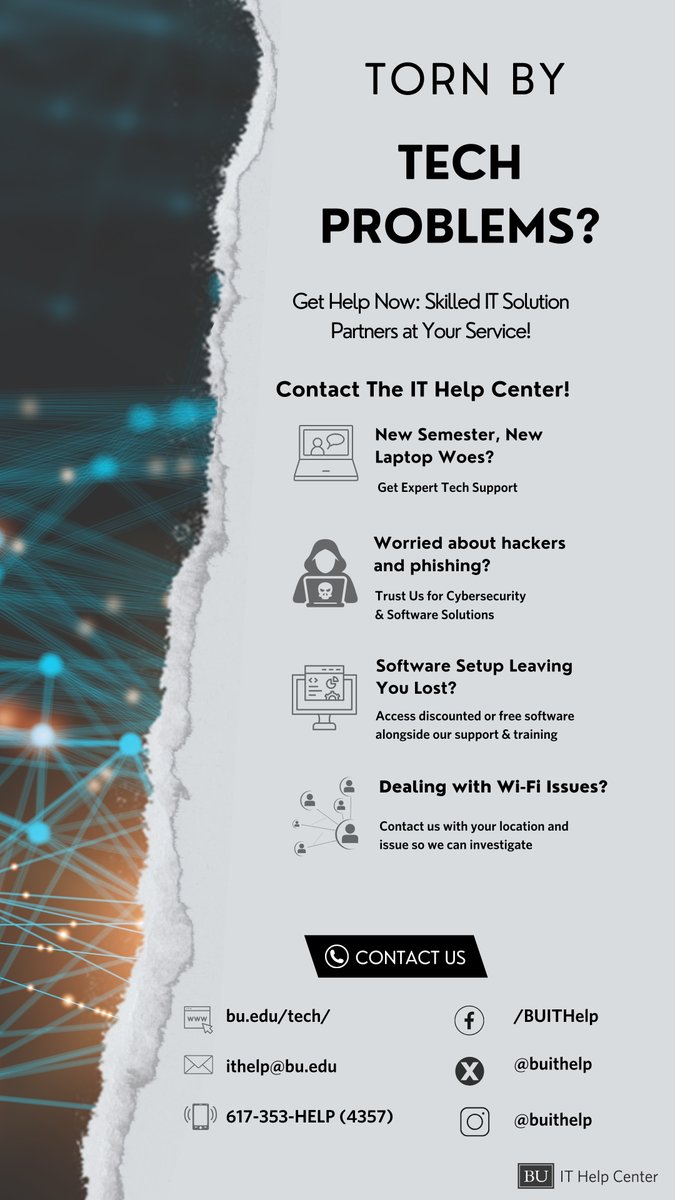
ALT Flyer reads: "Torn by Tech Problems?" promoting IT Help Center. Services: laptop support, cybersecurity, software setup, Wi-Fi. Contact via bu.edu/tech/, ithelp@bu.edu, 617-353-HELP(4357), /BUITHelp, @buithelp.

ALT Image shows a partial view of a laptop keyboard, phone, and notepad with a peach-colored circle overlay. The text says, "HAPPY TO BE BACK. After a short break, here we are! WE'RE HERE TO HELP!"