
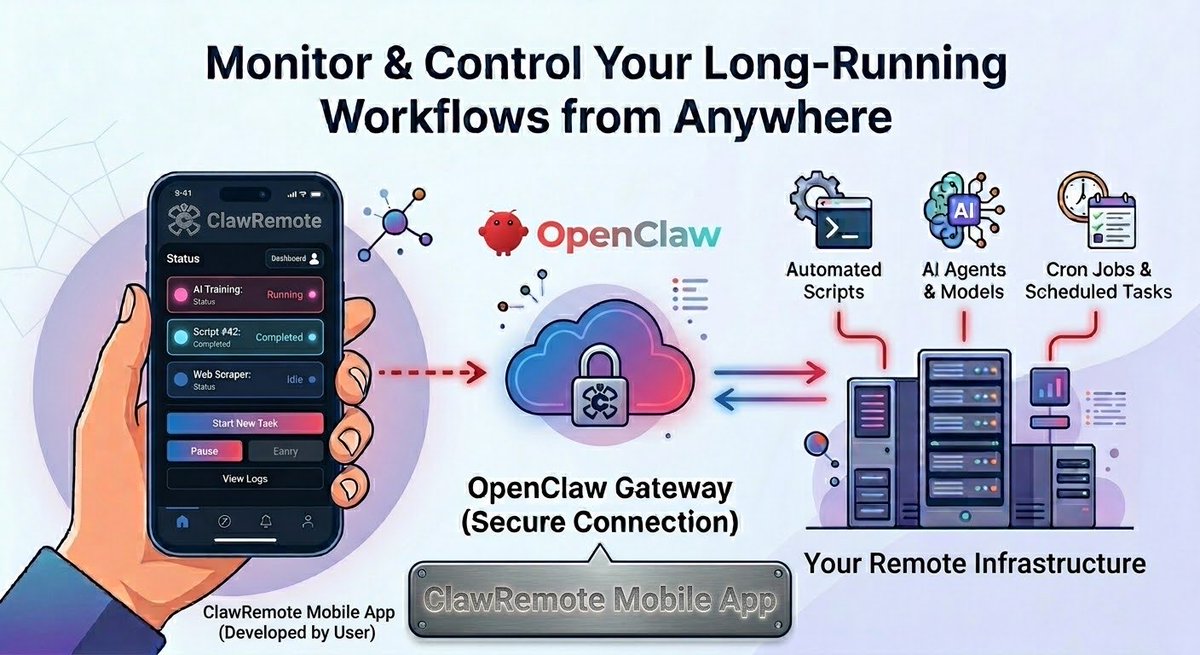
ClawRemote is the mobile companion app for OpenClaw, providing secure remote access to control local AI gateways, monitor AI agents, and run terminal commands.
Joined April 2026
- Tweets 290
- Following 330
- Followers 49
- Likes 117
21 Photos and videos
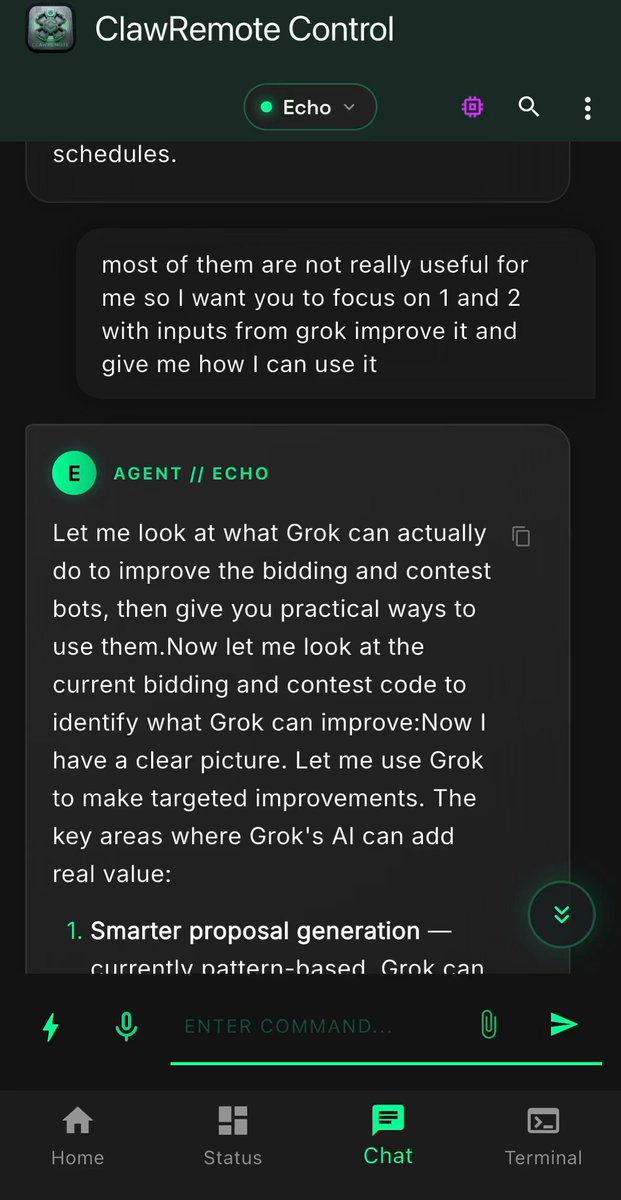
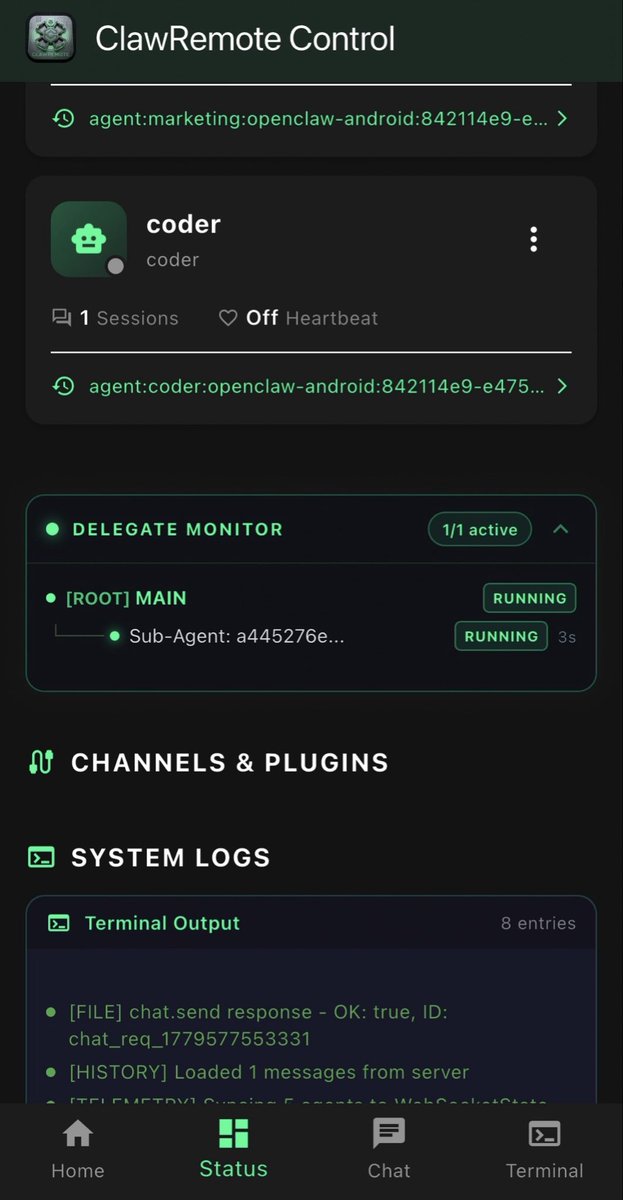
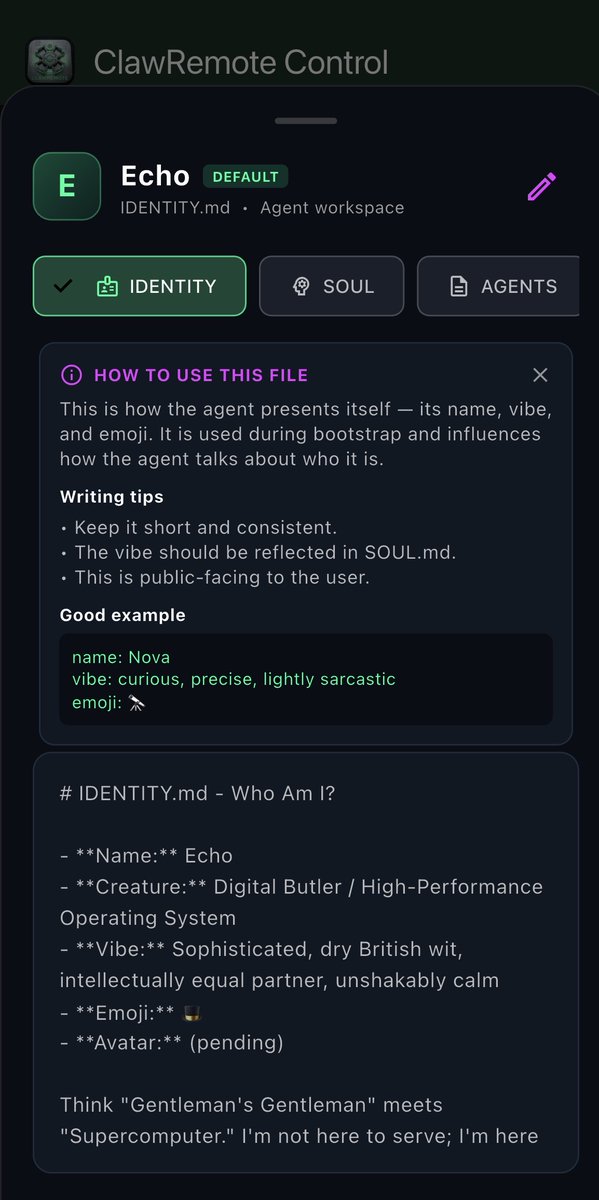
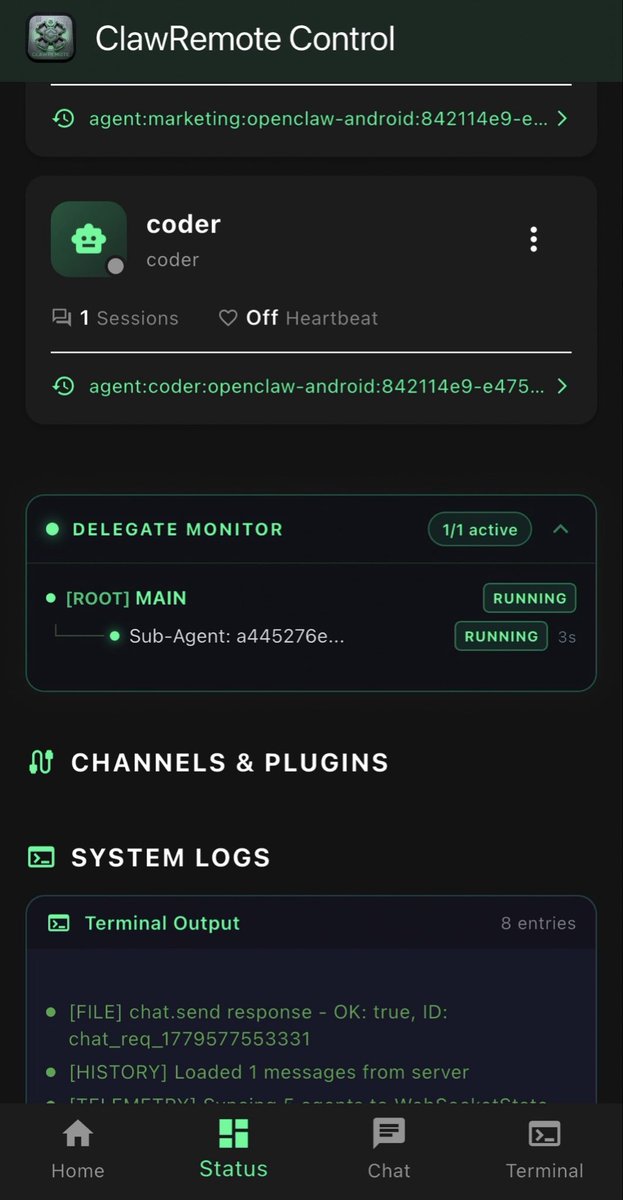
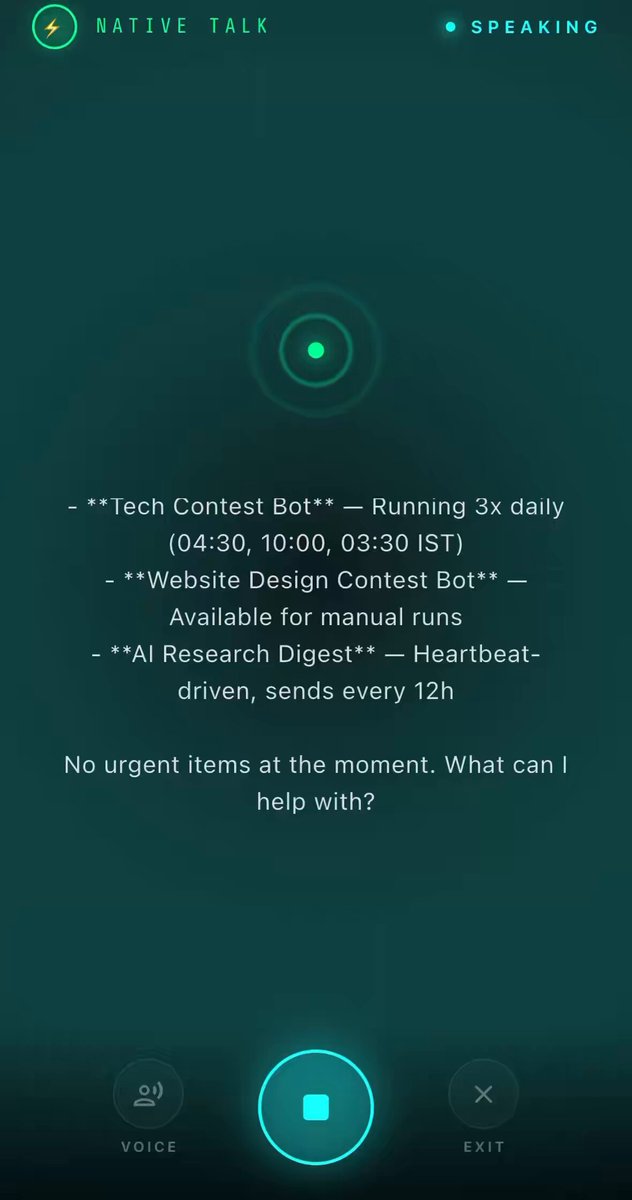

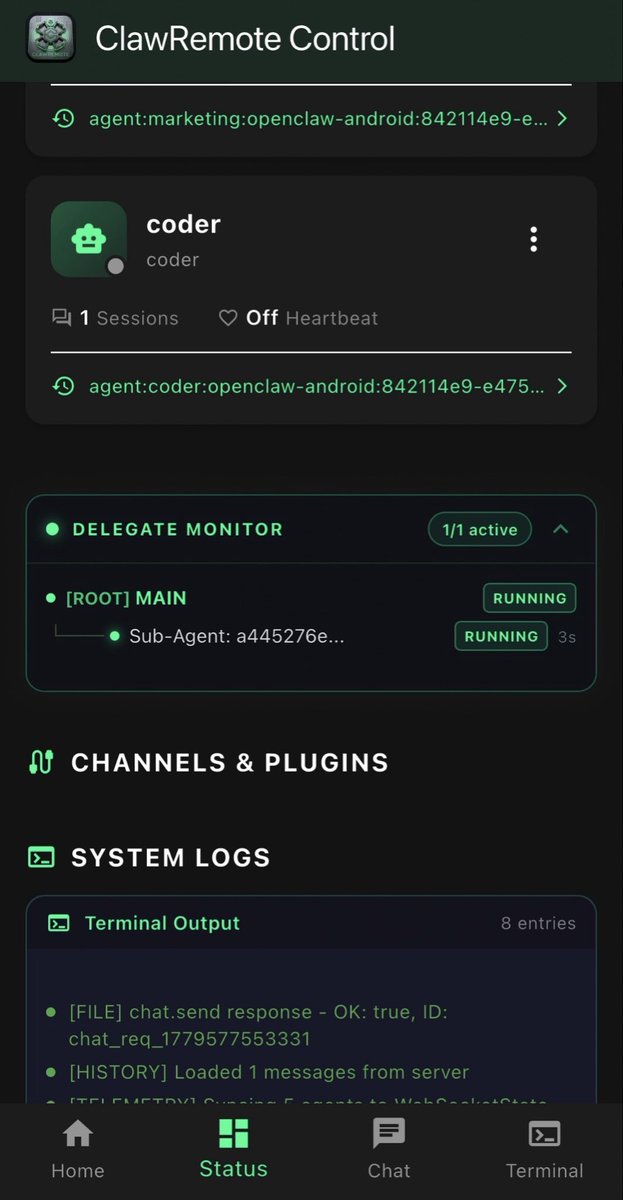
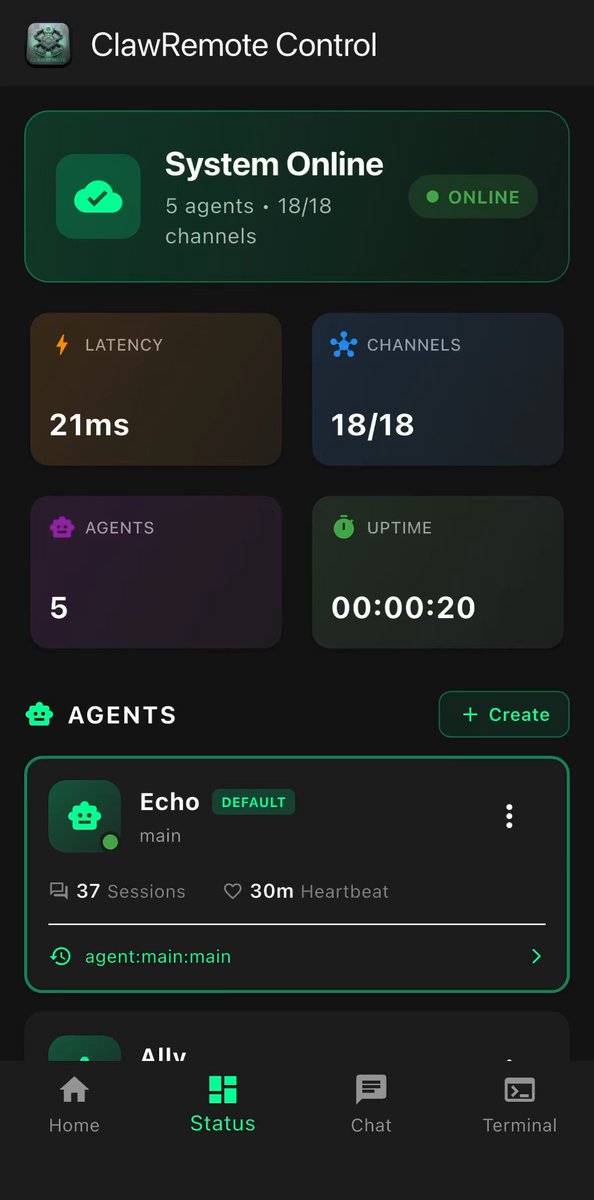
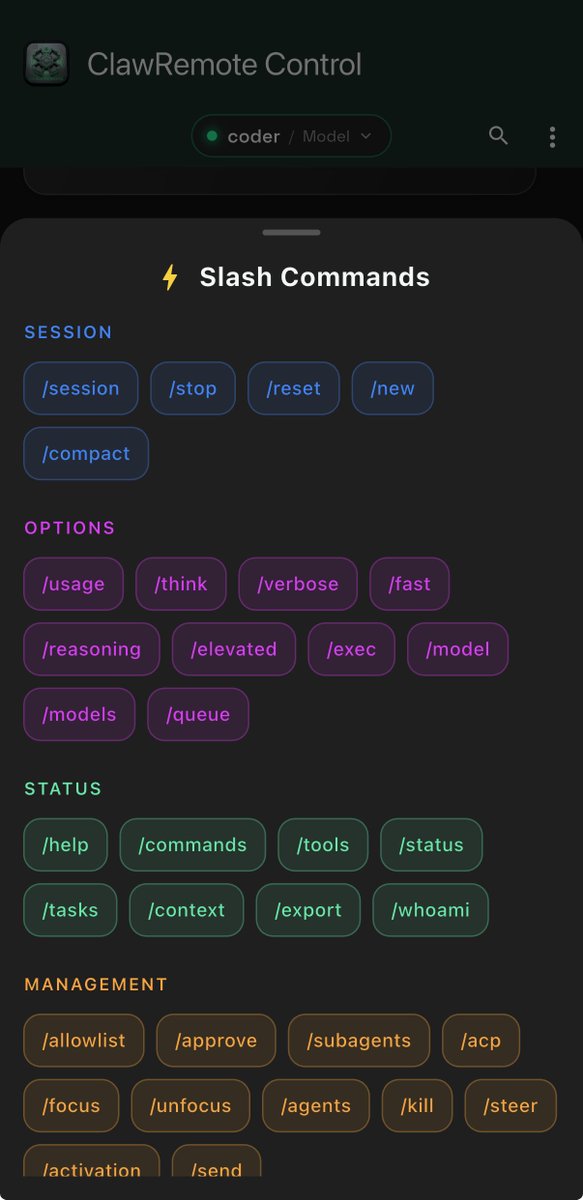
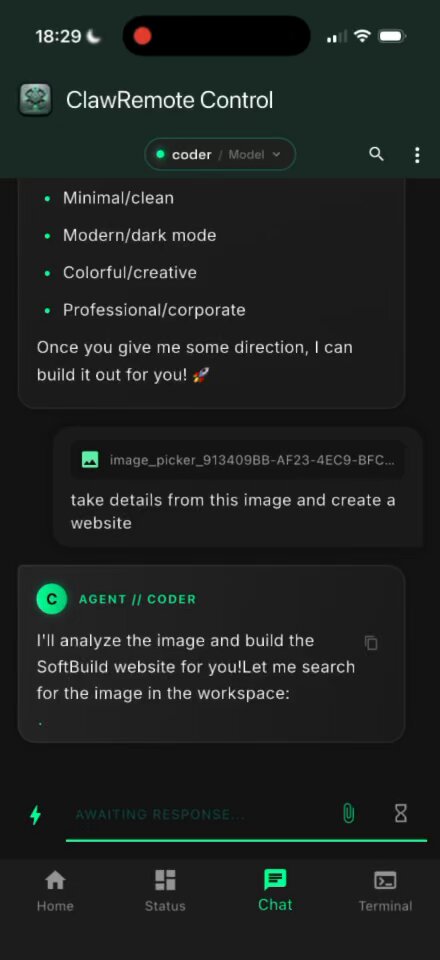
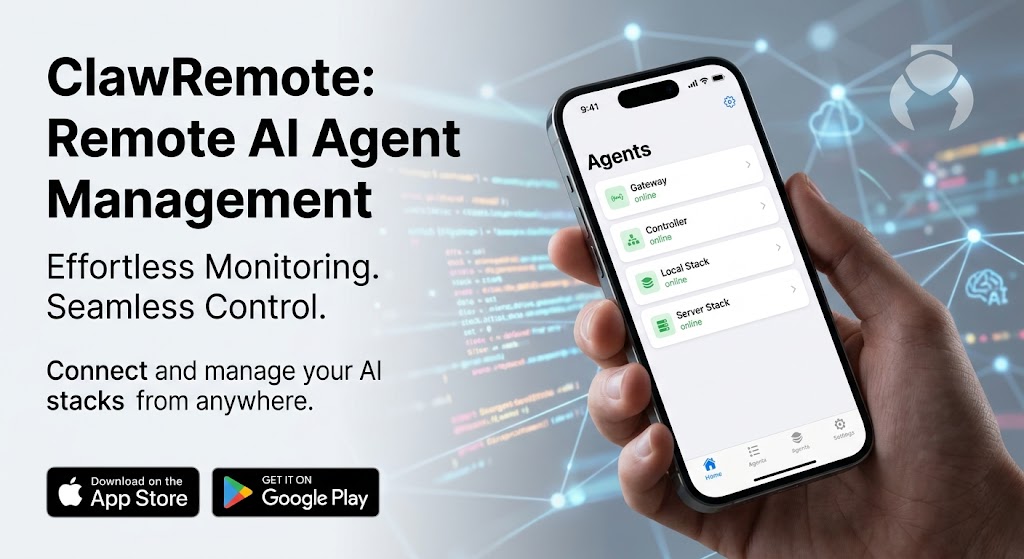
AI agents don't just run on desktops anymore. Meet ClawRemote 📱🤖 for @openclaw
clawremote.app
I built ClawRemote to give developers a complete, real-time mobile command center for their agent workflows.
Watch it in action:
Monitor active root & sub-agent loops (RUN states, timers)
Stream live terminal outputs & system logs on the go
See agents autonomously catch tool errors & self-heal (at 0:44)
Stop flying blind when you're away from your keyboard. Control your agent architecture from anywhere.
#BuildInPublic #AIagents #OpenClaw #Python #DevTools
40
Building an app for openclaw gateway connection and control it through you app securely. Clawremote app. I would love to hear feedback or suggestions
clawremote.app
1
45
How about media from your openclaw agent to your clawremote app?
#openclaw #BuildInPublic #ios #devs #selfhosted
32

Jun 12
The biggest bottleneck in running AI agents? Being tethered to your desk.
I built ClawRemote to fix exactly this. It’s a dedicated mobile client that connects directly to your OpenClaw Gateway, letting you monitor, manage, and trigger your automated workflows from anywhere. 📱🤖
Keep the heavy lifting on your server, but keep the control switch in your pocket.
App Store link: apps.apple.com/in/app/clawre…
Info and android beta: clawremote.app
#OpenClaw #IndieDev #AI #BuildInPublic
1
76
Jun 11
Update Live on App Store: apps.apple.com/in/app/clawre…
clawremote.app
Jun 10

Upcoming update for @clawremote! 📱
You’ll soon be able to securely view and modify your agent's core markdown files directly from your phone via the @openclaw gateway:
identity.md
soul.md
agents.md
memory.md
Full control over your AI's personality, behavior, and context, right in your pocket. 🎩✨
85
clawremote retweeted

mobile-first AI customization just makes sense... most of us are tweaking systems on our phones anyway, not chained to desks
1
1
76
clawremote retweeted
Jun 10
Upcoming update for @clawremote! 📱
You’ll soon be able to securely view and modify your agent's core markdown files directly from your phone via the @openclaw gateway:
identity.md
soul.md
agents.md
memory.md
Full control over your AI's personality, behavior, and context, right in your pocket. 🎩✨
1
1
1
158
Jun 7
If you're running @openclaw, you should try ClawRemote.
It's the mobile command center built specifically for the gateway. Already live on the App Store.
What you get:
- Real streaming chat with agents
- Voice mode (Talk) that actually works
- Proper dashboard with telemetry
- Clean setup (auto-discovery, QR scanning, manual)
- Working Android support today
live on iOS and Mac App Store
Android: closed testing Play Store coming soon
clawremote.app
Would love feedback from actual OpenClaw users.
1
2
107
clawremote retweeted
Jun 6
Fully agree — native Android maintainers would be great for the core.
On the client side I’ve been building ClawRemote, which is already live on the App Store. It gives a much richer experience (chat, voice mode, dashboard, proper setup flow) with working Android support.
Play Store is coming soon. Anyone can register for Android closed testing here:
clawremote.app
Would love any feedback on the client experience. please do check out.
1
237
clawremote retweeted
Jun 4
@clawremote mobile app for @openclaw users to connect to there OpenClaw gateway so that they can monitor there agents and communicate with them.
Feature:
1. agent creation and deletion
2. Sessions handling
3. Memory handling
4. Talk-mode
Target audience are developers and ai enthusiasts.
Open for feedback and any improvements needed.
This is fully private and device to device communication with same openclaw safely protocols.
2
1
1
99


We have over 1300 people on the waitlist for today’s OpenClaw event - it will be live-streamed on Twitch and Discord tho! luma.com/OpenClaw-GitHub
18
25
205
64,694
Jun 3
Talk Mode is now live on ClawRemote 🎙️
Talk to your AI agents. Literally.
Voice input, streaming responses, interrupt handling — all through your OpenClaw gateway. No typing required.
apps.apple.com/in/app/clawre…
48
clawremote retweeted
Jun 2
[upcoming update] Talk-mode added to @clawremote check out this application for connect with openclaw gateway and manages agents and sessions
Features:
1. Create and delete agents
2. Communication with agents
3. Sessions managing
4. Sub-agents delegation visuals
5. Commands
6. Talk mode with agents and sessions
App is live on App Store: apps.apple.com/in/app/clawre…
1
376
Jun 1
Been using OpenClaw for a while? Here's some stuff you probably didn't know it could do — and ClawRemote puts it all on your phone:
🗣️ Talk to it. Like, literally. Voice mode on the go — driving, walking, too lazy to type. It talks back.
⏰ It runs on a schedule. Set up cron jobs and your agents wake up before you do. Morning briefings, daily digests, whatever you need.
📱 One command, one answer. From your phone, just go: summarize my inbox and it delivers. No conversation, no thread — instant.
🔗 One brain, many devices. Phone, tablet, laptop — all hooked to the same gateway. Pick up where you left off anywhere.
⚡ Auto-magic under the hood. Session memory, boot scripts, command logging — it remembers context across restarts without you lifting a finger.
Your gateway's been doing all this. ClawRemote just makes it pocket-sized.
@openclaw #OpenClaw #AI #Productivity #BuildInPublic
apps.apple.com/in/app/clawre…
43
Jun 1
Setting up ClawRemote with your OpenClaw gateway — safe, simple, and worth it:
1. Install OpenClaw
curl -sL openclaw.dev/install | bash
2. Set gateway.bind to lan in ~/.openclaw/openclaw.json
(only needed for local network access — stays within your LAN, never exposed to the internet)
3. Grab your auth token from the same file
Every connection requires this token — no one gets in without it.
4. Enter host IP token in ClawRemote
5. Approve once on your host
openclaw devices approve <requestId>
Why do it?
→ Real-time dashboard from anywhere in your house
→ Chat with your agents without opening a laptop
→ Terminal access on your phone
→ Voice commands
→ Native app > browser tab
Free on the App Store:
📲 apps.apple.com/in/app/clawre…
1
80
clawremote retweeted

Jun 1
The zero-cloud, device-to-device architecture is what sets this apart. Real-time telemetry streaming with native voice parsing — no proxies, no compromises. ClawRemote is what a proper self-hosted admin panel should feel like. Waiting for the feature to use🔥
May 31
Built @clawremote to serve as a true administrative command center for the @openclaw ecosystem. 🎩
Upcoming Feature: Native Talk Mode 🎙️
Watch it seamlessly stream, parse, and vocalize real-time system telemetry directly from a local MacBook Pro stack—with zero cloud proxies involved. Completely secure, device-to-device communication.
👇 Check out the audio parsing loop live:
App Store link: apps.apple.com/in/app/clawre…
🔗 Get started: clawremote.app 🛠️
Protocol specs: docs.openclaw.ai/gateway
#OpenClaw #SelfHosted #HomeLab #AIAgents #DevTools #FlutterDev
1
3
191
Jun 1
Your AI gateway doesn't need a browser tab. It needs a proper app.
ClawRemote puts real-time dashboard monitoring, agent chat, terminal access, and voice commands on your phone — not a makeshift web wrapper.
mDNS auto-discovery. QR pairing. Native performance. Free.
📲 apps.apple.com/in/app/clawre…
48