
86 Photos and videos









Dennis Snellenberg retweeted

Jun 12
Here’s a parallax image gallery using Federico Valla’s lovely library, Smooothy. With barely any JavaScript and a super simple HTML structure, you get a smooth draggable gallery with optional snapping, infinite looping, and image parallax built in.
2
34
931
Dennis Snellenberg retweeted
Jun 11
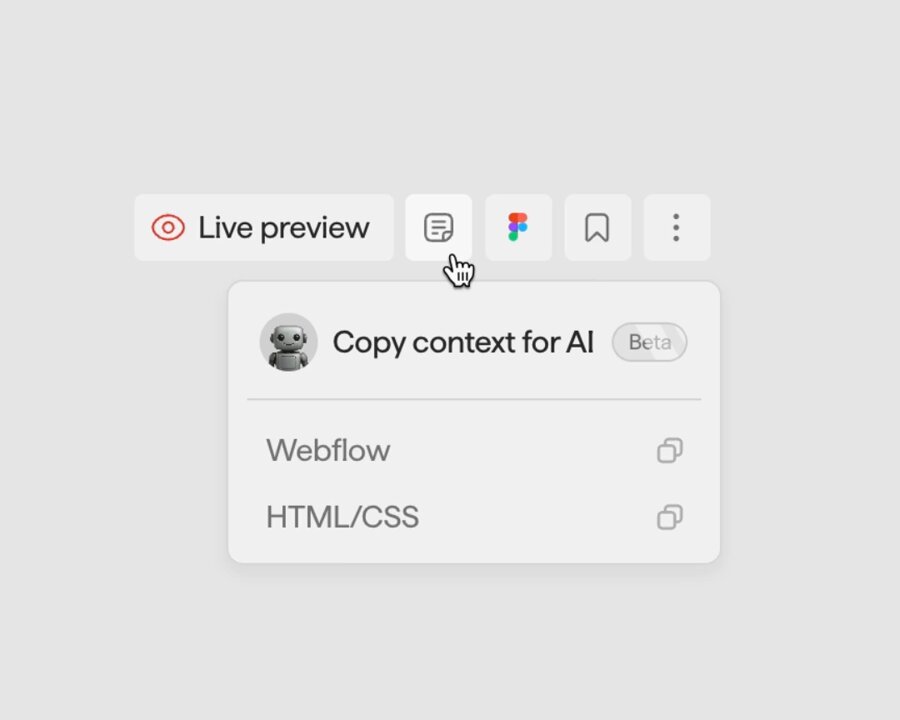
Move faster with AI: tweak Osmo Resources, build on top of them, or transform them into something entirely your own. With a single click, all the context you need is copied to your clipboard.
Al Assists. You Create.
Join Osmo → osmo.supply
2
1
14
1,166
Dennis Snellenberg retweeted
Jun 10
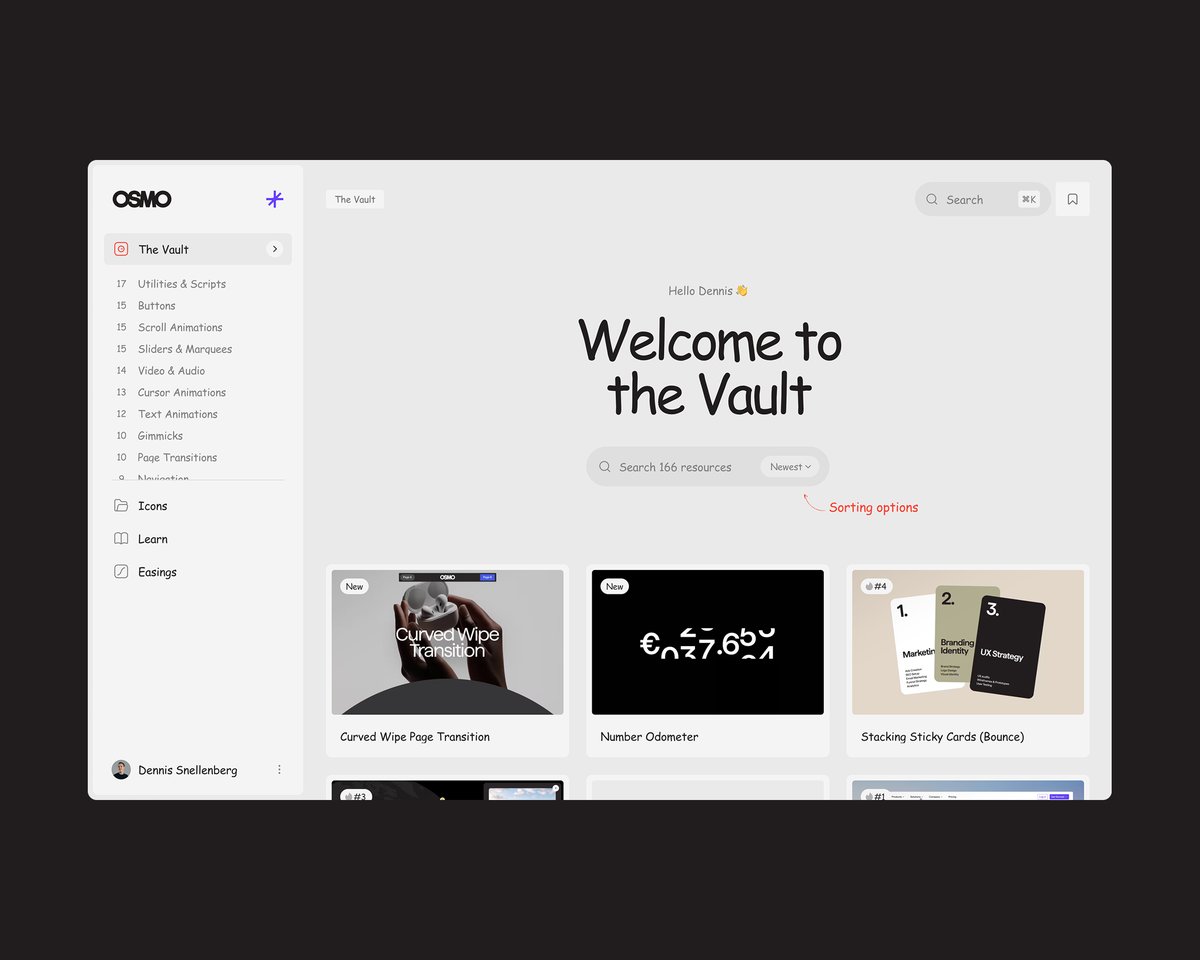
Recently requested in our Slack Community, this component is derived from our own Vault documentation tab. It's a sliding toggle that works with any number of buttons, in a flexible setup.
Explore this and 185 other resources available today: link in bio 🔗
1
2
15
720
Dennis Snellenberg retweeted
Jun 8
This week we’re releasing a more Advanced version of the Infinite Draggable Grid we introduced last month. This version adds a masonry-style vertical offset while dragging and scrolling, plus dynamic card scaling based on movement speed. Plenty of new values to experiment with.
2
2
18
766
Dennis Snellenberg retweeted
Jun 1
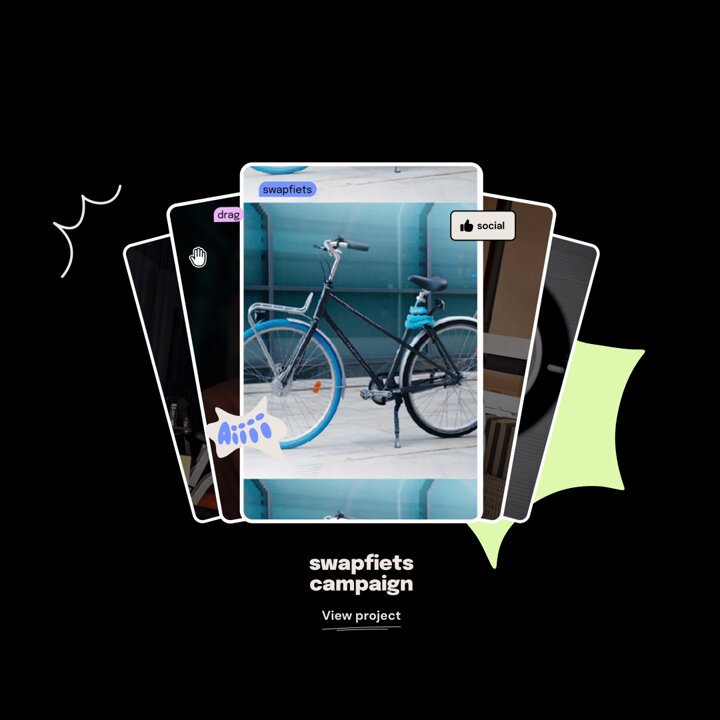
Showcase your content with an infinite looping card deck featuring smooth 3D motion and depth. Perfect for projects, galleries, and media collections. Hovering pauses the animation so users can focus on individual cards.
↓ Use Osmo in your project
osmo.supply
2
6
51
1,387

This was a fun one to build 🙌
May 25

This one got a lot of love in the request tab inside the Slack community, so we decided to build it. A date-picker styled Events Calendar, perfect for hotels and restaurants that want to showcase upcoming events.
👇 Copy paste it
osmo.supply
1
22
1,847
I truly believe AI can’t do the creative work for you, but it can definitely speed up the process of getting to the unique output you’re looking for.
👇
Sneak peek of the new beta “Copy Context for AI” button we’re testing inside Osmo Supply 👀
4
1
27
2,332
Use @osmosupply in your project:
🔗 osmo.supply
195
Dennis Snellenberg retweeted
May 19
100 Buttons for €100 EUR!
Available as plain HTML/CSS/JS and Webflow.
Last week we added 100 hand-made buttons to the Osmo Vault in collaboration with @eduardbodak. All of them nicely organised on one page.
🔗 osmo.supply/buttons
3
40
2,207
Dennis Snellenberg retweeted
May 18
With this setup, you can turn any collection of cards into an Infinite Draggable Grid. No matter how many you add, the script will automatically duplicate enough to fill the full page. Perfect for showcasing visuals, products or images.
Available now → osmo.supply
2
53
1,816
Dennis Snellenberg retweeted
May 13
Live now: The Osmo Button Pack! 🎉
A collection of 100 hand-made buttons in collaboration with @eduardbodak, which we’ve worked on for the past 6 months.
Buttons are easy to overlook, because they’re small. But making one feel really good can take a surprising amount of time. The hover state, focus state, motion, accessibility, timing, and the tiny details around it. When it’s done right, it can be a real eye catcher on a website.
We made every button production-ready. Semantic HTML, fully accessible, correct hover and focus states, reduced-motion support, and easy customization through CSS variables unique to each button.
Pricing is simple. Get 100 buttons for a one-time price of €100 EUR.
Or, become an Osmo member and you'll get 50/100 for free. The remaining 50 can be unlocked for €50 EUR.
6
2
40
5,072
Who needs Jitter templates if you can create it with @greensock.
May 4
We’ve all seen those infinite looping Jitter templates on the web. This GSAP powered version lets you use it directly on your site, replace the content with anything you want, and tweak variables like blur, distance, darkness, and card count.
Available in Osmo today.
14
1,069
Dennis Snellenberg retweeted
Apr 28
Osmo Button Pack – Coming Soon!
Buttons are the most clicked element on the web, but most of them feel like an afterthought.
So we partnered with @eduardbodak to make 100 buttons with real personality, and the flexibility to make them yours. Every single one is built with the kind of care you'd give a button if you had a whole week to work on just that one.
50/100 buttons will be available straight away for all Osmo members. The additional 50 can be unlocked with a one-time purchase.
2
5
57
2,960
The 11th page transition template we added, all included in the Osmo Page Transition Course.
Apr 27
This page transition template reveals the next page through a smooth shutter effect. The number of shutters can be easily set per breakpoint using variable in the JavaScript setup.
Available as part of the Osmo Page Transition Course together with 10 other templates! Included for all members.
🔗 osmo.supply/ptc
27
2,046
Dennis Snellenberg retweeted
Apr 20
This modern visual effect uses a recently introduced Figma technique to create a Progressive Blur. It consists of five blurred layers, each masked with a gradient and offset on the Y axis, creating a smooth effect that brings focus to the element above.
↓ Use Osmo in your project
osmo.supply
1
5
71
3,127
Dennis Snellenberg retweeted
Apr 15
With this 'Scroll to Next Page' setup you can make it very seamless for users to keep scrolling through your website. Towards the bottom of the page, they simply scroll until the progress bar is full, and then you automatically send them to the next page.
We highly recommend pairing this with a nice BarbaJS page transition for a seamless experience. We have a full course some beautiful templates for that available as well 🙌
1
2
26
1,210
Dennis Snellenberg retweeted
Apr 13
Want to give your site a bit more personality? This setup uses the @greensock ScrambleText plugin to animate a custom cursor on hover. It smoothly follows your mouse on non-touch devices and scrambles through the words that you hover.
2
18
1,336
Dennis Snellenberg retweeted
Apr 10
It’s not like we reinvented the wheel on this easings visualizer. There are many tools already that do this, but it’s the combination of presets and the context preview that makes it special.
With this Osmo Easings tool you can:
• Edit and tweak your favorite easings
• Save your personal easings
• Paste them into your project in three different ways
What makes the Osmo Easings tool different is that you can preview your favorite easings in context across five formats: text, buttons, modals, sliders, and FAQ.
And yes, all free to use for Osmo Members!
1
3
47
4,489
Dennis Snellenberg retweeted
Apr 9
As a community request following last week's 'pixelated scroll transition' resource, we've now also added this shutter transition. It creates a stack of full-width blocks, animating the vertical scale. Hence it looks like typical window shutters. Again, full customizable with data-attributes ✨
Part of the Osmo Vault, become a member today → link in bio!
6
109
3,076
Dennis Snellenberg retweeted
Apr 8
Introducing the Osmo Easing tool!
The easing curve is the single thing that decides whether an animation feels polished or off. But getting it right can sometimes be a bit of a guessing game, so we built something that will hopefully make our lives a little easier.
We've teased this as 'coming soon' for quite some time, so we're very excited to launch this today. It's free for all Osmo members. Try it out and let us know what you think!
Not a member yet? Sign up below.
🔗 osmo.supply
1
2
35
1,879