
Software Engineer | Open Source evangelist | Writer | Member/Contributor @layer5 @ciliumproject
Joined September 2011
- Tweets 334
- Following 471
- Followers 224
- Likes 399
24 Photos and videos



12 Nov 2024
So if you lose 10$ in a trade a day, you have lost 17,000 naira. Omor 😂
62
K E N E retweeted

14 Oct 2024
⚔️ IT'S TIME FOR WAR ON THE BLOCKCHAIN ⚔️
Introducing @nodewars, the BRAND NEW fighting arena that pays SOLdiers to fight:
8,719
7,795
9,317
686,377
24 Aug 2024
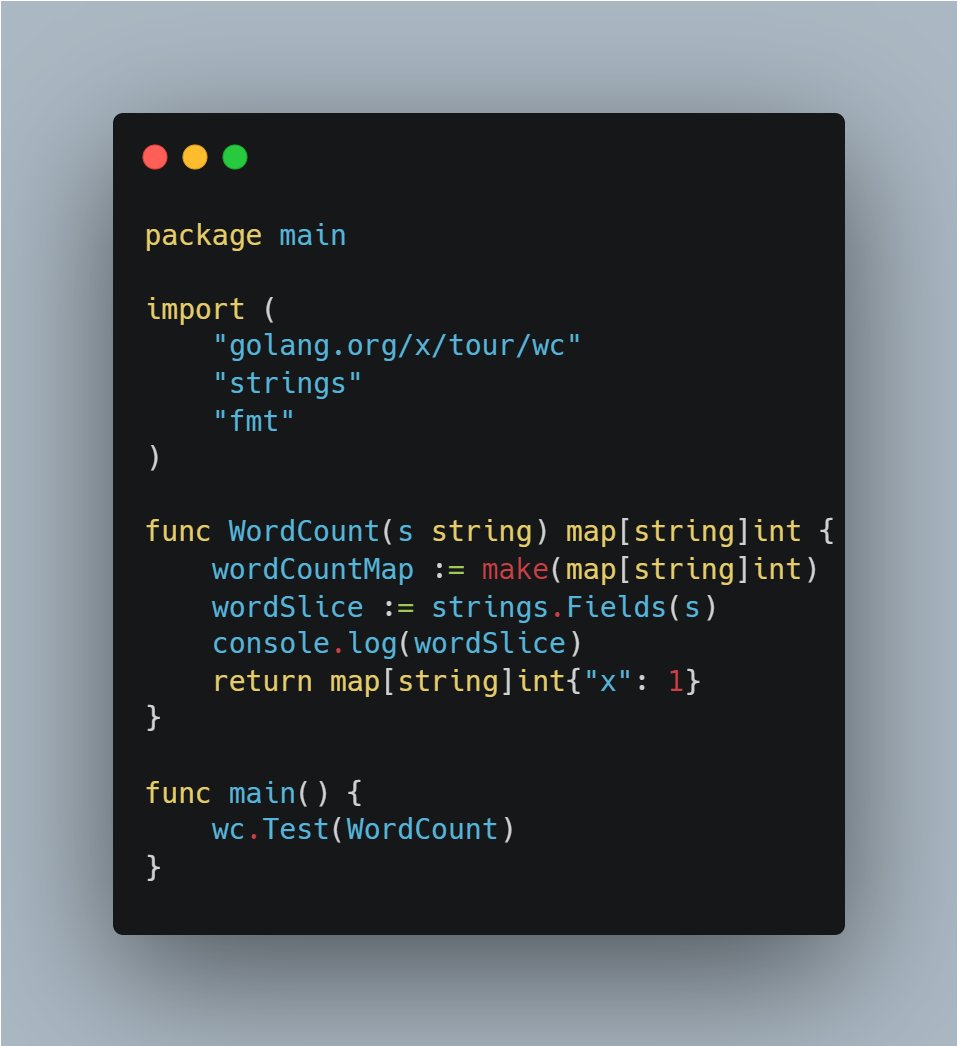
That one mistake you make when you are trying to pick up a new language 😂
2
45
29 Jul 2024
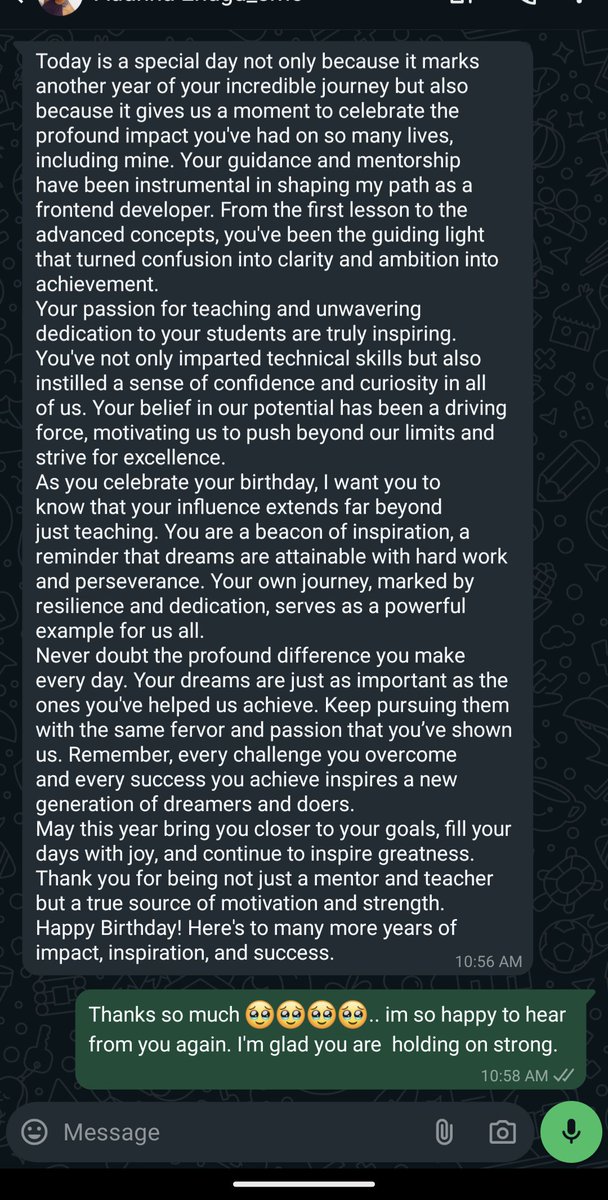
Some words are far greater than gifts. This got me so emotional. Happy birthday to me ❤️
40
K E N E retweeted

27 Feb 2024
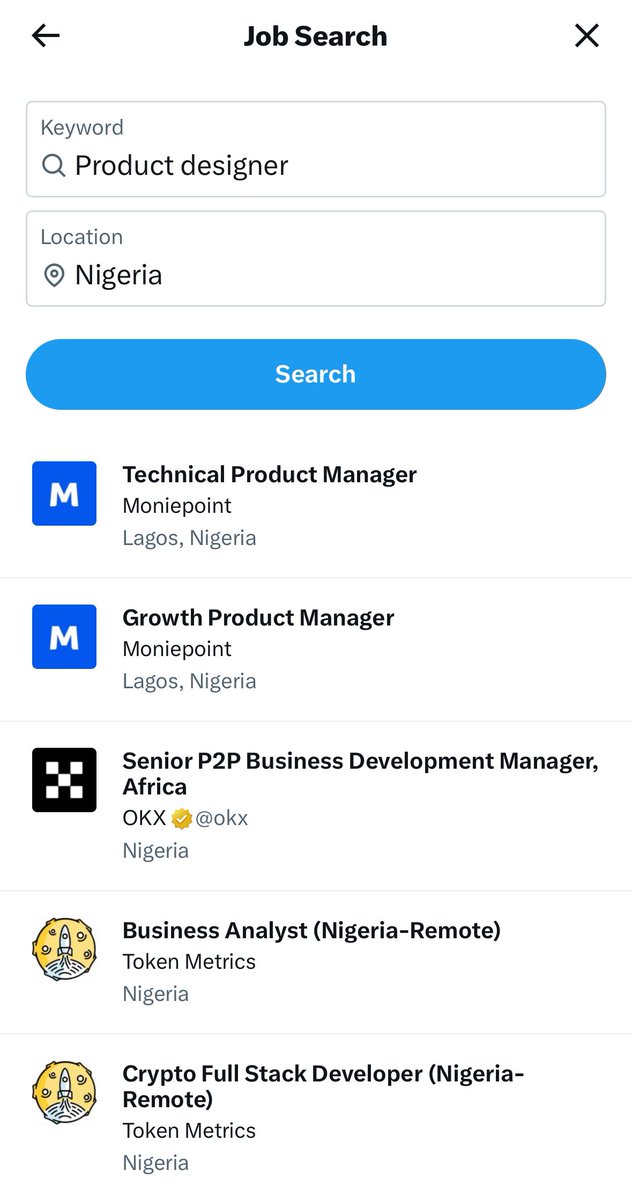
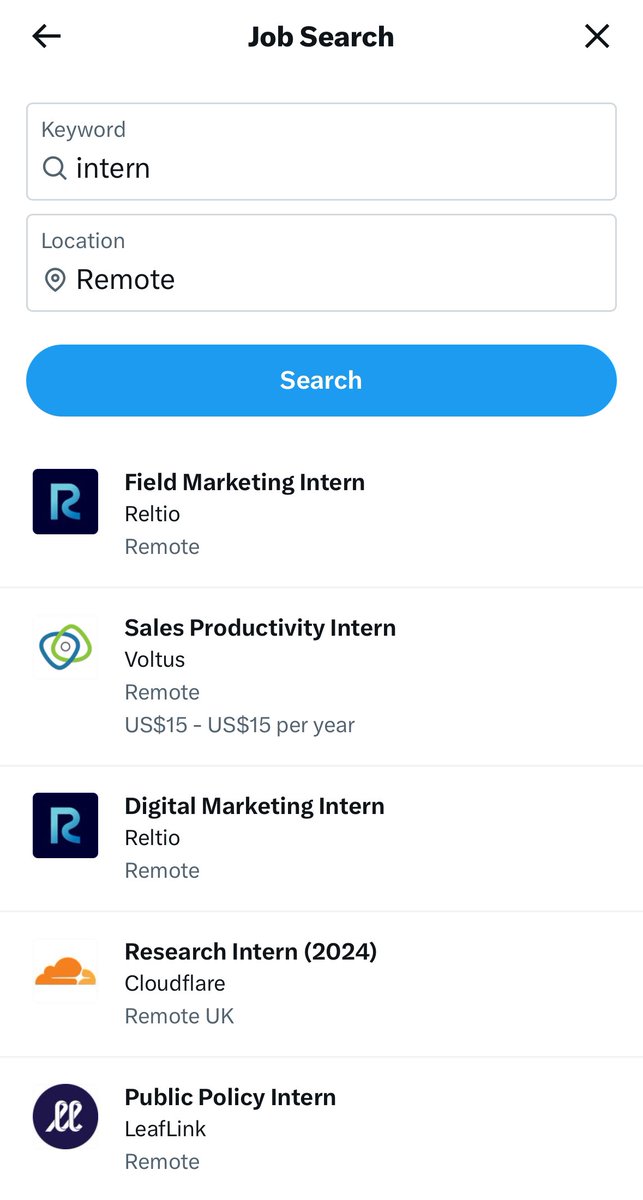
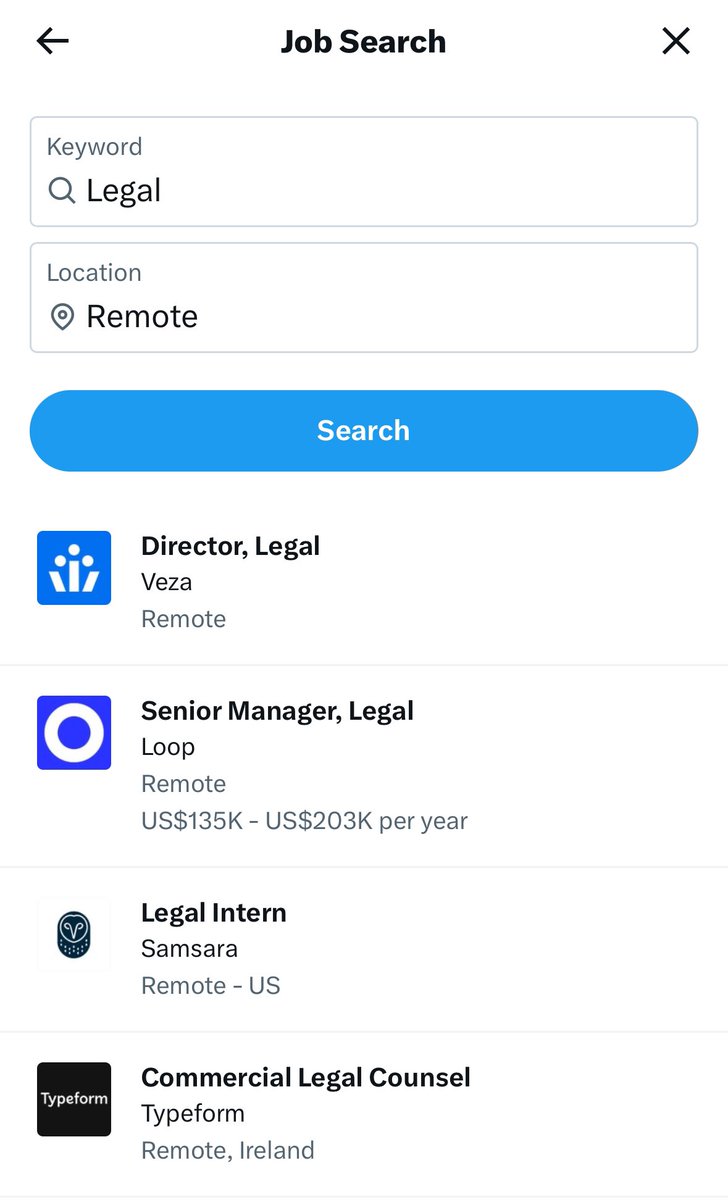
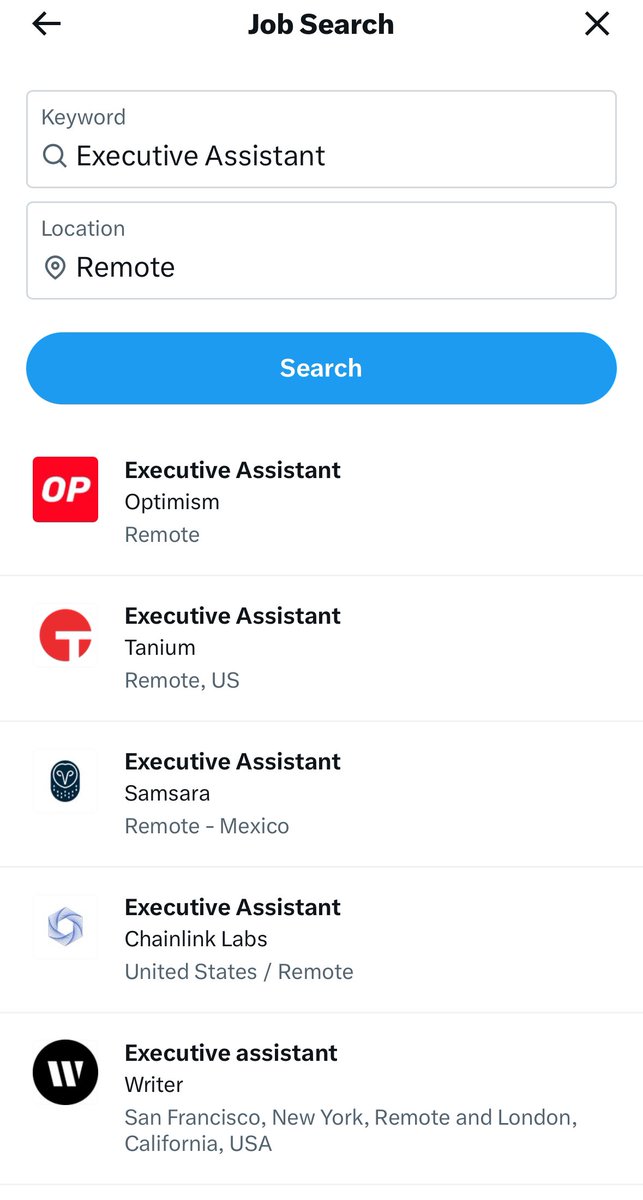
You spend a lot of time on twitter, you might as well use that time to search for a job.
Follow these steps.
1. Bookmark this tweet - so you can always come back to it.
2. Directly click on => x.com/jobs : it’ll take you straight to the job search page in app.
3. Search for the roles you want, if your want remote roles, try and look for roles that are remote only without a location. “Remote” and “Remote, US” are different.
4. Apply and good luck.
Tips: Search for assistant roles, admin roles, lab roles, this is not just for tech roles. It’s for everyone.
Lastly, be sure to share this so that others can benefit too. Even if you don’t get a job, your friends might. So a little win win there 👌👌
[Update] At the moment: this only works on IOS and The Web. If you’re using android, try switching to the web.
128
1,405
2,671
366,379
6 Feb 2024
Day 3: I had some setbacks but today I continued learning concepts around "Dependency injections and Mocking". This helps you during TDD. #60DaysOfGo #100DaysOfCode
1
40
1 Feb 2024
Day 2: I explored the concept of pointers, error handling, and dependency injection. Taking the TDD approach, using dependency injection helps you test your code more efficiently in Go. #60DaysOfGo #100DaysOfCode
40
31 Jan 2024
Day 1: I did a deep dive learning into Golang's data structures.
I explored interfaces and what it meant to implement an interface in Go. #60DaysOfGo #100DaysOfCode
1
56
30 Jan 2024
Exciting news, everyone! Today, I will be starting a #60DaysOfGo marathon. I have always wanted to learn Golang and other Cloud native technologies but lacked the commitment. I want to use this to keep myself committed. Each day for the next 60 days:
👇👇
1
2
60
30 Jan 2024
I'll be learning Golang concepts and other cloud-native technologies while working on useful projects and contributing to Open-source projects like @layer5. I'll also share code, live URLs, and documentation when necessary. Stay tuned for daily updates. So help me God. LFG 🚀
2
40
K E N E retweeted

17 Jan 2024
A friend of mine just requested to purchase the course for 3 people who are interested in learning devops or cloud engineering!
Who is going to be the lucky winner?
To qualify, comment below and tell me why I should select you.
I’ll be in the comments!
16 Jan 2024

I’m so excited and proud to announce my first online course on @udemy
It’s the ultimate DevOps and cloud engineering course for beginners.
This course equips you with the right foundations to get started in the DevOps and cloud engineering space.
Learn: udemy.com/course/ultimate-de…
5
8
16
3,422
K E N E retweeted
16 Jan 2024
I’m so excited and proud to announce my first online course on @udemy
It’s the ultimate DevOps and cloud engineering course for beginners.
This course equips you with the right foundations to get started in the DevOps and cloud engineering space.
Learn: udemy.com/course/ultimate-de…
41
84
371
25,697
K E N E retweeted

11 Jan 2024
Users, developers, and validators can engage with the testnet through Galxe's Quest platform. The Galxe Quest platform will feature activities involving the core chain, its enshrined applications, and projects building in the ecosystem.
galxe.com/Berachain/campaign…
6,874
507,692
73,448
4,632,742
K E N E retweeted

26 Nov 2023
Sharing my interview experience with Cred off-Campus 🕊️(Web frontend Intern role)
I saw a hiring post by employee of Cred.
I reached out to him for a referral, I gave a small intro about my self and forwarded my resume.
60
118
1,437
241,415
3 Oct 2023
I recently started exploring DSA to help me become a better developer and maybe land a FANG (speaking into existence😂) Anyways I just published an article that shows you how arrays are used under the hood. I would appreciate feedback, sharing, and a RT
techsharp.hashnode.dev/array…
41