Empowering students, faculty, and staff at College of Charleston with top-notch tech support and innovation.
- Tweets 1,423
- Following 26
- Followers 370
- Likes 150
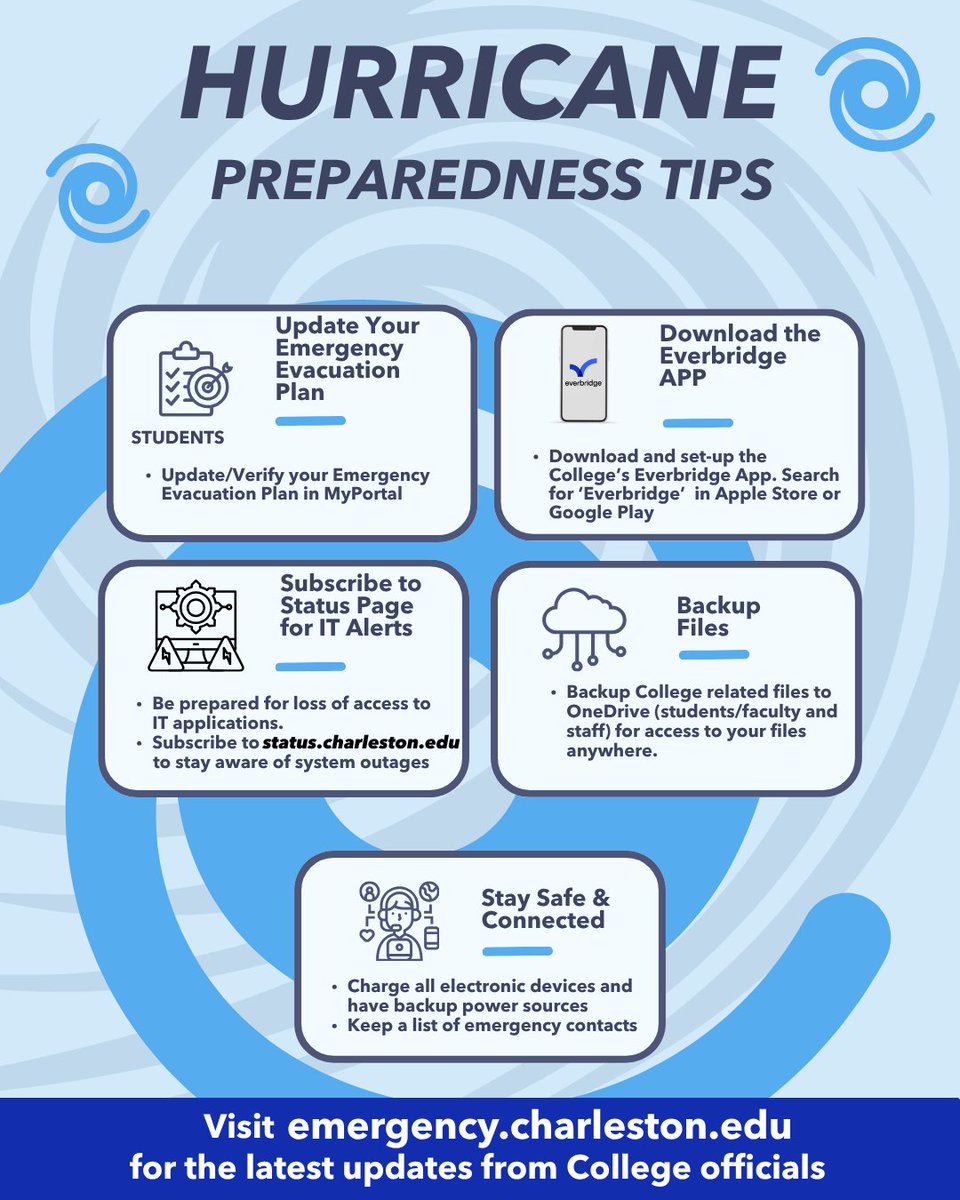


ALT Infographic titled “Hurricane Preparedness Tips” with five student safety steps: update evacuation plans, use Everbridge, subscribe to IT alerts, back up files to OneDrive, and keep devices charged.
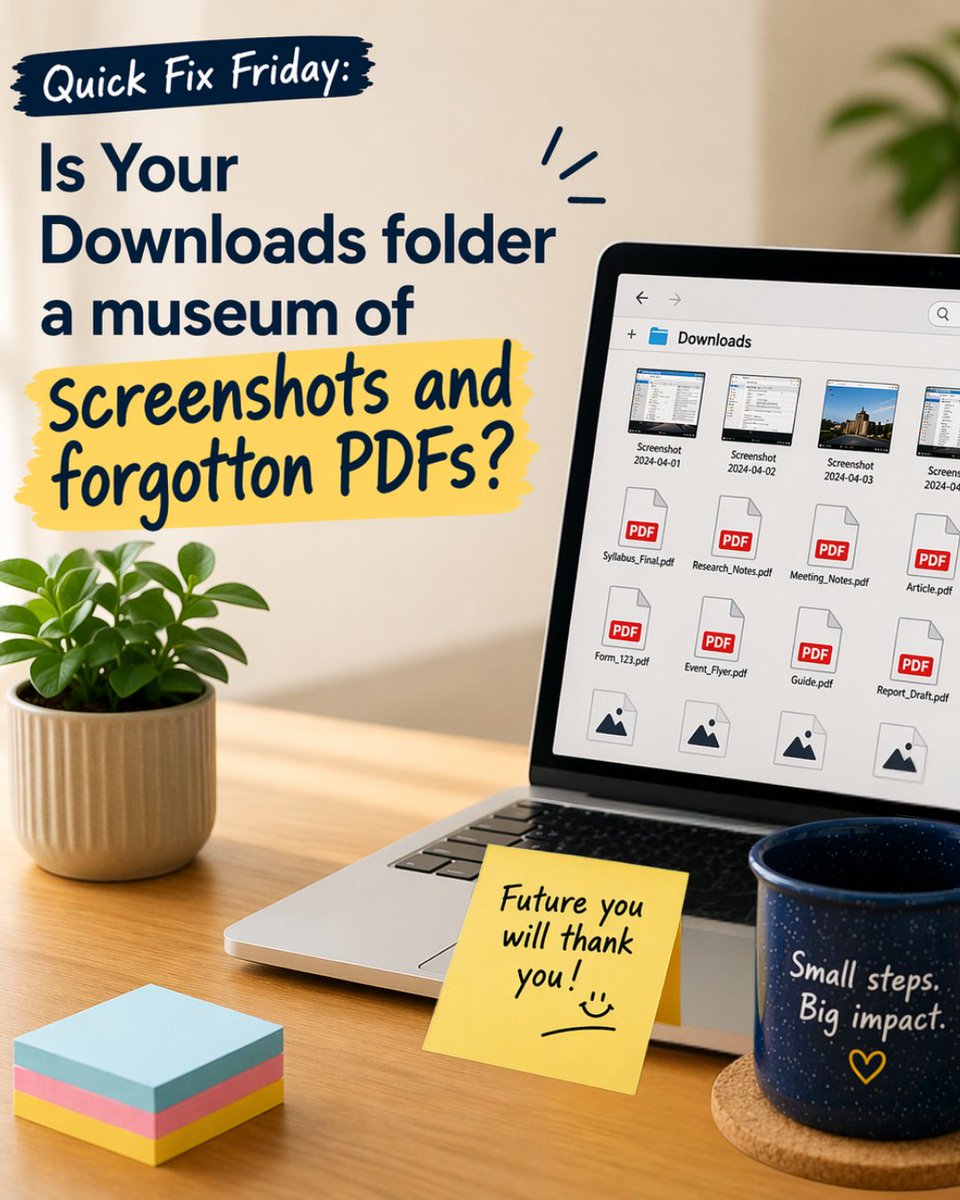
ALT Laptop displaying a cluttered Downloads folder with screenshots and PDFs on a desk with a coffee mug and sticky notes encouraging file cleanup.
ALT Get Text Adjust: a free Chrome extension that gives you real-time control over how text appears on any website.
ALT Change fonts, adjust letter spacing, word spacing, line height, and paragraph spacing
ALT Multilingal support: Supports 21 languages, automatically matching your browser’s language setting.
ALT Privacy-first design: Text Adjust does not collect, store, or transmit any user data. There are no accounts, no tracking, and no analytics.
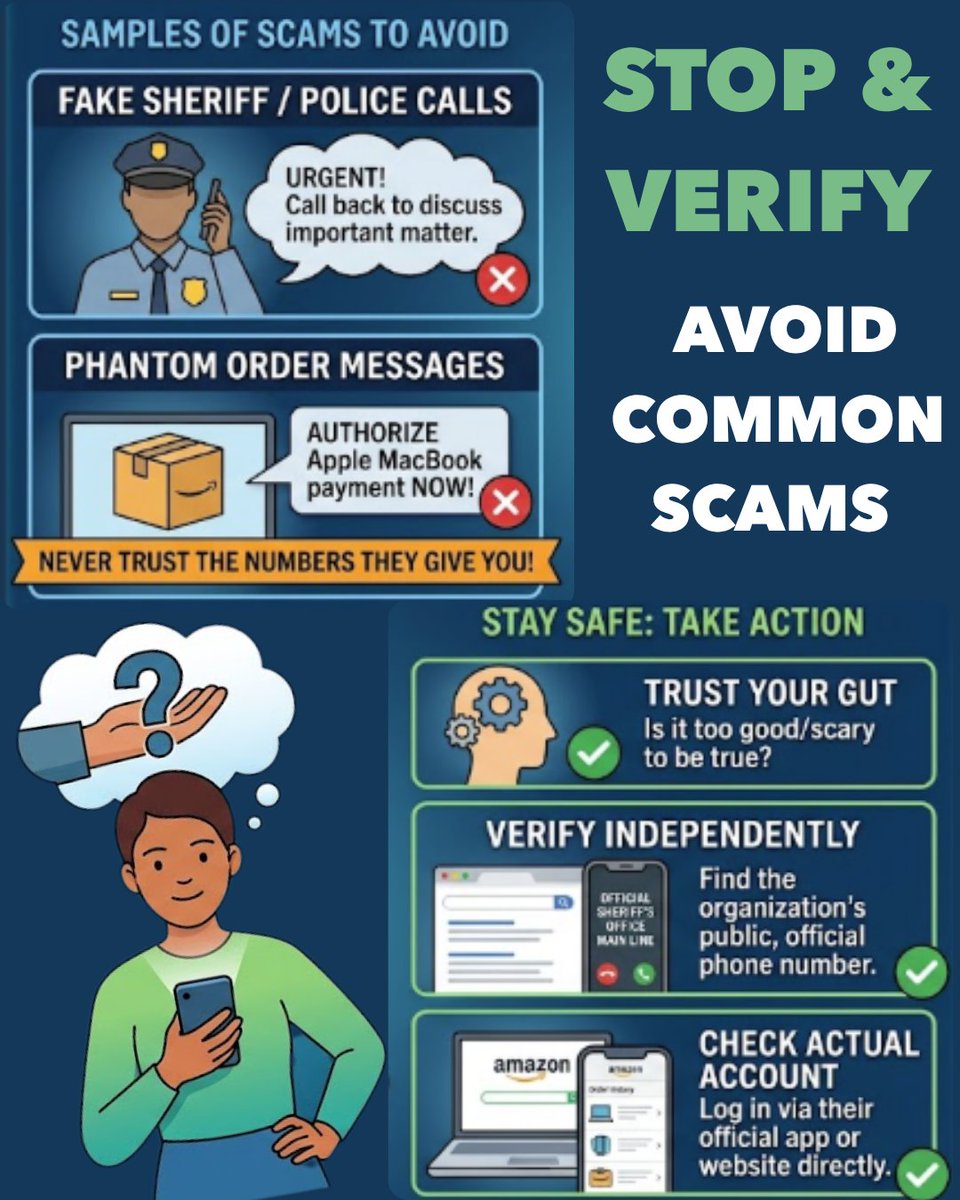
ALT Infographic titled "Stop & Verify: How to Avoid Common Scams." It illustrates examples of phone and text scams, along with actionable verification steps and safety tips.
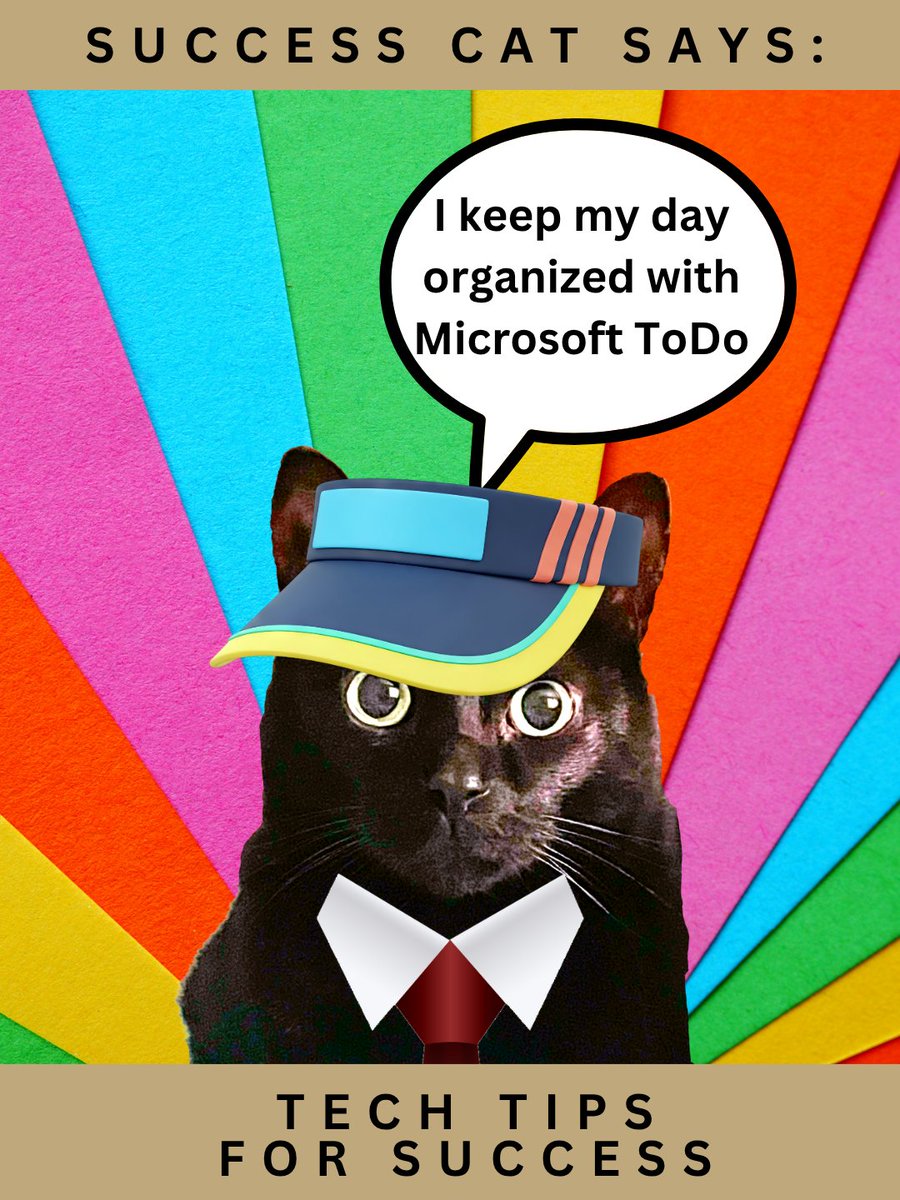
ALT Success Cat Says: I keep my day organized wit Microsoft ToDo. Tech Tips for Success. Success Cat is a black cat wearing a tie, because he's successful, and a sun visor, because it's summer.
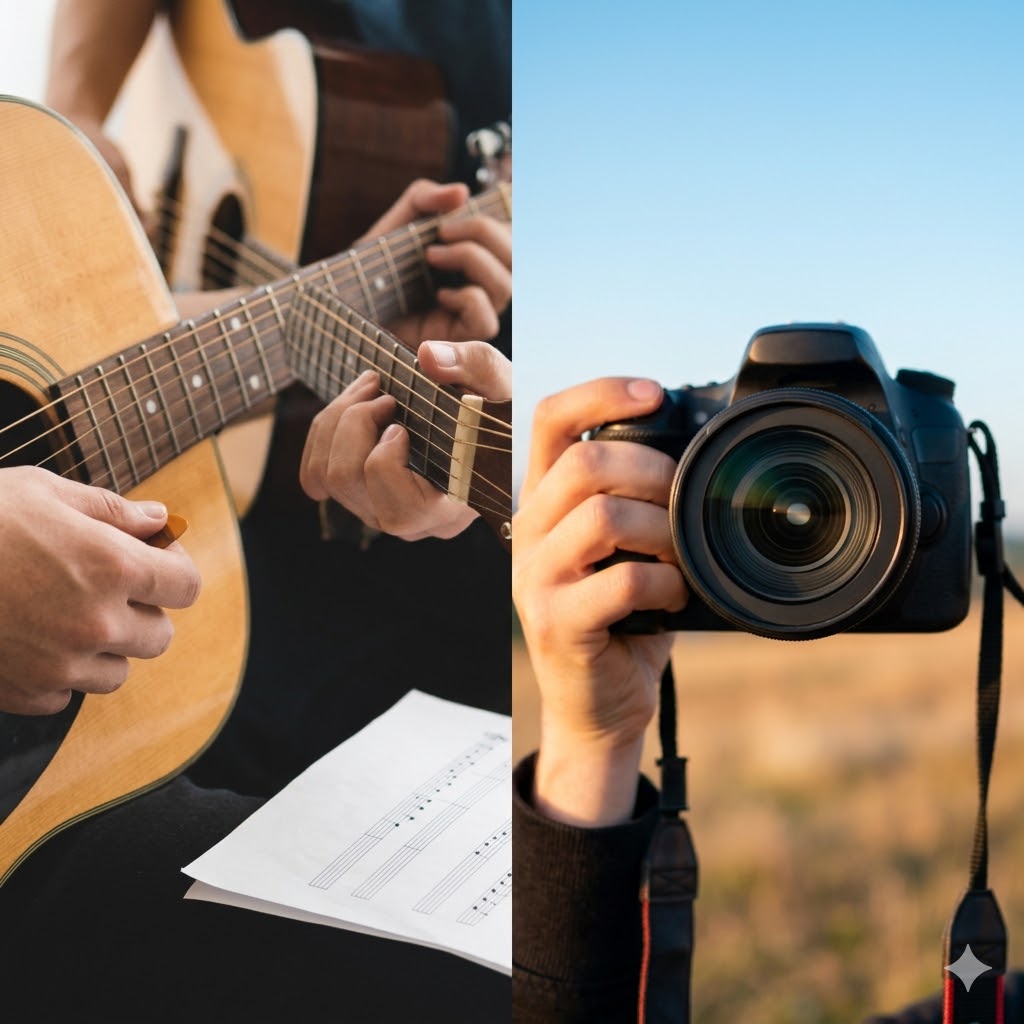
ALT Split image with a person playing the acoustic guitar on the left and a person in a field holding a camera on the right
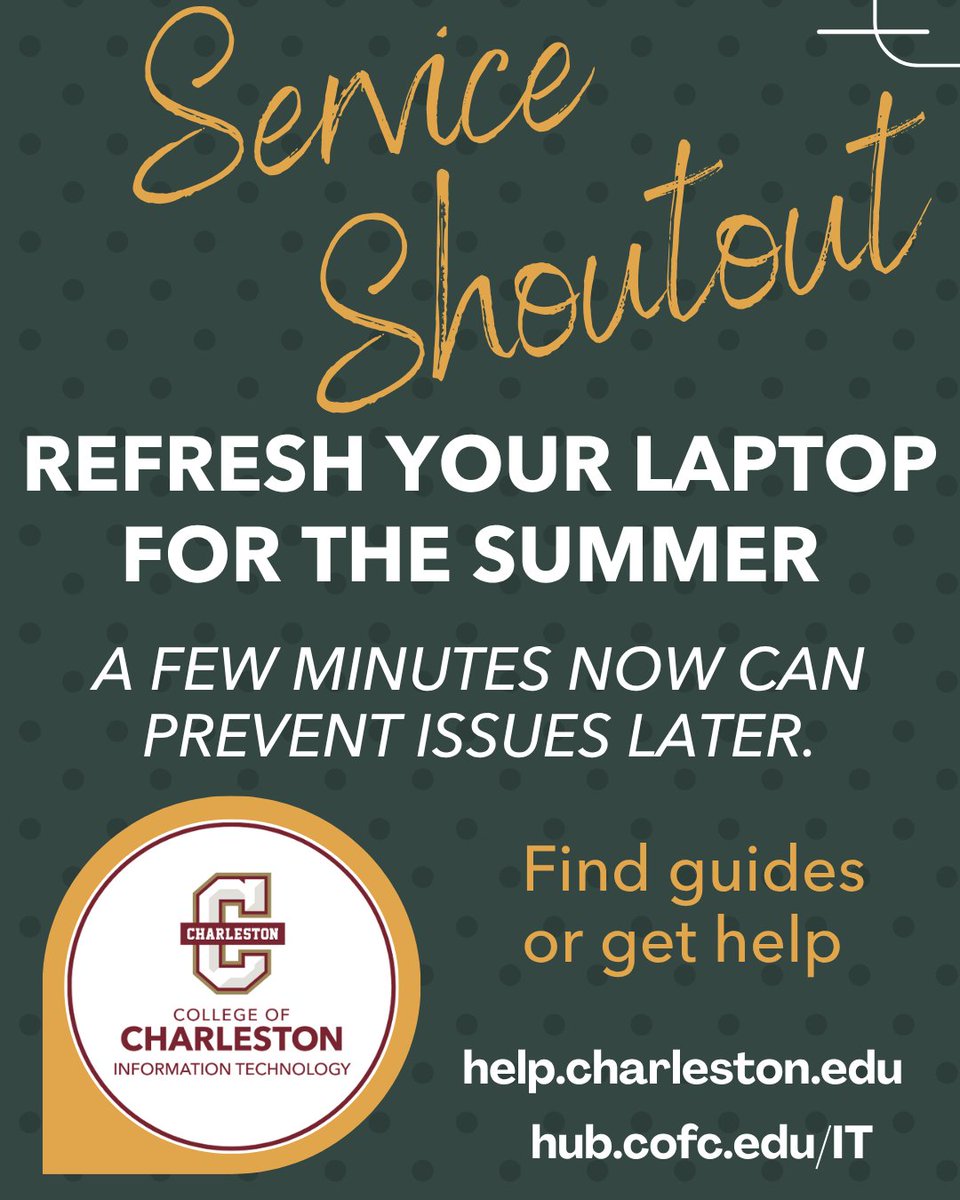
ALT Promotional graphic encouraging summer laptop maintenance, featuring the CofC IT logo, help.charleston.edu for guides and support, and a dark green polka dot background with orange and white text.
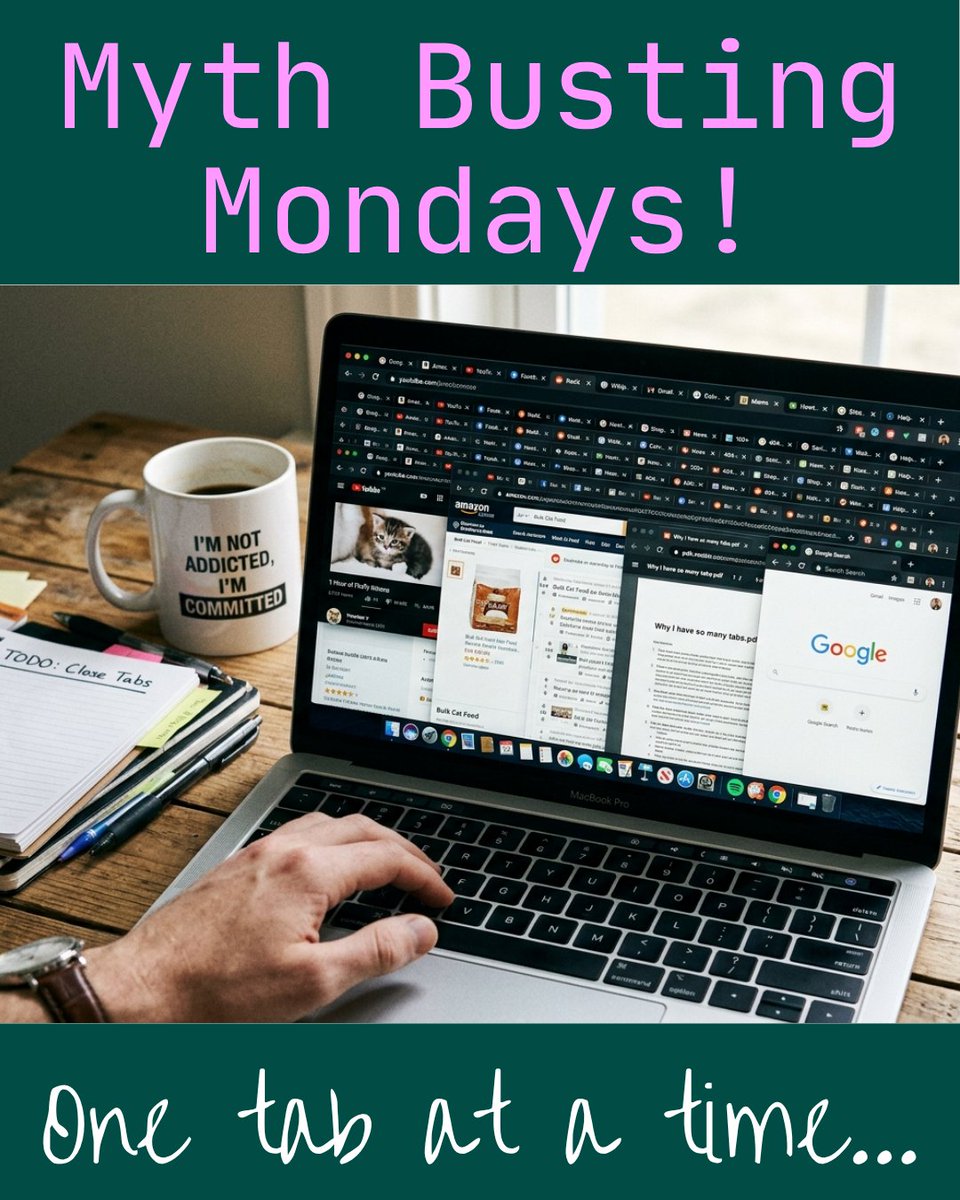
ALT Photograph showing a person using a laptop with numerous browser tabs open, displaying websites like Amazon and Google, alongside a coffee mug with the text "I'M NOT ADDICTED, I'M COMMITTED" and a notebook labeled "TODO: Close Tabs." The image conveys a humorous take on multitasking and internet browsing habits, emphasizing the challenge of managing many open tabs.
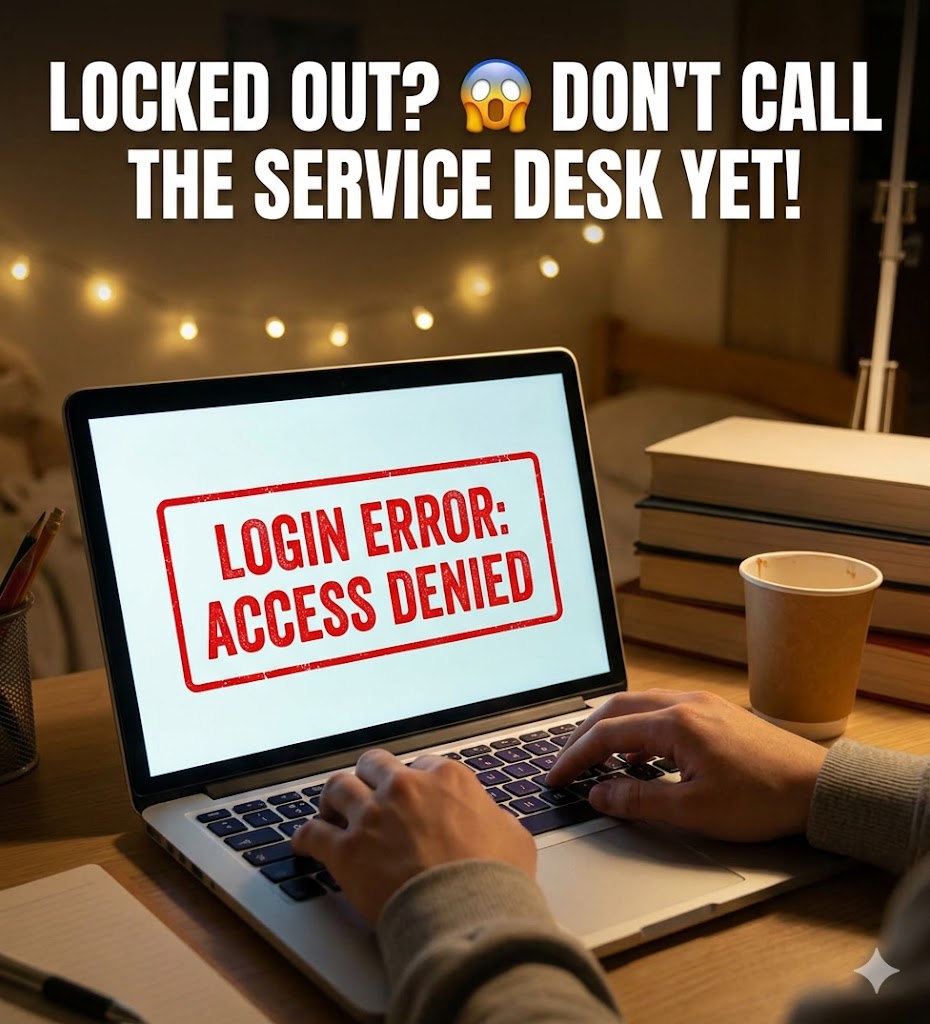
ALT A laptop with an error message, "Login Error: Access Denied". The title is "Locked out? Don't call the service desk yet!"
ALT Communicating with Confidence. Master the art of clear, impactful conversations.
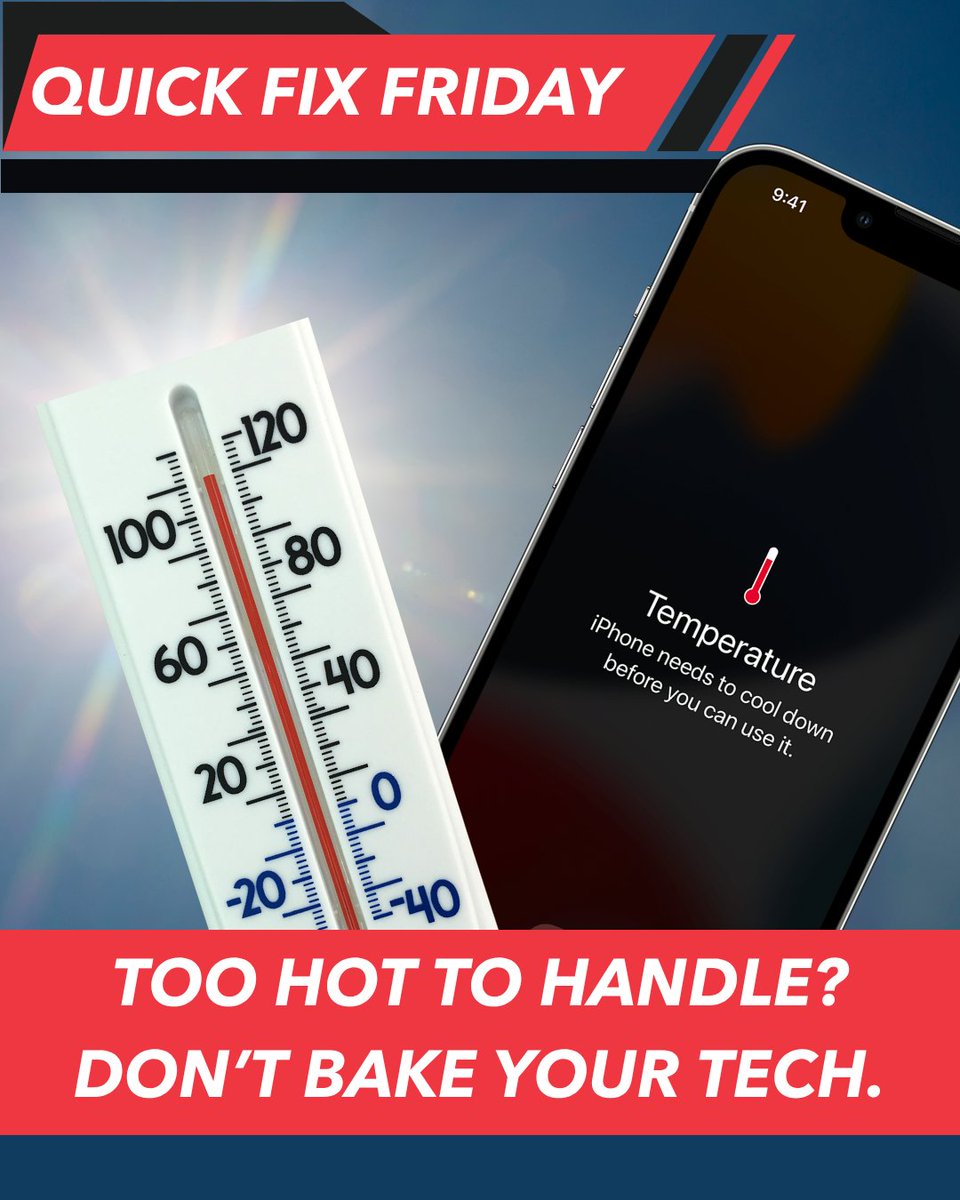
ALT Photograph showing a thermometer reading around 110 degrees Fahrenheit next to an iPhone screen displaying a temperature warning message advising the device needs to cool down before use. The image emphasizes the risk of overheating electronic devices with bold text stating "Too hot to handle? Don't bake your tech."
ALT Let AI do the heavy lifting. Maximize your downtime. Work faster, play longer.
ALT Success Cat Says: Writing a paper? Stop typing. Start talking. Tech Tips for Success.
ALT Graphic poster titled "Service Shoutout" highlighting "Maymester Moves Fast!" with icons for OneDrive and Google Drive representing cloud backup services. It encourages backing up data to the cloud and provides a support link for College of Charleston Information Technology.
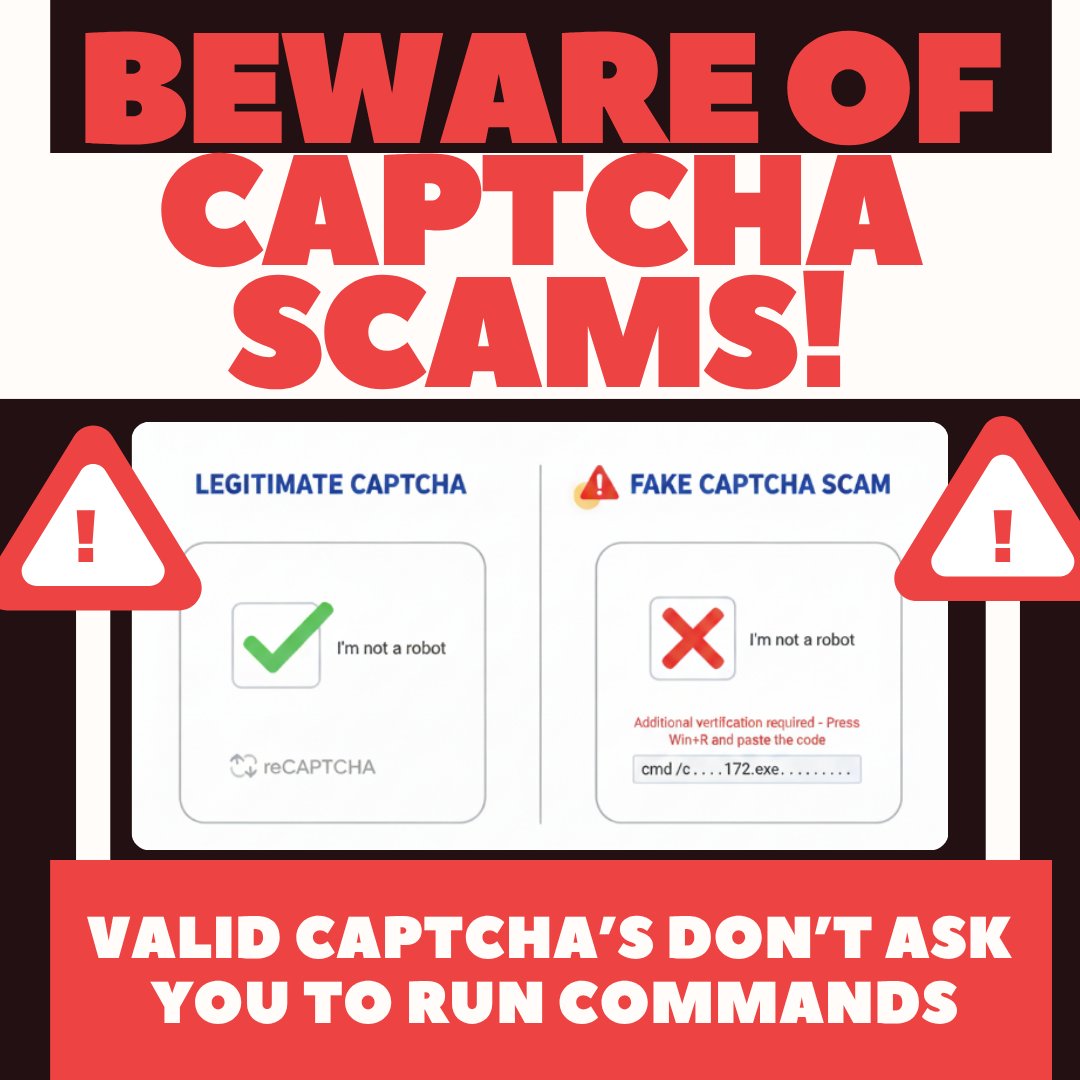
ALT Warning poster comparing legitimate and fake CAPTCHA prompts to alert users about CAPTCHA scams. Legitimate CAPTCHA shows a green checkmark with "I'm not a robot" and reCAPTCHA logo, while fake CAPTCHA displays a red X, a prompt to run commands, and a warning that valid CAPTCHAs never ask to run commands.

ALT 1. Go to our Outlook SETTINGS. 2. Choose Mail 3. Choose COMPOSE AND REPLY. 4. Under MESSAGE FORMAT, make your font a SANS-SERIF font (the ones without the little legs) and make your font size 14. 5. Click SAVE.
ALT New Update - Microsoft Teams
ALT Is your feed a Mirror or a Window?