Banter merchant 🗣️ | Cruise connoisseur 🚢 | Random tweets & good vibes only ✨
Joined January 2022
- Tweets 12,963
- Following 2,221
- Followers 2,179
- Likes 26,757
1,622 Photos and videos





Pinned Tweet

Jun 13
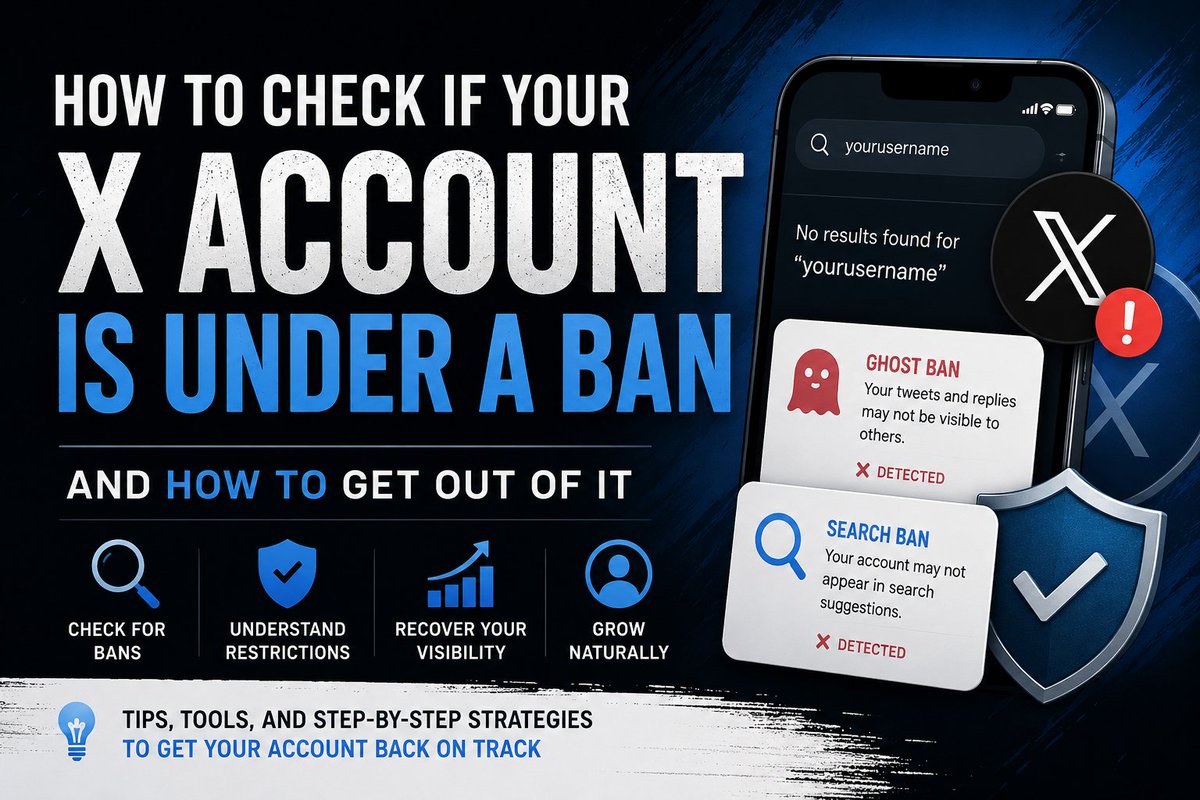
How to Check If Your X Account Is Under a Ban and How to Recover From It
If your engagement suddenly drops, your replies stop getting seen, or people can't find your account in search, you may be dealing with a restriction on X (formerly Twitter).
Many creators panic when this happens, but the first step is understanding what type of restriction you're facing and how to fix it.
Common Types of X Restrictions
1. Search Suggestion Ban
This happens when your account doesn't appear in X's search suggestions when users type your username.
2. Ghost Ban
Your tweets or replies become difficult for other users to discover. You may still be posting normally, but your visibility is heavily reduced.
3. Reply Deboosting
Your replies may be hidden under "Show More Replies" or ranked lower than normal, reducing the chances of people seeing them.
4. Temporary Account Restrictions
X may temporarily limit your reach if it detects behavior that appears spammy or violates platform rules.
How to Check If Your Account Is Banned
Method 1: Use a Shadowban Checker
One of the most popular tools is:
shadowban.yuzurisa.com
Simply enter your X username and the tool will check for common restrictions such as:
- Search Suggestion Ban
- Search Ban
- Ghost Ban
- Reply Deboosting
Method 2: Search for Your Account
Log out of X or use an account that doesn't follow you.
Search for your username and display name.
If your account doesn't appear in search suggestions, you may have a search suggestion ban.
Method 3: Test Your Replies
Reply to a popular tweet.
Then ask a friend who doesn't follow you to check whether they can easily see your reply.
If it's hidden under additional replies, you may be experiencing reply deboosting.
Method 4: Check Account Status
Navigate to:
Settings → Your Account → Account Status
If X has applied any visible restrictions, you'll usually find information there.
How to Recover From a Search Suggestion Ban or Ghost Ban
Stop Spam-Like Activity
For a few days, avoid:
- Mass following and unfollowing
- Repetitive comments
- Copy-and-paste replies
- Excessive hashtag use
- Posting the same content repeatedly
Verify Your Account
Make sure:
- Your email is verified
- Your phone number is verified
- You have a profile picture
- Your bio is completed
Focus on Original Content
Instead of chasing engagement, create:
- Original tweets
- Thoughtful replies
- Genuine conversations
Remove Low-Quality Content
If you've recently posted spammy promotions, repetitive tweets, or suspicious links, consider deleting them.
Avoid Third-Party Automation Tools
Disconnect any tool that automatically likes, follows, comments, or sends DMs on your behalf.
Reduce Activity Temporarily
Many users recover faster by slowing down for 48–72 hours instead of increasing their posting frequency.
Be Patient
Most search suggestion bans and ghost bans are temporary. If you stop the behavior that triggered the restriction, your account often returns to normal within a few days or weeks.
Final Thoughts
The biggest mistake creators make after getting banned is trying to force engagement through more posting, more replies, and more aggressive growth tactics.
In most cases, the fastest way out is to act naturally, post quality content, engage genuinely, and give the system time to restore trust in your account.
Sometimes the best growth strategy is simply proving that you're a real person.
4
3
23
1,602

Jacc retweeted

22m
Another day to get your desired footwears from me.😚
Active to take orders.🤭
1
2
3
16
Jacc retweeted

Uni hostel is a crazy place mehn. 😂
You fit just enter person room make you see am dey chop egusi and bread.
2
2
8
18m
As you dey try grow your X account, avoid anything wey go carry you go ban most especially "search suggestion ban" that one na purgatory.
3
1h
This midget scored a hatrick 🥲 I'm really pained

3
9
Jacc retweeted

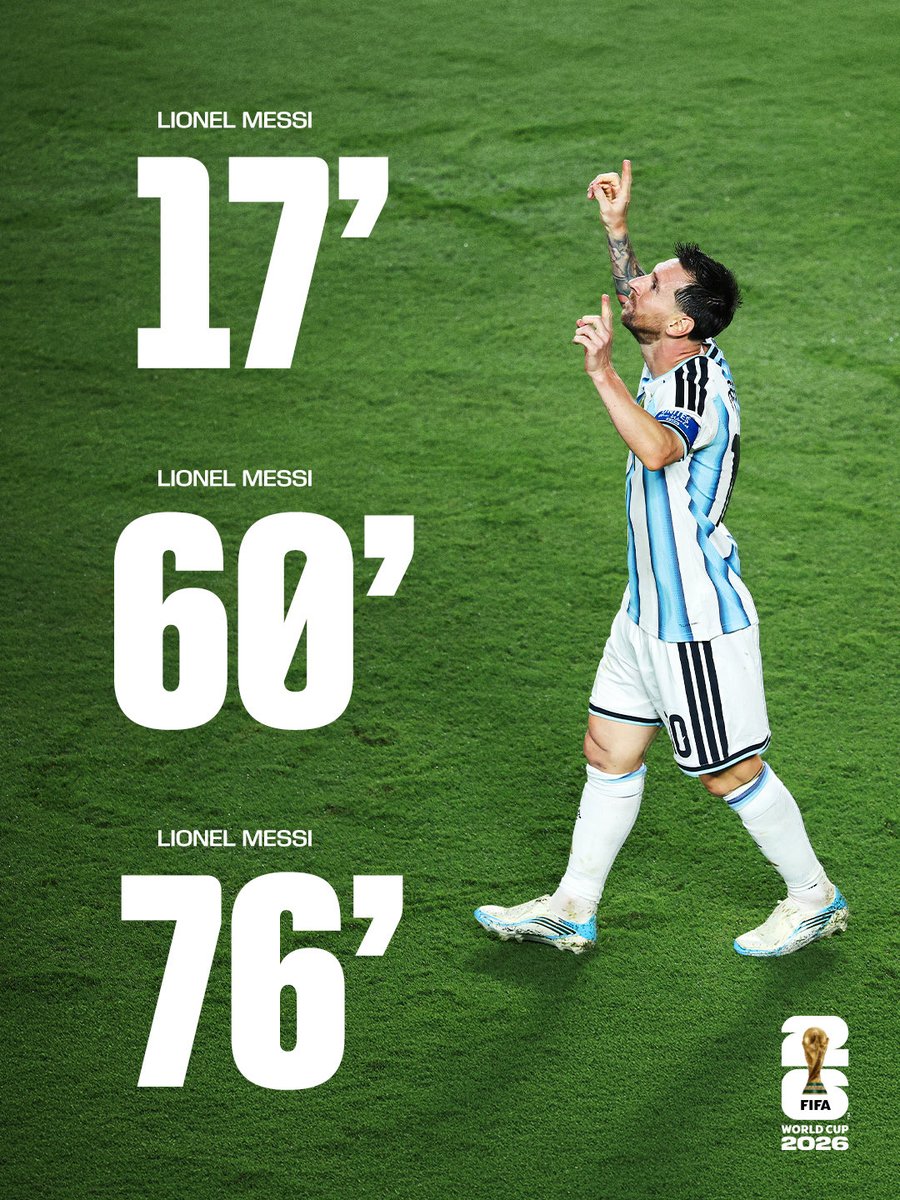
🚨🇦🇷 LEO MESSI HAT-TRICK ON OPENING 6TH WORLD CUP GAME.

4,191
29,188
247,036
2,683,442
Jacc retweeted
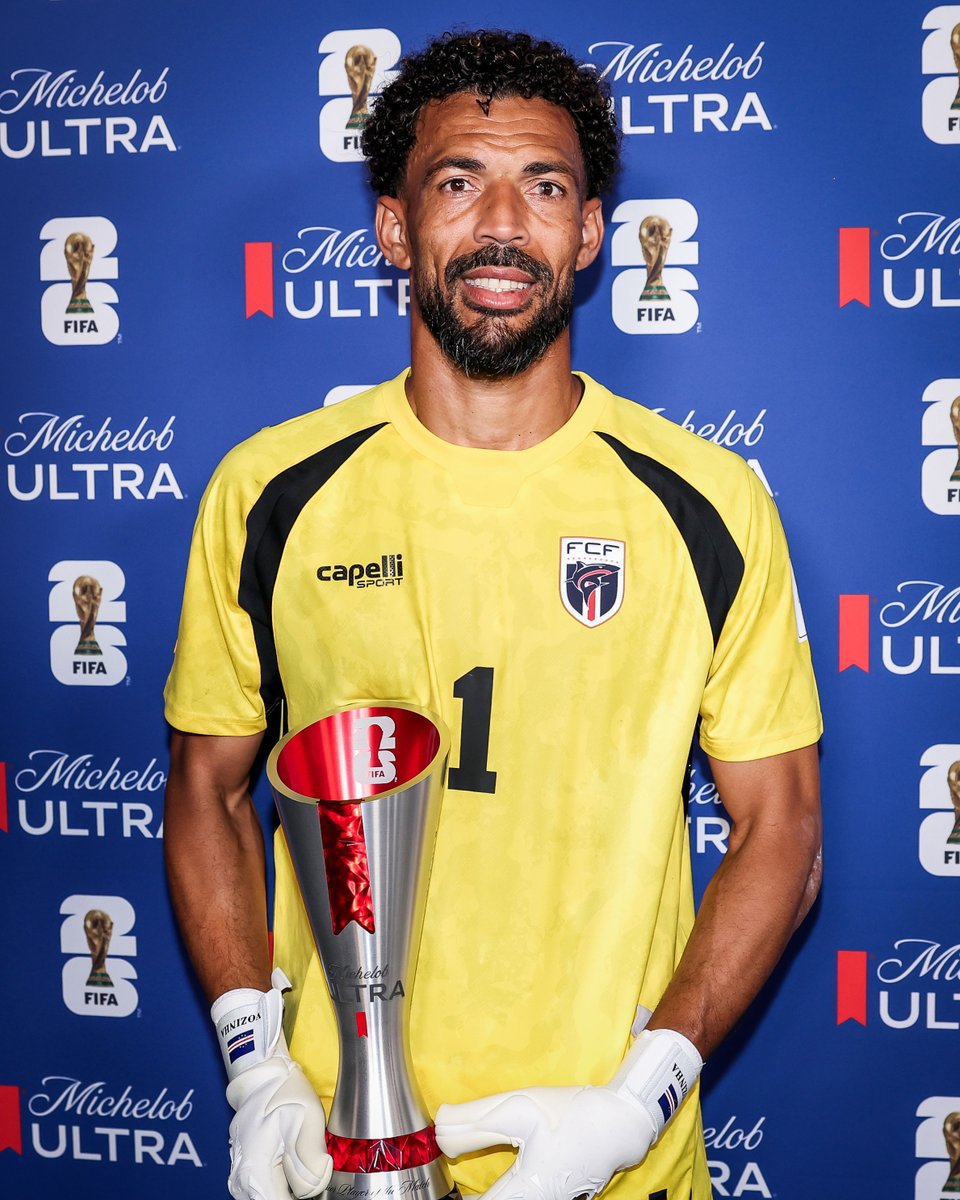
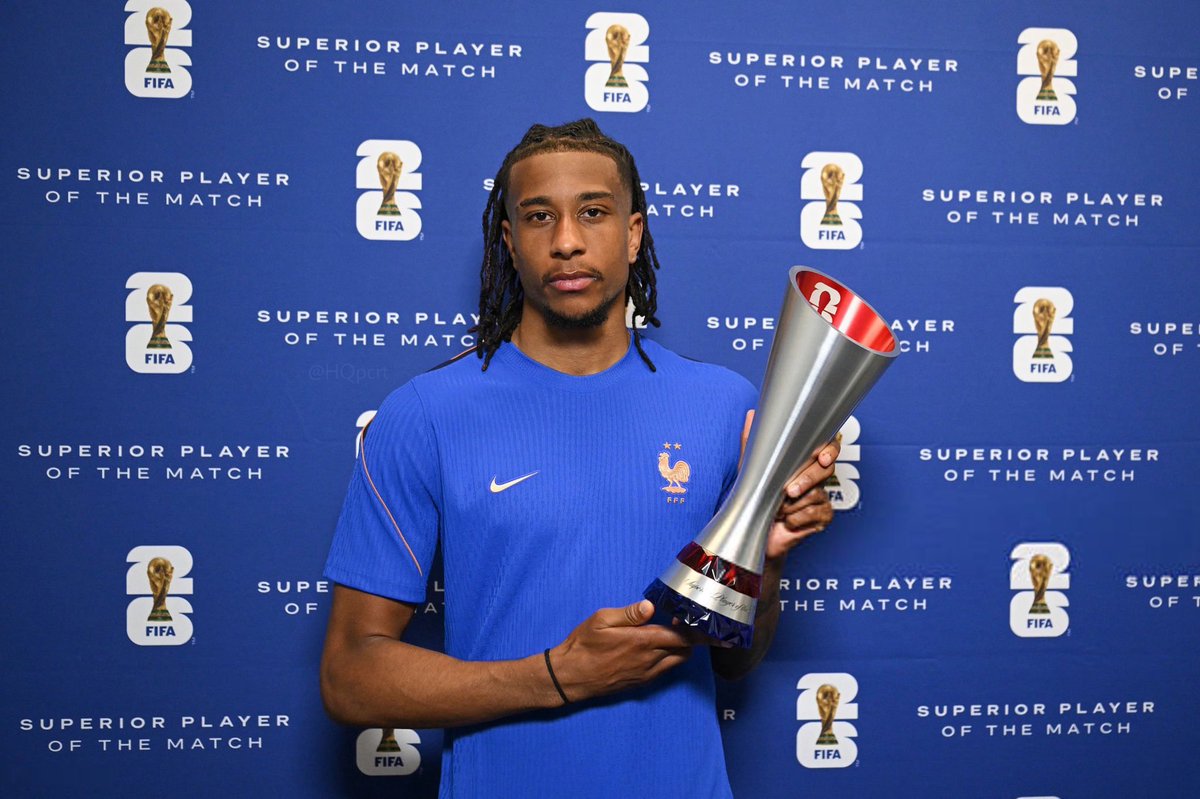
🚨🇫🇷 OFFICIAL: Michael Olise, FIFA Man of the Match on his World Cup debut.
✨ 1 assist
👌🏼 100% shot accuracy, 2/2
🧞♂️ 14 passes into final third
🛡️ 6/9 ground duels won
🧠 4 chances created
💥 2 big chances created
🍿 2/3 successful dribbles
2,192
7,917
101,563
2,544,826
Jacc retweeted
Jun 13
STOP UNFOLLOWING PEOPLE AT NIGHT
STOP UNFOLLOWING PEOPLE AT NIGHT
STOP UNFOLLOWING PEOPLE AT NIGHT
STOP UNFOLLOWING PEOPLE AT NIGHT
STOP UNFOLLOWING PEOPLE AT NIGHT
1
1
5
30
Jacc retweeted
Jun 5
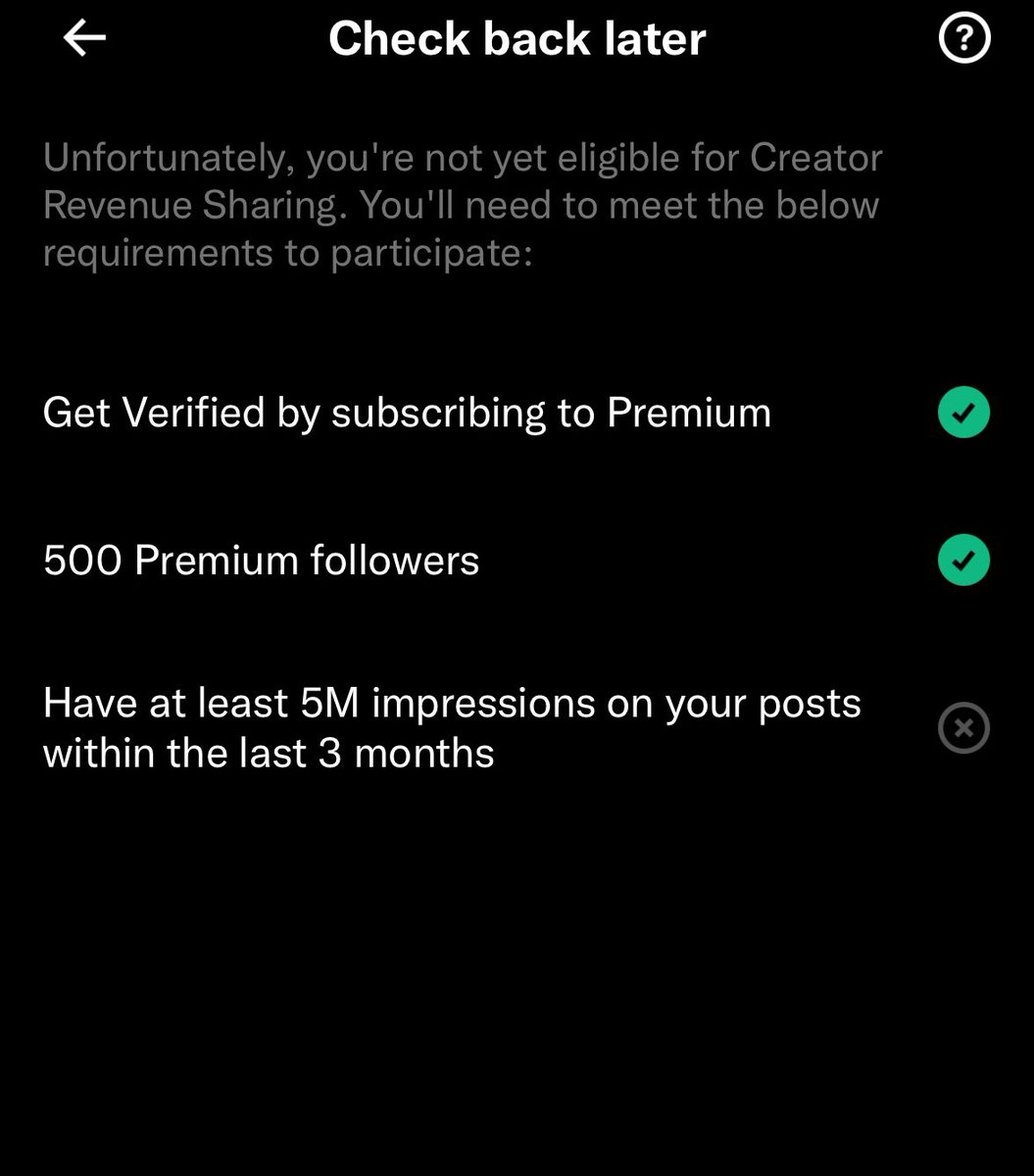
To my mutuals struggling to hit 5 million impressions:
Don't quit.
Reaching 5M impressions is arguably the hardest stage of the entire X monetization journey. Most people give up before they get there.
Keep posting. Keep experimenting. Keep engaging. Keep learning what your audience responds to.
One viral post can change everything overnight, but you'll never catch it if you've already stopped posting.
Stay consistent. Your breakthrough tweet might be the next one.
6
5
17
434
Jacc retweeted
Jun 5
One thing about people who are so loving, caring and forgiving.Once they dislike you, you've lost them forever.
3
2
6
124
Jacc retweeted
Jun 11
To the 5 people that engage my tweets, I notice you and I appreciate you very much ❤️ I will surprise you
3
3
5
48

Jacc retweeted
Jun 5
Verified accounts unfollowing unverified accounts 😂💔
11
6
25
248