
115 Photos and videos


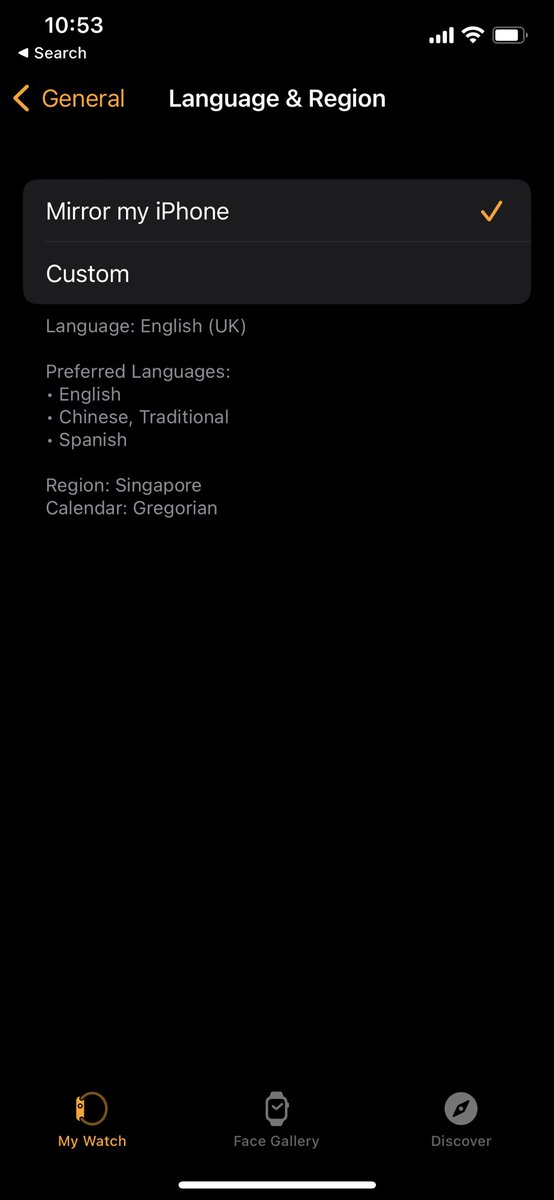

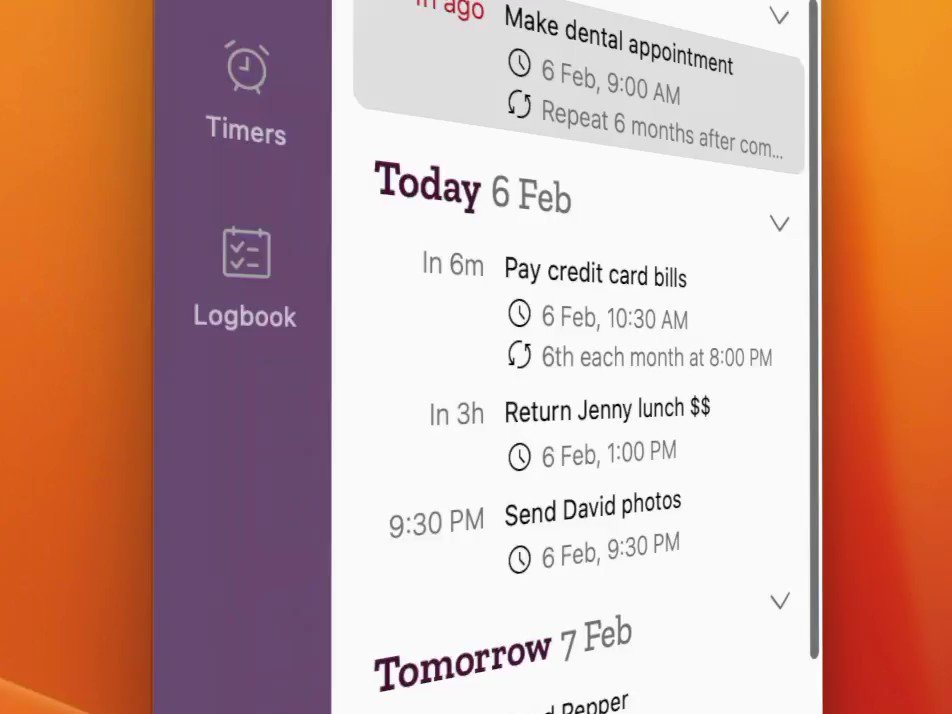

I need help to refine some of Due's existing translations. Please find your language here and share your feedback if you’d like to help out: dueapp.com/localization/
6
517
Due 25.5 is now live with prominent alerts for timers. Rolling out this week, or update manually: dueapp.com/download/
Also updated the icon for iOS 26 Liquid Glass, and I may have finally nailed an intermittent crash-on-launch bug with a user’s help!
10
1,014
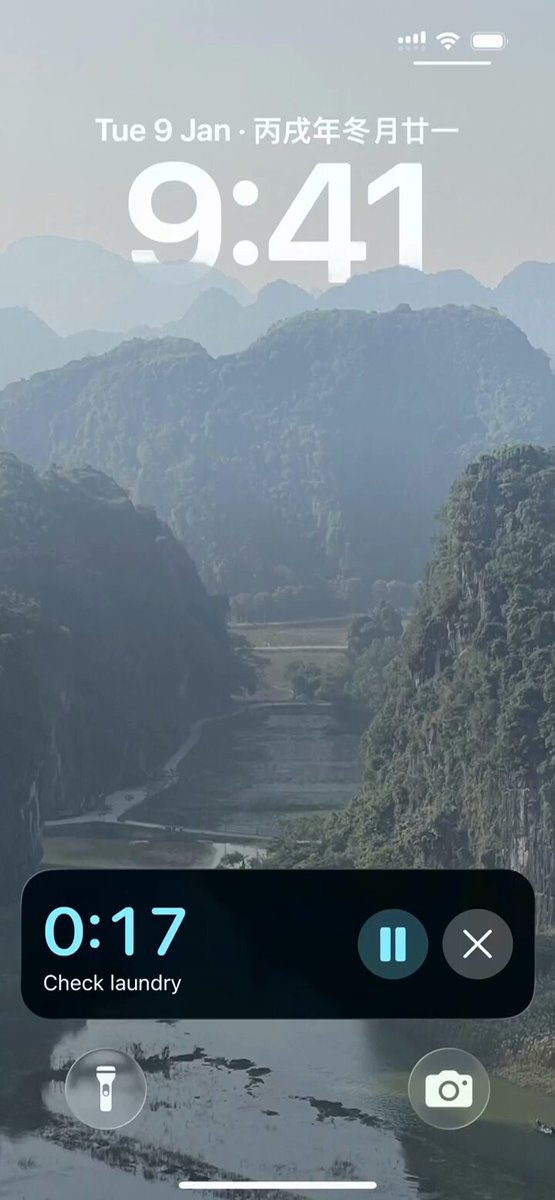
October’s wrapping up, and the alarms update needs a bit more work — aiming for November now. Timer alarms (with Live Activity Dynamic Island) will ship first, followed by reminder alarms later. Moving fast — support replies may be slower! Meanwhile, here’s a sneak peek.
1
13
1,163
Due macOS 26 build is ready and should be out by Monday. On iOS 26, the full redesign was too big for this summer—so an update is planned for October with refreshed icons an option to fire alarms instead of notifications. The current iOS version already works great on iOS 26.
3
1
19
2,666
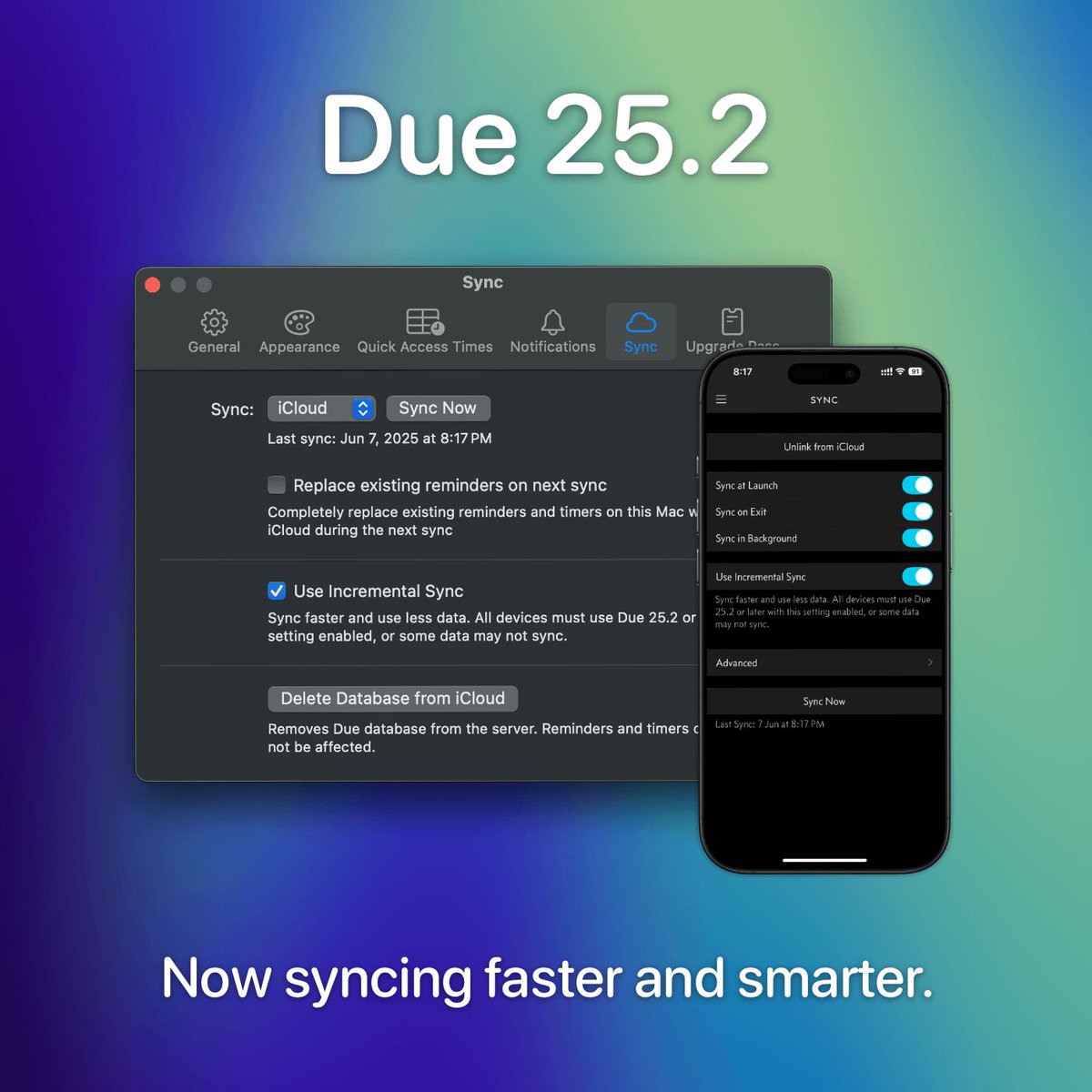
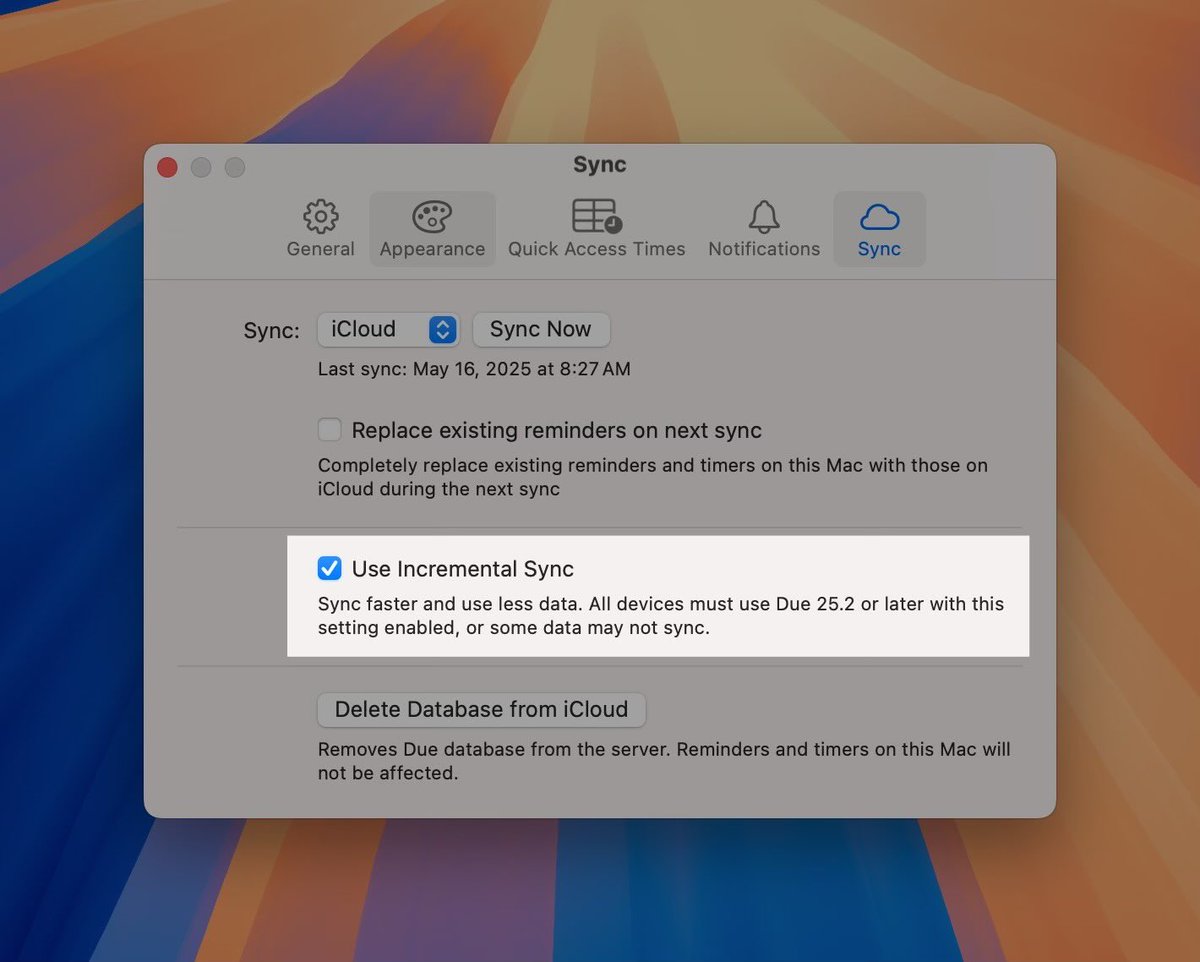
Been working on sync improvements for a while now. Looking for testers to ensure classic sync engine is working as before, and the incremental sync works correctly. If you’d like to help, contact me via iOS/macOS Due > Help > Email with the subject “Incremental Sync Testing.”
1
10
1,118
Due retweeted

24 Dec 2024
@dueapp it’ll be 14 years with the Due iPhone app on 1/28/25. Don’t know how I could get along without you. Thank you.
2
2
19
1,202
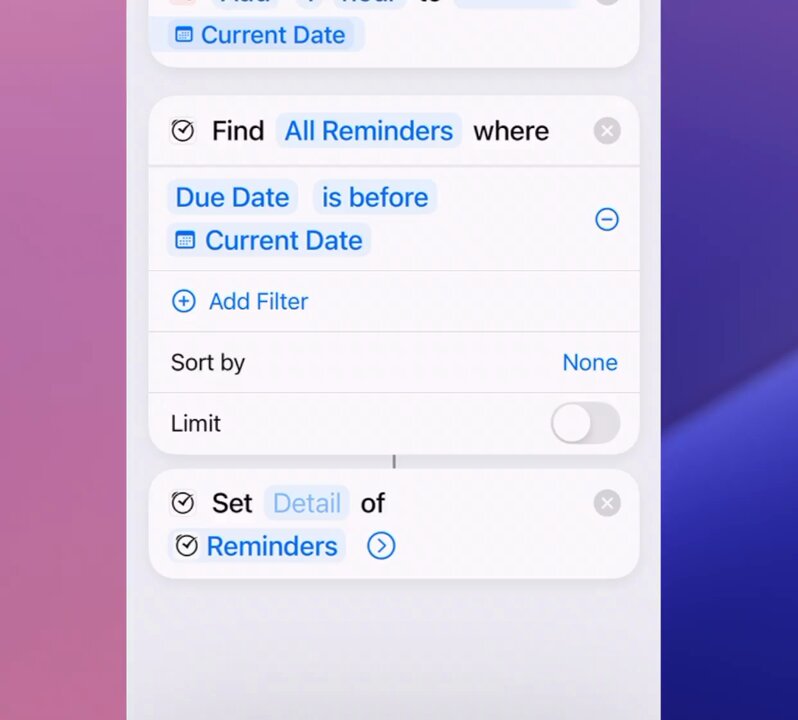
Here’s how you can postpone your Due reminders on iOS in bulk using the new ‘Edit Reminders’ action: youtu.be/OARZPE53rCc
1
9
1,631
Due 24.2 for iOS is now available on the App Store. Fixed keyboard access and introduces a new setting: dueapp.com/blog/notification…
1
4
1,955
Due retweeted

9 Feb 2024
NEW - How I Use Reminders To Stop Forgetting Things (And Why I Use @dueapp)
youtube.com/watch?v=CnzeVjNP…

1
3
8
1,612
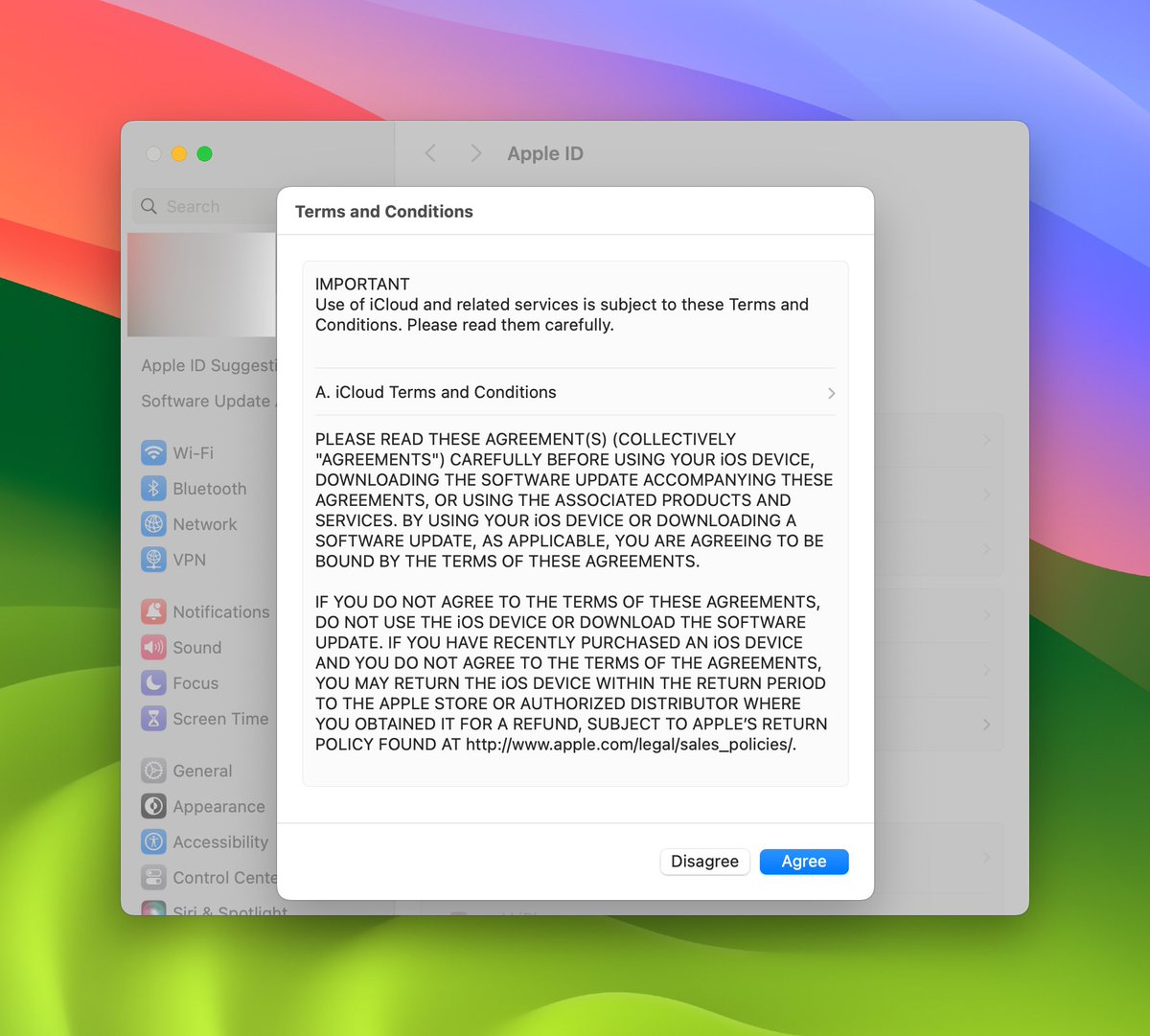
Now, you can selectively enable critical alerts for the reminders you can’t afford to miss.
Selective critical alerts is now available in Due 23.3: dueapp.com/download
13
3,339
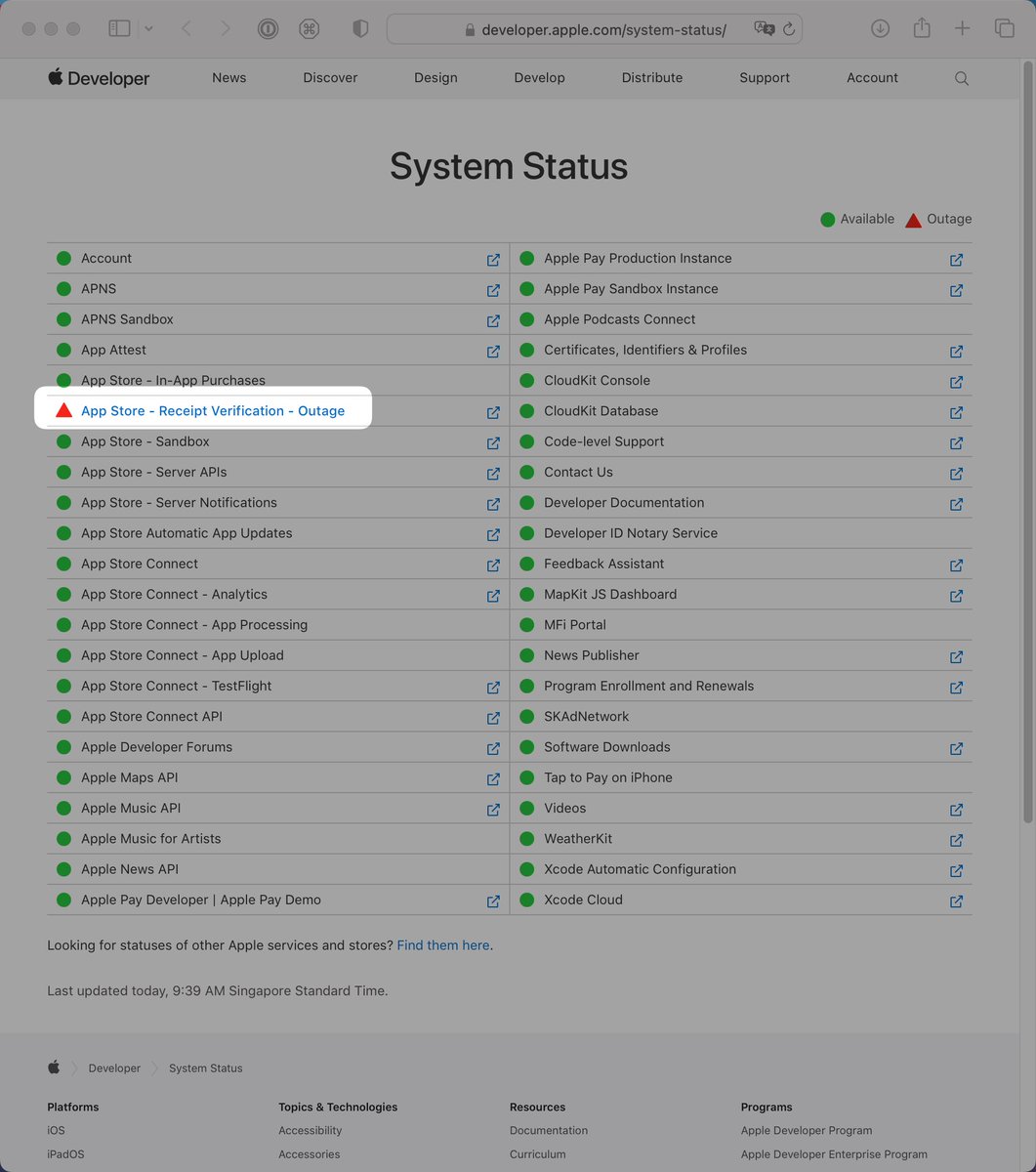
Due 23.2 for iOS is now available on the App Store. This should fix the unintended loss of access to features and prevent similar incidents in future: dueapp.com/download/
I’m still working on an update for Mac.
Sorry for the inconvenience that this has caused all of you. 🙇🏻♂️
1
1
8
1,970