
758 Photos and videos
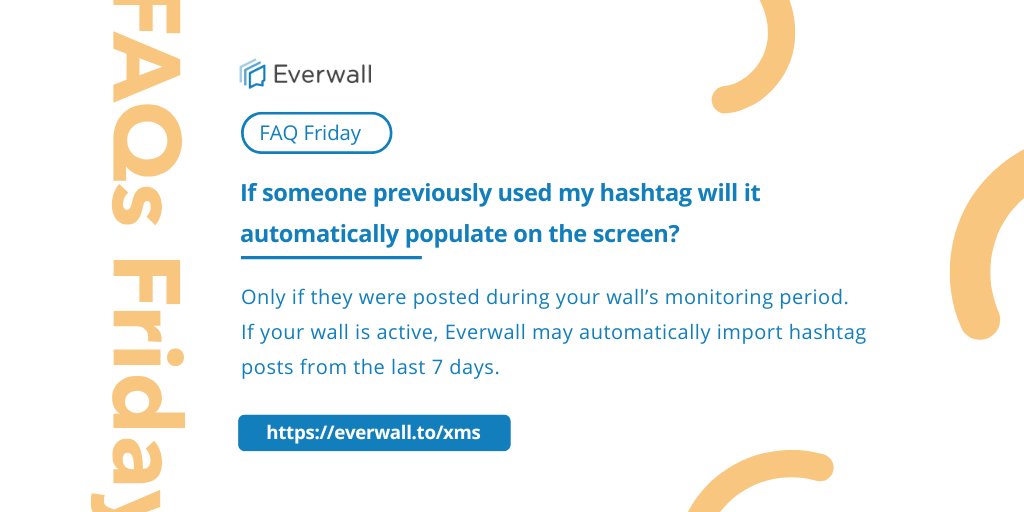



Hashtag posts only auto-populate if they were posted during your wall’s monitoring period. Older content can be imported manually.
➡️ everwall.to/xms
#EventTech #SocialWall #EventHashtag #EventMarketing #Everwall
3
Your attendees already created valuable content during the event.
The real opportunity is giving that content a second life after the event ends.
#EventPlanning #UGC #EventContent #CommunityBuilding #Everwall
everwall.to/mqk
26
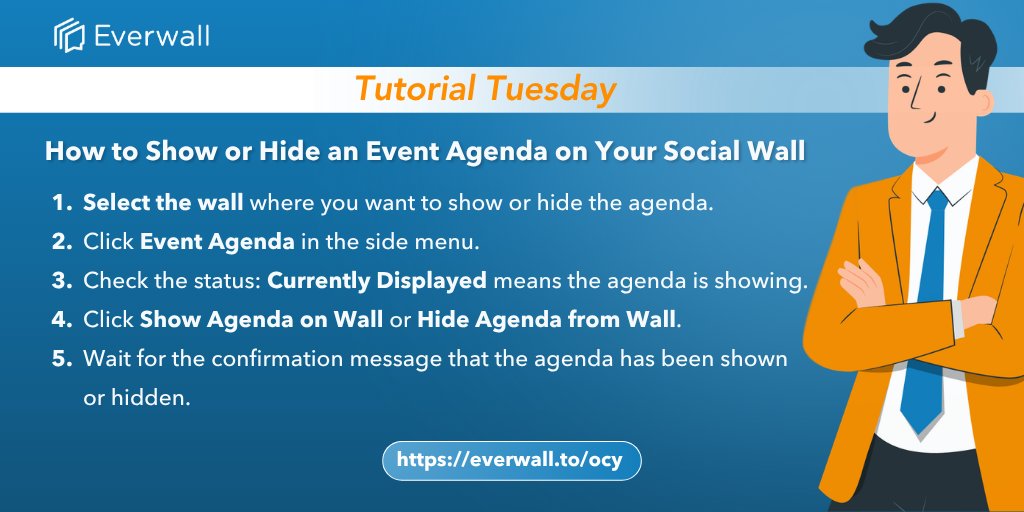
Show your event agenda when attendees need it, then hide it when they don’t.
Everwall makes it easy to control when your agenda appears on your Social Wall.
➡️ everwall.to/ocy
#EventTech #EventPlanning #SocialWall #EventAgenda #LiveEvents
3
Event engagement works best when the format matches the moment.
Live event? Use a social wall.
Office or lobby? Use digital signage.
Website? Use a social media hub.
➡️ everwall.to/68d
#SocialWall #EventProfs
everwall.to/68d
5
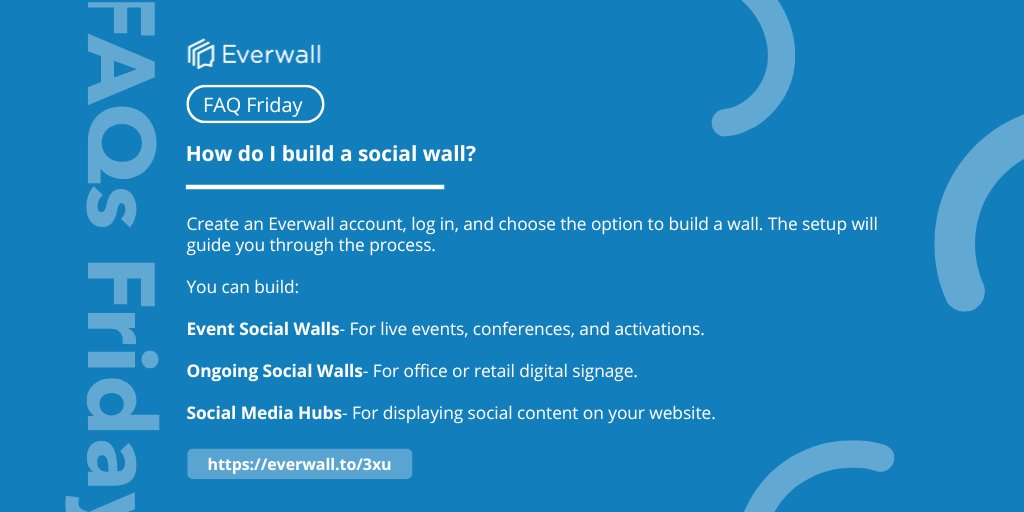
Create an Everwall account, choose your wall type, and follow the guided setup. You can build, save, and test before purchasing.
➡️ everwall.to/3xu
#EventTech #SocialWall #EventProfs #DigitalSignage #Everwall
2
Most events do not have an engagement problem. They have a planning problem.
Create clear prompts, choose the right channels, and make participation easy.
#EventStrategy #EventPlanners #LiveEvents #EventTech #AudienceParticipation
everwall.to/0di
4
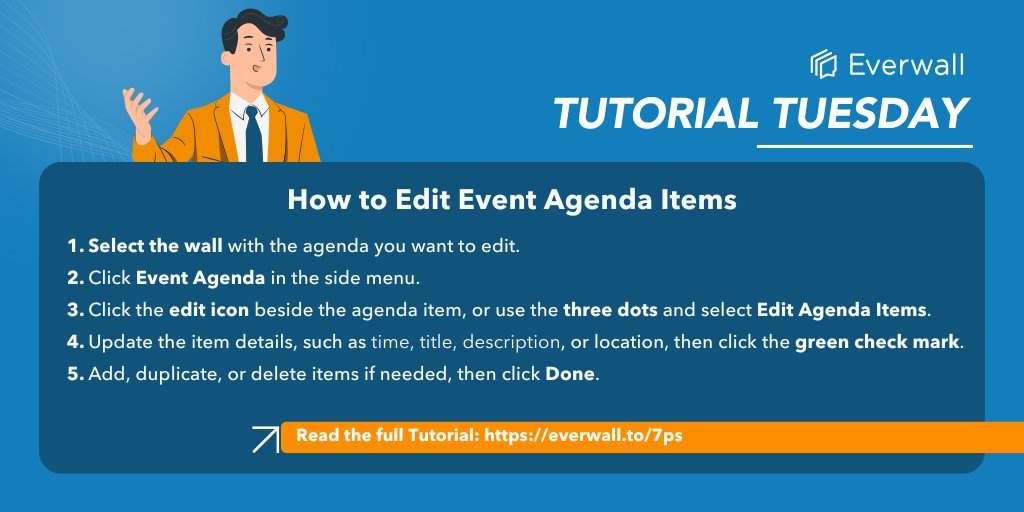
Need to update your event schedule?
Everwall lets you edit agenda items and show updates instantly on your Social Wall — no refresh needed.
➡️ everwall.to/7ps
#EventTech #EventPlanning #EventAgenda #SocialWall #EventManagement
9
The event is over. The engagement does not have to be.
Use the first 7 days to thank attendees, share highlights, publish a recap, request feedback, and keep the momentum going.
➡️ everwall.to/mqk
#EventProfs #PostEventEngagement #Everwall
everwall.to/mqk
2
Sharing one login with multiple moderators can get messy. Separate user accounts keep moderation organized and avoid duplicate post reviews.
➡️ everwall.to/rdx
#EventTech #SocialWall #EventProfs #Everwall #EventModeration
4
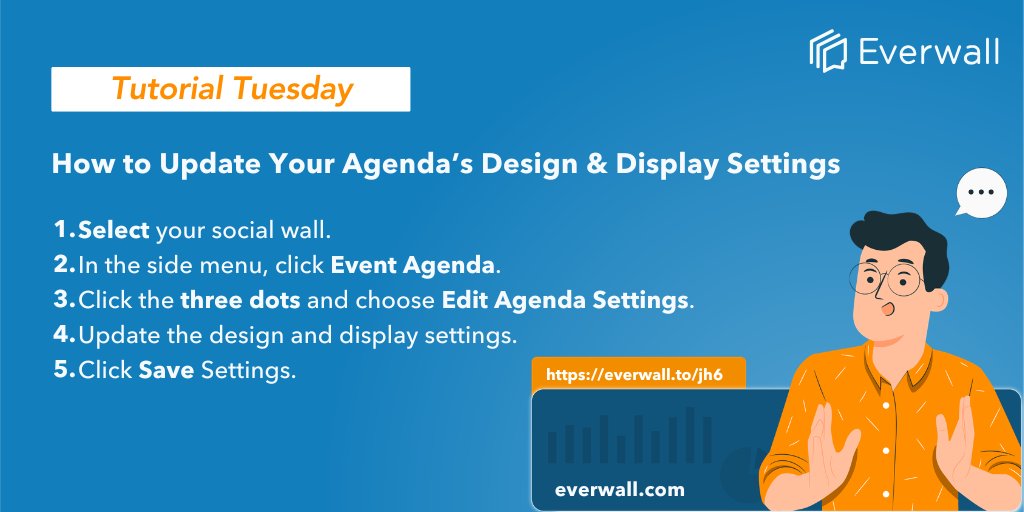
Your agenda can match your event branding too.
Update fonts, colors, layout, and display settings in #Everwall, then preview how it will look on your social wall.
➡️ everwall.to/jh6
#EventTech #EventPlanning #DigitalSignage #SocialWall #EventAgenda
8
Engagement does not happen by accident.
A simple event engagement plan helps attendees know when to participate, what to share, and why it matters.
➡️ everwall.to/0di
#EventEngagement #EventPlanning #EventProfs #SocialWall
everwall.to/0di
9
One Everwall account can manage multiple social walls.
➡️ everwall.to/fem
#FAQFriday #EventTech #SocialWall
2
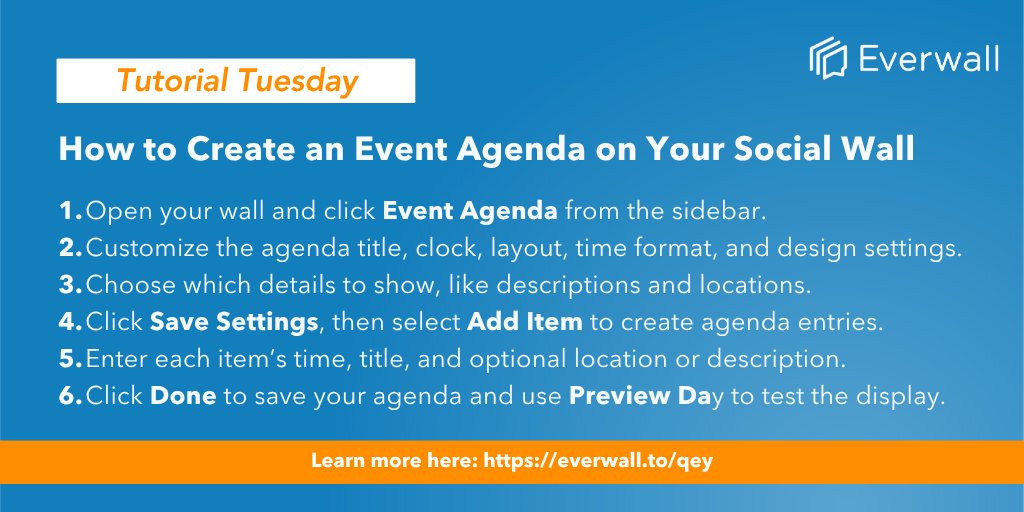
Create and display your event schedule in real time with Everwall’s Event Agenda feature 🗓️
Add session times, titles, locations, and customize the design to match your event experience.
➡️ everwall.to/qey
#EventTech #LiveEvents
8
5
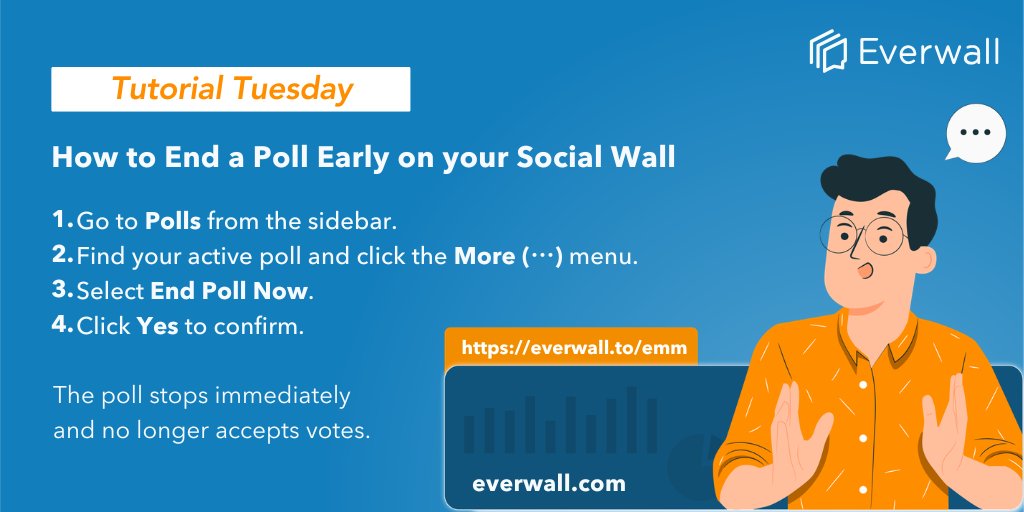
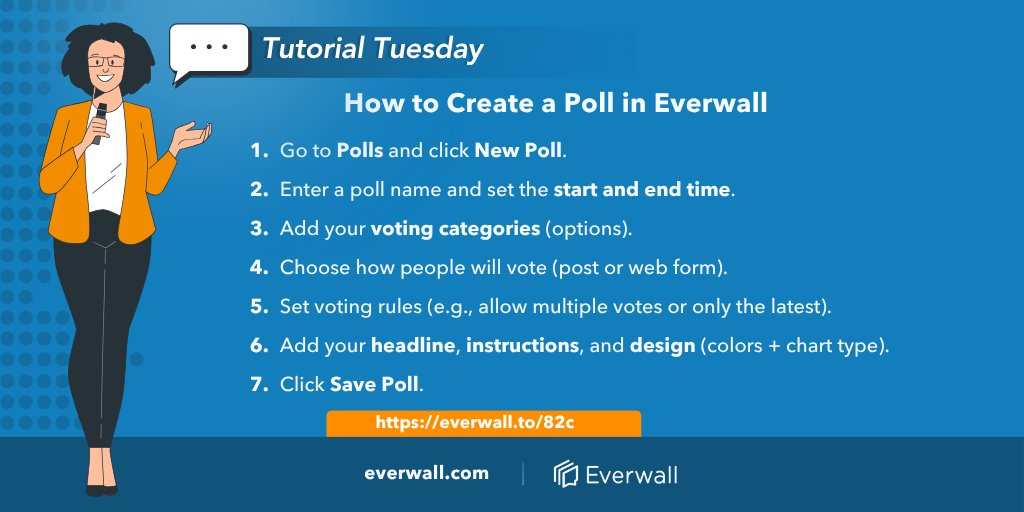
End your poll on your social wall anytime ⏱️
• Click More (⋯)
• Select “End Poll Now”
• Confirm
Voting stops instantly—results stay 🔥
➡️ everwall.to/emm
#EventTech #SocialWall
2
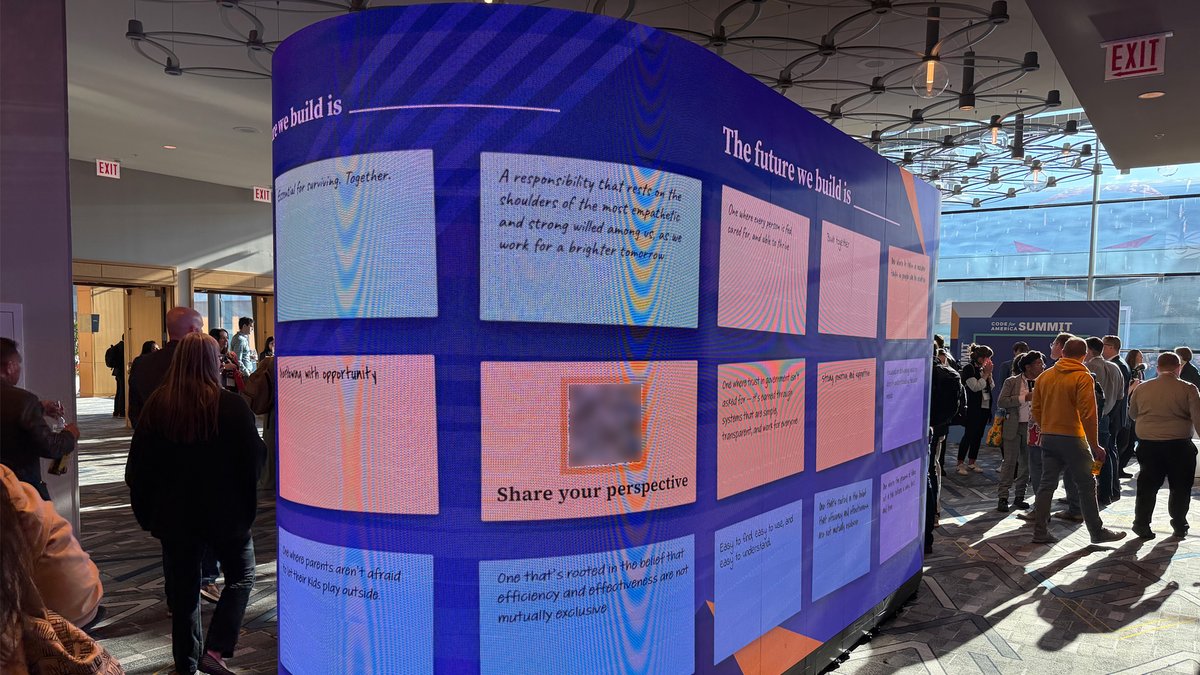
Most Everwall social walls pull from X, Instagram, and LinkedIn. For #CfASummit, the team used Everwall Direct instead. QR code, anonymous, no social account needed. It was a privilege to help bring that vision to life.

"The future we build is ___"
Anonymous responses rolled in all day on a 360° LED at #CfASummit. No social accounts. Just a QR code and a prompt. Proud of what the @everwall team built for this one.
32
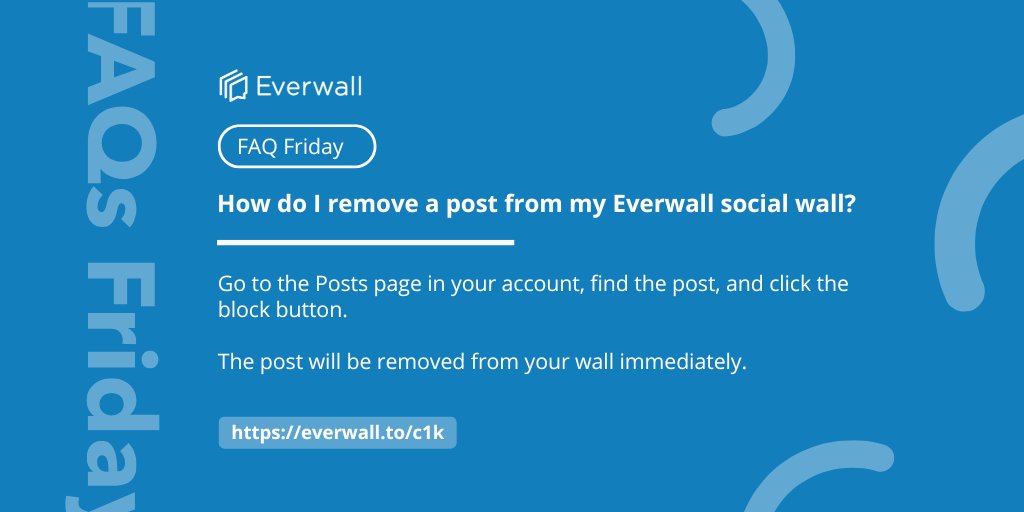
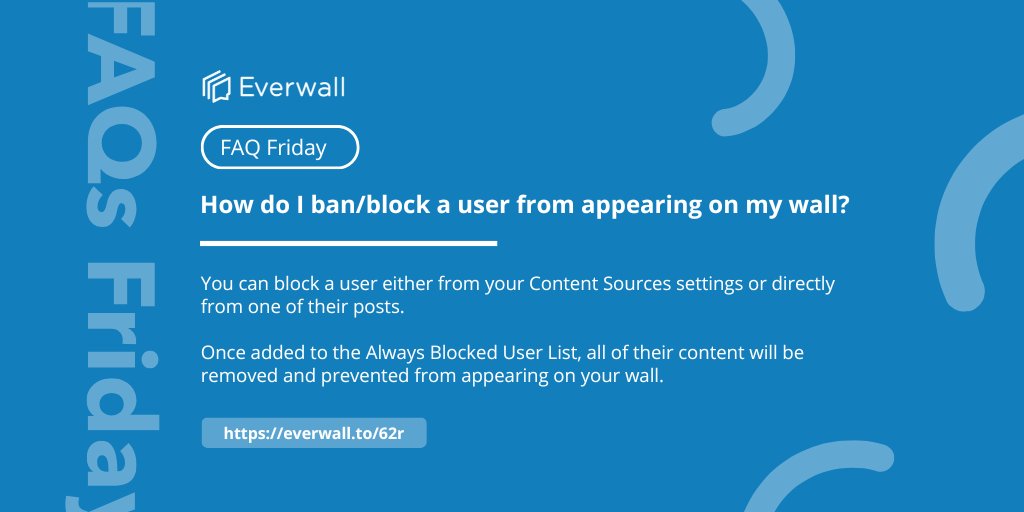
Need to remove a post?
Go to Posts → click block. Done.
➡️ everwall.to/c1k
#FAQFriday #EventTech #SocialWall
14
Control your poll visibility in seconds 👇
• Show poll on your wall
• Hide it anytime
• Run multiple polls in background
One poll displayed at a time = cleaner experience 🔥
➡️ everwall.to/j78
#EventTech #SocialWall
11
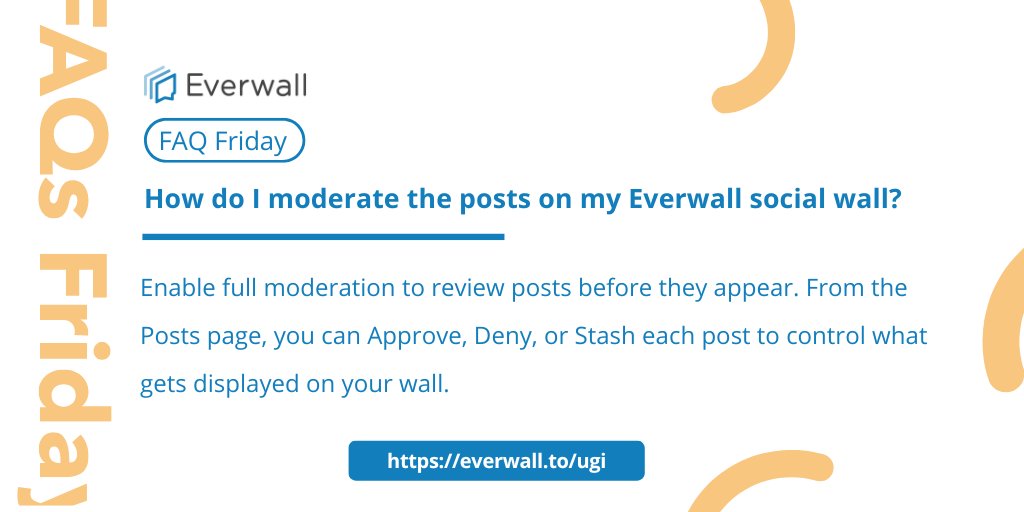
Approve, deny, or stash—moderating your Everwall social wall is quick and easy.
➡️ everwall.to/ugi
#FAQFriday #EventTech #SocialWall
6
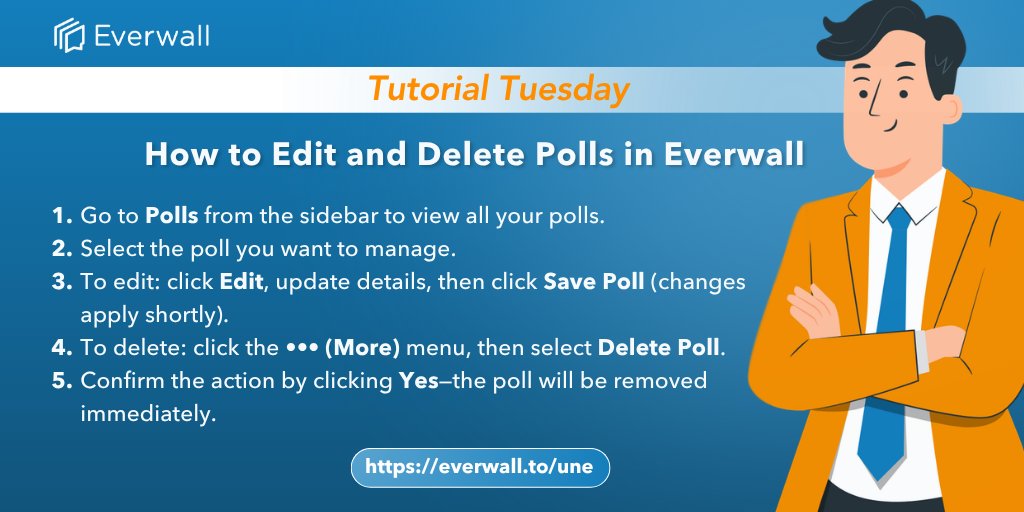
Need to update a poll?
Edit or delete it in just a few clicks with Everwall.
Fast, simple, and real-time.
➡️ everwall.to/une
#EventTech #SocialWall
10