
Empowering businesses with expert Excel & Power BI training. Boost productivity, automate reports, and master analytics. DM for workshops | #Excel #Corporate
Joined April 2024
- Tweets 1,145
- Following 51
- Followers 17
- Likes 467
580 Photos and videos











Pinned Tweet

Excel Wizardd Pulse: Power BI vs. Excel – When to Use What?
Excel is great for calculations, quick data analysis, and customized reports.
Power BI is designed for big data, automation, and interactive dashboards.
linkedin.com/pulse/excel-wiz…
1
4
796
You are using AI to generate a formula. Which prompt gives the MOST accurate result?
👉 Be honest — comment your answer.
a) “Excel formula for sales”
b) “Calculate sales”
c) “Sum sales where Region = East using SUMIFS with Date filter”
d) “Help with Excel quickly”
40
You want a list of unique customer names sorted alphabetically
and automatically updating when new data is added. What is BEST?
👉 Think — combine logic. Comment your answer.
a) UNIQUE only
b) SORT only
c) SORT(UNIQUE(range))
d) Remove duplicates sort manually
4
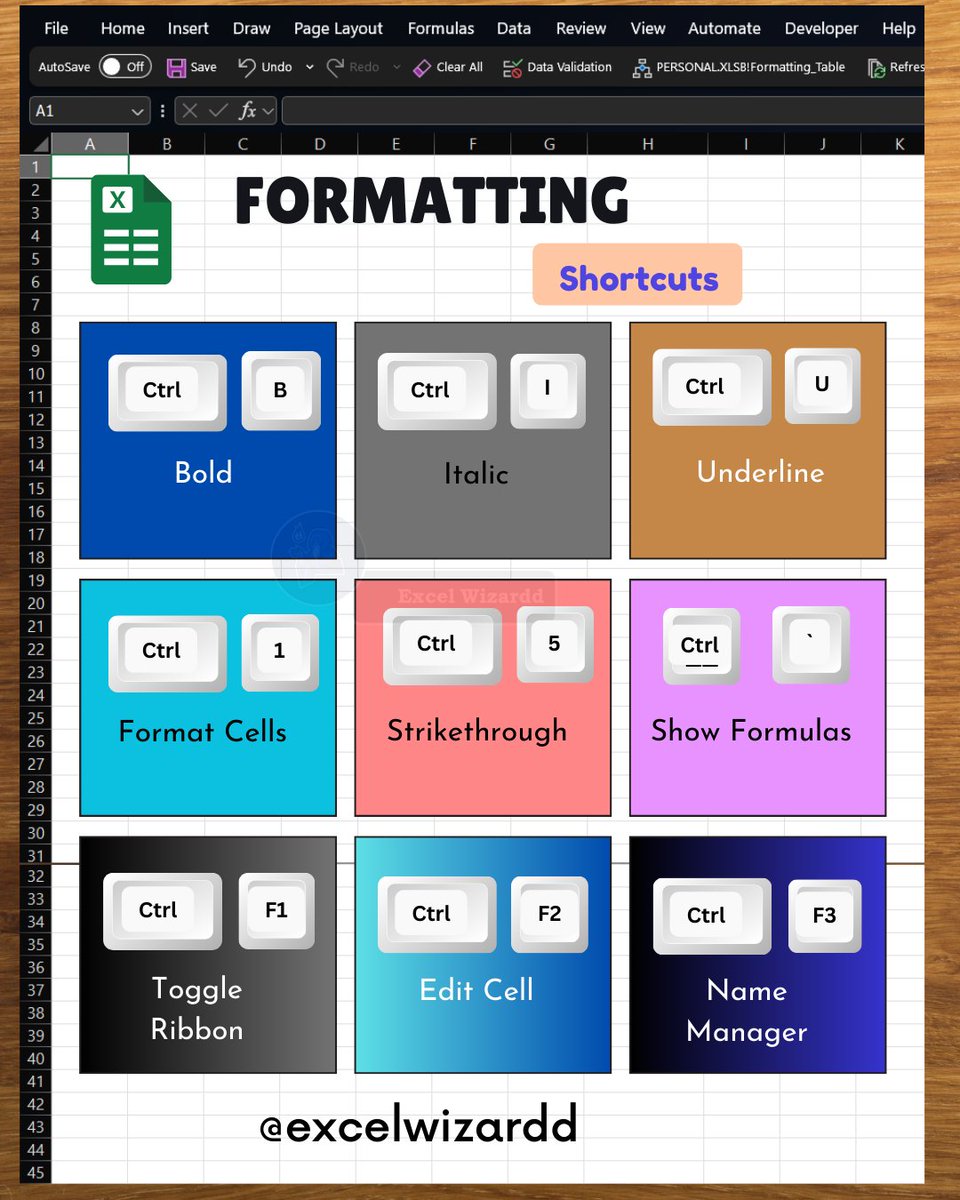
"Small shortcuts → big time savings.
Here’s your daily Excel boost—master faster, work smarter.
Follow @excelwizardd for more productivity hacks!
@microsoft @microsoft365 @excelwizardd
#ExcelWizardd #LearnExcel #ExcelTips #Productivity #MicrosoftExcel"
4
You want to check if a Product exists in another list and return TRUE/FALSE.
Which is the MOST reliable approach?
👉 Don’t rush — comment your answer.
a) IF with direct comparison
b) COUNTIF(range, value)>0
c) MATCH without error handling
d) FILTER function
1
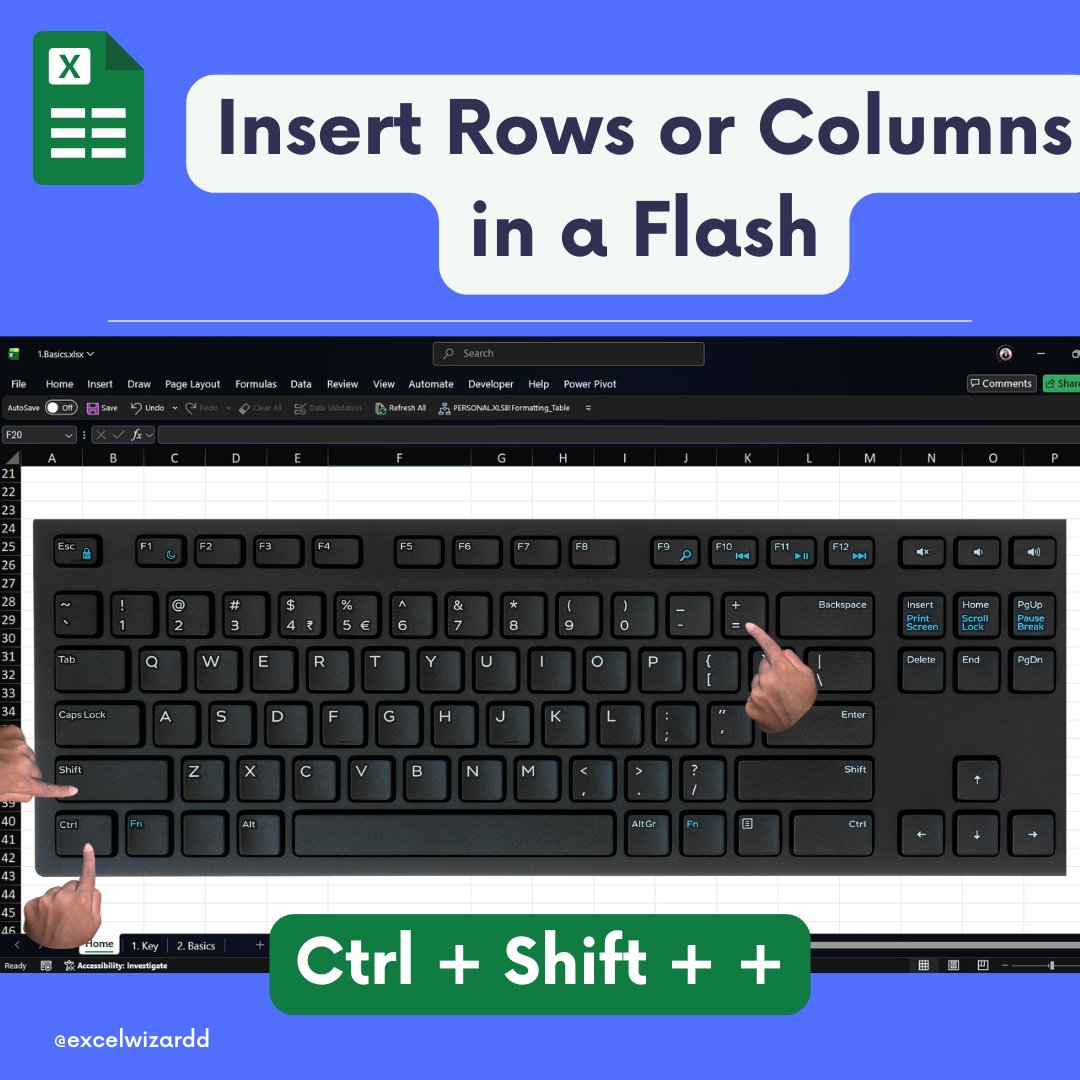
"Excel has powerful features most people never use.
This is one of them.
Save it, share it, and work smarter.
1 on 1 Training : zurl.co/WXd1B
@microsoft @microsoft365 @excelwizardd
#ExcelWizardd #ExcelIndia #ExcelProductivity #ExcelTips #MicrosoftExcel"


1
You want to learn Excel faster using AI instead of just getting answers.
What is the best approach?
a) Ask only for final answers
b) Ask for explanation examples practice questions
c) Avoid AI
d) Copy paste formulas
Comment your Answer Now 👇
8
You want to automate repetitive Excel tasks like cleaning data
and combining files regularly. What is the best combination?
a) Manual work
b) Power Query AI guidance
c) Only formulas
d) Charts
Comment your Answer Now 👇
29
You got a formula from AI but it looks too complex. What should you ask next?
a) Simplify this formula
b) Delete it
c) Ignore it
d) Use it directly
Comment your Answer Now 👇
1
You want to replace VLOOKUP with a more flexible and powerful function
that works left, right, and handles errors better. What should you use?
a) INDEX MATCH
b) XLOOKUP
c) HLOOKUP
d) FILTER
Comment your Answer Now 👇
5
"Corporate truth nobody says
Comment 'EXCEL' if you relate 👇
1 to 1 👨🎓 : zurl.co/FPeBZ
@excelwizardd @microsoft @microsoft365
#ExcelWizardd #ExcelIndia #ExcelTips #OfficeLife #DataAnalysis"


3
You are analyzing a dataset and want to quickly ask questions like
“Which product has highest sales?” inside Excel itself. What helps?
a) Pivot Table only
b) Analyze Data / Copilot
c) Conditional Formatting
d) Text functions
Comment your Answer Now 👇
16
You want a dropdown list that updates automatically when new items
are added to your dataset. What is the best modern approach?
a) Static list
b) OFFSET formula
c) UNIQUE Data Validation
d) Manual update
Comment your Answer Now 👇
6
You want to apply a formula to every value in a column without dragging
and without creating extra columns. What should you use?
a) IF formula
b) MAP LAMBDA
c) VLOOKUP
d) COUNTIF
Comment your Answer Now 👇
3
You want to extract only rows where sales > 50,000 and show them
in another sheet automatically. What’s the best modern approach?
a) Copy-paste filter
b) Advanced Filter
c) FILTER function
d) Sort manually
Comment your Answer Now 👇
"Excel has powerful features most people never use.
This is one of them.
Save it, share it, and work smarter.
1 on 1 Training : zurl.co/2JIjw
@microsoft @microsoft365 @excelwizardd
#ExcelWizardd #ExcelIndia #ExcelProductivity #ExcelTips #MicrosoftExcel"


12
Your manager asks: “Explain this sales trend in simple words.”
Instead of writing manually, you want Excel to generate a summary.
What can help you?
a) Conditional Formatting
b) Copilot in Excel
c) Pivot Table
d) FILTER function
8
You receive a messy dataset and want Excel to automatically suggest
a PivotTable, charts, and insights without you doing much work.
Which feature should you use?
a) Conditional Formatting suggestions
b) Analyze Data (Ideas feature)
c) Flash Fill
d) Data Validation
1
9
"Excel has powerful features most people never use.
This is one of them.
Save it, share it, and work smarter.
1 on 1 Training : zurl.co/YZn1Y
@microsoft @microsoft365 @excelwizardd
#ExcelWizardd #ExcelIndia #ExcelProductivity #ExcelTips #MicrosoftExcel"



11
"Excel has powerful features most people never use.
This is one of them.
Save it, share it, and work smarter.
1 on 1 Training : zurl.co/rCwfO
@microsoft @microsoft365 @excelwizardd
#ExcelWizardd #ExcelIndia #ExcelProductivity #ExcelTips #MicrosoftExcel"

4
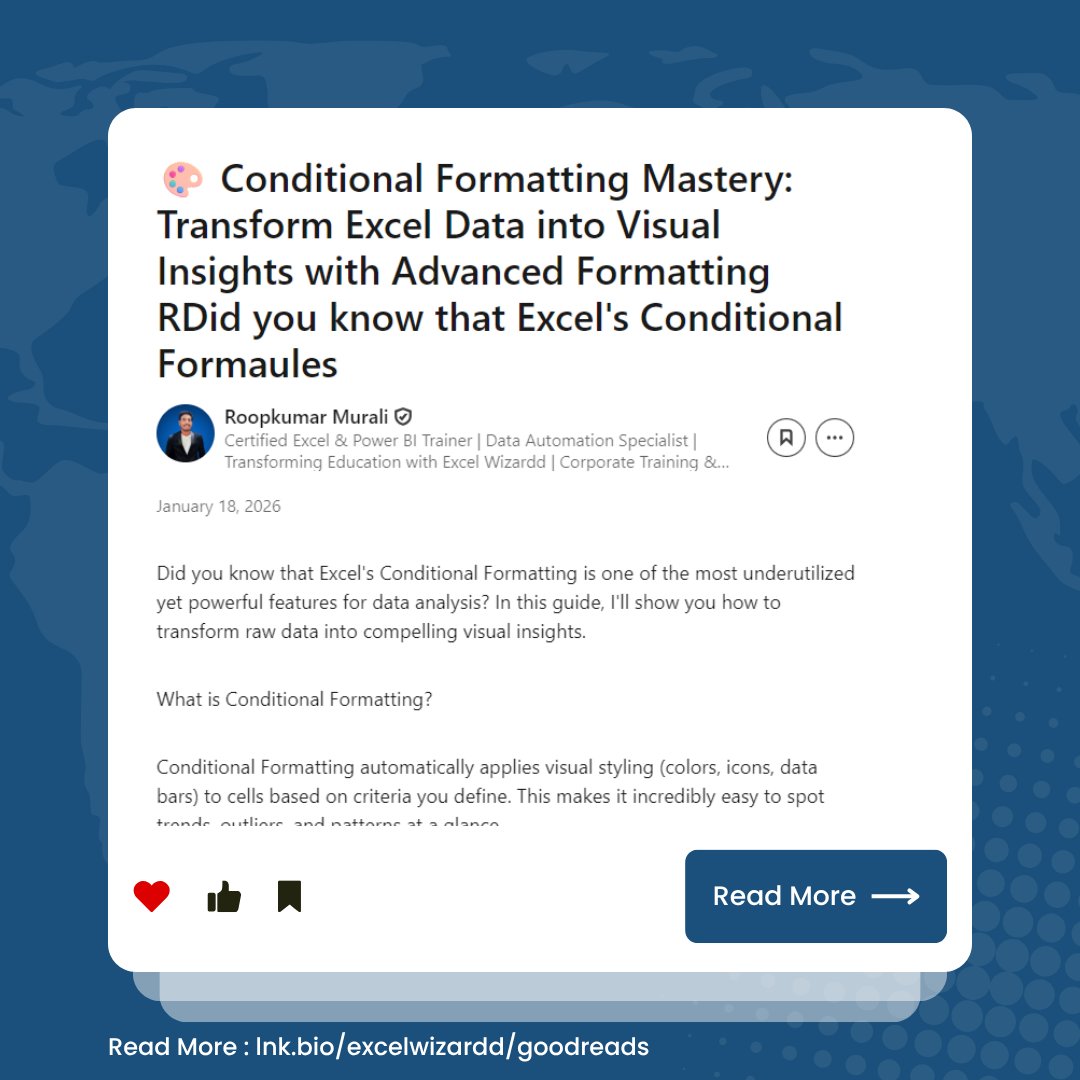
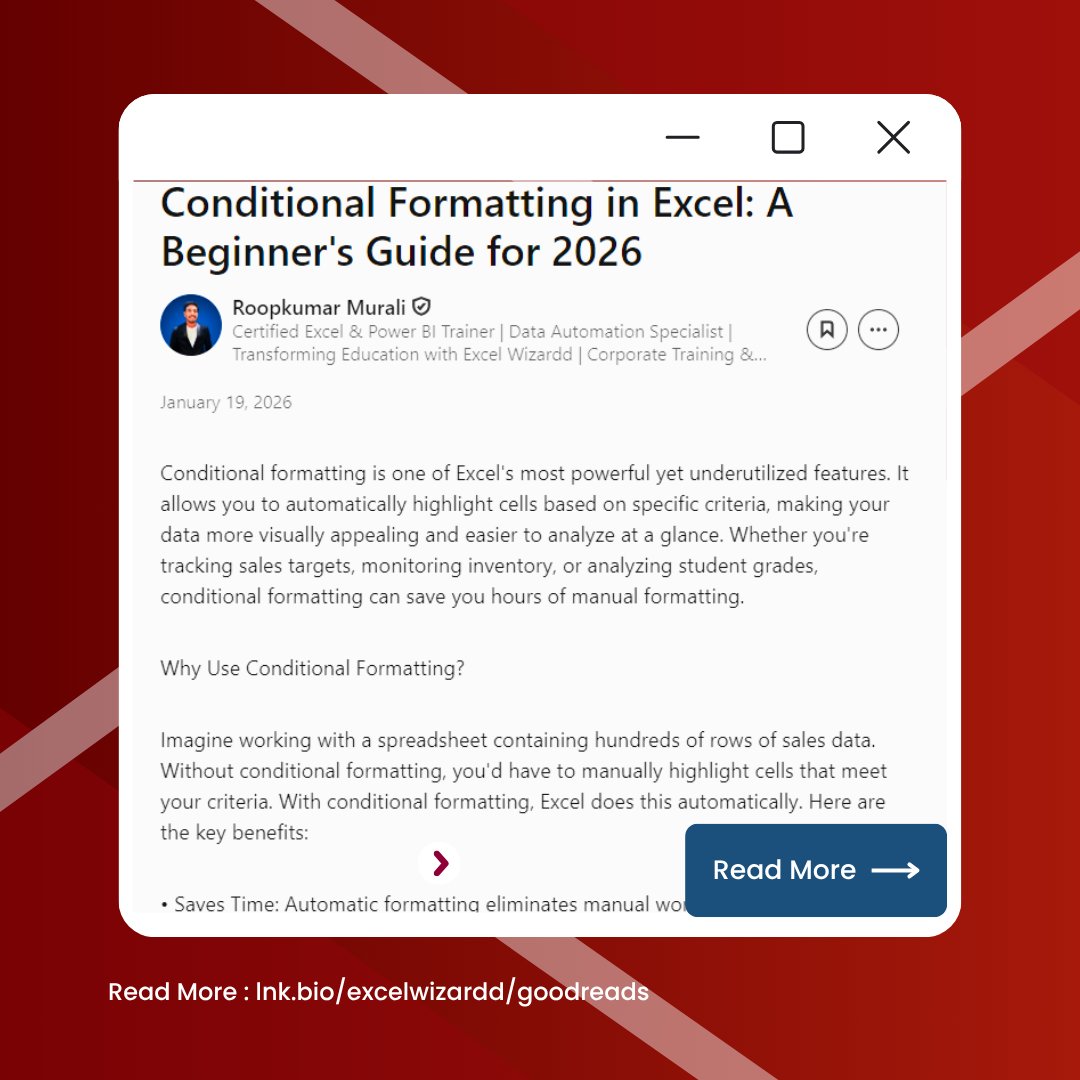
Today’s topic: Conditional Formatting Mastery: Transform Excel Data into Visual Insights with Advanced Formatting Rules
Swipe to explore, then read the full article 👇
🔗 zurl.co/HAmHL
#ExcelTips #MicrosoftExcel #DataAnalytics #OfficeProductivity #ExcelWizardd"