
Unleash your PC’s full potential. 🚀 Advanced Windows optimization platform for smoother, faster gaming. Trusted by 800,000 gamers worldwide 🌐
Joined May 2019
- Tweets 11,202
- Following 21
- Followers 2,808
- Likes 138,433
369 Photos and videos



Pinned Tweet

May 3
If we ever helped you with FPS, Latency or anything else, Please Vouch here!
153
19
145
7,502
5h
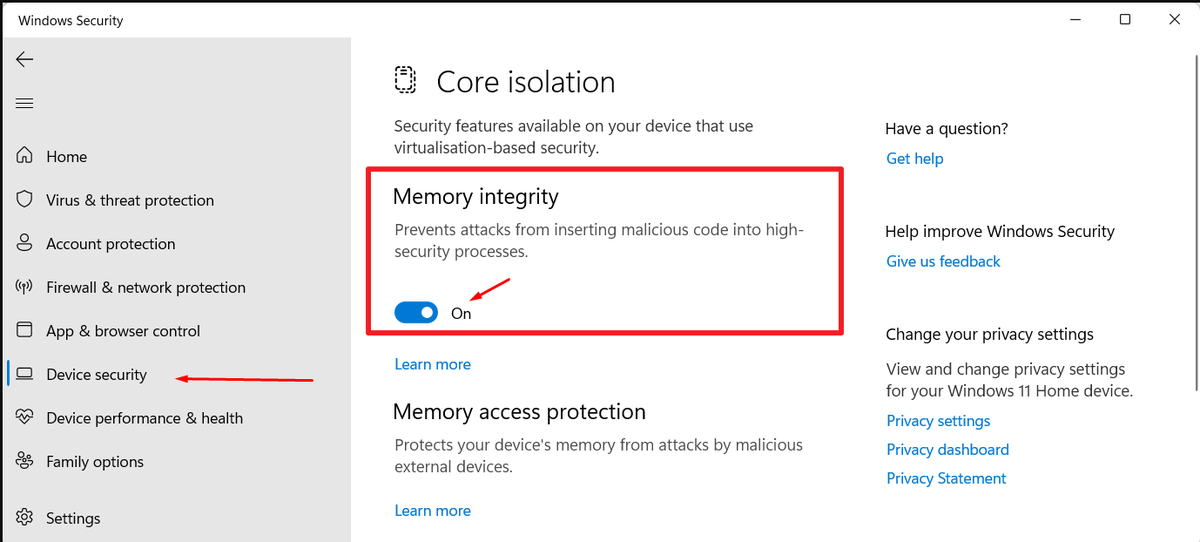
🚨 WINDOWS USERS 🚨
Disable Memory Integrity (Core Isolation) to reduce virtualization-based security overhead.
Memory Integrity is a Windows security feature that helps protect against certain kernel-level attacks by isolating critical system processes. While useful for security, it can introduce a small amount of CPU overhead and increase latency in some workloads.
For gaming-focused systems, disabling Memory Integrity may improve responsiveness, reduce DPC latency, and slightly increase performance in CPU-limited scenarios.
⚠️ Important: Disabling Memory Integrity reduces system security and may make your PC more vulnerable to certain malware or kernel-level exploits. Only consider this if you understand the security trade-off and keep your system protected through other means.
3
4
47
3,580
5h
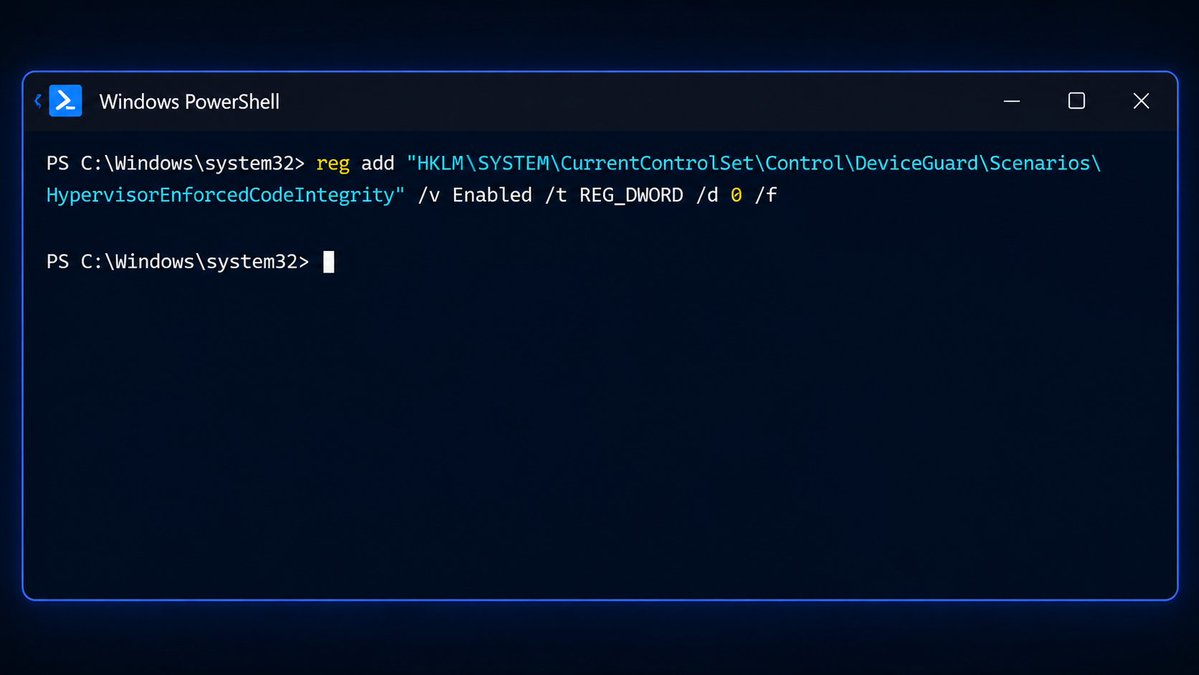
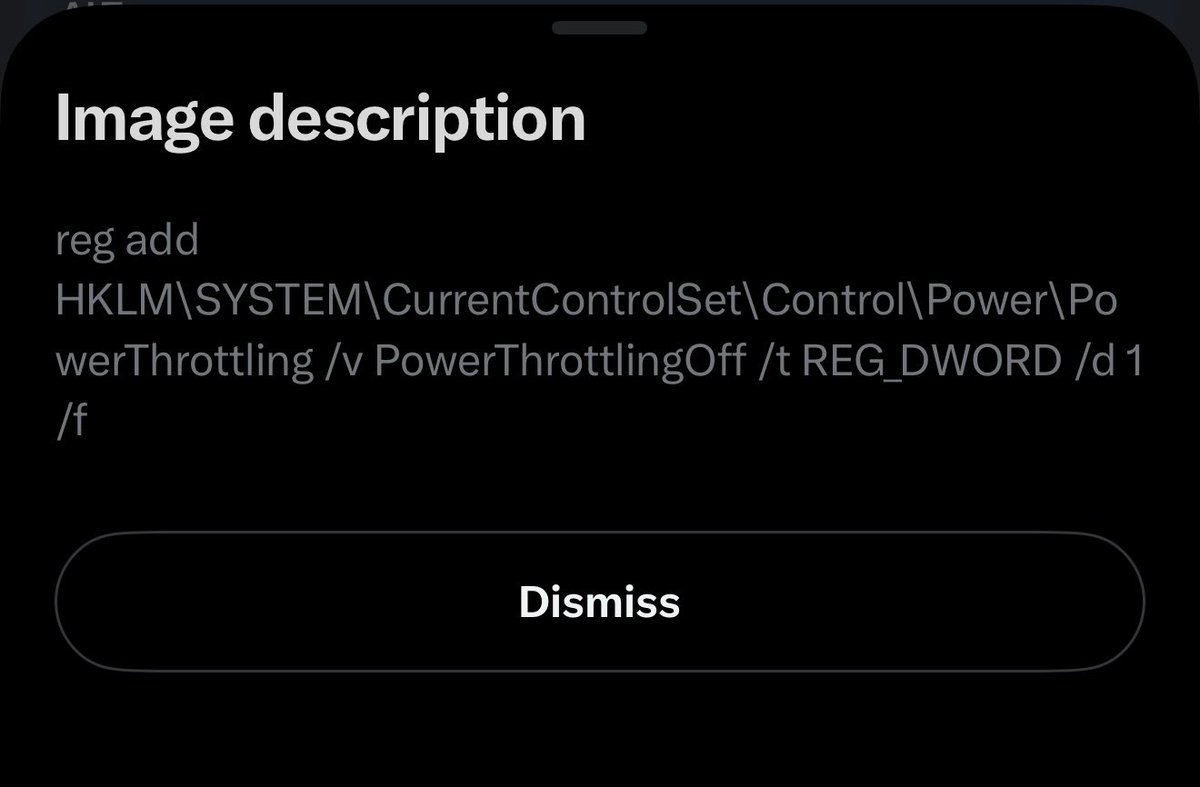
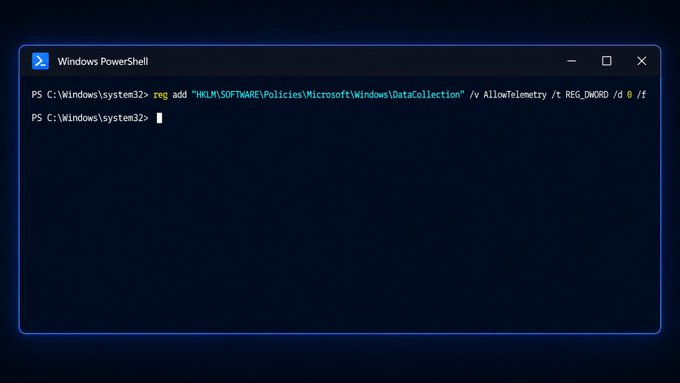
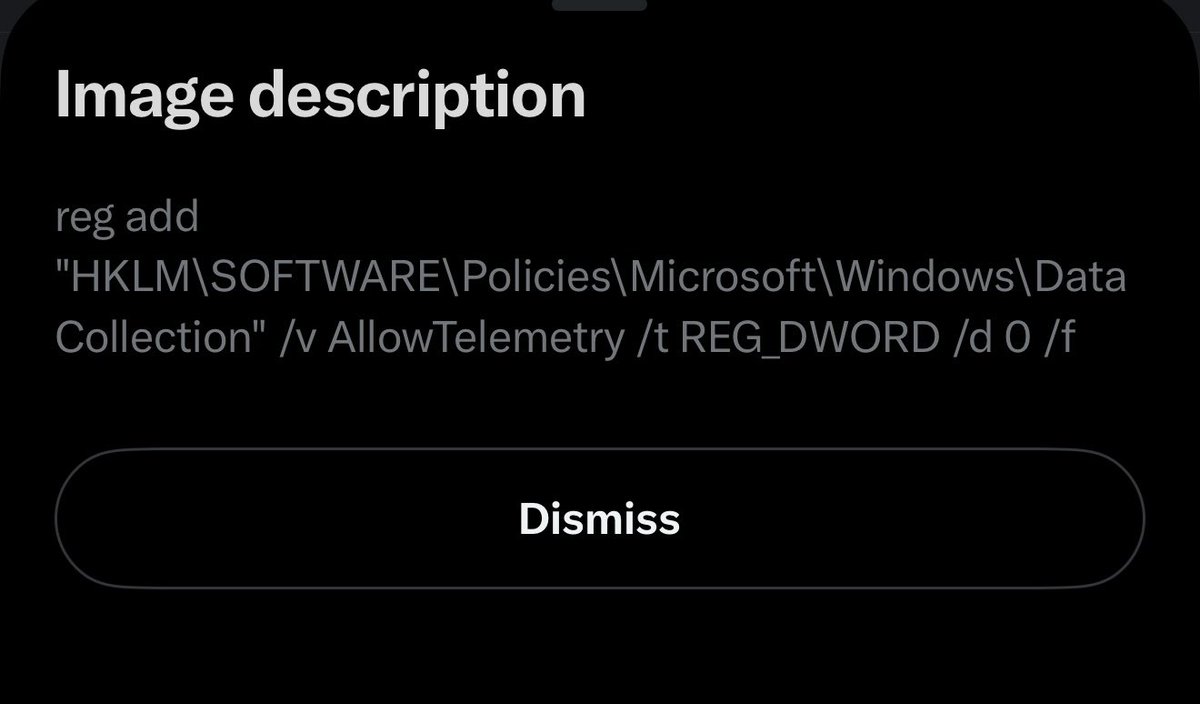
Alternatively, you can achieve the same result by running the registry command provided below. 😎
reg add "HKLM\SYSTEM\CurrentControlSet\Control\DeviceGuard\Scenarios\HypervisorEnforcedCodeIntegrity" /v Enabled /t REG_DWORD /d 0 /f
3
240
Jun 11
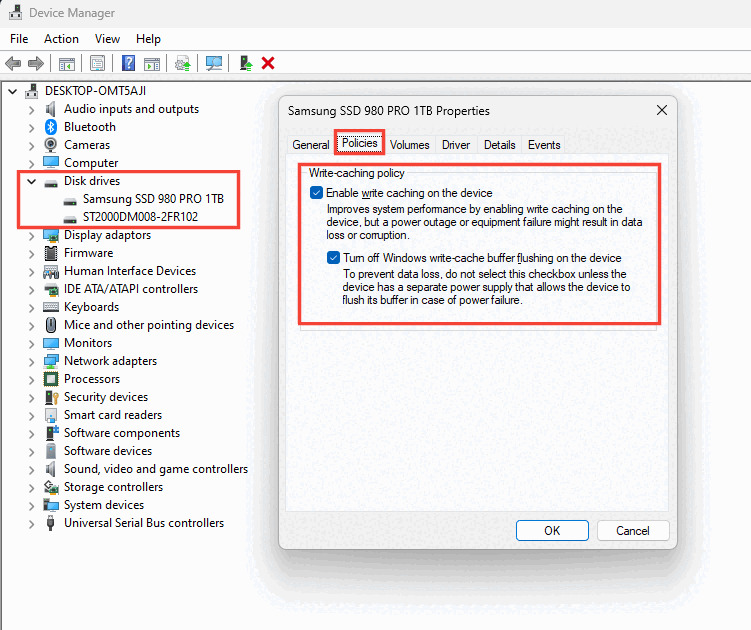
🚨 WINDOWS USERS 🚨
Enable Write Caching on your drive to improve disk write performance.
Write caching lets Windows temporarily store write operations in memory before sending them to your SSD or HDD. This can make file transfers, game updates, installs, and general disk activity feel faster.
For most gaming PCs, this is a simple storage tweak that can help improve responsiveness.
⚠️ Important: if your PC loses power or crashes while data is still cached, there is a small risk of data loss or corruption.
11
20
334
35,537
Jun 12
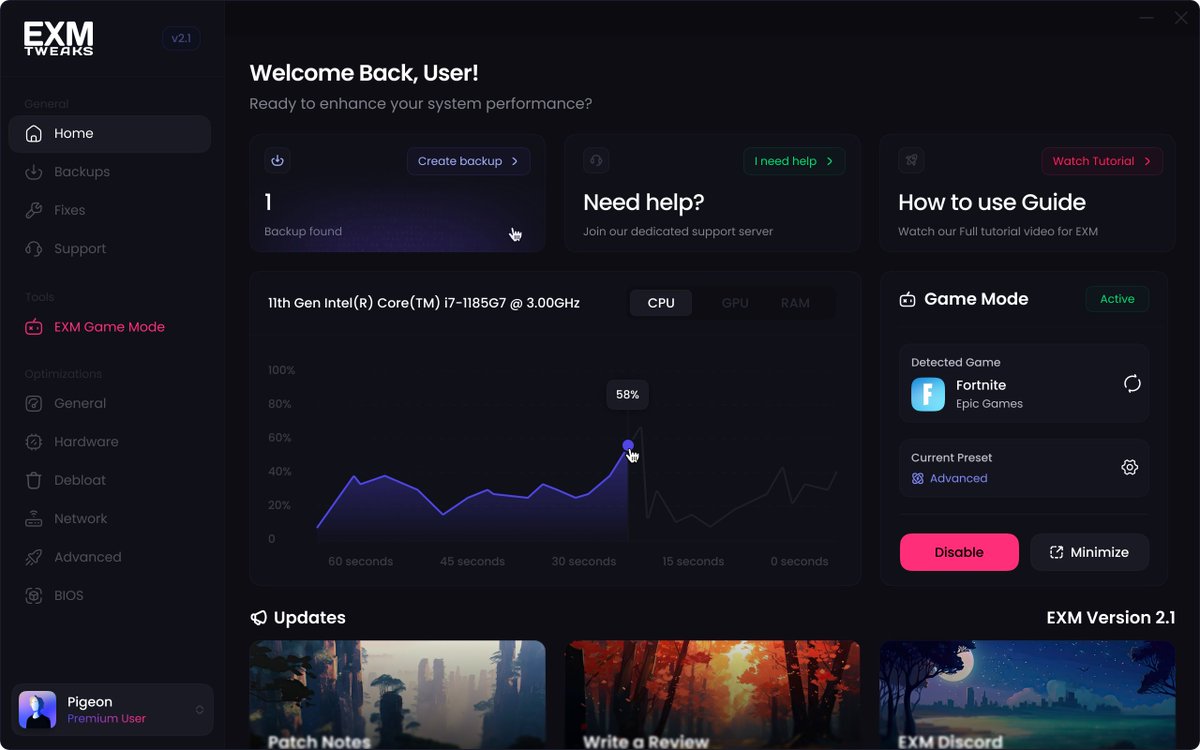
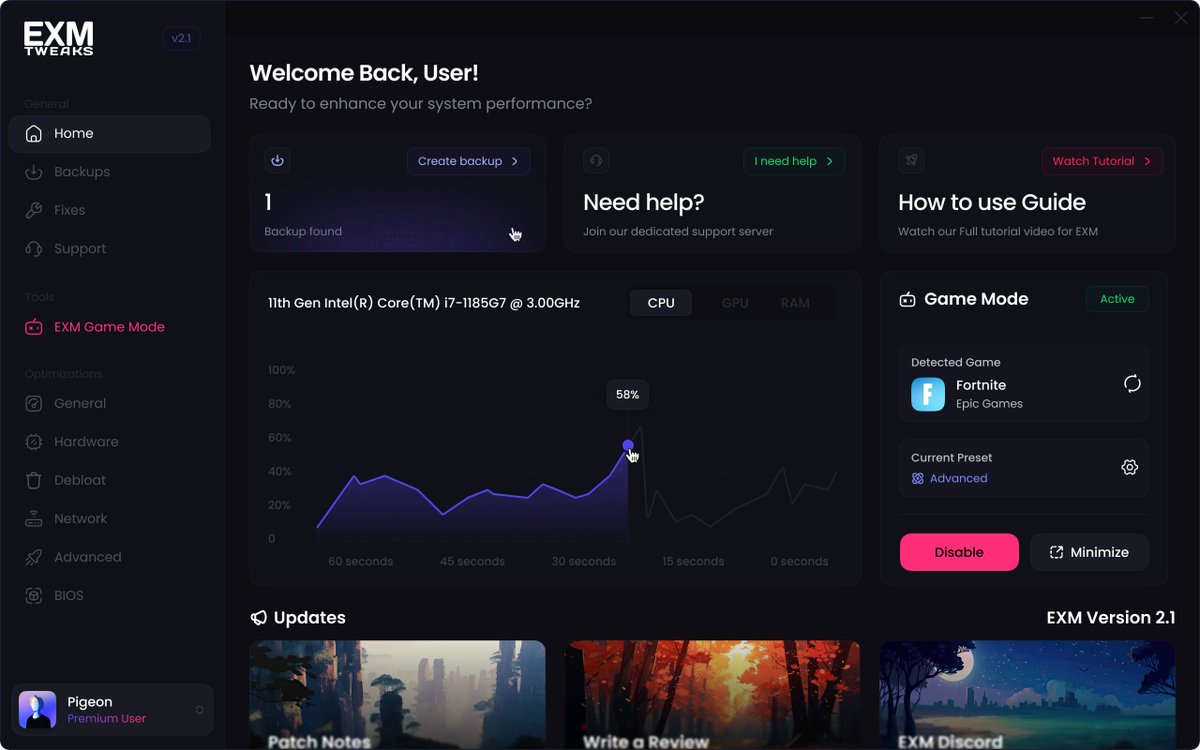
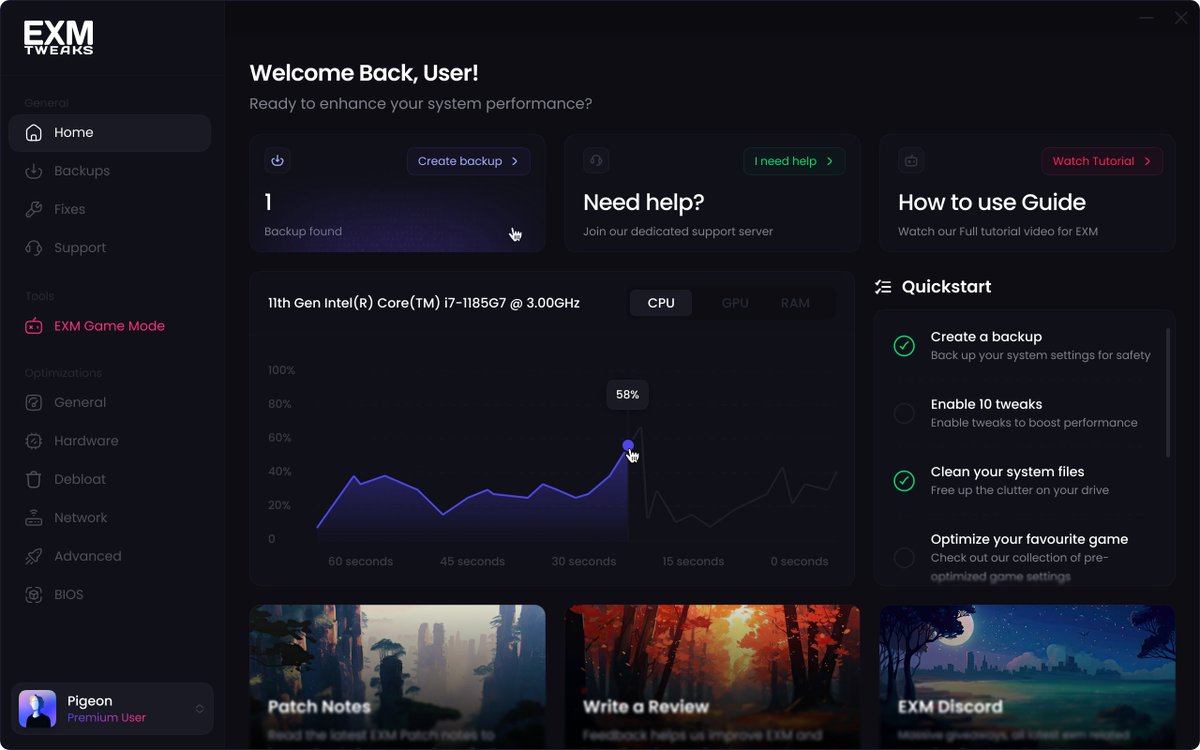
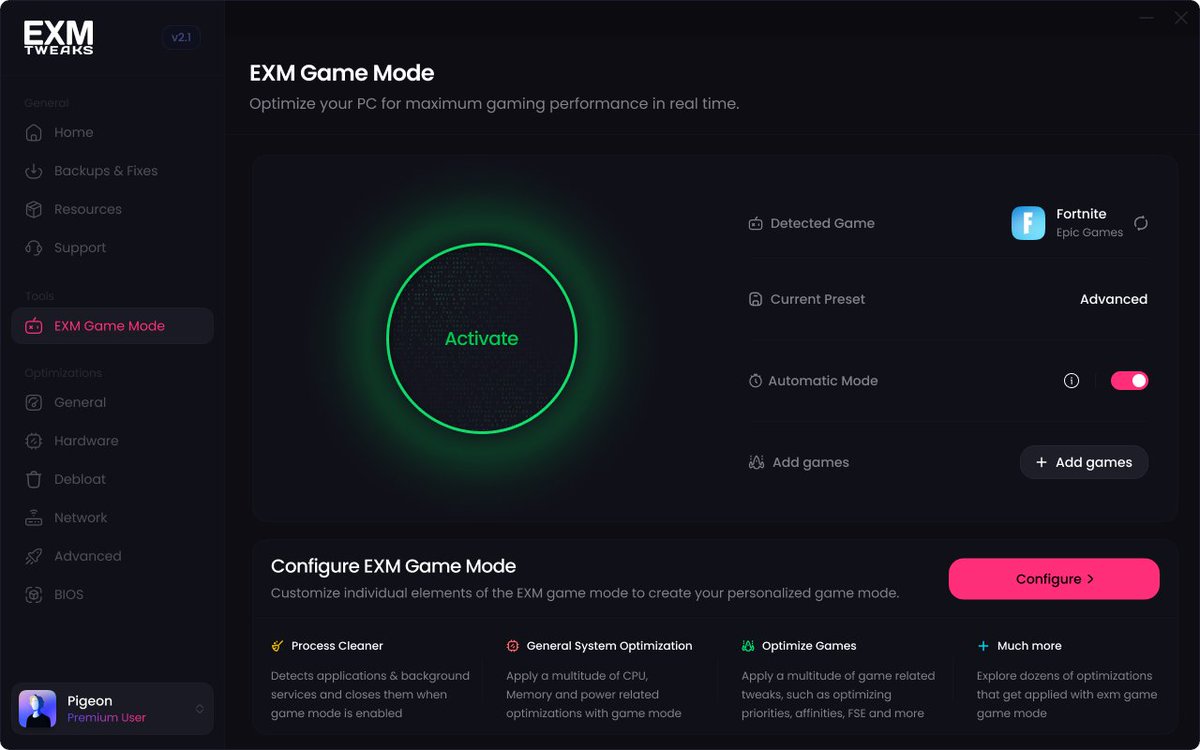
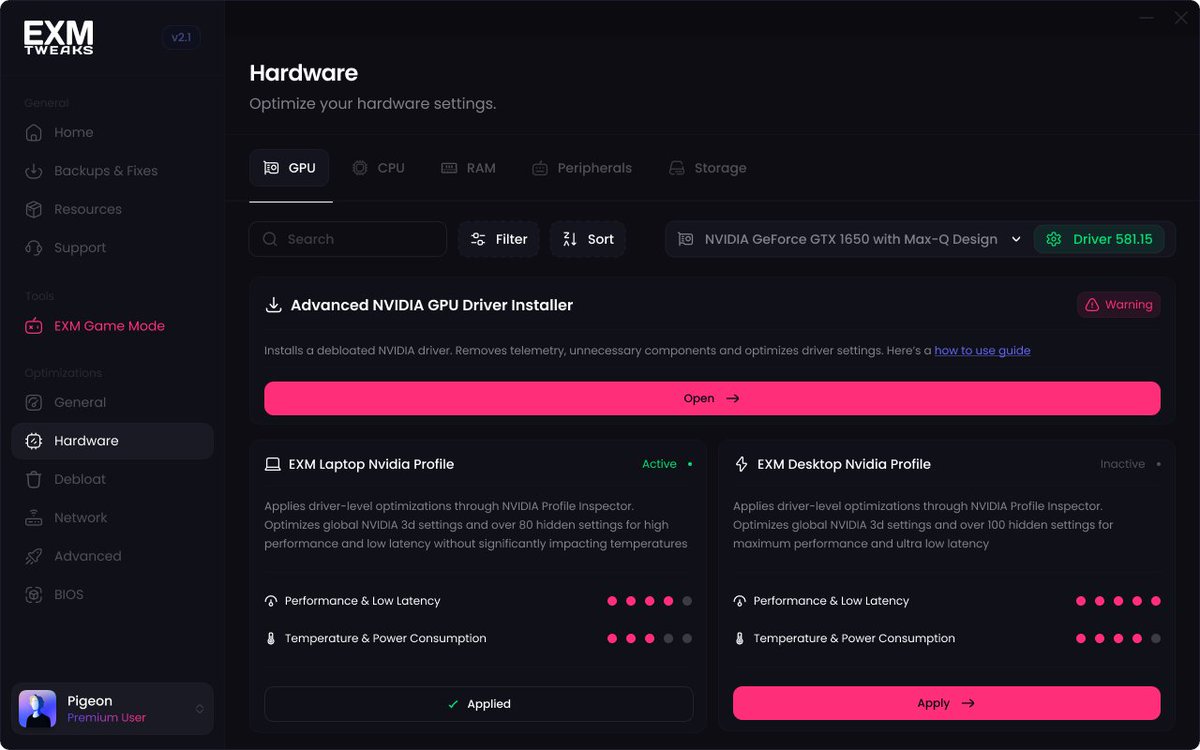
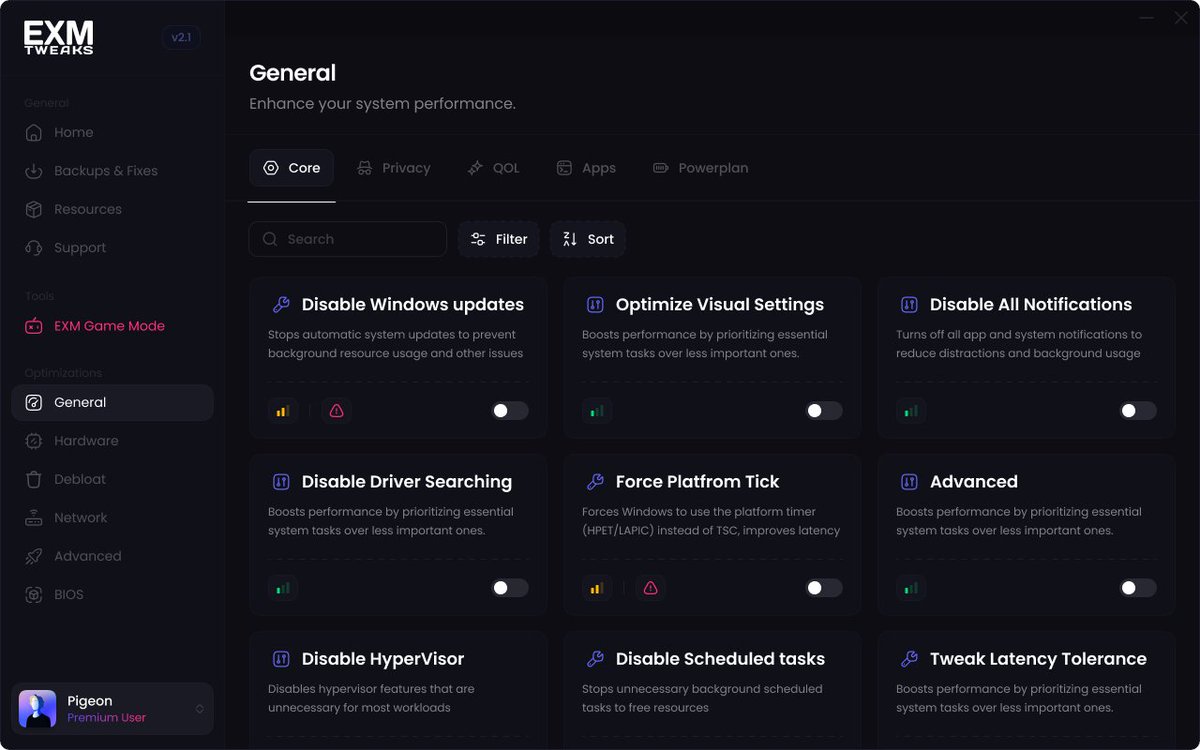
Check out EXM, our free app that Optimizes your PC for gaming! 👉 exmtweaks.com
✅Higher & More Stable FPS
✅Lower Latency
✅Smoother Gaming experience
We have a 4.7-star rating on Trustpilot and 800,000 Users!
youtube.com/watch?v=hX1uHa3W…
3
930

EXM retweeted

May 5
I been using a old crappy laptop for 4 years but with exm I always got 60 fps in all the games I play very reliable
1
1
2
402
EXM retweeted

May 5
Best free/paid tweaks ever! No one has competition on EXM. Best tweaks ever!!!
1
1
2
329
EXM retweeted

Jun 3
very nice tweaks, i use the free version and its very good
1
1
2
235
EXM retweeted

Jun 10
Per-game is the important part here. 💯 Setting it globally can waste power and heat, but enabling it for your main games can help keep clocks more consistent and reduce those random stutters/FPS dips. Monitor temps and you’re good. 🤙🏻
Jun 9

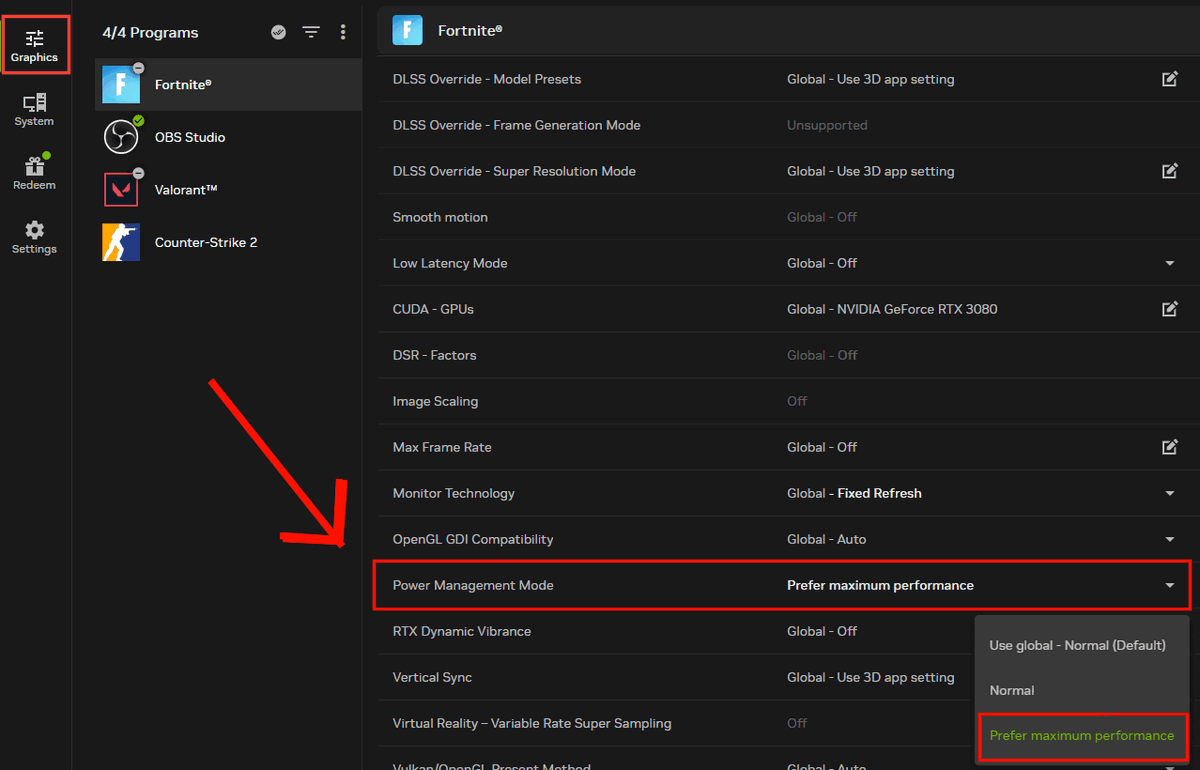
🚨NVIDIA FPS BOOST🚨
Set Power Management Mode to Prefer Maximum Performance for your main games for Higher FPS and Lower Latency!
This prevents your GPU from aggressively lowering clocks to save power while gaming, which can help reduce stutters, FPS drops, and inconsistent responsiveness.
We recommend setting up for each specific game not globally, so your GPU only prioritizes max performance when you actually need it.
⚠️ Can increase GPU power usage and temperatures, so monitor temps if your system already runs hot.
1
9
3,402
EXM retweeted

Jun 3
Amazing optimizations that help ur pc with fps latency and efficiency while being safe
1
1
2
264

EXM retweeted

TL,DR: Most optimized and adaptable tweaking tool in the market. Useful from budget laptop to Custom 5k Gaming Rig. Best feature: Everything is revertible so if you find a specific tweak hurts your performance simply toggle it off, no harm done.
Bonus: Amazing support.
1
1
2
399

Jun 9
🚨NVIDIA FPS BOOST🚨
Set Power Management Mode to Prefer Maximum Performance for your main games for Higher FPS and Lower Latency!
This prevents your GPU from aggressively lowering clocks to save power while gaming, which can help reduce stutters, FPS drops, and inconsistent responsiveness.
We recommend setting up for each specific game not globally, so your GPU only prioritizes max performance when you actually need it.
⚠️ Can increase GPU power usage and temperatures, so monitor temps if your system already runs hot.
2
7
178
22,419
EXM retweeted

NVIDIA GeForce Hotfix Driver v610.52 is now available.
This update resolves the following:
✅[Ada] Resolves a frame pacing issue on certain monitors when G-SYNC is enabled
✅Resolved an issue that prevented the EDID from being read on certain monitors causing them to be identified as "NVIDIA NV-Failsafe”
✅Improved gaming stability in multi-monitor configurations when using V-SYNC with DLSS Frame Generation
✅Resolved an issue where certain monitors would not wake from sleep mode
✅[World of Warcraft] Gaming stability improvements
✅Resolved an issue that could cause jittering or ghosting in some DirectX 11 games when Smooth Motion is enabled
✅Resolved an issue that could cause some games to crash when launched with Smooth Motion enabled
✅General stability improvements when the system fails to create a new allocation
Click below to learn more:
nvidia.custhelp.com/app/answ…

53
122
1,183
193,985
EXM retweeted

This Softwhere helped me go from stutters and around 100fps in rocket league to completly smooth and 144 fps on avg. def works and 0 recomend
1
1
3
707
EXM retweeted

May 3
helped me out a lot, i feel like i have no delay
1
1
2
315
EXM retweeted

best tweak ever, from 144 unstable FPS , to more then 250 .
1
1
2
570
EXM retweeted

May 6
my laptop is 5 years old and it used to be great but lately it was struggling then i tried exm and it helped me so much i went from 60 fps to a stable 144 in fortnite which is crazy for such an old laptop it is just so much better now <3
1
1
2
386
EXM retweeted
Jun 1
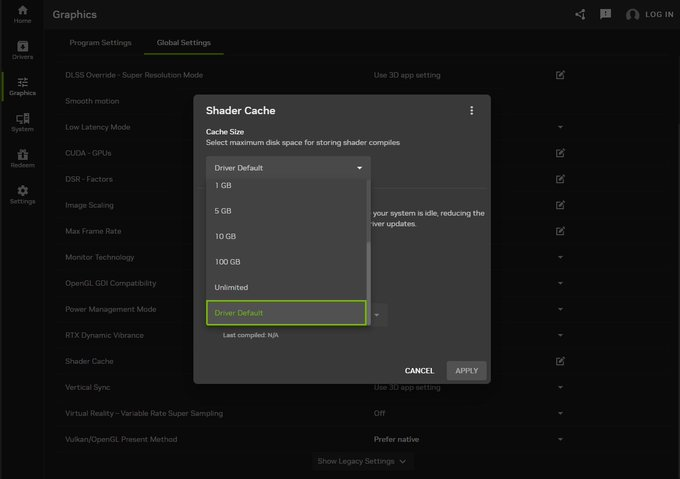
🚨NVIDIA FPS BOOST🚨
1. Open the NVIDIA App
2. Go to "Graphics", then "Global Settings"
3. Next scroll down to "Shader Cache Size" and on the slider set this to "Driver Default"
This will set it to the default of 16 GB, which is the most optimal way to set it up. It will prevent unnecessary Shader Recompilation and keep your performance stable!
8
80
1,465
146,413