
3,703 Photos and videos





fl0m retweeted

Jun 8
Earlier this month, we shared plans to cap CCV on channels our systems detect are receiving sustained, significant inauthentic traffic - and we’ll continue applying those caps as part of our ongoing viewbot detection work.
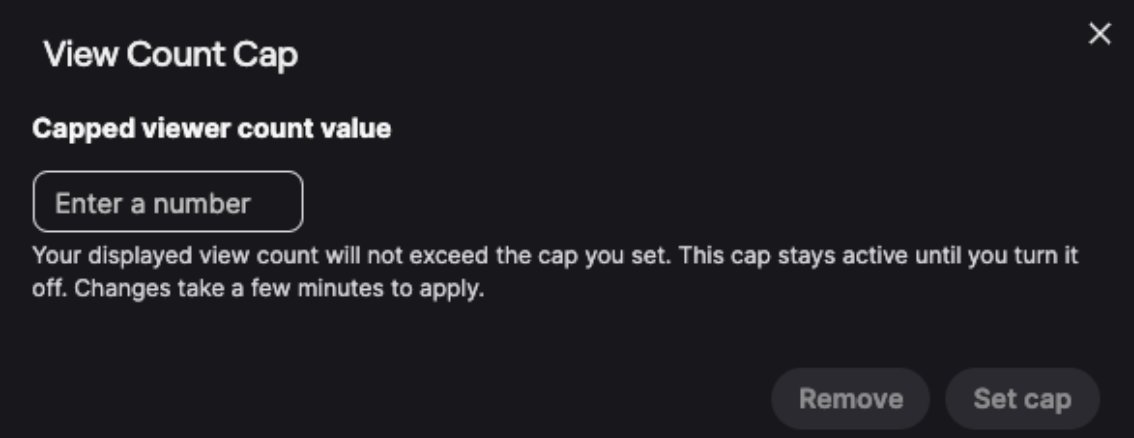
Now, we’re introducing a new, optional View Count Cap feature that creators can use if they believe they're being targeted by bots. Set a cap based on your normal audience size, and we will cap your CCV to match that value.
You can turn it on ahead of time as a preventative measure, or enable it during a stream if you think your channel is being targeted. The optional cap stays in place until you turn it off. Partners will have access to this feature to start, and we plan to expand to our wider community soon.
Note, you aren’t required to turn the self-cap on. This feature is being offered for you to use as you deem appropriate, and you can use it at your discretion.
We’ll continue to explore ways to target viewbots and protect our community from botting across the board.
To apply the optional cap, head to your Navigate to Settings > Stream Manager:
dashboard.twitch.tv/settings…
210
94
754
443,941
fl0m retweeted

Mark your calendars 📆
Ticket Sales for iBUYPOWER Masters FML 2026 are going on sale June 23rd! 🎊
Learn more about the tournament, where to stay, and bookmark this page for more news: ibp.gg/FML2

Tickets for @iBUYPOWER Masters FML 2026 goes on sale June 23rd!
You can also now book your hotel rooms using this link - load.gg/FML2ROOM
Talked a little bit about what went into the first event and what we're doing for the 2nd in the new YouTube video!
youtu.be/uCAf7v4L-78
1
3
24
7,750
fl0m retweeted
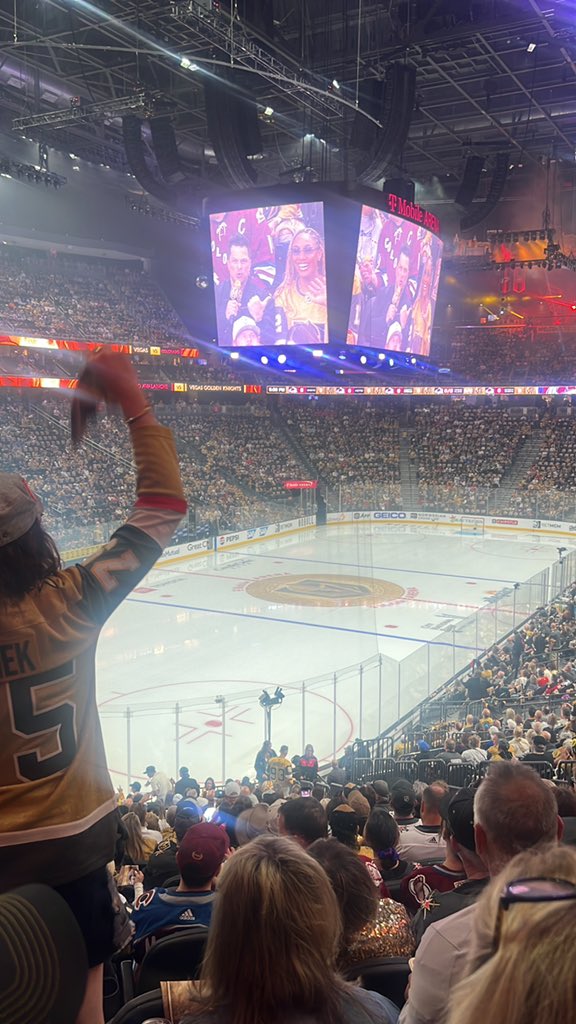
MITCH MARNER HAS THE MOST POINTS IN A PLAYOFF RUN IN GOLDEN KNIGHTS HISTORY
🪄🪄🪄🪄🪄🪄🪄🪄🪄🪄🪄🪄🪄🪄🪄🪄🪄🪄🪄🪄🪄🪄🪄🪄🪄🪄🪄🪄🪄🪄🪄🪄🪄🪄🪄🪄🪄🪄🪄🪄🪄🪄🪄🪄🪄🪄🪄🪄🪄🪄🪄🪄🪄🪄🪄🪄🪄🪄🪄🪄🪄🪄🪄🪄🪄🪄🪄🪄🪄🪄🪄🪄🪄🪄🪄🪄🪄🪄🪄🪄🪄🪄🪄🪄🪄🪄🪄🪄🪄🪄🪄🪄🪄🪄🪄
82
348
2,255
82,157
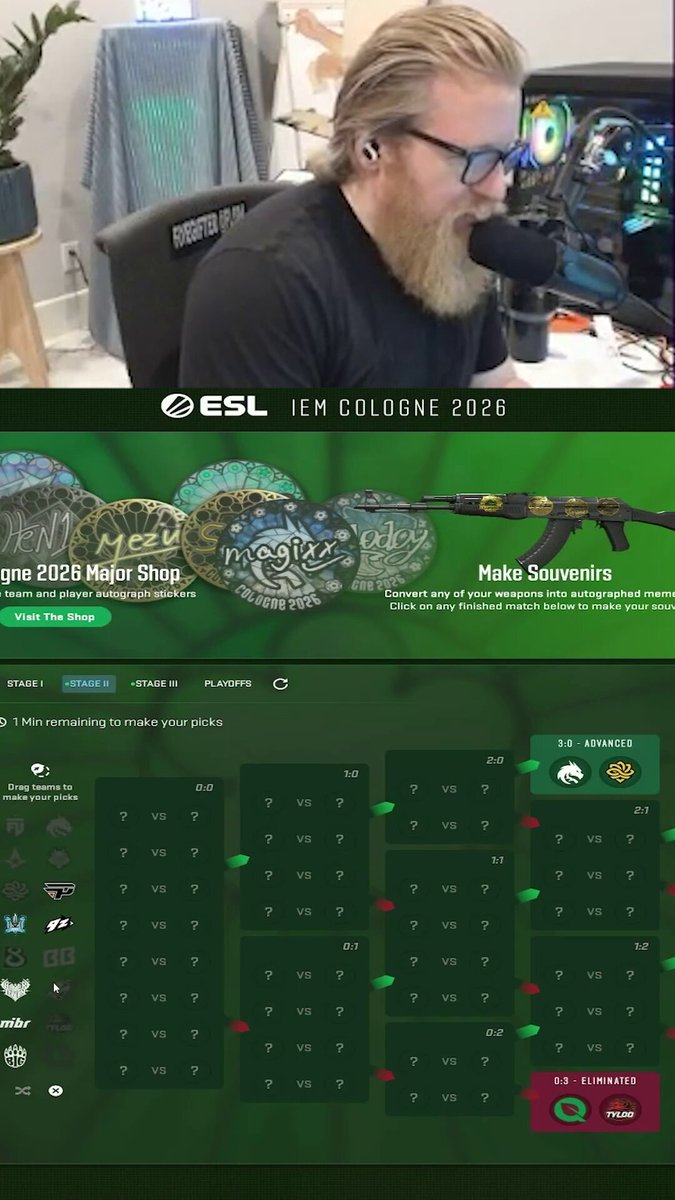
That being said, today was a great day for my pickems! See you tomorrow 🤝
Hey @CounterStrike.
I know one minute is a really long time, but you might wanna close the pickems now.
I swear I didn’t change anything. (Let me have this after NRG yesterday)
23
24
1,670
154,075
Hey @CounterStrike.
I know one minute is a really long time, but you might wanna close the pickems now.
I swear I didn’t change anything. (Let me have this after NRG yesterday)
31
4
1,521
256,814

Breaking: @ESLCS announce IEM will return to America in 2027
dust2.us/news/74493/breaking…
4
73
9,534
fl0m retweeted

Holy fucking toss gotta be better to make stage 2 gg wp to b8
7
2
170
14,835
fl0m retweeted

Jun 1
Your favorite first person shooter’s favorite first person shooter.
The @IEM Cologne Major begins tomorrow. 🏆

319
489
9,912
495,285