
Modern CSS • Web Platform APIs • Rails SQLite
Joined March 2013
- Tweets 8,216
- Following 1,362
- Followers 4,466
- Likes 15,743
612 Photos and videos




Pinned Tweet

24 Jan 2025
If you didn't see yesterday, I'm partnering with @aarondfrancis and @steve_tenuto to produce an in-depth video course on building with Rails SQLite. "High Leverage Rails" is coming in February and I couldn't be more excited!
3
7
114
20,691
I get to meet the one, the only, the Takesman @IanLandsman tonight in Amsterdam. Pretty excited, won’t lie
2
2
1,125
Stephen Margheim retweeted

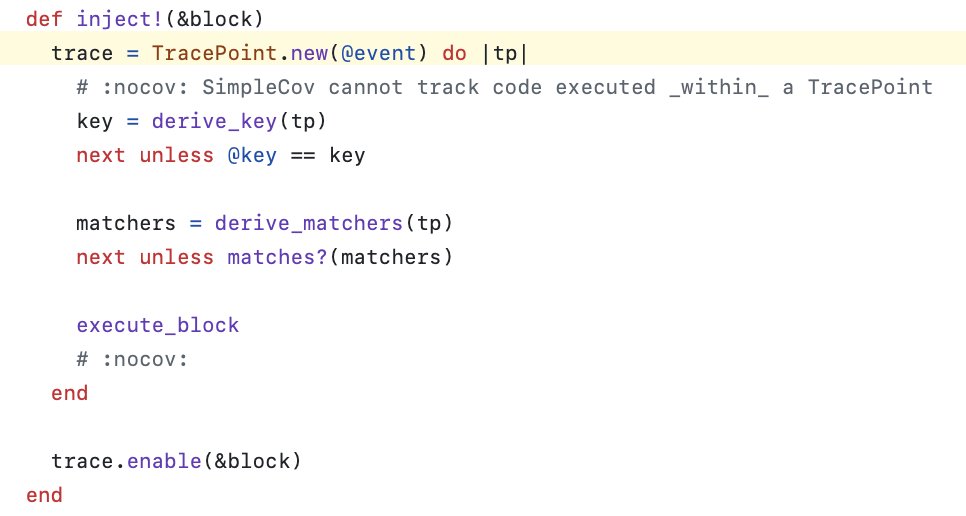
I like how TracePoint is used in chaotic_job (a gem for testing background jobs) by @fractaledmind
github.com/fractaledmind/cha…
1
2
13
2,202
Jan 20
"execution is not the same as orchestration"
A great point when thinking about or building durable execution patterns in your apps.
Jan 20

Once you admit your workflows are DAGs, it will do you well to also separate the DAG from the nodes, and do it well. blog.julik.nl/2026/01/on-the…
716
Jan 19
After 11 long years, I am finally back in a square year. Looking forward to being 36!
4
11
1,910
Jan 14
Aaron is one of the best educators I have ever met. I am 100% certain that this will be some of the very best content out there for harnessing AI to build, fast but with quality. I'm pre-purchasing, what about you?
Jan 14

They say AI is the end for developers.
They say the job market is gone.
They say learning to code is pointless.
I don’t buy it.
I think we're just getting started.
2
1
11
3,844
Jan 13
CSS Anchor Positioning is now baseline.
Firefox 147 ships today with full support. Chrome, Edge, Safari — all on board. Position elements relative to other elements. No JavaScript.
Here's the 60-second rundown...
7
4
130
13,713
Jan 13
Best part: automatic fallbacks.
.popup {
position-area: block-end;
position-try: flip-block;
}
Popup below the anchor. Not enough space? Flip it above. The browser does the math. You write the rules.
1
9
1,332
Jan 13
Tooltips. Dropdowns. Popovers. Context menus.
All that JavaScript you wrote to keep things in viewport? Delete it.
The platform keeps winning.
13
1,182
Jan 12
Building HTML UI forced me to figure out how to write CSS classes that integrate deeply with Tailwind v4. I want 3 things: intellisense, tree shaking, and easy utility overrides. Here’s I make it all work 🧵
7
23
3,455
Jan 12
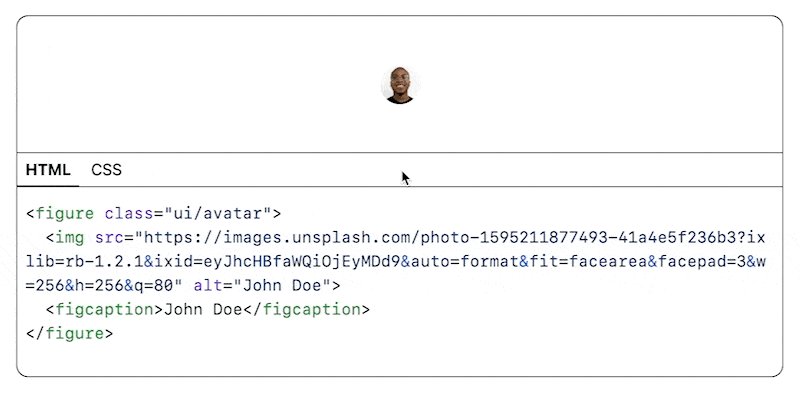
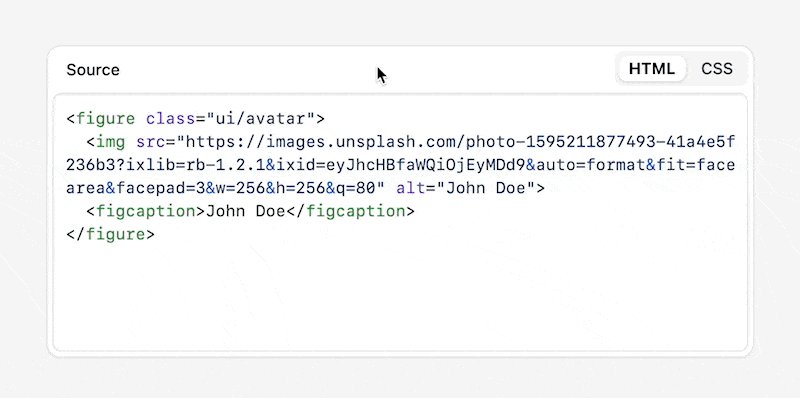
The ui- prefix matters too. When you see .btn you have no idea what you’re dealing with. Bootstrap? Old semantic class? Random utility? `ui-badge` signals intent: zero-specificity visual pattern designed to compose with utilities.
1
2
700
Jan 12
Tailwind v4’s @utility, @apply, and @variant aren’t just new syntax.
Combined with :where(), they let you write semantic CSS that’s discoverable, tree-shakeable, readable, and composable.
Full write-up: fractaledmind.com/2026/01/02…
5
667
Jan 10
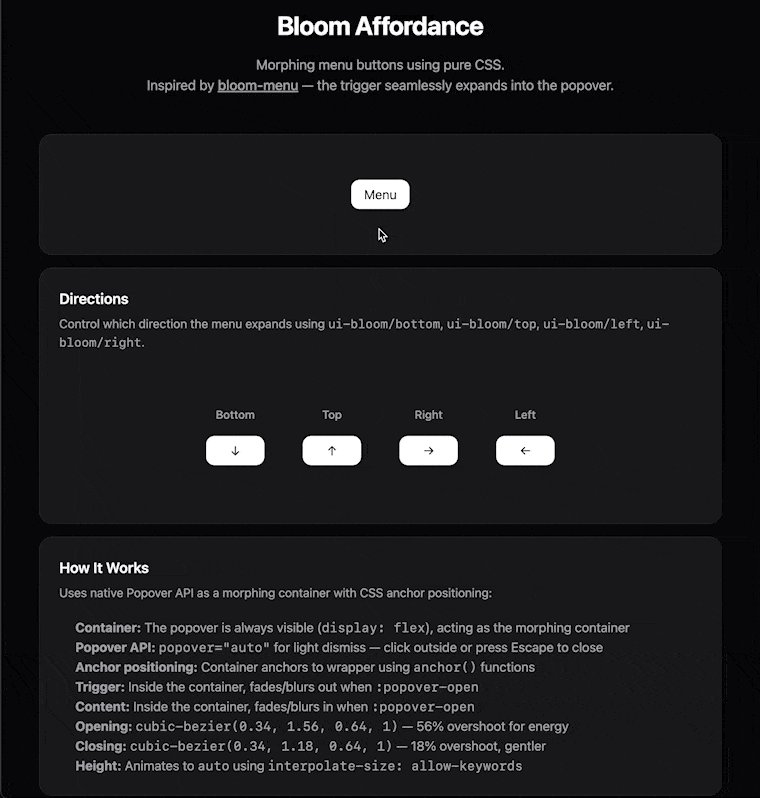
As soon as I saw the Bloom component from @joshpuckett, I knew I had to build it with plain HTML and CSS. This one was tricky, I won't lie, but a lot of fun.
May just add this as an affordance to HTML UI, we shall see.
3
5
106
11,976
Jan 10
How It Works (2/3)
* Trigger: Inside the container (is this ok, I don't know, but it works 🤷🏻), fades/blurs out when :popover-open
* Content: Inside the container, fades/blurs in when :popover-open
* Height: Animates to auto using interpolate-size: allow-keywords
1
1
790
Jan 10
How It Works (3/3)
* Opening: cubic-bezier(0.34, 1.56, 0.64, 1) — 56% overshoot for energy
* Closing: cubic-bezier(0.34, 1.18, 0.64, 1) — 18% overshoot, gentler
1
553