
CAD software company dedicated to revolutionizing and improving artist's experience and workflow | More information available below
Joined January 2023
- Tweets 1,417
- Following 12
- Followers 14,061
- Likes 4,390
312 Photos and videos


Pinned Tweet

Apr 16
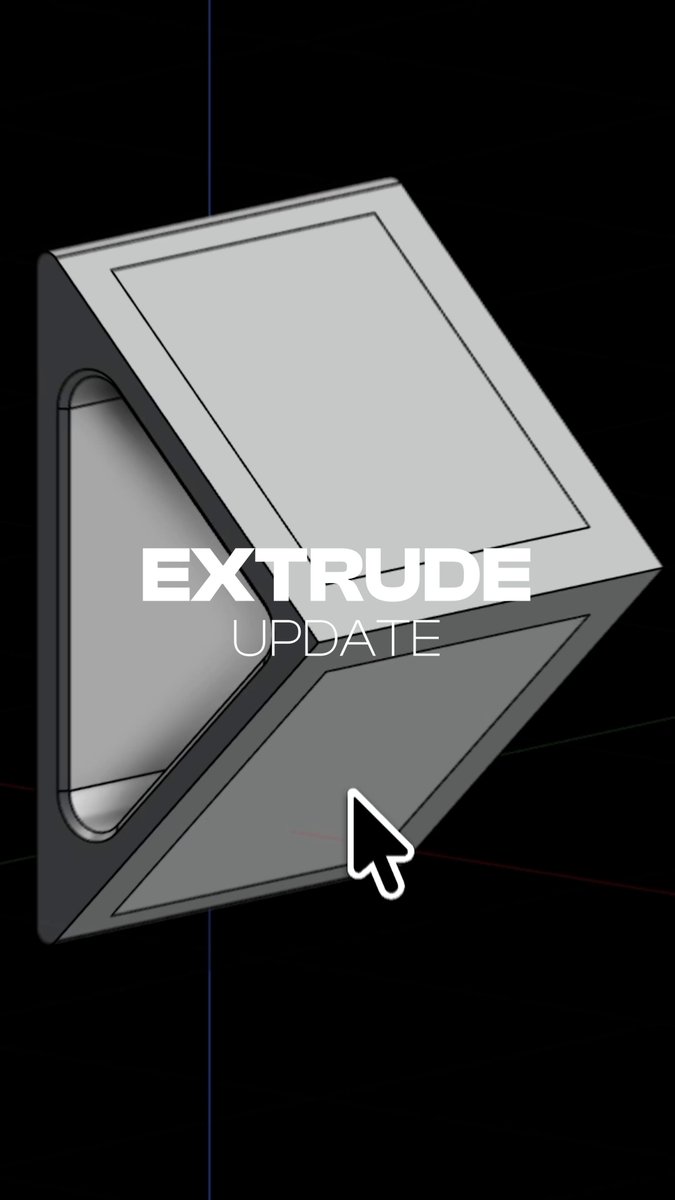
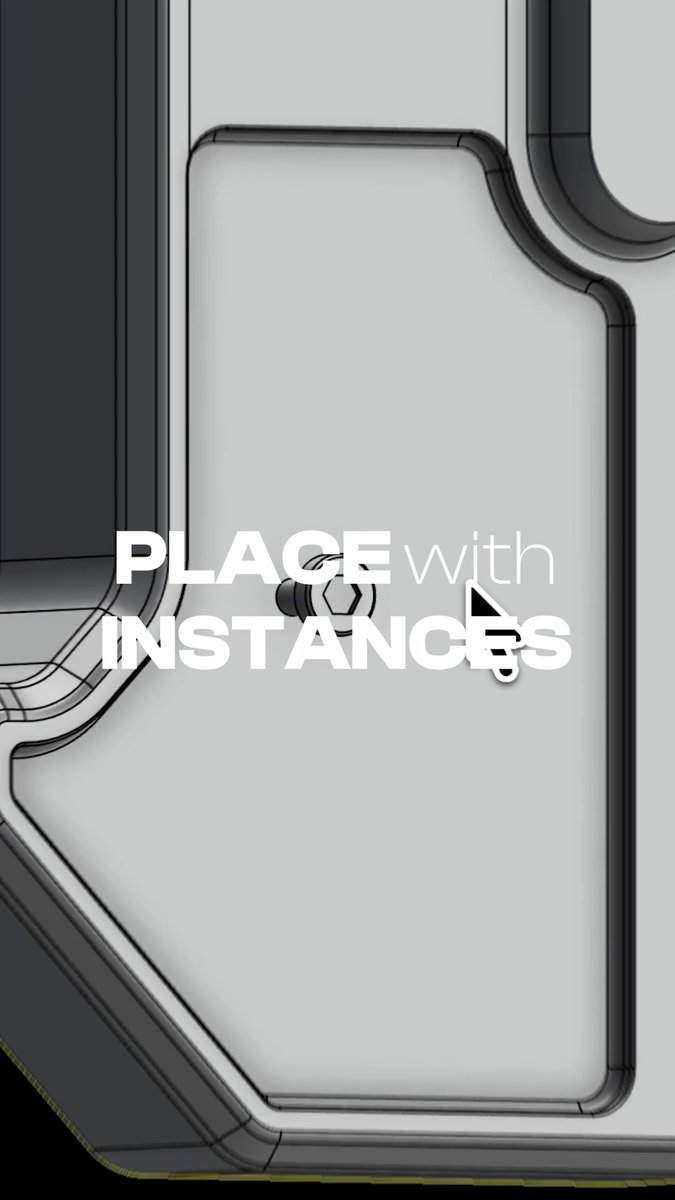
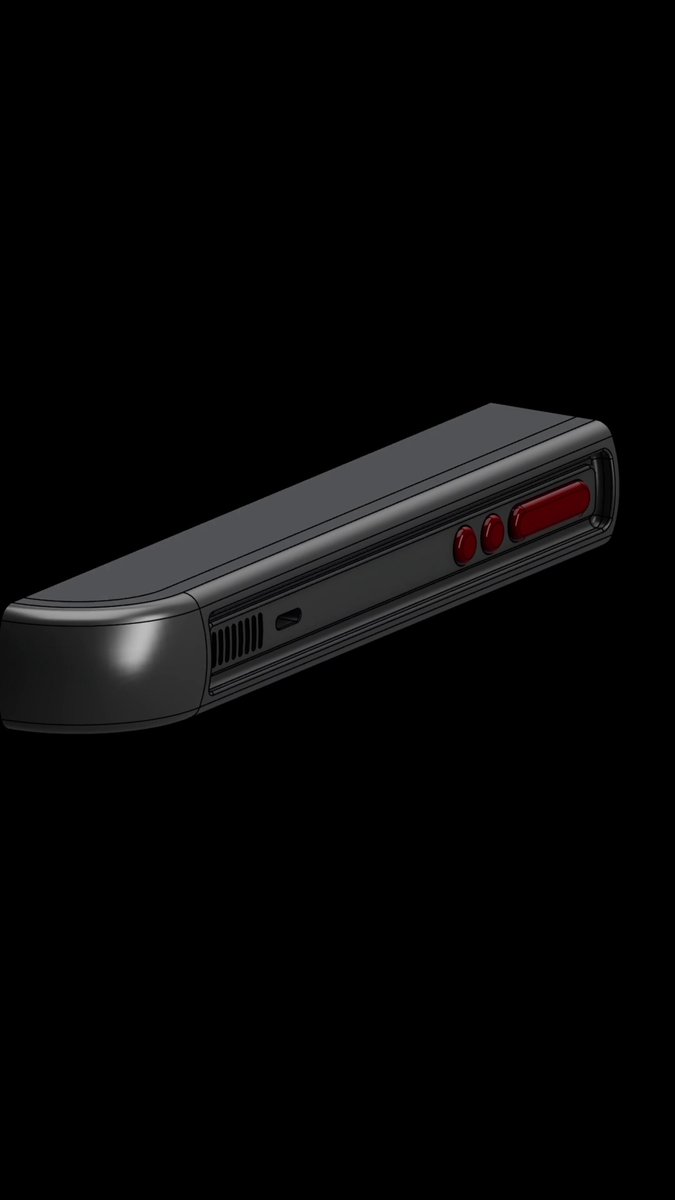
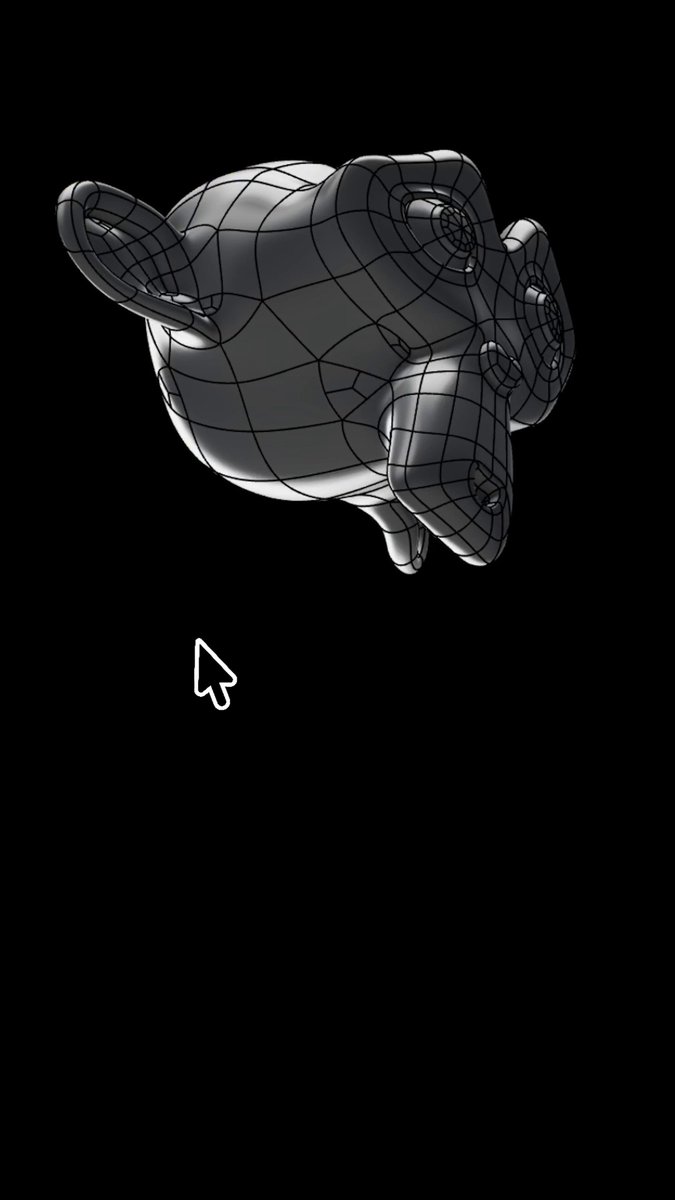
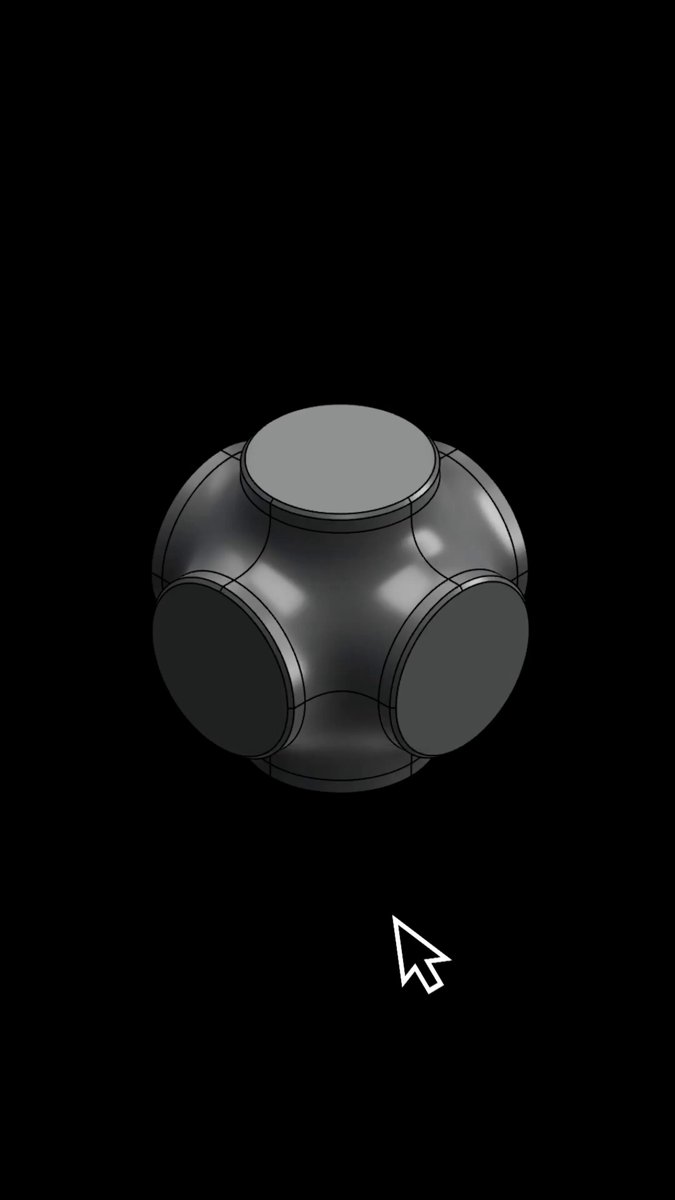
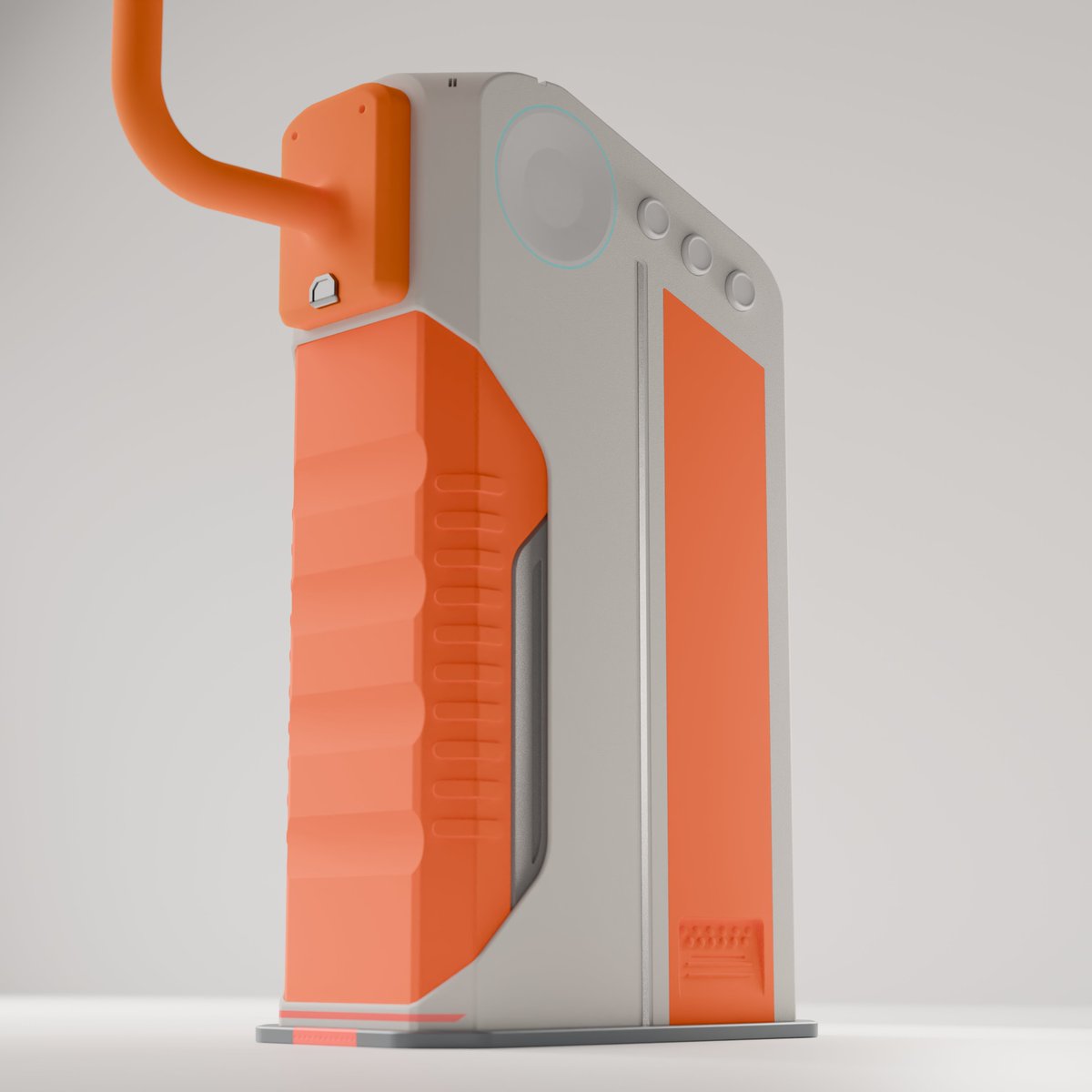
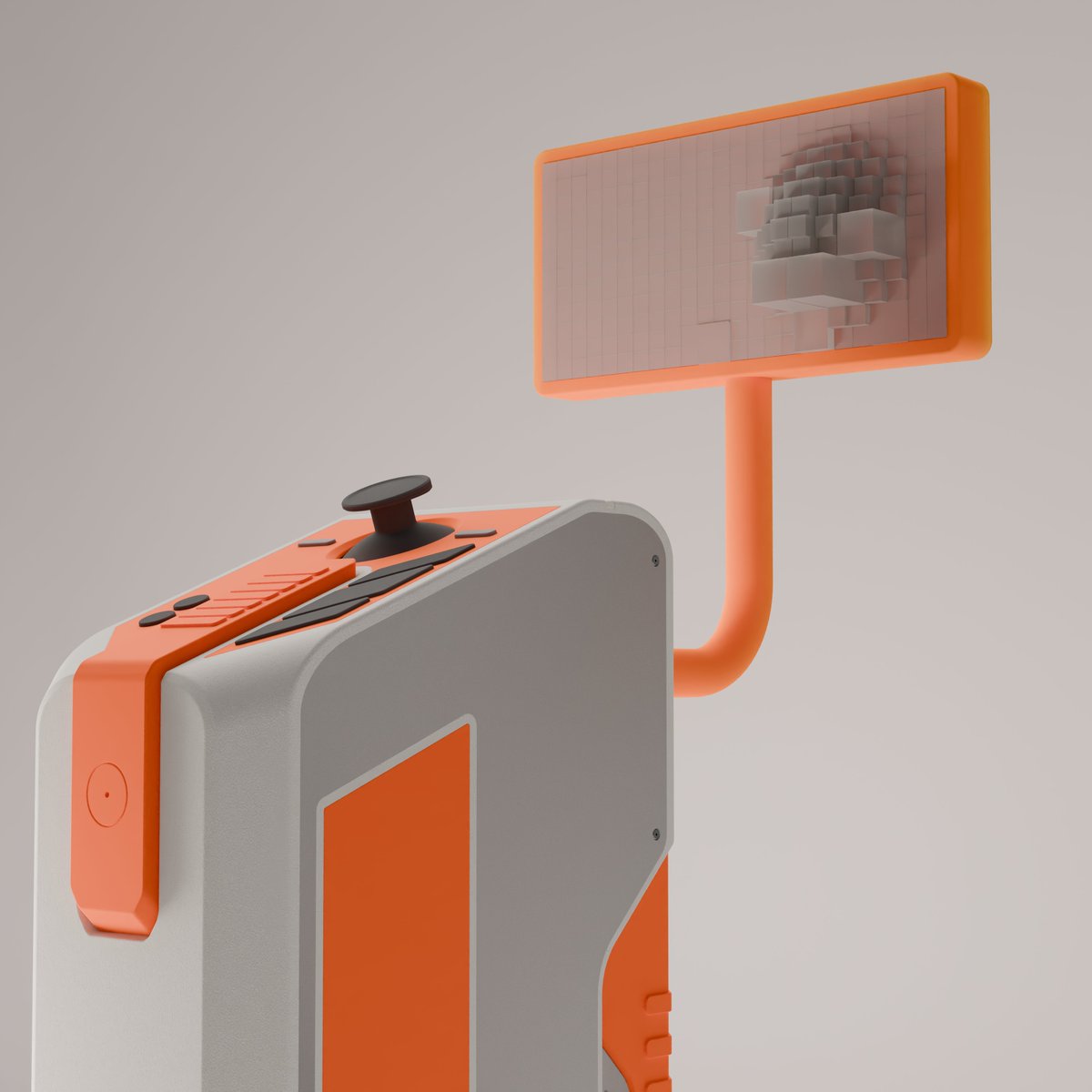
Plasticity 2026.1 is here.
New commands like PolySplines, Slot, and Hidden Line export expand what’s possible, while major upgrades to tools like Extrude, Align, Sweep, and Mirror give you more precision and control in every step.
Less friction. More control. Update now.
6
47
280
20,735
Plasticity retweeted

Jun 10
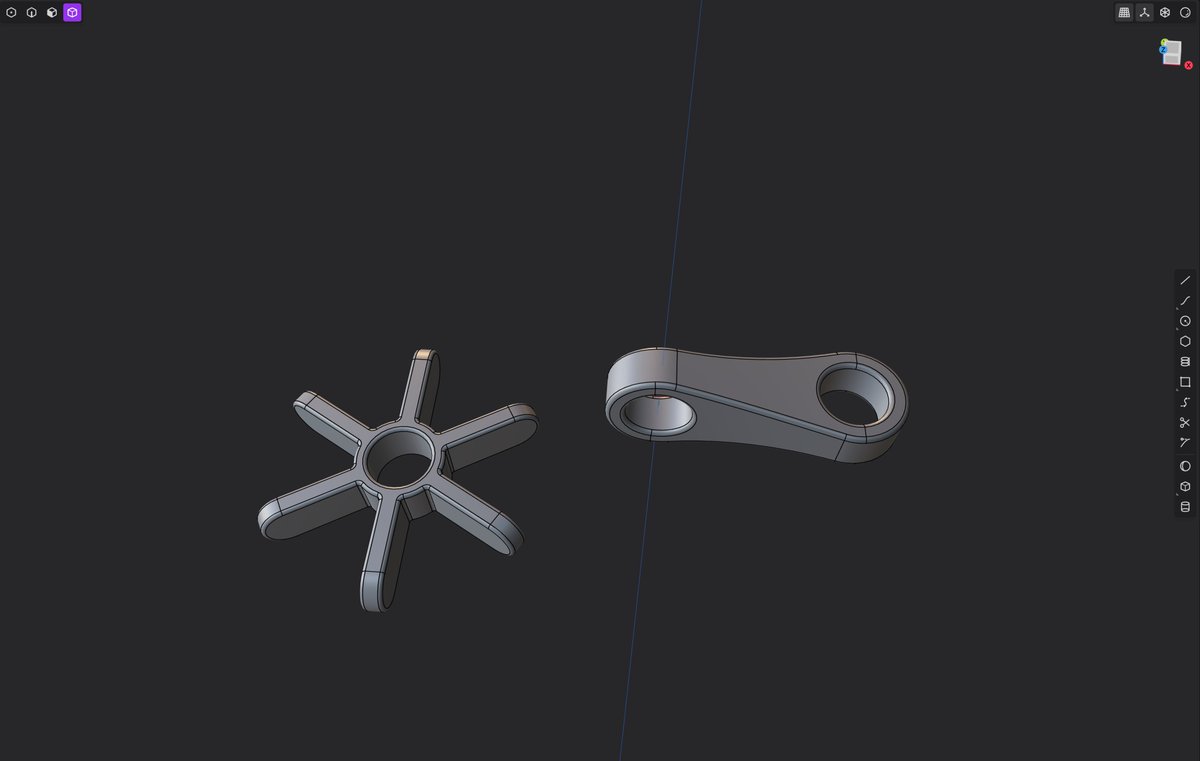
If you ever went down the @getPlasticity rabbit hole, you know.
1
1
17
1,584
Jun 8
Use the sweep command to add unique profiles on your models.
Try Plasticity for free at plasticity.xyz
1
8
160
10,103
Plasticity retweeted

Retweet because I use and love Plasticity and the music got my morning started.
Jun 5

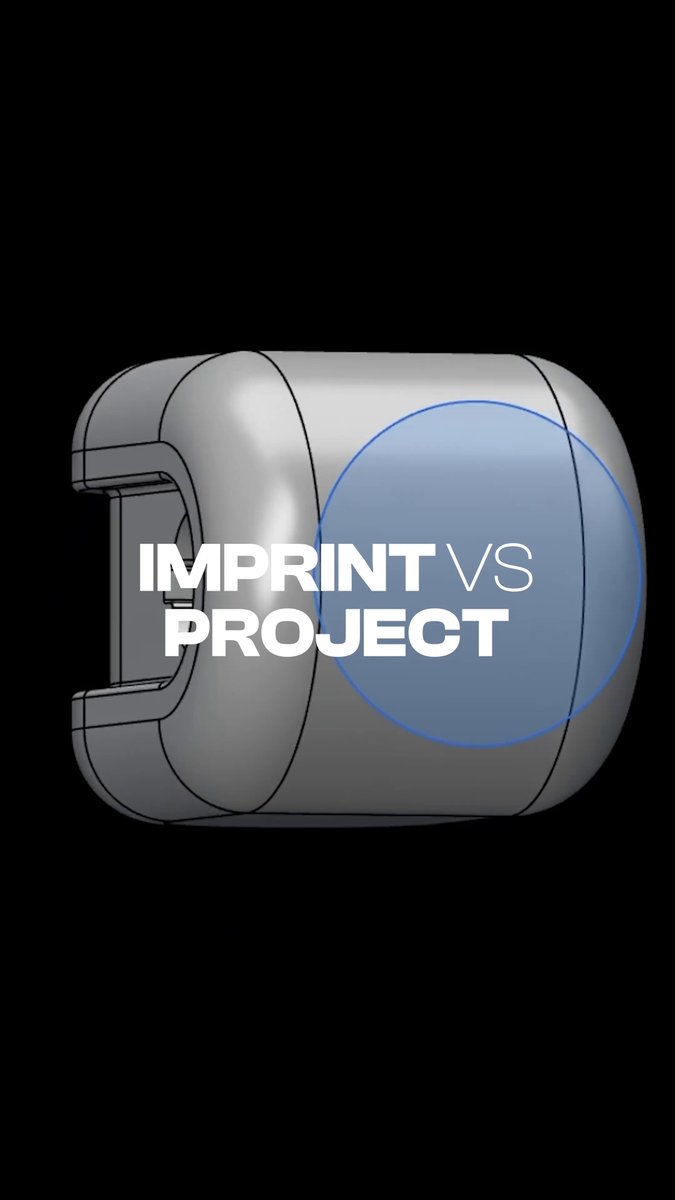
Project Curve and Imprint Curve may look similar, but they are used differently.
Imprint Curve takes that curve and makes it part of the body’s topology, giving you selectable edges that can be used for cuts, trims, offsets, bevels, and more.
Project Curve lets you place a curve onto a surface so it follows the form of the model.
Project when you need surface following guide geometry.
Imprint when you need editable body geometry.
1
14
2,040
Jun 5
Project Curve and Imprint Curve may look similar, but they are used differently.
Imprint Curve takes that curve and makes it part of the body’s topology, giving you selectable edges that can be used for cuts, trims, offsets, bevels, and more.
Project Curve lets you place a curve onto a surface so it follows the form of the model.
Project when you need surface following guide geometry.
Imprint when you need editable body geometry.
9
108
8,202
Plasticity retweeted
Jun 4
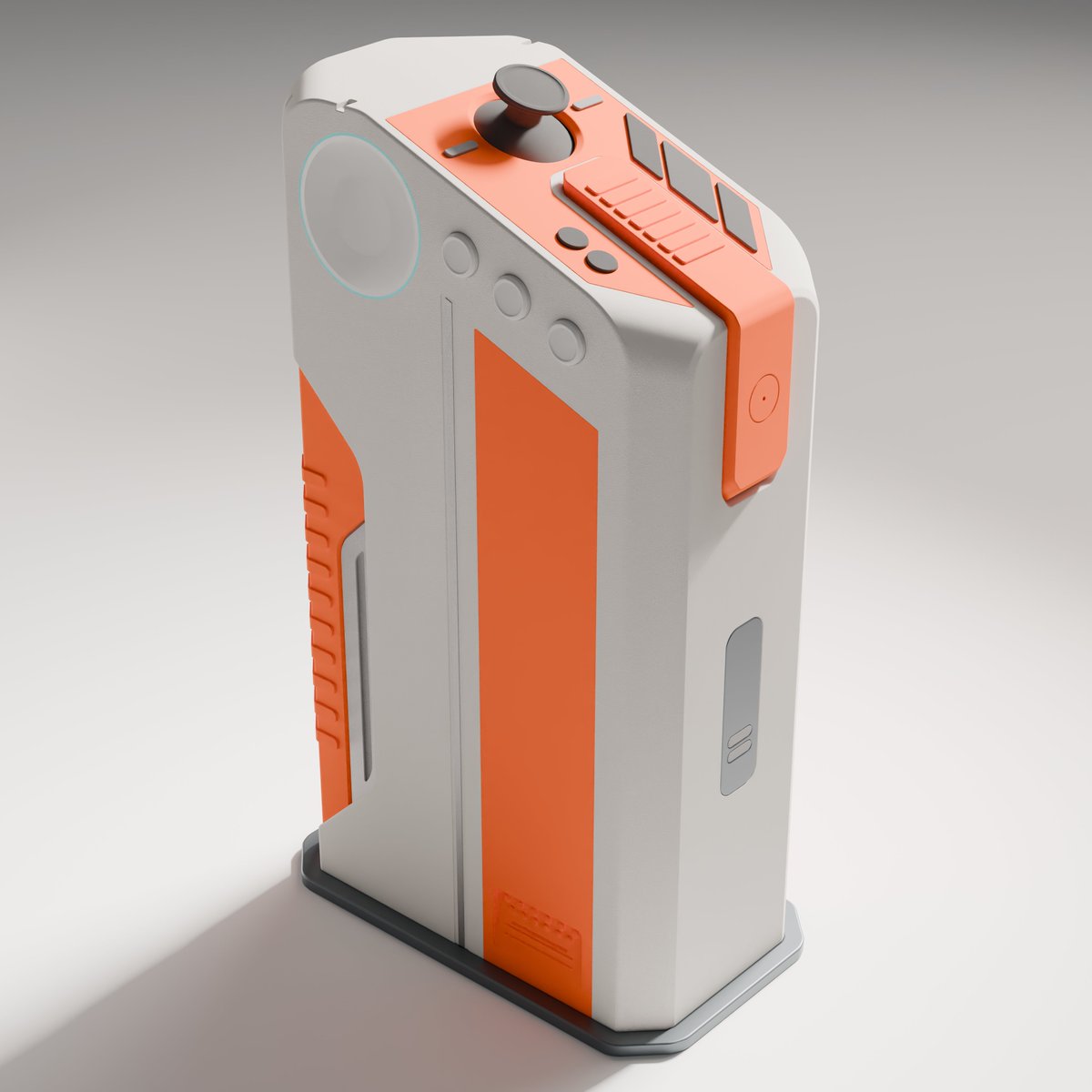
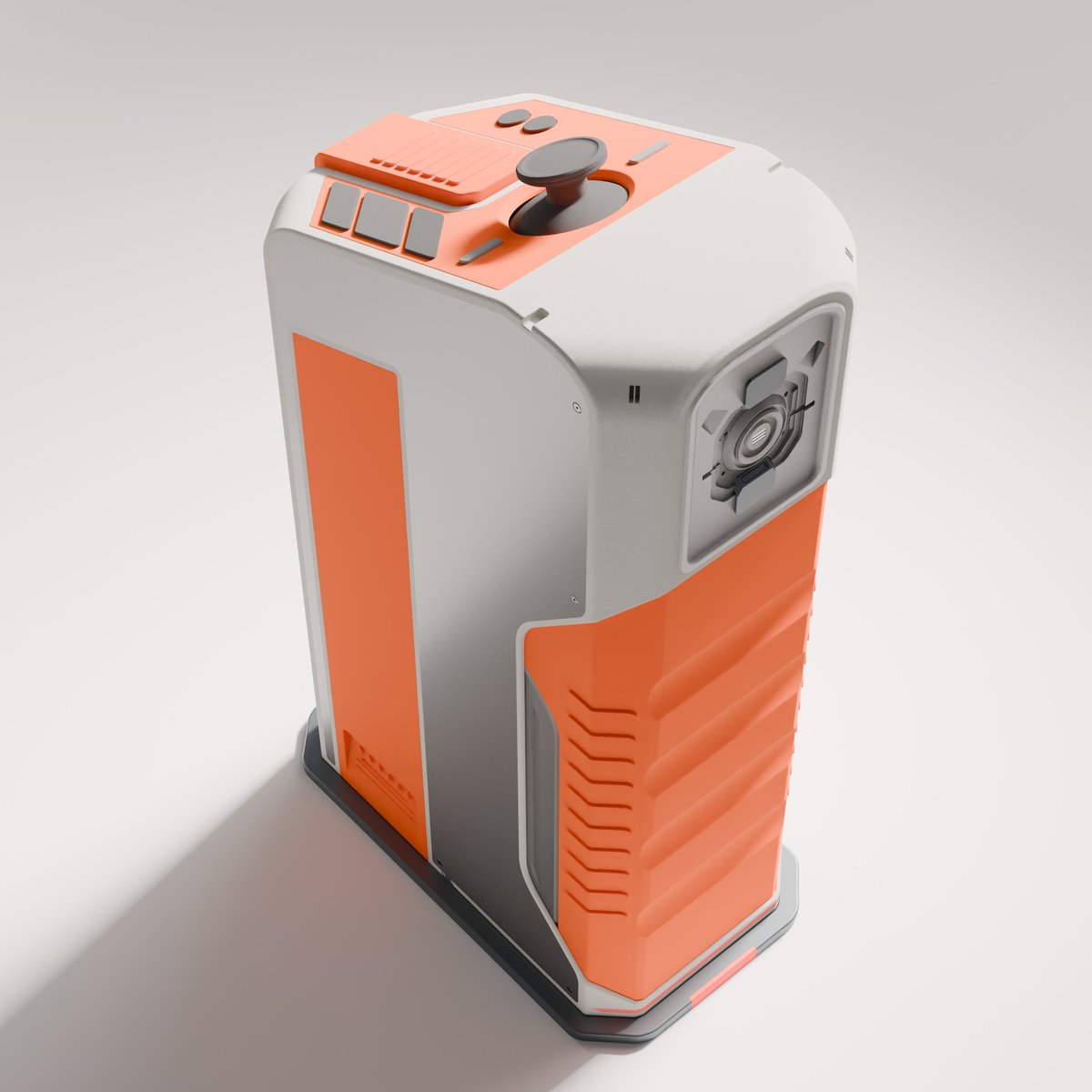
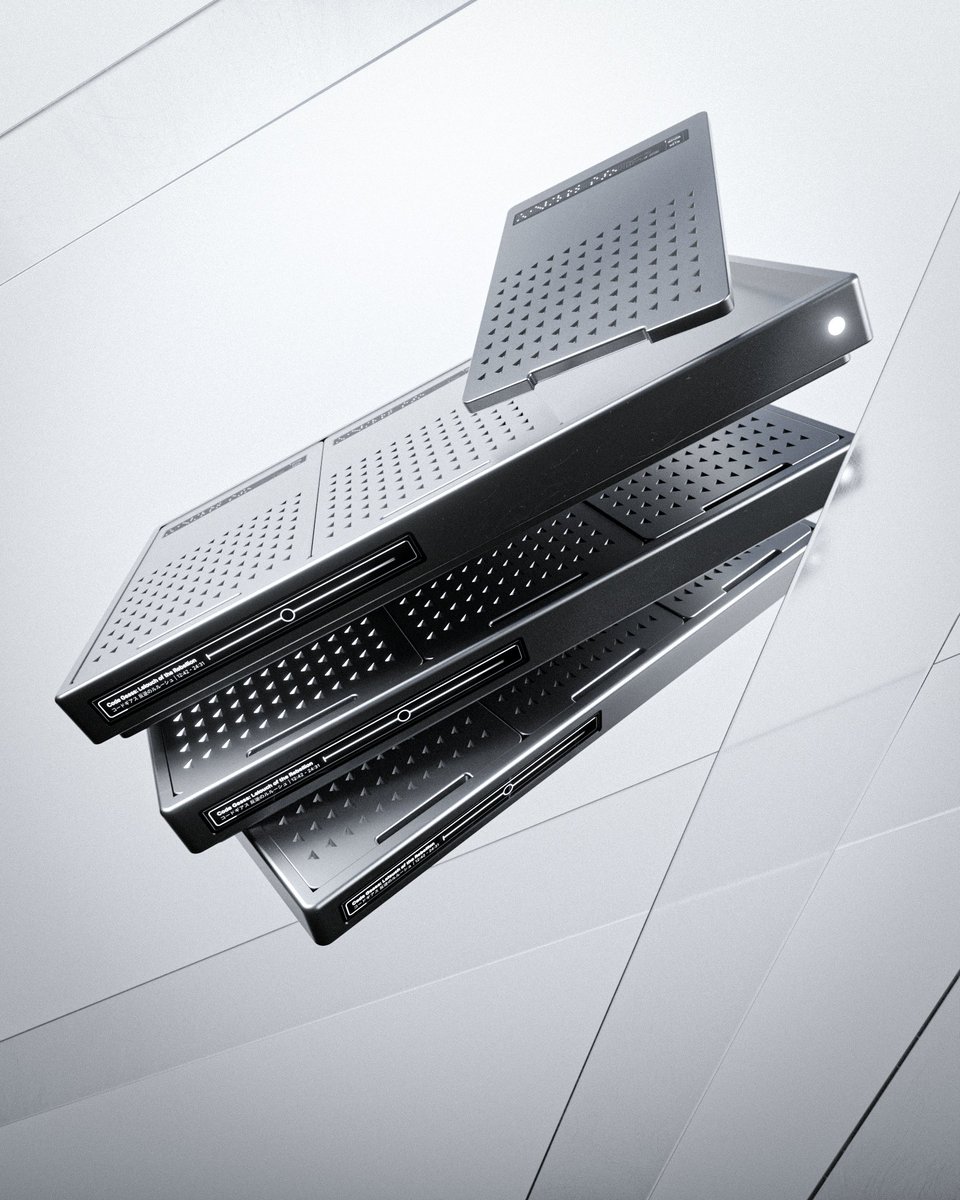
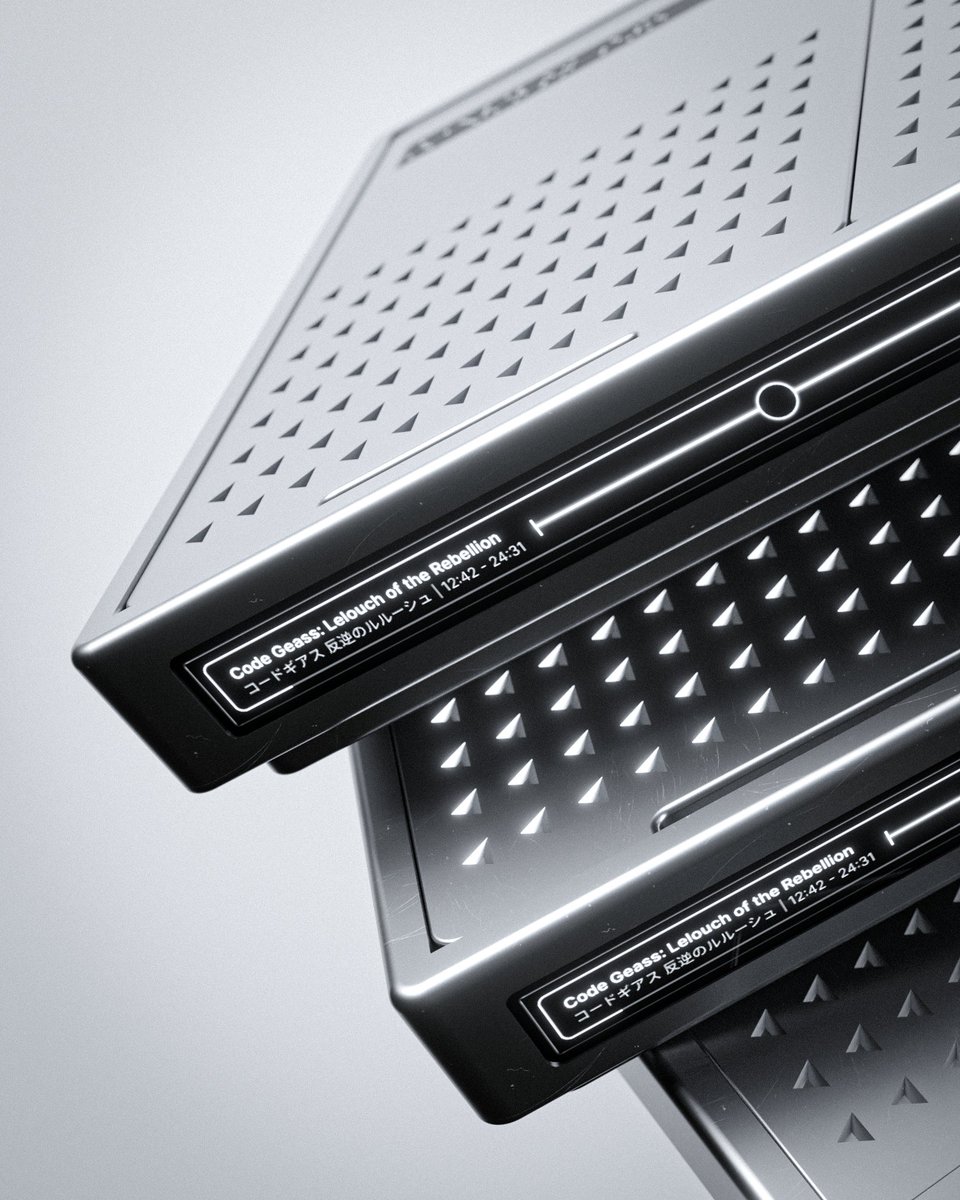
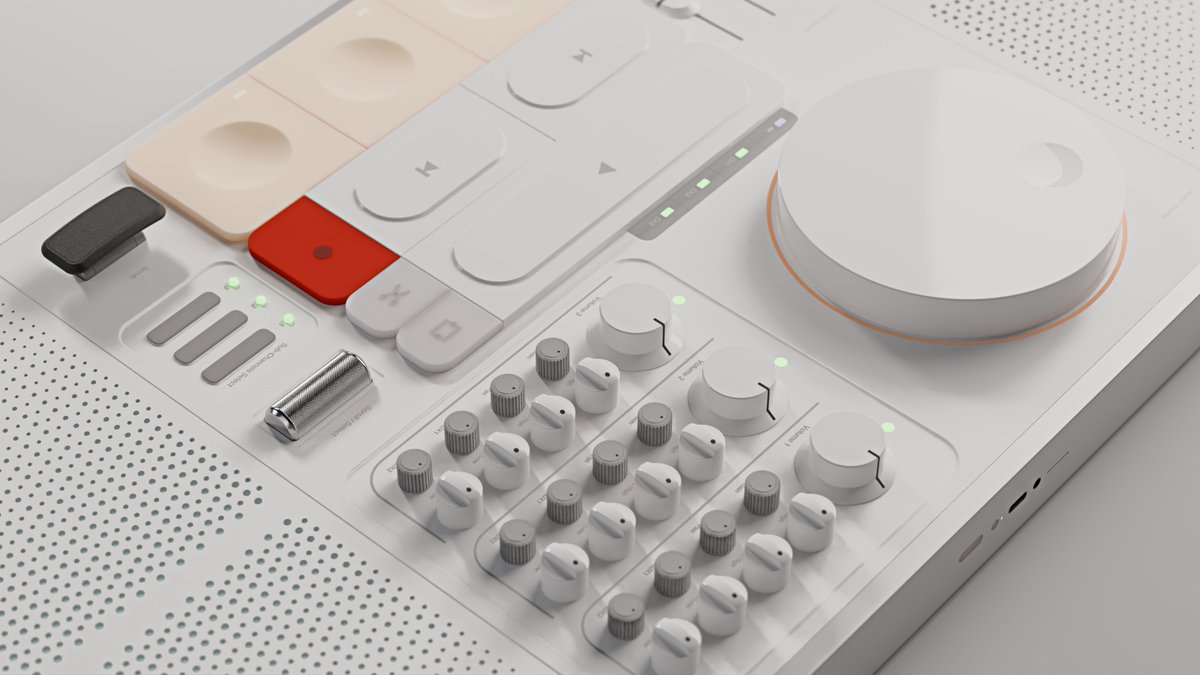
just make up stuff, i wanted to visualize a modular "dvd" player. not perfect but a start :)
9
7
154
6,479
Plasticity retweeted

Jun 3
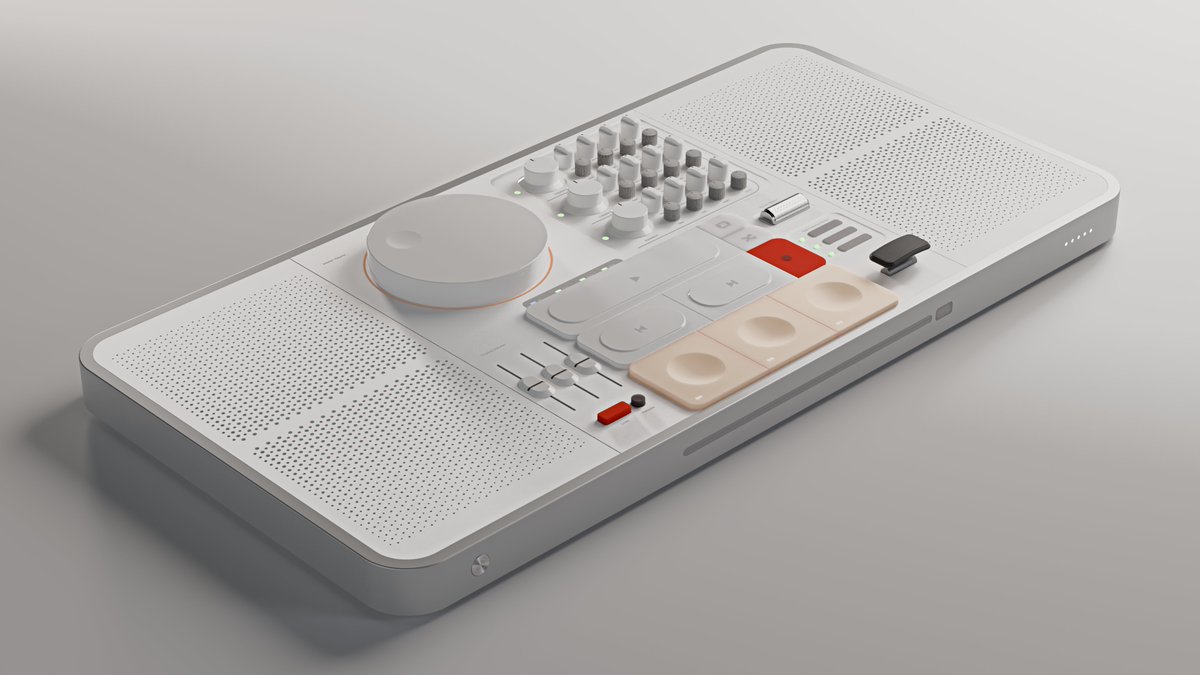
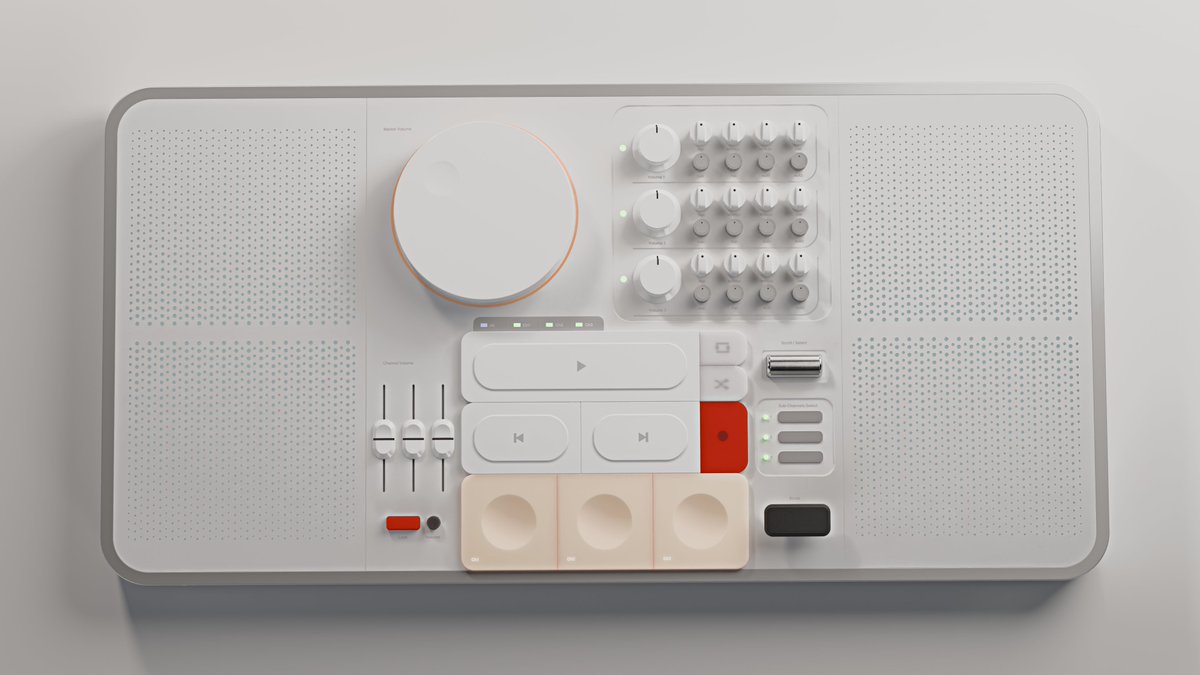
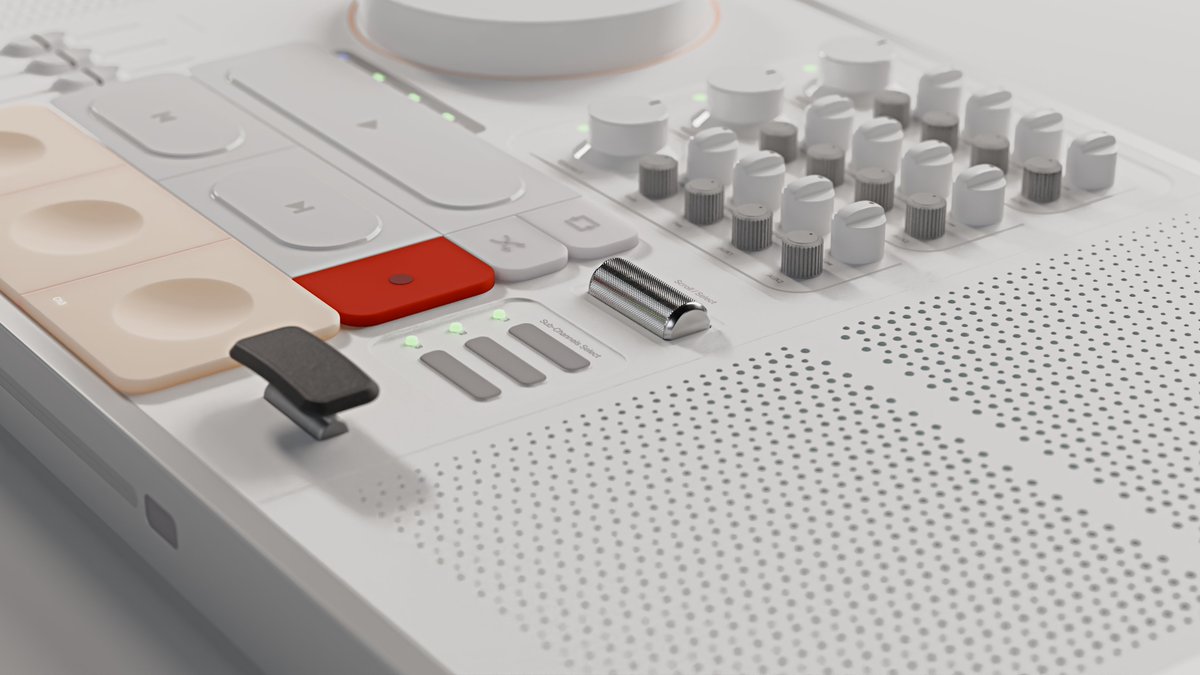
…And Justice for All sounds completely different when you can actually hear the bass.
Now you can. Mix your favorite songs at home or on the go — and discover what you've been missing all along. #B3d @getPlasticity
4
14
1,496
Jun 3
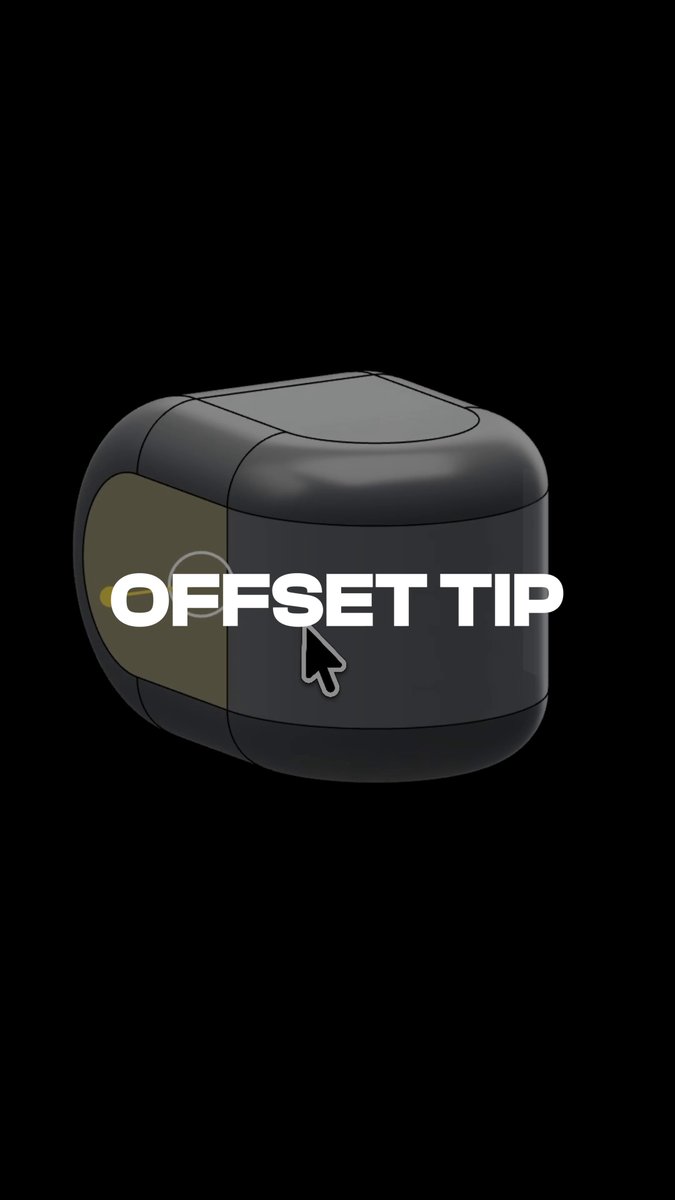
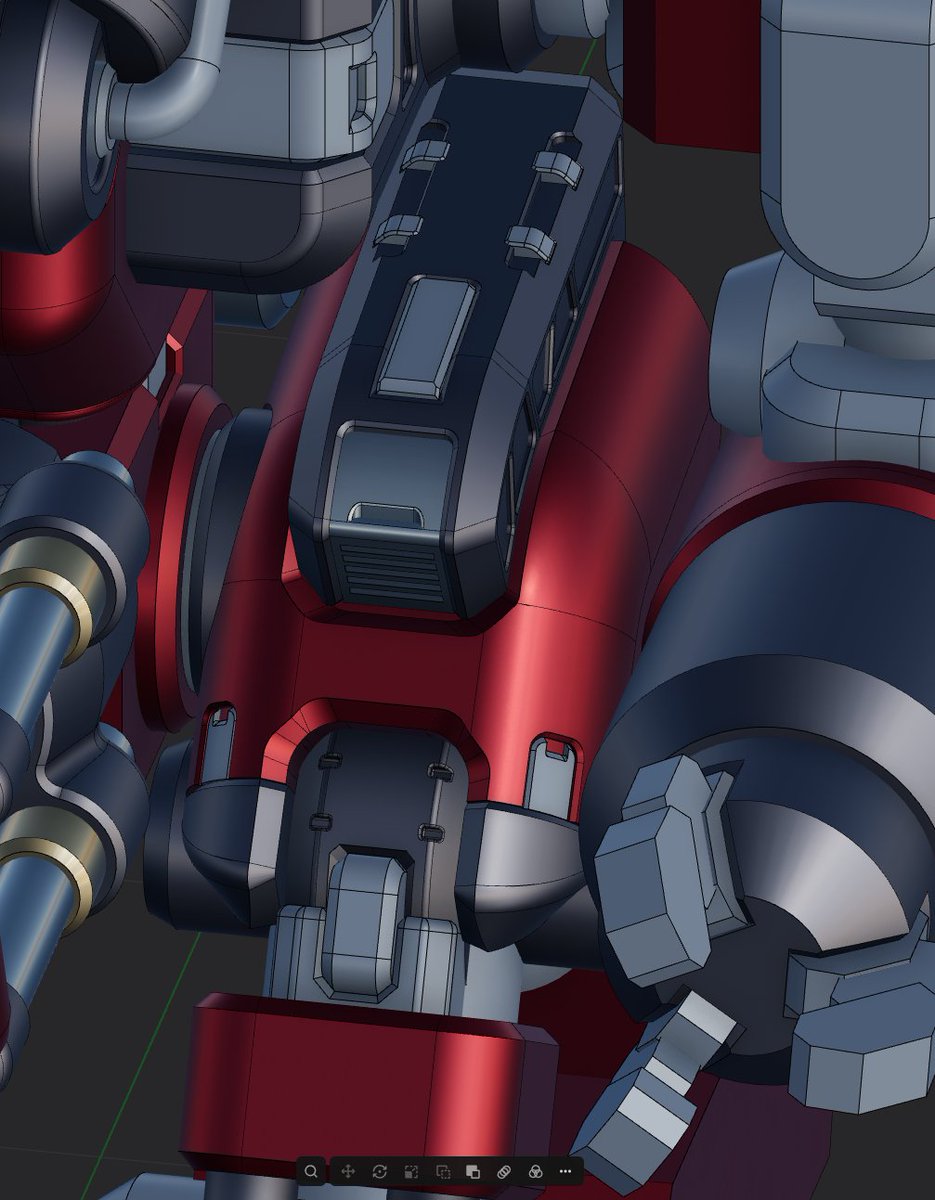
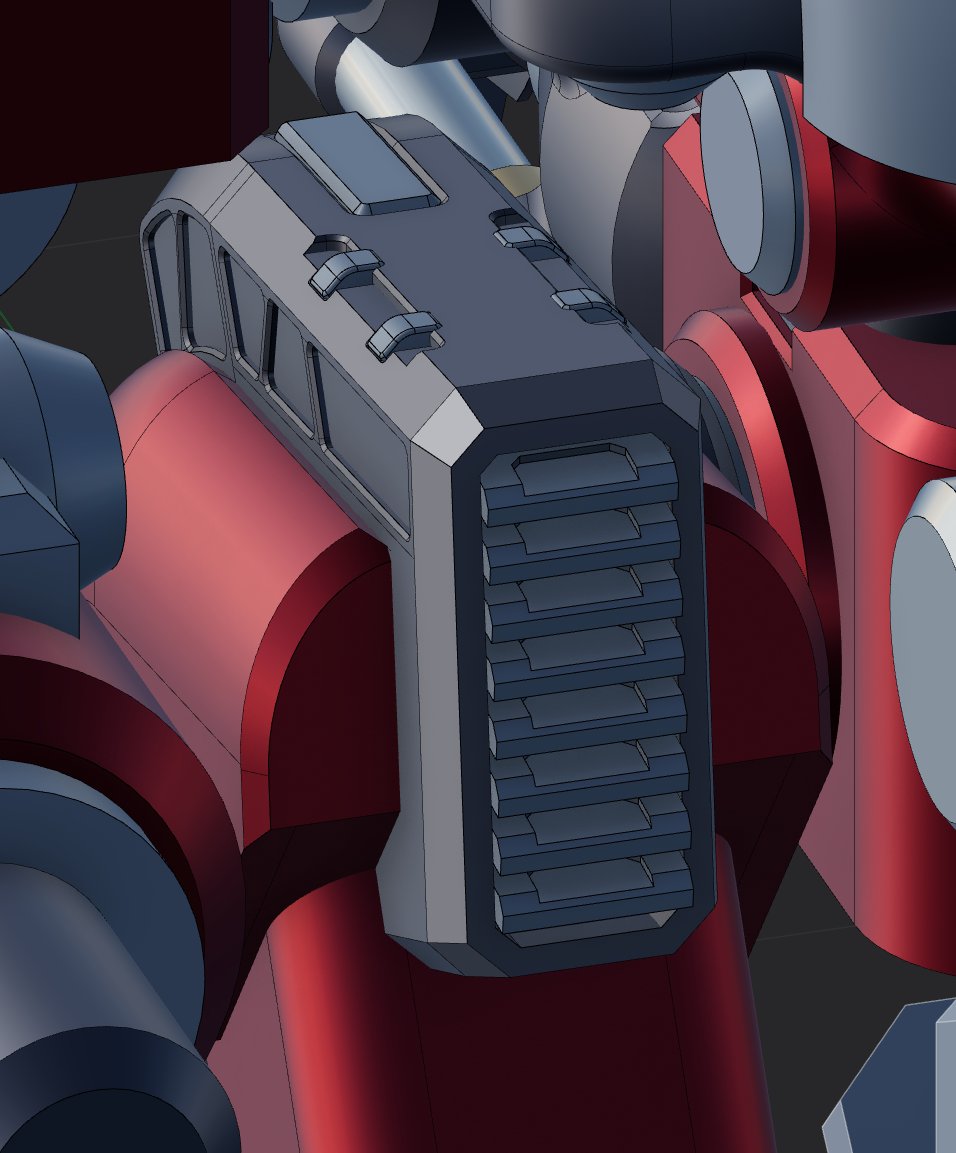
Offsetting edges and offsetting faces can lead to very different results.
In this example, the goal is to create one clean inset across the three middle panels.
If we offset the faces, each face offsets individually, which creates separate insets.
By offsetting the surrounding edges instead, we can create a shared boundary and inset the three panels together for a cleaner, more controlled result.
3
4
115
7,040

May 29
One of the most basic, but useful tools in Plasticity:
Fillet
Try Plasticity for free at plasticity.xyz
1
6
96
5,825
Plasticity retweeted

May 24
2
2
79
3,660
May 22
Plasticity gives you the freedom to model without forcing a workflow.
Push and pull surfaces, sketch loosely or dimension precisely, combine direct modeling with surfacing, and move through ideas without breaking momentum, or the bank.
Try Plasticity for free at Plasticity.xyz
4
24
299
15,778

May 20
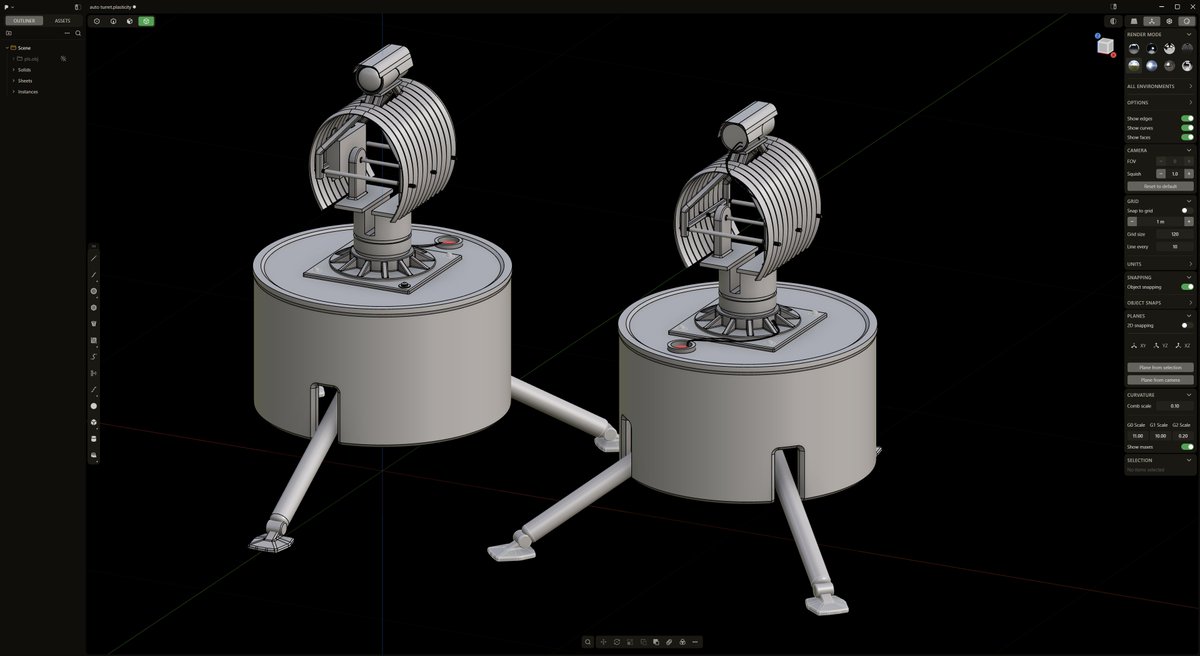
Have you used the sweep command yet?
Sweep custom profiles along curves to create pipes, trim, cables, rails, and complex surface forms while maintaining precise control over orientation and continuity.
5
54
2,484
Plasticity retweeted

May 19
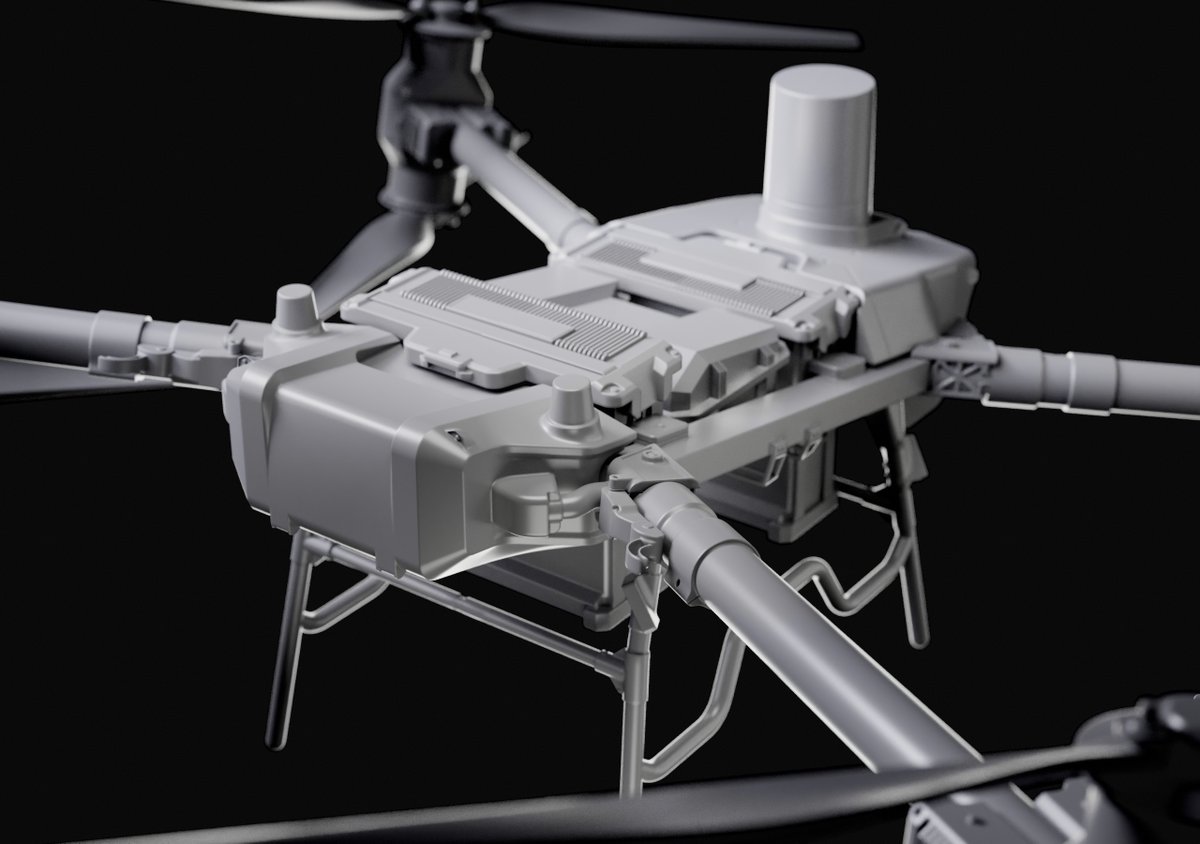
I've had a lot of fun using @getPlasticity to make this drone. Combine it with @marmosetco bevel shader and the result is insane
#gamedev #gameart #hardsurface
3
39
1,951
May 18
Lofting is both fun and useful.
Loft between curves, profiles, and edges to create smooth transitional surfaces with precise control over shape continuity and flow.
5
10
199
12,373
May 15
Transform commands now support Transform Instances Inversely.
When enabled, transformations apply to the parent object while keeping its instances fixed in place. Useful for adjusting source geometry without disturbing existing instance layouts.
5
45
4,019
May 13
Extrude now supports direct edge extrusion on surfaces.
A new mode toggle also lets you switch between Individual and Direction extrusion behavior. Extrude each face along its own normal, or drive all selected surfaces along a unified vector for more controlled results.
21
154
15,017