
Paperless digital notes taking and annotation app
Joined October 2020
- Tweets 25
- Following 4
- Followers 208
- Likes 3
21 Photos and videos
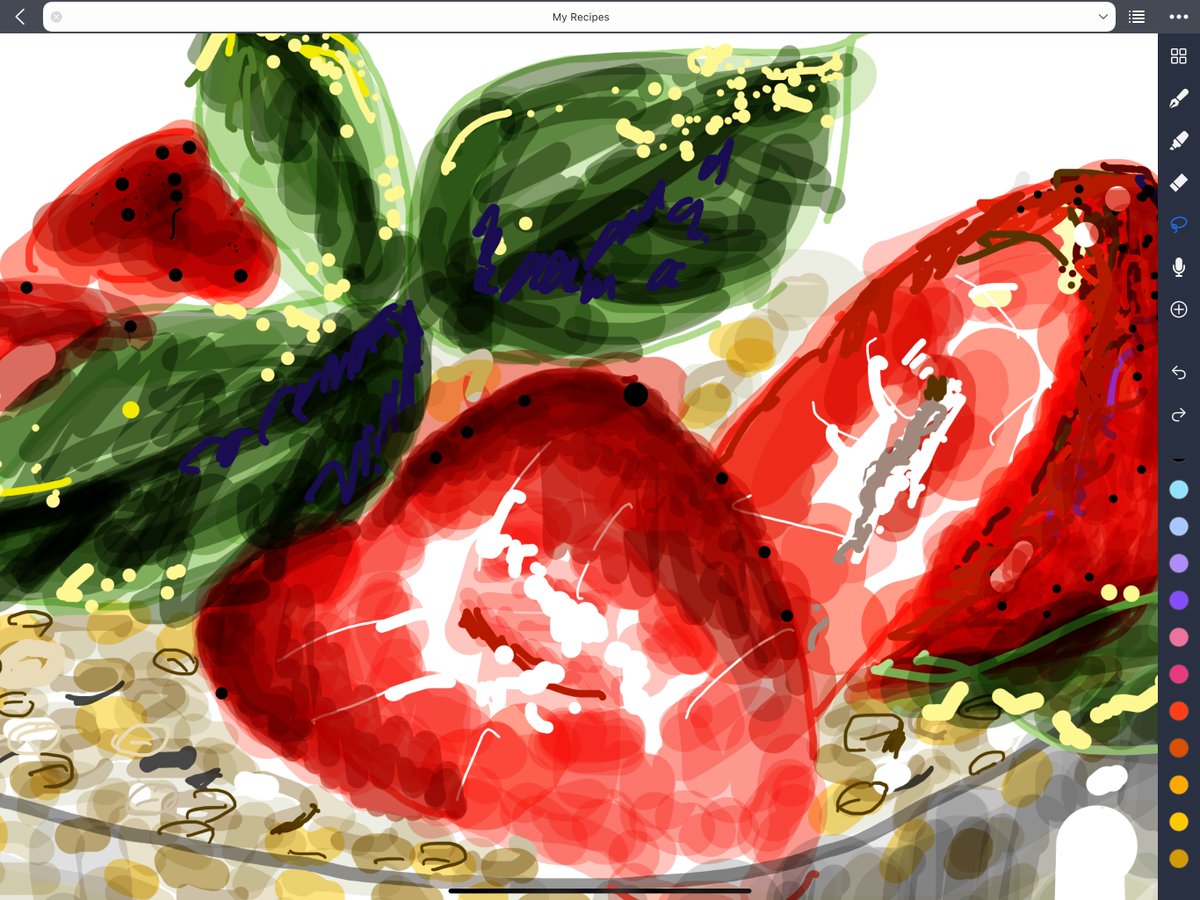

28 Aug 2022
Feature Update 1.2: Folders available alongside Nested Tags in the latest version
Using both folders/subfolders AND tags/subtags may help create an even more versatile and user-friendly notebook system your own way.
8
8
14 Aug 2022
Cool Tricks of Layers for Note-taking - Unlimited Transparent Overlays (2)
youtu.be/dU8IFfVOR6k
1
6
14 Aug 2022
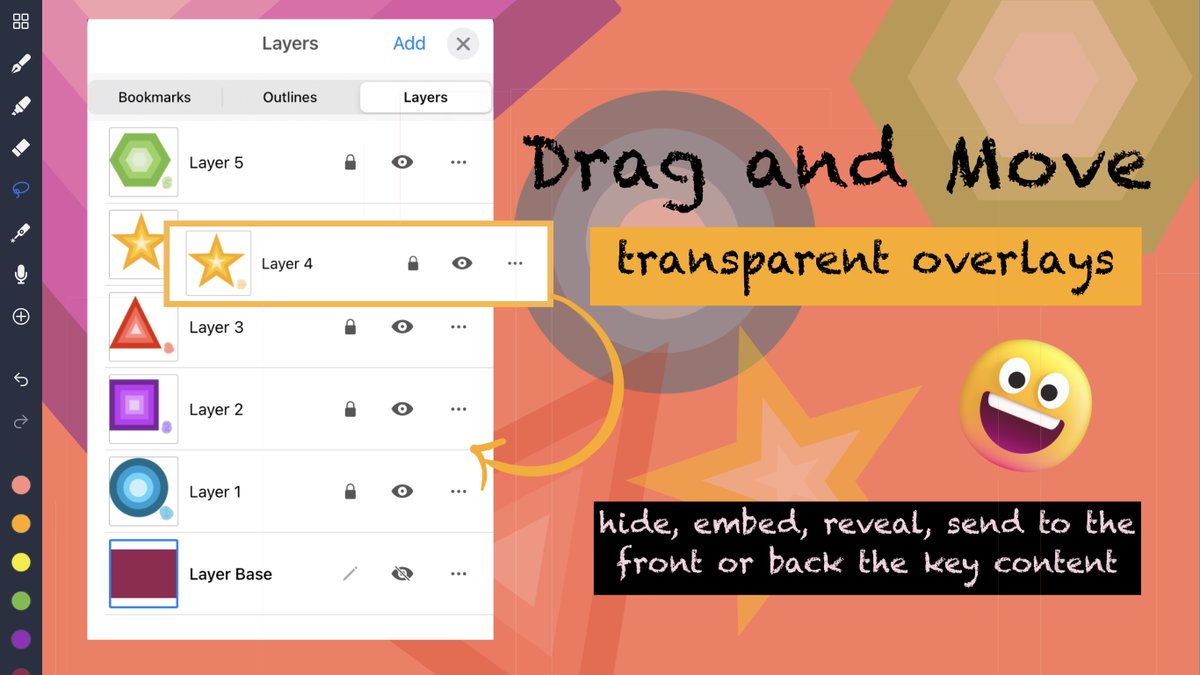
Cool Tricks of Layers for Note-taking: Unlimited Transparent Overlays - Drag and Move Layers
# Keep your original handwritten/PDF notes clean
# Work on and edit overlapping content on separate layers
# Feel FREE to draft, polish and scribble!
YouTube
youtu.be/dU8IFfVOR6k
1
13 Aug 2022
Cool Tricks of Layers for Note-taking - Unlimited Transparent Overlays [... youtu.be/W26rXkfZjQU via @YouTube
With transparent overlays, your hand-written notes are kept clean and safe while adding annotations or exchange written comments with friends on them.
3
28 Jul 2022
Noteful Version Update 1.1.31: (New Features) Presentation Mode and paper sizes 16:9 and 4:3
youtu.be/x6VQpKCu35A
1
5
25 May 2022
Thank you for Paperless X’s detailed review. 😍
1
2
21 Apr 2022
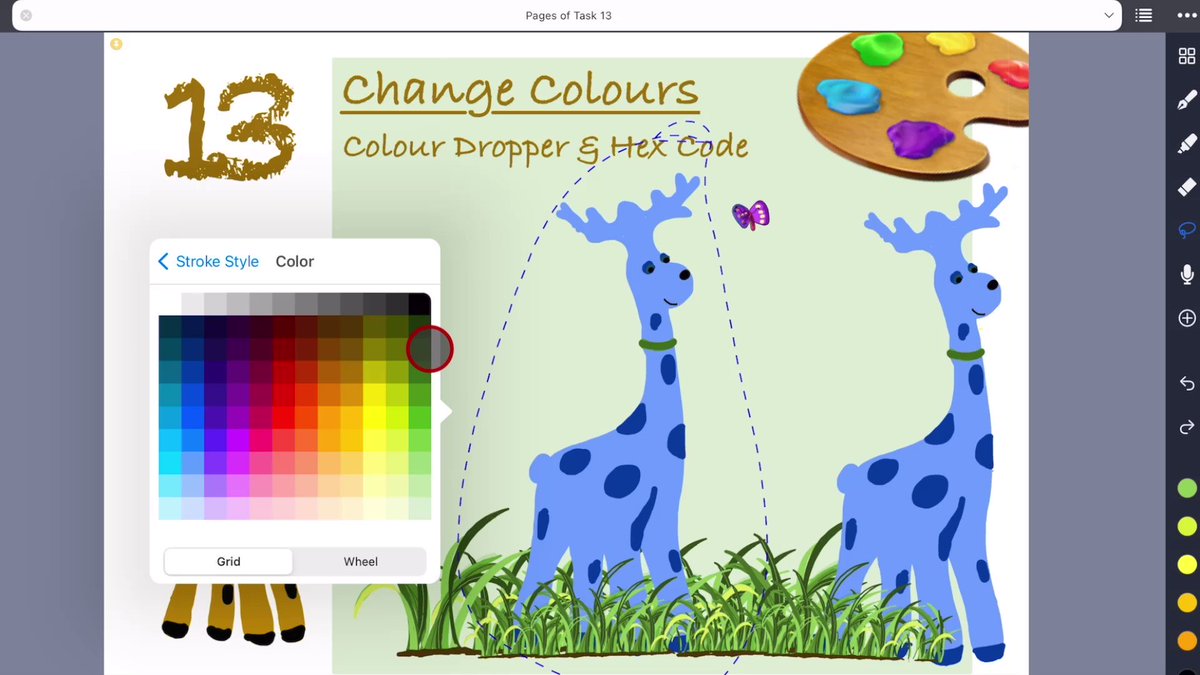
A Feature Update: The colour dropper tool has arrived😁! It allows you to pick a color anywhere on the page. And colour hex codes could be recognised as well.
#DigitalNotes #Noteful #walkthrough
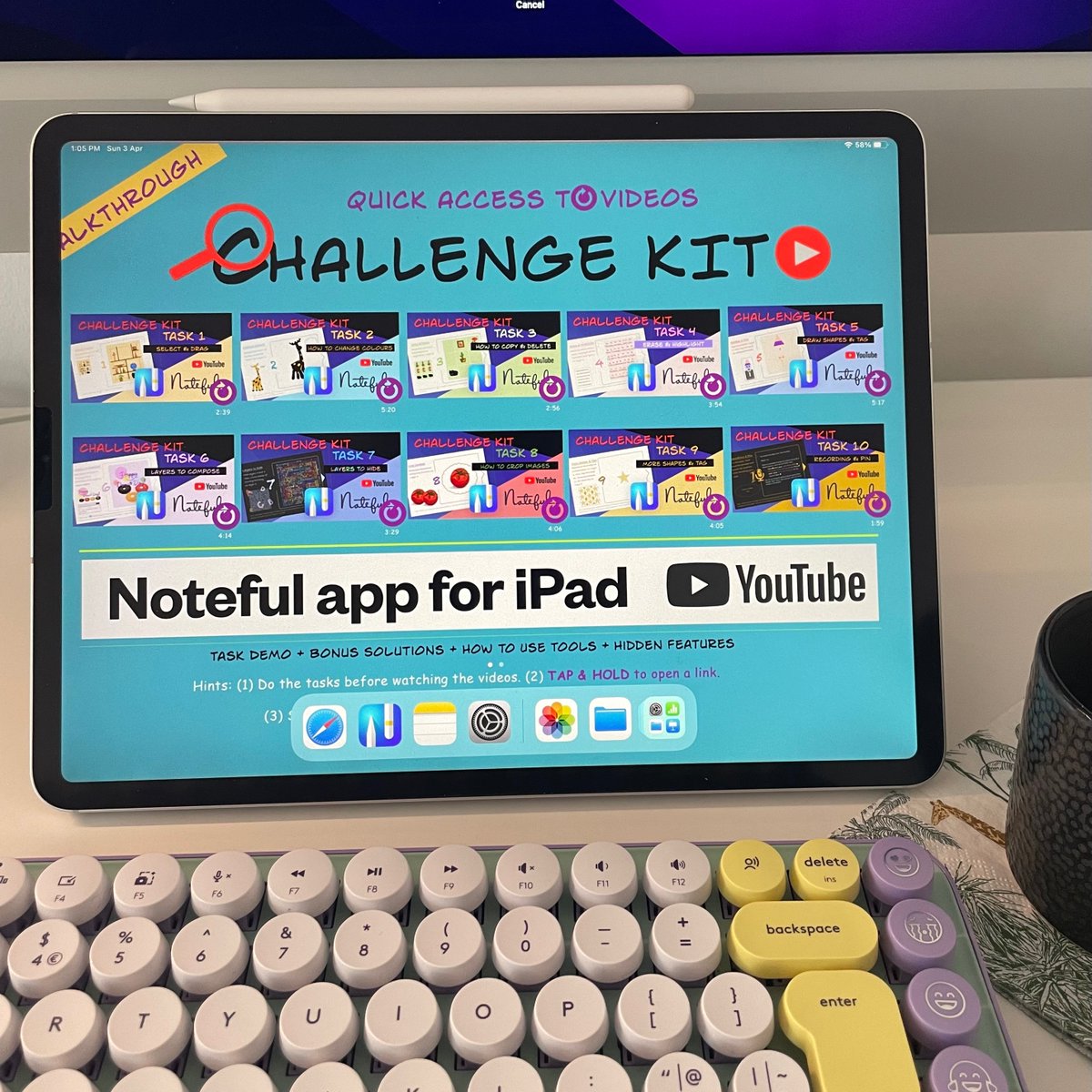
Find us on YouTube
youtube.com/channel/UCfr4BfQ…
1
3
3 Apr 2022
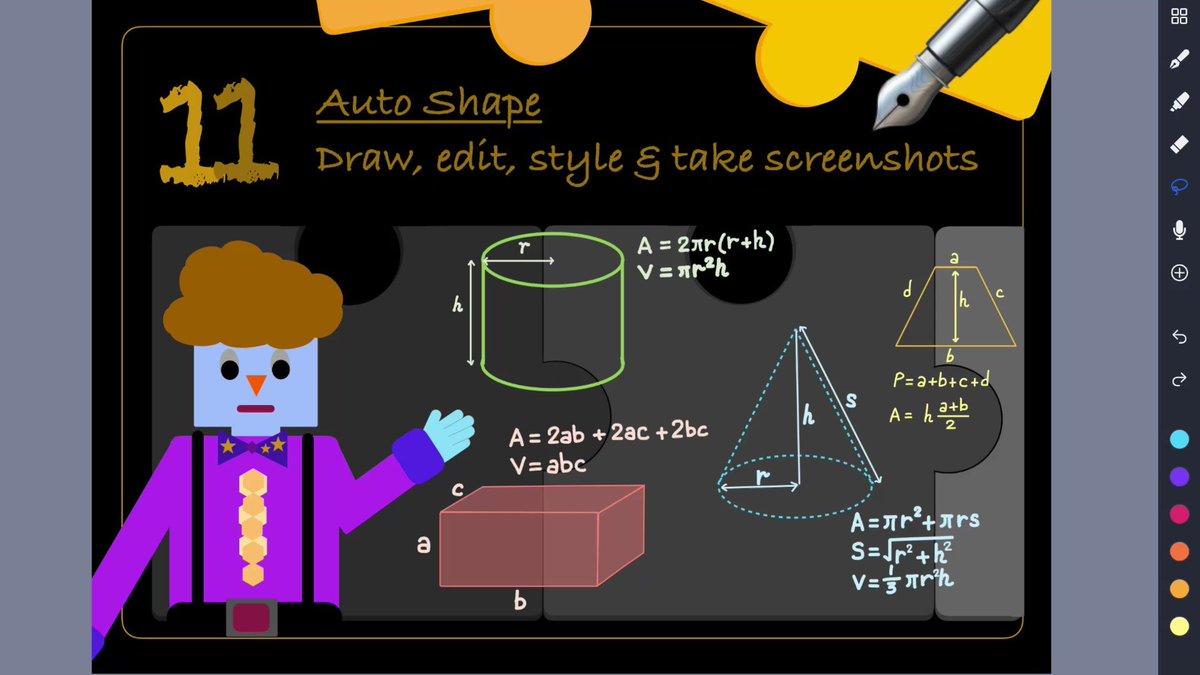
How to draw regular and irregular shapes perfectly?
Task 11 Beyond Challenge Kit
Auto Shape: Draw, edit, style & take screenshots
youtu.be/CNjZeinUK-Q
1
27 Mar 2022
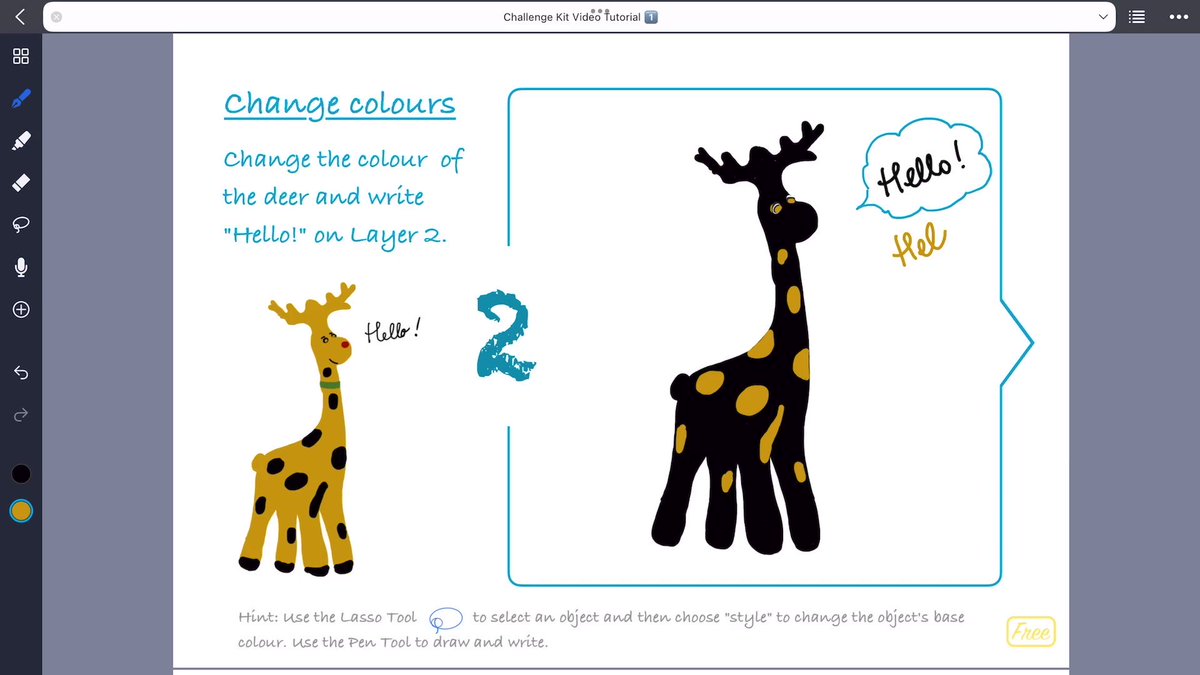
Would infinite options of colour be a challenge for those who are indecisive? Just change it till you feel it right 😂.
Challenge Kit Task 2 Change colours
youtu.be/OknXt70AJmQ
1
24 Mar 2022
Spread two fingers apart to enlarge your handwriting/drawing on the screen as far as you like.
23 Mar 2022
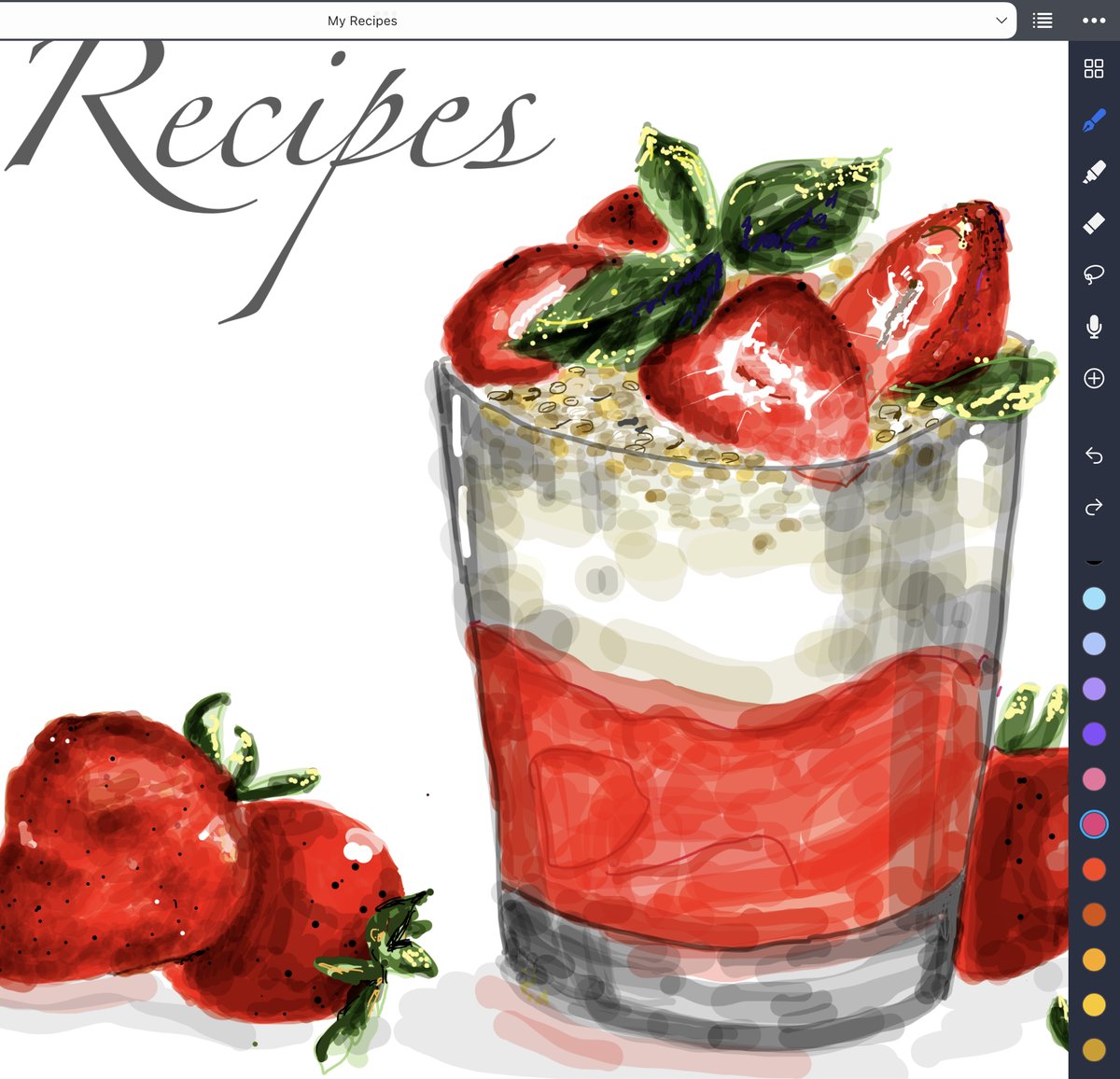
Guess, what is it?
Hint: red, heart-shaped, and studded with small seeds
1
18 Mar 2022
Hide and Seek. Can you find me in the Challenge Kit?