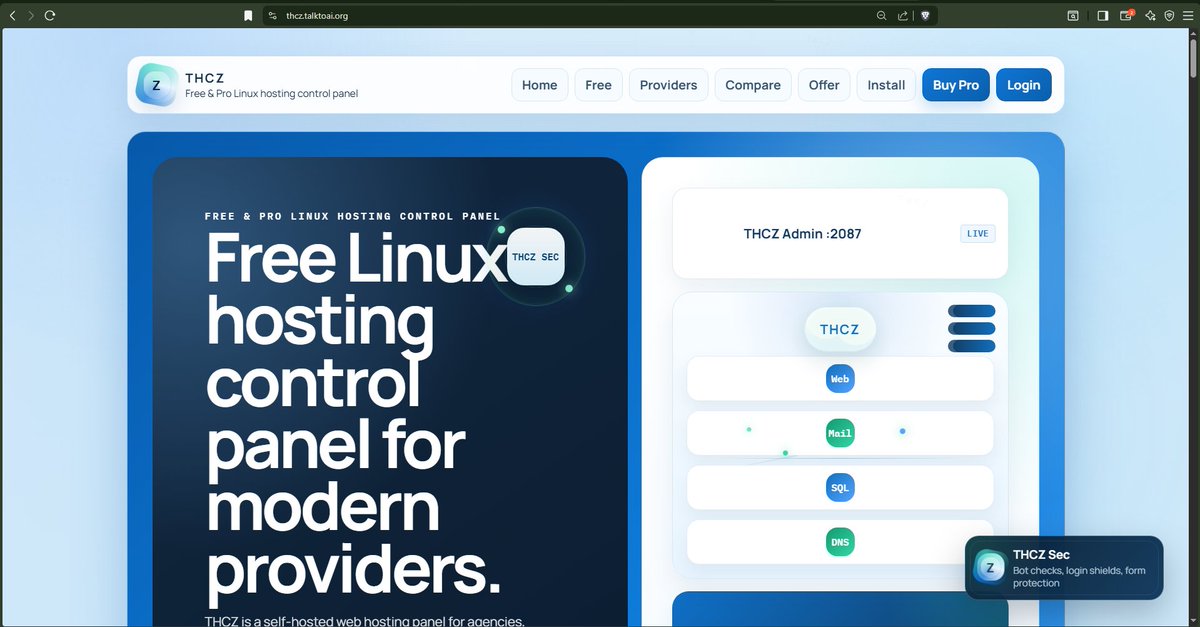
Control-panel completeness The modules people expect from cPanel and CWP, organized for THCZ.
A hosting panel has to prove it covers the everyday work.
THCZ now presents the full map clearly: web, email, users, domains, databases, files, logs, monitoring, plans, migration, backups, and security.
Web stack Websites, domains, SSL, PHP-FPM, reverse proxy, and app publishing from the panel.
Mail Email and webmailMail domains, mailboxes, forwards, Roundcube, sieve filters, spam and reputation lanes.
User
User panelCustomer-friendly tools for sites, files, databases, domains, mail, apps, billing, and backups.
DNS
DNS and domainsSubdomains, aliases, one-IP nameserver notes, records, AutoSSL, and launch checks.
SQL Databases
MariaDB/MySQL database creation, users, phpMyAdmin, Adminer fallback, and future Postgres lane.
Files
Files and FTP
Secure file manager, webroot scoping, edit flow, future SFTPGo/Pure-FTPd transfer lanes. LogsLogs and metricsAudit log, service state, GoAccess, AWStats, Webalizer, and live health visibility.
Watch Monitoring
Self-heal timer, service checks, Node Exporter, Glances, Monit, Netdata-ready growth path.
AI
AI DoctorPlain-English checks for DNS, AutoSSL, THCZ Sec, mail, installers, app runtime, and support handoff.
Money Plans and billing Packages, quotas, Pro licensing, support products, invoices, and protected customer checkout.
Move Migration
cPanel/CWP-style import lane is mapped into the roadmap with backup-first account transfer flow.
BKP Backups
Restore points today, with restic, BorgBackup, rclone, and offsite retention lanes planned.
Sec Security
THCZ Sec, fail2ban, ModSecurity/CRS, malware scanning, WAF lanes, and safe tool exposure.
Portal map
A clean portal map for buyers, owners, and hosted users. THCZ separates sales, ownership, and customer hosting so every audience lands in the right workspace.
Installed panel example
Each provider installs THCZ on its own hostname and presents the panel under its own brand.
New server ready
Buy a clean Ubuntu server, then install THCZ with the right profile.
An 8 GB RAM / 100 GB disk server should use the provider profile.
Run the safe preflight first, then install once DNS and provider firewall ports look correct.
Recommended starter VPS Ubuntu 24.04, 2 vCPU, 2 GB RAM, 35 GB disk, one clean public IPv4, and no existing control panel installed.
Pre-flight is safe Run --preflight-only first if you want a report for memory, disk, DNS, IP, and occupied ports before the installer changes anything.
DNS points first Point the panel hostname to the new server before running the installer if you want automatic TLS on the first pass.
Built for real hosting work
Made for hosting companies, agencies, resellers, and server owners.
THCZ is designed as a serious hosting product with a free core, paid Pro, support upgrades, and a clean path from server setup to customer hosting.
Hosting companies
Sell hosting, reseller plans, websites, email, databases, and apps from one branded panel.
Agencies
Manage client websites, mailboxes, SQL, apps, and support without random tools. ResellersCreate accounts, assign packages, publish domains, and support customers.
Server owners
Run daily hosting tasks inside the panel instead of depending on SSH. Core featuresEverything a serious hosting panel needs in one place.
THCZ covers daily hosting work: websites, DNS, SSL, files, databases, email, applications, customer accounts, and upgrades.
Core Website and domain management Create accounts, publish websites, attach domains, create subdomains, and run Auto SSL.
Live File manager
Browse site roots, open text files, create folders, and make safe edits. Live Databases and SQL access Create databases, database users, and open SQL administration tools.
Live Mail domains and mailboxes Create mail domains, mailboxes, quotas, forwards, and webmail access.
Core Reverse proxy and app publishing Publish private upstream apps through shared-IP routing.
LiveBilling, licenses, and ordersSell Pro and support, issue licenses, and track customer orders.
ALT Control-panel completeness The modules people expect from cPanel and CWP, organized for THCZ.
A hosting panel has to prove it covers the everyday work.
THCZ now presents the full map clearly: web, email, users, domains, databases, files, logs, monitoring, plans, migration, backups, and security.
Web stack Websites, domains, SSL, PHP-FPM, reverse proxy, and app publishing from the panel.
Mail Email and webmailMail domains, mailboxes, forwards, Roundcube, sieve filters, spam and reputation lanes.
User
User panelCustomer-friendly tools for sites, files, databases, domains, mail, apps, billing, and backups.
DNS
DNS and domainsSubdomains, aliases, one-IP nameserver notes, records, AutoSSL, and launch checks.
SQL Databases
MariaDB/MySQL database creation, users, phpMyAdmin, Adminer fallback, and future Postgres lane.
Files
Files and FTP
Secure file manager, webroot scoping, edit flow, future SFTPGo/Pure-FTPd transfer lanes. LogsLogs and metricsAudit log, service st