
Jun 14
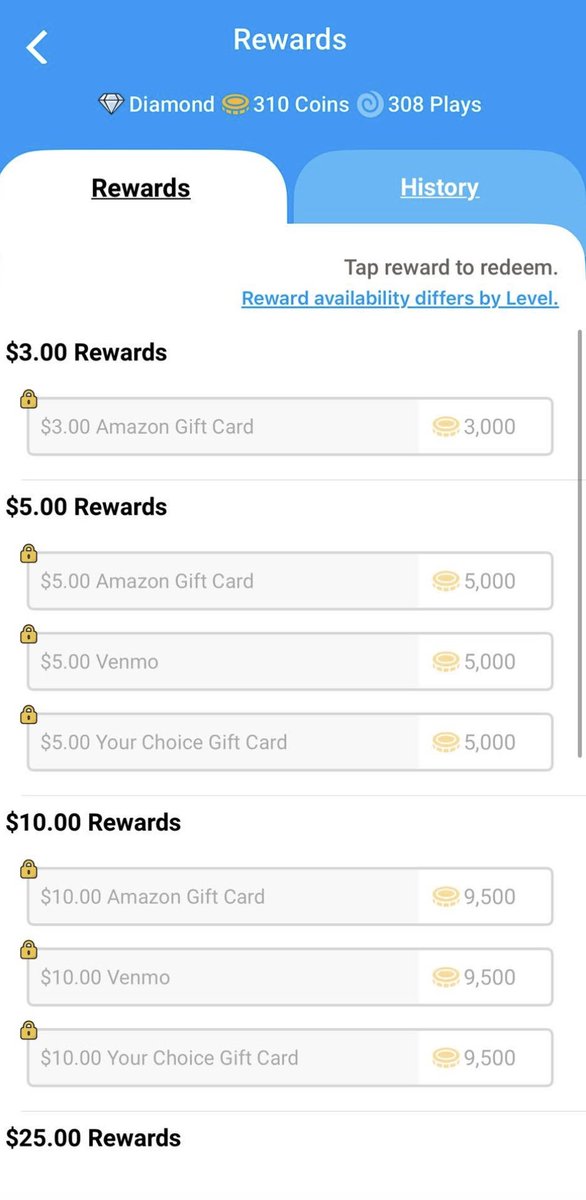
Download the CoinOut App to earn Coins to redeem for rewards.
Start earning Coins by downloading
coinout.com/pages/refer_earn…

5
SweepMasters retweeted

Jun 11
Join & Download the #CoinOut App to earn Coins to redeem for #rewards Start earning Coins by downloading at
coinout.com/pages/refer_earn…
1
1
21


8 Oct 2025
Don’t throw out your receipts, you might be able to earn cash or gift cards by scanning them on an app like CoinOut, Fetch, Ibotta or Receipt Hog
4
2
9
346

17 Sep 2025
Instead of throwing receipts away, keep them. Simply taking a photo of the receipt can earn you bonus rewards with apps like CoinOut and Fetch. (Partner offer, terms apply!) thepointsguy.com/credit-card…
4
9,349

When an entrepreneur took his idea to "Shark Tank," he secured an investor, but his company, CoinOut, has gone through changes since. Here's what happened.
bgr.com/1941079/coinout-app-…
1
782

Hey @Krak, I know this app is fairly new and has a lot of potential. I also acknowledge that I am sure the developers and marketing team are quite busy fine tuning and adding. I have a great idea that I believe could big a big step for the app. Many "earn" apps, whether from playing games, taking surveys, counting steps, scanning receipts, watching ads, ect., have one thing in common. Most have gift card cash out options of course, but most have PayPal as an option. I, myself, use this as often as possible to send money to Coinbase and purchase USDC, then immediately send to Kraken and swap for USDG. Point being, I see A LOT of potential if @Krak gets into the ring and offers its payout services to those same apps or partners with them, whatever the process. Just some brain candy to being a big competitor in the game. Some apps that I am referring to for reference are the following:
Freecash
Swagbucks
InboxDollars
Mode Earn App
NCPMobile
Receipt Hog
ReceiptPal
CoinOut
Receipt Jar
Frisbee
Fetch Rewards
Copper
Pogo
Upside
Sweatcoin
Rakuten
RetailMeNot
Clickworker
PaidViewpoint
Money RAWR
Ibotta
Toluna
Survey Junkie
PrizeRebel
AppNana
FeaturePoints
Mistplay
CashKarma
Drop
Dosh
@krakenfx @krakenpro
#Krak #Kraken #KrakenPro
4
123

7 Jul 2025
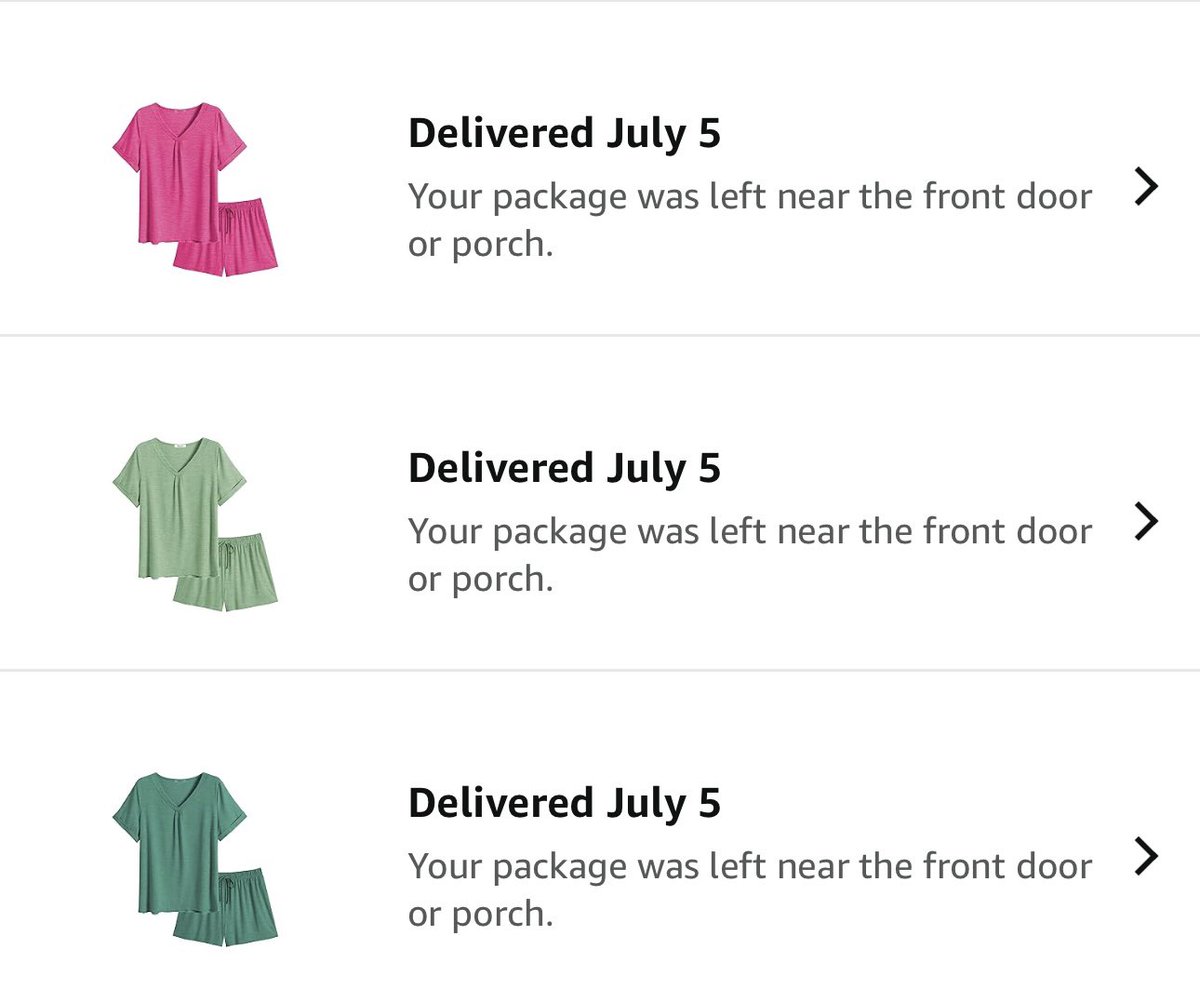
Scan Receipts with the CoinOut app I just redeemed my coins for a $50.00 Amazon Gift Card & got these cute summer pajamas It’s so Easy - Here’s my referral code
Download the CoinOut App to earn Coins to redeem for rewards
coinout.com/pages/refer_earn… #coinout
1
7
9
148

8 Jun 2025
Slammin’ crumpled receipts like I’m Stone Cold Steve Austin in a cage match for every last penny! 🧾💰
3 Apps I use to Earn Cash - making EVERY Penny Count:
Receipt-Hog: app.receipthog.com/r/clim727…
Fetch: referral.fetch.com/vvv3/refe…
CoinOut: coinout.com/pages/refer_earn…
Def. Recommend!
21
566

19 Jan 2025
Another free app I use to scan receipts. Have cashed out 💰 to move into investments.
Love sharing free stuff that I personally use.
Download the CoinOut App to earn rewards for receipts! Start earning!
coinout.com/pages/refer_earn…
2
2
1,173

29 Dec 2024
Download the CoinOut App to earn Coins to redeem for rewards. Start earning Coins by downloading
coinout.com/pages/refer_earn…
1
2
76

27 Dec 2024
Here's your X "banking" app. Add banking functions and Pay Receive for person to person, B2B, app to app, Pay bills and make other transactions with three clicks!
1.) Add a tiny icon (speaker volume size) to every page on this service. Clicking it will pop-up a small modal window waiting for input. Simply type the amount then send...
2.) Second window. Select a payee from a list (built from contacts) and press confirm...
3.) Review the information (amount and recipient) press Send
Process the bank transfers (2) quickly as possible and return a receipt via app and push.
And that's it, add more pages as required/needed.
Pages with specific functions to enhance the "pay/send" feature on X:
1. Enter Amount Page
This is your first step where users input the amount they wish to send. Here, you might consider:
Real-time Validation: Ensure that the entered amount is within acceptable limits and provide immediate feedback if there's an issue.
Citation: Implementing error prevention techniques through real-time validation helps in creating a smooth payment experience.
Enter Payee Page - After the amount, users select or enter the recipient: Recipient List: Populated from contacts or previous transactions, with an option for manual entry.
Search Functionality: Users can search for recipients if the list is extensive.
Citation: This feature leverages existing user data to enhance convenience, similar to how social media payments integrate with user networks for seamless transactions.
Receipt Page - Upon transaction completion, show the receipt:
Transaction Details: Display the amount, recipient, date, transaction ID, and status.
Save or Share Option: Allow users to save the receipt or share it via various methods.
Citation: Ensuring transactions are processed securely and users receive immediate confirmation is vital for trust and efficiency in mobile payments.
Additional Pages:
Scan Page - For uploading photographic images, possibly for receipts or verification:
Image Upload: Users can upload images from their camera or gallery for various purposes like receipt scanning for rewards or verification.
Image Processing: Implement OCR (Optical Character Recognition) to extract relevant information if needed for transaction validation or rewards.
Citation: This feature could be similar to apps like CoinOut, where users scan receipts to earn rewards.
Validate New Bank Card Page - A dedicated page for adding and verifying new payment methods:
Card Details Entry: Securely enter card details with fields for card number, expiration date, CVV, etc.
Verification Process: Options like sending a small charge to the card or using a verification code sent by the bank, similar to Google Wallet's verification process.
Citation: This process follows the secure methods for adding payment methods as described in Google Wallet's verification steps.
Help Pages - Comprehensive help sections for various aspects of the payment feature:
FAQ Section: Answers to common questions about payments, security, and troubleshooting.
Tutorials: Step-by-step guides on how to use different features of the payment system.
Contact Support: Direct links to customer support, possibly with live chat or a form for submitting queries.
Citation: This aligns with best practices for help center design, ensuring users can find solutions or contact support easily.
Transaction History Page - For users to review their past transactions:
List of Transactions: Chronologically ordered, with options to filter by date, recipient, or status.
Detailed View: Clicking on a transaction should provide a detailed view, similar to the receipt page but with additional options like dispute initiation.
Citation: This feature is akin to banking apps where users can track their financial interactions for record-keeping.
Privacy and Security Settings Page - To control who can see payment activities and set security preferences:
Visibility Settings: Options to make transactions public, private, or visible to selected friends.
Security Preferences: Set up transaction limits, enable/disable notifications, or freeze the account.
Citation: This mirrors privacy controls on social media platforms, enhancing user control over their financial data.
Feedback Page - For users to provide feedback or rate their experience with the payment feature:
Rating System: Allow users to rate their transaction experience.
Feedback Form: A form for textual feedback or suggestions for improvement.
Citation: User feedback is crucial for service improvement, similar to practices in e-commerce platforms.
By integrating these additional pages, the "pay/send" feature on X becomes more robust, offering users a comprehensive suite of tools for managing payments securely and efficiently. This structure not only covers the basic transaction flow but also addresses user education, privacy, security, and support, enhancing the overall user experience.
7
1
12
9,611


A7. Kroger grocery app w/ my Boost membership (fuel point bonuses exclusive savings), @Ibotta rebates, @FetchRewards Coinout. #CreditChat

Q7. What technology or apps do you use to streamline your meal planning and prepping? #CreditChat
5
5
240

I use Ibotta, Fetch and CoinOut for grocery rebates! #CreditChat
1
1
3
31


No it's a lie as there has never been 2000 vets in it haha sad Angie liar Levin trying too make coinout of Harry 🤣🤣.Just remember she knew what Saville was doing and done nothing another predator protector
7
144

15 Apr 2024
I have always done various receipt apps (Fetch and CoinOut are my go to) and my ex used to laugh at me but sometimes save receipts.
J saves every receipt he remembers and is so excited for me to cash out for us to have extra money for trips and events this year 🥹
5
371