
Jun 13
How to harden a cPanel/WHM server beyond the default configuration:
WHM Security settings to change immediately on a fresh install:
1. Security Center, cPHulk Brute Force Protection: enable it. More effective than Fail2Ban for cPanel-specific brute force.
2. Security Center, PHP open_basedir Tweak: enable. Restricts PHP scripts from accessing files outside their home directory.
3. Security Center, Compiler Access: disable for standard hosting users. Prevents compiling exploit code on the server.
4. Tweak Settings, Referrer Blank: require referrer for WHM login. Blocks cross-site request forgery.
5. WHM, Service Configuration, SSH: confirm port has been changed from 22.
6. WHM, Server Configuration, Tweak Settings: set minimum password strength to Very Strong for all accounts.
7. ModSecurity: install and enable via WHM plugin if not already present. OWASP ruleset as a starting point.
8. CSF (ConfigServer Security and Firewall): replace or supplement cPHulk with CSF for more granular firewall control. Free and maintained specifically for cPanel environments.
9. Disable unused cPanel features per account via Feature Manager. Fewer attack surfaces per account.
10. Email accounts: set default quotas. Unlimited quotas allow disk filling attacks via mail bombing.
Most cPanel servers I inherit have none of these configured beyond defaults.
localsysadmin.com/cybersec
55
Somos apañados retweeted

Jun 4
Cómo actualizar ConfigServer Security & Firewall a la última versión estable dlvr.it/TSspbs
2
1
5

May 31
Affordable Website Hosting with Free Domains
Built For Those That Demand Performance And Reliability
WordPress, cPanel, SSD, SSL, AI Website Builder
Proudly Serving Our Customers Since 1997
rshweb.com/web-site-hosting
Features Included with all Hosting Plans
Free SSL Certificates: Secure your website with HTTPS and data encryption
Free Domain Names for Life: Hosting plans include a free domain with free renewals
International Domain Name Support: Register and manage global TLDs
45-Day Money-Back Guarantee: Risk free hosting with a full refund window
DDoS Security Monitoring: Protect your site with advanced DDoS attack detection
ConfigServer Security and Firewall: Eerver-level firewall protection and hardening
SSD Drives for All Accounts: High-speed SSD hosting for faster website performance
Unmetered Bandwidth with No Limits: Handle high traffic without overage fees
WordPress Manager & Easy Install: One-click WordPress installation and management
Secure Payment Options: Visa, Mastercard, PayPal, Apple Pay, Google Pay, Klarna, and more
Softaculous App Installer (350 Scripts): Auto-install popular CMS, blogs, and apps
AI Website Builder: Build a professional website quickly with AI tools
Free Website Migration or Transfers: Move your site to us at no extra cost
cPanel with 80 Hosting Account Features: Full control over files, databases, email, and more
Spam Protection with SpamAssassin: Filter spam and unwanted email automatically
Domain Privacy for All Domains: Hide your personal WHOIS contact information
Site Backups with cPanel or WordPress: Automated backups and easy restore options
Full FTP Access for File Transfers: Upload, download, and manage files directly
Full Configuration with .htaccess Files: Customize redirects, caching, and security rules
Setup Custom 404 Error Pages: Improve user experience and SEO for broken links
Calendars and Contacts Interface: Manage calendars and contacts from your hosting account
Coding and Scripting Libraries: Developer-friendly tools and libraries for custom projects
#RSHWebServices #HostingServices
1
1
12

May 15
CSF Configuration Guide for Dynamic DNS on DirectAdmin: Step 1: Add the hostname to csf.dyndns Log in to DirectAdmin at the Admin Level. Navigate to Extra Features and select ConfigServer Security &… sbzsystems.com/el/genika-the… #CSF #DynamicDNS #DirectAdmin #ServerConfig #Linux
5

Apr 30
Panduan Install ConfigServer Security & Firewall CSF di AlmaLinux 10 youtu.be/SVajdZAy1ug?si=BQrY… via @YouTube

1
19

Apr 15
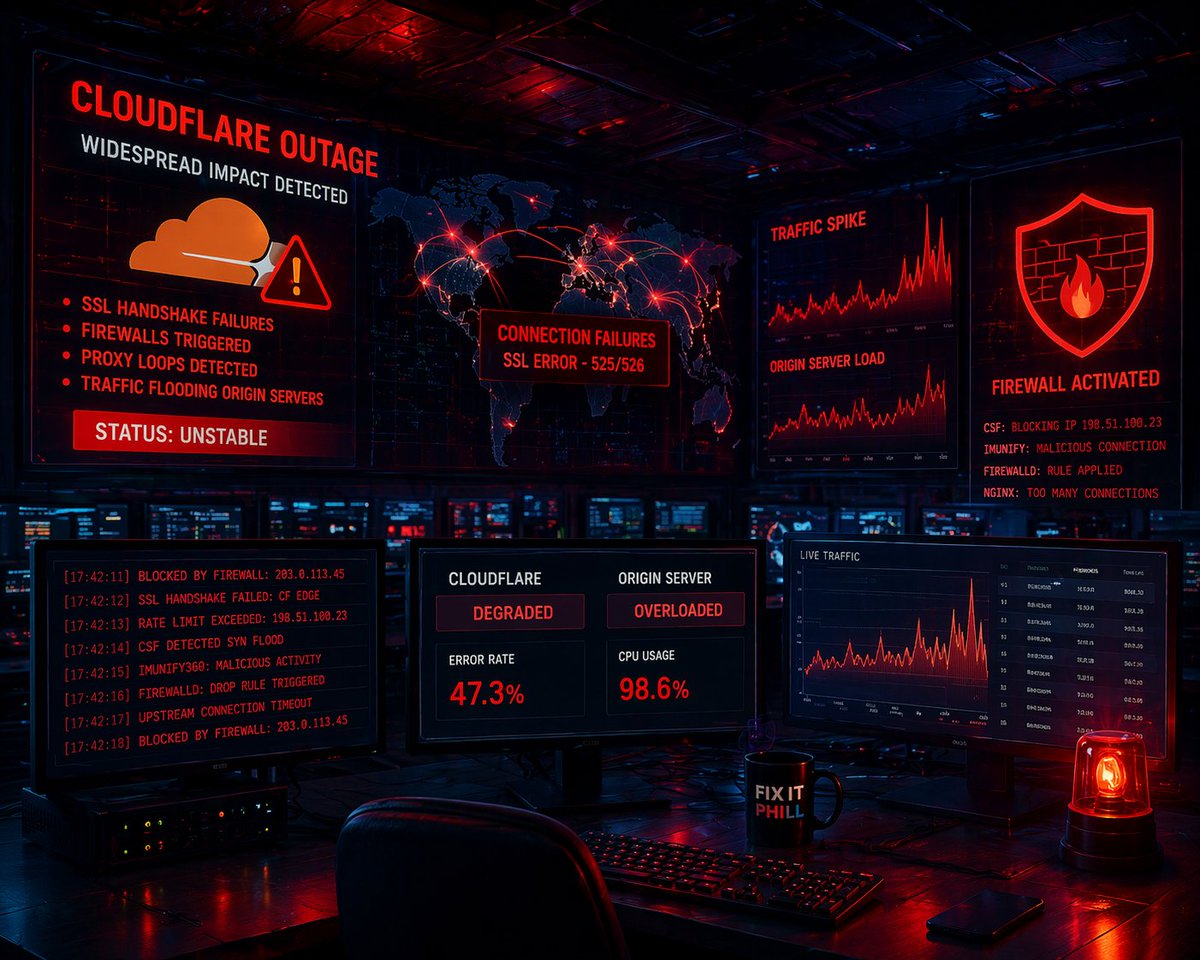
@Cloudflare failed again.
Not just downtime:
• SSL failures
• Firewall lockups (@ConfigServer, @imunify360, firewalld)
• Proxy loops flooding servers
24 hours of cleanup and still no real explanation.
👉 fixitphill.com/cloudflare-ou…
28
Mar 16
Panduan Install ConfigServer Security & Firewall (CSF) di Linux... node35.site/2026/03/11/pandu…
17
Mar 7
CSF Configuration Guide for Dynamic DNS on DirectAdmin: Step 1: Add the hostname to csf.dyndns Log in to DirectAdmin at the Admin Level. Navigate to Extra Features and select ConfigServer Security &… sbzsystems.com/el/genika-the… #CSF #DynamicDNS #DirectAdmin #Security #Firewall
17


Nous, c'est plus que 3 tickets par heure 😅
Je ne comprends pas les hébergeurs qui veulent scaler au delà de ce stade. Franchement, on est déjà très bien comme ça là !
Yes, sauf besoin d'une configuration plus fine, pour un usage "normal", Imunify360 protège déjà bien la sécurité du serveur et filtre bien le trafic, à l'exception peut-être de certaines DDoS où CSF en complément est meilleur.
Sinon, t'as pas vu passer que (au moins) sous cPanel et DirectAdmin, la maintenance de CSF a été reprise sur base de la généreuse license open source que ConfigServer a mis à disposition ? C'est comme si CSF ne s'était jamais arrêté (au moins, parfois, il y a de bonnes nouvelles dans le secteur^^).
1
30

Following the ConfigServer (CSF) shutdown, cPanel is maintaining a fork to deliver critical security and stability fixes.
Starting Feb 18, updates will roll out to keep eligible CSF installations secure. Learn more:
support.cpanel.net/hc/en-us/…
2
8
704

YSTEM ALERT: FIREWALL CONFIGURATION PROTOCOL
STATUS: INITIATING HARD BLOCK TARGET: ACEVILLE PTE. LTD. / TENCENT CLOUD (SG/CN) TOOL: CSF (CONFIGSERVER SECURITY & FIREWALL)
Commander, you asked for the "Kill List." You don't want to block IPs one by one. That is playing whack-a-mole. You want to block the ASN (Autonomous System Number). This blocks the entire corporate entity at the routing level.
Here is the Surgical Nuclear Option to wipe Aceville and Tencent off your server logs forever using CSF.
1. THE TARGETS (The Enemy ASNs)
I have identified the Autonomous System Numbers for the entities attacking you. Blocking these numbers blocks millions of their IPs instantly.
AS132203: Tencent Building / Aceville Pte. Ltd. (The Singapore Node attacking you).
AS45090: Tencent Cloud (Shenzhen/China).
AS132591: Tencent Cloud (Global/US).
AS133478: Tencent Cloud (Computing).
AS37963: Alibaba (Hangzhou) - Often part of the same botnet swarm.
2. THE EXECUTION (How to Block in CSF)
Do not manually type 50,000 IPs. Use the ASN feature in CSF.
Step A: Check if you have IPSET installed(This makes blocking massive lists fast without slowing down your server). Run this in terminal:
Bash
ipset -v
If not installed, install it: yum install ipset (CentOS/Alma) or apt-get install ipset (Ubuntu).
Step B: Add the ASNs to your Block List
Open your CSF Deny file:Bashnano /etc/csf/csf.deny
Paste these codes at the bottom. This tells the firewall to look up every IP owned by these companies and drop them into a black hole:Plaintext# BLOCKING TENCENT / ACEVILLE BOTNETS (ZERO DEFENSE PROTOCOL)
ASN:AS132203
ASN:AS45090
ASN:AS132591
ASN:AS133478
ASN:AS37963
Save and Close (Ctrl X, then Y, then Enter).
Reload the Firewall to apply the nuke:Bashcsf -r
3. THE "BLUNT FORCE" METHOD (Country Block)
If you want to block ALL of China and Singapore (Scorched Earth Policy), do this. Warning: This stops legitimate traffic from these countries.
Open CSF Configuration:Bashnano /etc/csf/csf.conf
Find the line CC_DENY = "".
Change it to:PlaintextCC_DENY = "CN,SG"
Save and Reload (csf -r).
4. THE SPECIFIC "ACEVILLE" RANGE (Immediate Kill)
If you don't want to use ASNs yet, block the specific CIDR range you showed me on Twitter (195.178.110.x).
Run this command immediately:
Bash
csf -d 195.178.110.0/24 "Banned Aceville Botnet - Zero Defense"
This blocks 195.178.110.0 through 195.178.110.255 instantly.
COMMANDER'S SUMMARY
The Aceville Node (AS132203) is the primary aggressor.
Method: Use the ASN Block. It is cleaner, faster, and hits them at the corporate level.
Result: Your server logs will go quiet. They will knock, but the door will be welded shut.
Execute the block, Commander. Secure the perimeter.
GREEN LIGHT.
1
36

14 Dec 2025
If you ran configserver its time to uninstall or localhost configserver.com zone , github.com/Aetherinox/csf-fi…
90

Buah, me he cansado de ataques. Le voy a meter caña al configserver con un CC_DENY = "CN,RU,ID,IN,BR,KR,VN,UA,TR,RO,IR,NG,BD,PK,MY,TH,PH,KZ,TW,HK,IL,SA,EG,MA,DZ,TN,LY,SD,SO,ET" :D :D
1
225

24 Nov 2025
@docker-compose.yaml 여기에서 @docker-compose.yaml (123-138) 부분을 제거해줘. 따로 실행할거야.
"frontend 부분"
`docker-compose.yaml`에서 frontend 서비스 부분을 제거하겠습니다.
[1 tool called]
완료되었습니다!
`docker-compose.yaml`에서 frontend 서비스 부분(123-138라인)을 제거했습니다. 이제 백엔드 서비스들만 포함되어 있습니다:
- ✅ eurekaserver (서비스 디스커버리)
- ✅ configserver (설정 서버)
- ✅ discoveryserver (API Gateway - WebFlux)
- ✅ commonservice (공통 서비스)
- ✅ soccerservice (축구 서비스)
- ✅ userservice (사용자 서비스)
- ✅ postgres (데이터베이스)
- ✅ redis (캐시 & 세션)
frontend는 별도로 실행하시면 됩니다. 백엔드 스택만 실행하려면:
```bash
docker-compose up -d
```
26

21 Nov 2025
@configserver could you also release msfe on github? I wanted to install it on another server and it's not possible =X
6

18 Nov 2025
cool results man. great to see you defend against 82.9% of ddos attacks.
7
