
Jun 4
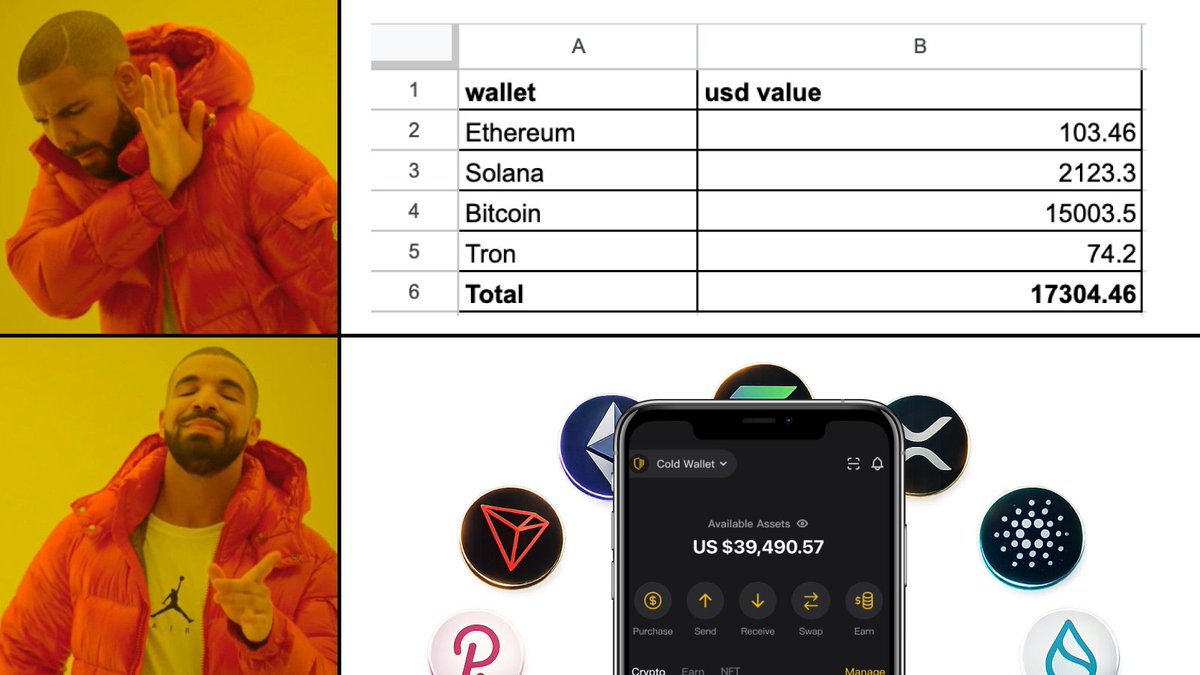
Managing assets scattered across multiple blockchain wallets using Excel? ❓
CoolWallet officially supports 38 blockchains plus custom chain functionality—manage all your multi-chain assets in one place! 👌
#CoolWallet #HardwareWallet #MultiChainWallet #CustomNetworks
1
2
244
24 Oct 2024
🚀 CoolWallet now supports Custom Networks 🚀
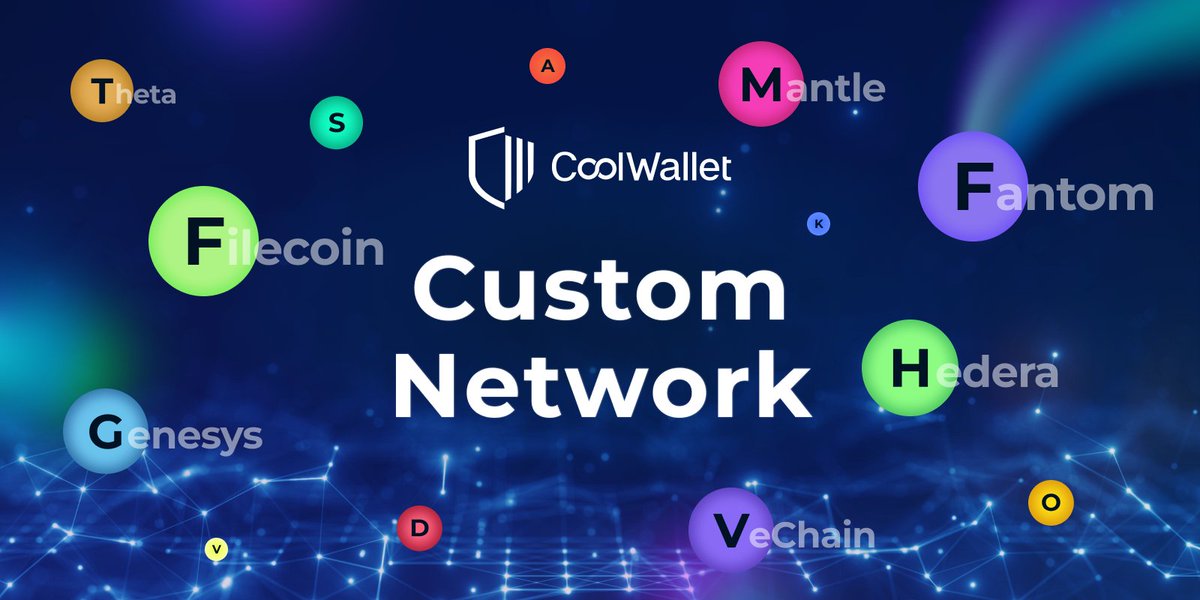
You can now add any EVM-compatible chains that aren’t officially supported directly to your #CoolWallet! ✨
🤔 EVM-compatible chains❓
➡️ @FantomFDN $FTM, @Scroll_ZKP $ETH, @Filecoin $FIL, @hedera $HABR, @GnosisDAO $XDAI, @0xMantle $MNT, and more!
Share your favorite EVM-compatible chains below 👇
✅ Update to the latest version 3.42.0 now ➡️ pse.is/6lqvca
📖 Learn how to add Custom Networks here ➡️ pse.is/6lqvha
#EVM #CustomNetworks #DeFi #NFTs #EVMcompatible #Blockchain
6
9
28
6,307

23 Apr 2024
🚀 Exciting news alert! 🚀
Now introducing: Custom EVM (Ethereum type) Network support on BC Vault Crypto wallet. 🌐
Seamlessly integrate any EVM network with complete custom token compatibility! 💼💰
Discover more: support.bc-vault.com/support…
Get shop.bc-vault.com 🌟
#BCVault #Crypto #Ethereum #CustomNetworks
3
3
126

8 Nov 2023
Discover the ultimate #crypto solution with #LoveWallet.
#Safeguard, #Transfer, and explore a multitude of #Cryptocurrencies effortlessly. Benefit from cross-chain transfers, #CustomNetworks, and real-time tracking.
1
47
295
2,510

3 Oct 2023
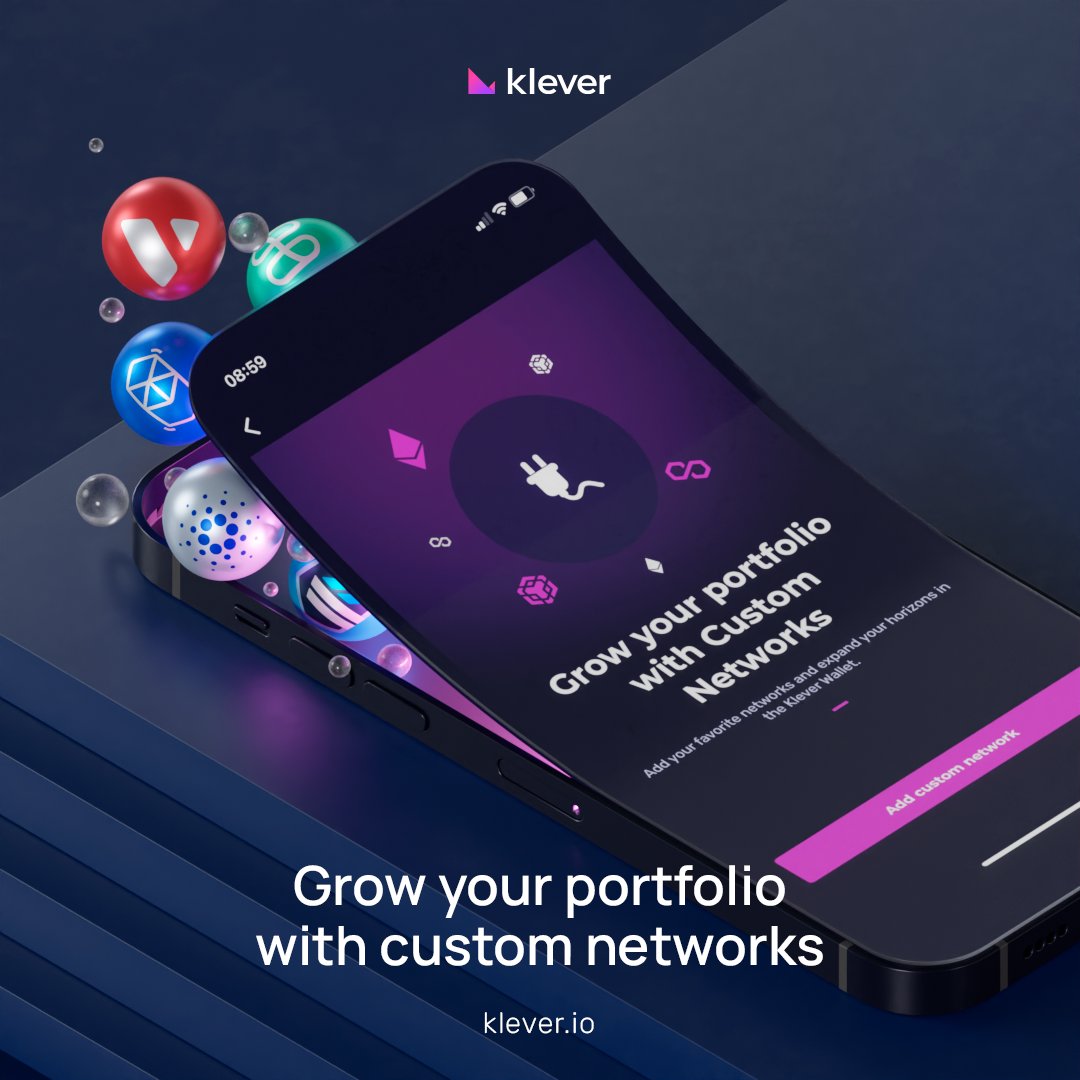
📢 #CustomNetworks: Your Gateway to More 🚀
Platforms Supported:
🤖 Android 📱 Huawei 🍏 iOS
🌟 Advantages:
Dive into diverse projects & tokens.
Customize your crypto space.
Safety First: Stick to approved networks.
Sidestep the shady.
🚀 Dive in:
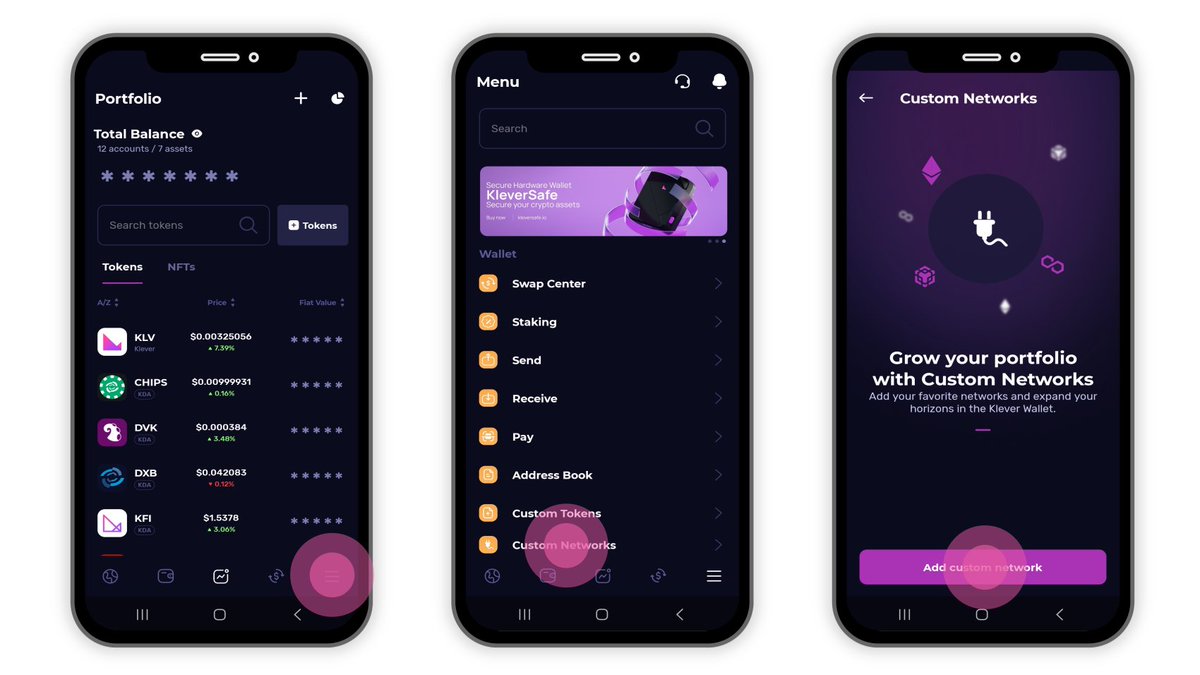
MENU → Custom Networks → Add Network 🛡️
👉 klever.io
11
59
140
4,133
19 Sep 2023
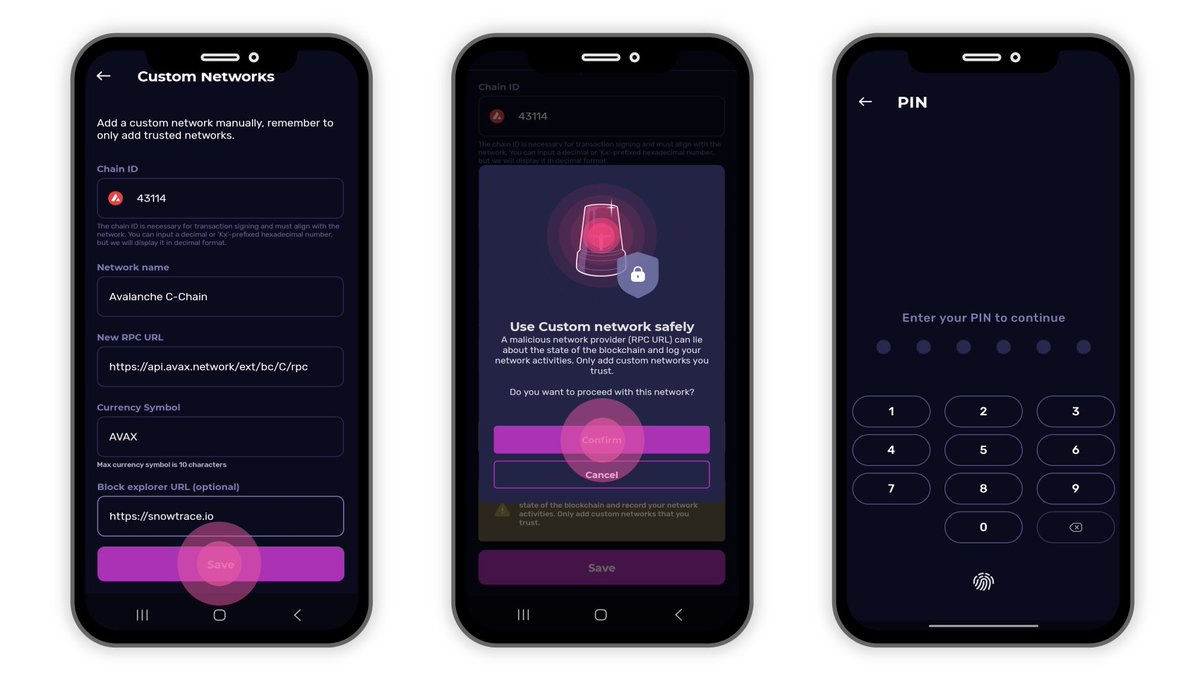
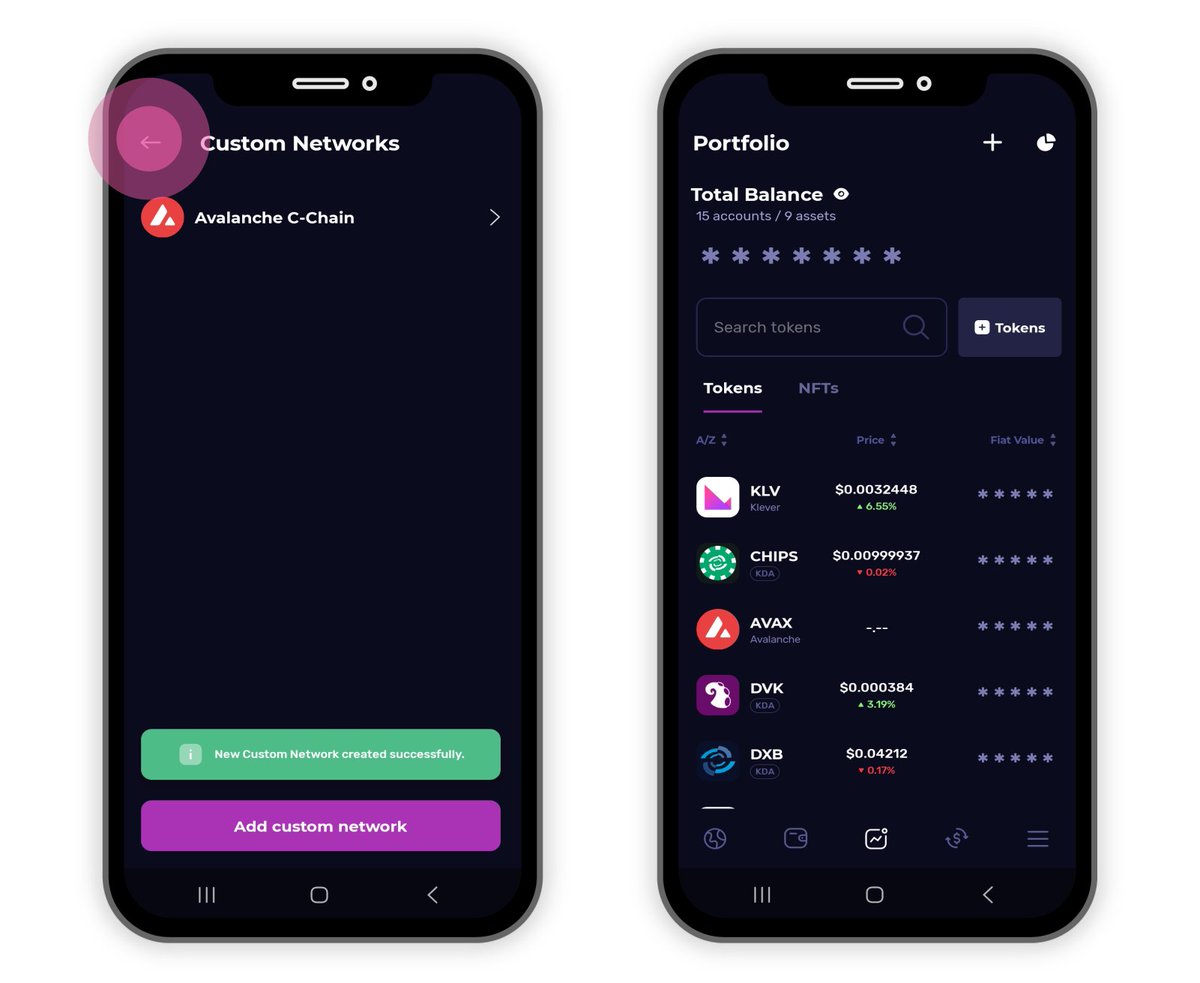
Confused about how to add #CustomNetworks in Klever Wallet? 🤔
Adding Custom Networks to a #crypto wallet like #KleverWallet allows users to interact with blockchains that may not yet be supported by default in the application.
This is particularly useful for engaging with new or lesser-known blockchain projects, testnets, or even your own private blockchain. 😎
Once you've accessed the 'Custom Networks' section, you'll typically have to input several pieces of information to connect to the custom blockchain.
These include:
▶️ Chain ID: A unique identifier for the network.
▶️ Network: Name you want to give to this network.
▶️ RPC URL: Remote Procedure Call URL, which is the API entry point for the network.
▶️ Currency Symbol: The native currency symbol (like #ETH for #Ethereum).
▶️ Block Explorer URL: URL for a blockchain explorer for this network.
Getting these details from a trusted source is essential to avoid connecting to a malicious network.
Always double-check before proceeding.
Learn more 👉 support.klever.org/hc/en-us/…
Take control of your #crypto journey with more flexibility than ever before!
11
82
180
5,295
18 Sep 2023
An informative #CustomNetworks #KleverSupport article is in the works & will soon be available on support.klever.org.
Stay tuned for the announcement when it goes live 👊
8
32
430
18 Sep 2023
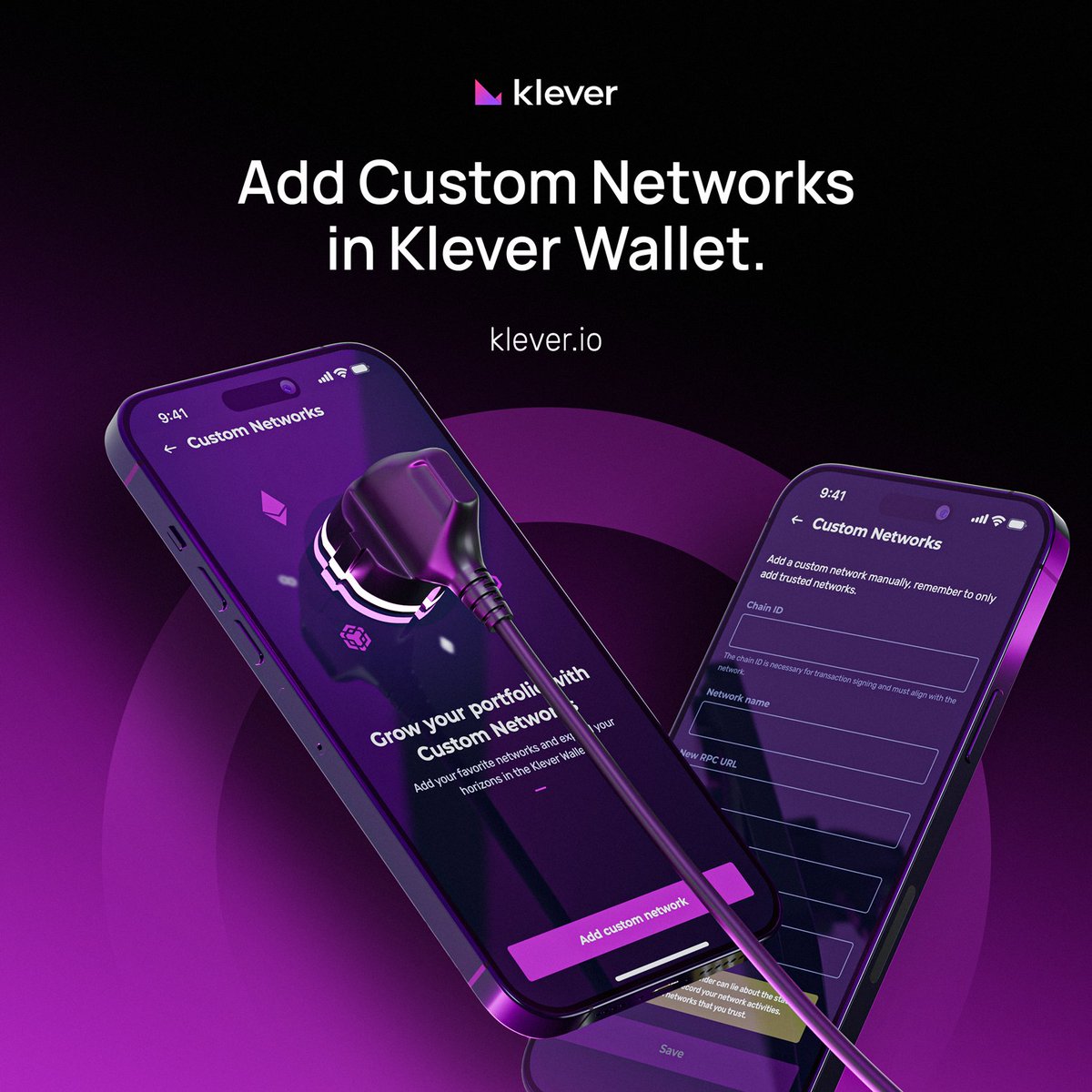
📢 #CustomNetworks now in Klever Wallet 🚀
📱 Android: 5.26.0 (Now Live)
📲 Huawei: 5.26.0 (Ready to Roll)
🍎 iOS: (Stay Tuned)
🛡️ Safety Note: Only add approved & verified networks. Exercise caution to avoid malicious ones.
Get started:
MENU ➡️ Custom Networks ➡️ Add a Custom Network
Keep your assets safe while you diversify 🌐
23
83
192
14,711

19 Jun 2023
Contact us to learn more! buff.ly/3oDH9jD
#ManagedServiceProvider #NetworkAssessment #NetworkDesign #Optimization #Security #CustomNetworks

2
20