
Jun 9
金髪と赤毛は、成人後でも變わらずに綺麗に保ってるの凄くない?
普通小さい頃は“金髪”や“赤毛”だったのに、成人後は“ほぼDarkColor”になることが多いからね。
7


1 Oct 2025
hi.even today.when u got the world.& her info.on ppl places&things..at the fingertips..u can still say that? with that logic.everybody.with darkcolor..is with African ancestry!..sweetie.why u dont know yellow hair.& blue eye.was here longest time before pink ppl..be blessed
1
2
25

7 Sep 2025
1
26
263
2,466


10 May 2025
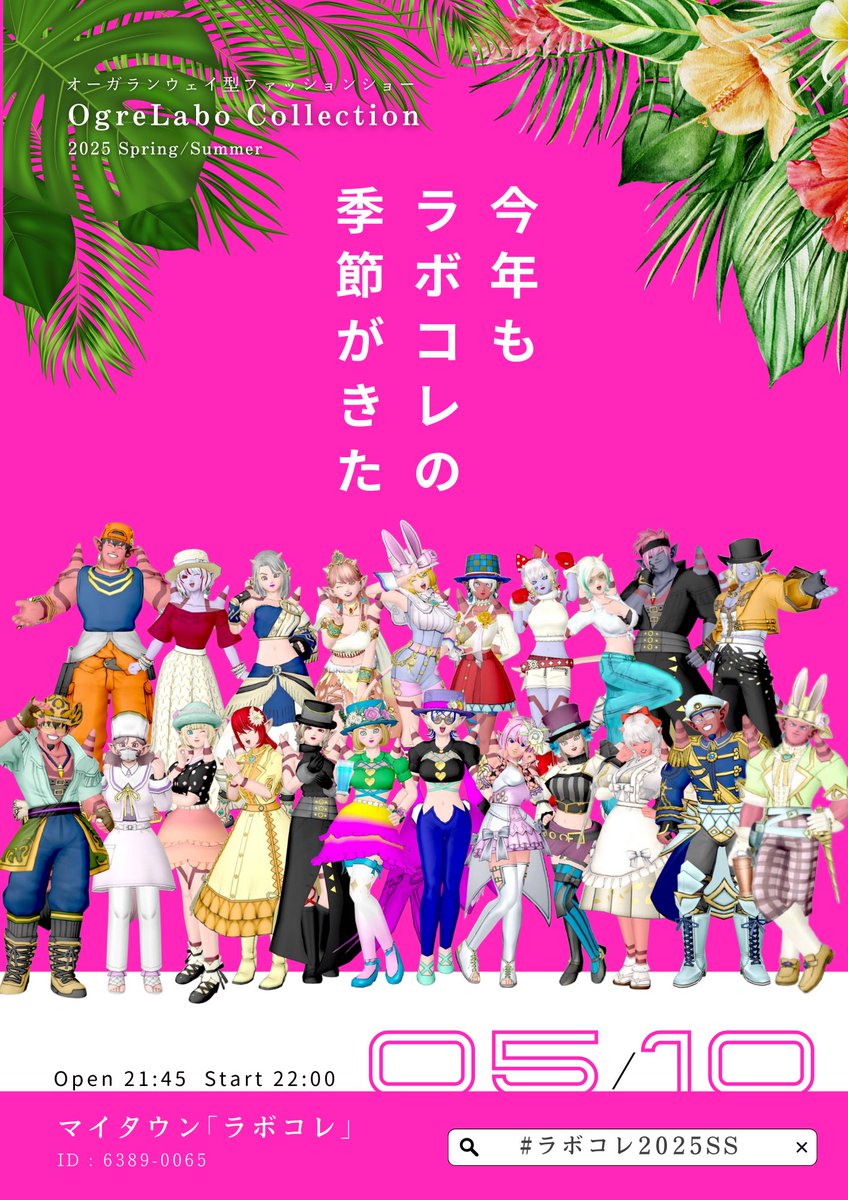
◤◢◤◢◤◢◤◢◤ ◢
#ラボコレ2025SS
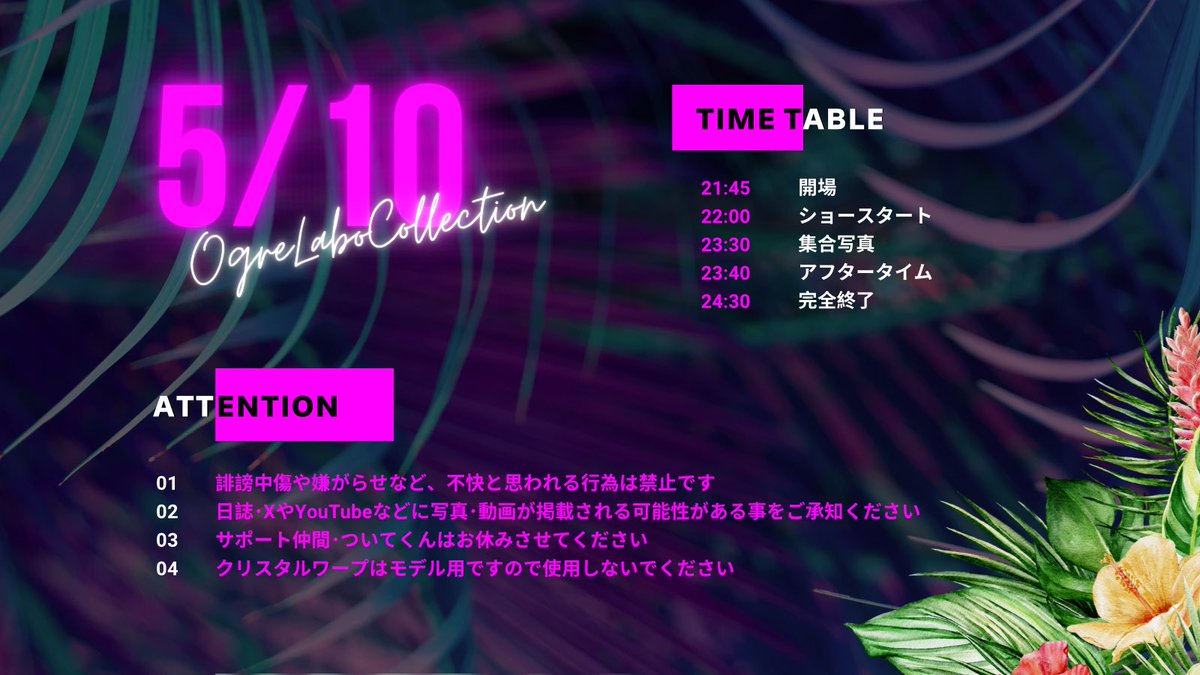
21:45 Open
22:00 Start
◤◢◤◢◤◢◤◢◤ ◢
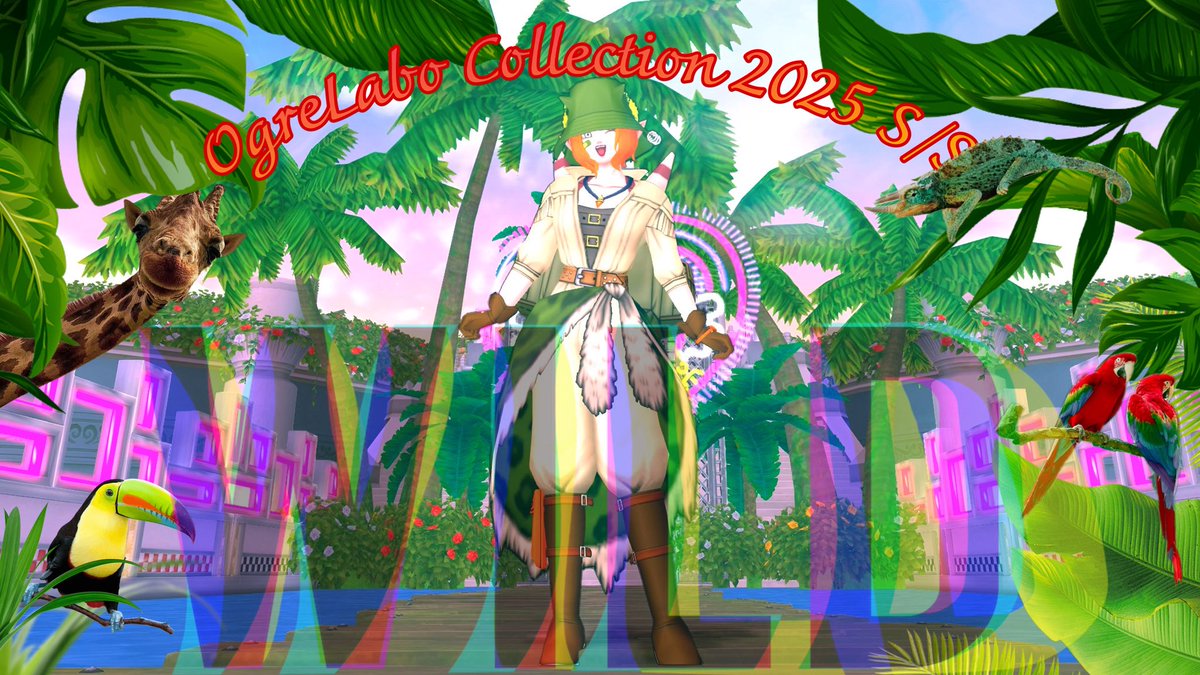
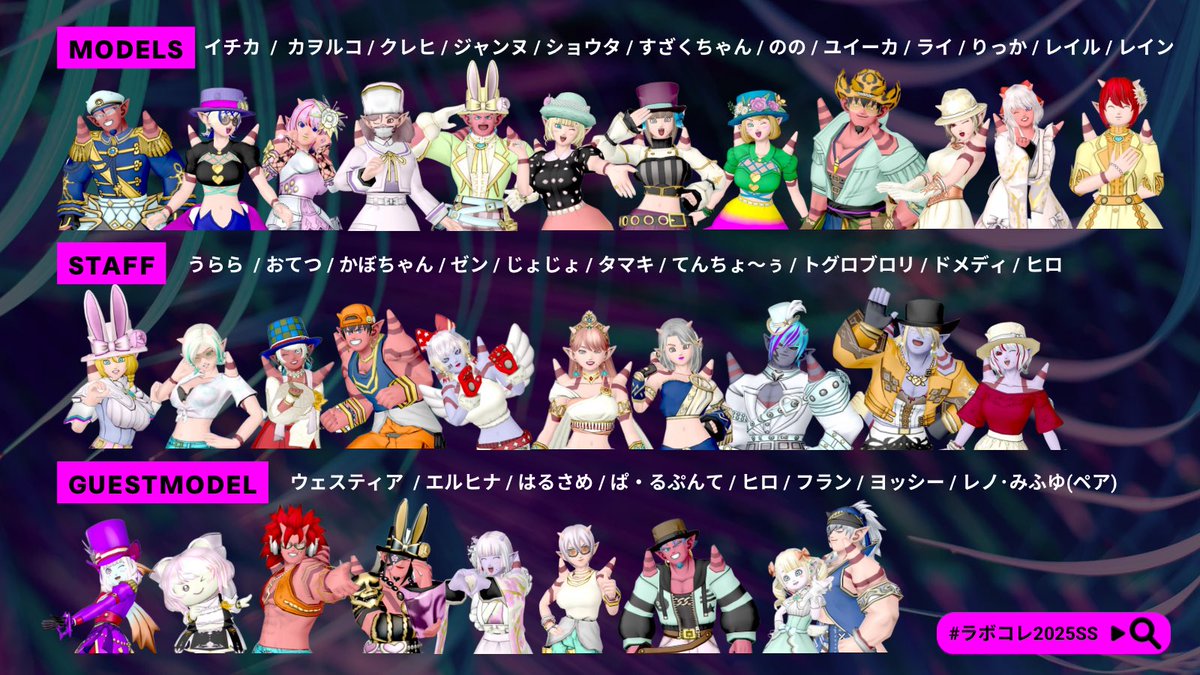
今回のテーマは【WILD】
DarkColor × VividColorなカラリンにも
ぜひご注目ください!!
トレジャーハンターがテーマの
制服も必見だよっ
今回も演出こだわりました⟡.·*.
みにきてね🌿🦩💛
20 Apr 2025

◤◢◣◥◤◢◣◥◤◢◣◥
#OgreLabo Presents
オーガランウェイファッションショー
#ラボコレ2025SS
◤◢◣◥◤◢◣◥◤◢◣◥
2025年の春夏は「WILD」
◾︎2025/05/10(土)
21:45開場 22:00開演
◾︎マイタウン「ラボコレ」
6389-0065
hiroba.dqx.jp/sc/diary/13230…
#拡散希望
12
34
3,256

9 Apr 2025
多分そのうち解説します!!
obs-shaderfileterの使い方がわかる場合はコードはこれですね。
↓
uniform float pixelSize<
string label = "Pixel Size";
string widget_type = "slider";
float minimum = 1.0;
float maximum = 50.0;
float step = 0.1;
> = 3.0;
uniform float dither_factor<
string label = "Dither Factor";
string widget_type = "slider";
float minimum = 0.0;
float maximum = 10.0;
float step = 0.01;
> = 0.8;
uniform bool alternative_bayer;
uniform float brightness<
string label = "Brightness";
string widget_type = "slider";
float minimum = -1.0;
float maximum = 1.0;
float step = 0.01;
> = 0.0;
uniform float contrast<
string label = "Contrast";
string widget_type = "slider";
float minimum = -10.0;
float maximum = 10.0;
float step = 0.01;
> = 1.0;
uniform float gamma<
string label = "Gamma";
string widget_type = "slider";
float minimum = 0.0;
float maximum = 10.0;
float step = 0.01;
> = 0.6;
// 8値化用の各色(RGB各チャネルの閾値での組み合わせ)
uniform float4 color_1<
string label = "Color 1: (R Low, G Low, B Low)";
> = {0.0, 0.0, 0.0, 1.0}; // 黒
uniform float4 color_2<
string label = "Color 2: (R High, G Low, B Low)";
> = {0.5, 0.0, 0.0, 1.0}; // 暗い赤
uniform float4 color_3<
string label = "Color 3: (R Low, G High, B Low)";
> = {0.0, 0.5, 0.0, 1.0}; // 暗い緑
uniform float4 color_4<
string label = "Color 4: (R High, G High, B Low)";
> = {0.5, 0.5, 0.0, 1.0}; // オリーブ
uniform float4 color_5<
string label = "Color 5: (R Low, G Low, B High)";
> = {0.0, 0.0, 0.5, 1.0}; // 暗い青
uniform float4 color_6<
string label = "Color 6: (R High, G Low, B High)";
> = {0.5, 0.0, 0.5, 1.0}; // パープル
uniform float4 color_7<
string label = "Color 7: (R Low, G High, B High)";
> = {0.0, 0.5, 0.5, 1.0}; // 青緑
uniform float4 color_8<
string label = "Color 8: (R High, G High, B High)";
> = {1.0, 1.0, 1.0, 1.0}; // 白
// 暗部領域の2値化用パラメータ
uniform float darkThreshold<
string label = "Dark Brightness Threshold";
string widget_type = "slider";
float minimum = 0.0;
float maximum = 1.0;
float step = 0.01;
> = 0.3;
uniform float4 darkColor<
string label = "Dark Region: Primary (Black)";
> = {0.0, 0.0, 0.0, 1.0};
uniform float4 lightDarkColor<
string label = "Dark Region: Secondary (White)";
> = {1.0, 1.0, 1.0, 1.0};
// 特定の色にしたい色
uniform float3 skinTarget<
string label = "Target Color (RGB)";
> = {0.85, 0.65, 0.55}; // 特定の色にしたい色
uniform float skinThreshold<
string label = "Detection Threshold";
string widget_type = "slider";
float minimum = 0.0;
float maximum = 0.5;
float step = 0.01;
> = 0.1; // 距離がこの値以下ならターゲットと判定
uniform float4 skinColor<
string label = "Special Color";
> = {1.0, 0.8, 0.6, 1.0}; // 割り当てる色
//
// 以下、シェーダー処理部分
//
// 入力UV座標を指定のpixelSizeに合わせたグリッドに量子化する関数
float2 pixelize(float2 uv, float2 pixelSize) {
float2 factor = pixelSize / uv_size;
return floor(uv / factor) * factor;
}
// RGB各チャネルの閾値(0.5)による8値化+暗部の2値化+ターゲット色判定を行うLUT関数
float3 colorLUT8(float3 color, float2 coord, float2 pixelSize) {
// まず、輝度計算(0.3,0.59,0.11)
float lum = dot(color, float3(0.3, 0.59, 0.11));
// 輝度が暗い場合は、暗部領域の2値化を適用
if(lum < darkThreshold) {
if(lum < darkThreshold * 0.5)
return darkColor.rgb;
else
return lightDarkColor.rgb;
}
// 入力色とTargetの色差(距離)を計算し、閾値以内ならターゲットとして返す
if(length(color - skinTarget) < skinThreshold)
return skinColor.rgb;
// それ以外はRGB各チャネルを閾値0.5で8値化(適宜変更してください)
bool rHigh = color.r > 0.5;
bool gHigh = color.g > 0.5;
bool bHigh = color.b > 0.5;
int idx = int(rHigh) (int(gHigh) << 1) (int(bHigh) << 2);
if (idx == 0)
return color_1.rgb;
else if (idx == 1)
return color_2.rgb;
else if (idx == 2)
return color_3.rgb;
else if (idx == 3)
return color_4.rgb;
else if (idx == 4)
return color_5.rgb;
else if (idx == 5)
return color_6.rgb;
else if (idx == 6)
return color_7.rgb;
else // idx == 7
return color_8.rgb;
}
// 輝度、コントラスト、ガンマ補正を適用する関数
float3 levels(float3 color, float brightness, float contrast, float3 gamma) {
float3 value = (color - 0.5) * contrast 0.5;
value = clamp(value brightness, 0.0, 1.0);
return clamp(float3(pow(abs(value.r), gamma.x),
pow(abs(value.g), gamma.y),
pow(abs(value.b), gamma.z)), 0.0, 1.0);
}
float3 levels(float3 color, float brightness, float contrast, float gamma) {
return levels(color, brightness, contrast, float3(gamma, gamma, gamma));
}
// 8x8バイヤー行列のディザリング処理
float3 dither8x8(float2 coord, float3 color, float2 pixelSize) {
// 入力座標を指定のpixelSizeに従い縮小
float2 pixelCoord = floor((coord * uv_size) / pixelSize float2(0.5, 0.5));
// 8x8グリッド内に収める
pixelCoord = pixelCoord - 8.0 * floor(pixelCoord / 8.0);
int index = int(pixelCoord.x (pixelCoord.y * 8.0));
float bayer;
if (alternative_bayer){
#ifdef OPENGL
const int[64] bayer8 = int[64](
#else
const int bayer8[64] = {
#endif
0, 32, 8, 40, 2, 34, 10, 42,
48, 16, 56, 24, 50, 18, 58, 26,
12, 44, 4, 36, 14, 46, 6, 38,
60, 28, 52, 20, 62, 30, 54, 22,
3, 35, 11, 43, 1, 33, 9, 41,
51, 19, 59, 27, 49, 17, 57, 25,
15, 47, 7, 39, 13, 45, 5, 37,
63, 31, 55, 23, 61, 29, 53, 21
#ifdef OPENGL
);
#else
};
#endif
bayer = (bayer8[index]-31.0)/32.0;
} else {
#ifdef OPENGL
const int[64] bayer8 = int[64](
#else
const int bayer8[64] = {
#endif
0, 48, 12, 60, 3, 51, 15, 63,
32, 16, 44, 28, 35, 19, 47, 31,
8, 56, 4, 52, 11, 59, 7, 55,
40, 24, 36, 20, 43, 27, 39, 23,
2, 50, 14, 62, 1, 49, 13, 61,
34, 18, 46, 30, 33, 17, 45, 29,
10, 58, 6, 54, 9, 57, 5, 53,
42, 26, 38, 22, 41, 25, 37, 21
#ifdef OPENGL
);
#else
};
#endif
bayer = (bayer8[index]-31.0)/32.0;
}
// ディザリング効果の追加
float3 bayerColor = (color float3(bayer, bayer, bayer) * (dither_factor / 8.0));
// LUTによる8値化+暗部処理+肌色判定
color = colorLUT8(bayerColor, coord, pixelSize);
return color;
}
// シェーダーエントリーポイント
float4 mainImage(VertData v_in) : TARGET
{
float2 texcoord = pixelize(v_in.uv, float2(pixelSize, pixelSize));
texcoord = clamp(texcoord, 0.001, 1.0);
float4 c = image.Sample(textureSampler, texcoord);
float3 color = c.rgb;
// 明るさ・コントラスト・ガンマ補正を適用
color = levels(color, brightness, contrast, float3(gamma, gamma, gamma));
// 8x8ディザリングとカラー判定の適用
color = dither8x8(texcoord, color, float2(pixelSize, pixelSize));
return float4(color, c.a);
}
1
4
4,089

1 Mar 2025
【しなの専用】鉱石 Eye texture
作者: 魔工匠出張店
カテゴリ: 3Dテクスチャ
種類:
darkcolor-ダークカラー - 300円
lightcolor-ライトカラー - 300円
フルカラーセット - 500円 booth.pm/ja/items/6650594
8
1,954

28 Feb 2025
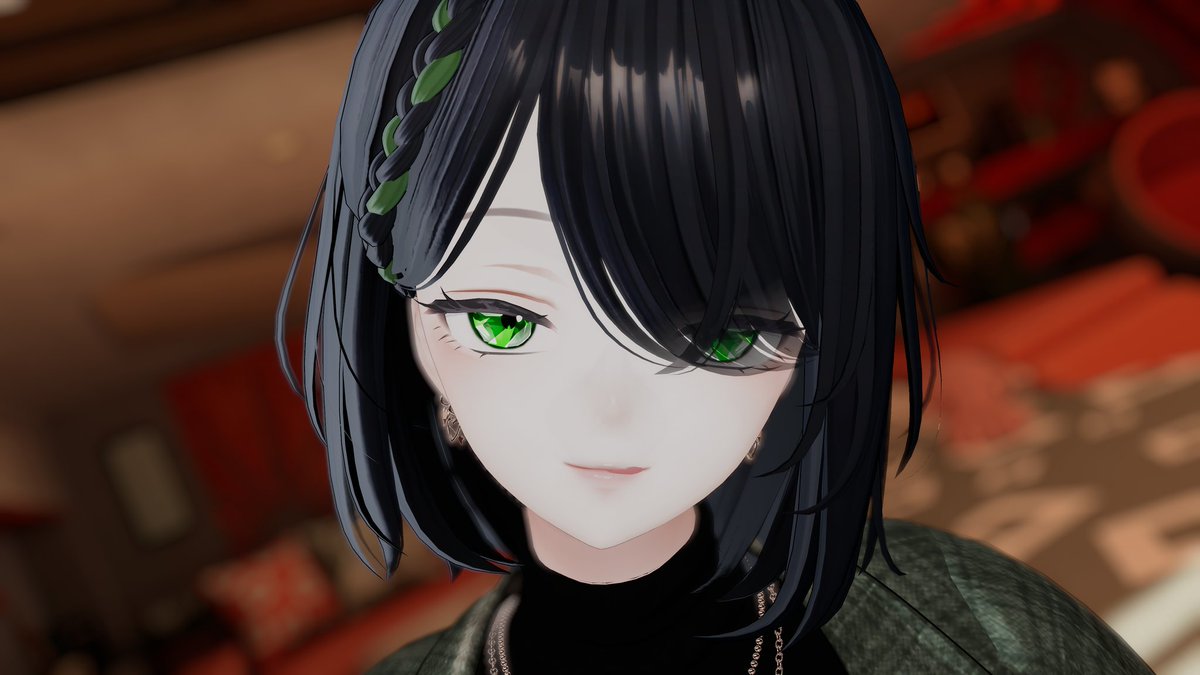
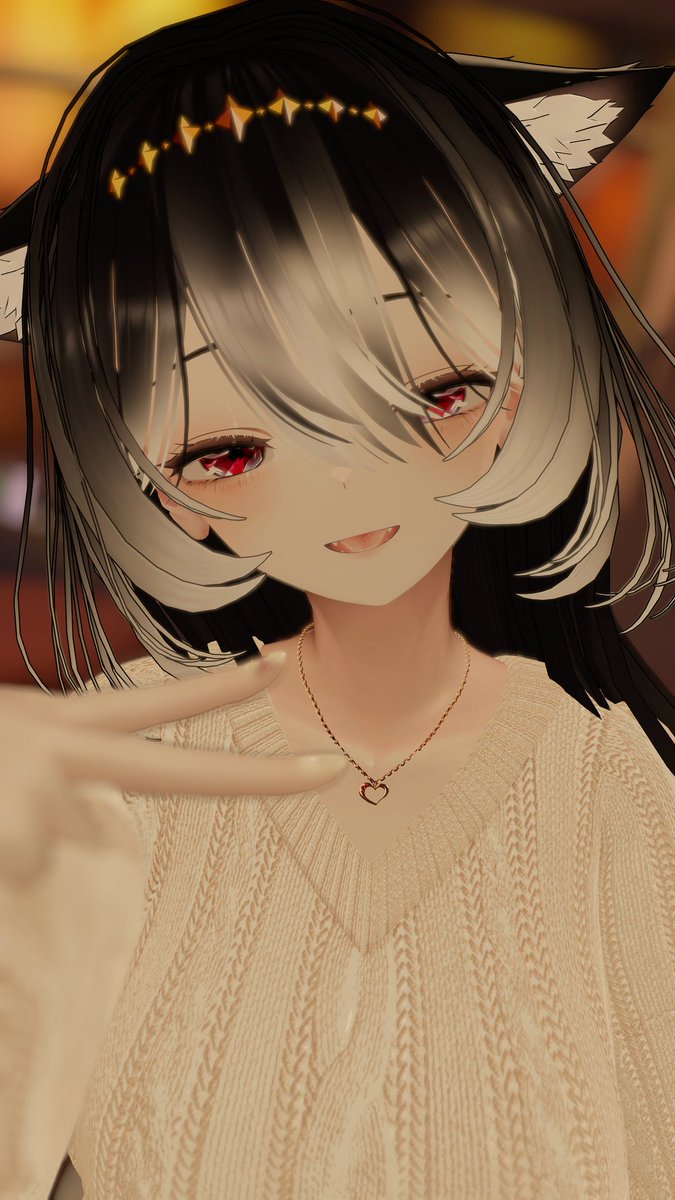
試しに初めてアイテクスチャ書き書きしてみたので改変済みアバターでちょろっと撮ってみた
クラック系の鉱石イメージのアイテクスチャです💎
darkcolorとlightcolorでそれぞれ10色展開、現在森羅・しなの・マヌカに対応済、販売したいけど商品ページ用撮影が難儀してる( ᷄ᾥ ᷅ )

3
3
31
938


9 Dec 2024
Sailor Venus and Sailor Neptune #SailorMoon oh these color phone wallpaper from #DarkColor app


3
228
25 Oct 2024
Here's a color phone wallpaper i did yesterday #DarkColor
@HallowQweenn 👸🏻🖤
@arosedistortion ☠️🖤
@SpookyHorrorFan ✨
@NerdyAutismMom ✨🔮🖤
@VampireGhuleh
@leemaleestream
@samguine_

3
5
140


17 Sep 2024
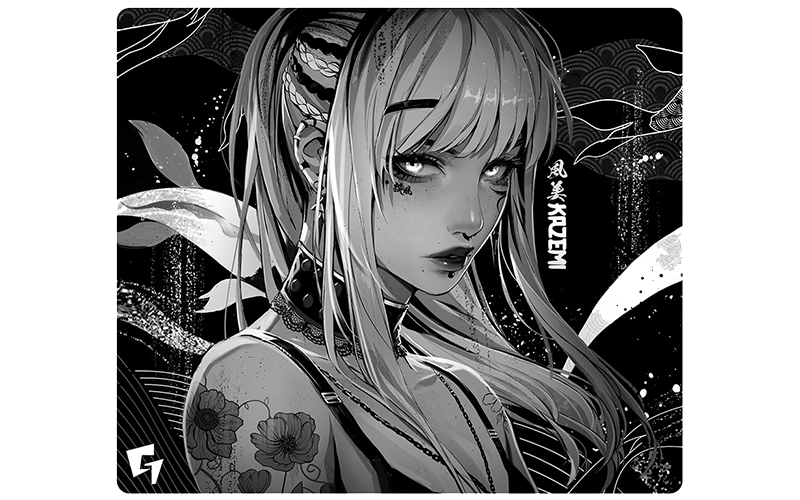
Here are Chun-Li and Mai Shiranui color phone wallpaper on my #DarkColor app #StreetFighter #KingofFighter


1
4
18
2,486
27 Aug 2024

2
1
5
149

3 Aug 2024
Lifehacks: વર્ષો સુધી કપડાનો રંગ રહેશે એવોને એવો, ડાર્ક કલરના કપડા ધોતી વખતે અપનાવો આ 7 હૈક્સ #fading #color #darkcolor #LifestyleHacks
zeenews.india.com/gujarati/l…
240


19 Mar 2024
Health Tips: ગરમીમાં રંગ કાળો નહીં પડે, આ 5 વસ્તુઓથી ઘરે બનાવો કુદરતી સનસ્ક્રીન
#darkcolor #sunscreen #homeMade #naturalsunscreen #sun #Heat #Blackface
tv9gujarati.com/health/the-c…
1
445