
Jun 10
🚨 MICROSOFT JUST DROPPED THE ULTIMATE WINDOWS DEV SETUP TOOL 🔥
WindowsDeveloperConfig turns a fresh Windows 11 machine into a fully loaded dev workstation in ONE command.
VS Code, Git, PowerShell 7, WSL Ubuntu, .NET, Python, Node.js, PowerToys, dark theme, optimized settings — all automated and idempotent.
Repo: github.com/microsoft/Windows…
Windows devs, are you trying this today? 👇
#WindowsDev #DevSetup #Winget #WSL #PowerShell #VSCode #Microsoft #OpenSource #DeveloperTools #DevEnvironment #Windows11 #AICoding #IndieHackers #DevLife
1
39
Suryansh Shahi retweeted

Jun 6
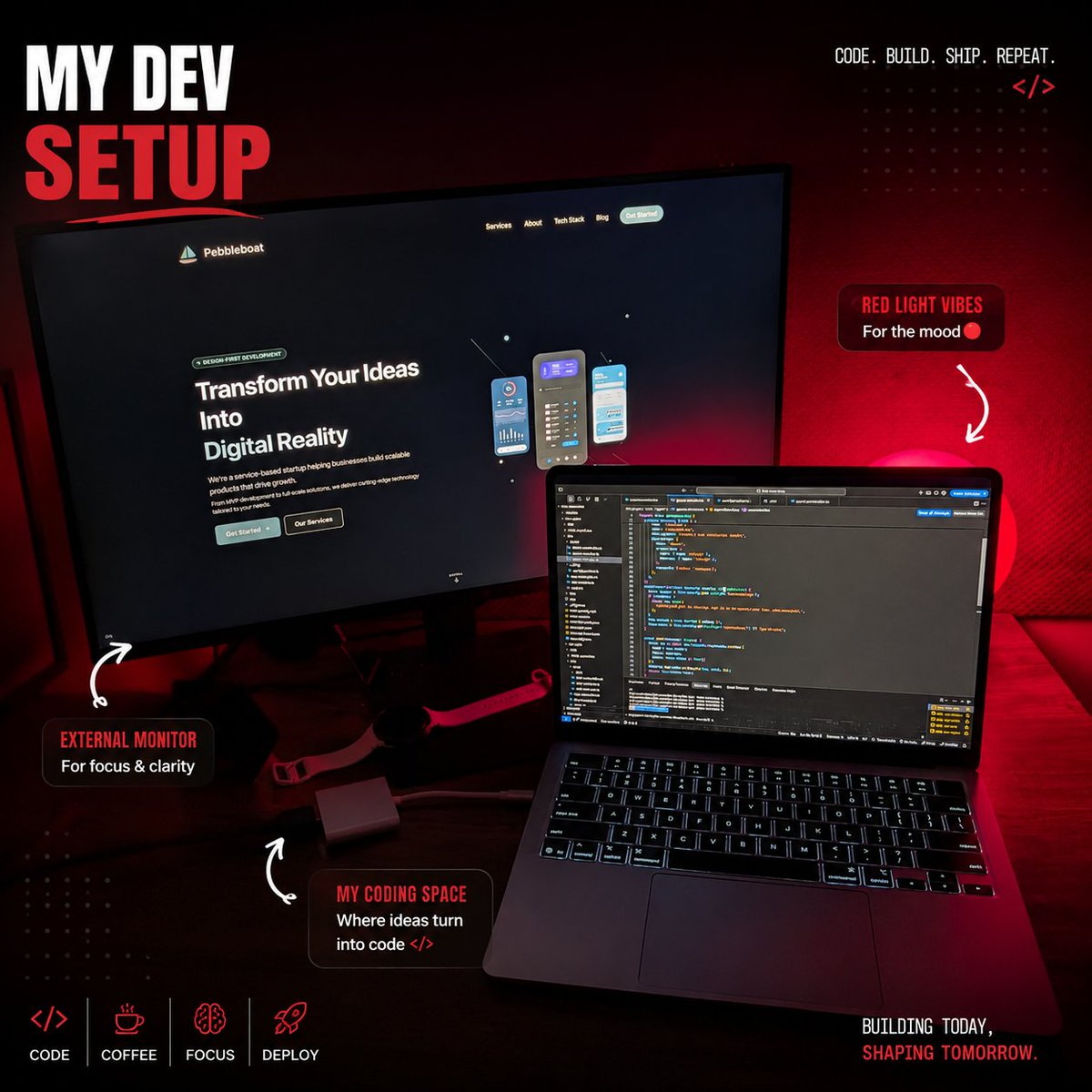
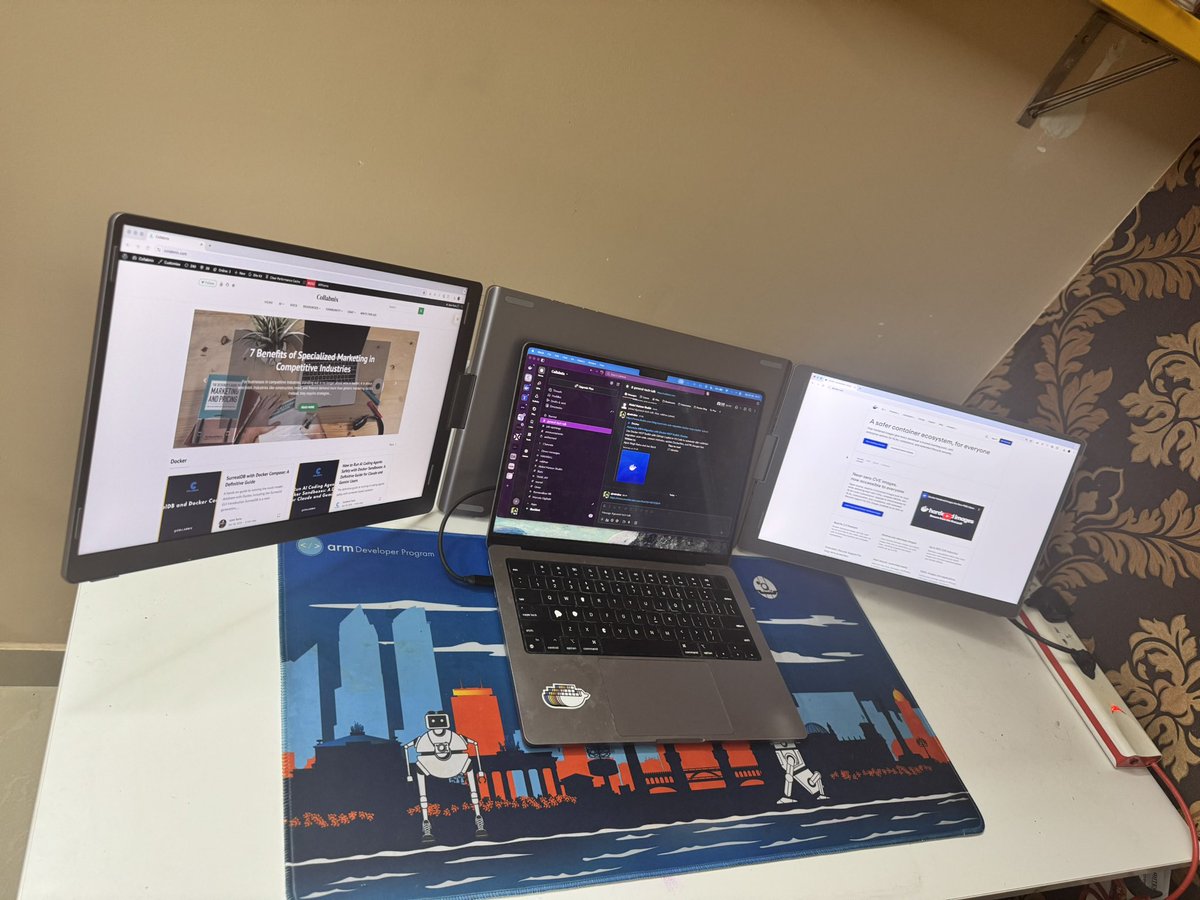
The moon lamp really accentuated my dev setup
#devsetup #fullstackdeveloper #business #developer #developers #startup #buildingstartup #founder #mvp #frontenddeveloper
1
2
23


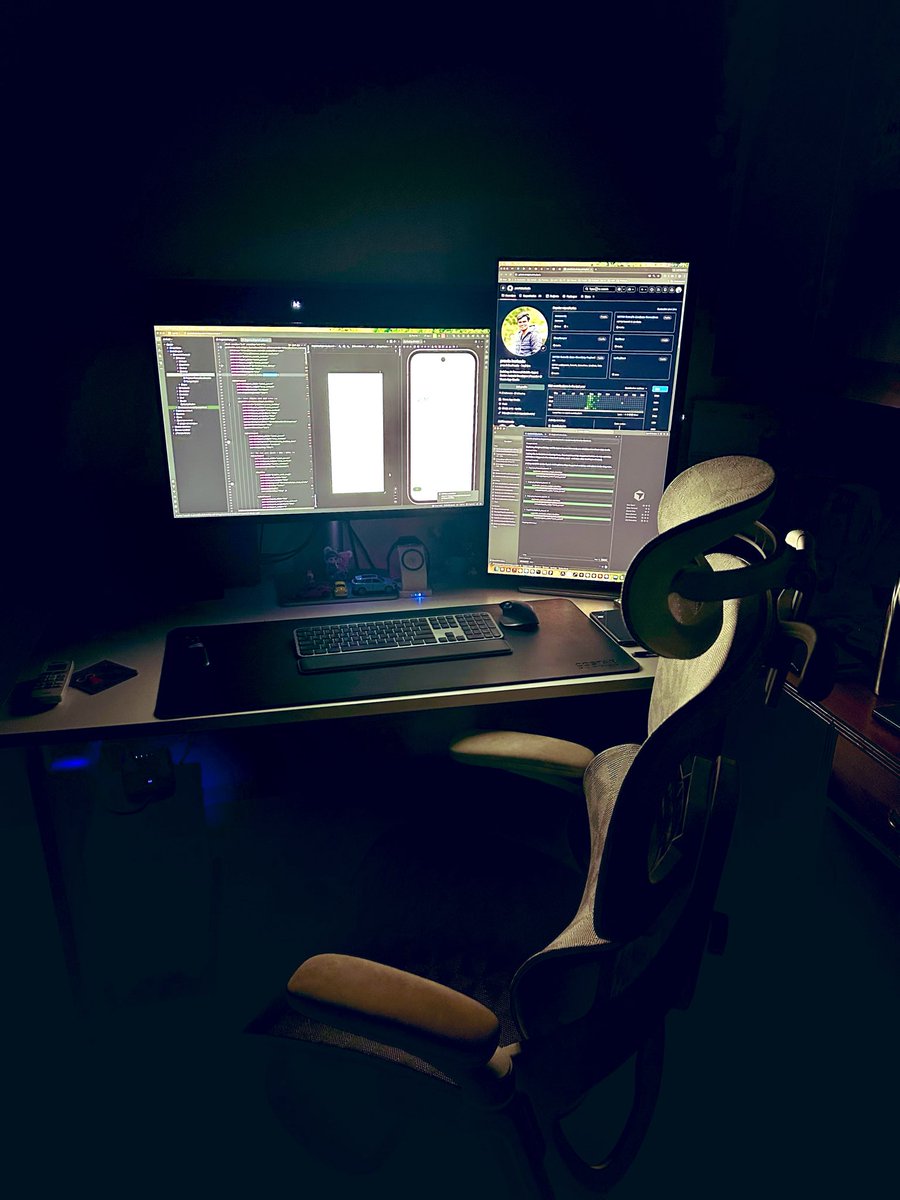
The desk where ideas become products. Building my first indie app from scratch — one screen at a time. Let’s go. 👨💻
#indiedev #buildinpublic #solofounder #mobiledev #android #makerlife #firstpost #startuplife #devsetup
2
3
73

Apr 23
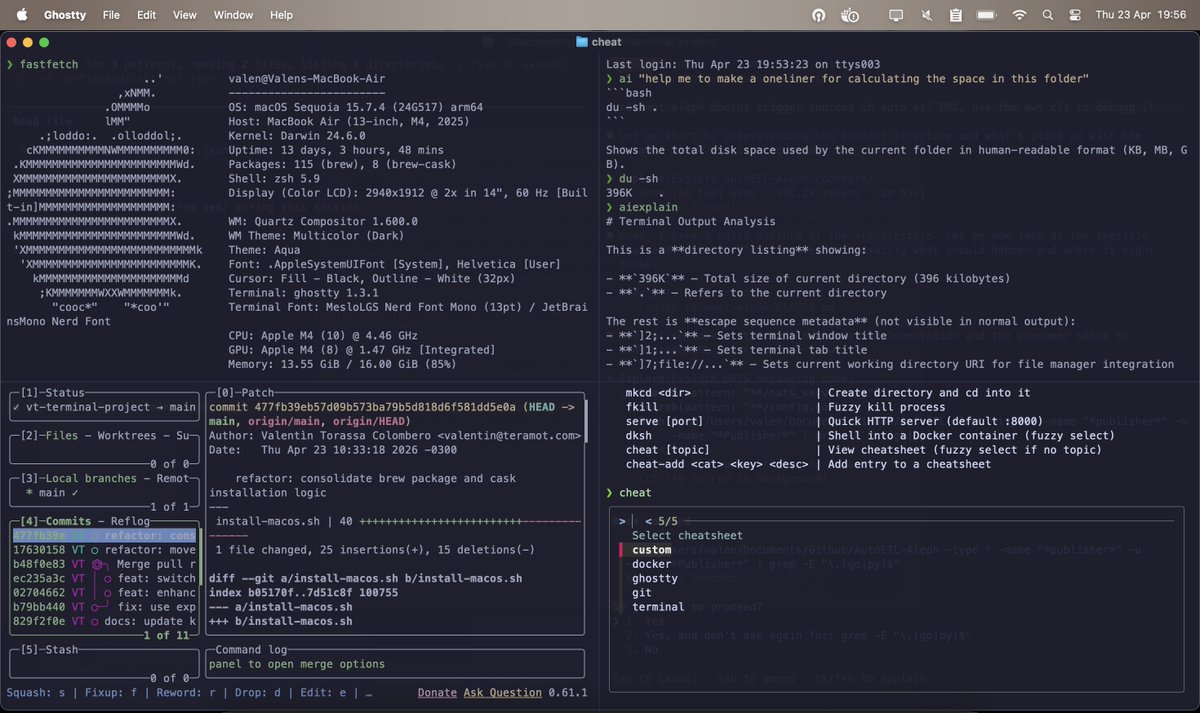
VT Terminal Project — my open-source dotfiles & terminal setup
Publiqué mi configuración de terminal como proyecto open source: un solo script que
levanta un entorno de desarrollo completo en macOS o Linux.
Un git clone ./install.sh y listo.
Ya estoy trabajando en el siguiente paso: VT IDE — un entorno de desarrollo completo
🔗 github.com/ValentinTorassa/v…
#OpenSource #DeveloperTools #Terminal #Dotfiles #CLI #DevSetup
2
14
791

Apr 23
“Upgraded to a 28” 4K programming monitor… didn’t expect it to matter this much”
From smoother 120Hz scrolling to higher contrast that makes code easier to scan, it’s not about specs, it’s about staying in flow longer.
Here's a breakdown on the RD280UG from Level Up Coding on Medium 👉levelup.gitconnected.com/i-a…
Small upgrades. Big difference when you’re deep in code.
Check out the RD280UG 👉benqurl.biz/4vNQdjJ
#Programming #DevSetup #Coding #RD280UG #BenQ
2
633

Single monitor or triple? macOS/Windows/Linux? API debugger tools? Share your Xojo dev environment setup 👇 #Xojo #DevSetup #CrossPlatform
3
4
146

Apr 15
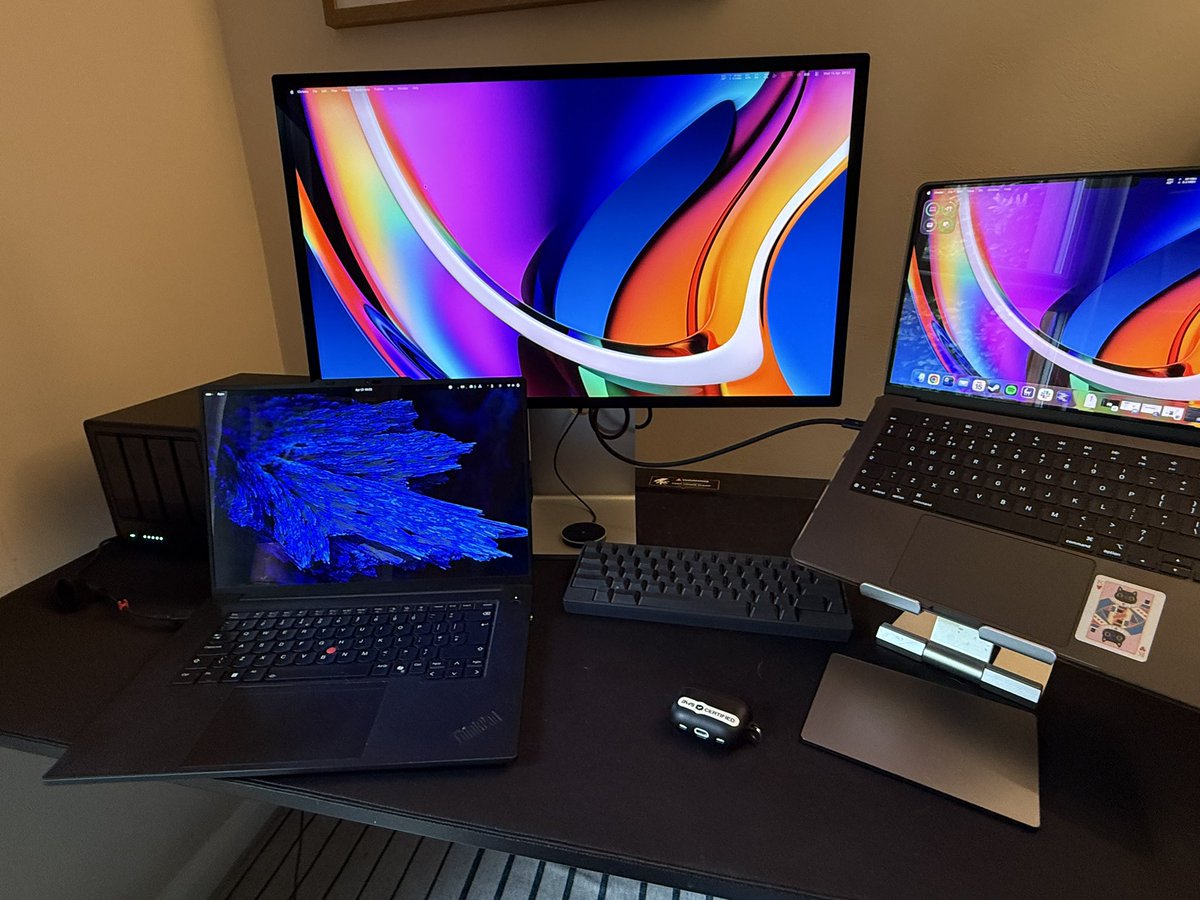
My local AI Devsetup:
UGREEN 4 drive NAS, ThinkPad P1 gen7, Studio Display, HHKB hybrid keyboard, M5 Max 128 MBP, Framework Desktop not pictured
6
825

[ENG] What's in YOUR bag? We asked devs at Tropical on Rails to show us the gear they brought to the conference.
[PT-BR] O que tem na SUA mochila? Pedimos pros devs no Tropical on Rails mostrarem o setup que trouxeram pro evento.
#TropicalOnRails #DevSetup #RubyOnRails
10
272

Mar 17
A quick tour of where the magic (and bugs) happen.
What's your setup like? Single monitor warrior, triple screens, or something wild?
Drop a pic/video or describe below 👇
Building apps by day, beats by night 🚀🎶
#WebDev #DevSetup #BuildinPublic #DrummerDev
1
1
7
93

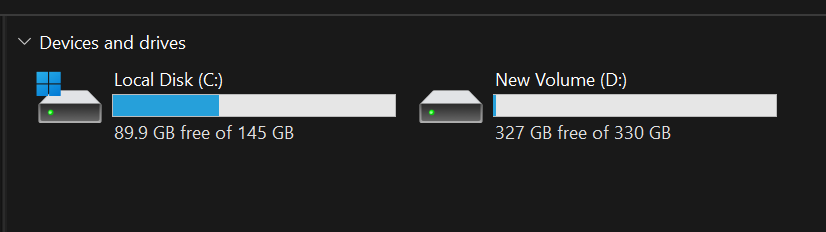
Just formatted my laptop One full day of setup, installs, and configs but now it’s way faster Damn. Totally worth it. 💯
#FreshStart #DeveloperLife #SetupDay #WorthIt #Productivity #CleanSlate #TechLife #CodingLife #DevSetup #BuildingInPublic
3
49

Mar 1
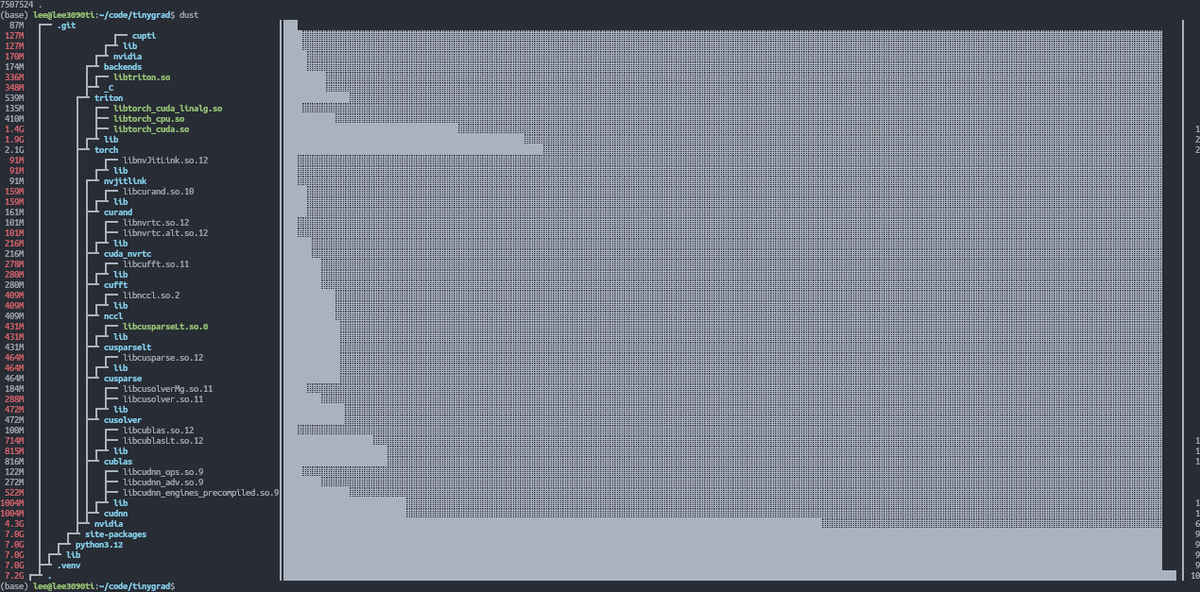
my tinygrad local devsetup takes up 7gb mostly all just python packages
4
98

Feb 7
Just got a new MacBook?
Here's the top essential dev apps to install first for both MacOS and Windows 11 (2026 edition, based on Stack Overflow 2025 Survey JetBrains Ecosystem data:
1. VS Code tops IDEs at ~76%,
2. Docker ~71%, AI tools booming).
3. Homebrew - Missing package manager. Installs everything CLI-fast (used by most Mac devs).
4. Visual Studio Code - #1 editor worldwide (75% usage). Free, extensions for days, AI-ready.
5. iTerm2 (or Warp) - Superior terminal with splits/tabs/GPU accel.
6. Xcode - Must for iOS/macOS/Swift dev (Apple's official toolchain).
7. Docker Desktop - Containers for consistent envs (71% adoption).
8. Postman - API testing king, 25M users.
9. Raycast - Spotlight killer extensions for snippets/AI (huge productivity boost).
10. Git (via Homebrew) — Version control essential (95% devs).
11. JetBrains Toolbox (IntelliJ/PyCharm etc.) - Pro IDEs, community free.
Rectangle or similar window management (saves sanity).
Switching to Windows? Windows powers most dev machines. Top 10 first installs:
1. Visual Studio Code - Still #1 (cross-platform king).
2. Windows Terminal - Modern, tabbed CLI with GPU.
3. Git - Core VCS.
4. Visual Studio (Community) = Full .NET/C IDE (free).
5. PowerToys - Utils like FancyZones (huge boost).
6. Docker Desktop - Containers essential.
7. Postman - API workhorse.
8. WSL (Windows Subsystem for Linux) - Run Linux tools natively (game-changer).
9. Chocolatey - Package manager like Homebrew.
10. Notepad - Quick lightweight edits.
These get you coding fast, start with package managers! What's your #1 must-have? #DevSetup #MacDev #WindowsDev #developer
#indiehacking #macbook #windows #BuildInPublic
3
3
107

Feb 3
[OpenClaw Vibe Coding] 최적화 개발 환경, 최종 구상 완료. 🚀
물리적 제약을 없애고,
언제 어디서든 AI 에이전트와 협업하는 것이 핵심입니다.
🏗 Planned Architecture:
• Server: Mac mini M4 (OpenClaw 상주, 24h AI 에이전트 가동)
• Client: iPad Pro 11 M4 (VS Code Tunnel, Anywhere Access)
집에 있는 Mac mini가 24시간 데이터를 처리하고 코드를 실행하면, 저는 아이패드로 결과물만 확인하고 디자인을 다듬는 구조.
이 시스템으로 업무 효율을 얼마나 끌어올릴 수 있을지 기대됩니다.
바로 실행해보겠습니다!. 🔥
지속적으로 진행사항도 업데이트 하겠습니다!!
#VibeCoding #OpenClaw #AIAutomation #Macmini #iPadPro #DevSetup #1인개발
2
128

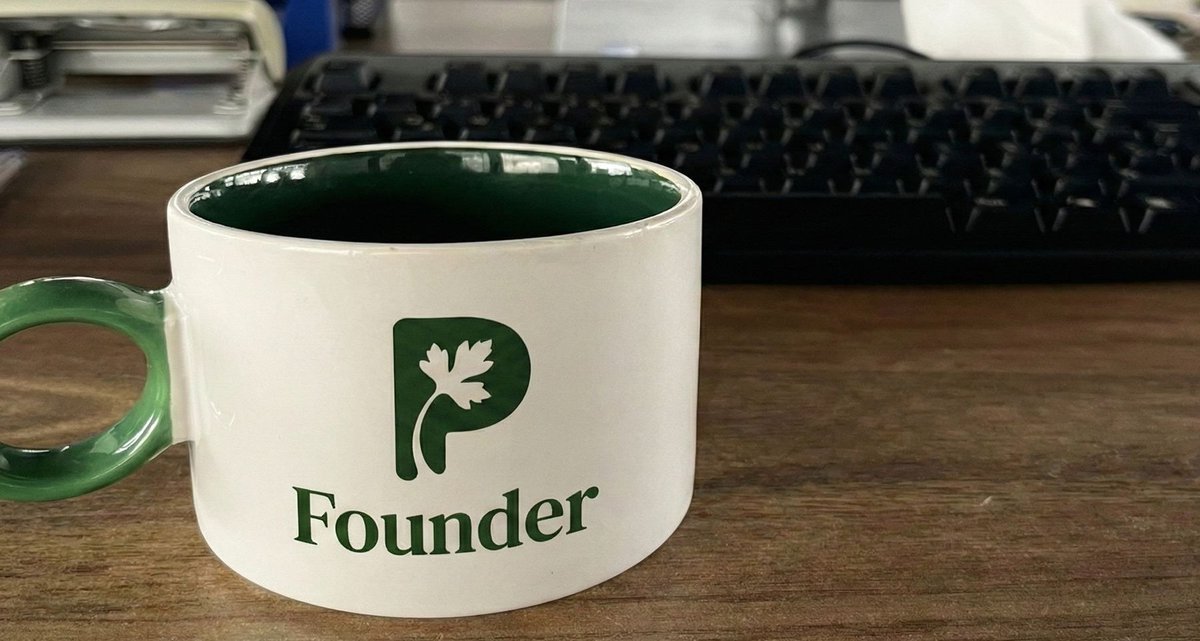
Current coding view. 💻👀
This is where we are building Parsly today.
What’s your setup looking like right now?
Drop a photo below. 👇
#buildinpublic #devsetup #coding
4
57

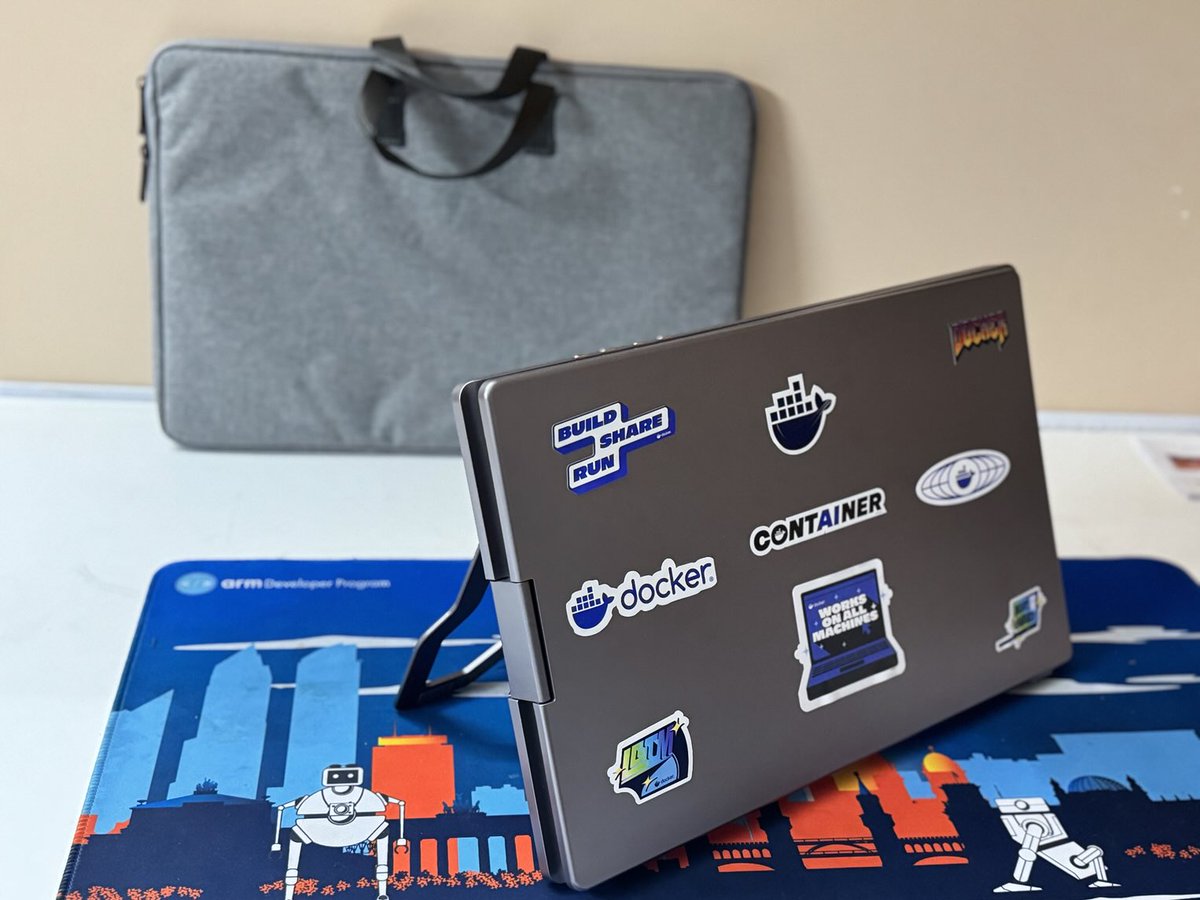

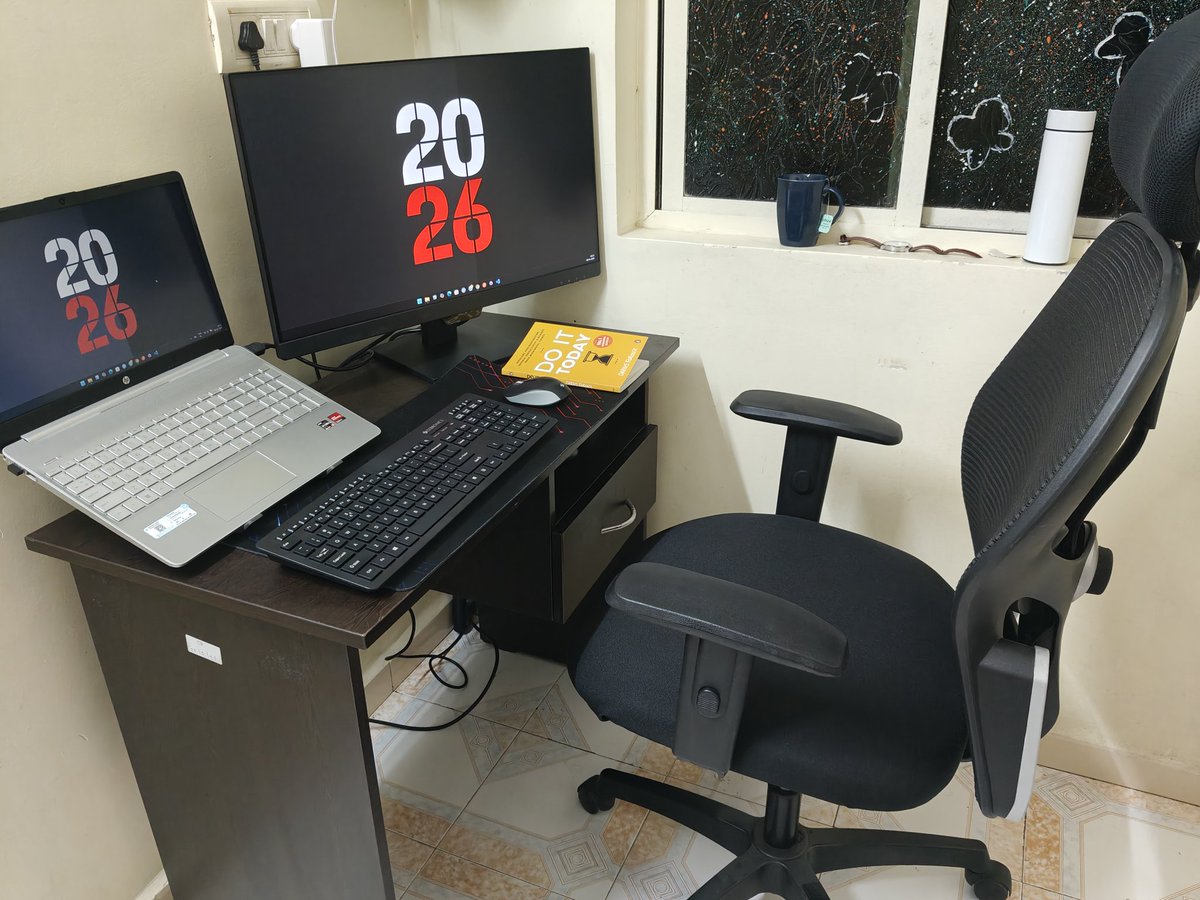
Rate my 2026 dev setup 1-10!
Dual screens on fire, clacky keys, 'Do It Today' vibes, and coffee forever
Bugs die here... or multiply
Brutal honesty only — what's your rating? Drop it below!
#DevSetup #RateMySetup
2
60

Jan 8
Unity development, but make it terminal-based. 💻✨
Configuring @Neovim for C# Unity is a steep learning curve, but the editing speed and focus you get are unmatched. It’s actually fun to write scripts again.
#Vim #Neovim #Unity #Programming #DevSetup
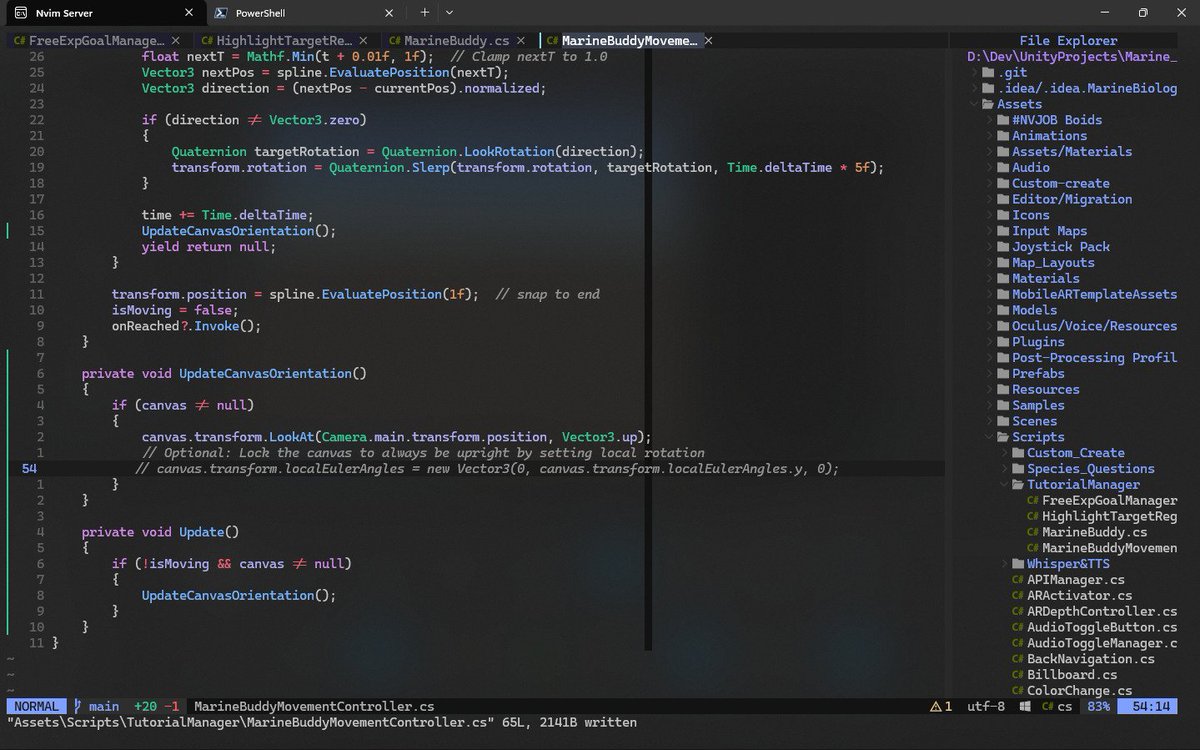
ALT A screenshot of the Neovim text editor running in a terminal window. It displays C# code for a Unity script named "MarineBuddyMovementController.cs" with colorful syntax highlighting. A file explorer tree on the right side lists the project folders, including Assets, Scripts, and Animations.
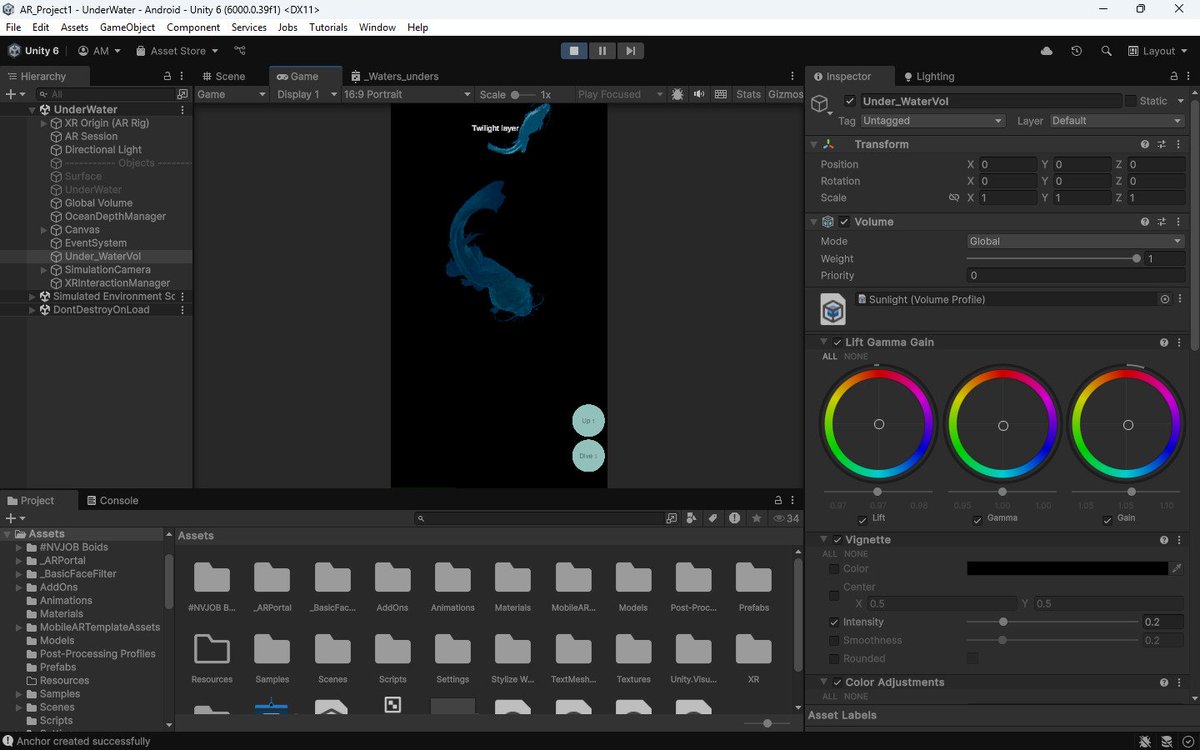
ALT A screenshot of the Unity 6 Editor interface displaying an underwater scene. The central viewport shows stylized blue marine life models floating in a dark environment. The side panels display the project hierarchy with XR components and an inspector window adjusting post-processing color grading settings.
1
1
6
221