
Really want to, but can't find an answer on whether or not DisplayLink Manager works :(
12


Belkin、DisplayLinkチップを採用しMacでも最大3台の4Kディスプレイ出力が可能な「Connect ユニバーサル 16ポート トリプルディスプレイ USB-Cドック」を発売。 applech2.com/archives/202606…
1
15

Jun 14
What kind of cables are you using? Are they all connected via port replication or just video card?
Have you installed DisplayLink yet?
11

Jun 13
Belkin、DisplayLinkチップを採用しMacでも最大3台の4Kディスプレイ出力が可能な「Connect ユニバーサル 16ポート トリプルディスプレイ USB-Cドック」を発売。 applech2.com/archives/202606…
17

横から失礼します!
元の話が分からないので全く見当違いでしたら申し訳ないんですが、MacBookAirの3画面接続の話でしたら「WAVLINK Universal Dual 5K DisplayLink ドッキングステーション」買えば接続出来ますよ!僕もモニター先に買って繋がらなくて今これで繋いでます!ちょっと割高ですが🤦
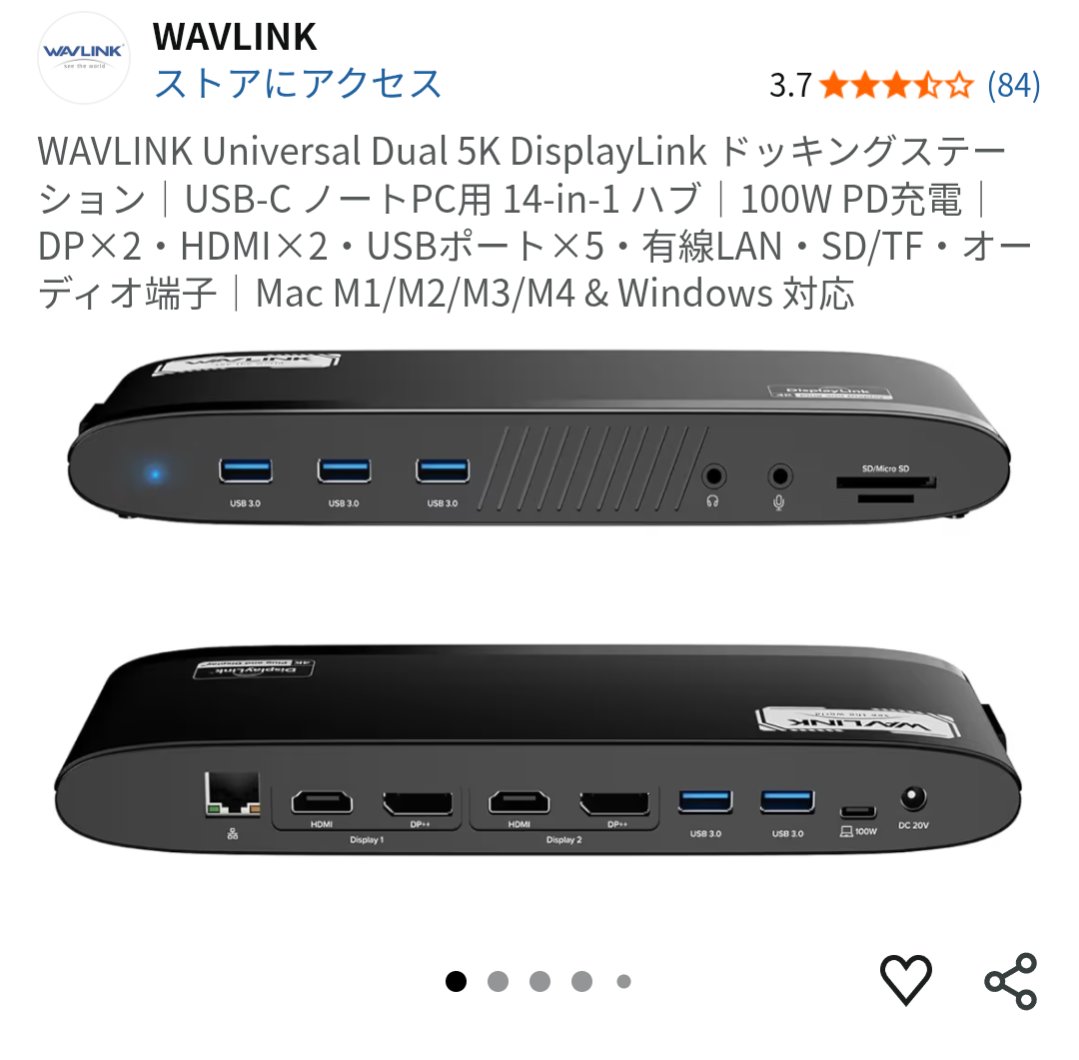
2
1
60

Jun 13
デュアルモニターアダプタ!これDisplayLinkか。ノートPCで4K2画面安定するなら神ツールじゃん。ドライバ確認しなきゃ。
デュアルモニターアダプタ Plugable USBC-6950UE 4K
jp.mercari.com/item/m3249691…
1
9

Jun 13
We tested the latest Mac docking stations, including Thunderbolt 5, USB4, and DisplayLink options, to see how they perform in real-world setups. #MacSetup #Thunderbolt5 #TechReview @Razer @ivankyofficial @UGREENOfficial @STARTECHdotCOM
macsources.com/best-mac-dock…

41

🛍️ [ Amazon US | $249.99 ] Belkin Connect 16-in-1 Docking Station 100W, Triple Display USB C Dock w/ 4K@60Hz Support, DisplayLink Technology - USB C Dock w/ 10Gbps Data Transfer, 2.5Gb Ethernet Port - Laptop Expansion Hub ( 745883940912 ) [ad] amazon.com/dp/B0H358YYW4/?ta…
Price: $249.99 ( Lowest Price on Jun 12, 2026 )
Specs and Features
16-IN-1 USB-C HUB: Turn one connection into a full workstation with this USB C hub featuring 16 ports for video, data, charging, and peripherals. Connect your MacBook Pro, Chromebook, iPad, or iPhone 17 with a single USB C cable for a cleaner workspace.
TRIPLE DISPLAY SUPPORT WITH DISPLAYLINK: This DisplayLink docking station lets you extend or mirror your laptop to up to 3 monitors using HDMI or DisplayPort.* Perfect for multitasking, creative work, or simply building a more productive office setup.
CRYSTAL-CLEAR 4K MONITOR OUTPUT: Connect up to 3 displays at resolutions up to 4K@60Hz for sharp visuals and smooth refresh rates. Pairs perfectly with an HDMI 4K cable for streaming, presentations, spreadsheets, or high-definition work across monitors.
100W POWER FOR YOUR LAPTOP: Keep your MacBook Pro, Chromebook, or USB C laptop charged while using all your connected accessories. Get up to 100W PD through one cable, reducing clutter while powering your setup at home, office, or anywhere work happens.
10Gbps DATA TRANSFER SPEEDS: Move photos, videos, and large files up to 2x faster than USB 3.0 with speeds up to 10Gbps (USB 3.2 Gen 2). This hub is ideal for external drives, media libraries, backups, and everyday productivity with your docked devices.
2.5Gb ETHERNET LEGACY COMPATIBILITY: Get reliable wired Ethernet up to 2.5x faster than standard gigabit when Wi-Fi falls short. Plus, it includes a USB C to USB A adapter so older laptops and legacy devices can easily join your setup.
SAFE, SECURE, READY TO WORK: VESA mountable and Kensington Lock compatible for flexible placement and added security. Its 5-point safety system includes over-voltage, overload, overcurrent, short-circuit protection, and fire-resistant materials.
SUSTAINABLY MADE 3-YEAR COVERAGE: This 16-in-1 USB C hub's housing is made with a minimum 75% recycled materials and comes in plastic-free packaging.** Plus, you can purchase with peace of mind, as it comes with 3-year coverage.
Check Amazon Product Page for Price History, Verified Purchase Reviews, and Current Lowest Price Offers
77
[ Amazon US ] ( 4K@60Hz ) Belkin Connect 14-in-1 Docking Station 100W, Dual Display USB C Dock w/ 4K@60Hz Support, DisplayLink Technology [ad] amzn.to/43uZC2M
Price: $219.99 ( Lowest Price on Jun 12, 2026 )
USB C Dock w/ 10Gbps Data Transfer, 1Gb Ethernet Port - Laptop Expansion Hub ( 745883940882 )
14
ジョージ retweeted

Jun 12
Belkin、DisplayLinkチップを採用しMacでも最大3台の4Kディスプレイ出力が可能な「Connect ユニバーサル 16ポート トリプルディスプレイ USB-Cドック」を発売。 applech2.com/archives/202606…
1
3
1,427

Jun 12
Belkin、DisplayLinkチップを採用しMacでも最大3台の4Kディスプレイ出力が可能な「Connect ユニバーサル 16ポート トリプルディスプレイ USB-Cドック」を発売 applech2.com/archives/202606…
32

Mac's default dock is really annoying on a multi-monitor setup, esp since Apple silicon's multi-monitor requires DisplayLink. So i vibe-coded my own dock.
github.com/OSPK/Dockman
5
1
31
3,079

ワァ…
Intel チップ系で HDMI 解像度に出そうとするとコレ
DisplayLink製チップ の USB→HDMI にした方がよさそうな話に。
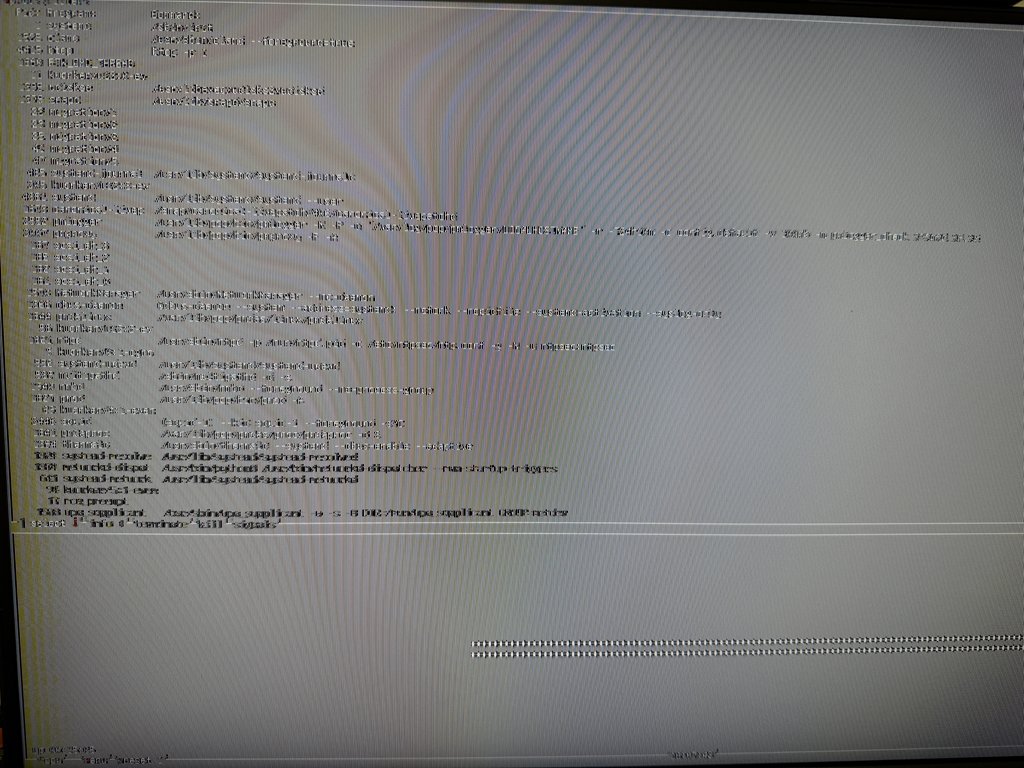
1
537

Jun 9
It's called a docking station and it's used to extend your laptop to multiple monitors or even with different displays (not just mirror), if your laptop and dock support DisplayPort Alt Mode and MST (Multi-Stream Transport).
✅ What to check:
1.Laptop USB-C Port
Must support DisplayPort Alt Mode
For 2 extended monitors, also needs MST
Look for symbols:
⚡ = Thunderbolt (supports video)
⎋ = Display output
2.Docking Station
Should support multiple extended displays
Look for MST or DisplayLink support
3.Operating System
Windows 10/11 supports extended displays well
macOS may mirror unless using DisplayLink
Our website ecbtechkenya.com

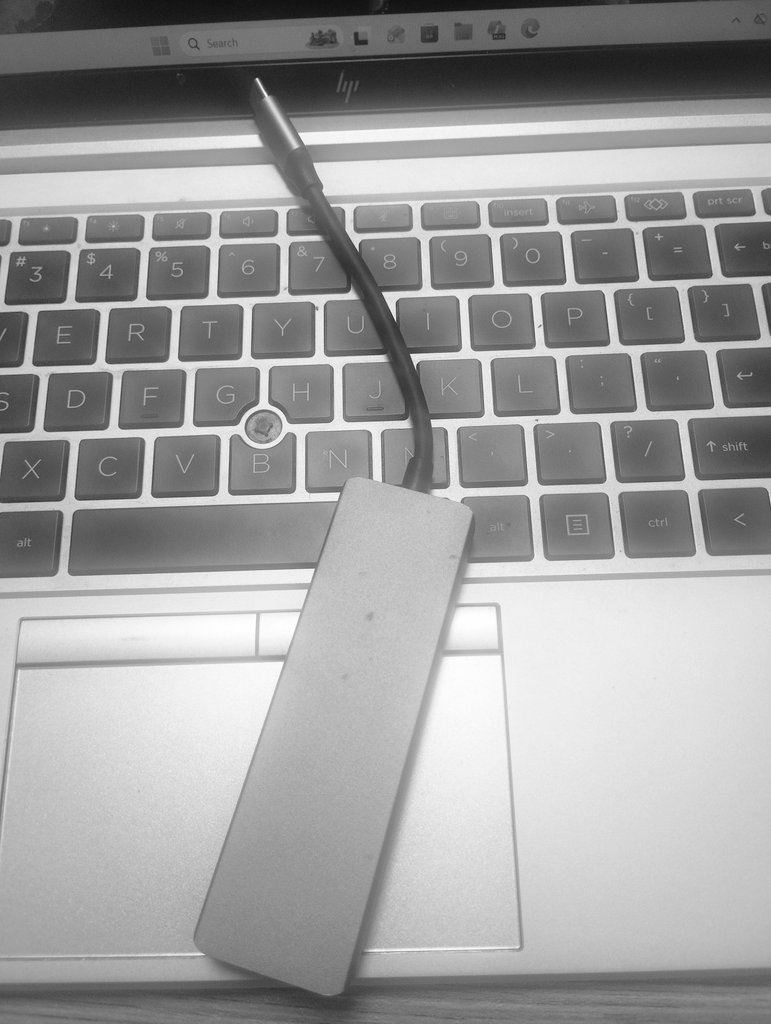
1
1
112

Jun 8
Windows 11のマルチディスプレイが最高すぎる!
自分が持ってるAndroidタブレットを部屋に余ってるゲーミングモニターに接続して画面を出力出来ないか? と思ってAndroidでも使えるDisplayLink対応のアダプタを買ったんだが、何故か俺の持ってるタブレットでは上手くいかず…
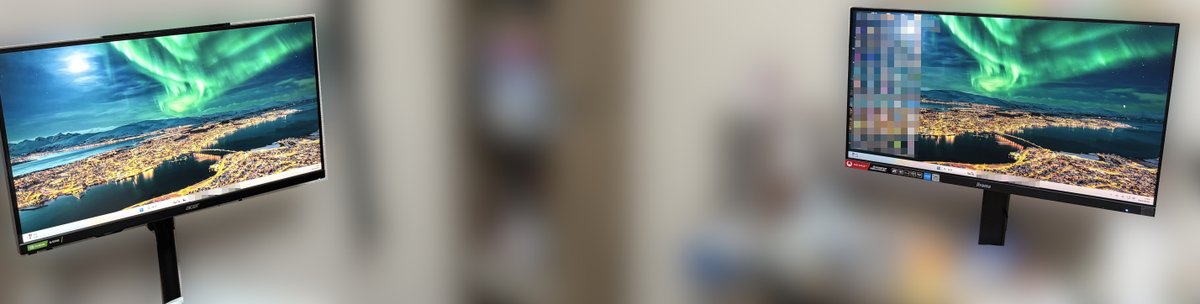
1
103

m5 proで3画面出力可能になるからドッキングステーションのdisplaylink縛りが不要になるかと思ったら、windowsとの切り替え機能でdisplaylinkが必要になるらしく? 結局dp1310は続投になりそう
56

Modern Graphics Via DisplayLink For Your ISA-Era PC ift.tt/MHP5BdU
4
22
3,418