May 21
🐍 Your Next Python Automation Project: Send an Email Automatically
Still sending the same email manually?
Python can send it for you in seconds.
Here’s the beginner-friendly path 👇
1️⃣ Pick the task
Goal:
Send a simple email automatically using Python.
Example use cases:
• daily report
• reminder email
• project update
• alert notification
2️⃣ Import the tools
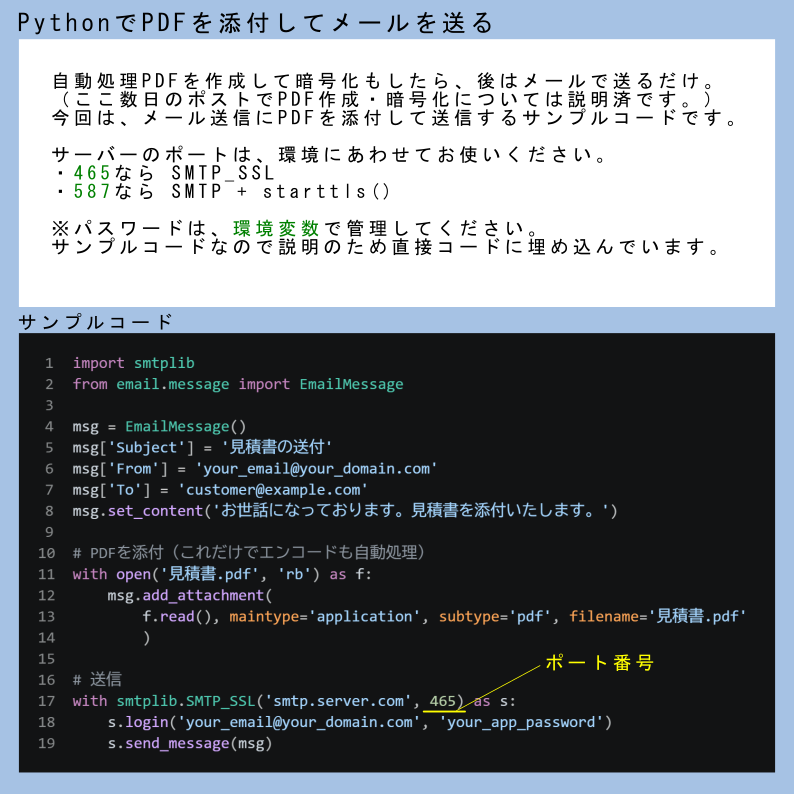
import smtplib
from email.message import EmailMessage
smtplib → sends the email
EmailMessage → creates the email content
3️⃣ Create the email
msg = EmailMessage()
msg["Subject"] = "Daily Report"
msg["From"] = "your_email@gmail.com"
msg["To"] = "receiver@gmail.com"
msg.set_content("Hey, here is your daily report.")
This builds the email just like you would in Gmail.
4️⃣ Send it using SMTP
with smtplib.SMTP_SSL("smtp.gmail.com", 465) as smtp:
smtp.login("your_email@gmail.com", "your_app_password")
smtp.send_message(msg)
Python logs in → sends email → closes connection.
5️⃣ Run the script
python send_email.py
Boom.
Your email gets sent automatically.
Why this matters:
✅ You learn automation
✅ You understand SMTP
✅ You build alert systems
✅ You create real workplace scripts
💡 Pro tip:
Don’t use your normal Gmail password.
Use an App Password for safety.
TL;DR:
Create message → connect SMTP → send email.
Python automation = turning repetitive office work into one script 🐍📧
2
3
11
1,019


Mar 11
SFストレージ、買い足す前にやること。
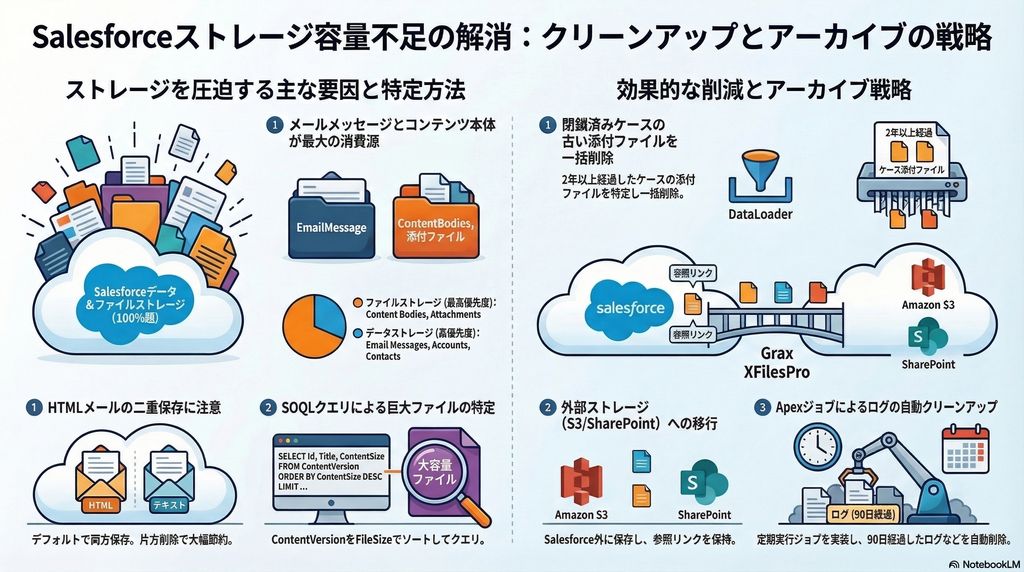
Redditで31コメントついてたSalesforceストレージ超過スレッド。データ103%・ファイル106%超過の組織での対策が実践的だった。自分も一通り経験してるので整理する。
【即効性が高い(実施済み)】
・EmailMessageのHTML Body削除 → テキスト版と二重保存がデフォルト。これだけで大幅削減
・Apexスケジュールジョブで90日超ログを自動削除
【やってなかった】
・ContentDocumentLinkをサイズ順SOQLソートして巨大ファイル特定。次から使う
【気になるツール】
・Grax → アーカイブ LWCで表示継続 DWHに直接接続できる。SF純正Backupと似た立ち位置だけど、DWH連携は差別化ポイントかも
【やってはいけない】
「3年以上の添付を一括削除」→ 大炎上した報告あり。
ストレージ追加購入はGB単価が高い。まず棚卸しから。
1
1
10
494

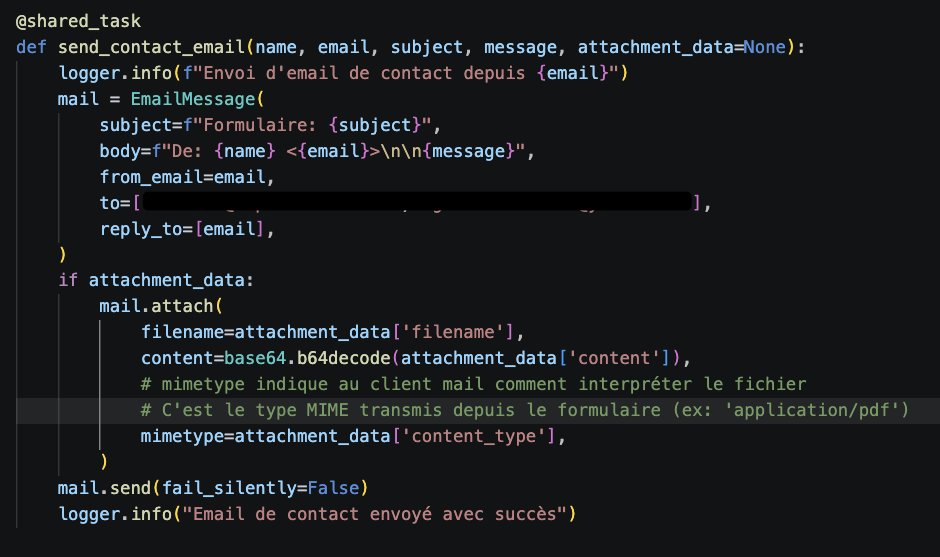

📧 Need to send emails from your Xojo app? Built-in EmailMessage SMTPSecureSocket has you covered.
Supports: HTML body, plain text, attachments, CC/BCC, custom headers.
👇
documentation.xojo.com/api/n…
#Xojo #Networking

3
75


9 Dec 2025
[News] Django 6.0 released
Django 6.0 introduces template partials, a background task framework, Content Security Policy support, and a modern Email API based on EmailMessage. #djangonews
djangoproject.com/weblog/202…
5
16
1,199

30 Oct 2025
Einstein Activity Captureで取り込んだメールをEmailMessageに入れることができるようになってるらしいという話しを弊社スタッフに聞いて、悲願だぜぇってなった
5
839

18 Jul 2025
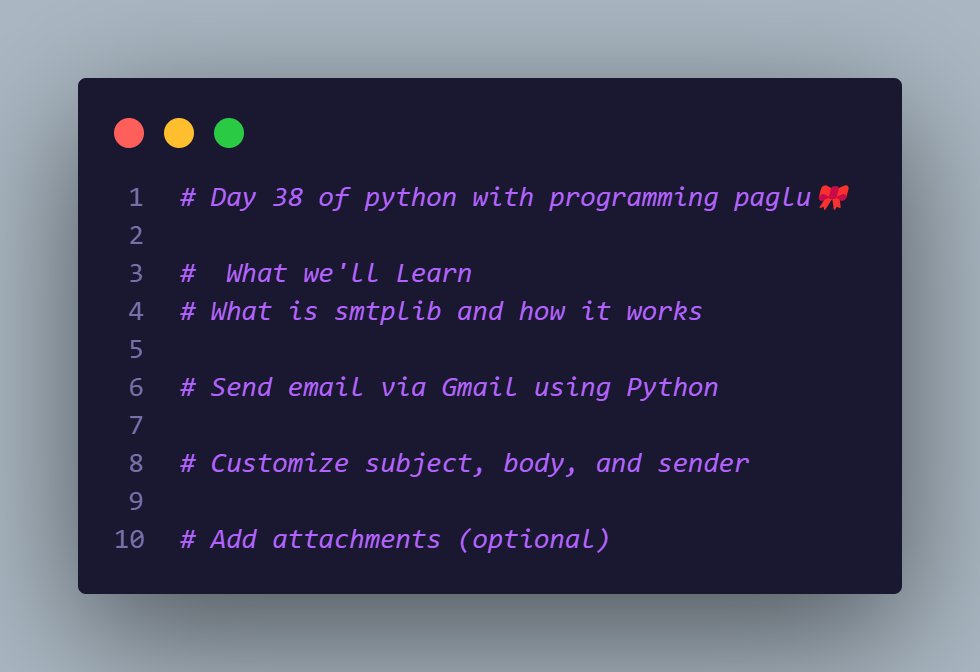
📧 Day 38 of Python with Programming Paglu 🎀
Today I learned how to send emails using smtplib in Python!
✅ Custom subject, body, sender
✅ Gmail SMTP setup
✅ Optional attachments
Code magic with EmailMessage 💌
#Python #100DaysOfCode #SMTP #CodeNewbie #programmingpaglu
2
19

19 May 2025
Released 2.0 preview of Mailozaurr, which is complete rewrite in C#, with support for SMIME in Send-EmailMessage, and couple of other improvements.
github.com/EvotecIT/Mailozau…
4
11
589

16 Dec 2024
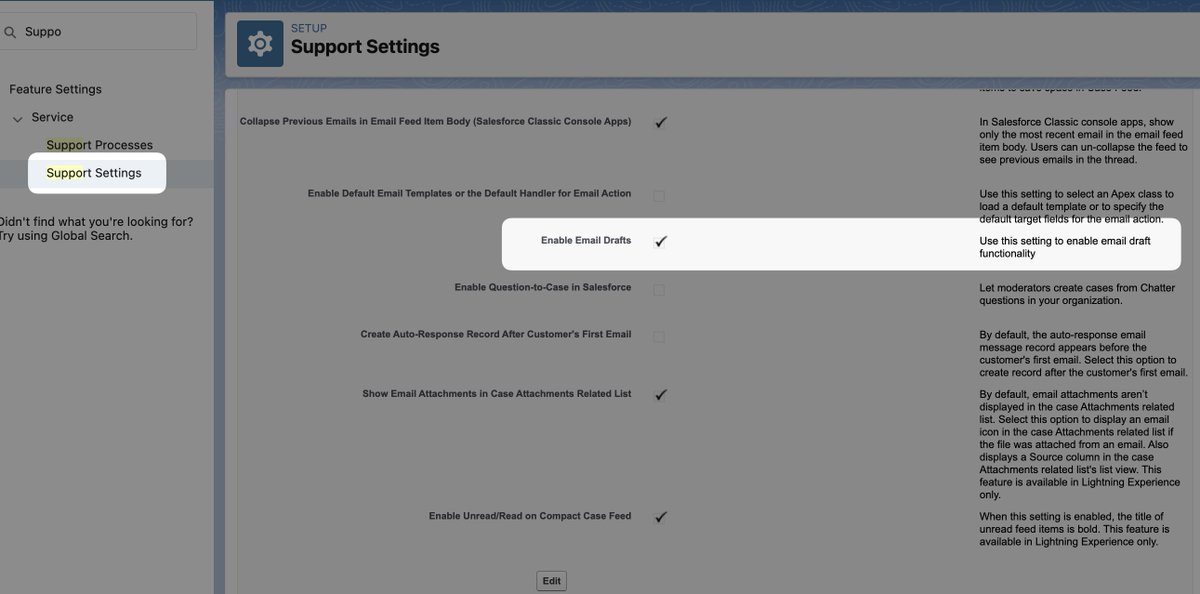
SalesforceのEmailMessageですが、Draft = '5'ってあるんです。でも、Apexでinsert emailMessageしても保存できないって言われるんです。なんでかっていうと、"Enable Email Drafts"をSupport Settingsでオンにしないといけない... 公式のどこにも書いてないよ、まじで。これでSchedule SendができるようになるからOK。
sfdclearners.co.in/2020/05/0…
1
5
477

記事を投稿しました! Salesforceで No such column 'EmailTemplateId' on entity 'EmailMessage'. on #Qiita qiita.com/zackey2/items/9fea…
1
3
283

8 Apr 2024
マジで????LLMくんもEmailMessage使ってくれなかったけどこっちの方が良さげそう(なんで高レベルAPIないんすか?って思ってた)
Pythonでemailを送信する 【htmlもファイル添付もEmailMessageのみで十分ですよ!!】 qiita.com/tarao1006/items/d2… #Qiita
1
2
15
2,630
10 Mar 2024
Salesforceのメール機能で足りないなぁと思う2大機能がSave as DraftとSchedule Sendが標準でないこと。(Inboxにはあるけど有償) なんど返信の下書きをすっ飛ばしてしまった怨嗟を聞いたか... 実はEmailMessageを使って実装できるので、後で書く。
1
4
241
28 Feb 2024
Mailozaurr and Send-EmailMessage is a wrapper around SMTP, Graph, SendGrid so it make it one solution for all needs. The sooner you will implement some internal PS Gallery the better, as things will be more complicated with each year without external modules.
3
149

15 Aug 2023
Async Email Magic in #Django! ✉️✨ Discovered a fantastic way to send asynchronous emails using threading and EmailMessage module. Say goodbye to slow email sending and hello to improved user experience! 🚀💨 #Python #WebDev #AsyncEmails #buildinpublic
13
220

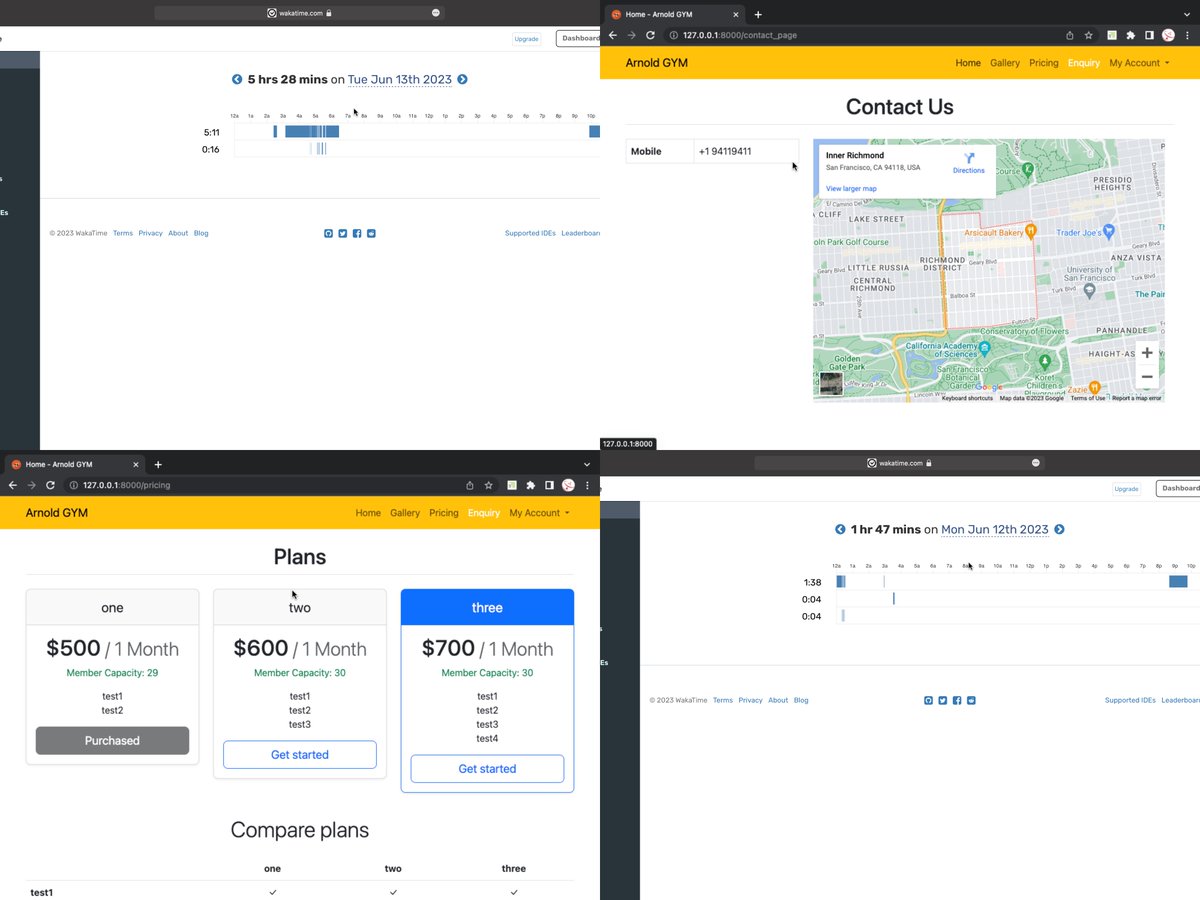
Days 76 & 77
(
Taking practical steps to become a freelancer
Build Website gym management (Django-Python)
Learn EmailMessage django
)
#Freelancer
#100DaysOfFreelancing
#100DaysOfCode
5
84

8 Jun 2023
サブタイプがメールになってるTaskレコードの作成をトリガにEmailMessageレコードを作ろうとしたら、それだけで無限ループが起きた。
2
487

python3.6で追加されてたEmailMessage。今Pythonでメールを扱うならこれで十分らしい
qiita.com/tarao1006/items/d2…
3
141