

6 Oct 2025
Nuanced Design System Tip: Don't token your final HEX values. Token the intent. e.g., color-brand-primary-hover over #3B82F6. This prevents accidental style drifts and allows for seamless theme/palette changes.
#DesignSystems #DesignTokens #FigmaTip #TechDesign
2
290

23 Sep 2025
The First Big Shift in Design | How Figma Changed Design | Evolution of ... youtu.be/VuA9ku3o7n0?si=3na2… via @YouTube #figmatip #design #uxui
2
60

SolanaM
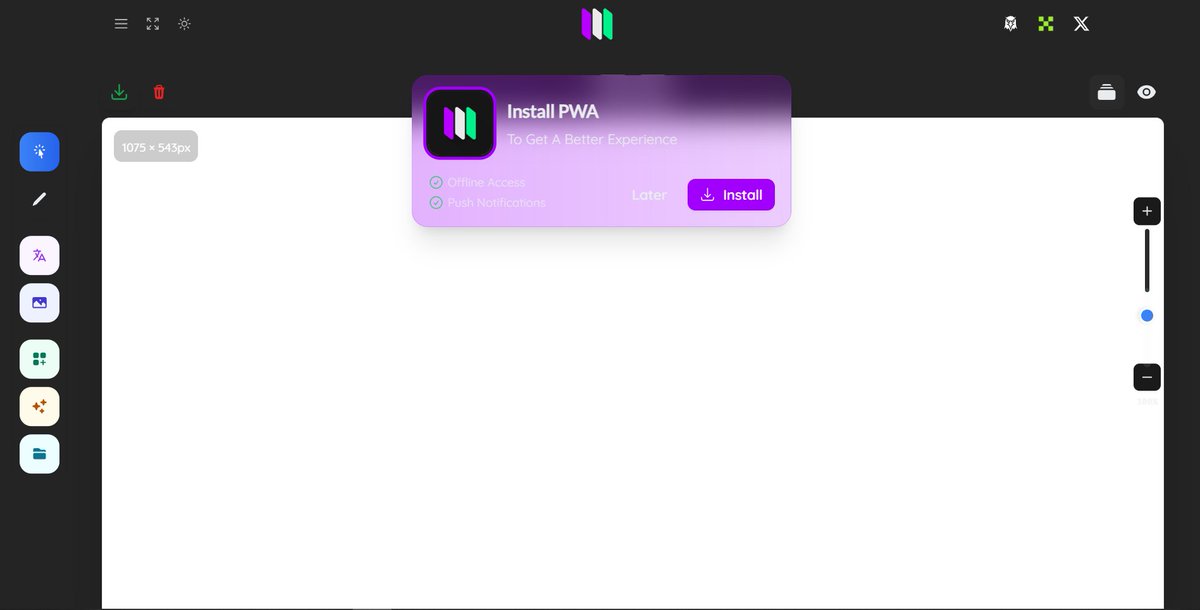
PWA v1.2 - (pwa.solanam.com)
The Design Studio Has Been Modulated and Soon Workspaces Will Be Modified as you see fit
#Pwa $solanam @com
:) Design The World
#adobe #figmatip #solanam #solana #phantom #tokenfi #Tokenomics #Tokenomics
4
12
366

14 Sep 2025
(MAX FACTORY)|FIGMA|オフモール|WEBNo.1080500000001230 netmall.hardoff.co.jp/produc…
ホビーオフ広島可部店です!
当店オススメ!
#ホビーオフ広島可部店
#ホビーオフ
#figmatip
4
220

WIP 🚨🚧
Hero design for AI Coding Agent for Developers, all done in @figma
Colours make it pop 🥂
Had a very sweet time working on this one.
#figma #webdesign #WebsiteDesign #website #uidesign #saas #saaswebsite #saaswebsitedesign #figmatip #herodesign #landingpage #tech

ALT Hero Design phase for Kurzor Landing Page
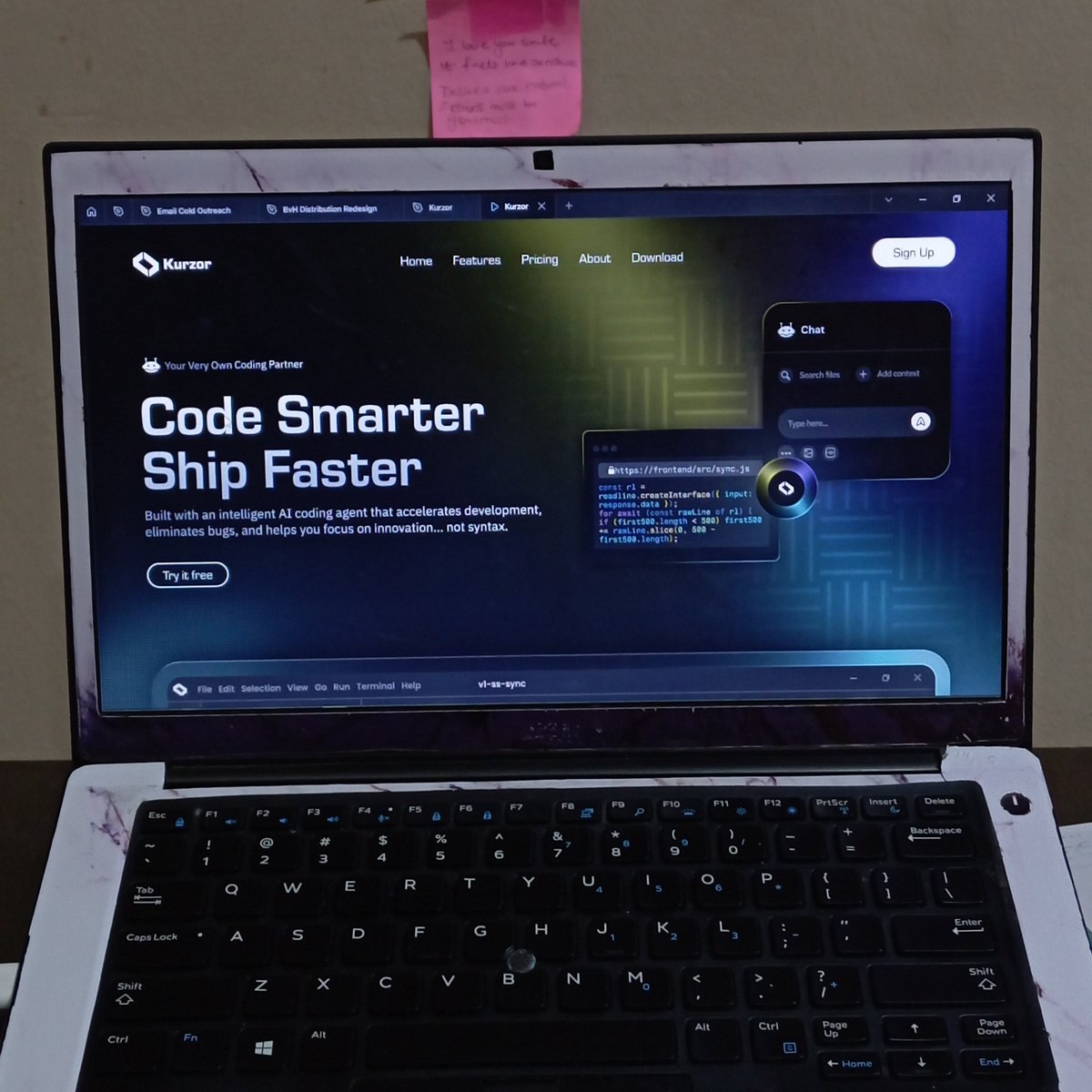
ALT Landing page hero design for Kurzor, an AI Coding Agent SaaS Company
1
4
170

17 Aug 2025
Dumb-smart designer trick: PDF too big to send? Export from Figma → Convert to DOCX → Open in Word → Save as PDF. 9MB → 800KB, no quality loss. #UX #design #FigmaTip #productivityhack
4
59

30 May 2025
Here is a #figmatip I forgot to drop in my grid livestream yesterday. Grid is amazing for organizing and creating new variants in a component set.
6
21
343
22,084

17 May 2025
おはようございます☀️
休日だけど1分でFigmaえぐいTipを紹介。。
待望の Grid Auto Layout
Auto Layout に “2 × 3 グリッド” など CSS Grid 的指定が追加。カードUIを手作業で崩す必要なし。レイアウト改変も一行で再計算。
レスポンシブが激ラク.....進化しすぎている。
#FigmaTip
1
4
493