
Oil fields. Construction sites. Offshore rigs. Rugged asset tracking is standard.
Legacy IoT MFF2 SIM: IP67, Fixed IP, Private APN — always on. 🏗️
🌐legacyiot.com
📞 91 92892 22523
#OilGasIoT #ConstructionIoT #RuggedIoT #AssetTracking #LegacyIoT #MFF2 #FixedIP #IoT

3

Jun 6
做亚马逊、TikTok Shop、独立站的卖家,九成踩坑都栽在不起眼的网络上。
埋头砸钱选品、拍素材、投信息流、对接达人,费尽心思拉高店铺营收,却忽略底层IP环境。动态IP飘忽不定,今日美区、隔日跳转欧洲,频繁异地换IP登录,平台风控直接触发:账号异地核验、后台闪退、广告账户受限、多店连锁关联封号,前期投入全部白费。
很多人误以为能打开网页就够用,跨境运营拼的从来不是勉强联网,而是长期统一、贴近本地真人的稳定网络环境。动态IP适配短途出游,固定IP eSIM才是跨境做生意的刚需。
FuseSIM @fuse_sim80335
固定IP eSIM,针对性解决出海痛点
✅ 固定属地原生IP,长期属地不漂移,账号环境统一,累积平台账号权重,大幅降低风控稽查概率
✅ 不用更换实体SIM,本机号码正常收验证码,扫码预装eSIM,线上开通落地即用
✅ 团队精细化分区运营,一店一IP、一区一号,多账号安全隔离,从源头规避关联风险
✅ 适配全场景:亚马逊店铺、TikTok Shop直播投流、海外社媒矩阵、独立站运维、Web3出海办公
固定IP没法保证账号零违规,但能守住运营最基础的安全底线。设备、素材、运营再完善,网络不稳就是隐形雷区。与其封号补救损失,不如前期搭建稳妥网络环境。链接:app.fusesim.com/register?inv…
旅行选普通流量eSIM,长期跨境做生意认准FuseSIM固定IP方案。
咨询通道👉Telegram:@FuseSIM
#FuseSim #FixedIP #eSIM #TikTokShop
@fuse_sim80335

92
24
10,820

If your router’s IP address keeps changing, reliable remote access breaks.
Dynamic IPs make it difficult — and often impossible — to consistently access routers, CCTV systems and remote infrastructure over mobile networks.
ems-uk.com/dynamic-ips-break…
#fixedip #sims
1
3
81

28 Nov 2025
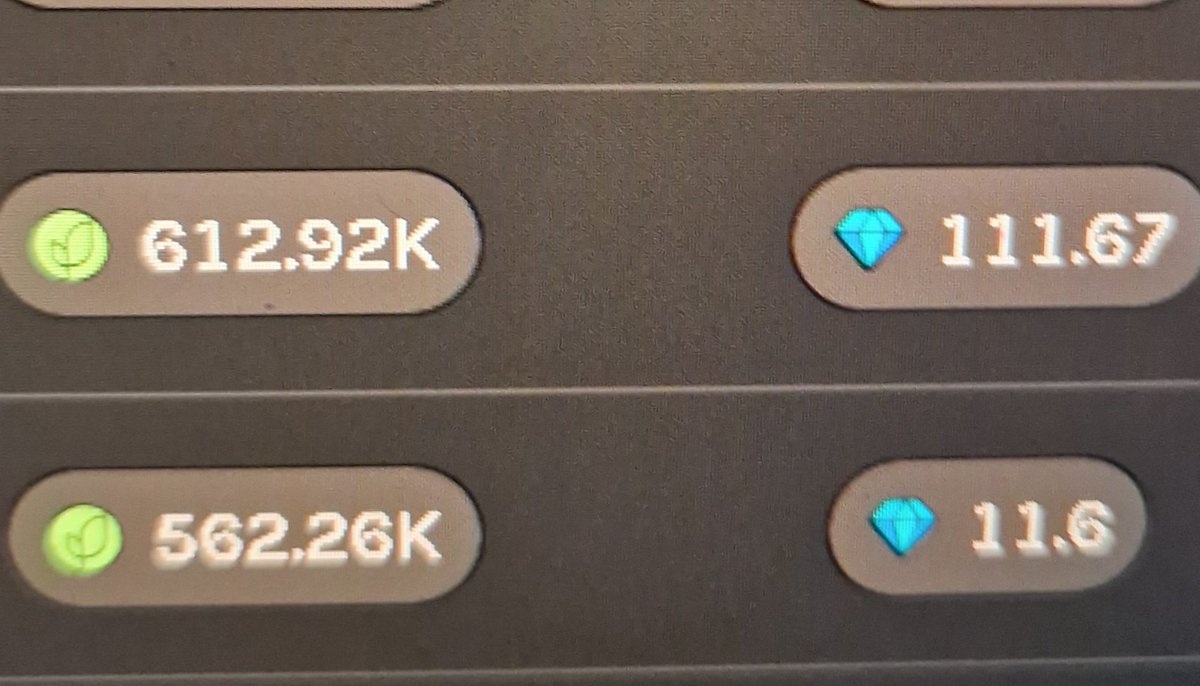
🚀 Fix Your Grass Phone’s IP Forever (No More Lost Points!) 🌱🔥
Sick of losing Grass points because your phone keeps getting a new IP?
Do this 2-minute fix and lock your IP permanently. ✅
1️⃣ Find MAC Address
Android: Settings → About Phone → Status
iOS: Settings → General → About
(Looks like: 00:1A:2B:3C:4D:5E)
2️⃣ Open Router Login
Go to: 192.168.1.1 / 192.168.0.1 / fritz.box
3️⃣ Find this option:
DHCP Reservation / Static DHCP / IP Reservation / Fixed IP
4️⃣ Add New → Paste MAC → Set IP
Example IP: 192.168.1.88
Save. Done. 💥
Now your Grass phone = same IP forever.
Reboot? Power cut? Airplane mode?
IP won’t change. Points safe. 🤑
Pro Tips:
• Keep phone on charger 🔌
• Disable battery optimization ⚙️
• Strong WiFi = max score 📶
Farm smart, not hard. 🌾🚀
#Grass #FixedIP #GrassTips
1
9
1,962

27 Nov 2025
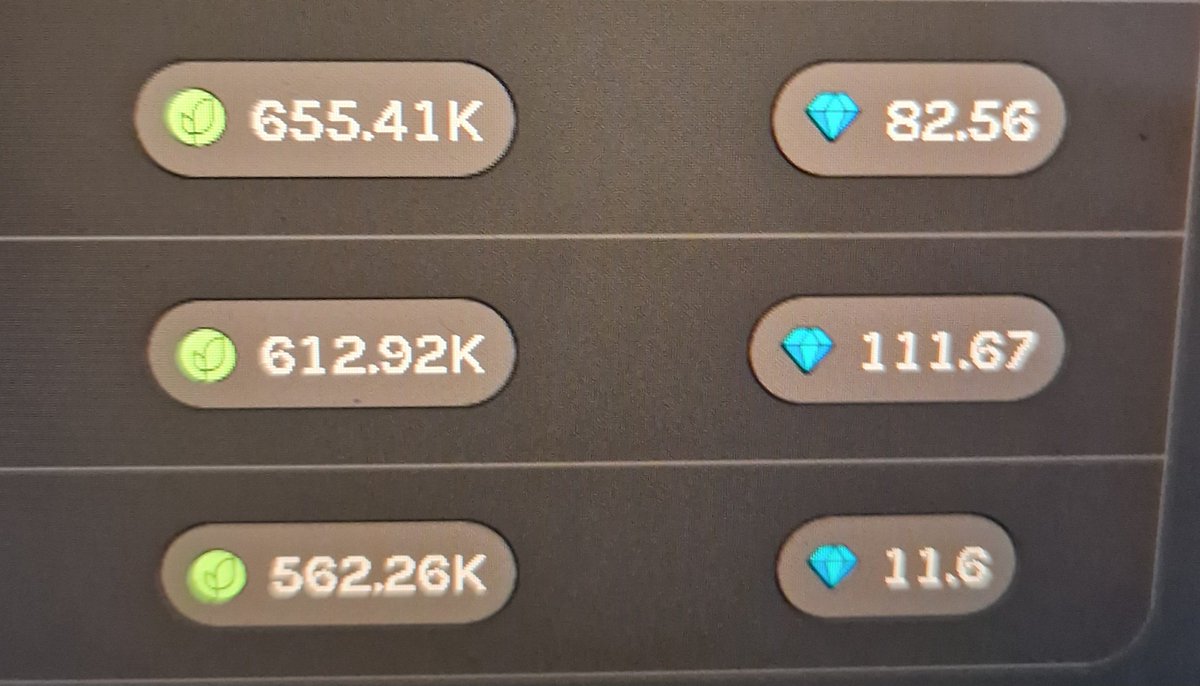
🚀 HOW TO GIVE YOUR GRASS PHONE A PERMANENT IP ADDRESS (so you never lose points again!) 🚀
Tired of your Grass node changing IP every reboot and losing precious points? 😭
Here’s the 2-minute fix that works on 99 % of routers (FRITZ!Box, TP-Link, ASUS, Netgear, ISP router, whatever!) ✅
Step-by-step (super easy):
1️⃣ Find the MAC address of your Grass phone
Android → Settings → About phone → Status → WiFi MAC address
iOS → Settings → General → About → Wi-Fi Address
→ Write it down! Looks like 00:1A:2B:3C:4D:5E 📝
2️⃣ Log into your router
Open browser → type 192.168.1.1 or 192.168.0.1 or fritz.box
(Google “default router IP” your router brand if unsure)
3️⃣ Look for one of these menu names (any of them works):
• DHCP Reservation
• Static DHCP
• Address Reservation
• Fixed IP / Always same IP
• LAN IP reservation
4️⃣ Click “Add new” or “ ”
→ Paste the MAC address of your Grass phone
→ Choose a nice fixed IP (example: 192.168.1.88 or 192.168.178.88) ✨
→ Save / Apply
BOOM! 💥
Your Grass phone now has the EXACT SAME IP forever – even after reboot, power outage, airplane mode, whatever! No more point drops! 🤑🤑🤑
Pro tips for max points 24/7:
• Put old phone on charger forever 🔌
• Disable battery optimization for Grass app ⚙️
• Screen timeout → Never (or play silent YouTube loop) 🌙
• Good WiFi signal = happy points 😍
Do this ONCE and farm forever! 🌾🚀
Tag a friend who’s still losing points because of changing IP! 👇
#Grass #FixedIP #FarmSmart
33
60
333
43,294

หลายคนอาจจะเคยใช้อินเทอร์เน็ตบรอดแบนด์ในสาขาของสำนักงาน แต่กลับเจอข้อจำกัดมากมาย การตั้งค่าดูกล้องวงจรปิดจากเซิร์ฟเวอร์ในบริษัทก็ยุ่งยาก หรือจะเชื่อมต่อเข้าระบบบัญชีก็มีปัญหา
.
บริการ Business Fibre Fixed IP เปิดทางให้องค์กรสามารถเชื่อมต่อเซิร์ฟเวอร์ด้วยตัวเองได้ง่ายๆ ในราคาไม่แพง พร้อมกับอุปกรณ์ระดับองค์กร (Enterprise-grade Equipment) ที่รองรับการใช้งานทางด้านธุรกิจที่ต้องการอุปกรณ์ที่มีความเสถียรและความสามารถในการกระจายสัญญาณที่ดีกว่าอุปกรณ์แบบทั่วไป
.
อ่านรายละเอียดเต็มๆ ได้ที่เว็บไซต์ : blognone.com/node/146347
.
#aisbusiness #publicipv4 #brandedcontent #FixedIP

841

3 Aug 2022
What Are The Main Reasons To Choose #Fiber #Internet For Your Company 🤔? ➡️ my.mtr.cool/onysefapsn
#CloudComputing #VoIP #VPN #Flexibility #Scalability #DataSecurity #FixedIP #CustomSolutions #DataTransfer #PBXTelephoneSystem
@enreach_es

3

30 Jun 2022
We will be @VeExpo Vehicle Electrification Expo & @BatteryCellExpo Battery Cells & Systems Expo today #NEC #Birmingham
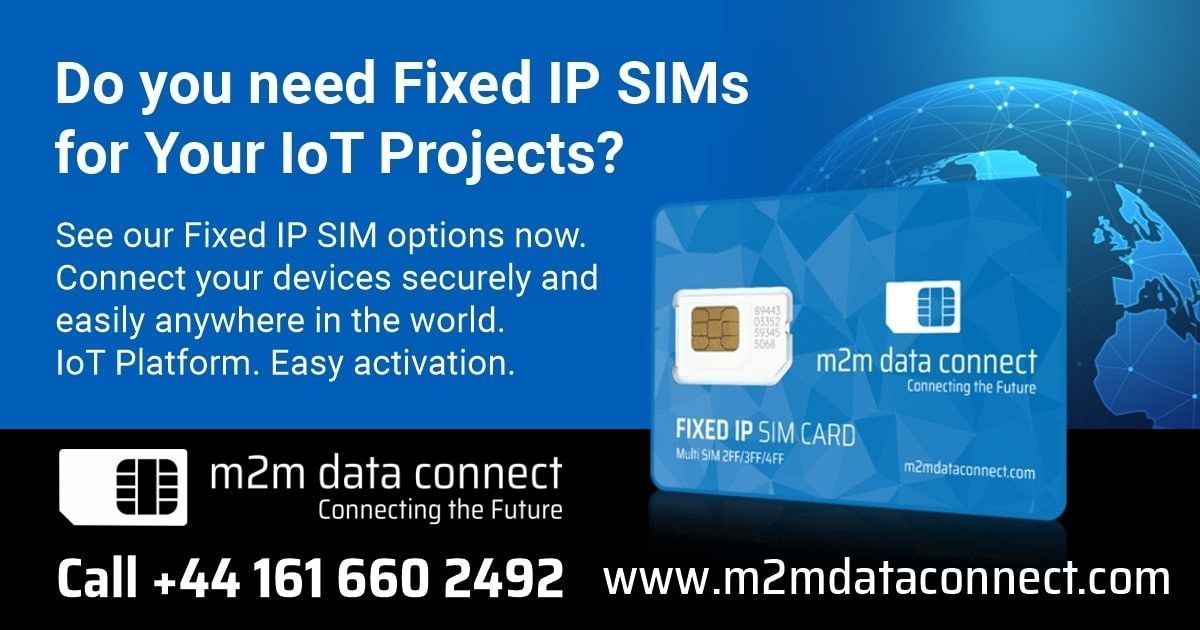
Secure reliable connectivity is essential for all #IoT infrastructure dont take any chances!
#IOT #M2M #FixedIP
buff.ly/3FMbJdw
3
2
17 Feb 2022
One of the most iconic buildings in the UK is now connected by the @m2mdataconnect Group!
We are helping business and organisations around the world improve their connectivity and ultimately #ecommerce solutions to ensure #service continues!
#M2M #FixedIP #IoT #Harrods #Connect

2
6 Sep 2021
You can now book a meeting with one of our M2M IoT Connectivity specialist & save yourself some time @nationalcybersecurityshow using the link below @NCSS_Cyber #M2M #IoT #Connectivity #FixedIP
buff.ly/3jwjj44

1
16 Jul 2021
Remote management of #IoT devices is now critical and we have seen the savings companies have made using our #Global #FixedIP #M2M Sim Card Solution. Using our #PrivateAPN connect manage & control your devices globally with a click ☕️
m2mdataconnect.com/fixed-ip-…
1

28 Jun 2021
Our #5G and #FixedIP services are helping businesses stay secure and connected wherever they need to work.💻📱
Find out more:
theonepoint.co.uk/news/post/…
#Connectivity #FutureProofYourBusiness #ManagedTechnology
2
12 Feb 2021
Rolling out an exciting new project in Australia with one of our clients. Connecting IoT solutions across the world is not as easy at it sounds but we have the tools, knowledge and experience #FixedIP #M2M #Australia #IoT #4G #Connectivity
m2mdataconnect.com/product/a…

4
6 May 2020
Is your #homeoffice router failing and Broadband being throttled? We provide #4G #Wireless #Router with #International #Roaming #Data #FixedIP to ensure your connectivity👌follow the link to view products 🌍🙏 m2mdataconnect.com/4g-router…
1
1
17 Apr 2020
Weve been keeping @yowinternet busy over the last few weeks redesigning our top ranking global website👌See our updated 🇬🇧🇪🇺, 🇺🇸 & Asia Pacific #SpecialOffers , New 🌍&🇦🇺 Pages & Plans Plus 4GRouters & FixedIP 🙏#M2M #IoT #Data #Global #4GRouters #Fixedip

4
5
12 Feb 2020
Are you Looking for secure mobile connectivity ?? Come and talk to us @MOVE_Event today ☕️#Move2020 #M2M #IoT #GlobalData #Connectivity #4G #5G #Secure #FixedIP
1
2

Probably the best SIM available today from @iPTT_poc!
More info: iPTT.co.uk/sims-and-4g-route…
#MobileData #SIM #MultiNetworkSIM #IoT #FixedIP #DynamicIP #UnlimitedData #Unsteered
6
5
7 Nov 2019
The future of #SmartHighways simple but really effective technology for @HWYSUK for use to increase safety and reduce accidents👏🏼 @NewsfromTRL @m2mdataconnect #M2M #IoT #FixedIP #Global #Connectivity #DataSim
3