
Jun 10
Kubernetes froze the Ingress API, which is the polite way of sending it to a farm upstate 🚜 Gateway API is the replacement, and the upgrade is ownership, not YAML. Your nginx annotations were never portable, just sentimental. #Kubernetes #GatewayAPI
nivelepsilon.com/2026/06/10/…
14

Questions about migrating from ingress-nginx to Gateway API?
We'll help get you sorted in our weekly NGINX Gateway Fabric community meetings.
Join us any Tuesday.
#Kubernetes #GatewayAPI
1
4
727

The NGINX Ingress controller is officially retired. The repo is read-only, no future patches.
We migrated Bitnami’s clusters to the Kubernetes Gateway API and we documented everything we learned to make your transition easier.
techdocs.broadcom.com/us/en/…
#K8s #GatewayAPI #DevOps
1
2
205

Jun 2
📢 In📢 Ingress Nginx EOL 2026! Time to upgrade.
✔️ Native Header/URL rewriting & RBAC
✔️ Dual-stack (Ingress Gateway API) support
✔️ One-click migration tools & Higress core
Future-proof your K8s networking now. 👇
int.alibabacloud.com/m/10004…
#Kubernetes #GatewayAPI #IngressNginx #CloudNative #Higress
10
4,692

May 29
Kubernetes recently deprecated the NGINX Ingress Controller. The article walks through what drove that decision and why the Gateway API is positioned as the successor. The changes required for many teams to migrate will be a challenge but seeing articles like this can help.
This traces the history, from raw Service types to Ingress to Gateway API, and explains the gaps including limited config, annotation sprawl, blurry ownership, and confused deputy risks across namespaces. Check this out from Roman Glushko.
lckhd.eu/sgyOM4
#Kubernetes #GatewayAPI #NGINX

1
3
148
Questions about migrating from ingress-nginx to Gateway API?
We'll help get you sorted in our weekly #NGINX Gateway Fabric community meetings.
Join us any Tuesday, alt AMER/EMEA time zones for accessibility.
🔗go.f5.net/r26e195o
#GatewayAPI #Kubernetes

1
7
696
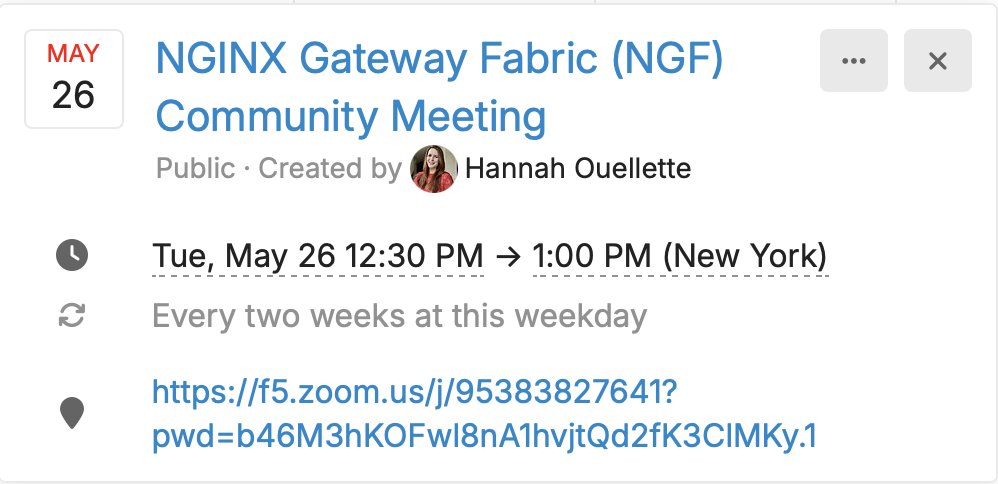
SOON: NGINX Gateway Fabric community meeting
⏰9:30am PT / 12:30pm ET
Standing invitation, open discussion.
go.f5.net/mutkv1hb
#NGINX #GatewayAPI #Kubernetes
6
543
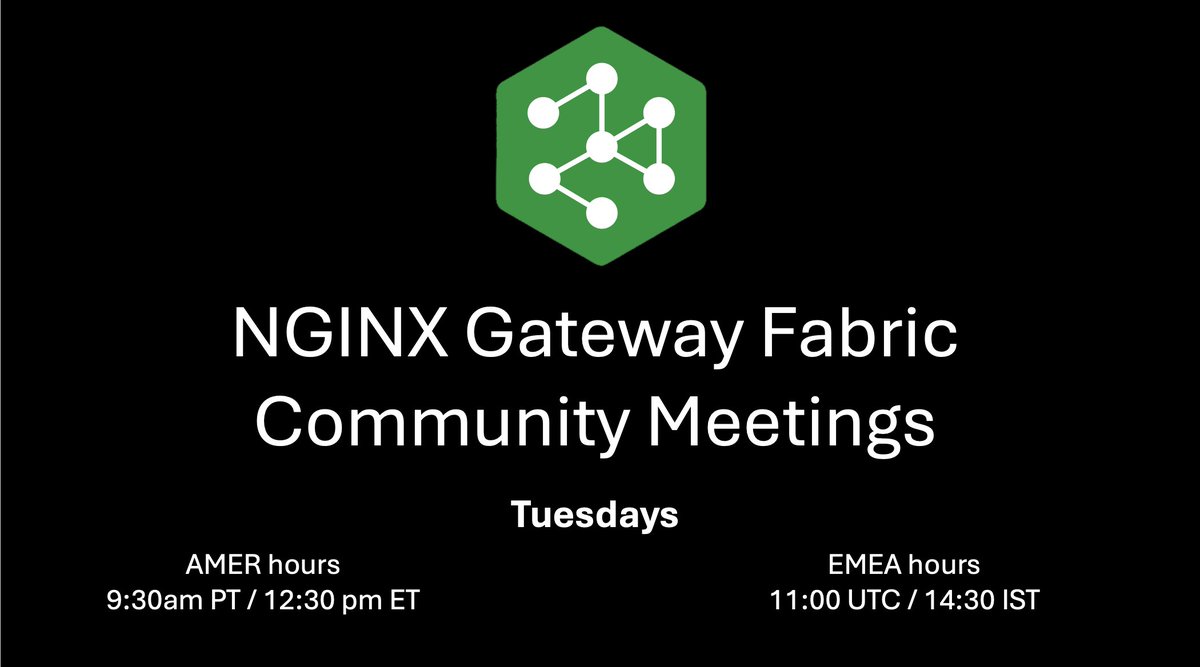
📌Reminder: NGINX Gateway Fabric community meeting tomorrow.
Great place to ask questions, discuss use cases, or get help with PRs and issues.
Tues, 11:00 UTC | 4:30pm IST
go.f5.net/jxw44ij5
#GatewayAPI #NGINX
1
6
742

Level up your LLM deployments! 🚀 From local Linux/Containers to Kubernetes scheduling & inference. Master LLM traffic routing with Gateway API, specifically AgentGateway. Don't miss out!
Link below 👇🏼
#LLM #Kubernetes #GatewayAPI #AgentGateway
2
1
3
128
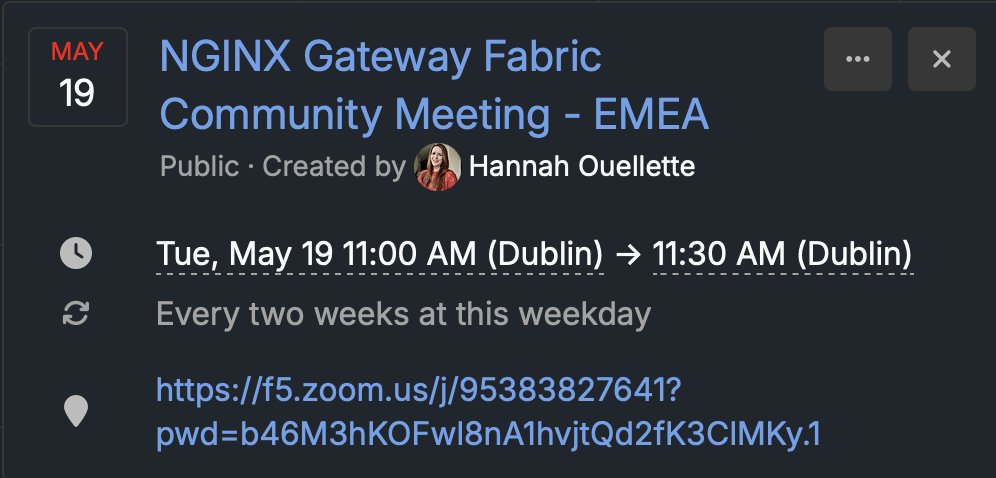
Today’s NGINX Gateway Fabric community meeting: starting soon!
⏰11:00 GMT / 4:30pm IST
Drop in for technical discussion, updates, and Q&A. We’ll also cover recent changes and what’s on the roadmap.
🔗go.f5.net/32y9jaxe
#NGINX #GatewayAPI
7
550
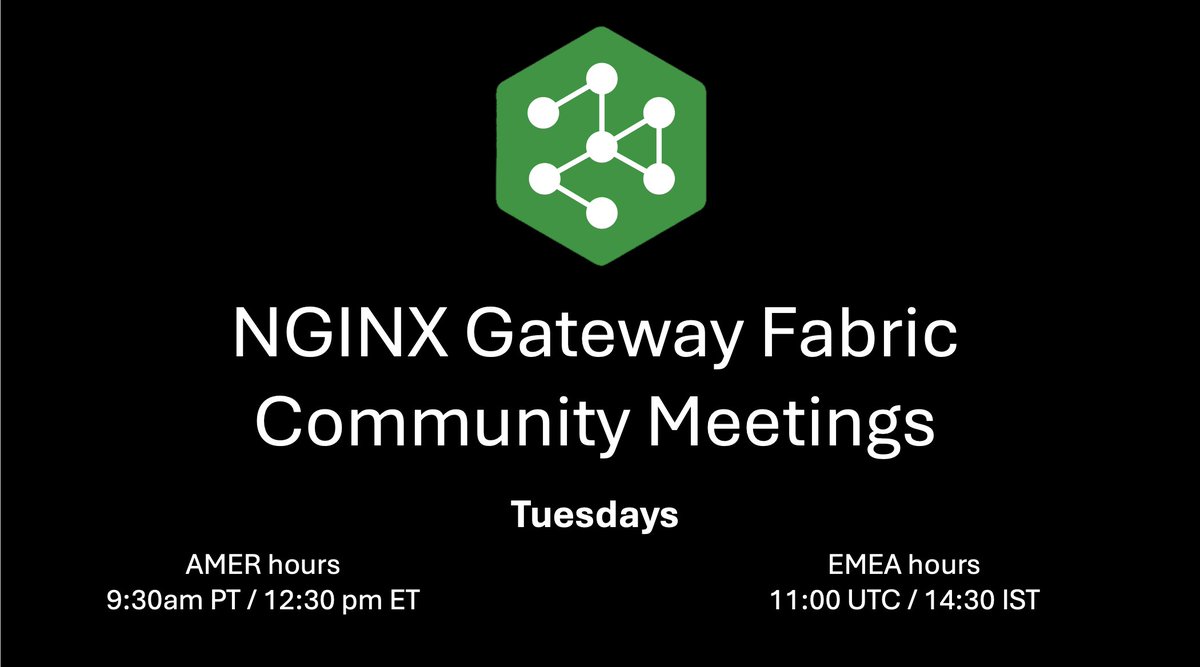
Join our weekly community meetings to discuss updates, development, roadmap, and activities around NGINX Gateway Fabric.
9:30am PT | 12:30pm ET | 17:30 GMT
Event link: community.nginx.org/t/nginx-…
#nginx #gatewayapi #ngf
5
724

May 8
本日のOSS貢献です🎉
Gateway APIのドキュメントに導入ガイダンスを追加しました。実はHTTPRouteでもgRPCを扱える仕様のためGRPCRouteをいつ使えば良いかわかりにくいという課題に対し、gRPCワークロードならGRPCRouteを選ぶべき理由を多くの方々と議論した結論を冒頭に明示しました。
github.com/kubernetes-sigs/g…
#kubernetes #GatewayAPI #gRPC #OSS
1
275
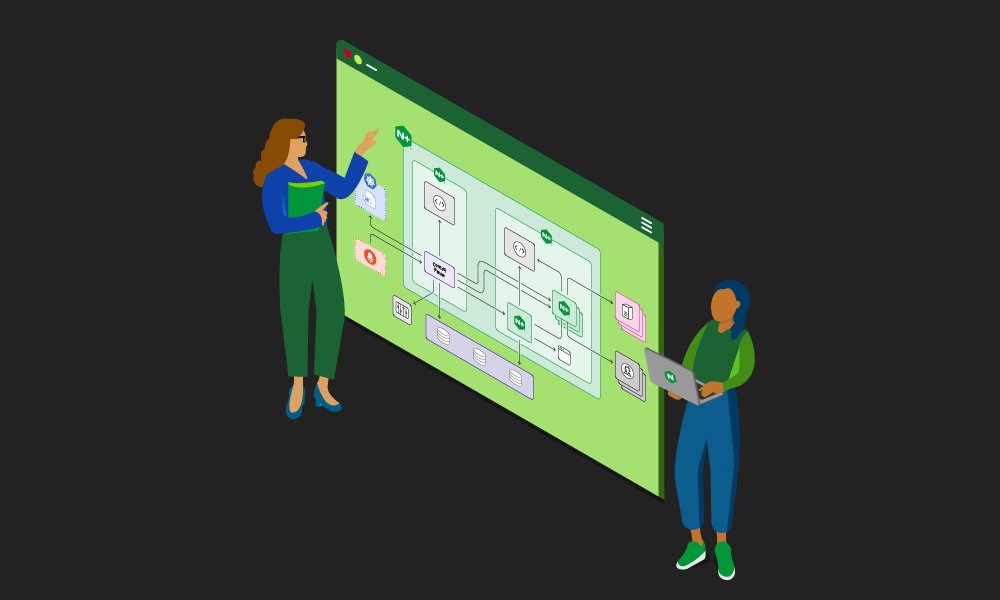
NGINX Gateway Fabric 2.6 is out 🚀 bringing F5 WAF for #NGINX support to a Gateway API implementation, and more.
Details in the blog: 🔗go.f5.net/ujhwn8k9
#kubernetes #gatewayapi
1
14
1,926
May 2
Knative Operator v1.22.0 がリリースされました 🎉
今回は Gateway API support、Cluster Inventory API を使った multi-cluster deployment、CRD生成の controller-gen 移行、Helm upgrade 周りの修正などなど多くの貢献をしました。
ぜひ試してみてください!
github.com/knative/operator/…
#Knative #Kubernetes #GatewayAPI
3
318

Apr 21
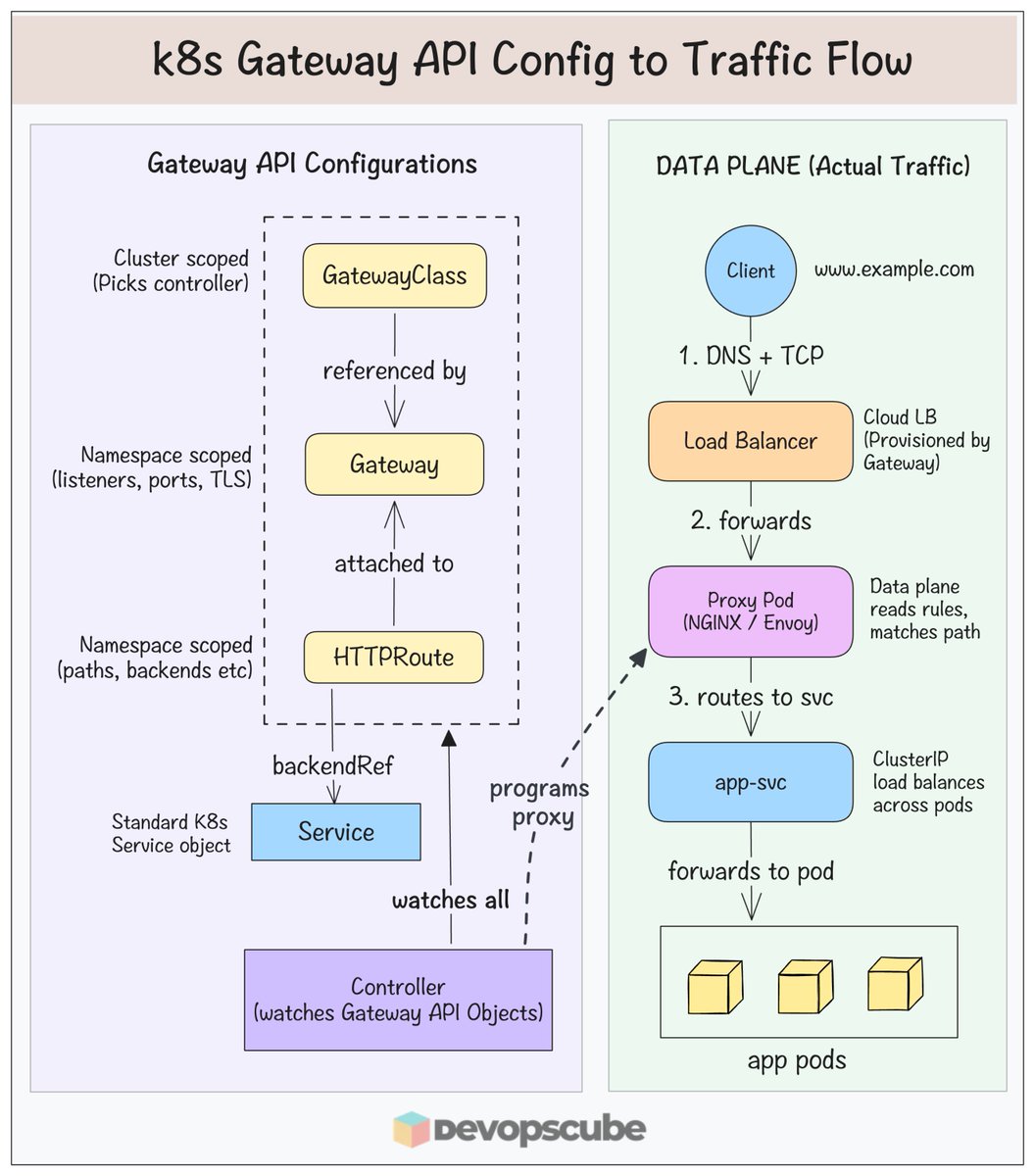
Gateway API resources define how traffic should flow (desired state)
They don’t handle any traffic.
The actual traffic is managed by the data plane proxy pods (Ex: NGINX / Envoy)
First lets look at the gateway API resources (left side):
- 𝗚𝗮𝘁𝗲𝘄𝗮𝘆𝗖𝗹𝗮𝘀𝘀 (cluster scoped): Defines who (which controller) manages your gateways. It can be Nginx Envoy, Istio etc..
- 𝗚𝗮𝘁𝗲𝘄𝗮𝘆 (namespace scoped) defines entry point. Creating a Gateway triggers the controller to provision a real cloud Load Balancer. It defines listeners, ports, TLS etc
- 𝗛𝗧𝗧𝗣𝗥𝗼𝘂𝘁𝗲 (namespace scoped): Defines routing rules (Paths, headers, traffic splits etc..)
- 𝗦𝗲𝗿𝘃𝗶𝗰𝗲 is the backendRef. Forwards to pods
- 𝗚𝗮𝘁𝗲𝘄𝗮𝘆 𝗔𝗣𝗜 𝗖𝗼𝗻𝘁𝗿𝗼𝗹𝗹𝗲𝗿: Watches all of these through the Kubernetes API. When any cofig changes, it reconciles and configures the proxy (NGINX) pod accordingly.
Now lets understand the Data Plane (right side):
Data plane proxy pod is what actually handles the actual traffic. Here is the flow:
- Client does DNS resolution, opens TCP to the Load Balancer
- Load Balancer forwards to the Proxy Pod
- Proxy Pod (NGINX/Envoy) reads its rules, matches the path, selects the backend service.
- Then sends the traffic straight to the pod IP
Here is the key thing to understand.
The controller never handles the traffic. It programs the proxy pod, and the proxy pod handles the actual traffic.
It is why Gateway API scales better than Ingress. Because, config and traffic are two separate planes
If you want to deep dive in toGateway API using Nignx Gateway fabric, refer our detailed blog.
𝗗𝗲𝘁𝗮𝗶𝗹𝗲𝗱 𝗕𝗹𝗼𝗴: devopscube.com/kubernetes-ga…
----
Important Note: In the diagram we used NGINX Gateway Fabric for illustration. The actual workflow (proxy, load balancer, and data plane) depends on your Gateway API controller implementation.
#Kubernetes #DevOps #GatewayAPI
1
26
125
3,636

Apr 15
Red Hat has collaborated on the Gateway API Inference Extension within the #K8s community! See how this project streamlines the serving process for LLMs with complex computational profiles. #Kubernetes #GatewayAPI #Inference #MachineLearning youtube.com/shorts/qwhhNFvX9…
3
809
TODAY: The NGINX Gateway Fabric community meets weekly to discuss project updates, the roadmap, and ongoing development. First-time attendees are especially encouraged!
9:30am PT | 12:30pm ET | 17:30 GMT
Event link: go.f5.net/g6y4lufa
#nginx #gatewayapi #ngf
1
5
1,376
Apr 5
本日のOSS貢献です🎉
Knative へのPRがマージされました!
github.com/knative-extension…
HTTPRoute に、どのタグから生成されたかを示す label が付与されるようになりました。これにより生成元タグのトラッキングや、label を使った自動化が可能になります
#Knative #Kubernetes #GatewayAPI #oss #k8s
1
3
264
Apr 3
It's great that #Kubernetes has a regular release schedule and is always innovating. Kubernetes 1.36 is heading toward GA on April 22nd, and the feature list is worth a careful look. Native (Horizontal Pod Autoscaler) #HPA scale-to-zero, smarter node monitoring via Pressure Stall Information (PSI), and in-place vertical pod scaling wil be included.
Some other key ones include Dynamic Resource Allocation (#DRA) improvements for GPU-level fault isolation and the shift away from Ingress-Nginx toward the #GatewayAPI. These aren't flashy overnight changes, but they reflect where production Kubernetes has needed to go for a while now.
This is a good breakdown by Ramesh Avutu which walks through some key features with clear context on why each one matters. Check it out!
lckhd.eu/oXv9C3
1
12
779
Apr 3
本日のOSS貢献です🎉
Knative に出したPRがマージされました!
github.com/knative-extension…
これまで作成時しか反映されなかったのが、KService や DomainMapping に後から追加・変更した label / annotation も HTTPRoute に伝搬されるようになりました
#Knative #Kubernetes #GatewayAPI #oss #k8s
6
225