
6 Oct 2025
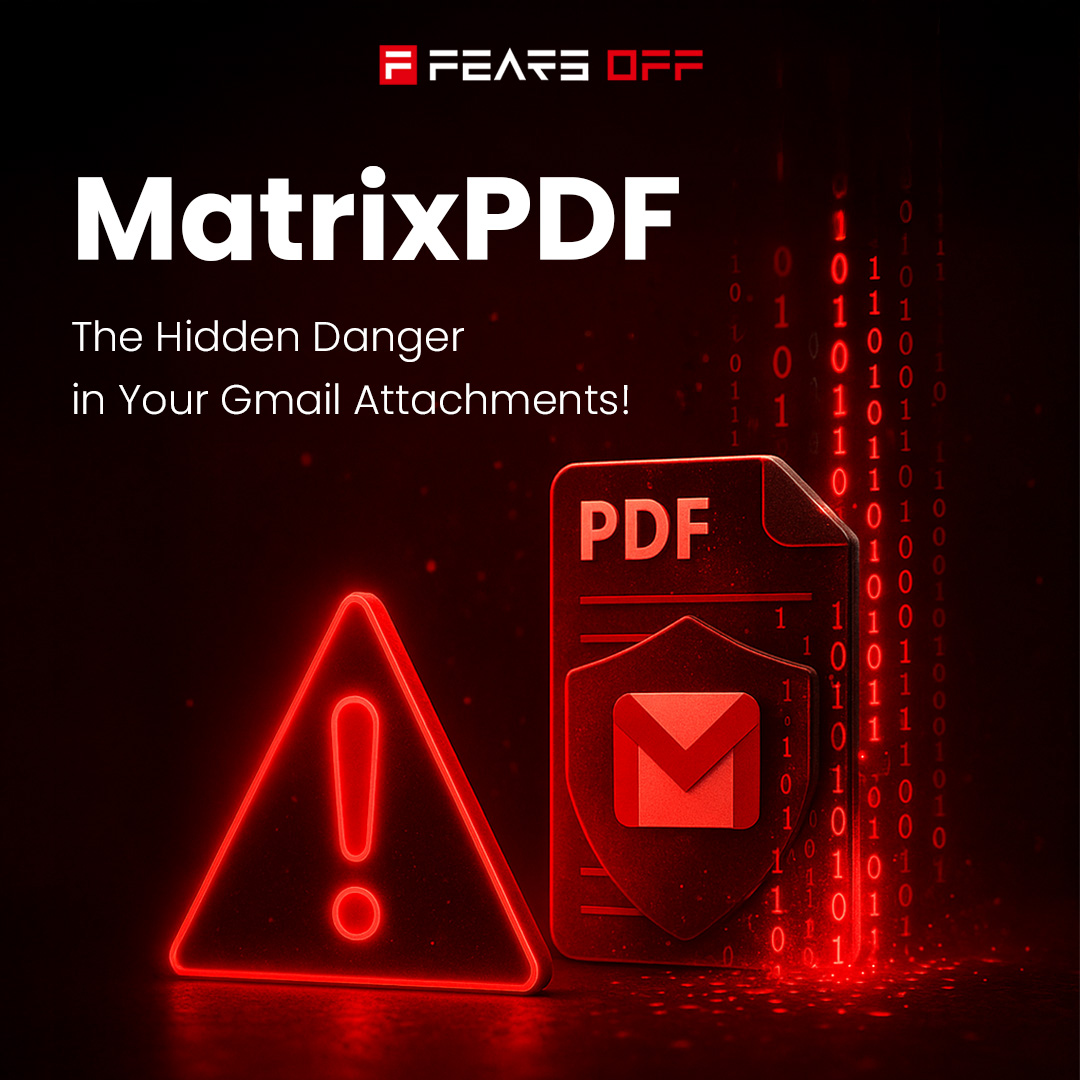
🔐 A silent threat lurks in your inbox! 🔐
A seemingly innocent PDF lands in your Gmail. You open it, expecting a routine document, but it’s a MatrixPDF; a cunning trap designed to steal your data or infect your device. Here’s the lowdown on this cyberthreat and how to stay safe.
What’s MatrixPDF?
Crafted in dark web corners, MatrixPDF turns ordinary PDFs into phishing and malware delivery tools. It sneaks past email filters by embedding:
• Fake Prompts: “Click to Open Secure Document” buttons that lead to trouble.
• JavaScript Tricks: Code that quietly fetches malicious payloads.
• Blurred Content: Hides/redirects to phishing sites or ransomware downloads.
These PDFs look legit and render instantly in Gmail, exploiting our trust in everyday files.
How to Spot the Scam?
Watch for these warning signs:
• Urgent or odd prompts urging you to click or verify.
• Blurry, misaligned, or suspicious PDF layouts.
• Links or buttons pointing to unfamiliar domains.
• Unexpected attachments from “familiar” senders.
Protect Yourself
• Scan First: Run PDFs through antivirus software before opening.
• Use AI Security: Deploy email filters that analyze and sandbox suspicious files.
• Stay Skeptical: Hover over links and report anything fishy.
• Fortify Accounts: Enable MFA and zero-trust access to limit damage.
Don’t let MatrixPDF turn your inbox into a minefield! Stay sharp and secure.
#MatrixPDF #InboxSecurity #CyberThreats #PhishingDefense #FearsOff
3
5
254

1 Sep 2025
🎯 This month is all about email threat awareness.
From weaponized PDFs to fake invoices, we’re showing you the scams Gmail still misses—and how Ṣọ catches them.
Follow for weekly scam breakdowns
🔗 Get protected now: chromewebstore.google.com/de…
#InboxSecurity #PhishingScams
2
3
72

Calculate your operational costs to respond to email threats and compare it to how much you will save with Cyren Inbox Security: bit.ly/3jiSzGv
#inboxsecurity #mrhappyclicker #incidentresponse #securityleaders #cisos #itmanagers #socialengineering
2
102
John Stevenson, Security Product Director at Cyren, has been talking this week about what cybersecurity regulations does he expect to see in 2023 and how will they shape our futures. Read the full article here: bit.ly/3PKImii
#inboxsecurity #cybersecurity #cyren

1
448
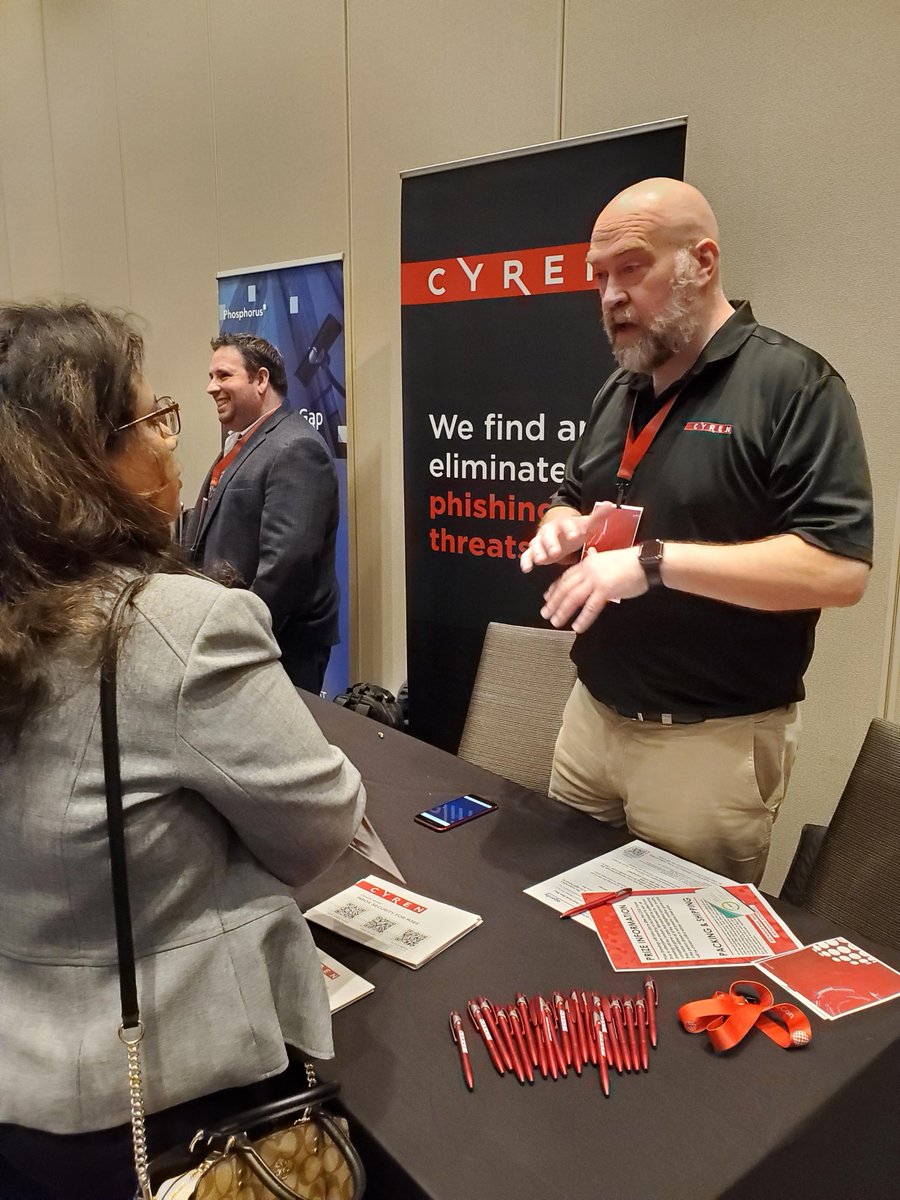
Yesterday, the Cyren team were at the FutureCon Cybersecurity Conference in Atlanta. Lots of great conversations with security leaders about how Cyren Inbox Security can stop #socialengineering attacks. Learn more here: bit.ly/3v2Oh9g
#mrhappyclicker #inboxsecurity
1
1
Organizations must revisit security decisions by constantly monitoring mailboxes for delayed detonation and new evasive threats. Uniquely, Cyren Inbox Security is the only solution that does this. Learn more: bit.ly/3v2Oh9g
#inboxsecurity #mrhappyclicker #phishing
3
The current approach to #securityawarenesstraining is not enough to keep attacks at bay. Read this article for 3 ways that are key to building a culture of security awareness: bit.ly/3V6zVQo
#inboxsecurity #securitytraining #mrhappyclicker #socialengineering #phishing

1
2
This week, the #cyren team are taking part in the Quartz Network CIO Cybersecurity Fall Summit. A great opportunity to talk to #CISOs and #CIOs about how Cyren can help protect their #microsoftoffice365 mailboxes. Learn more here: bit.ly/3v2Oh9g
#inboxsecurity
2
3
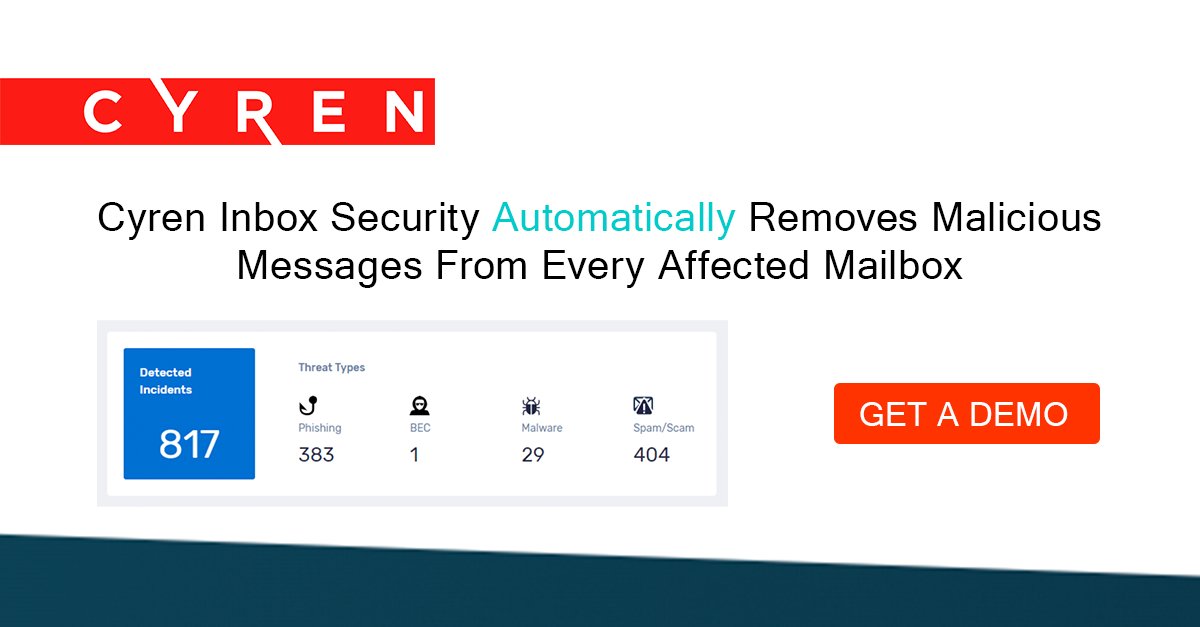
Cyren Inbox Security groups all incidents of an attack into a single case and automatically removes the malicious messages from every affected mailbox. Request a demo: bit.ly/3UIFDat
#inboxsecurity #socialengineering #mrhappyclicker #phishing #businessemailcompromise
1
2
This week, John Stevenson, Security Product Director at #Cyren, has been talking to the @IT_SupplyChain about the twitter verification #phishing campaign. Read the full article here: itsupplychain.com/twitter-ve…
#inboxsecurity #mrhappyclicker #socialengineering #itsupplychain
2
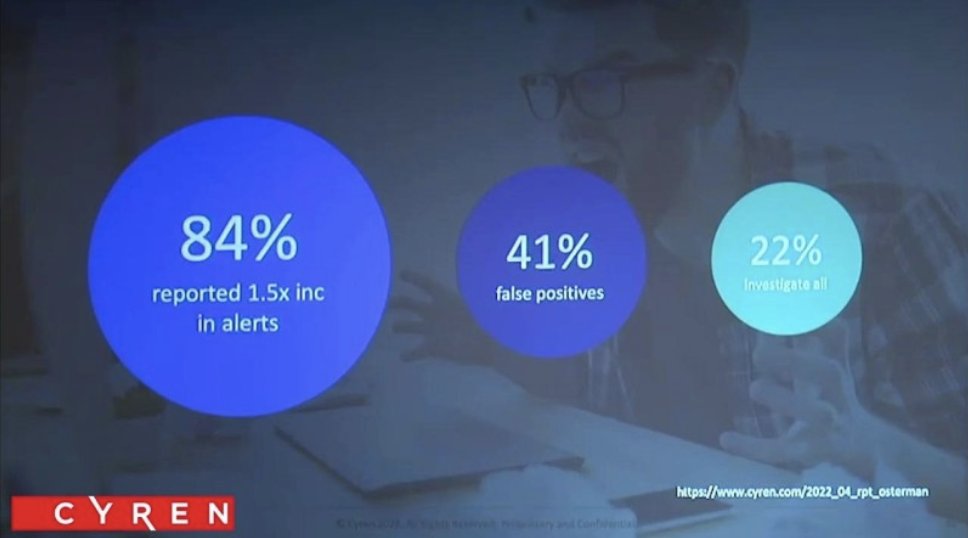
#securityleaders tell us that it costs more to manage #emailthreats than to fall victim to a successful #breach. Watch this video to find out why: youtube.com/watch?v=-LBR7oWL…
#inboxsecurity #happyclickers #mrhappyclicker #phishing #businessemailcompromise
2
3
#businessemailcompromise attacks readily evade detection. Cyren Inbox Security applies machine learning, natural language processing, and behavior analytics to detect and automatically remediate #socialengineering attacks. Learn more here: bit.ly/3vr0THu
#inboxsecurity
1
1
4
#businessemailcompromise and other email attacks can cause serious repercussions to your business. Watch this short video to see how Cyren Inbox Security protects over 1 billion users from emerging email threats: bit.ly/3ThSfEN
#happyclicker #inboxsecurity
1
1
4
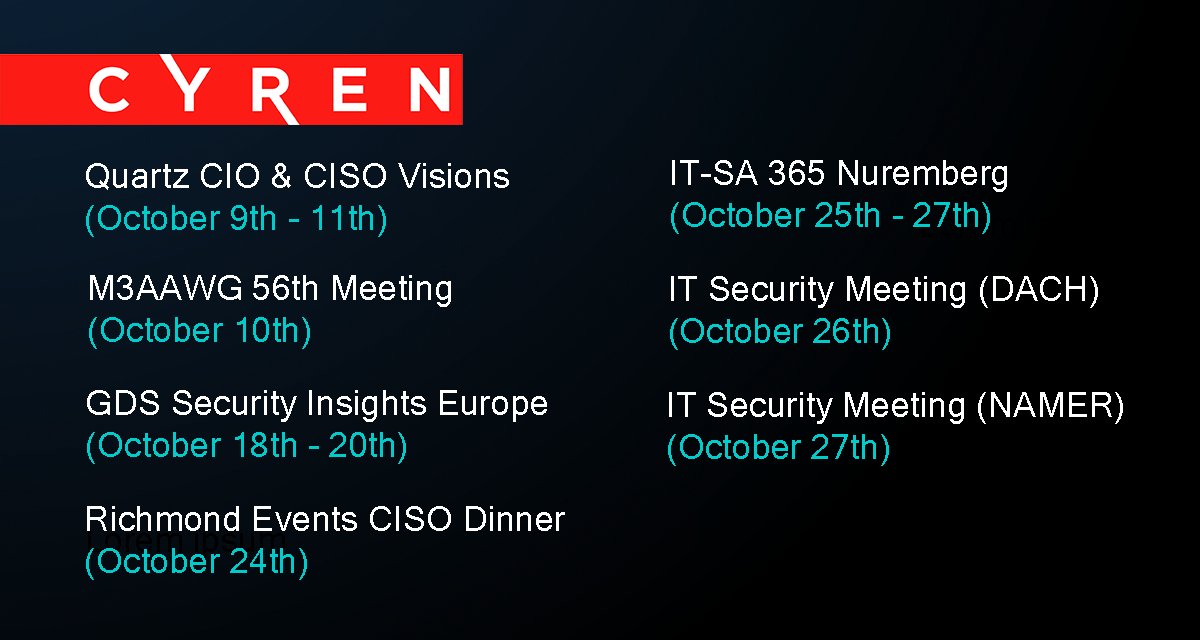
A busy month ahead for the #cyren team, attending a variety of #conferences, #ciso dinners, and #securitysummits.
View our events calendar page here: bit.ly/3BsMsGP
#phishing #ransomware #happyclicker #inboxsecurity
1
2
3
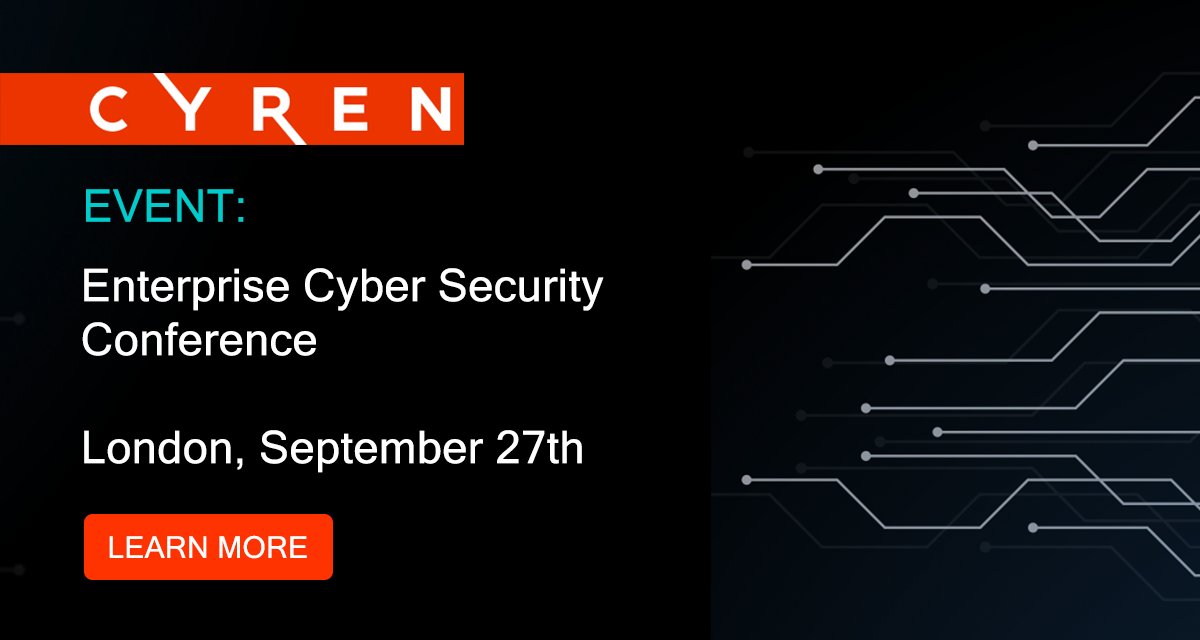
Excited to be heading to the Enterprise Cyber Security Conference in London this month. We will be at booth 21. Stop by and say hello.
Find out more about the event here: bit.ly/3AJP9Sf
#cyberevents #cybersecurity #cyberconference #inboxsecurity
1
1
2
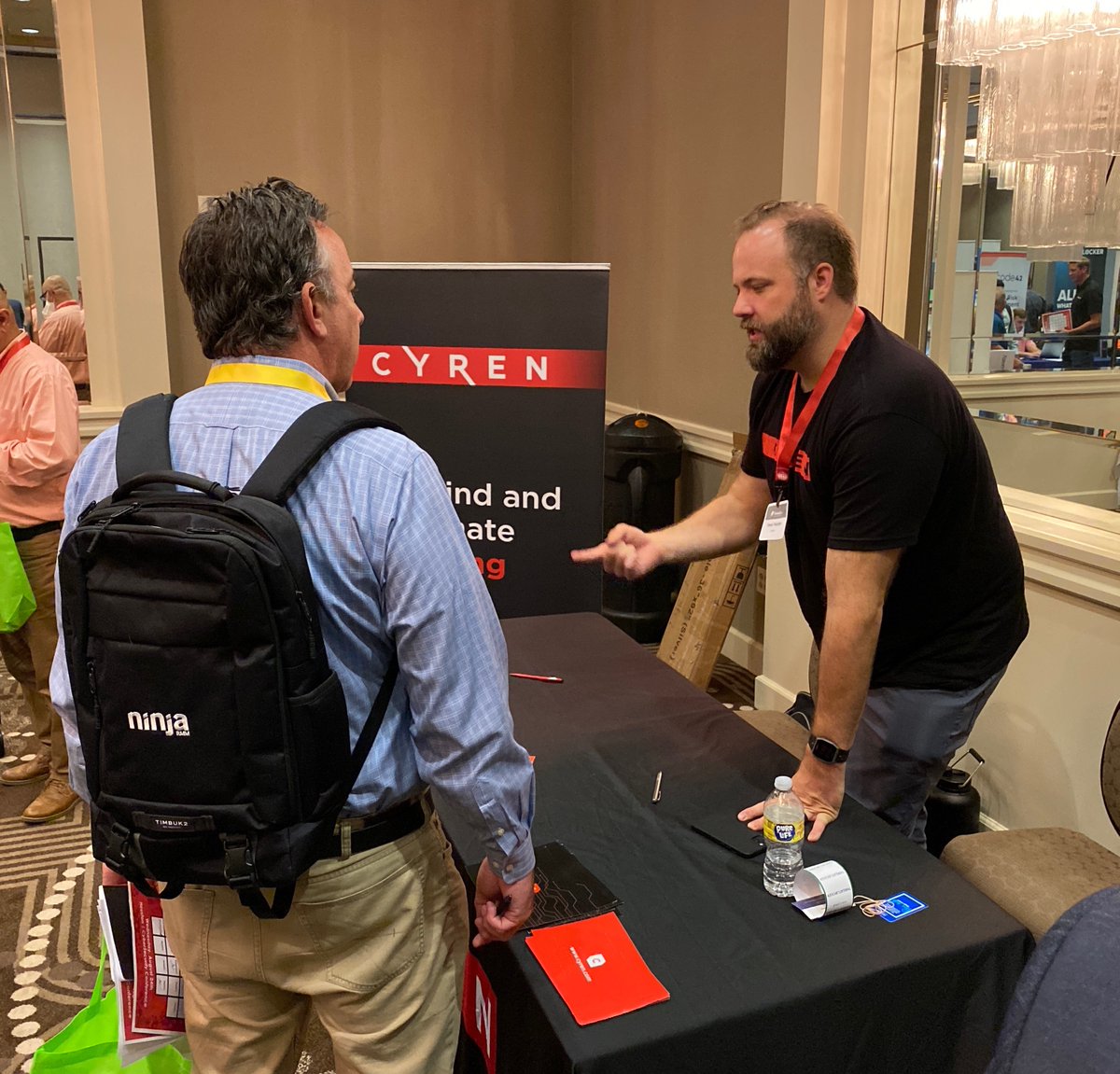
A great turn out for yesterdays @FutureConHQ #cybersecurity conference in Houston.
#cyberawareness #cyberattack #inboxsecurity
1
1
2
In their recent article, #Microsoft advises organizations to invest in advanced anti-phishing solutions. Read the full article here: bit.ly/3BmPtbA
#inboxsecurity #emailsecurity #phishing #businessemailcompromise #malware #ransomware
2
Cyren Inbox Security continuously monitors for and automatically remediates #phishing attacks that evade SEGs. Read our datasheet: cyren.com/tl_files/downloads…
#inboxsecurity #emailsecurity #office365 #businessemailcompromise #accounttakeover #malware #ransomware
1
2
Read this white paper to understand how the emerging technology of Integrated Cloud Email Security (ICES) has provided a new opportunity to protect organizations against evasive #phishing attacks: cyren.com/2022_07_wpp_newvis…
#inboxsecurity #emailsecurity #office365 #microsoft
3
2
2
Cyren Inbox Security automatically removes 97% of email threats so you don't have to. Read more here: cyren.com/products/cyren-inb…
#inboxsecurity #emailsecurity #cybersecurity #securityleaders #securityanalyst #securityoperationscenter #phishing #businessemailcompromise
2