
Jun 13
Flexera started life as InstallShield in 1987. Now it tells the Fortune 500 exactly what software they forgot they were paying for.
@flexera - Featured on YesPress
yespress.io/flexera?utm_sour…
5

Xothmog retweeted

Jun 11
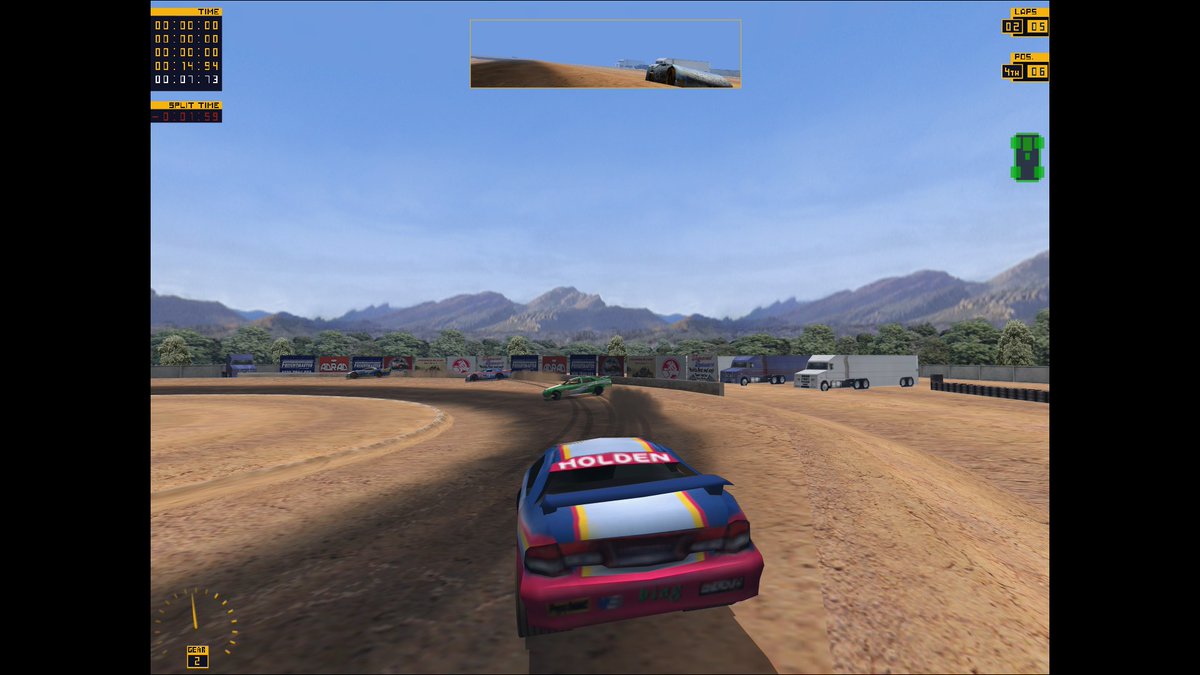
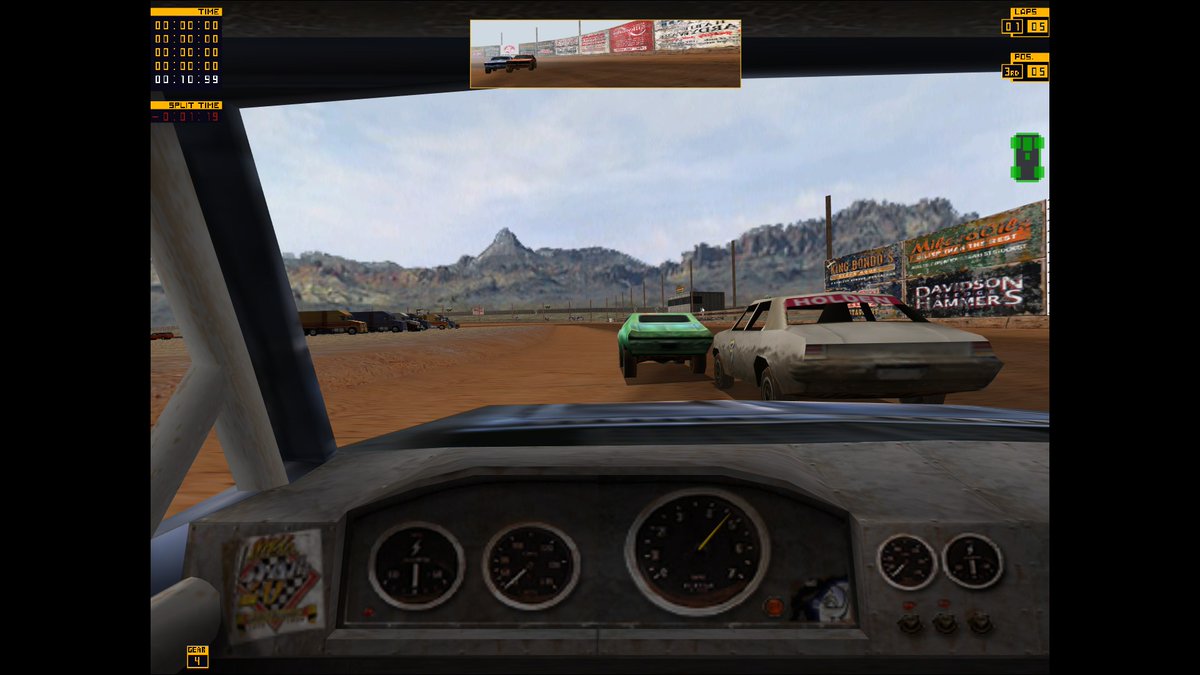
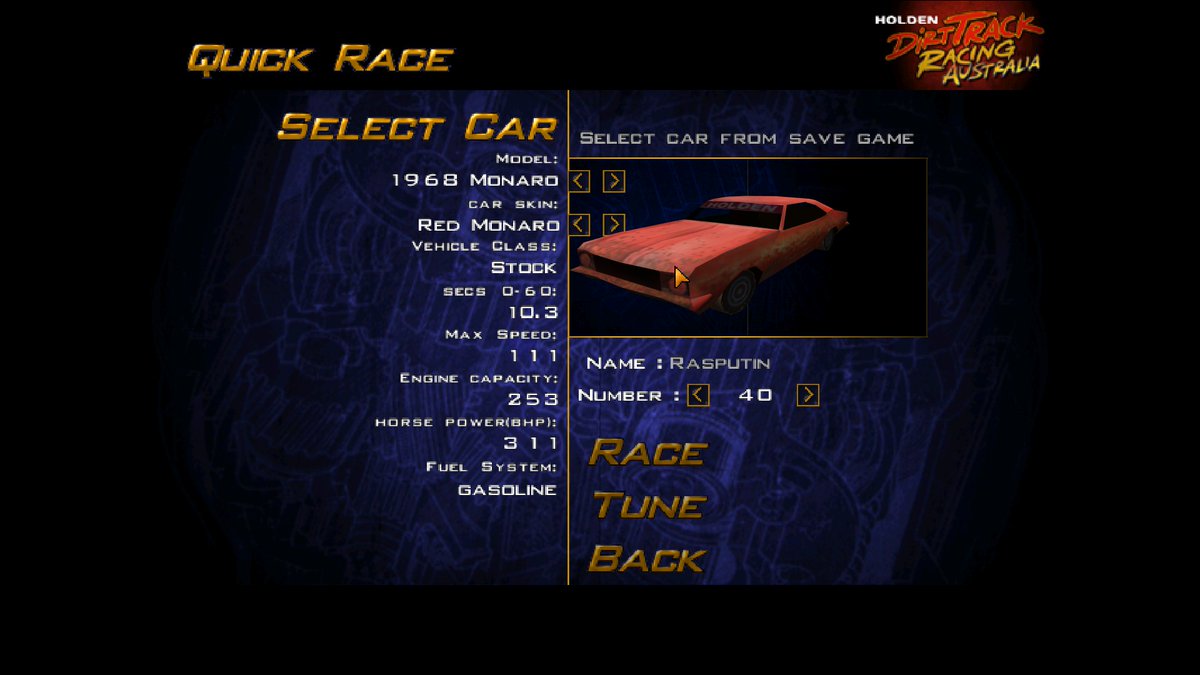
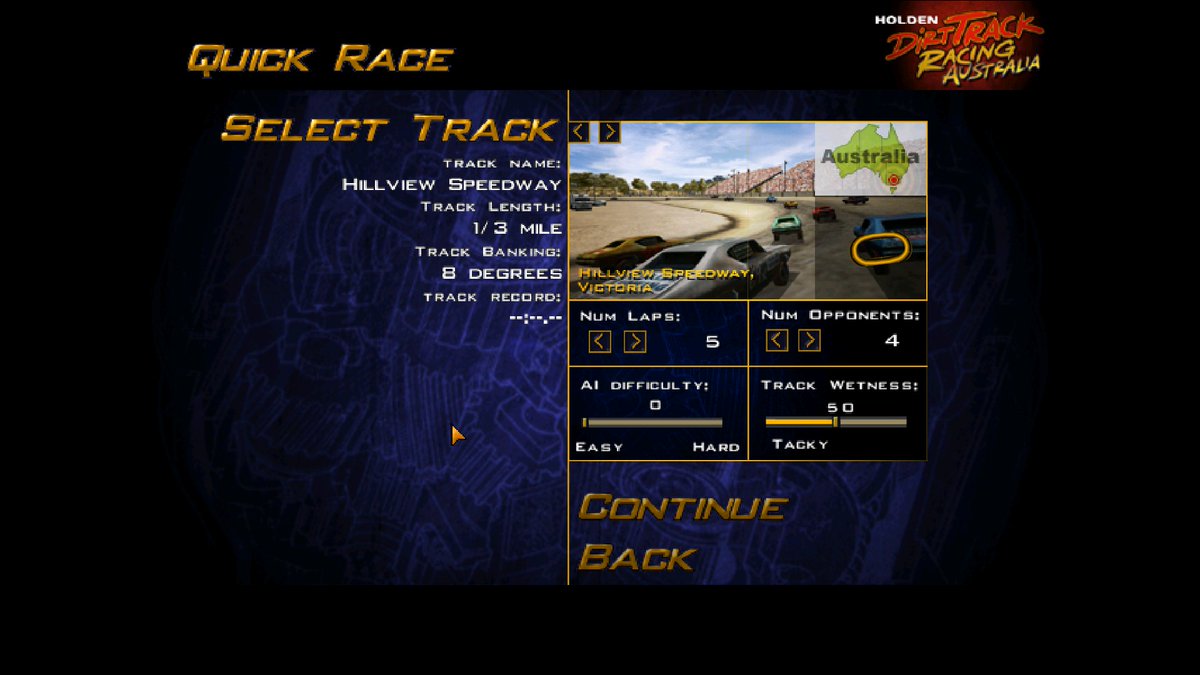
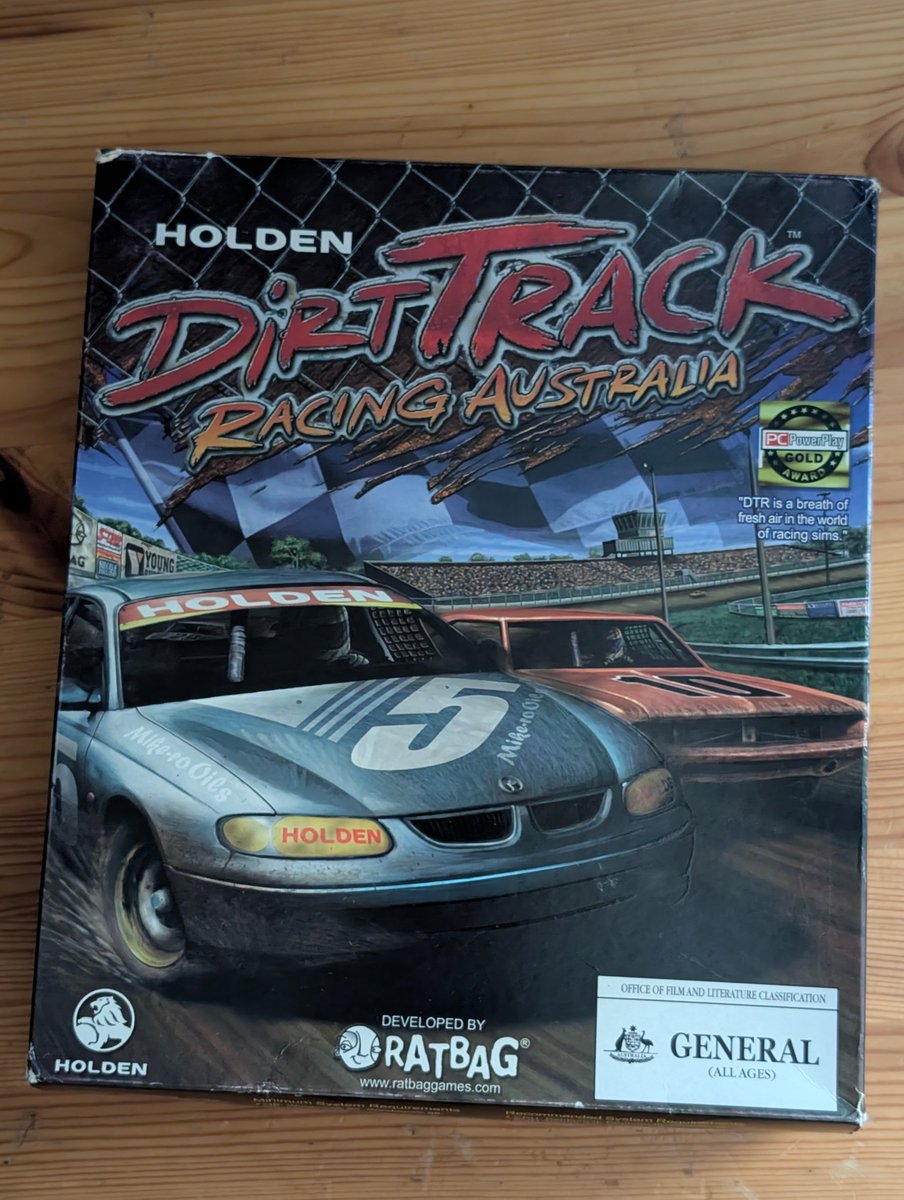
Use a 32-bit InstallShield 5 to install the game, then drop dgVooodoo2 into it and Glide/Banshee modes work just fine! This seems to be a rehash of the first game (or Sprint Cars? I can't tell) with added Holdens, and tracks from Australia and NZ. No DRM, just a naive CD check!

4
12
141
5,652
sweetlets orange retweeted

Apr 30
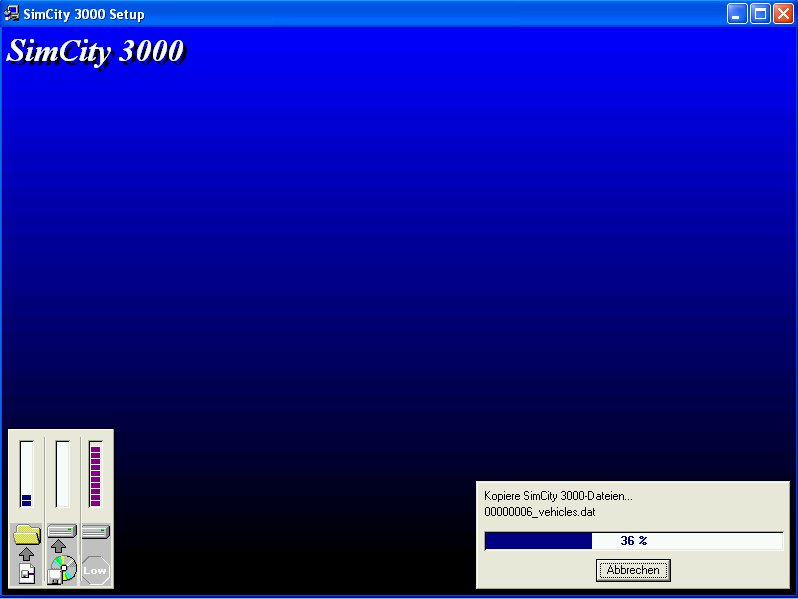
why is she inside of a installshield installer
Apr 23

Ambassador Gingrich is pleased to lead the delegation from Switzerland and Liechtenstein to the SelectUSA Investment Summit, May 3-6, in National Harbor, Maryland. Apply now:
ow.ly/s4E950YOvTo
58
1,187
12,262
326,732

Jun 5
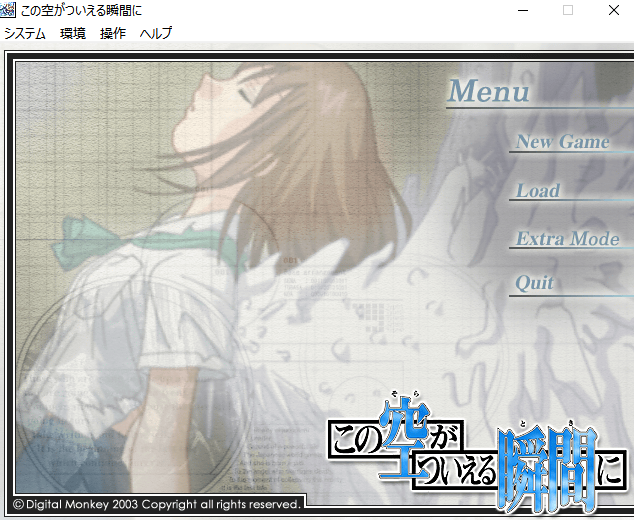
この空がついえる瞬間に (電脳猿)のWin10(64bit)動作確認
インストーラーが16bitのInstallShieldなのでいつもの対処を
それ以外は普通に起動し、とりあえずOP後まで動作確認した
修正パッチ持ってたので、動作確認したが、ネットには修正パッチもう無さそう
3
5
254

Jun 3
フィリピン人2人と、2ヶ月くらい出荷するCDのインストールとアンインストールを繰り返してた事はあるなぁ
CD-ROMのディスクが開く音と閉じる音がずっと消えなかった
今どきinstallShieldも使わないんだろうけど
Jun 1

エンジニア辞めたいと思った瞬間 第1位:
ひたすらスクショをExcelに貼り付けるタスクを1ヶ月以上続けた時
2
199

May 26
・レジストリエディタ内に「InstallShield」が残ってた
・管理者権限が必要
・.NET Framework 3.5有効が必要
・Sysmac studio の次にWin11 64bit対応インストールが必要
が原因だったようで無事解決😅
パソコンて難しいなぁ😇
#パソコン #オムロン #Factory #Automaton #Windows
May 19

6
237

May 7
Dragging an app to Applications does feel quite an anachronism when you come from the land of the iPhone and iPad (and Windows), when you open your first MacBook Pro or Neo.
It's one of those things that isn't entirely obvious or intuitive. Especially when the helpful arrows and instructions are customised and up to the app developer to provide, and have gradually faded and vanished over time. Someone probably has to show you what to do when you see the DMG window for the first time.
This probably needs to change. Apple tried to fix app distribution with the Mac App Store, but of course, DMGs and ZIP bundles still exist. As they should.
While DMGs are loved by Mac traditionalists for their almost magic simplicity, you could argue that the PKG, while more involved, is actually a great deal more straightforward with its InstallShield-like wizard.
So yes, allow people to drag apps, so they can drag them wherever they want. But since pretty much everyone is going to drag apps to Applications anyway, we should provide a button in the disk image saying "Install" or "Add to Applications". Of course, "install" is a slightly odd term in Macland, but it's a well established term in iOS. And on macOS, it's even inconsistent within the same platform, with "install" buttons in the Mac App Store.
I also think it's high time that we fixed app uninstallation on the Mac while we're at it. We have the widely shared and celebrated lore that uninstalling an app is as simple as dragging it to the Bin. Another example of Apple magic. But this is frankly a tall tale we tell ourselves and propagate to others. You will often be left with hangovers of the deleted app scattered all around the filesystem. Orphaned configs, user data and binaries galore remain in ~/Library/Application Support, Library/Application Support, Library/Preferences, Library/Containers, dotfiles in your home directory, and so on and so forth.
We end up in the bizarre and fragmented situation of Bin-dragging, uninstallers and third-party Mac cleanup utilities. For example, the Windows-style uninstaller programs bundled with Adobe apps, because things like Photoshop were created way back in the 90s, and they have a legacy of lots of helpers, utilities and configs in a multitude of places.
In the era of sandboxing, containers and fine-grained permissions in macOS, we should be able to track apps better, and have deeper OS support for installs and uninstalls.
2
1
8
339

how is that more annoying than an installshield wizard from 2009 doing a million registry edits and taking too long, requiring a full system reboot and then having to drag the installer to the bin yourself anyway
apple does it better!
2
5
232

The old installshield installer screen was the last time you felt uncompromised joy from installing an adless, trackerless program. Honestly excellent choice of aura.

5
346
