
5 Aug 2025
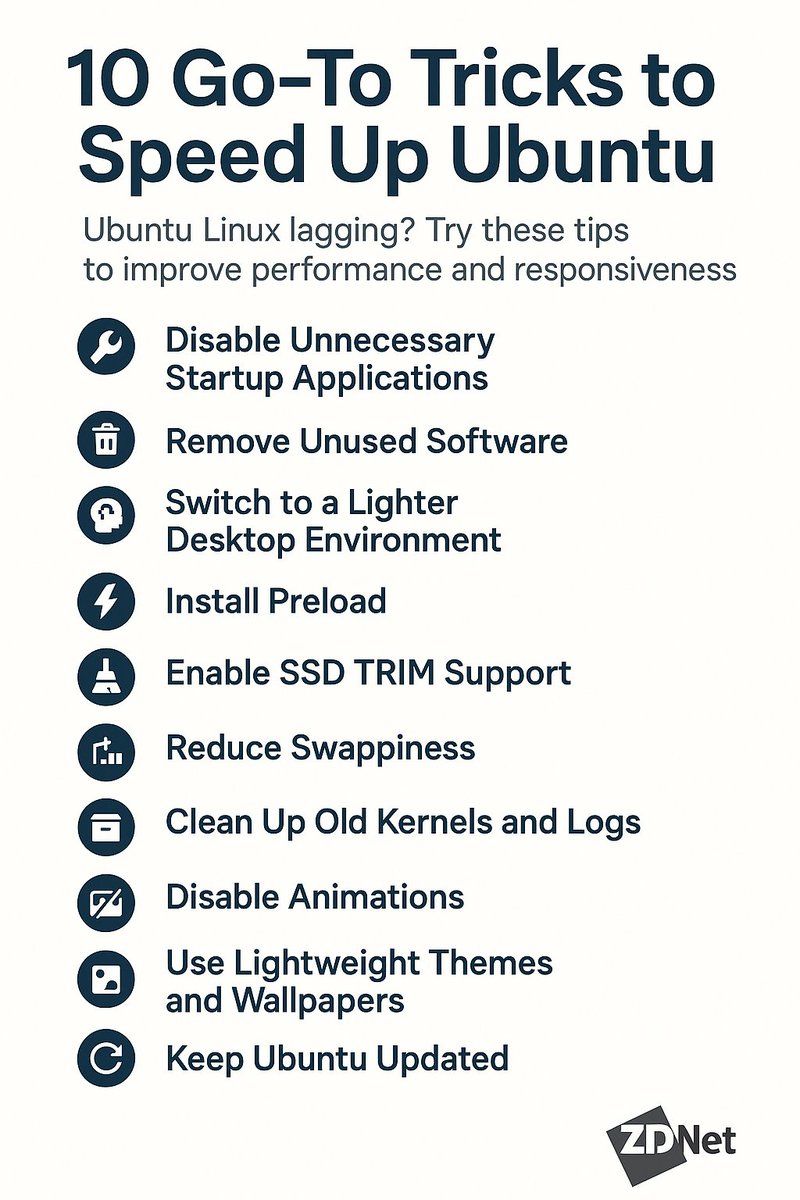
🚀 Ubuntu Linux Lagging? Try These 10 Go-To Tricks to Speed It Up!
Ubuntu running slow lately? Whether you’re on older hardware or just want a faster experience, there are plenty of ways to boost performance without switching distros. Here are my 10 go-to tips to make Ubuntu feel snappier and more responsive.
---
🔧 1. Disable Unnecessary Startup Applications
Too many apps launching at startup can choke performance.
👉 Open Startup Applications and disable anything you don’t need.
---
🗑️ 2. Remove Unused Software
Free up system resources and reduce background processes.
👉 Run: sudo apt autoremove
👉 Also uninstall apps you never use via Software Center or CLI.
---
🧠 3. Switch to a Lighter Desktop Environment
GNOME is resource-heavy. Consider lightweight alternatives:
XFCE (xubuntu-desktop)
MATE (ubuntu-mate-desktop)
LXQt (lubuntu-desktop)
These are perfect for older machines.
---
⚡ 4. Install Preload
Preload monitors app usage and loads frequently used programs faster.
👉 Run: sudo apt install preload
You’ll notice quicker app launches.
---
🧹 5. Enable SSD TRIM Support
If you're using an SSD, TRIM helps maintain disk performance over time.
👉 Enable with: sudo systemctl enable fstrim.timer
---
📉 6. Reduce Swappiness
Control how often Ubuntu uses swap instead of RAM.
👉 Open /etc/sysctl.conf and add:
vm.swappiness=10
---
📦 7. Clean Up Old Kernels and Logs
Outdated kernels and system logs can waste space and slow your system.
👉 Clean them up with:
sudo apt autoremove --purge
sudo journalctl --vacuum-time=7d
---
🖼️ 8. Disable Animations
Fancy animations look good but waste resources.
👉 In GNOME:
Settings > Accessibility > Reduce animations
---
🎨 9. Use Lightweight Themes and Wallpapers
Heavy GTK themes or high-res wallpapers can bog down performance.
👉 Use simple backgrounds and default themes for smoother UI rendering.
---
🔄 10. Keep Ubuntu Updated
Updates often include speed and efficiency improvements.
👉 Run:
sudo apt update && sudo apt upgrade
---
🎯 Final Thoughts
Speeding up Ubuntu doesn’t require advanced skills — just a few smart tweaks. Whether you're a developer, sysadmin, or everyday user, these tips can make a real difference.
🔗 Read more or share the guide: share.google/j5AG8hYy217PjxB…
🧡 Like it? Share it with your fellow Linux users!
#Ubuntu #LinuxTips #OpenSource #PerformanceHacks #LinuxOptimization #ZDNet
1
4
494

29 Mar 2025
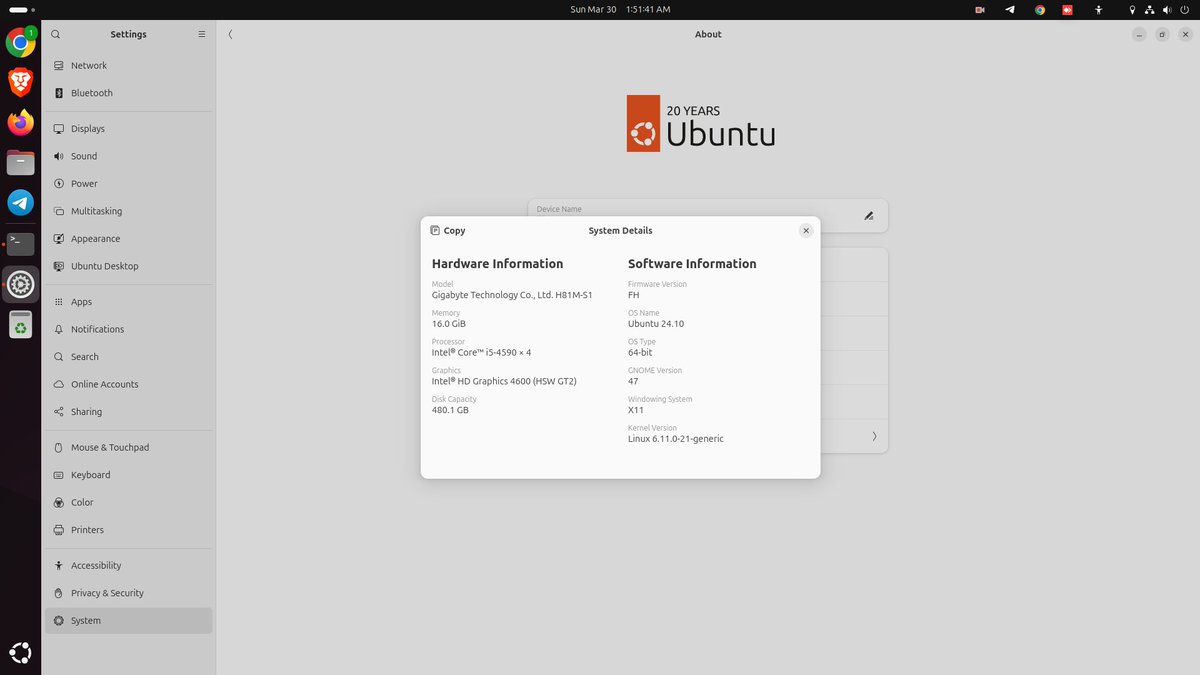
Expert Ubuntu 24.10 Linux Services – Get Started Now
youtu.be/JwgMRwbCyis
#Ubuntu2410 #LinuxSupport #UbuntuLinux #UbuntuSetup #LinuxHelp #LinuxServer #LinuxOptimization #UbuntuExperts #TechSupport #SystemAdministration
9

17 Feb 2025
驚くほどシンプルなコーディングトリックでデータセンターのエネルギー使用量を 30% 削減 | Live Science
#DataCenterEnergy #LinuxOptimization #EnergyEfficiency #DataCenterSustainability
prompthub.info/96137/
12

8 Feb 2025
Changing a few lines of code in Linux could apparently save hyperscalers billions, research claims, but I am not convinced #Technology #SoftwareEngineering #Other #LinuxOptimization #Hyperscalers #CostSavings
puretech.news/article?id=351…
4