
Jun 13
O ponto mais chato: o MapServer do IPMet bloqueia requisições sem header Referer. WebView não consegue setar headers customizados em requisições de tile.
Solução: baixar as imagens (radar, satélite, WMS) pelo HTTP nativo do NativeScript e passar local pro Leaflet via file://.
1
24

May 26
Very proud to announce the big MS4W 5.2.0 release (security release, with all libraries upgraded): ms4w.com/ That popular SDI for Windows in a zipfile (OGC services: OGCAPI, WMS, WFS, WCS, CSW, SOS, etc), running MapServer, Mapbender, GeoMoose, pycsw, with Apache, PHP & all libraries compiled by hand (rare, in 2026, I know). Happy MapServ-ing! #foss4g

5
282
May 7
Announcing the immediate availability of the MapServer 8.6.3 security release. See details at mapserver.org/#recent-announ… #foss4g

3
12
511
Apr 19
Announcing the immediate availability of the MapServer 8.6.2 security release. See details at mapserver.org/#recent-announ… #foss4g

4
13
811
Mar 23
Announcing the immediate availability of the MapServer 8.6.1 security release. See details at mapserver.org/#recent-announ… #foss4g

3
9
412

Mar 6
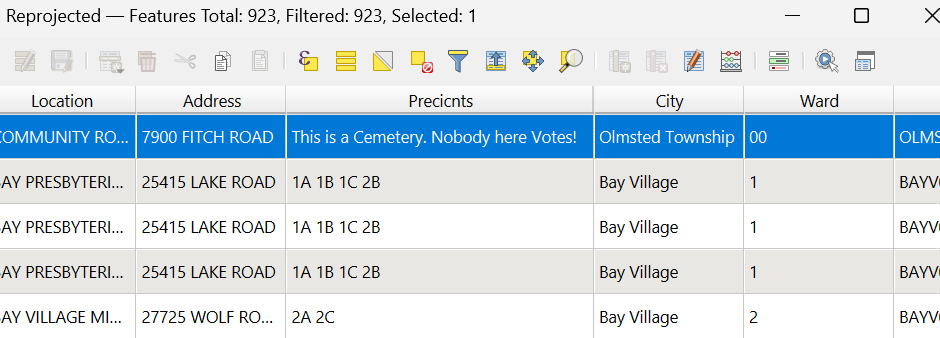
Poking around on Cuyahoga county's mapserver and this made me chuckle
23
603

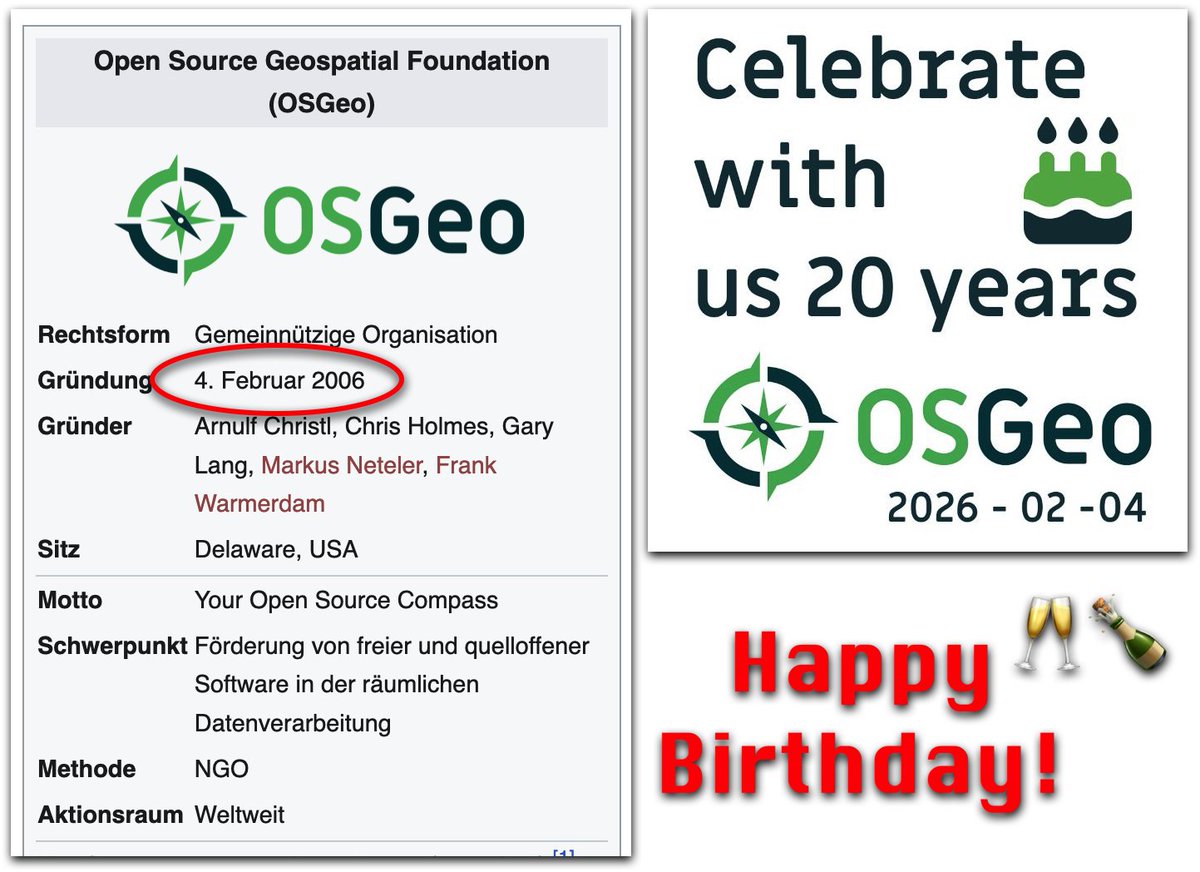
20 Years: Happy Birthday OSGeo! geoobserver.de/2026/02/04/20… #OSGeo #gistribe #gischat #fossgis #foss4g #spatial #geospatial #opensource #PostGIS #PostgreSQL #mapserver #geoserver #qgis #plugin #switch2qgis #gdal #geos #gis #geo #geoObserver pls RT
2
16
934

12 Dec 2025
あと、MAPSERVERを使ってコースの再現とかして表示したりとか、RotorHazardの基盤もいっこ作って、中間ゲートに配置することでセクター毎のチェックとかできたらなぁ妄想ポワワ
2
99
Released: MapServer v8.6.0 geoobserver.de/2025/12/04/re… via @mapserving #mapserver #gistribe #gischat #fossgis #foss4g #OSGeo #spatial #geospatial #opensource #mapping #gis #geo #geoObserver pls RT
2
152
3 Dec 2025
Announcing the availability of the major release MapServer 8.6.0 . See details in the announcement at mapserver.org/development/an… or follow the Migration Guide at mapserver.org/MIGRATION_GUID… #foss4g
1
2
209
27 Nov 2025
Announcing the availability of MapServer 8.6.0-rc1. See details in the announcement at mapserver.org/development/an… or follow the Migration Guide at mapserver.org/MIGRATION_GUID… #foss4g
1
5
320
18 Nov 2025
Announcing the availability of MapServer 8.6.0-beta2. See details in the announcement at mapserver.org/development/an… or follow the Migration Guide at mapserver.org/MIGRATION_GUID… #foss4g
2
173

6 Oct 2025
🌍 Sharing Your QGIS/ArcGIS Maps with the World
You’ve created something great in QGIS/ArcGIS — a detailed map, a powerful dataset, or maybe a full spatial analysis. But then comes the big question:
How do you share it beyond your desktop?
That’s where web GIS publishing comes in. 💡
With today’s open tools and platforms, it’s easier than ever to turn your local QGIS/ArcGIS layers into interactive online maps that anyone can explore — right from their browser.
Instead of sending shapefiles or static PDFs, you can publish your layers directly to the web. This means your data isn’t just seen — it’s experienced.
People can zoom, click, filter, and even download the information you’ve worked so hard to build.
🗺️ How It Works (Simply Put)
1. Prepare your layers in QGIS/ArcGIS — tidy attributes, set styles, and add metadata.
2. Connect to a web GIS platform — this could be open-source (like GeoServer, MapServer, or GeoNode), cloud-based (like ArcGIS Online, Mapbox, or Carto), or even your own web map app.
3. Publish and share — with just a few clicks, your data is available online as a map or service, ready for viewing and collaboration.
🌐 Why Take Your Maps Online?
- Reach a wider audience — colleagues, stakeholders, or the public.
- Enable collaboration — multiple users can explore or edit data simultaneously.
- Keep data live and current — no more resending updated files.
- Empower storytelling — maps on the web make data interactive and engaging.
Whether you use open-source tools or commercial platforms, the goal is the same:
👉 Take your spatial insights out of QGIS/ArcGIS and bring them to life on the web.
Your data has a story to tell — and the web is the perfect stage for it. 🌏
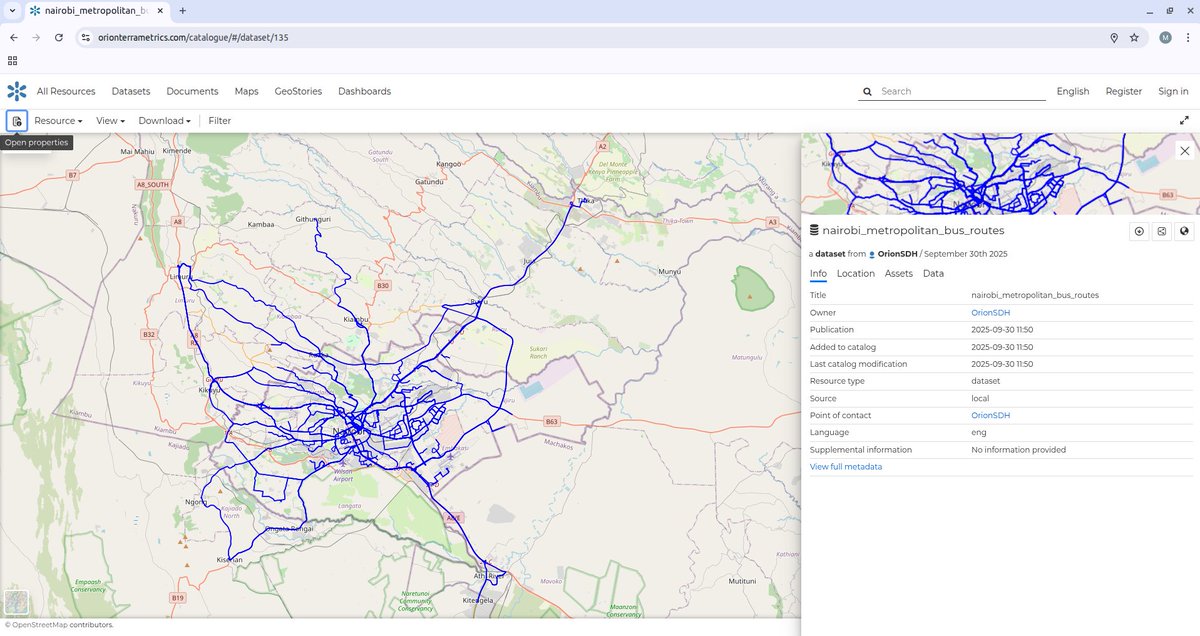
ALT A GIS Vector layer of the Nairobi Metropolitan region Matatu/Ma3 Routes hosted on the Orion Terrametrics Spatial Data Hub
1
19
141
6,915
19 Sep 2025
Announcing the immediate availability of the MapServer 8.4.1 security release. See details at mapserver.org/#recent-announ… #foss4g

1
6
219
22 Aug 2025
Did you know?
The open-source geospatial world is booming — and the OSGeo community has built some of the most powerful tools for maps, analysis, databases, and geoportals. 🗺️
Here’s a quick guide to four major categories of OSGeo tools that every geo-professional, student, or tech enthusiast should know 👇
🧭 WEB MAPPING TOOLS
The engines that publish your geospatial data online:
🌐 GeoServer – Publish & style spatial data as OGC services (WMS/WFS/WCS).
⚡ MapServer – High-performance web map rendering engine.
🗺️ OpenLayers – JavaScript library to build interactive maps in the browser.
🗃️ GEOPORTALS
Platforms that let you organize, share, and manage maps & data:
🧩 GeoNode – A full geo-CMS (think “WordPress for maps”) with data, metadata, users & permissions.
🧭 Mapbender – Build web GIS apps with no coding — just configure & go.
🧭 MapGuide Open Source – Powerful web mapping platform for custom geoportals.
💻 DESKTOP GIS
Your all-in-one GIS workbenches:
🧠 QGIS – The most popular open-source desktop GIS: editing, analysis, cartography, plugins galore.
🌿 GRASS GIS – Advanced geospatial modeling, raster processing, terrain & environmental tools.
🏔️ SAGA GIS – Lightweight but strong in terrain & hydrological analysis.
🗄️ SPATIAL DATABASES
The backbone of any enterprise GIS — storing & querying spatial data:
🏛️ PostGIS – Spatial extension of PostgreSQL, enabling advanced spatial SQL queries, analysis & storage.
📦 SpatiaLite – Lightweight SQLite with spatial functions, great for mobile & offline GIS apps.
📚 All of these are part of the OSGeo ecosystem — a global community building free and open-source software for geospatial.
🔖 Save this post.
💬 Share it with a geo-nerd.
💡 Tell me in the comments: Which one do you use the most?
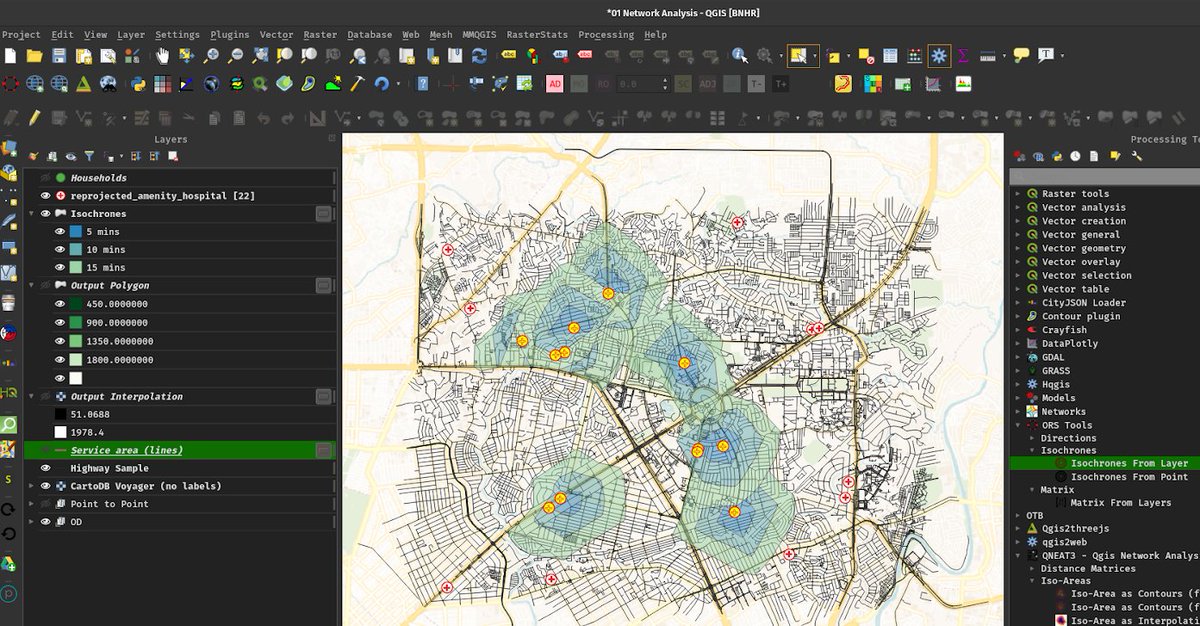
ALT QGIS User Interface
1
91
417
16,256

①ケリムトゥ火山
Tom Casadevall (U.S. Geological Survey), Public domain, via Wikimedia Commons
②フローレス島
Gunkarta, CC BY-SA 3.0 <creativecommons.org/licenses…>, via Wikimedia Commons
③コモド国立公園
Adhi Rachdian from Indonesia, CC BY 2.0 <creativecommons.org/licenses…>, via Wikimedia Commons
④コーラル・トライアングル
Obsidian Soul, map derived from File:WorldMap-B with Frame.png (created from DEMIS Mapserver), CC BY-SA 3.0 <creativecommons.org/licenses…>, via Wikimedia Commons
12
2,262
①アラパリスワラー寺院
Karthickbala, CC BY-SA 3.0 <creativecommons.org/licenses…>, via Wikimedia Commons
②東ガーツ山脈の位置
Nichalp, CC BY-SA 3.0 <creativecommons.org/licenses…>, via Wikimedia Commons
③インド半島の地形
DEMIS Mapserver, पाटलिपुत्र, CC BY-SA 3.0 <creativecommons.org/licenses…>, via Wikimedia Commons
④ガート
Marcin Białek, CC BY-SA 3.0 <creativecommons.org/licenses…>, via Wikimedia Commons
1
13
2,448

11 Apr 2025
Happy 25th birthday to MapServer, as today it celebrates its earliest available commit (even though the project goes back to 1994). Here's that commit: github.com/MapServer/MapServ… Thanks to all of the contributors over so many decades! #foss4g ❤️
1
17
76
3,315

10 Mar 2025
These three(3) frontiers are key to master;
1. Geospatial APIs & Integration
The demand for real-time spatial data is exploding, making geospatial APIs a must-have for many sectors.
- DRF GIS
- Turf.js
- Mapbox & Google Maps API
2. Cloud & DevOps for GIS
Traditional GIS systems are moving fast to the cloud for better scalability, accessibility, and collaboration
- GeoServer & MapServer
- AWS S3, Google Cloud Storage
- Docker & Kubernetes
3. Spatial AI & Data Science
Artificial Intelligence (AI) combined with spatial data is unlocking new possibilities.
- Google Earth Engine
- TensorFlow, PyTorch
- Lidar & 3D Mapping
2
33
159
7,833