
Jun 11
Render #PDFs sharply with SVG conversion. Convert PDFs to #SVG with crisp scaling, faster rendering, and enhanced interactivity across all devices and screen sizes. Compare leading .NET #PDFViewer components. dlvr.it/TSzrTS
6

Jun 8
¡Pim, pam, pum! Ver y navegar por los documentos #PDF en tus apps nativas #iOS creadas con Xojo es tan fácil como añadir el nuevo control PDFViewer.
En este vídeo te mostramos como hacerlo, paso a paso: bit.ly/3ODWauC
17

May 24
A typical patient intake flow in many hospitals still looks like this:
1. Patient receives a PDF form (email or printed at reception) 📧
2. Fills it out manually ⏳
3. Staff scans or re-enters the data into internal systems ⏳
4. Documents are stored across multiple tools or shared drives ⛓️💥
This creates a few immediate problems:
- Duplicate data entry
- Higher risk of human error
- Delays in processing
- Unclear data ownership and movement
And most importantly: sensitive data is constantly being moved around ⚠️
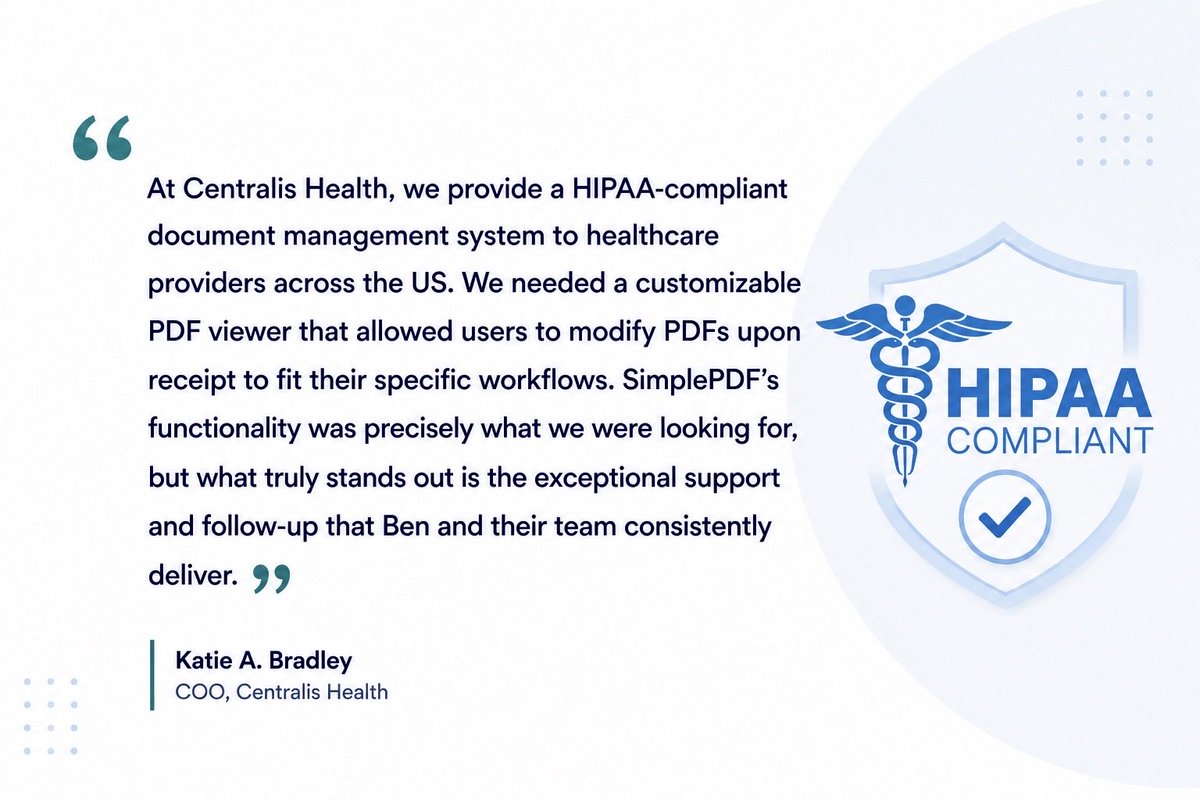
With SimplePDF, the same workflow can be handled very differently. 🔒
• Forms are filled directly in the browser
• No installation or local software required
• Documents are processed client-side (not uploaded by default)
• Signing happens instantly, without back-and-forth
• Completed files can go directly to your storage (S3, SharePoint, etc.)
From a technical standpoint, this changes the model:
Instead of routing documents through multiple systems, you keep processing closer to the user and integrate where needed 🛡️
🏥 For healthcare teams, this means:
- Fewer systems touching patient data
- More predictable data flow
- Easier alignment with compliance requirements
- Less operational overhead for staff
We’re seeing more teams move in this direction - not because it’s new, but because it’s simpler and more controllable.
If you’re currently managing patient forms, consent documents or internal PDFs, it’s worth rethinking how that flow is structured.
Ready to look into it? simplepdf.com/use-cases/heal…
#hipaacompliance #healthcare #automation #simplePDF #pdfeditor #pdfviewer #modifyPDFs #patientforms
2
74


PDF Viewing will not be the same again.
Major upgrade to this beautiful bit of code!
youtu.be/zwi3uQH5jRg?si=ebns…
#wordpress #codesnippets #pdfviewer
2
96

Feb 17
Are you ready for the PrimeUI PDFViewer?
✅ Fully customizable UI with templating
✅ Zoom, Search, Print, Download
✅ Annotate, Signature, Sticky Notes, Bookmarks
✅ Optimized for big files
6
9
113
7,850




Jan 7
マサルさんの指摘の通り、PDFviewerの入ってないパソコンな気がします。
うちの圏域の包括がそうです。
ビューワー入ってないんでバラバラになります😂
Acrobat 入れたら?と伝えたのですが、大きめの法人で、何か入れるのにも稟議決裁が必要だそうで面倒だと🙄
基本なんだから最初から…文字数…
1
5
129

19 Dec 2025
Then the PDF preview crashed:
"TypeError: Eo is not a function"
Known @react-pdf/renderer bug. Fix: force remount with key prop.
<PDFViewer key={profile.updatedAt.toISOString()}>
Old viewer unmounts, new one mounts. Bug never triggers.
github.com/ImAbdullahJan/car…
#buildinpublic
2
37

6 Nov 2025
Celebrate with us 🎉 TNC FlipBook - PDF Viewer for WordPress just hit an amazing milestone: 9,000 sales on the Envato Marketplace.
Designed to transform how you display PDFs on your WordPress site, TNC FlipBook brings your documents to life with smooth, interactive flipbook animations and an easy-to-use interface. Showcase your catalogs, magazines, reports, or portfolios in a way that makes reading digital documents more engaging. Thank you to our amazing users for trusting TNC FlipBook to improve their websites.
Experience the best flipbook now. Explore TNC FlipBook:
codecanyon.net/item/pdf-view…
#TNCFlipBook #PDFViewer #WordPressPlugin
1
1
2
62

17 Sep 2025
この手の広告でよくあるのは"PDFアプリを更新して下さい 更新 キャンセル"画面全部が広告で、画面押すとPDFViewerだのPDFリーダーアプリのインストール画面に飛ばされるやつもありますよね
1
1
2
1,090

28 Aug 2025
Want to add something neat to your #Blazor site? 😎 Look no further!
In this blog, @hprez shows you how to use the Telerik PdfViewer to display PDFs beautifully on your website!
No more annoying downloads for your users – just a smooth, integrated viewing experience. Check it out: prgress.co/3Hxx29L
ALT Blog banner: Exploring the Blazor PDF Viewer Control by Héctor Pérez, Microsoft MVP, Consultant & Author
1
2
576

19 Aug 2025
🚀 Blazorise v1.8.1 is here!
A maintenance release with key bug fixes & stability improvements.
✔️ Better DataGrid updates
✔️ Bar collapse CustomMatch
✔️ Fixes in PdfViewer, Splitter & Badge
✔️ Extensible JSRichTextEdit
🔗blazorise.com/news/release-n…
#Blazor #dotnet #Blazorise

1
4
193


16 Jul 2025
حياك ,, يمكنكم الإطلاع على متطلبات الحصول على رخصة تدريب منشأة تدريبية من قبل المؤسسة العامة للتدريب التقني والمهني من الرابط التالي:
ethaqplus.tvtc.gov.sa/ethaqp…Y3PFeEifK7YZ#pdfviewer
المختصين عبر خدمة المحادثة الفورية على بوابة الرخص من الرابط التالي:
ngdpt.tvtc.gov.sa/dashboard/…
1
119
27 Jun 2025
Let your readers listen to your 2D, 3D FlipBook or PDF Viewer with highlighted text as it reads aloud. Use the 📷 icon to enable this feature.
tncflipbook.com/live-preview…
#TNcFlipbook #pluginsuccess #plugtalk #flipbook #PDFViewer #Peak #Sports #USA #UKNOW

2
690

20 Jun 2025
1/2
Avec react-pdf/renderer, j’ai pu :
Générer des PDF depuis des composants React (JSX to PDF)
Injecter les props directement via Inertia (étudiant, année, logo…)
Utiliser PDFViewer pour une prévisualisation live
3
223
We're not even halfway through 2025 but in the last few months I've brought out;
1. PixRefiner - WebP and AVIF Image Conversion
2. PDFViewer - for embedding and navigating PDFs
3. The Font Clamp Calculator - with Classes, Tags, and Scaling functions
This is my way of showing how you don't need to always use premium tools, and you have no excuse not to take control of making your websites & productivity flow rock!
#WeGotThis
2
73
I wasn't happy with the simple way to Embed PDFs on your Website video on Monday. It didn't go far enough - and wasn't perfectly ideal for mobile screens. Not happy. Not happy at all.
Been quietly working on a Code Snippet that gives much more control over how to Embed, Reveal, and what you show. Believe me - the options are insane!
This gives you what you need - for Free.
See you on Monday when it gets unleashed!
#WordPress #CodeSnippet #PDFViewer
2
101