
Apr 22
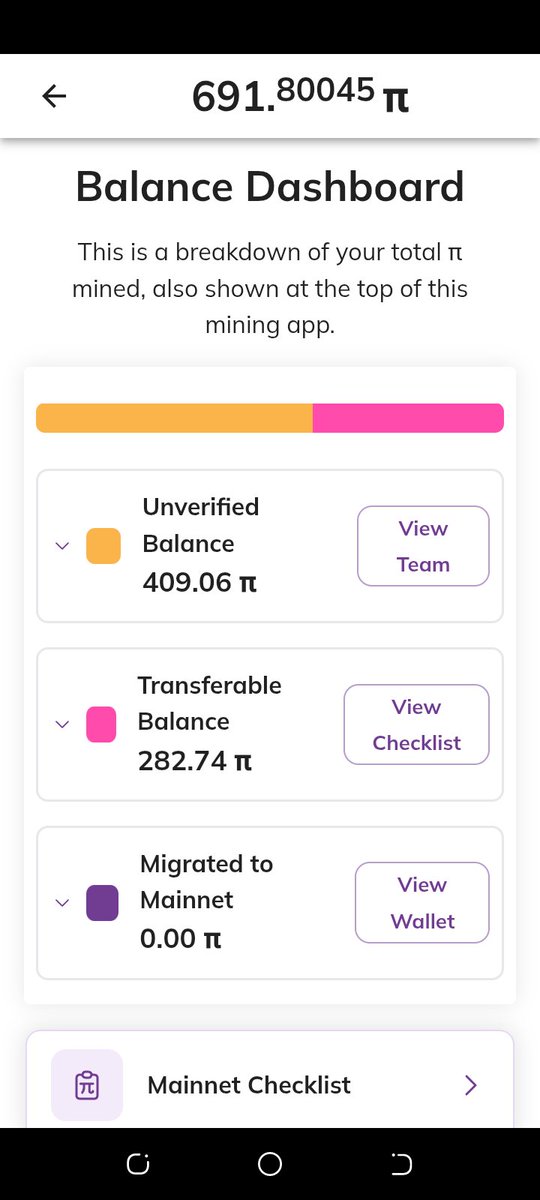
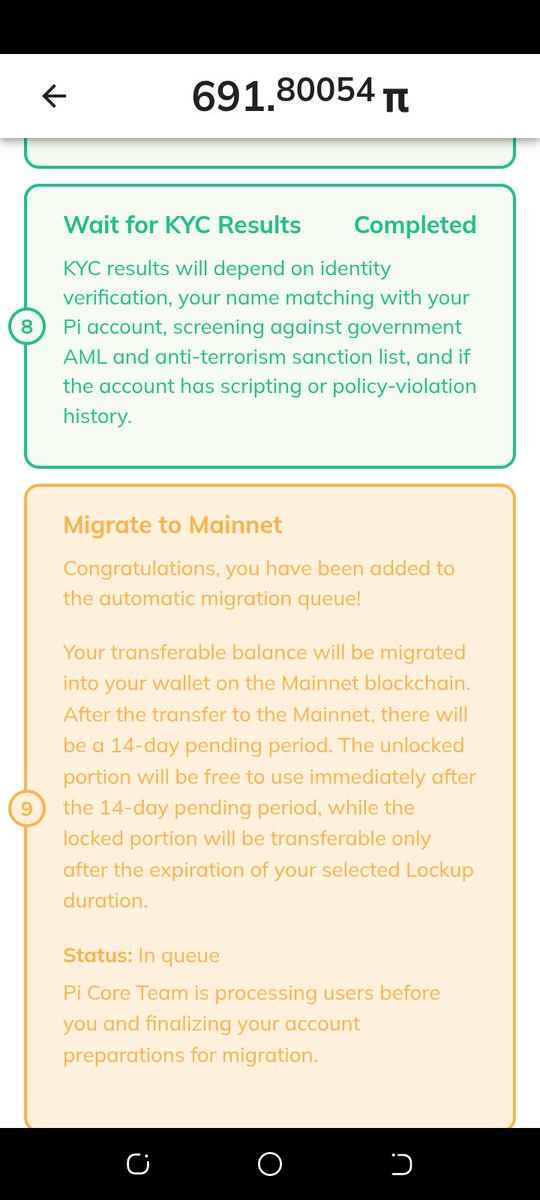
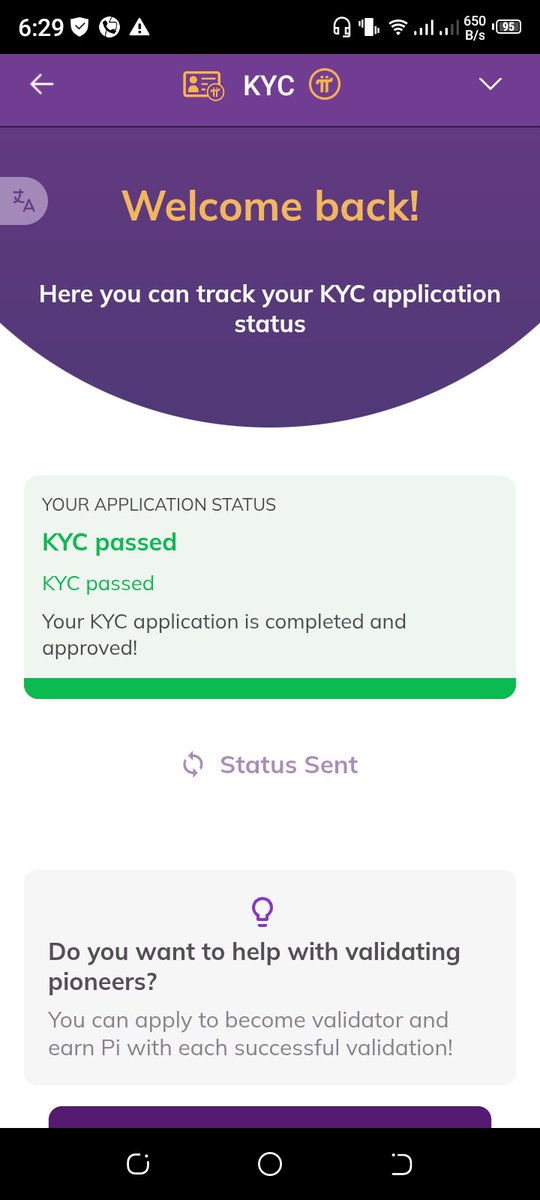
Pi account for sale. KYC completed. Only waiting fpr migration. Dm me if you are interested. #pi #piaccount #crypto #cryptoToken #money #Cryptocurrencies
2
65

Mar 12
Question, opinion come to my mind in the interest of #GlobalPiPioneers:
Does #PiNetwork proposal for #PiPioneers by #PiFounder @DrNicolosKokkalis in generating option like #PiPioneersNominee whom could not having #PiAccount
youtu.be/hlHxbsw_SZI?si=Xxce…
2
8
103

21 Jul 2025
🔐 Forgot Your Pi Network Password?
Here's how to recover your account ⬇️
📱 By Phone Number:
1️⃣ Open Pi app → choose Sign in via Phone
2️⃣ Enter your verified phone number
3️⃣ Tap ‘Password Forgotten’
4️⃣ A 6-digit code appears
5️⃣ Send that code via SMS to one of the 5 listed numbers
6️⃣ Return to app → 🎉 “Password has been reset!”
⚠️ Ensure: • You have airtime/SMS balance
• SMS is sent from the same registered number
• Int’l SMS is allowed
• Dual SIM? Use the verified number
💡 If that fails, use the manual recovery option in the app.
📘 By Facebook:
✅ Choose “Continue with Facebook” on login screen
✅ Must use the same Facebook account linked to Pi
✅ Ensure: • Facebook app is installed
• Pi Network is ACTIVE under Facebook App Settings
🆘 Still locked out? Reach Pi Support:
📩 pinetwork.atlassian.net/serv…
🚫 Don't forget to
👥 Follow @PiNewsLast24Hrs for regular updates.
~PiArmy🫶!
#PiNetwork #PiAccountRecovery #PiAccount #PiSupport #PioneerHelp #ForgotPassword #CryptoHelp

16
17
134
2,940

2 Apr 2024
Yujin's Instagram is @ www_yyy_jj (instagram.com/www_yyy_jj/) while Hoemun's Insta handle is @ piaccount (instagram.com/piaccount/) :)
1
6
1,317

#PiAccount Safety #1:
Be Aware of False Associations with Pi Network! Malicious actors may try to give false impressions and information. Only trust official communication channels! #Picommunity
#Pipayments

5
37
2,580

Learn how to open a @PiCoreTeam Network account for free and start mining $Pi!
#PiNetwork #Pi #Web3 #Blockchain #PiHackathon #PiAccount #MinePi
bsc.news/post/how-to-create-…
38
80
621
48,772
👀 Here is an easy guide on how to open a @PiCoreTeam Network account easily. 👇
#PiNetwork #PiCoreTeam #Pi #Web3 #Blockchain #PiHackathon #PiAccount #MinePi bsc.news/post/how-to-create-…
22
69
514
34,485

3 Jan 2023
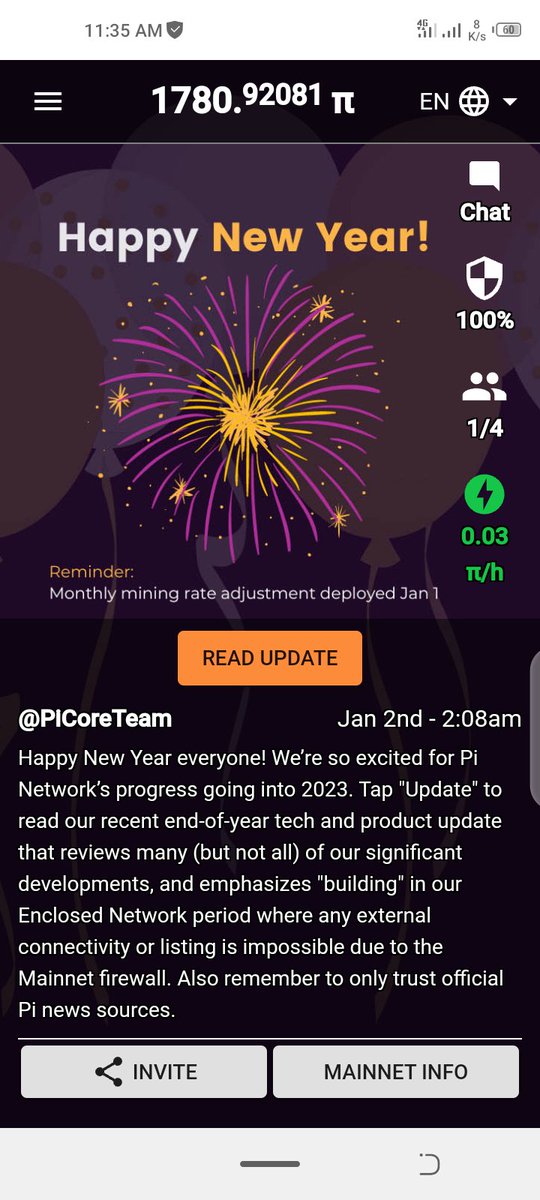
I want to sell my whole Kyced #Pi Network Account..
If some on interested Dm me or telegram me at rajaumer837
#sellingpi #buyingpi #PiNetwork
#buypi #sellpi #Piaccount
1781 mined pi with
2
3
694

7 Nov 2022
Are you guys regretting ?
For deleting your Pi account ?
No worries 🙂
Do you have your login details.
Did you verified phone or Facebook?
You can still recover your account.
Please let me know before trying to recover it.
I will help you with best way.
#PiNetwork #PiAccount
5
4
18