Filter
Exclude
Time range
-
Near
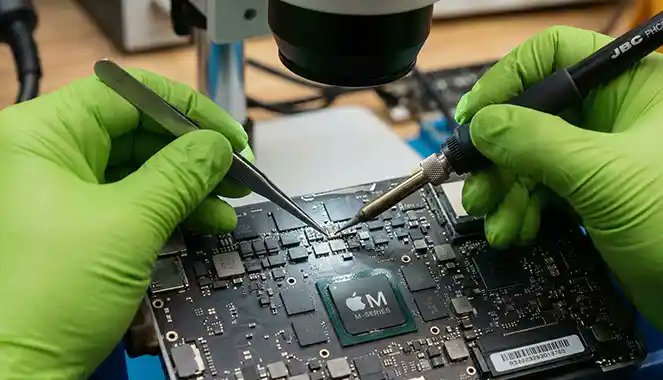
MacBook Repair – Keyboard Issue (Butterfly Design) A MacBook came in with keys repeating and not responding. The issue wasn’t software—it was the butterfly keyboard mechanism, which is sensitive to dust and wear. Our diagnostics confirmed a hardware failure. The solution required keyboard assembly replacement for consistent typing. Tip: If keys repeat or stop working, cleaning may help temporarily—but most butterfly keyboards require full replacement. Mail‑in service available. #MacBookRepair #KeyboardIssue #ButterflyKeyboard #TechTips #Miami #PrimeTechSupport primetechsupport.com/blogs/m…
11
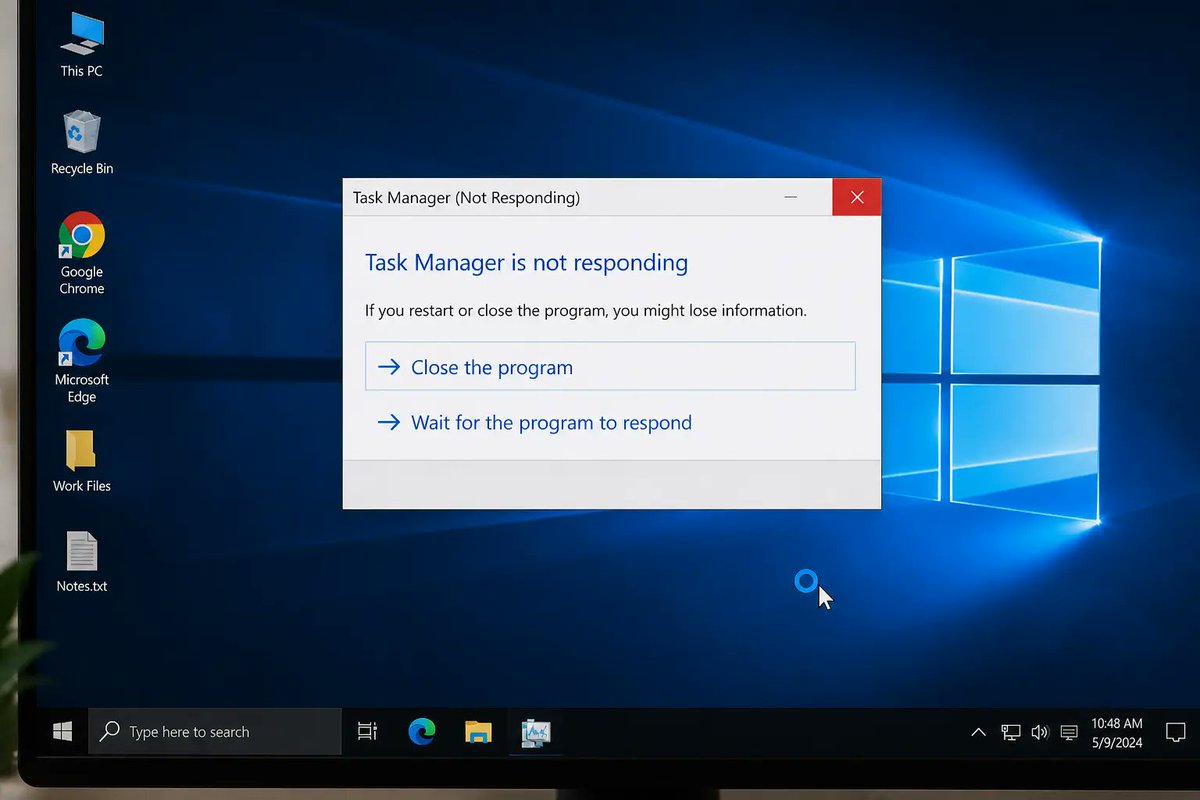
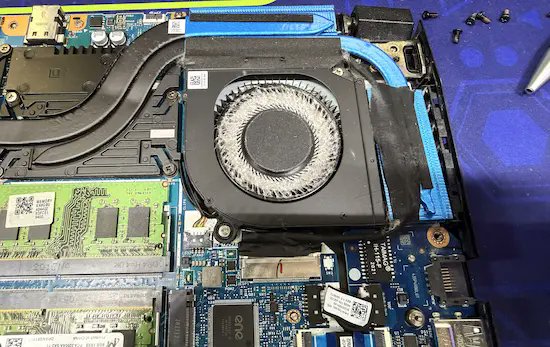
Computer Repair – Random Freezing Issue A computer came in freezing randomly with no clear errors. The issue wasn’t software—it was hardware instability affecting performance under load. Our diagnostics identified the failing component and resolved the issue, restoring stable operation. Tip: Random freezes are rarely random. Avoid repeated restarts or OS reinstalls—they often hide the real cause. Mail‑in service available. #ComputerRepair #PCFreezing #TechTips #Miami #PrimeTechSupport primetechsupport.com/blogs/c…
5
Data Recovery – Mac Won’t Turn On A Mac came in with no power and appeared completely dead. The main concern was data loss. Our diagnostics showed the issue was hardware‑related—not the storage. With targeted work, critical data was safely recovered without fully repairing the device. Tip: If your Mac won’t turn on, avoid repeated power attempts. This can reduce recovery chances. Mail‑in service available. #DataRecovery #MacRepair #DeadMac #TechTips #Miami #PrimeTechSupport primetechsupport.com/blogs/d…
8
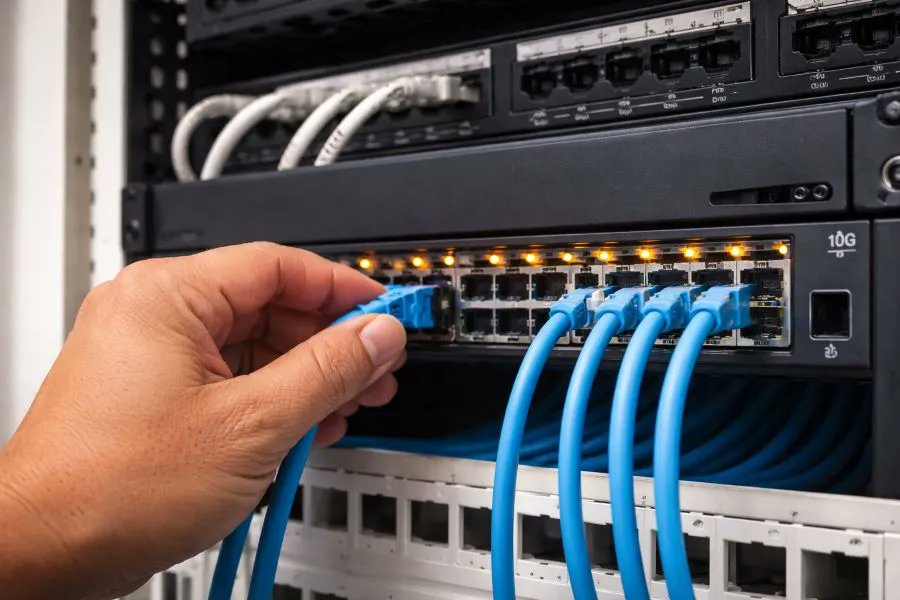
Home Network Upgrade – Multi‑Gig Speeds A home upgraded to multi‑gig internet but couldn’t get speeds above 1Gbps. The issue wasn’t the ISP—it was network limitations. Our diagnostics found bottlenecks in the router, switch, and cabling. After upgrading to multi‑gig‑capable hardware, full speeds became accessible across the network. Tip: Faster internet plans require compatible hardware. Most networks cap at 1Gbps without proper upgrades. On‑site service available. #WiFiUpgrade #HomeNetwork #TechTips #Miami #PrimeTechSupport primetechsupport.com/blogs/w…
12
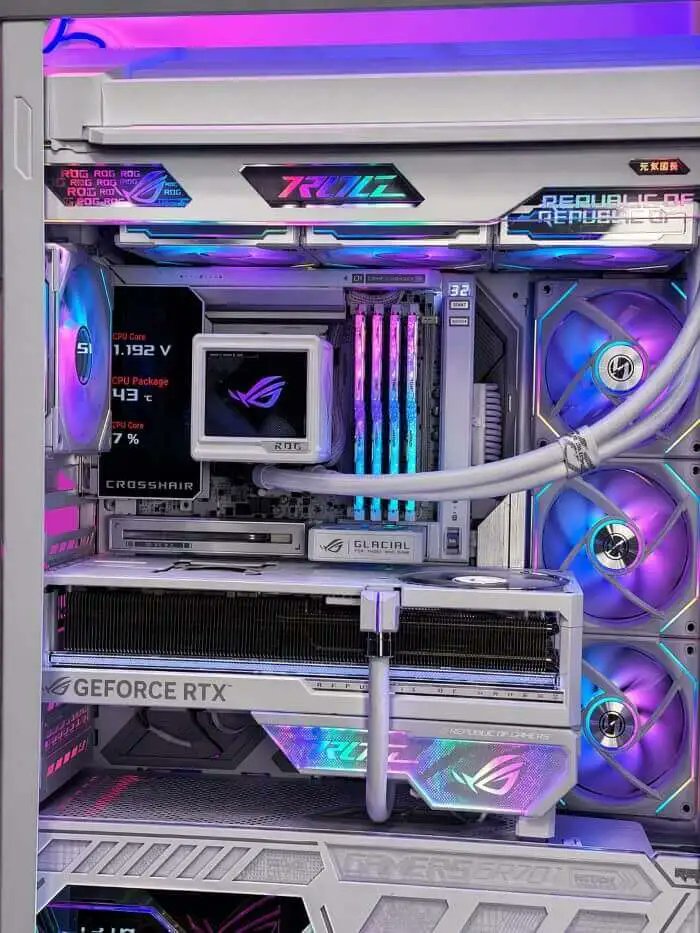
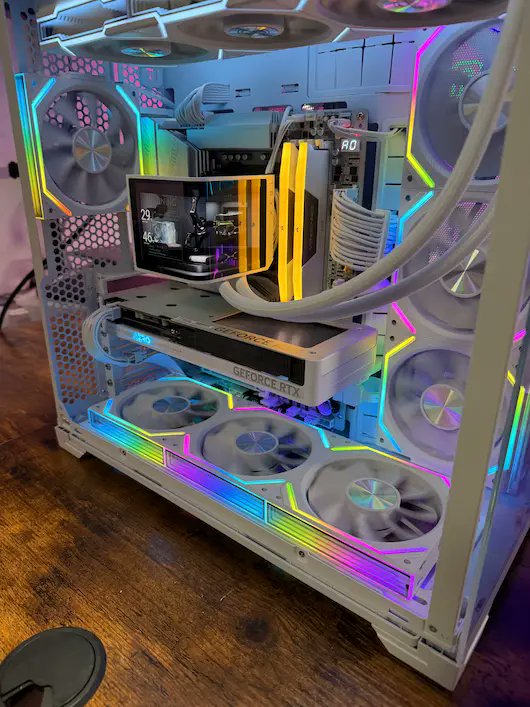
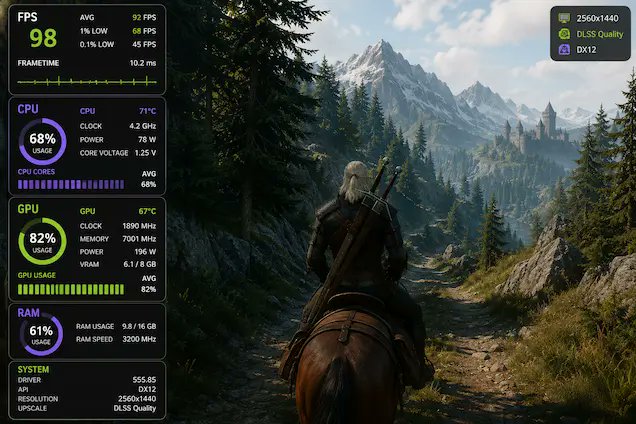
Gaming Performance – RAM Upgrade Reality A gaming PC came in with stuttering and low performance. The user upgraded from 16GB to 32GB, but saw little improvement. Our diagnostics showed RAM wasn’t the bottleneck—the issue was elsewhere in the system. Tip: 16GB is enough for most gaming. More RAM helps with multitasking, but won’t always increase FPS. Mail‑in service available. #GamingPC #RAMUpgrade #PCPerformance #TechTips #Miami #PrimeTechSupport primetechsupport.com/blogs/g…
8
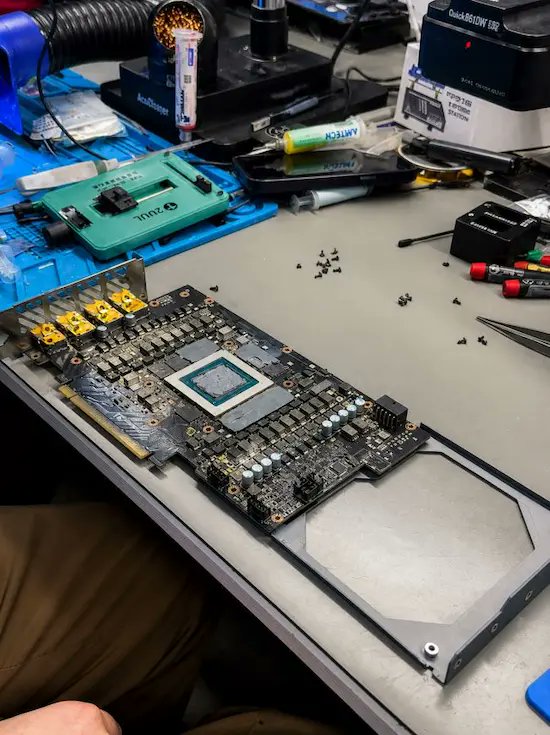
Gaming PC Repair – RTX 4090 No Power / No Display A gaming PC came in with an RTX 4090 showing no display and causing system shutdowns. The card was assumed to be completely dead. Our diagnostics identified a power delivery failure near the connector, not a failed GPU core. After targeted board‑level repair, the card was restored to stable operation. Tip: With high‑power GPUs like the RTX 4090, avoid repeated power attempts—this can worsen underlying damage. Mail‑in service available. #GamingPC #GPURepair #RTX4090 #PCRepair #Miami #PrimeTechSupport primetechsupport.com/blogs/g…
26
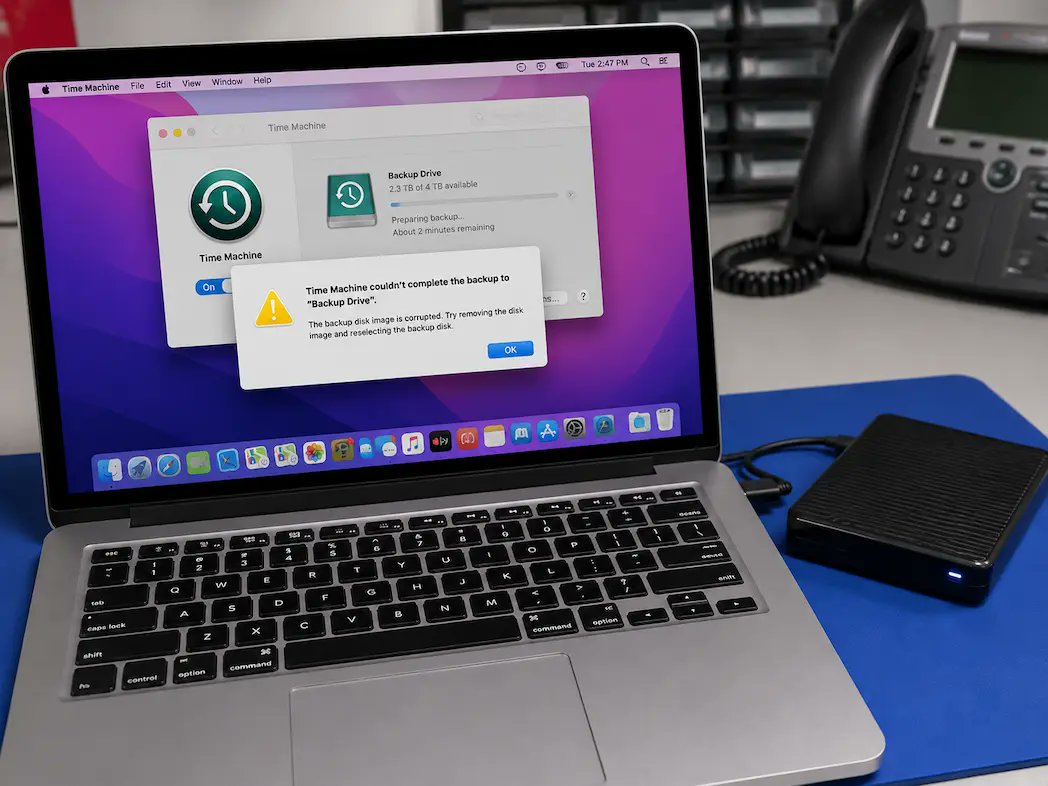
Data Recovery – Time Machine Backup Failed A Mac came in after a Time Machine backup failed, with missing files and an unreadable external drive. The assumption was total data loss. Our diagnostics confirmed recoverable data still existed on both the internal and backup drive. Safe extraction restored critical files. Tip: If a backup fails, avoid reformatting or repeated restore attempts—they can overwrite recoverable data. Mail‑in service available. #DataRecovery #TimeMachine #MacRepair #TechTips #Miami #PrimeTechSupport primetechsupport.com/blogs/d…
8
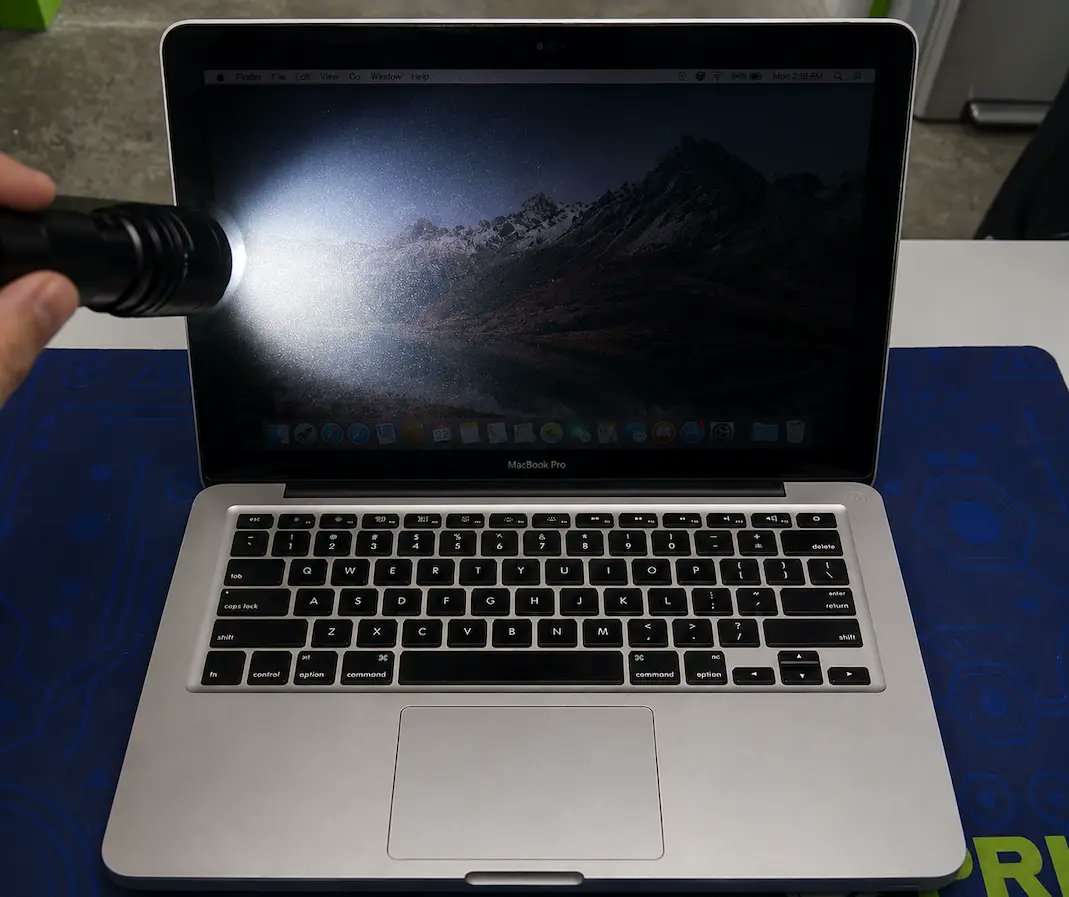
MacBook Repair – Dim Screen / No Backlight A MacBook came in with a black screen, but the system was still running. The issue wasn’t the display—it was a backlight failure. Our diagnostics confirmed the LCD was working, but the backlight circuit wasn’t. After targeted repair, full brightness was restored without replacing the entire screen. Tip: If your screen looks black, shine a light on it—you may still see the image. This usually points to a backlight issue. Mail‑in service available. #MacBookRepair #ScreenIssue #Backlight #TechTips #Miami #PrimeTechSupport primetechsupport.com/blogs/m…
37
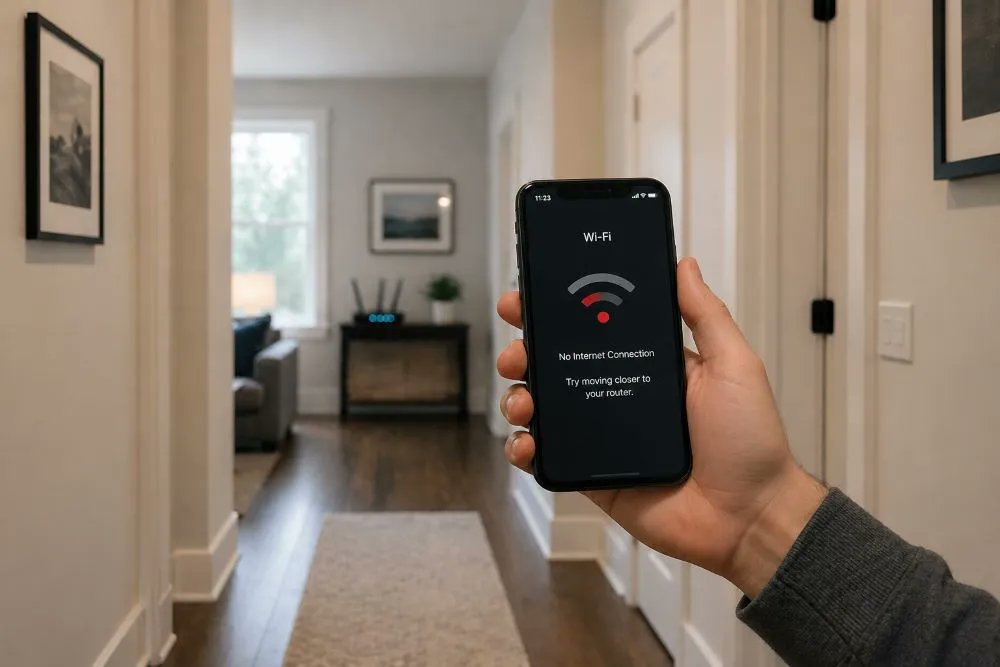
Wi‑Fi Coverage – Key Biscayne Homes A home in Key Biscayne had fast internet but inconsistent Wi‑Fi coverage. The issue wasn’t speed—it was layout, construction, and interference. Our diagnostics showed signal loss through dense walls and poor access point placement. After redesigning the network, coverage improved across the entire property. Tip: In larger coastal homes, mesh alone isn’t enough. Proper placement and network design matter more. On‑site service available. #WiFiIssues #HomeNetwork #Miami #TechTips #PrimeTechSupport primetechsupport.com/blogs/w…
13
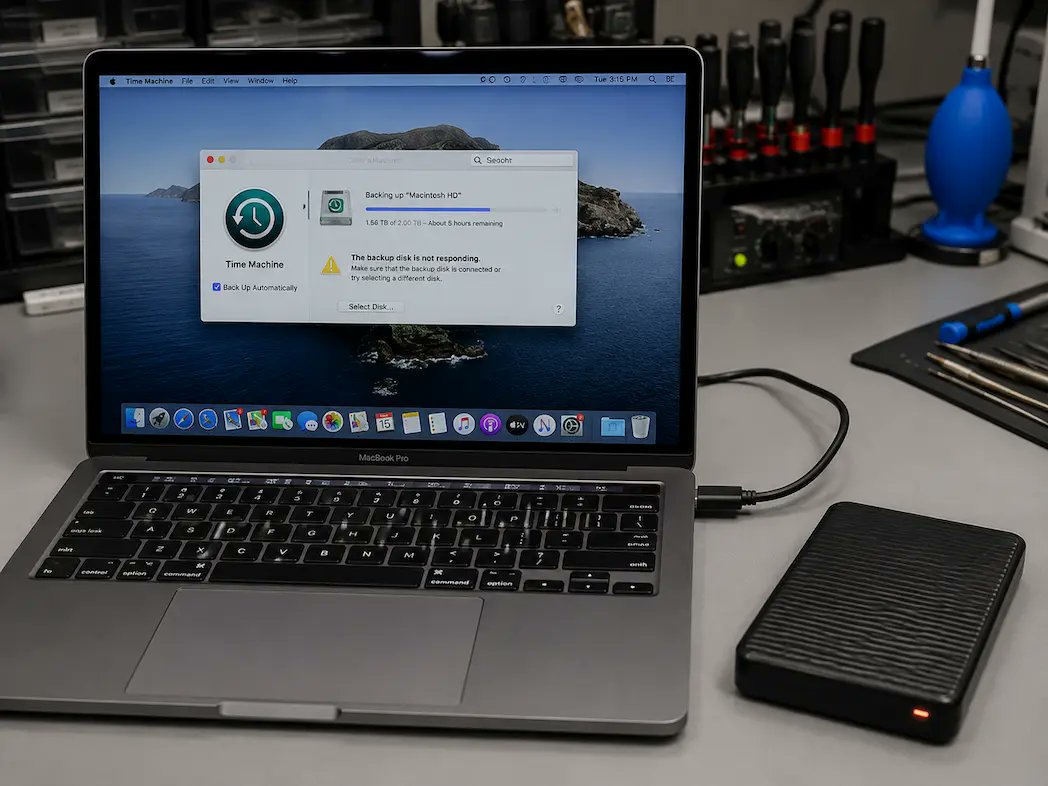
Data Recovery – Time Machine Backup Failed A Mac came in after a failed Time Machine backup with missing data and an unrecognized external drive. The assumption was total data loss. Our diagnostics showed recoverable data still present on the internal and backup drive. Safe extraction restored critical files. Tip: If a backup fails, avoid reformatting or repeated restore attempts—they can overwrite recoverable data. Mail‑in service available. #DataRecovery #TimeMachine #MacRepair #TechTips #Miami #PrimeTechSupport primetechsupport.com/blogs/d…
12
Wi‑Fi Coverage – Coconut Grove Homes A home in Coconut Grove had fast internet but poor Wi‑Fi coverage. The issue wasn’t speed—it was construction and layout limiting signal. Our diagnostics showed signal loss through concrete walls and poor access point placement. After redesigning the network, coverage became consistent across the home. Tip: In larger homes, extenders alone won’t fix Wi‑Fi. Proper placement and layout matter more. On‑site service available. #WiFiIssues #HomeNetwork #Miami #TechTips #PrimeTechSupport primetechsupport.com/blogs/w…
16
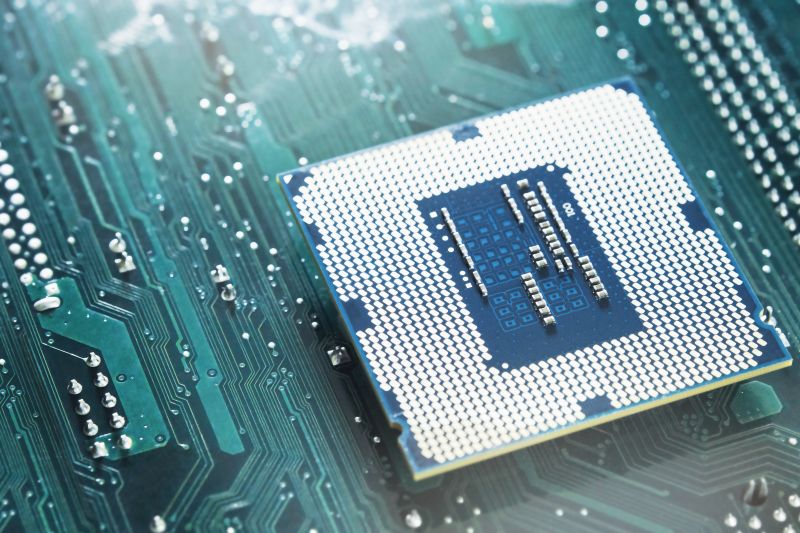
PC Upgrade – Choosing the Right CPU A system upgrade came in with a high‑end CPU but poor performance. The issue wasn’t the processor—it was compatibility and system balance. Our diagnostics showed mismatched RAM speed and motherboard limitations. After correcting the setup, performance improved significantly. Tip: Choosing a CPU isn’t just about power. Compatibility with motherboard, RAM, and GPU matters just as much. Mail‑in service available. #PCBuild #CPUUpgrade #PCPerformance #TechTips #Miami #PrimeTechSupport primetechsupport.com/blogs/g…
9
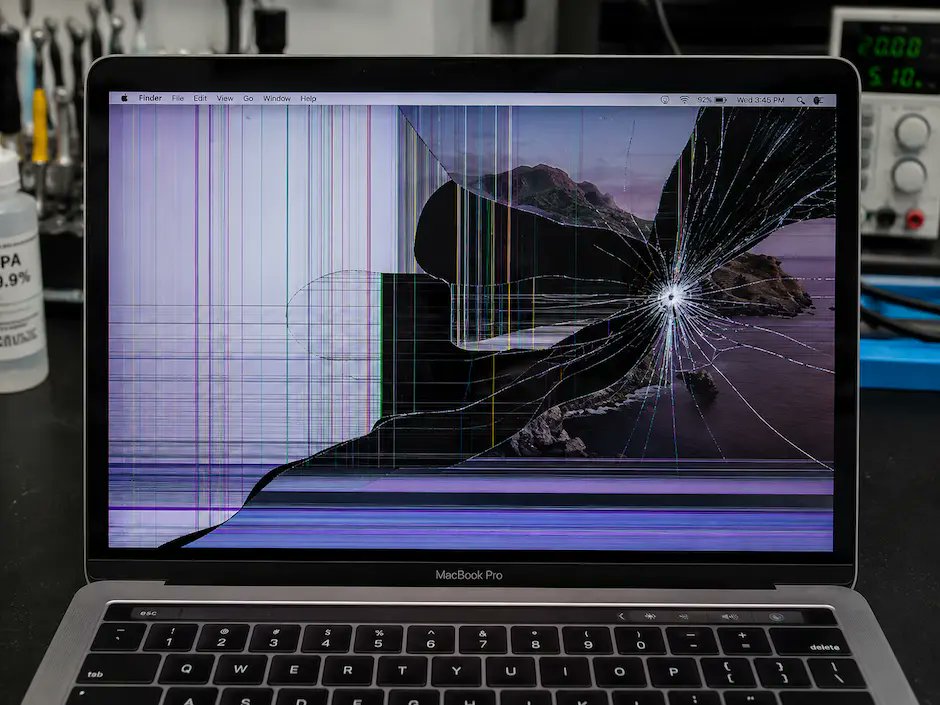
MacBook Repair – Cracked Screen Issue A MacBook came in with a cracked screen showing lines and flickering. The issue required full display assembly replacement, not just the glass. Modern MacBook screens are integrated, so even small cracks can lead to complete display failure over time. Tip: If your screen is cracked but still works, avoid pressure or closing the lid—damage can spread quickly. Mail‑in service available. #MacBookRepair #ScreenRepair #LaptopRepair #TechTips #Miami #PrimeTechSupport primetechsupport.com/blogs/m…
28
GPU Repair – Repair vs Replace Decision A gaming PC came in with a GPU showing crashes and no display. The initial thought was to replace it. Our diagnostics revealed a repairable power delivery issue, avoiding the cost of full replacement and restoring performance. Tip: Not all GPU failures require replacement. Proper diagnostics first can save significant cost—especially on high‑end cards. Mail‑in service available. #GPURepair #GamingPC #PCRepair #TechTips #Miami #PrimeTechSupport primetechsupport.com/blogs/g…
24
Wi‑Fi Setup – DIY vs Professional Installation A home network came in with slow speeds and constant drops despite upgrades and extenders. The issue wasn’t the internet—it was poor network layout and interference. Our diagnostics focused on placement, coverage, and device load. After redesigning the network, performance became stable across the entire home. Tip: More routers or extenders don’t always fix Wi‑Fi. Proper design and placement matter more. Mail‑in and on‑site service available. #WiFiIssues #HomeNetwork #TechTips #Miami #PrimeTechSupport primetechsupport.com/blogs/w…
13
Gaming Performance – CPU vs GPU Bottleneck A gaming PC came in with good hardware but low FPS and stuttering. The issue wasn’t the GPU—it was a CPU bottleneck limiting performance. Our diagnostics showed the processor couldn’t keep up with the graphics load. After balancing the system, performance improved significantly. Tip: Upgrading only the GPU doesn’t always improve gaming. CPU and GPU balance is key. Mail‑in service available. #GamingPC #CPUvsGPU #PCPerformance #TechTips #Miami #PrimeTechSupport primetechsupport.com/blogs/g…
21
Computer Repair – Slow Performance Issue A computer came in running extremely slow—long boot times, lag, and freezing. The hardware was still fine. Our diagnostics showed the issue was software buildup and system overload, not failing components. After proper cleanup and optimization, performance improved significantly. Tip: Before replacing hardware, check for startup overload, storage limits, and background processes. Mail‑in service available. #ComputerRepair #SlowPC #TechTips #Miami #PrimeTechSupport primetechsupport.com/blogs/c…
8
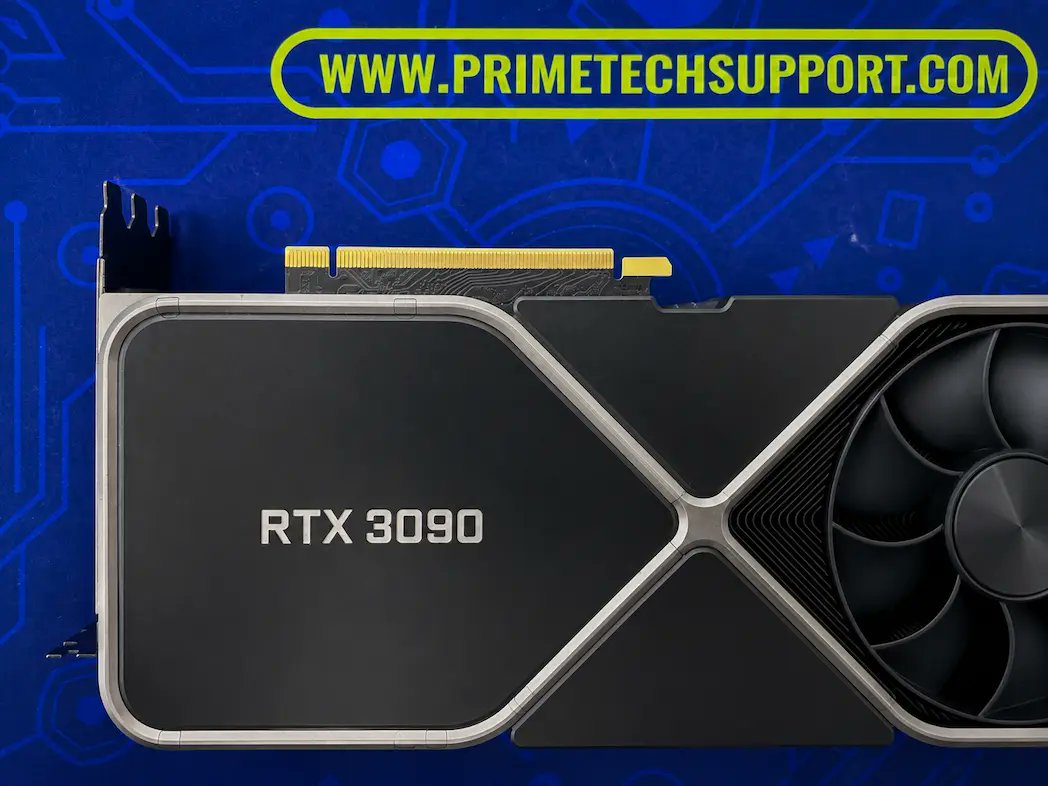
Gaming PC Repair – RTX 3090 No Display / Shutdown Issue A gaming PC came in with an RTX 3090 that showed no display and caused the system to shut down. The card was assumed to be dead. Our diagnostics revealed a power delivery / VRM‑related failure, not a dead GPU core. After targeted board‑level repair, the card was restored to stable operation. Tip: With high‑power GPUs like the RTX 3090, repeated power cycling can worsen damage. Stop testing and diagnose first. Mail‑in service available. #GamingPC #GPURepair #RTX3090 #PCRepair #Miami #PrimeTechSupport primetechsupport.com/blogs/g…
19
MacBook Pro Repair – Trackpad Not Clicking A MacBook Pro came in with a trackpad that moved the cursor but wouldn’t click. The issue wasn’t the trackpad—it was battery swelling pressing against it from underneath. After replacing the battery, normal trackpad function was restored without replacing the trackpad itself. Tip: If your MacBook trackpad won’t click, check for battery swelling before assuming hardware failure. Mail‑in service available. #MacBookPro #MacRepair #TrackpadIssue #BatterySwelling #TechTips #Miami #PrimeTechSupport primetechsupport.com/blogs/m…
23