My good friend
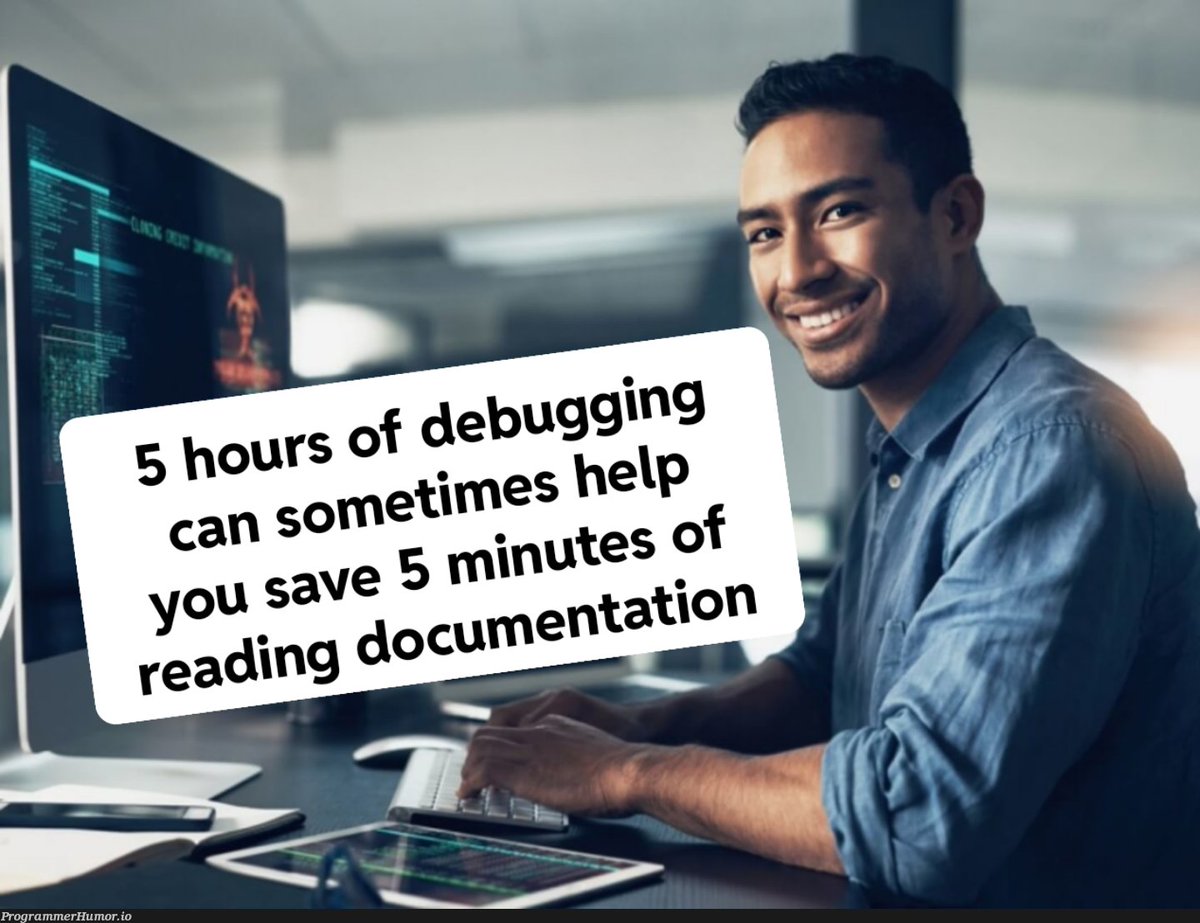
@defi__josh and I spent days debugging push notifications for an app. Checking GitHub issues, YouTube tutorials, Stack Overflow threads yet nothing worked. The fix was in the official docs the whole time.
Here's what actually happened 👇
—
While building the app that alerts users when products drop in price, push notifications are very important, they worked perfectly during local development but the moment it was shipped as a real build, background and killed-state notifications completely stopped, but foreground notifications were working.
Foreground means notifications that appear while the app is open.
Killed-state notifications are notification that happen even when the app has been forced to close.
—
I did what any developer does when hit by a new challenge by watching YouTube videos, read GitHub issues went through Stack Overflow answers with hundreds of upvotes. Tried solution after solution, each one looked right but none of them worked.
What I didn't realise was most of those answers were written before June 2024 but Google deprecated their FCM Legacy API that month, so every highly-voted answer was technically correct... for a world that no longer exists.
—
Here's the thing about Expo Go that nobody warns you about.
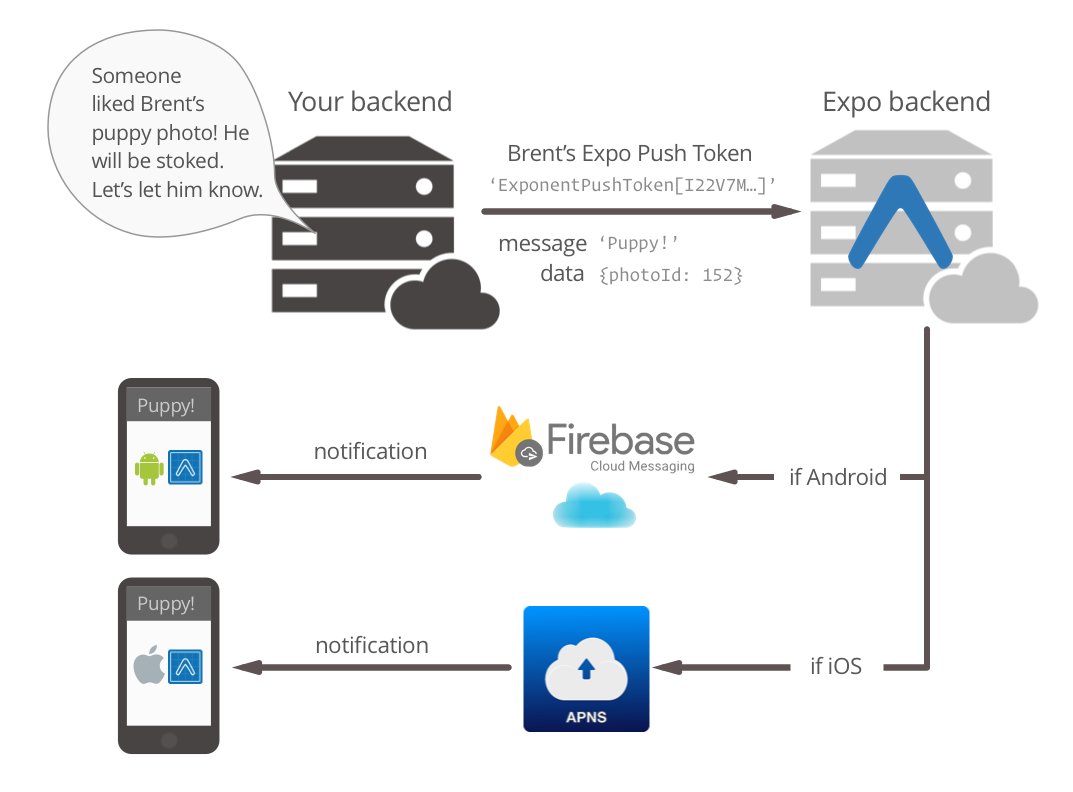
When you test push notifications locally, it works beautifully; Background notifications, killed-state, everything. This is because Expo Go uses Expo's own Firebase credentials to deliver notifications, not yours. The moment you build a standalone app, it switches to your credentials. If those aren't set up correctly, it fails silently; No error, No log, Just nothing.
I had even uploaded FCM credentials to EAS before, but I selected FCM Legacy in the CLI menu instead of FCM V1. EAS accepted it without complaint. Google rejected every notification on the other end without a word.
—
The actual fix, for anyone hitting the same wall:
- Go to Firebase Console → Project Settings → Service Accounts → Generate new private key. This gives you the FCM V1 Service Account JSON.
- Upload it to EAS under FCM V1.
- For iOS, generate an APNs .p8 key from Apple Developer Portal and upload that to EAS too.
- Add expo-notifications as a plugin in app.json.
- Make sure setNotificationHandler is at the top level of your notification file, outside every function.
- Do a full EAS build. npx expo start does not apply credential or plugin changes.
- Test with the
@expo Push Notifications tool at
expo.dev/notifications before touching your backend.
After all that notifications for foreground ✅ background ✅ app killed ✅ would work seamlessly.
—
The real lesson here is simple.
When you're stuck, the instinct is to search for someone who had the same problem. That makes sense, but community answers age badly, especially in fast-moving mobile app development ecosystems like Expo and
@Firebase .
The official documentation is maintained by the people who built the thing, it reflects breaking changes, deprecations. Although, it's not always the easiest read, but it's the most accurate one.
GitHub, Stack Overflow, and YouTube got me close but the Expo docs got me there.
Read the primary source first to save yourself from days of reading unnecessary threads or watch hours of tutorial videos.
—
If you're building with Expo and hitting the same wall, drop a comment or DM me. I am always happy to help.
#buildinpublic #reactnative #expo #pushnotifications #firebase #mobiledev #indiedev #softwaredevelopment