
Jun 9
It's the PUP QUIZ!!! 🩷🩷🐾🦴Will expire in 7 days!!Prize: 10 minute remoteTip $10 -... onlyfans.com/pawcake
1
1
4

4 Feb 2023
If you need equipment to work at home, request it before you start or as soon as you realize what's missing. You might feel awkward about asking for funding, but it's essential if you're a work-from-home professional.
#remotework #remotejobs #remotetip
1
2
107
23 Dec 2022
Don't burn out from overwork: Learn to take breaks and walk away when tired. Setting a time limit to work on tasks will improve your productivity, and you should learn to recognize your limitations.
#remotework #remotejobs #remotetip
1
2
85
29 Oct 2022
🎧Using headphones with a microphone will help you to maintain better sound quality for the person you're talking to during a video call. Avoid using your laptop's built-in mic if possible.
#remotework #remotejobs #remotetip
3
5 Aug 2022
🚶🏽♀️To ensure you don't neglect to take care of yourself, start the day with a routine and try making a habit of having a pattern established by the time your day ends as well.
#remotework #remotejobs #remotetip
2
22 Jun 2021
Spend a few minutes every day stretching. You should make an effort to stretch and move every single day. You can do a lot of good for your body by moving it around a bit.
#remotetip #trulyremotetips
1
4
16 Jun 2021
🚶♀️ To most effectively manage your time, take periodic breaks to walk away from the computer screen and phone. If you don't take breaks, you'll likely experience mental fatigue, which will hinder your performance.
#RemoteWorking #RemoteTip #TrulyRemoteTip
2
4 Jun 2021
🔐 Switch on the VPN every time you connect to an insecure network. When you're on a Wi-Fi network that you don't control, use a VPN to encrypt the data in and out.
#RemoteWorking #RemoteTip #TrulyRemoteTip
2
6 Apr 2021
🗺 If you're managing a team with people in different time zones, make sure to schedule meetings when everyone's available. Try to avoid scheduling important meetings or calls at times when the entire team might be unreachable. #RemoteWorking #RemoteTip
1
1
5 Apr 2021
🚶♂️To most effectively manage your time, take periodic breaks to walk away from the computer screen and phone. If you don't take breaks, you'll likely experience mental fatigue, which will hinder your performance.
#RemoteWorking #RemoteTip #TrulyRemoteTip
1
2
25 Mar 2021
💡Another remote tip: schedule social time with your remote coworkers. Have a recurring, optional meeting with no agenda to talk about whatever 🍻
#remoteworking #remotetip
25 Mar 2021

Drawbacks of 100% async:
🍻 missing social interactions without a virtual watercooler
❓ difficult to align on urgent work with a lot of nuances (features being handed off)
🙁 worrying about how other teammates were doing
90% async is the goal.
1
2

8 Feb 2021
Happy #Monday, everyone!☀️ Today's #RemoteTip no. 4 is a friendly reminder to establish a daily #routine in order to be more #productive. Pretend you're going to the #office (yes, change out of your PJs 😆 ), set work hours, break hours, etc. Keep yourself active and #motivated

1


14 Aug 2020
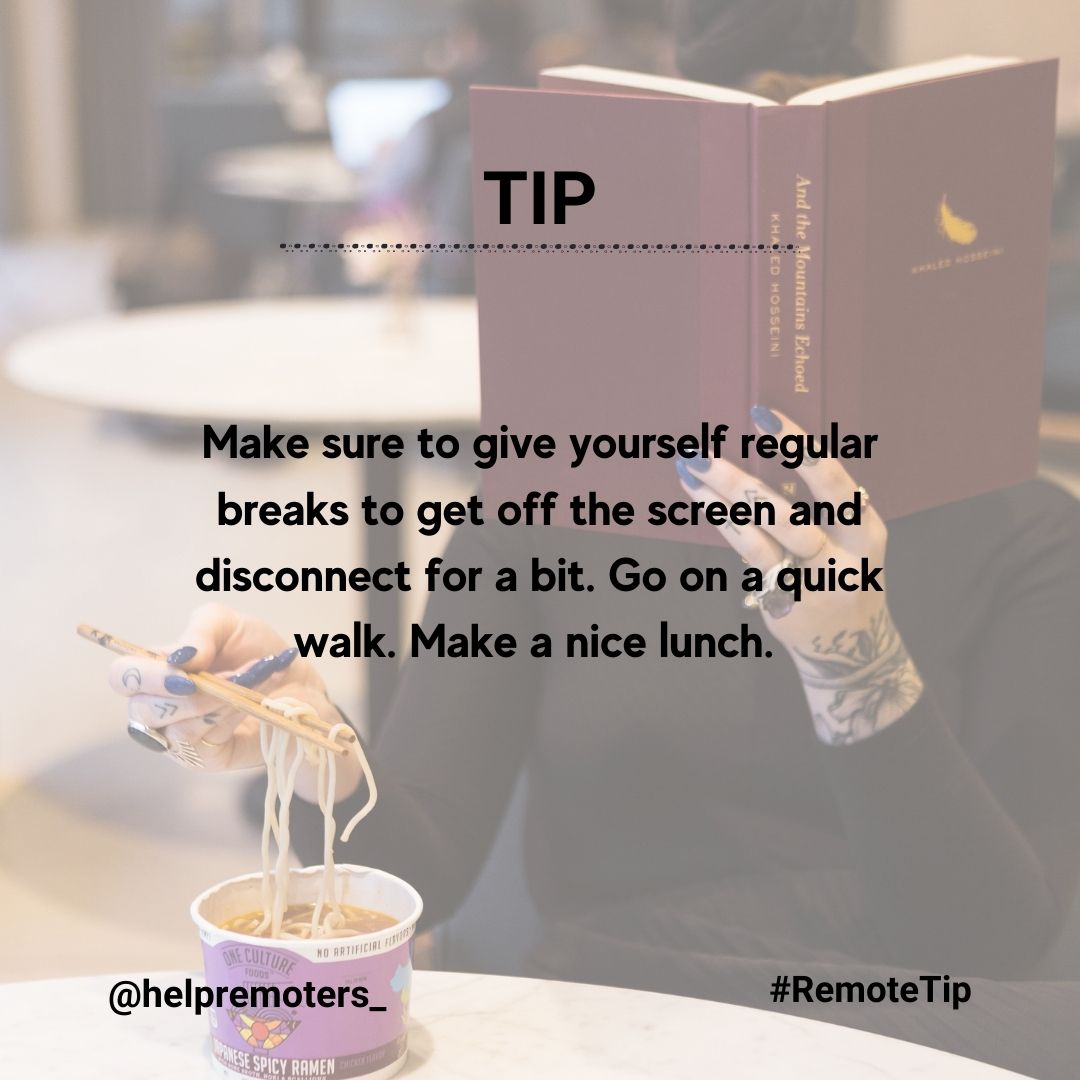
#RemoteTip — Always have a comfy pair of socks when working from home. 🧦
Our new data and dog-inspired socks make a great addition to any wardrobe.
Photo credit @RyanPrestel
#WFH #JadeTrack #Team

1

11 Jun 2020
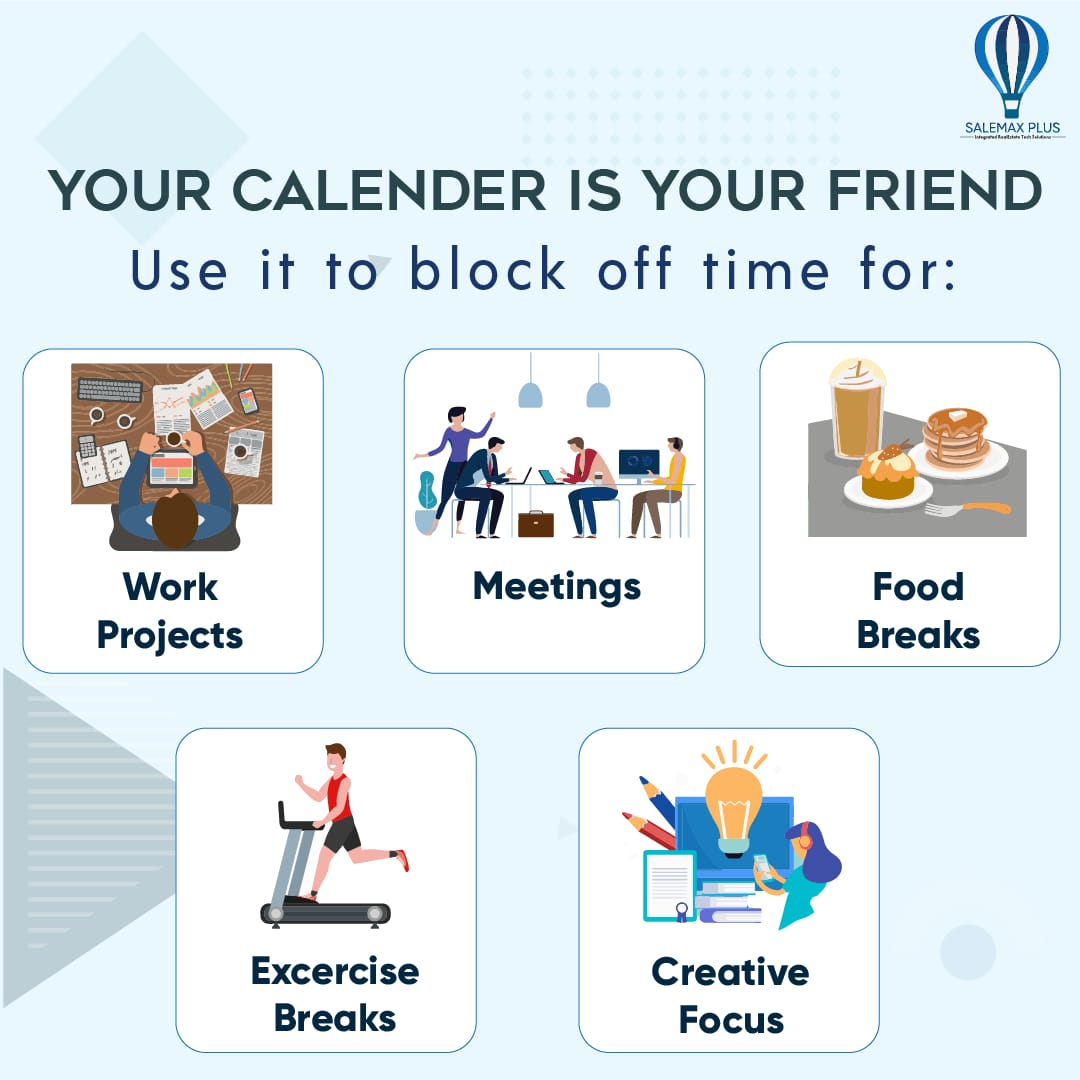
Your calendar is a super helpful tool for structuring your day, and allowing you to “own your time.” That includes setting aside time for things like walking the dog, or grabbing a coffee.
#Lockdown #RemoteTip #RemoteWork #health #GrowBetter #RealEstateCRMSolutions #SALEMAXPLUS
1

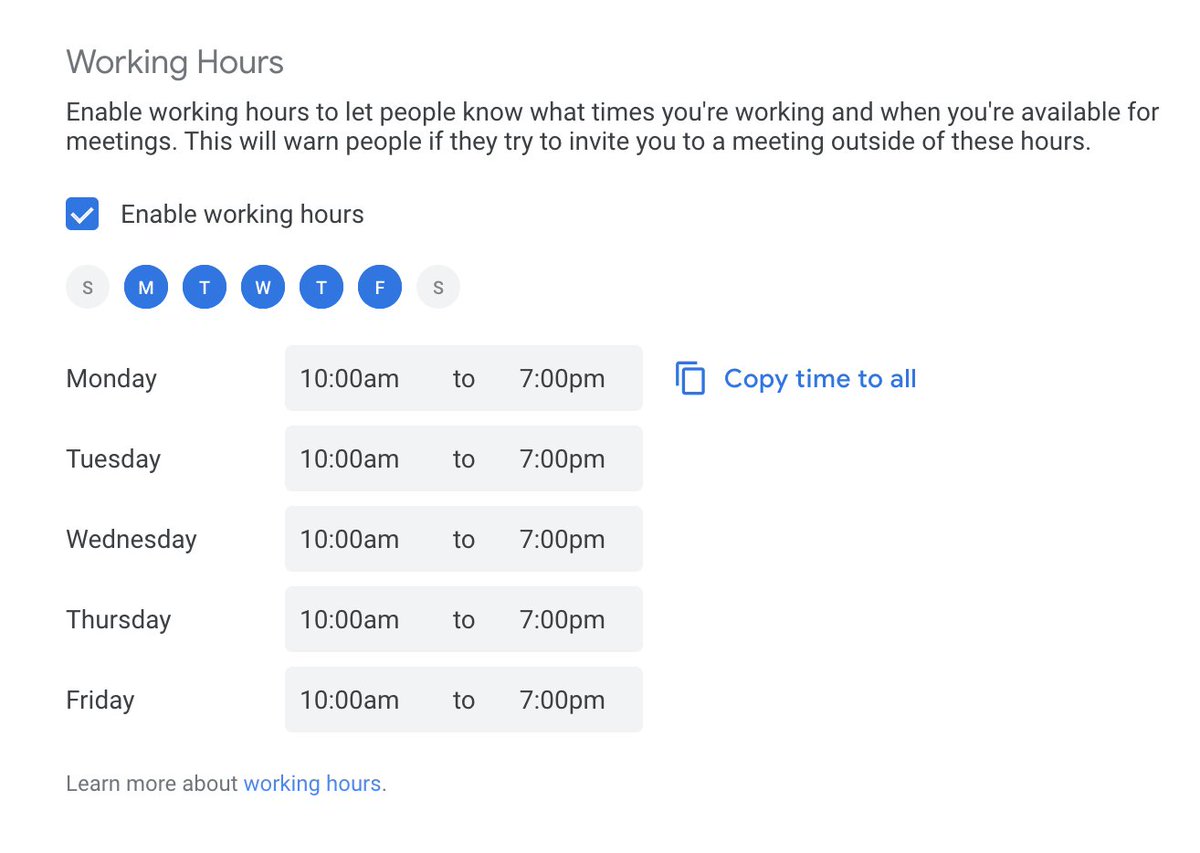

Don’t forget to take a break, it can go a long way in boosting your productivity while working from home.
#RemoteTip #RemoteWork #TalCube #remoteLIFESTYLE
3

16 Apr 2020
A #RemoteTip for students who need modifications! Activate Text-to-Speech for students in OnCourse Classroom #LMS and Assessment. Also: screen masking, highlights, font size/colors, item flagging, etc.
Learn more: hubs.ly/H0pzQpW0
#remotelearning
5
9
10 Apr 2020
#RemoteTip from our FAQs: "Students submit work to show they are online; how can we know if parents are logging in or to see what they are seeing?"
There are three great ways to do this! Check out our answers in OnCourse Basecamp: hubs.ly/H0ppg3s0 #remotelearning
5
4
9 Apr 2020
#RemoteTip for schools using OnCourse Classroom or Assessment. Use rubrics to add graded or ungraded feedback on student work. Your feedback can post automatically to the parent/student portal and Grade Book!
Learn more: hubs.ly/H0pk--Q0 #remotelearning
3
5