
Today, let’s talk about ShellBags.
A user might claim they had no knowledge of a folder on a Windows workstation and that could be true. Logs may show the folder appeared within the user’s profile but that alone doesn’t prove they opened or explored it.
ShellBags can provide additional context. One artifact investigators examine is the “Has Been Explored” value in the folder’s Details data, which can be TRUE or FALSE.
If it’s TRUE, it indicates the folder was actually explored through Windows Explorer, with supporting metadata such as modification and access timestamps.
Can anti-forensic techniques be used against ShellBags? Absolutely. But completely removing every trace of that activity is often far more difficult than many people assume.
One common approach is to avoid Windows Explorer altogether by accessing folders or ZIP archives through the command line. That may bypass the creation of some ShellBag artifacts but it doesn’t make the activity invisible. Artifacts such as Console Host History (ConHost history), Windows Prefetch files, and other execution traces can still reveal what happened. In digital forensics, avoiding one artifact often means leaving evidence somewhere else.
1
40

"ShellBag Forensics: Tracking User Folder Interactions"
ShellBags are among the most intricate and analytically demanding registry artifacts encountered in Windows digital forensic examinations. Nevertheless, their evidentiary yield justifies the ana… ift.tt/wX9n0GM
61
"ShellBags Forensics: Practical Casework Considerations"
ShellBags constitute Windows forensic artifacts that capture shell-mediated folder enumeration and associated view-state persistence. They are frequently misinterpreted in investigative context… ift.tt/lJrp0Ui
1
6
385

May 20
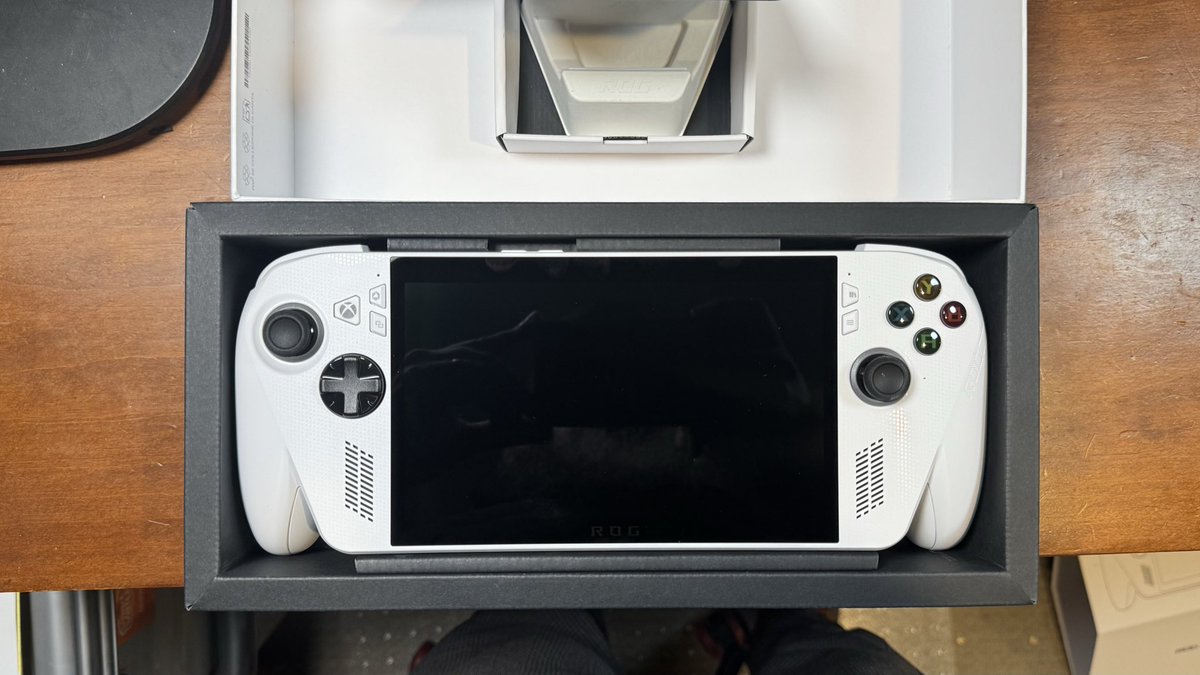
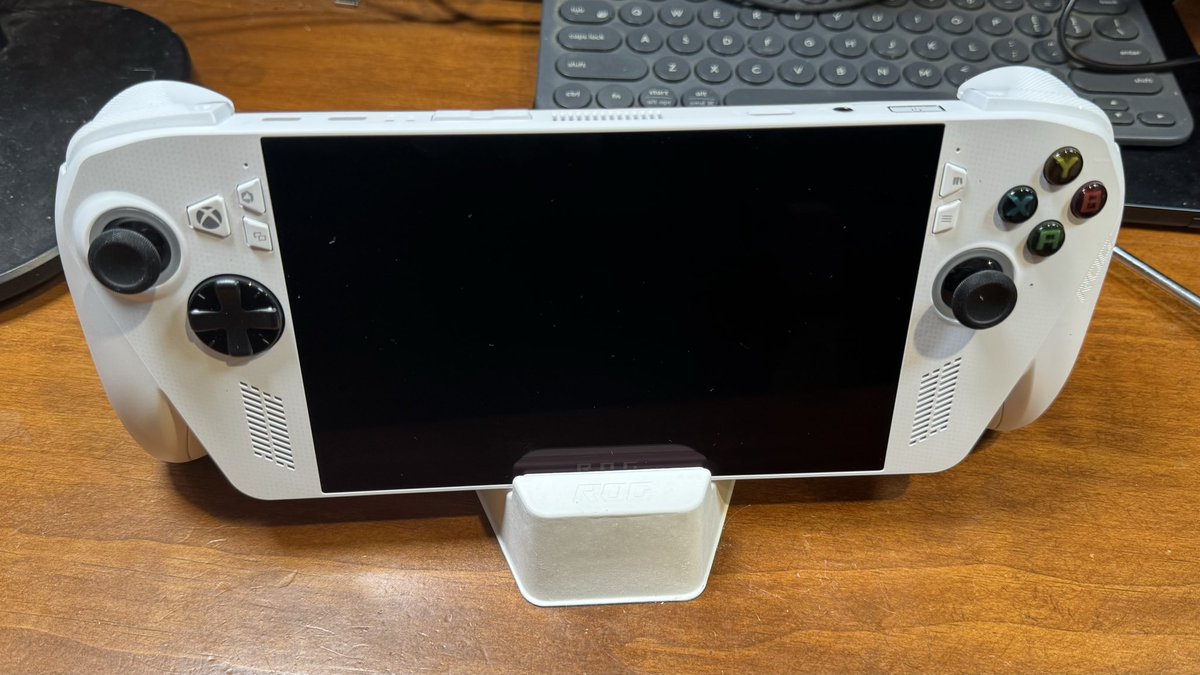
Today through my private forensic lab RHEM Labs I have commenced a replication and extension study of Eichhorn, Schneider and Pugliese’s 2024 forensic examination of the Steam Deck, using an ASUS ROG Xbox Ally as the target platform.
It isn't all fun and games though.
The original study showed that handheld gaming devices can produce meaningful forensic artefacts across accounts, installed applications, screenshots, logs, Wi-Fi configuration, user activity and communications-adjacent traces.
Our extension asks a practical casework question: what happens when the “gaming handheld” is not a closed console, but a full Windows 11 endpoint in a handheld chassis?
Our working hypothesis is that, because the ROG Xbox Ally is a full Windows 11 endpoint rather than a closed console, it should preserve the ordinary Windows forensic artefact layer — including SRUM, ShellBags, Prefetch, AmCache, Jumplists, LNK files, thumbnail cache, browser artefacts, registry activity, removable-media traces and cloud-sync residue — in addition to a wealth of gaming-platform-specific artefacts.
That distinction matters. A ROG Ally is not merely a console. It is a portable Windows endpoint with browsers, applications, removable storage, cloud access, communications clients and conventional Windows forensic artefact layers.
We have acquired the device and are now moving into controlled test-data generation, acquisition and artefact mapping.
This is not about claiming that these devices are common primary offending platforms. It is about determining whether, when encountered in digital forensic casework, they should be treated as serious access, viewing, communication and storage endpoints.
It wasn't that long ago that detectives would overlook iPads and other electronic devices at a scene not understanding the evidentiary value.
While we're not advocating for investigators to start seizing the old GameBoy understanding what these devices are capable of and what traces remain is the first step to repeatable forensic practice.
2
2
203

May 19
الـ Shellbags هي مجرد قطرة في بحر الأدلة الرقمية للويندوز، ولكنها غالباً ما تكون القشة التي تحسم القضية للمحقق الرقمي.
شاركوني: ما هي الأداة أو الأثر الرقمي (Artifact) المفضّل لديكم في التحقيق؟
1
84
May 19
كيف نحلل الـ Shellbags عملياً؟
قراءة الـ Registry بشكل يدوي معقدة جداً، لذلك نستخدم أدوات برمجية مخصصة تحول هذه البيانات إلى جدول مفهوم.
من أشهر هذه الأدوات:
🔹 ShellBags Explorer -من تطوير الخبير @EricRZimmerman
🔹 RECmd
بمجرد رفع ملف الـ Registry للأداة، ستظهر لك أسماء المجلدات، مساراتها، والتواريخ كاملة بشكل منظم.
1
2
54
May 19
ماذا نستفيد كمحققين من تحليل الـ Shellbags؟
إثبات المعرفة (Intent): إثبات أن المستخدم قام بفتح مجلد يحتوي على بيانات مسربة أو حساسة.
تتبع المجلدات المحذوفة حتى لو قام المتهم بحذف المجلد، يظل اسم المجلد وتاريخ فتحه مسجلاً في الـ Shellbags.
الجدول الزمني (Timeline):معرفة وقت فتح المجلد بدقة.
1
40
May 19
أين نجد هذا الأثر الرقمي؟
بما أن الـ Shellbags ترتبط بنشاط كل مستخدم على حدة، فإننا نجدها في مسارات الـ Registry الخاصة بالمستخدم:
1️⃣ NTUSER.DAT\Software\Microsoft Windows\Shell\Bags
2️⃣ UsrClass.dat\Local Settings\Software\Microsoft\Windows\Shell\Bags
ملاحظة للمحققين: الـ UsrClass.dat يحتوي على الأدلة الخاصة بالمجلدات الشبكية والـ Zip files والـ Desktop
1
33
May 19
ما هي الـ Shellbags؟
هي عبارة عن مفاتيح Keys يتم تخزينها داخل الـ Windows Registry.
وظيفة الويندوز الأساسية منها هي حفظ تفضيلات المستخدم لشكل المجلد (مثل: حجم الأيقونات، طريقة العرض، وموقع النافذة).
ولكن بالنسبة لنا كـ DFIR، هي دليل قاطع يثبت أن المجلد تم الوصول إليه وتصفحه
1
31
May 19
كمحقق رقمي في مجال الـ #DFIR قد يتبادر لذهنك سؤال: كيف يمكنني إثبات أن شخصاً ما قد قام بفتح مجلد معين وتصفح محتوياته، حتى لو قام بحذفه لاحقاً؟ 🕵🏻♀️🔍
الجواب يكمن في كنز رقمي داخل الويندوز يُسمى: Shellbags.
في هذا الثريد، سنتعرف على هذا الأثر الرقمي وكيفية تحليله
1
4
182

May 18
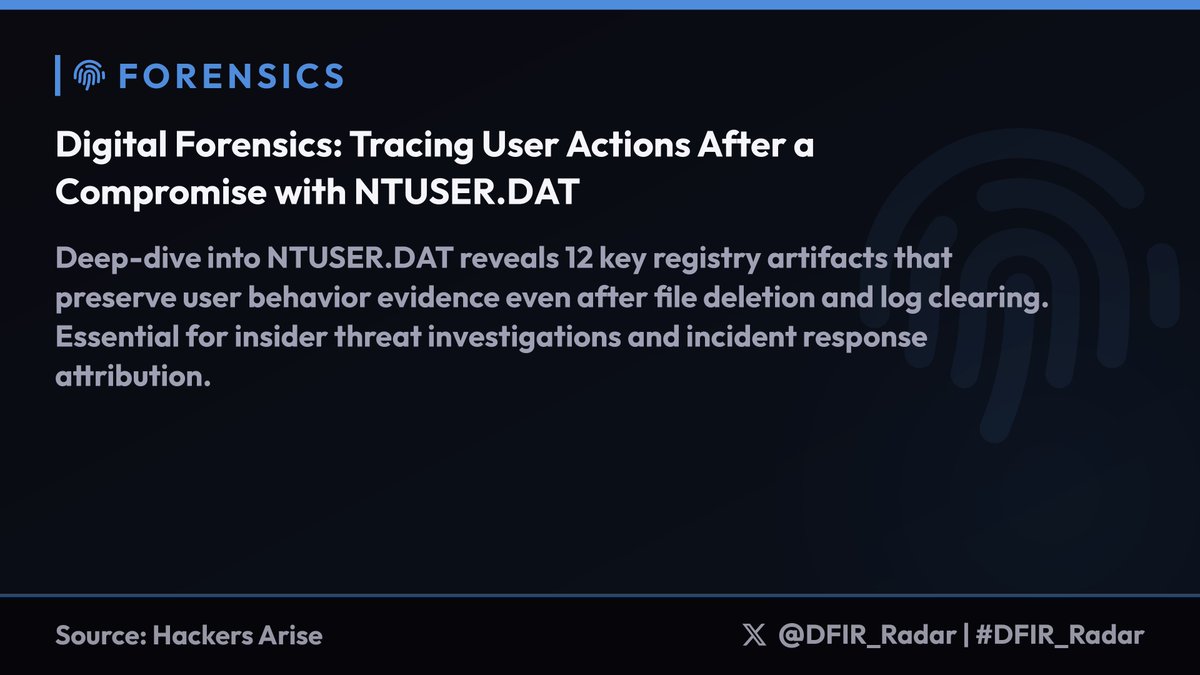
Deep-dive into NTUSER.DAT reveals 12 key registry artifacts that preserve user behavior evidence even after file deletion and log clearing. Essential for insider threat investigations and incident response attribution.
Key artifacts and locations:
• TypedPaths - Manual folder navigation in Explorer address bar (Software\Microsoft\Windows\CurrentVersion\Explorer\TypedPaths)
• ShellBags - Folder access evidence with timestamps, persists after file deletion (Software\Microsoft\Windows\Shell\BagMRU)
• RecentDocs - Last 150 accessed files by extension (Software\Microsoft\Windows\CurrentVersion\Explorer\RecentDocs)
• UserAssist - Program execution counts, runtime, focus time with full paths (Software\Microsoft\Windows\CurrentVersion\Explorer\UserAssist)
• RunMRU - Last 26 Run dialog commands showing user-initiated executions
• MountPoints2 - USB devices and network shares with GUIDs/paths
• Terminal Server Client - Outbound RDP connections for lateral movement detection
• OfficeMRU - Office document access across Word/Excel/PowerPoint versions
DFIR value: Ties user actions to specific accounts on multi-user systems. Critical for data exfiltration cases where RecentDocs TypedPaths ShellBags prove intent to access sensitive folders.
Parse with Registry Explorer for timestamps, RegRipper4 for automated extraction, or RECmd's Kroll_Batch config for comprehensive artifact pulls.
#DFIR_Radar
1
2
13
706


May 15
This is the kind of practical, evidence-driven digital forensics training I enjoy delivering.
#DigitalForensics #DFIR #Shellbags #WindowsForensics #CyberSecurity
1
20
May 15
In class, I demonstrated how to extract and analyze Shellbags, discussed their limitations, and examined anti-forensic techniques used to reduce this evidence.
Shellbags do more than show where a user has been. They provide insight into what the user intended to find.
1
1
22
May 15
Shellbags record the folders a user intentionally navigated to in Windows Explorer, including folders on local drives, USB devices, and network shares. They help investigators reconstruct a user’s thought process and show where their attention was focused.
1
15
May 15
Last Saturday, I taught my students about Shellbags, one of the most powerful Windows forensic artifacts for understanding user intent.
In many investigations, the key question is not whether a file/folder existed, but what the user was deliberately looking for.
1
3
8
185

May 11
Oui on peut retrouver encore des passages de la clef dans les shellbags, en étudiant le hive pour la Forensique
107

May 11
Yes, often. Windows can leave a surprisingly useful trail: device serial/vendor IDs, first/last connection times, mount points, recent files, shellbags, shortcut files, event logs, and sometimes evidence of copy activity.
“Deleted and removed quickly” does not mean “invisible.”
175


May 10
It would be logged, if an investigator uses Autopsy or Shellbags, the whole details of entry, interaction and exit will be found in USBSTOR under windows registry.
1
1,838