
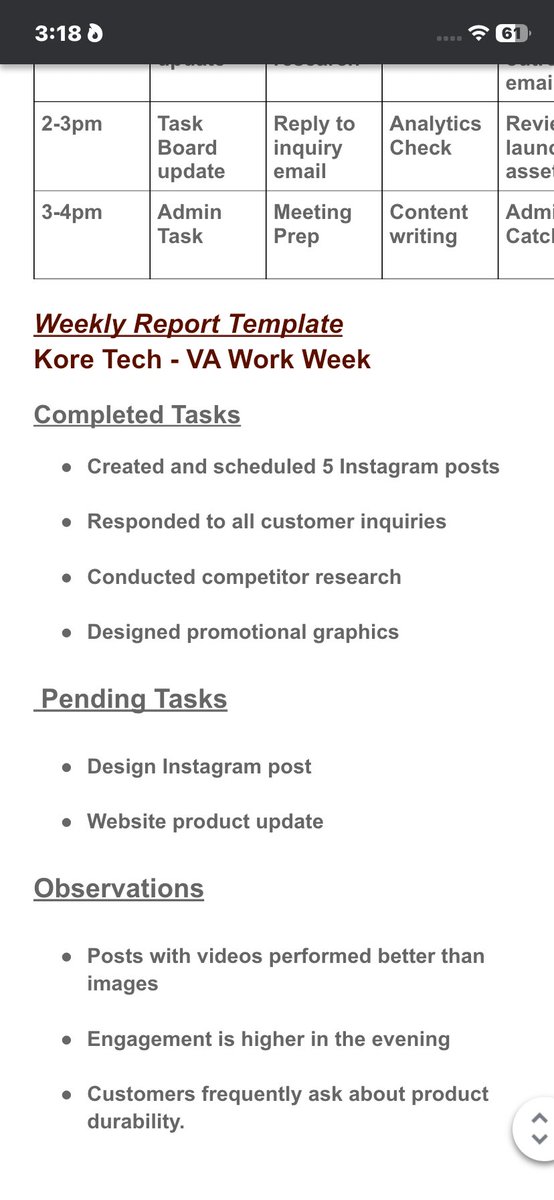
This is what real VA work looks like — not just tasks, but structure, systems, and consistency.
Documenting the journey. More coming.
Google Doc
Inbox, Calendar and weekly report : docs.google.com/document/d/1…
Client onboarding: docs.google.com/document/d/1…
#VirtualAssistant #TechVA
2
158

Mar 30
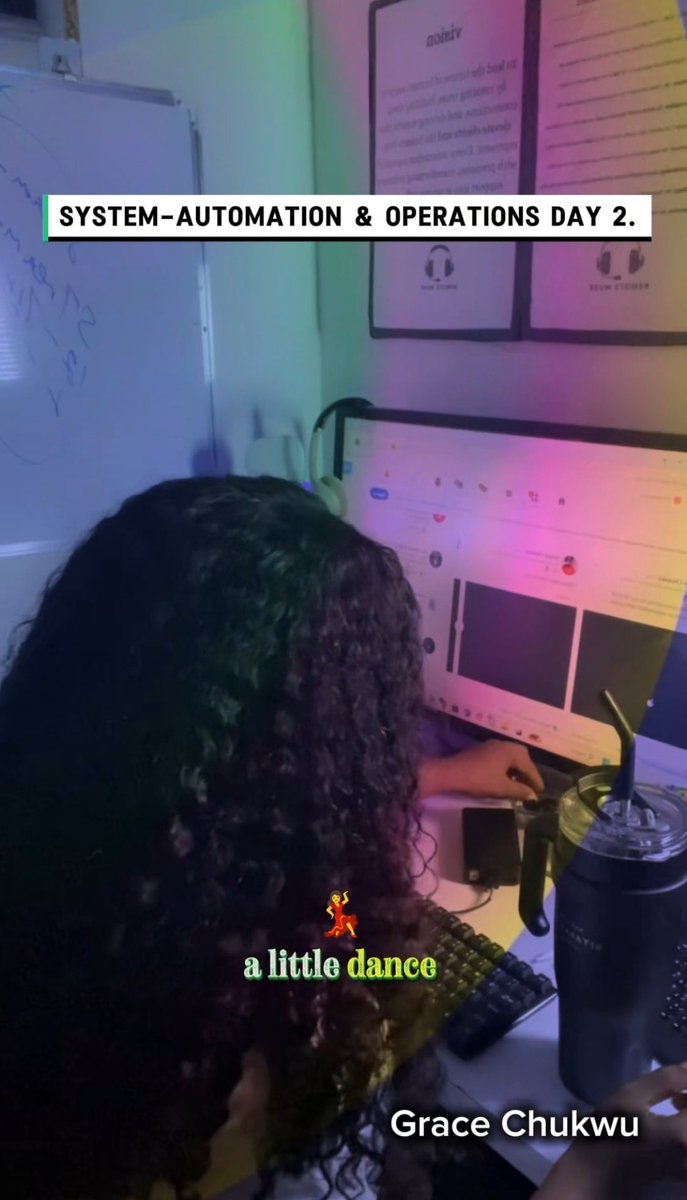
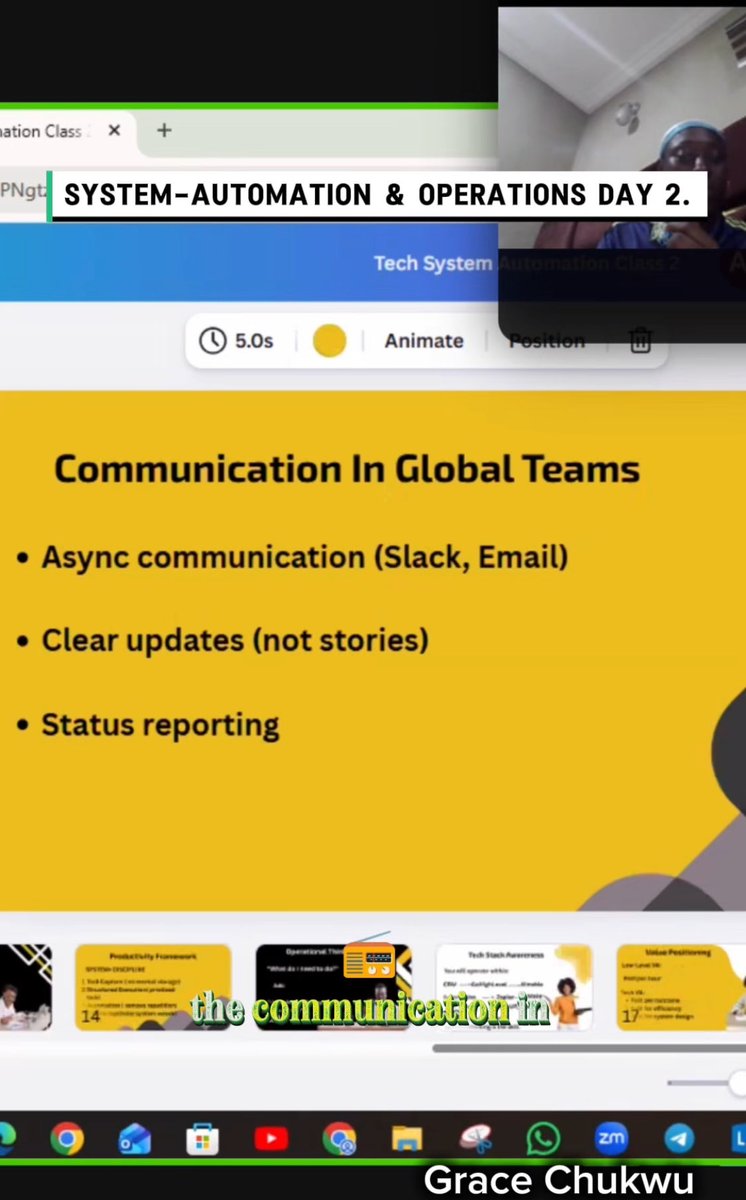
Day 2 of the System Automation Class and wow… my brain is buzzing🤯
Today we dove into what it really means to be a Tech VA, not just the tasks but the mindset.
Well done partner @Jayne_Dona
#TechVA #Automation #Productivity #WorkSmarter
1
1
3
40
Mar 28
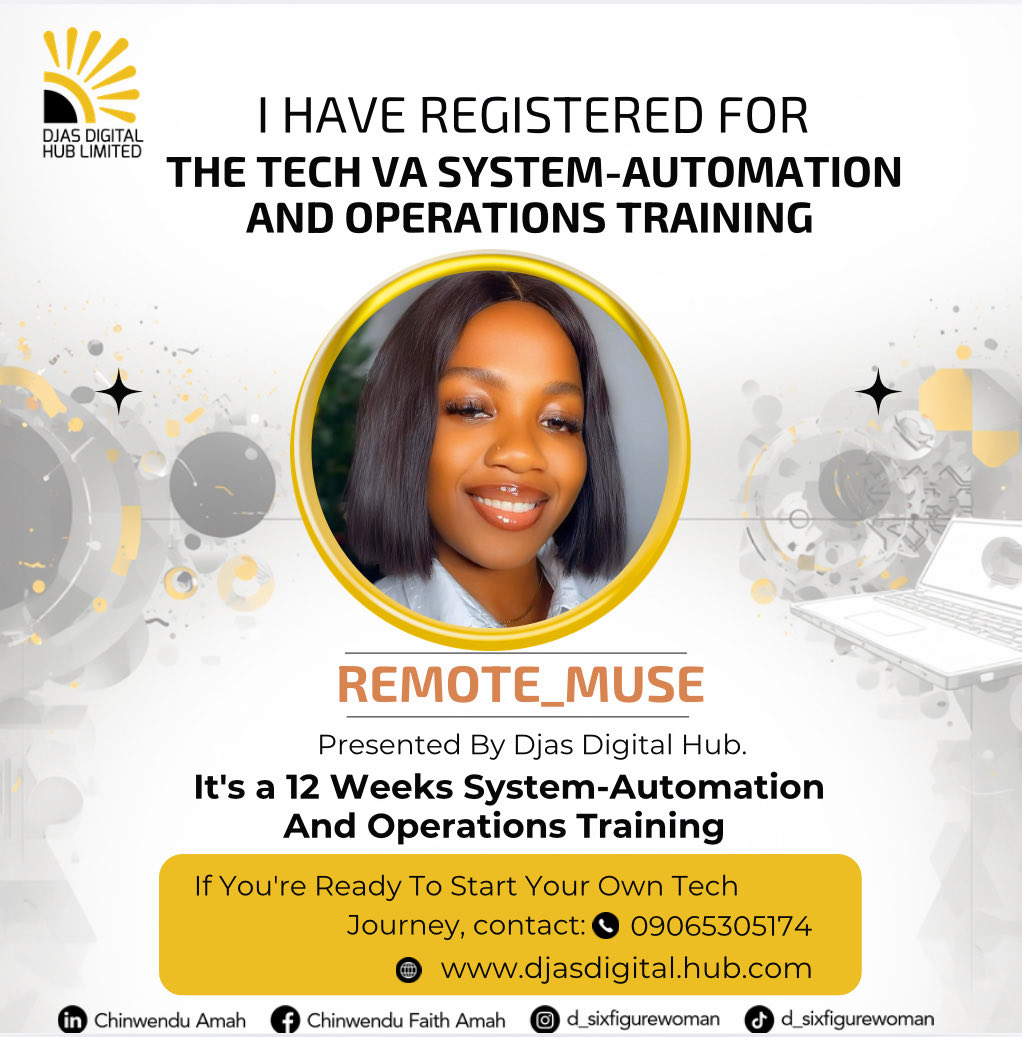
I’ve officially registered for a 12-week Tech VA System-Automation & Operations Training with Djas Digital Hub.
This is not just another course… it’s a skill upgrade that will redefine how I work, deliver, and create results.
#TechVA #VirtualAssistant #SkillUpgrade #Automation
2
3
22
GM Everyone, Happy Weekend, Please Rest 🙌
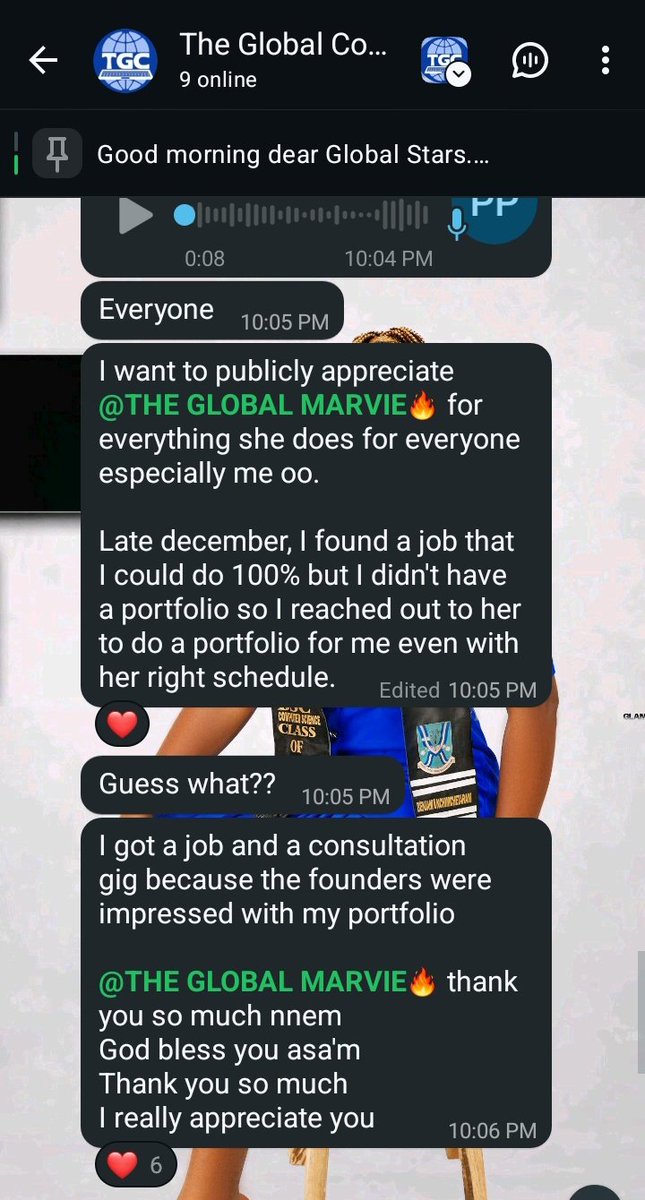
Let me brag a little 🤭💪
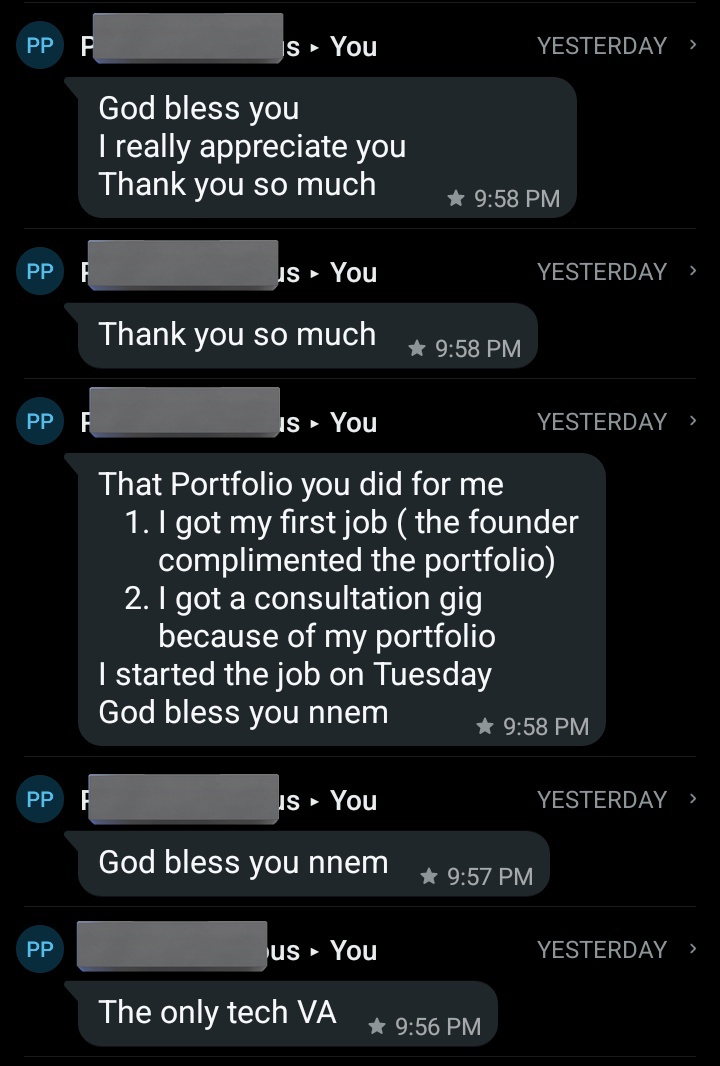
In her words: 👇
"Marvie, That Portfolio you did for me
1. I got my first job ( the founder complimented the portfolio)
2. I got a consultation gig because of my portfolio, I started the job on Tuesday. God bless you"
I am a Digital Portfolio Creator and I can help you design Portfolios that will land you opportunities.
It's not chochocho, I dey show workings 😌
This should be the 10th Portfolio I am creating or thereabout.
DM today, let's help you land that gig. Btw, she's a community member. To join my community, use this link to register: [selar.com/3531k59145]
#TechVA
#DigitalPortfolioCreator
1
9
12
1,500


Friday reminder: You don’t need to do everything yourself. Delegate, automate, and focus on what moves the needle. #TechVA #FridayMotivation
5
38

To anyone else avoiding the "hard" tech tools, Just start!
The fear of breaking it is worse than actually doing it. I’m officially moving my tech stack to the big leagues. 🚀 #BuildInPublic #TechVA
1
1
3
34

I wish I started earlier, learning while applying. Waiting to feel full ready only delays growth. Consistence and transferable skills make the difference.
#TechVA #CustomerswrviceVA #Remoteworkers #Remotejob
Jan 9

Remote workers,
What’s ONE thing you wish you started doing earlier?
I mentor job seekers and would love to help them avoid delays.
6
45

3 Nov 2025
Most of us Virtual Assistants use these tools daily but we don’t realize how powerful their AI features are.
Take a read and kindly RT so someone else can gain 🙌
1) Notion AI - Your smart workspace just got smarter.
- Use Notion AI to summarize meeting notes, draft content, and organize client data instantly.
Tip: After a client meeting, click "Ask AI" → "Summarize Page" to get an instant recap and next steps.
2) ClickUp AI: If you manage projects or client tasks here, you’ll love this one.
- It can summarize updates, write reports, and generate task descriptions for you.
Tip: Let ClickUp AI summarize your weekly client updates, saves hours!
3) Slack AI: Say goodbye to scrolling through endless messages.
- Slack AI can summarize threads, highlight key points, and find information faster.
Tip: Missed a team discussion? Type "summarize thread" and catch up in seconds.
4) Otter.ai: Perfect for client meetings, coaching calls, or interviews.
-It transcribes in real time and produces smart AI summaries action items.
Tip: Send your client a summary of the call 5 mins after it ends, effortless professionalism.
5) Loom AI: If you send video updates or tutorials, Loom’s AI helps you do more with less.
- It generates auto transcripts and summaries instantly.
Tip: Use Loom AI to turn video updates into shareable text summaries for clients.
6) Canva Magic Studio: From "Magic Write" to "Magic Edit," Canva’s AI helps you design smarter.
Tip: Use Magic Write to draft captions while designing, your content creation just got 2x faster.
7) GrammarlyGO: Beyond grammar, it rewrites, shortens, or expands text instantly.
Tip: Use it to adjust tone for client emails; professional, friendly, or persuasive in one click.
VAs who learn to leverage AI inside the tools they already use will always work faster, smarter, and deliver more value.
AI isn’t replacing VAs, it’s upgrading them. Let AI work for YOU!
#VirtualAssistants
#TECHVA
9
25
69
2,286
31 Oct 2025
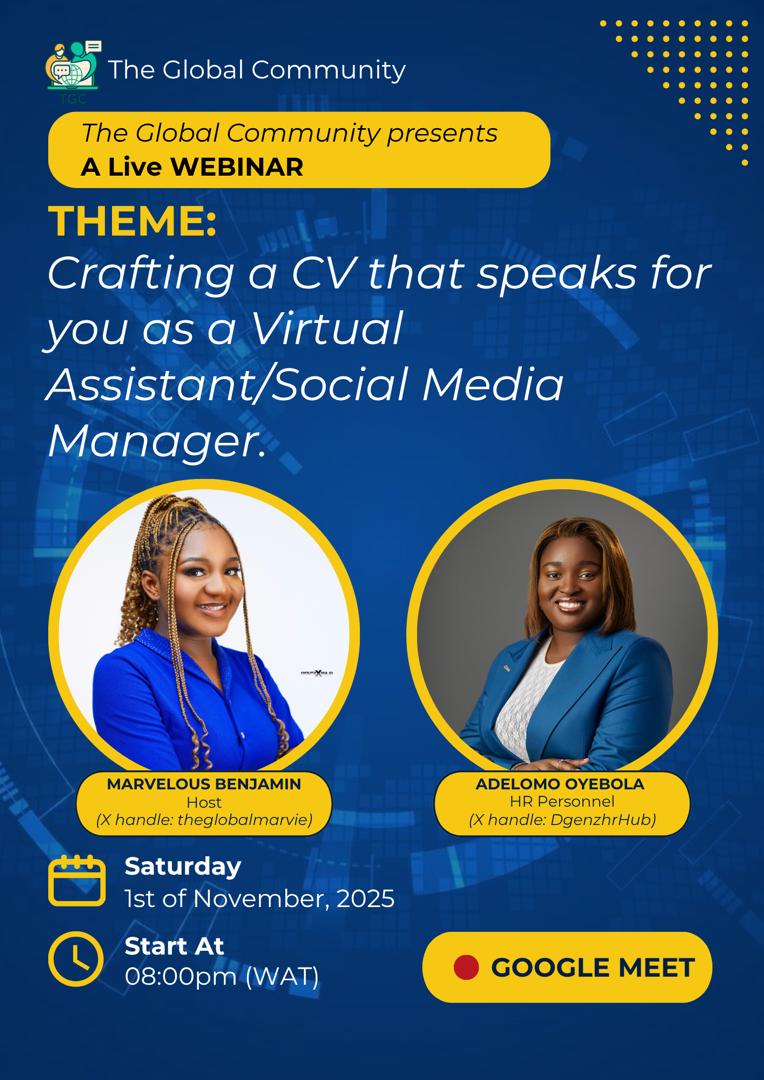
We’re now over 100 Virtual Assistants and Social Media Managers in #TheGlobalCommunity 💃💃
To celebrate, we’re hosting a special session with @DgenzhrHub, who’ll be educating us on a vital topic.
Want to join? Send a DM to @MaimunatAbidemi to join tomorrow’s session.
#TECHVA
8
12
87
4,865
30 Oct 2025
VAs, are you still using just the yellow star in Gmail? 😅
You're missing a simple productivity hack. Gmail has 12 different colored stars and symbols (⭐️💛💚💙❤️💜).
Each can represent a specific task or category to visually sort and prioritize emails instantly.
A 🧵
#TECHVA
12
17
71
1,911
28 Oct 2025
LinkedIn isn’t just a job board; it’s a visibility engine.
The more you engage, the more doors you open.
Save this thread and kindly RT, someone will find it helpful.
12/12
#VirtualAssistant
#TECHVA
1
2
297

Imagine calling the foundation of a house “too basic.”
You can’t build the roof (Email mgt, lead Gen, designing, TechVA, copywriting, UI/UX, design) without first laying bricks.
That’s what being a VA teaches, the system behind the success.
1
2
13
28 Oct 2025
Once you set your system right, Google Sheets becomes more than data storage, it becomes your control center.
Start small, organize one sheet today and you’ll thank yourself later.
Please RT for others and bookmark; you will need it later.
9/9
#TECHVA
#VirtualAssistant
1
6
371
27 Oct 2025
Thank you for following this 15-day journey.
Day 15 isn’t the end, it’s the start of the next chapter. Watch this space 💃
Please check the pinned post on my profile and tag someone you will love to learn from, I may bring them to you.
Bye.
8/8
#VAJourneyWithMarvie
#TECHVA
5
103
24 Oct 2025
Good Morning 🙌
Have you been following this #VAJourneyWithMarvie series? If yes, let me know what you've learnt so far. Today is Day 12 already 💃
If you're on LinkedIn, Let's connect: linkedin.com/posts/marvelous…
#VirtualAssistant
#TECHVA
23 Oct 2025

Day 11 | VA to VA Series: If I Knew What I Know Now When I Started…
If I knew what I know now when I started as a Virtual Assistant,
I would have learnt how to say "NO" and to rest without feeling guilty.
Because burnout doesn’t happen overnight, it builds up quietly.
A 🧵
4
4
22
779
22 Oct 2025
10 days in, and I can say this: Being a Virtual Assistant is not just a JOB. It's growth in MOTION ✅
Five more days to go. I hope you're learning. Kindly RT.
11/11
#VAJourneyWithMarvie
#VirtualAssistant
#TECHVA
1
4
176
21 Oct 2025
Hard skills might get you hired but soft skills keep you hired.
That’s the real secret. 🔥
If you’re following my #VAJourneyWithMarvie series,
Day 9 is your reminder to take your soft skills seriously 💯
Tomorrow is Day 10 already 💃
I hope we're all learning 🙌
#TECHVA
1
11
185
20 Oct 2025
If your work can’t cross borders, your growth will hit limits.
@ikpia_isioma broke down what global relevance truly means (and how to build it) in the webinar we had on Friday. You should take a read to understand more here: 👇👇
linkedin.com/posts/marvelous…
#TECHVA
1
11
368
15 Oct 2025
10. So wherever you are in your VA journey; keep learning, keep experimenting.
Your direction will get clearer with every client, every project, and every step but while at it, please identify what you're good at and prepare to niche down.
#Day3
#VAJourneyWithMarvie
#TECHVA
1
8
410