
May 22
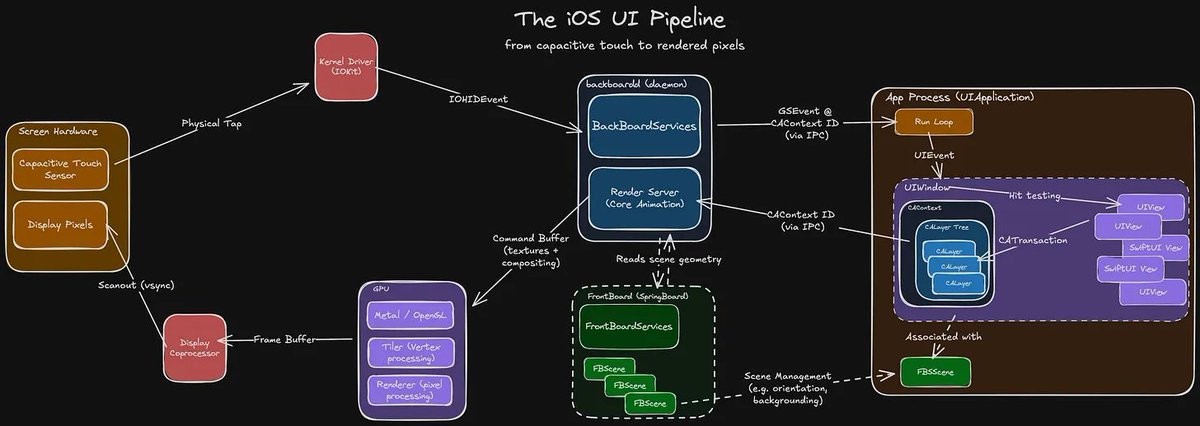
The run loop passes touch events to the UIApplication object, which converts them into UIEvents and dispatches them via sendEvent(_:) to the relevant UIWindow for the active scene. The window, in turn, dispatches the event to a UIView, determining the target via hit testing.
The UIWindow forwards the UIEvent to the target view, firing the touchesBegan(_:with:) method, or other appropriate UIResponder method. Now that we’re no longer mucking about inside subterranean system internals, we might as well demonstrate with a nice visual example to make the most of the light of day.
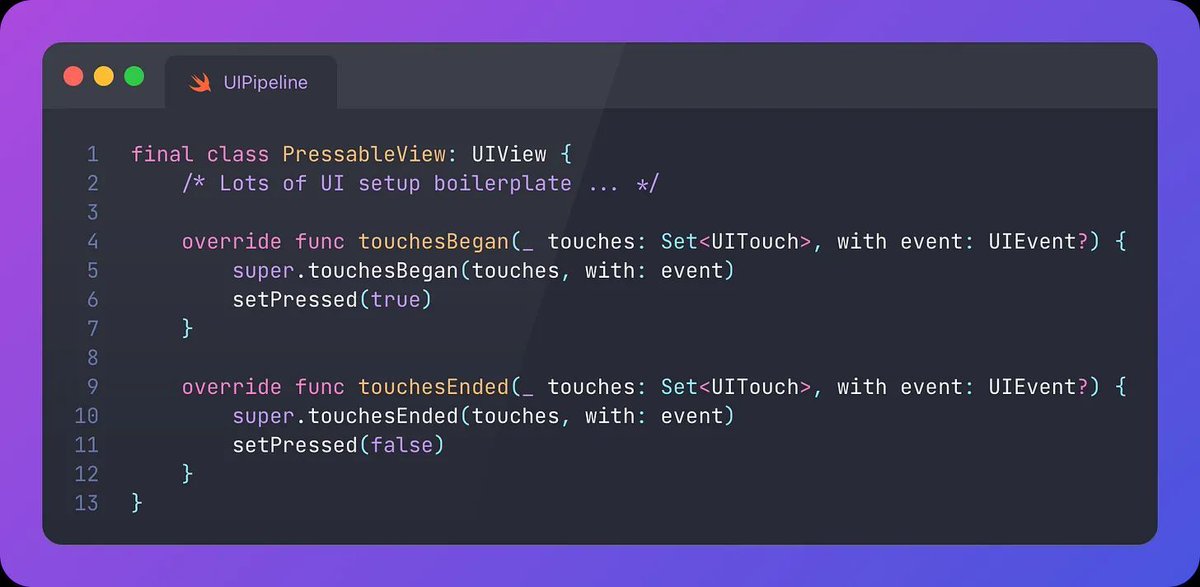
Let’s create a custom skeuomorphic 3D button by subclassing UIView, complete with the aforementioned UIResponder methods:

When a user touches down, it presses in. Just like a real button should. No liquid glass nonsense here.
The full pipeline just ran before your eyes. Back up.
To understand what happens after your tap event is registered, we should clarify that UIViews in UIKit are ultimately backed by Core Animation CALayers.
Read Touch to Pixels: UI Pipeline Internals on iOS right here ⚙️ blog.jacobstechtavern.com/p/…
12
867
May 13
The UI pipeline is a complex beast, orchestrating across several lightly-documented systems. It’s tough to find a throughline that can explain it all.
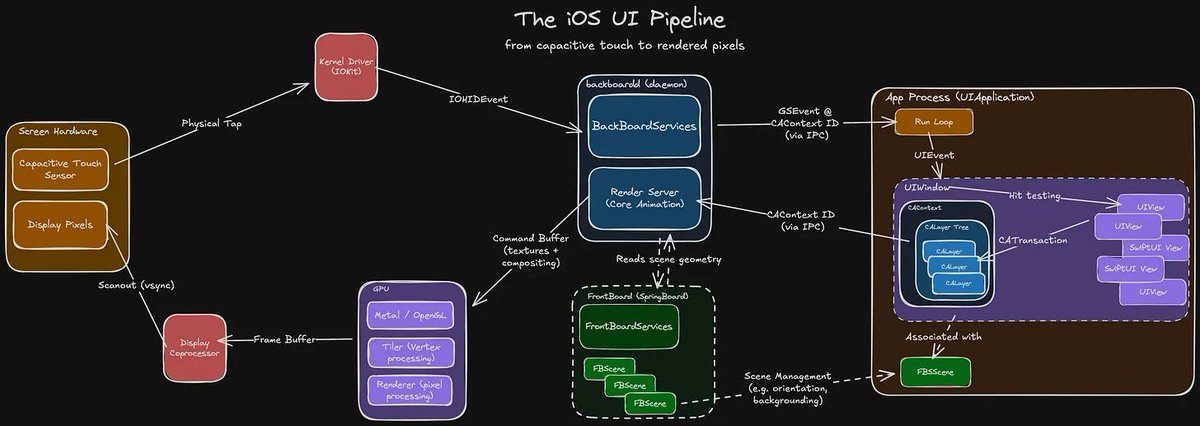
Today we’re tracking the journey of a touch event: from sensors, to your code, and back up to pixels, through every system along the way:
- Your finger taps the capacitive touch sensor.
- The kernel creates a touch event via hardware drivers.
- backboardd handles the event and forwards it to your app process.
- Your app’s run loop passes a UIEvent to the relevant view.
- Your code performs a CATransaction to update its layer tree.
- The UIWindow’s CAContext bridges to the render server via IPC.
- The render server rasterises and composites layers across each process.
- It then issues drawing commands to the GPU for compositing and animation.
- A frame buffer of pixels is generated and sent to the display hardware.
Read Touch to Pixels: UI Pipeline Internals on iOS right here ⚙️ blog.jacobstechtavern.com/p/…
11
793

13 Nov 2025
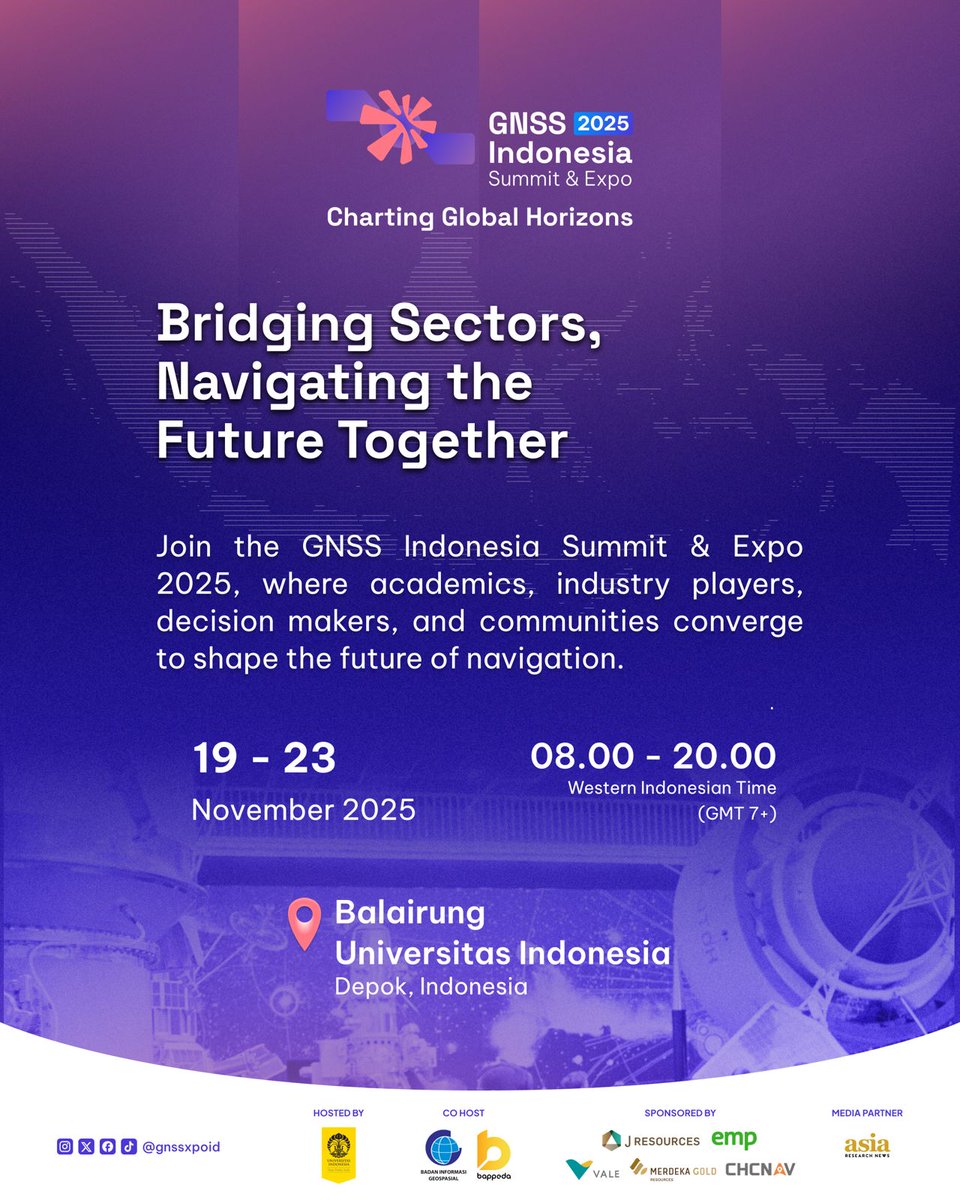
Halo, Sobat UI! 👋🏻
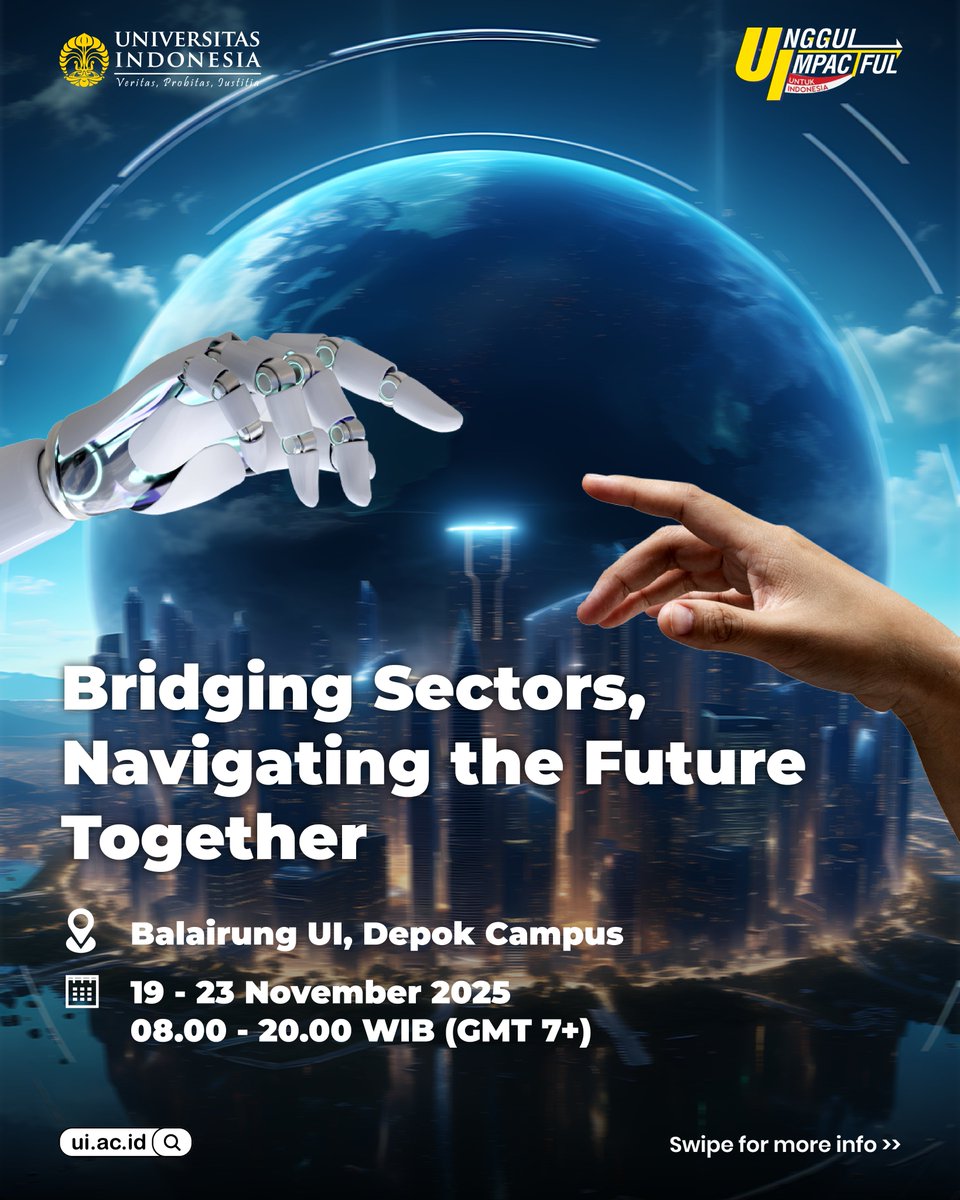
Bersiaplah untuk menyaksikan ajang geospasial terbesar di Indonesia, tempat inovasi dan inspirasi berpadu untuk menghadirkan solusi nyata menuju masa depan yang lebih cerdas dan berkelanjutan. 🌍
🔹 Jelajahi dunia teknologi GNSS terkini
🔹 Temukan bagaimana inovasi satelit mendorong transformasi spasial dan keberlanjutan
🔹 Bangun koneksi dengan para pemimpin industri, peneliti, dan penggerak perubahan
🔹 Nikmati pameran, talk show, dan banyak kegiatan menarik lainnya!
Catat waktu dan tempat di bawah ini ya agar tidak terlewat:
📍 Balairung, Universitas Indonesia, Depok
🗓 19–23 November 2025
Jangan hanya menjadi penonton masa depan, jadilah bagian dari transformasinya! 💡
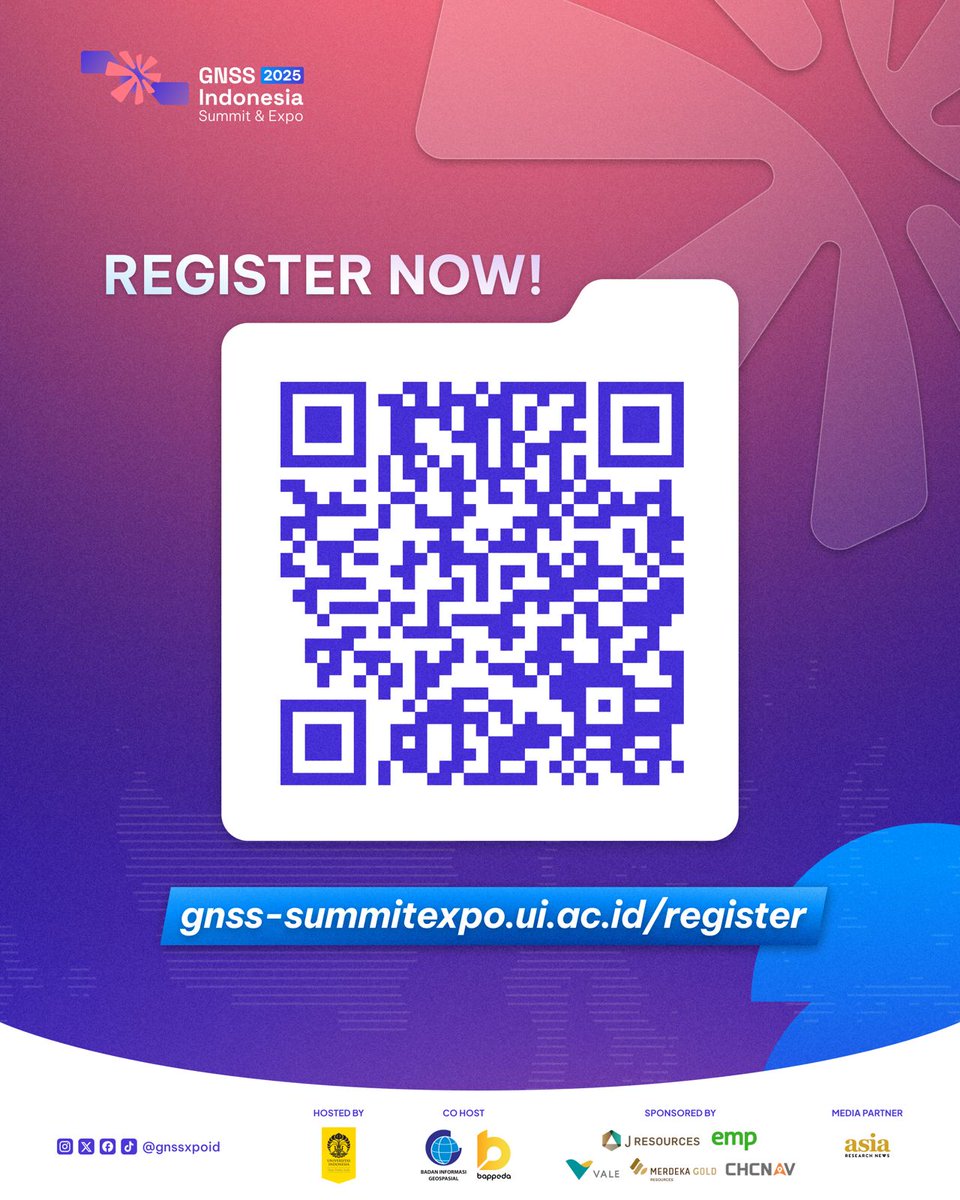
Daftar sekarang di gnss-summitexpo.ui.ac.id/reg… atau pindai QR code pada unggahan di atas.
#GNSS2025 #UIEvent #InnovationForSustainability #GeospatialFuture #UniversitasIndonesia
1
2
4
1,825

24 Jun 2025
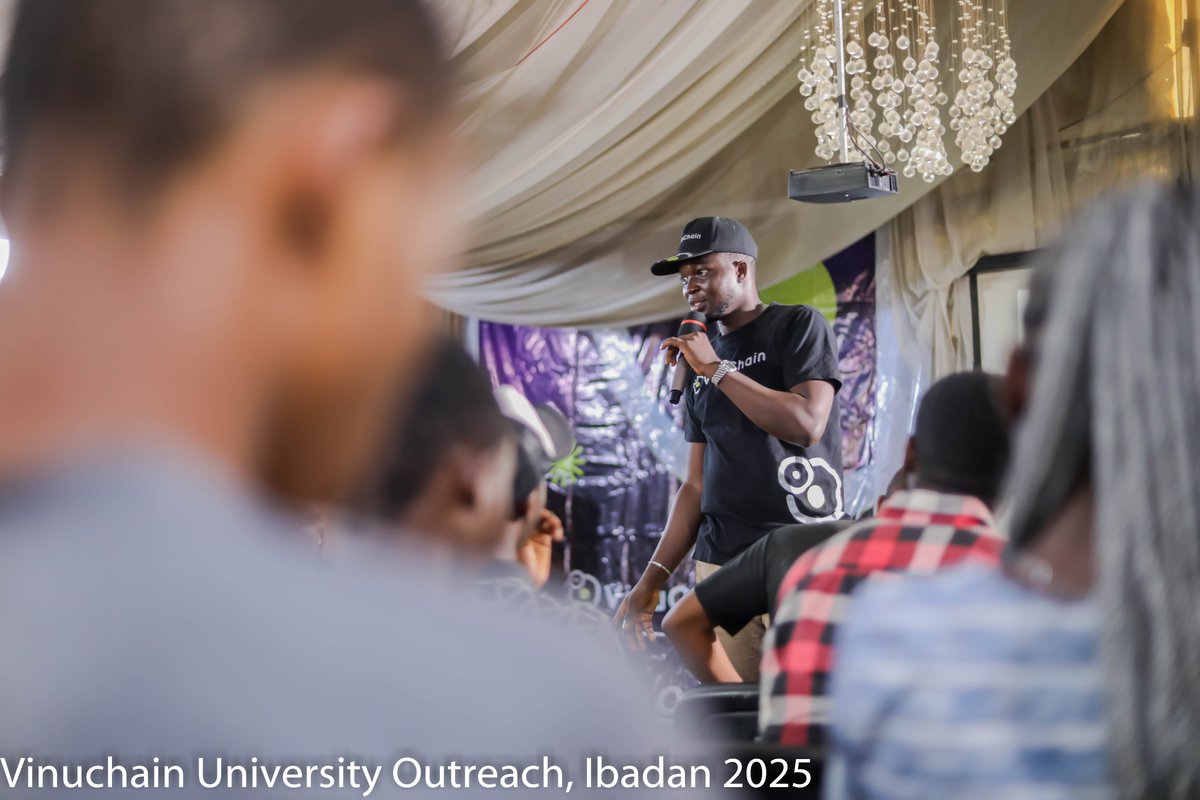
🌟 The pics from the recent @VinuChain University Outreach are LIVE on our website! Check them out: vinuchainafrica.github.io/ga…
A huge shoutout to the @B_chainUI and Student Finance Club for their amazing support despite the rain—your resilience rocks!
#VinuChain #UIEvent
1
8
43
1,457
14 Jun 2025
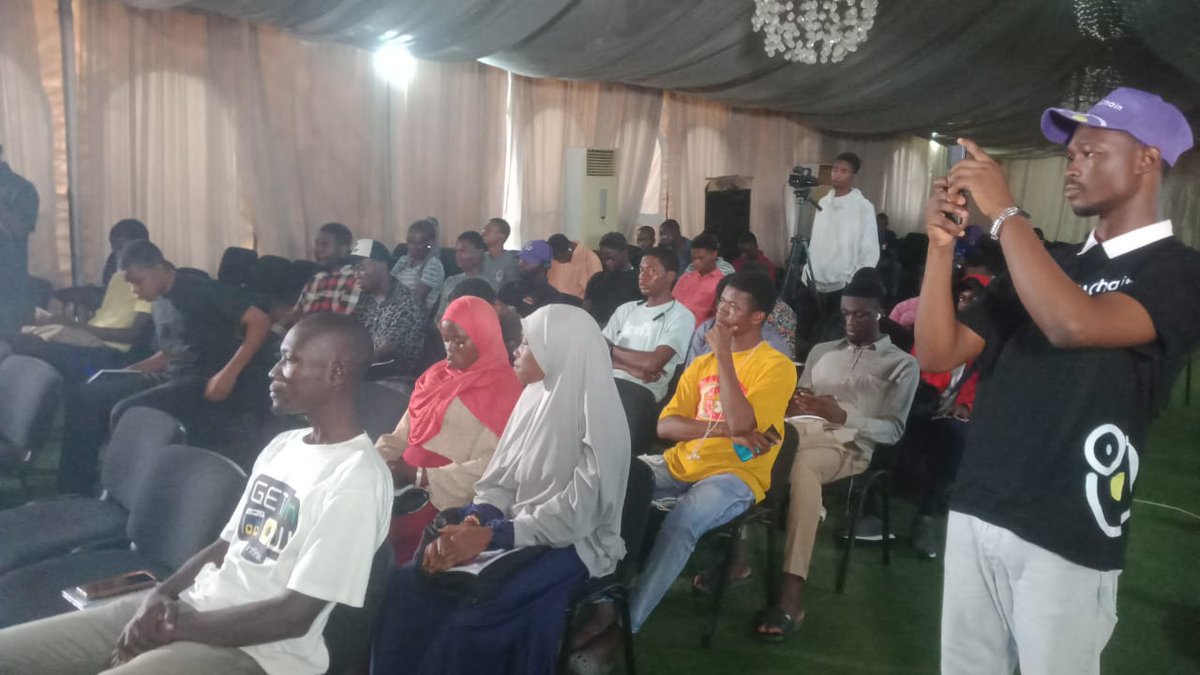
🌧️Rainy weather couldn’t dampen the blockchain spirit at #UIEvent! Despite the downpour, people have shown up in force for the VinuChain University Outreach, buzzing with crypto excitement.
Join us virtually—livestream live now! youtube.com/live/dgstRhWbXLQ…
4
19
255
13 Jun 2025
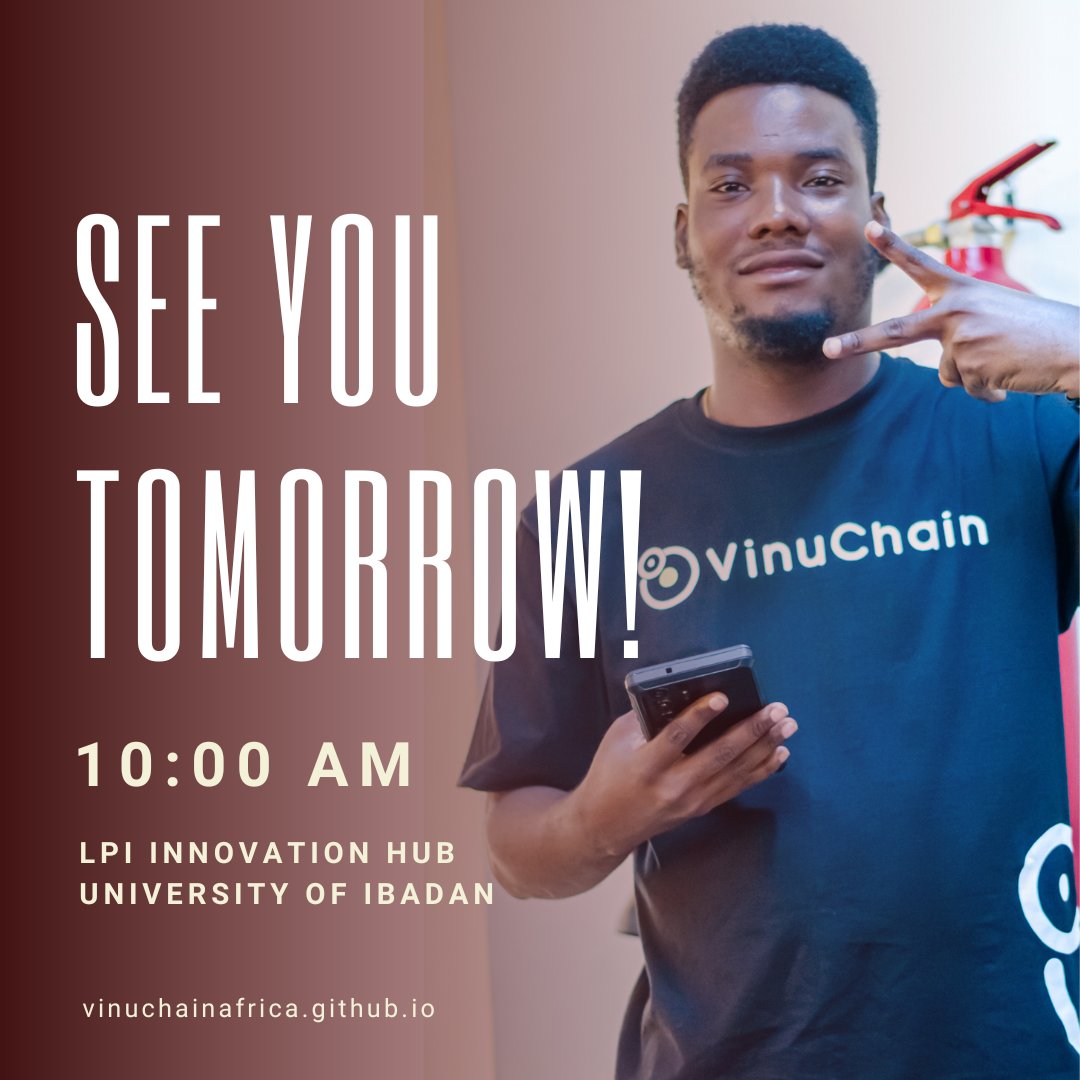
🚨 Tomorrow’s the @VinuChain UI Outreach! Join us June 14 at 10 AM for blockchain insights! Last chance to register! 🔗 forms.gle/VK6fSR9f8RXF3LTZ9
@B_chainUI
#VinuChain #UIEvent #BlockchainRevolution #June
2
26
2,176
12 Jun 2025
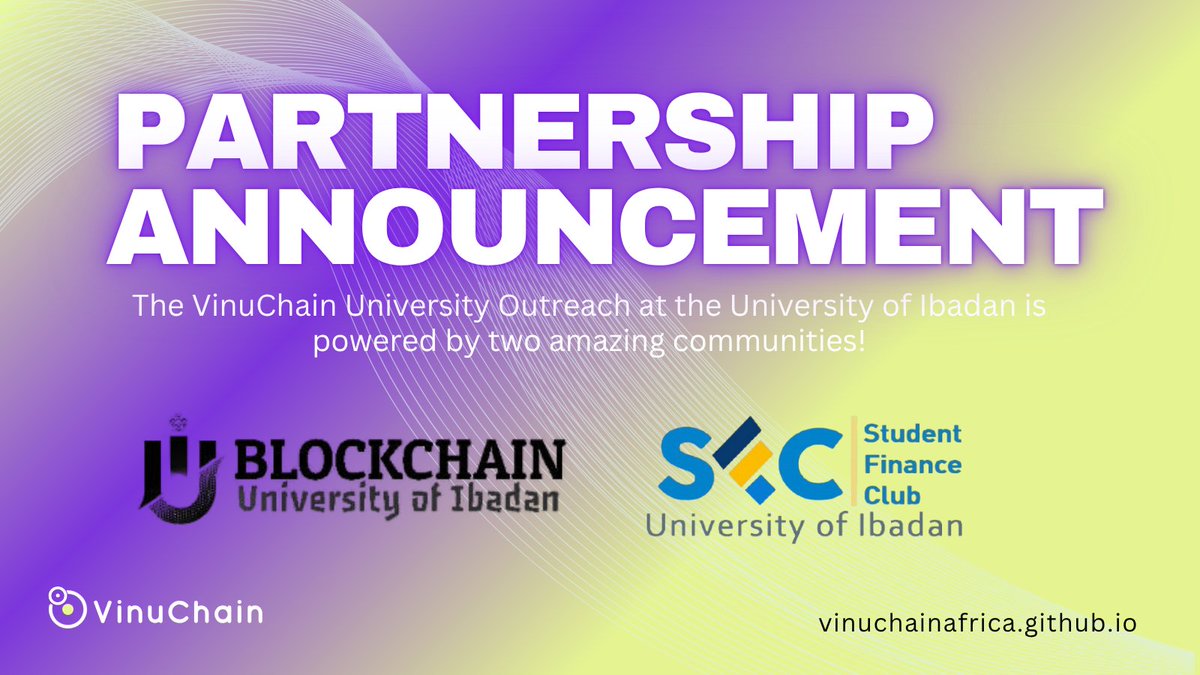
🚨 UI Blockchain Awareness Program just leveled up! Powered by TWO epic community partners, @B_chainUI and SFCUnibadan, we’re set to rock June 14! Join us by 10AM—register NOW! 🔗 forms.gle/VK6fSR9f8RXF3LTZ9
#VinuChain #UIEvent #CommunityPower #Blockchain
1
2
15
237
12 Jun 2025
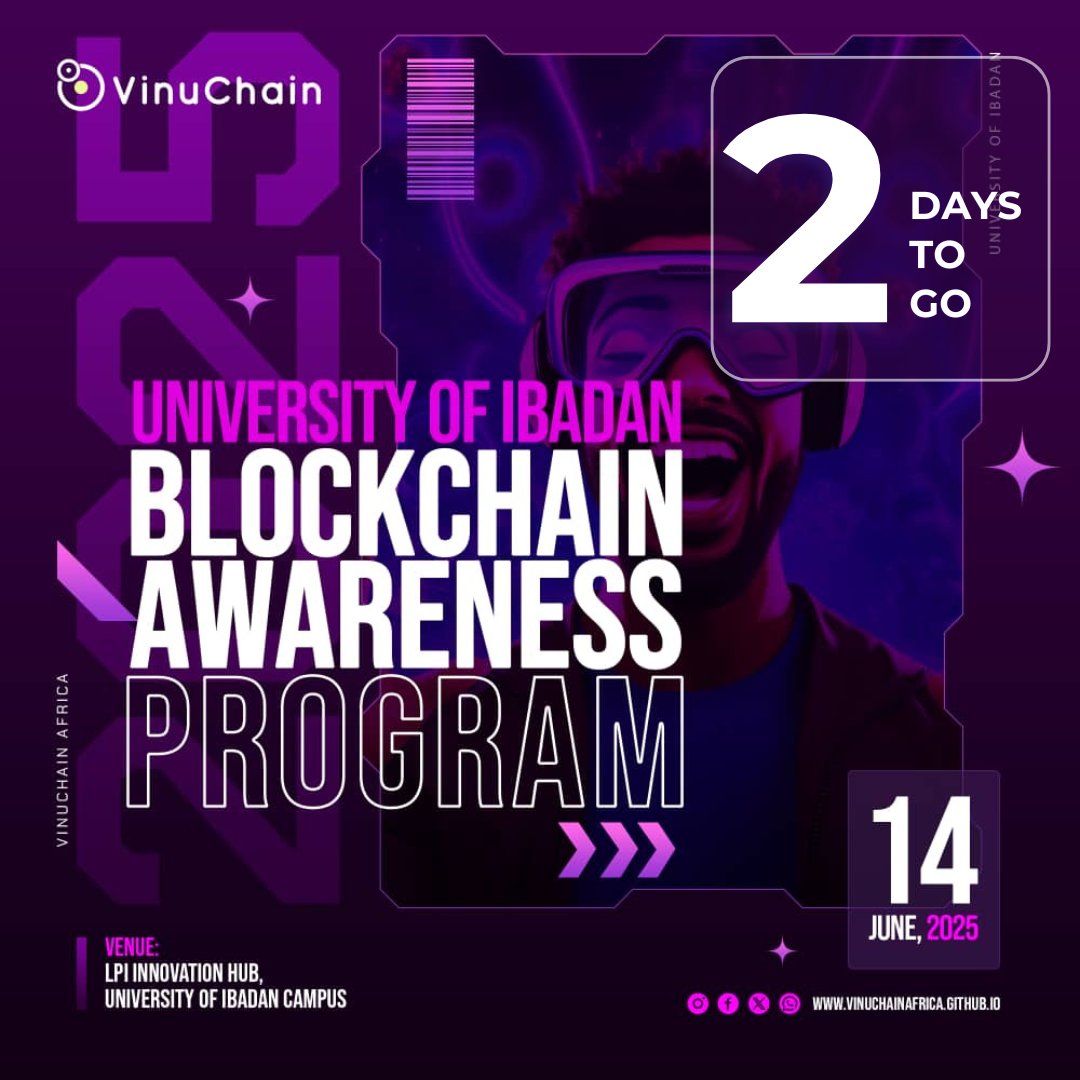
⏰Only 2 days left to join @VinuChain’s UI Outreach on June 14! Don’t miss blockchain insights & networking!
See highlights of past events here: vinuchainafrica.github.io/ga…
Register here 🔗: forms.gle/VK6fSR9f8RXF3LTZ9
#VinuChain #UIEvent #Blockchain
1
14
198
9 Jun 2025
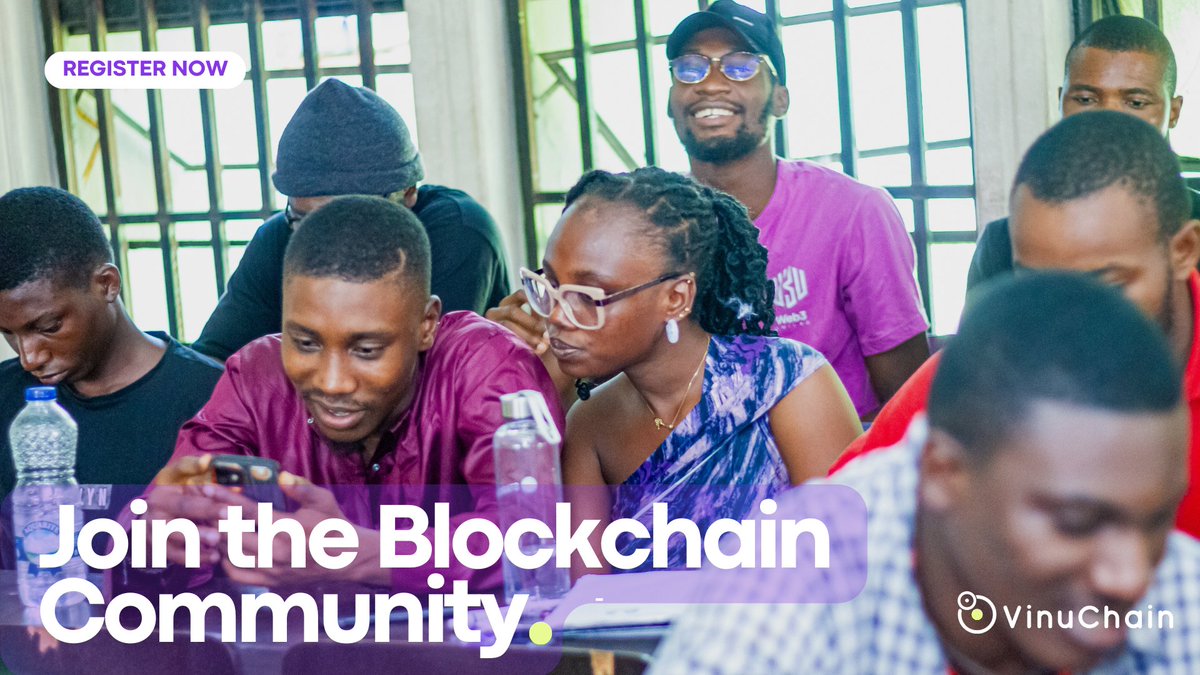
🤝Our very first event at the University of Lagos was all about connections! Join the blockchain community at the University of Ibadan on June 14.
Gallery: vinuchainafrica.github.io/ga…
Register now 🔗: forms.gle/VK6fSR9f8RXF3LTZ9
#VinuChain #UIEvent #UNILAGSuccess Ojude Oba Ijebu
1
2
12
194
8 Jun 2025
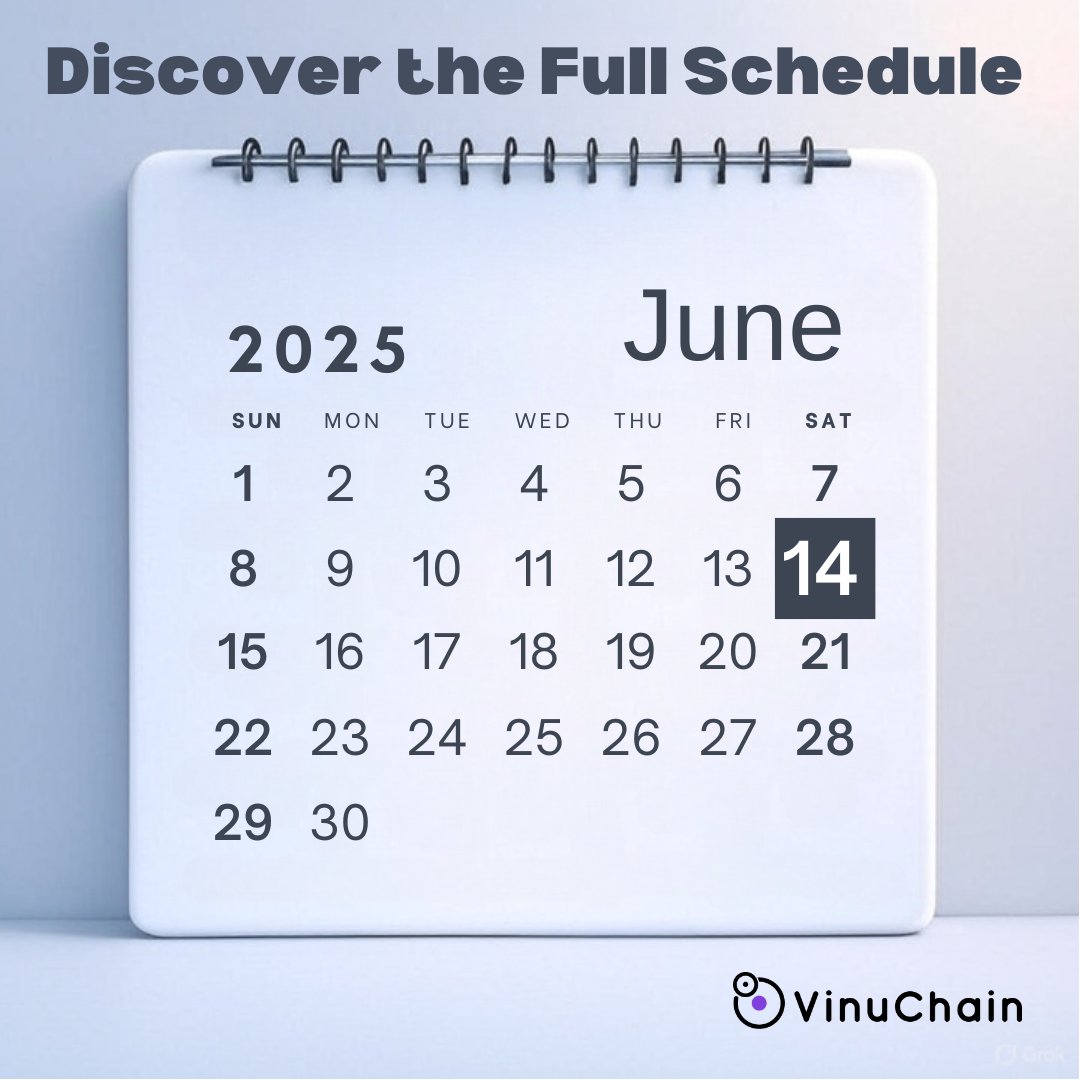
🗓️Curious about the @VinuChain UI Outreach? Check the full schedule on our site! Don’t miss June 14! vinuchainafrica.github.io/sc…
Register: forms.gle/VK6fSR9f8RXF3LTZ9
#VinuChain #UIEvent MOTM GOAT
1
3
28
284
7 Jun 2025
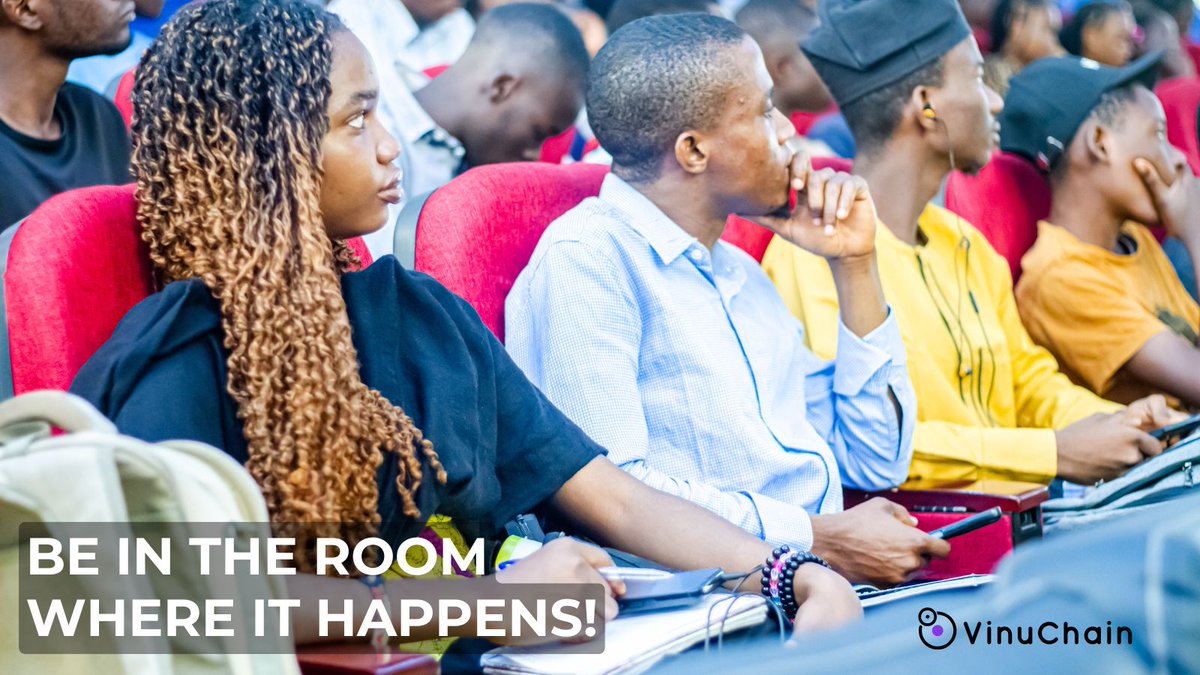
📸Feel the OAU energy! Join the blockchain buzz at @VinuChain’s UI Outreach on June 14.
Gallery: vinuchainafrica.github.io/ga…
#VinuChain #UIEvent Eid Mubarak Coco #EidAlAdha #EidulAdha2025
2
26
219
6 Jun 2025
⚠️ Limited seats for @VinuChain's UI Outreach on June 14! Don't miss out on learning blockchain from the best!
register today! 🔗 forms.gle/VK6fSR9f8RXF3LTZ9
#VinuChain #Blockchain #UIEvent #TechEvents
2
21
239
5 Jun 2025
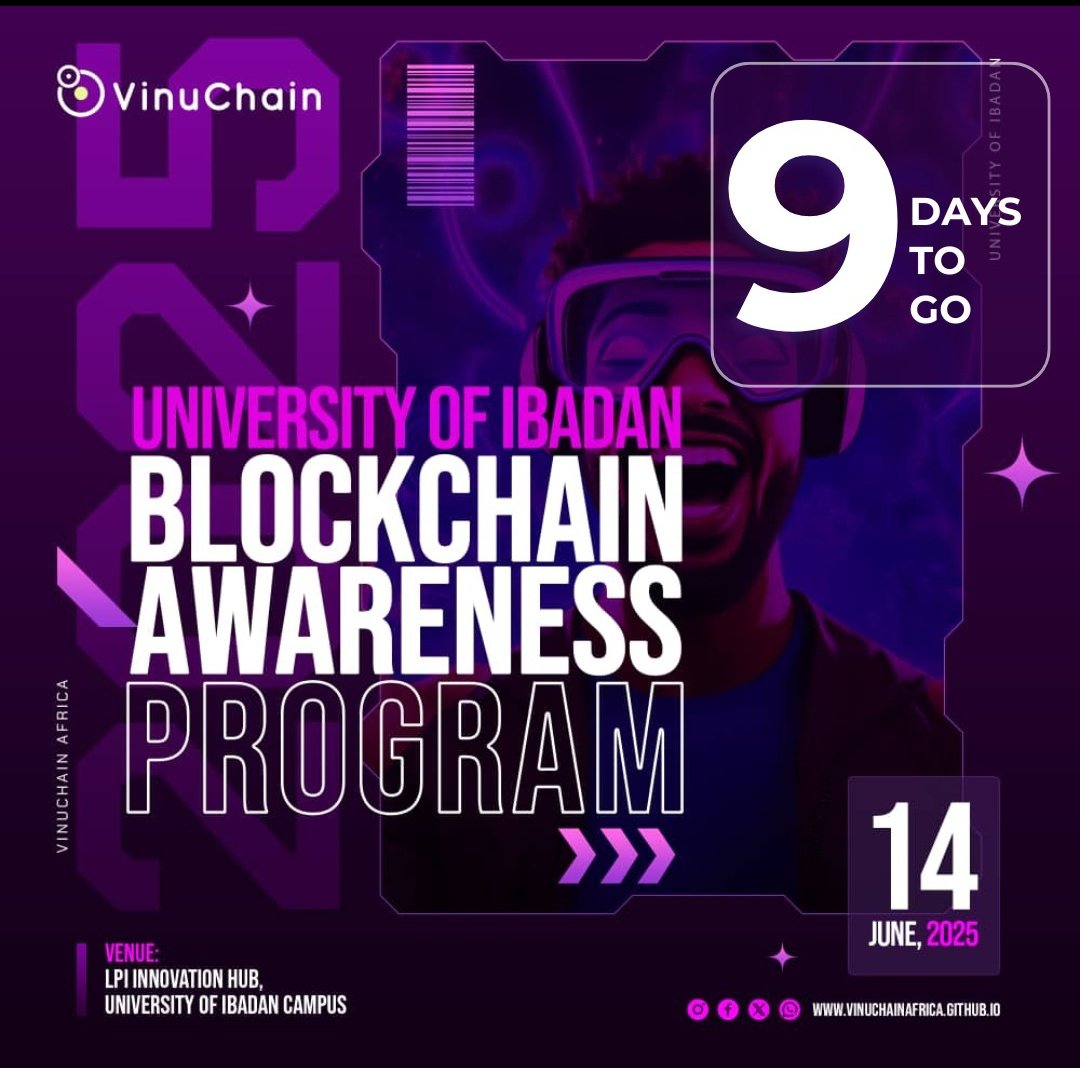
🚨 9 days to go! @VinuChain University Outreach at UI is coming June 14! Learn blockchain, network with experts, & secure your spot!
🔗forms.gle/VK6fSR9f8RXF3LTZ9
#VinuChain #Blockchain #UIEvent #VINU #VC
4
26
438

24 Jul 2024
モバチキ 〜Mobile Tips 共有会〜 #5
Modeling UiEvent
本日の発表資料です
speakerdeck.com/mikanichinos…
#mobatiki
5
136

7 Jan 2024
I wonder how many times touchesBegan(_ touches: Set<UITouch>, with event: UIEvent?) has been called since then…
12
4,044

20 Dec 2023
🤮
Just get rid of all lamdas and use a common lamda dispatchEvent(event: UIEvent) with different events.
1
4
616

30 Aug 2023
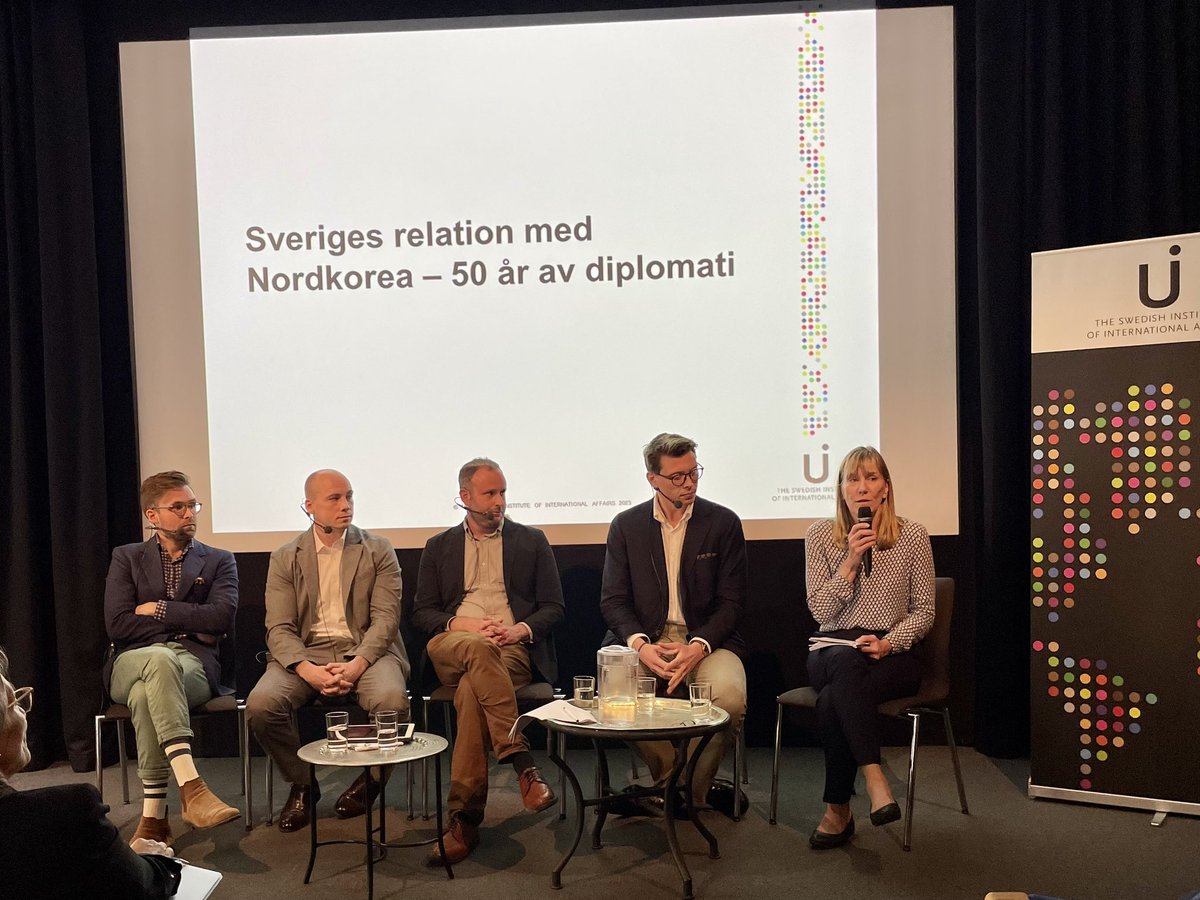
Avspänning nyckeln till att kunna upprätta relation mellan Sverige och Nordkorea konstaterar UI:s forskare på #uievent.
3
6
3,086

27 Sep 2022
Not an a11y person per se but all my works gets professionally tested for accessibility.
I would actually argue 'button.' It's an HTMLElement and there is a UIEvent on it that makes something happen. Also has a 'pressed' state.
3

3 Sep 2022
```
val eventsChannel = Channel<UiEvent>(BUFFERED)
lateinit var events : Flow<UiEvent>
val job = launch {
events = eventsChannel.consumeAsFlow().shareIn(this, SharingStarted.Lazily)
}
```
sigh
3
2
17